
What branding & white label covers
One goal: your client sees your brand – on every report, in the client access and in every email.
Your logo
On PDF reports, in the client access and on documents – upload once, shown everywhere.
Document templates
You decide primary color, footer and structure of your reports.
Your own texts
Subject and body of automation notifications – with placeholders.
Your own mail server
Emails can go out via your SMTP server and your sender address.
Your logo on every report
Uploaded once, visible everywhere: you store the logo in the settings – LiteLog automatically places it on everything your client gets to see.
- ✓Upload once: via drag and drop in the settings (PNG or JPG, up to 2 MB).
- ✓On every PDF: reports and evaluations carry your logo – from the patrol report to the service-level report.
- ✓In the client access: your client sees your brand when signing in – see client access.
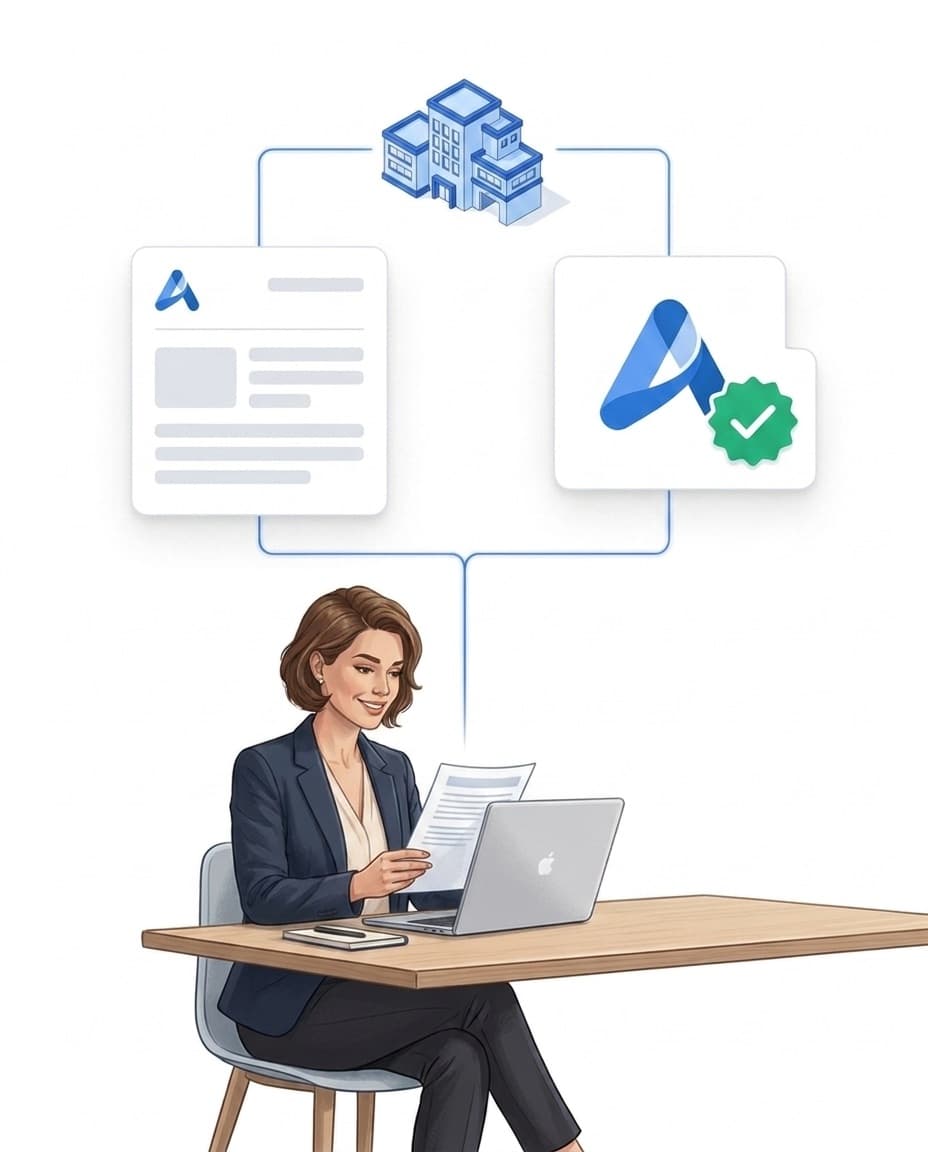
Document templates: color, footer, structure
You decide per template what a report looks like – no designer, no IT.
- ✓Primary color: header and accents of your PDF reports in your company color.
- ✓Custom footer: for example with company name, address or mandatory details.
- ✓Logo on or off per template: neutral where it needs to be neutral.
- ✓Structure of your choice: you define per template which sections a report contains – the content comes from reports & forms.
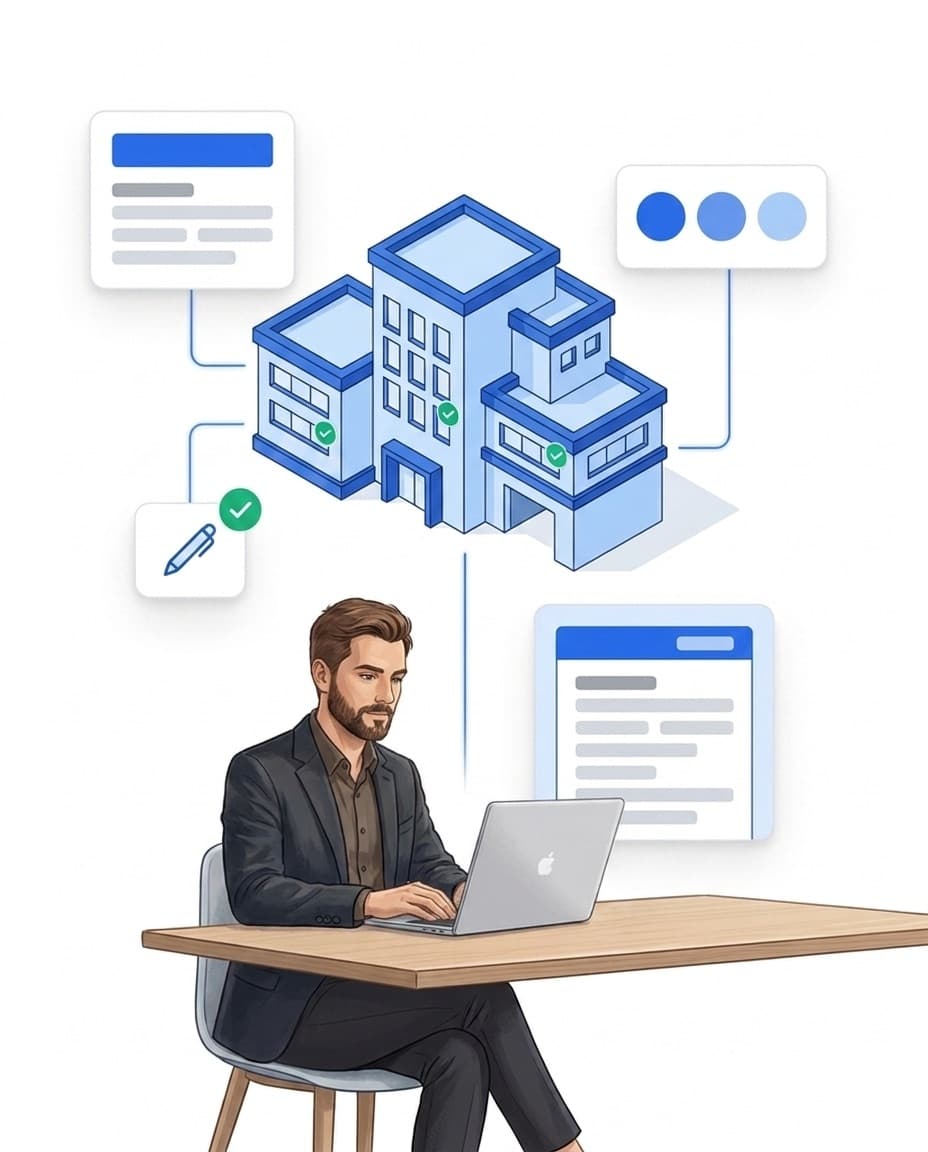
Emails: your texts, your delivery
Your communication carries your signature too: custom texts for automated notifications – and, if you want, delivery via your own server.
- ✓Your own templates: you define subject and body of automation notifications yourself – with placeholders for person, property and more.
- ✓Calls included: the announcement text of automated calls is its own template.
- ✓Your own SMTP server: store sender address, server, port and credentials – emails run through your domain.
- ✓Safe fallback: if your server is unreachable, LiteLog delivers through its own infrastructure – logged and traceable.
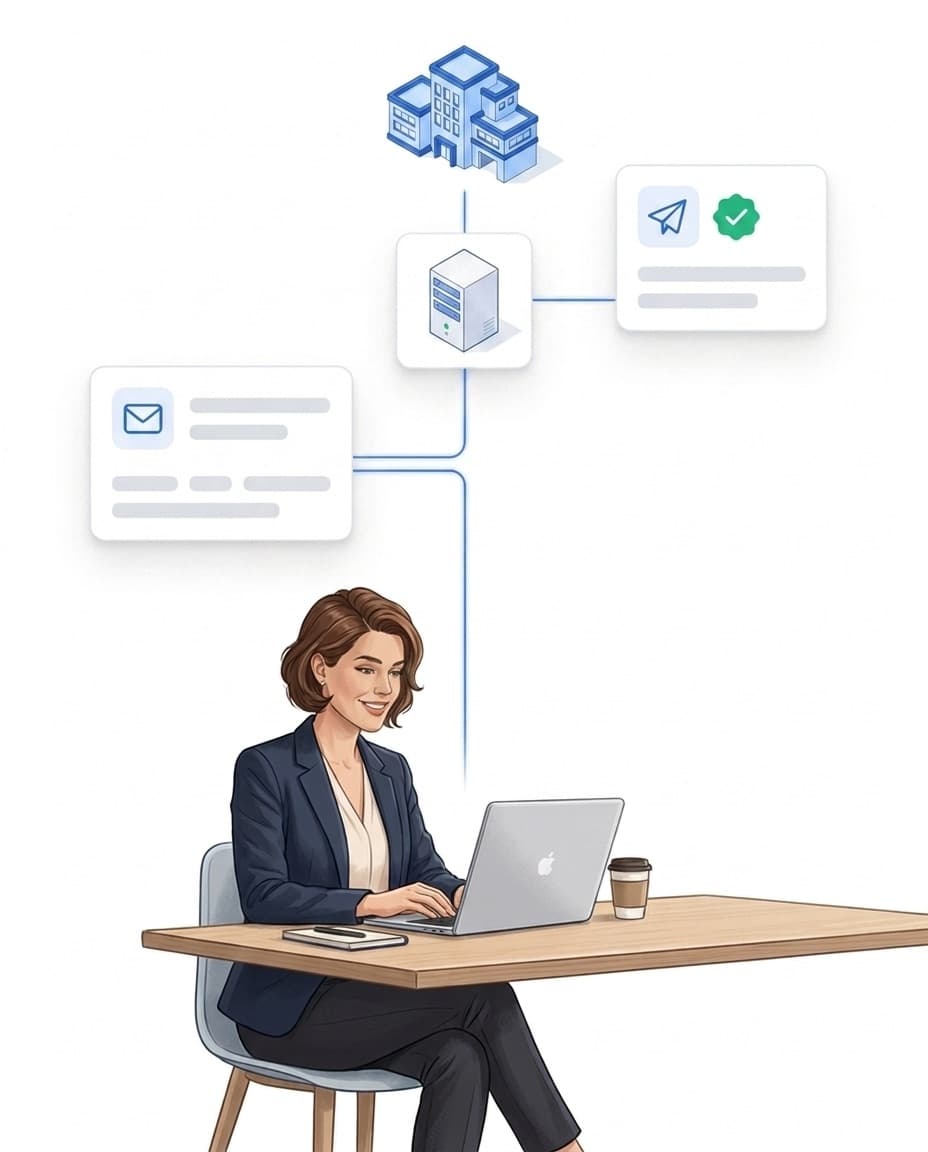
The brand chain: your logo on every report
Branding is strongest where it happens automatically: every report that report distribution sends out carries your brand — without anyone having to think about it.
FAQ
Frequently Asked Questions about Branding & White Label (FAQ)
What does branding mean in LiteLog?
You upload your company logo in the settings under Branding – from then on, PDF reports, the client access and your documents carry your brand. In addition, you adapt document templates and notification texts and can send emails through your own mail server.
Which parts of LiteLog can be branded?
Three layers: your logo on PDF reports, in the client access and on documents; document templates with your own primary color, footer and a logo toggle; and email delivery with your own texts and, optionally, your own SMTP server.
Can I define the texts of notifications myself?
Yes. You create your own templates for automation notifications: you define subject and body yourself and fill them with placeholders, for example for person or property. The announcement text of automated calls has its own template as well.
Does LiteLog support delivery via my own mail server?
Yes. You store the sender address, server, port and credentials of your SMTP server – system emails then go out from your own address. If your server is temporarily unreachable, LiteLog delivers through its own infrastructure.
How do I upload my logo?
Settings → Branding → upload the logo via drag and drop (PNG or JPG, up to 2 MB). The logo then appears automatically on reports, in the client access and on documents.
Is branding included in every plan?
Branding & white label is a separate add-on. Even without it, the branding page in the portal shows you what is possible – logo upload and custom mail delivery become active with the add-on.