Time Tracking via QR Code
Clock in, break, clock out — one QR scan at the site is enough. Unlike plain time tracking, LiteLog also documents where the work happened: every stamp carries time, location and user, and becomes solid ground for payroll and client invoicing.
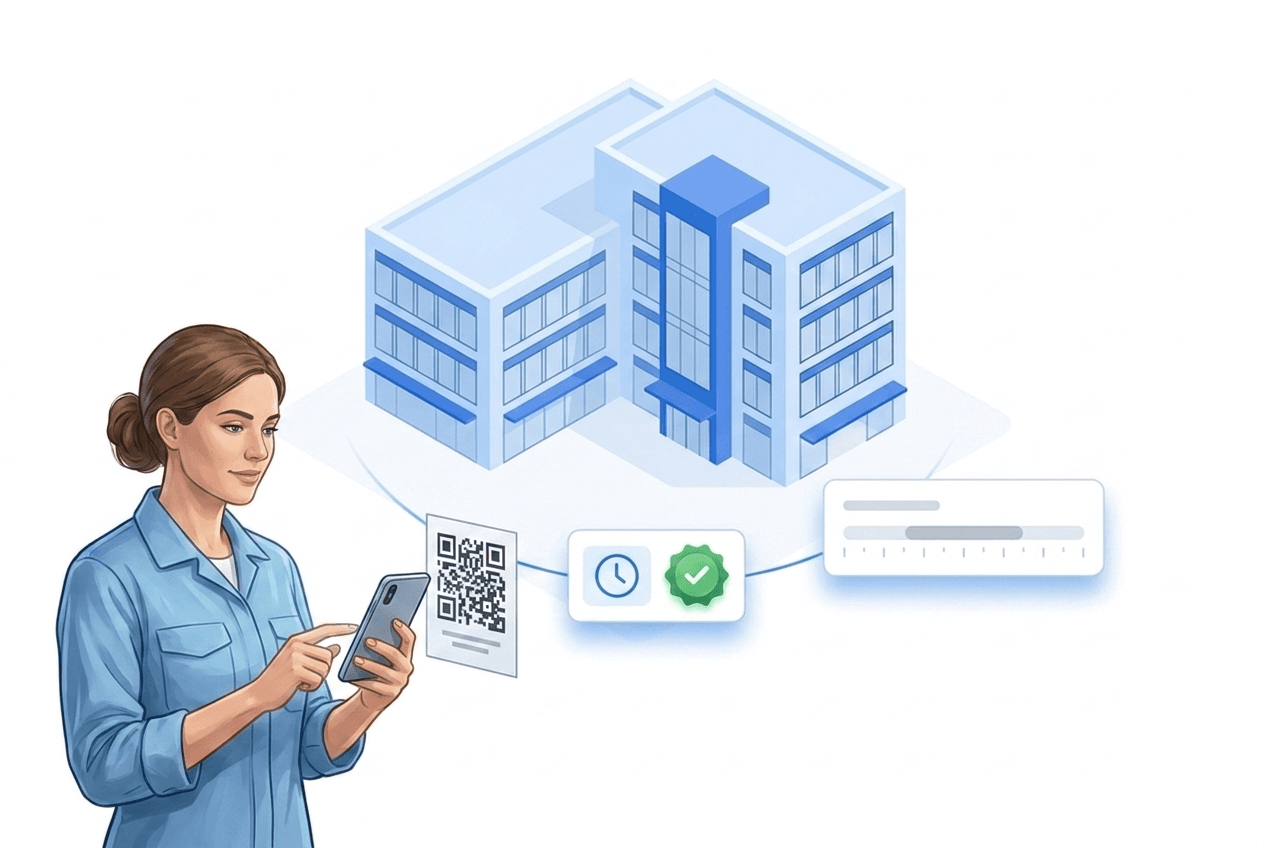
Security, cleaning, and facility companies rely on LiteLog.


What time tracking covers
One goal: record working hours you can rely on – with location, site and shift instead of a bare time clock.
Clock in, break, clock out
One QR or NFC scan at the site is enough – a timestamp with location, site and shift.
Tamper-proof
Stamps cannot be changed afterwards – corrections stay visible in the history.
Live overview
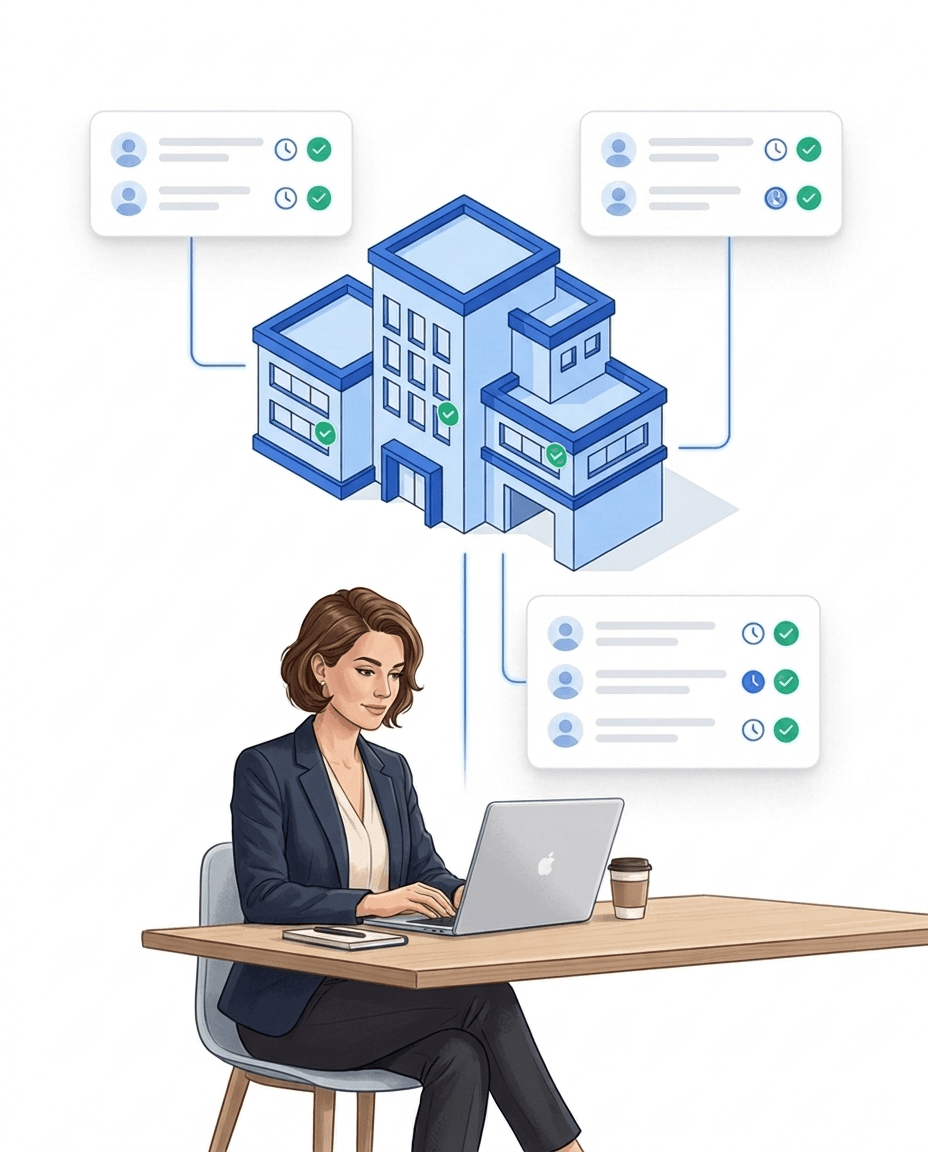
Who is at which site right now? Attendance and hours in real time.
Automatic alerts
If nobody checks in at shift start, LiteLog alerts via push, email, SMS or phone call.
What is time tracking and why is it needed?
Time tracking is the systematic documentation of employees' working hours — from start to breaks to end of shift. What used to run on punch cards or paper timesheets now runs digitally through apps or terminals.
Companies need time tracking for several reasons:
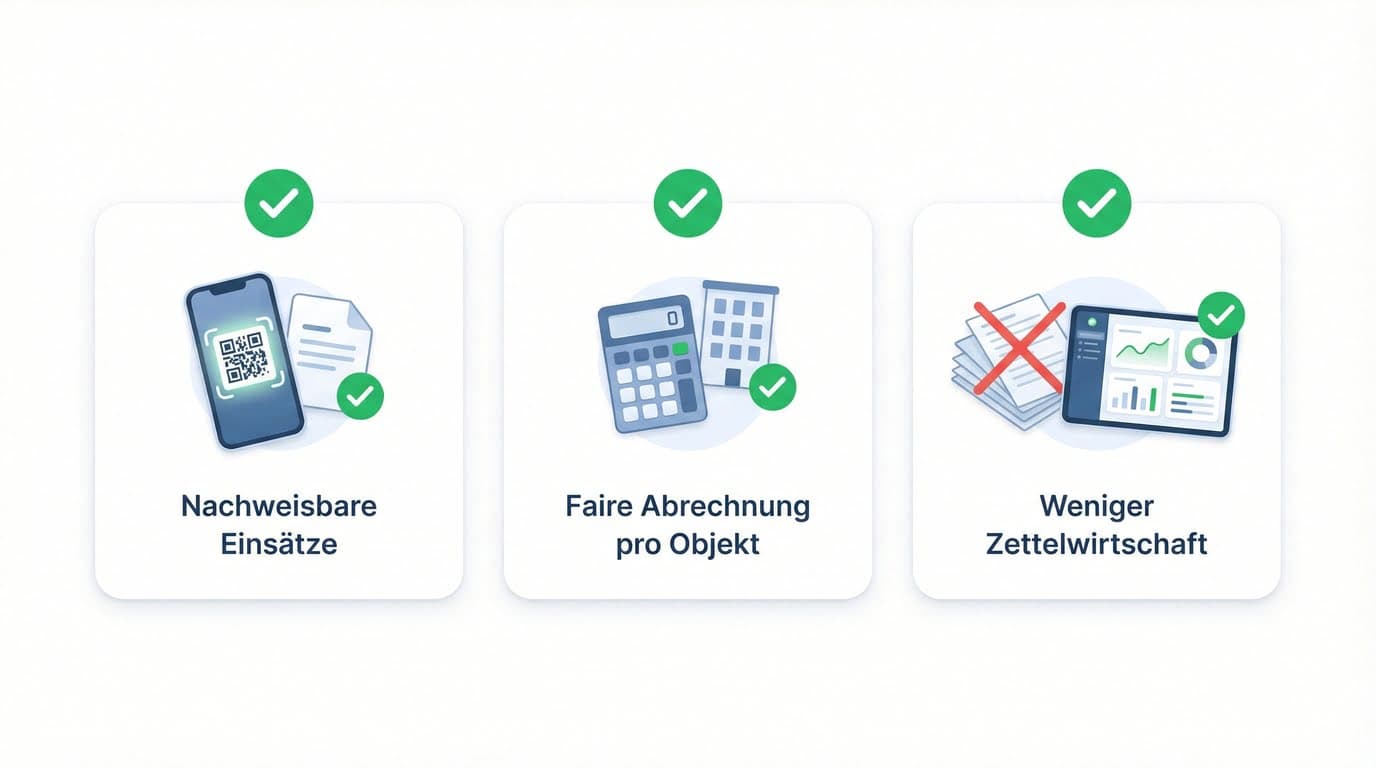
- ✓Legal obligation: Since the ECJ ruling in 2019 and the German Federal Labour Court decision in 2022, systematic time tracking is mandatory in Germany.
- ✓Payroll: Accurate calculation of hours, overtime, and bonuses.
- ✓Customer billing: In cleaning, facility services, and security, the hours worked per site or assignment must be demonstrable.
- ✓Controlling: Analysis of effort, capacity planning, and project costing.
Is time tracking legally required in Germany?
Yes. The European Court of Justice ruled in 2019 that employers must systematically record their employees' working hours. The German Federal Labour Court confirmed this obligation in 2022 — it applies immediately, even without a dedicated implementation law.
- ✓ECJ ruling (C-55/18, May 2019): Systematic time tracking is mandatory across all EU member states.
- ✓BAG decision (1 ABR 22/21, September 2022): The obligation applies directly in Germany — regardless of the current legislative status.
- ✓No prescribed format: Paper, Excel, or software are all allowed — digital time tracking meets the requirements with the lowest error risk.
- ✓Flexibility remains: Recording can be done by employees themselves, by supervisors, or automatically.
What are the benefits of digital time tracking for companies?
Digital time tracking saves time, reduces errors, and delivers usable data at any time — instead of paper stacks or Excel sheets.
- ✓Less effort: No manual transfer or cleanup of timesheets.
- ✓Fewer errors: Automatic timestamps, rule-based breaks, no readability issues.
- ✓Live overview: Who is currently present, missing, or on break — in real time.
- ✓Direct evaluation: Payroll, customer reports, and controlling at the click of a button.
- ✓Tamper-proof records: Protected timestamps for internal reviews and external audits.
How does QR code time tracking work?
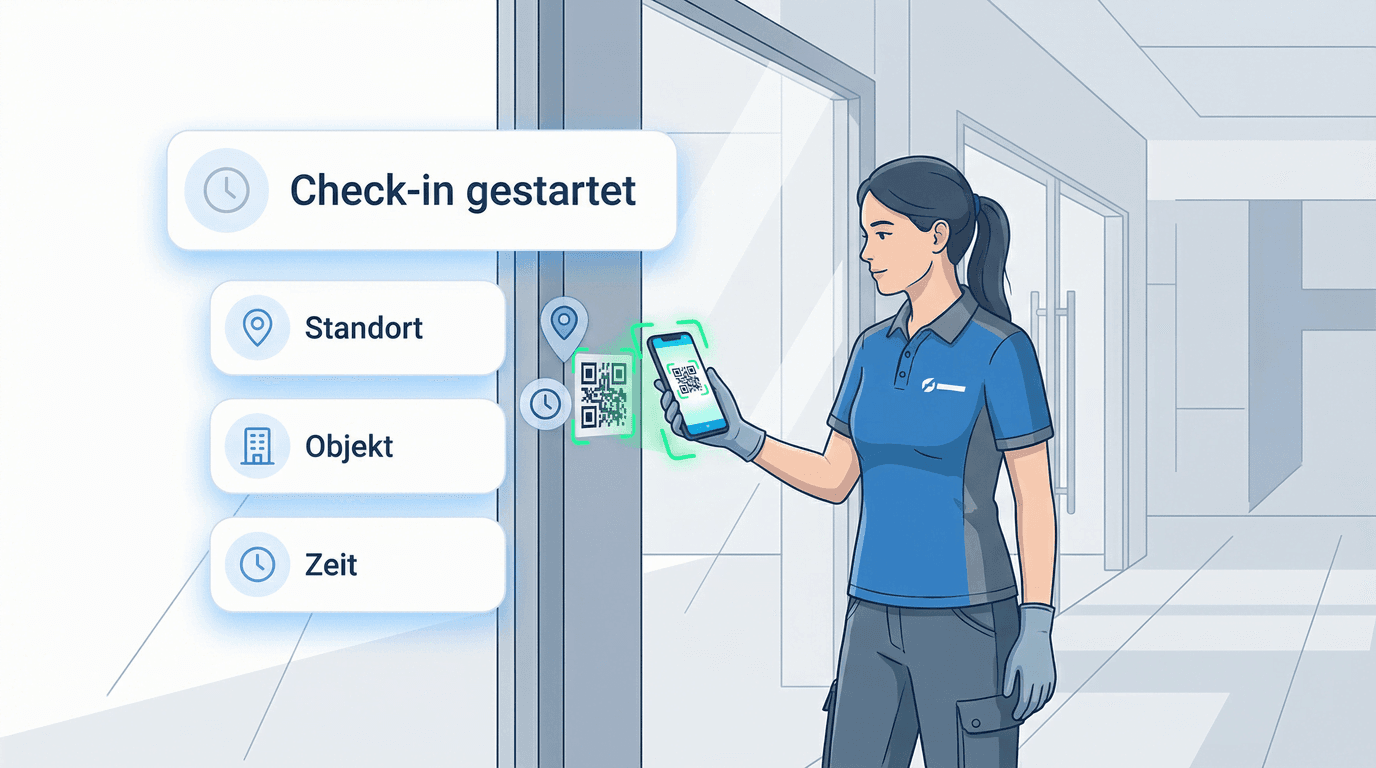
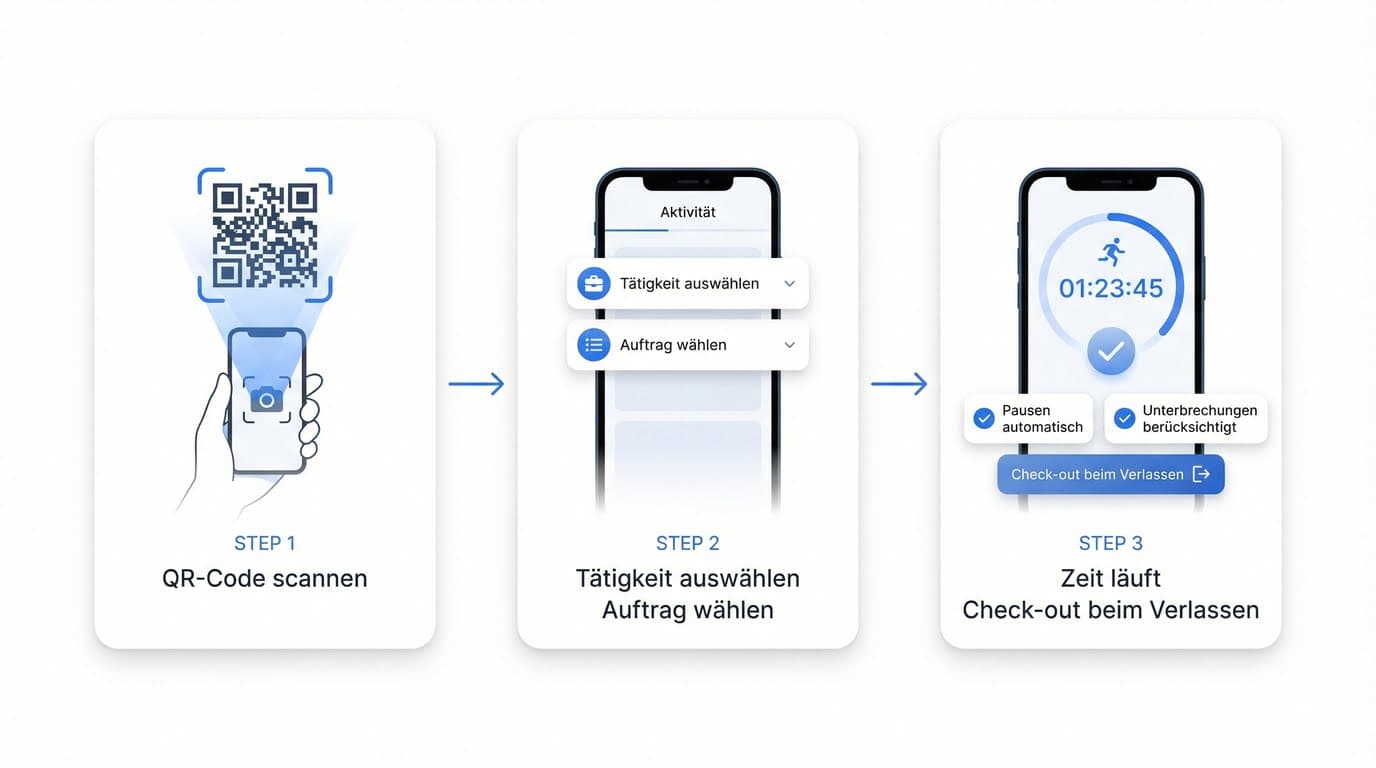
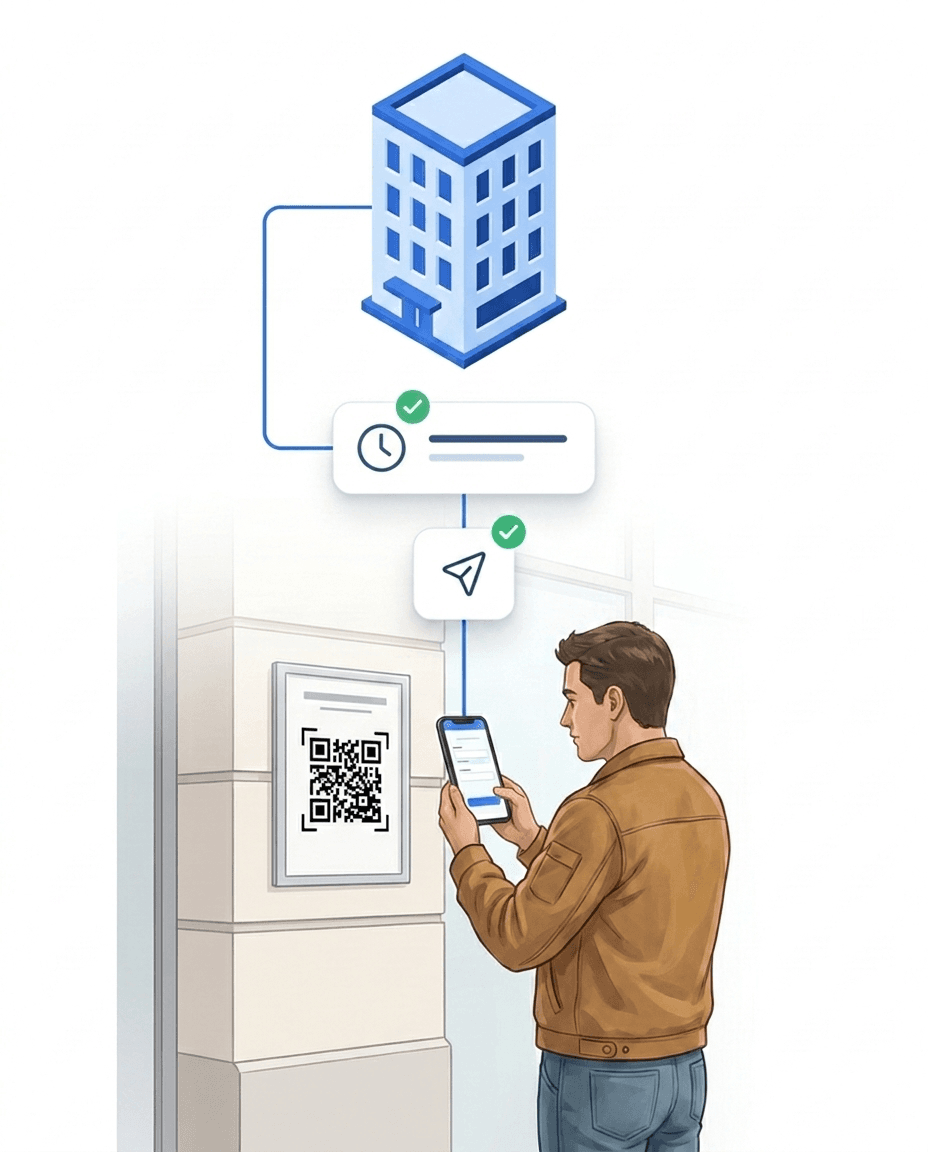
Employees scan a site-specific QR code with the LiteLog app and are checked in instantly. The timestamp is stored automatically, assigned to the correct site, and linked to the shift.
The workflow in four steps:
- ✓1. Arrival on site: Employees open the LiteLog app on their smartphone.
- ✓2. Scan QR code: The code is placed at the site — printed, on a screen, or on the door.
- ✓3. Automatic recording: Start time, site, and shift are documented without further input.
- ✓4. Breaks & check-out: Breaks are deducted rule-based or logged manually. Check-out is another scan.
- ✓No special hardware required: A regular iOS or Android smartphone is enough.
Why simple time tracking fails in practice
Classic time tracking answers only one question: How long was worked?
In many industries, that is not enough.
Typical weaknesses of simple time tracking
- ✓No proof of where work was performed
- ✓No control at remote sites
- ✓No response when no one shows up
- ✓Complaints without reliable data
LiteLog time tracking with real attendance control
LiteLog extends classic time tracking with location, site context and live status – the personnel overview shows at any time who is on duty.
- ✓Check-in & check-out: at the tap of a button in the app, via QR code, NFC or beacon
- ✓Automatic location & site reference: every booking carries time, location and user
- ✓Tamper-proof timestamps: unchangeable afterwards
- ✓Automatic alerts: when nobody checks in or check-ins are missing – you build the rules in workflow automation
- ✓Optional: live check for lone workers
Why cleaning, facility & security teams benefit the most
In these industries, the main challenge is not the time, but the location.
The key question is:
Was someone actually on site – and when?
Because sites are often:
- ✓widely distributed
- ✓not permanently staffed
- ✓hard to verify for supervisors
“Since LiteLog, fairness finally rules – everyone sees their real hours. No more arguments about overtime or shift coverage.”
“Clear, quickly explained and audit-proof. Exactly what we were looking for. Since the rollout we see clear improvements in accuracy and satisfaction.”
More features
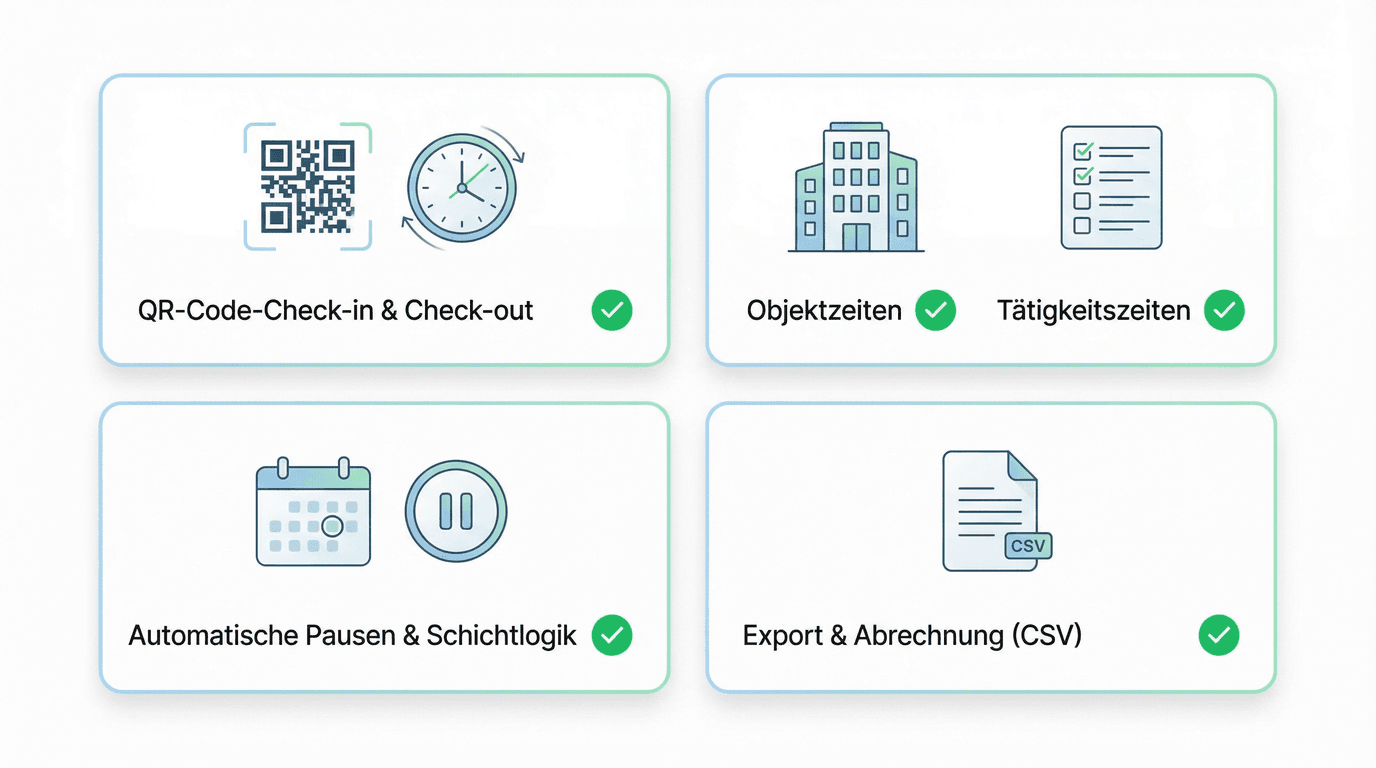
- ✓QR code check-in & check-out: Fast start right at the site, including timestamp and location reference.
- ✓Site & task times: Record time per site, area, or task — ideal for stairwells, restrooms, outdoor areas, or repairs.
- ✓Automatic breaks & shift logic: Rule-based breaks and shift times reduce rework and ensure consistent data.
- ✓Export & payroll: Working hours are available as CSV for payroll, customer reports, or performance records.
Overview: Basic time tracking vs. LiteLog
A simple time clock answers when work happened. In site-based business that is not enough: you must prove where the time was spent and whether agreed services like patrols actually took place. The comparison shows where basic time tracking ends – and where location proof, alerting and revision-safe logs begin.
| Criteria | Basic time tracking | LiteLog |
|---|---|---|
| Record working hours | ✅ | ✅ |
| Verify location / site | ❌ | ✅ |
| Button tap / QR code / NFC / beacon / kiosk | ❌ | ✅ |
| Live attendance | ❌ | ✅ |
| Automated alerts | ❌ | ✅ |
| Tamper protection | low | high |
| Deployment control | ❌ | ✅ |
Automatic shift linking
Work times are automatically assigned to the matching shift preset — without manual effort. LiteLog identifies the correct shift based on property, timestamp, and shift schedule.
- ✓Instant assignment: The matching shift is identified automatically at check-in
- ✓Background sync: A background process links work times that could not be assigned at check-in
- ✓24/7 shift handover: When multiple shifts overlap, the nearest shift is selected — even for early arrivals
- ✓Recalculation on edit: When a work time is corrected manually, the shift assignment is recalculated automatically
Punctuality evaluation with deviation analysis
Every check-in and check-out automatically receives a punctuality status and the exact deviation from the shift time in minutes. Supervisors see at a glance whether employees were on time, early, or late.
- ✓Three statuses: Early, On Time, or Late — calculated automatically
- ✓Deviation in minutes: e.g. -30 min (early) or +10 min (late)
- ✓Measured against shift start: Not against tolerance windows, but against the actual shift time
- ✓No false alarms: Early arrivals are recognised and count as present if the employee is still working when the shift begins
Time tracking via app & offline mode
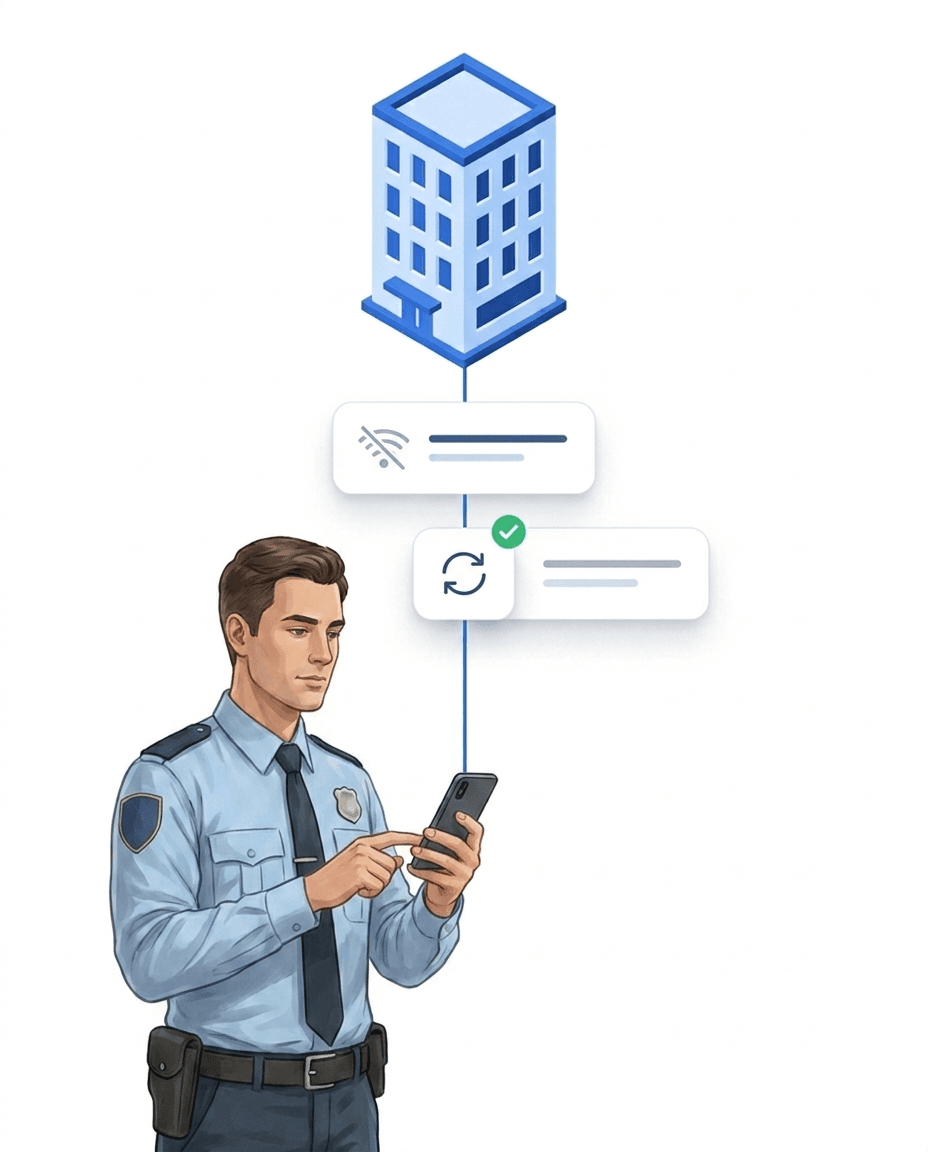
Underground car park, basement, utility room – exactly where people clock in, there is often no signal. The app therefore stores scans offline and syncs automatically as soon as the network is back: no stamp gets lost, no rework at the office. How this works technically is shown in the cloud architecture with offline mode.
Security, privacy & location verification
GPS time tracking with LiteLog means: the location is verified only at the moment of check-in and check-out — never in between.
- ✓GDPR-compliant attendance tracking: Legally compliant processing of personal data.
- ✓Hosting in Germany & access rights: Data stays in Germany, access only for authorized roles.
- ✓GPS location check (geofencing): Check-in only within the site perimeter — verified only at the moment of check-in and check-out, no movement profiles, no continuous tracking.
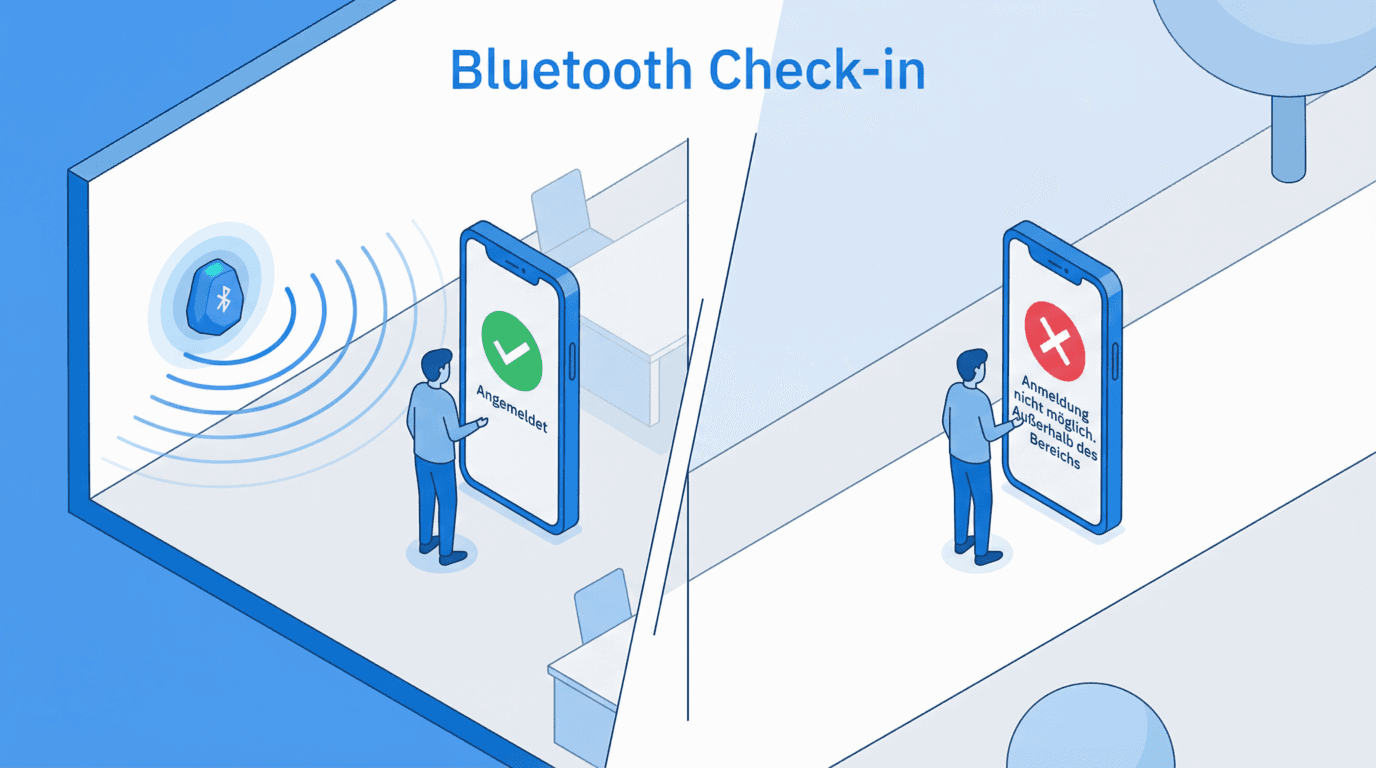
- ✓Beacon proof of presence: A Bluetooth beacon confirms proximity to the site — works even in basements and underground car parks where GPS fails, entirely without positioning.
- ✓Complete documentation: Every entry stores the method and location status; corrections remain visible in the history together with the editor.
Clock in and out automatically with geofence zones
GPS zones suit open areas and outdoor sites without a fixed clocking point. You draw the zone in the map editor and enable the automation per property. Every clocking documents its method – the record shows how it was clocked.
- ✓For open areas and outdoor sites: wherever a fixed clocking point does not fit.
- ✓Optional per property: enable the automation only where it makes sense.
- ✓Method in the record: every clocking documents how it was created.
Individual solutions for your organization
If you need special processes, verification requirements or integrations, we will work with you to develop an individual solution based on LiteLog.
- ✓Individual processes instead of standard procedures
- ✓Connection to existing systems
- ✓Personal advice and implementation
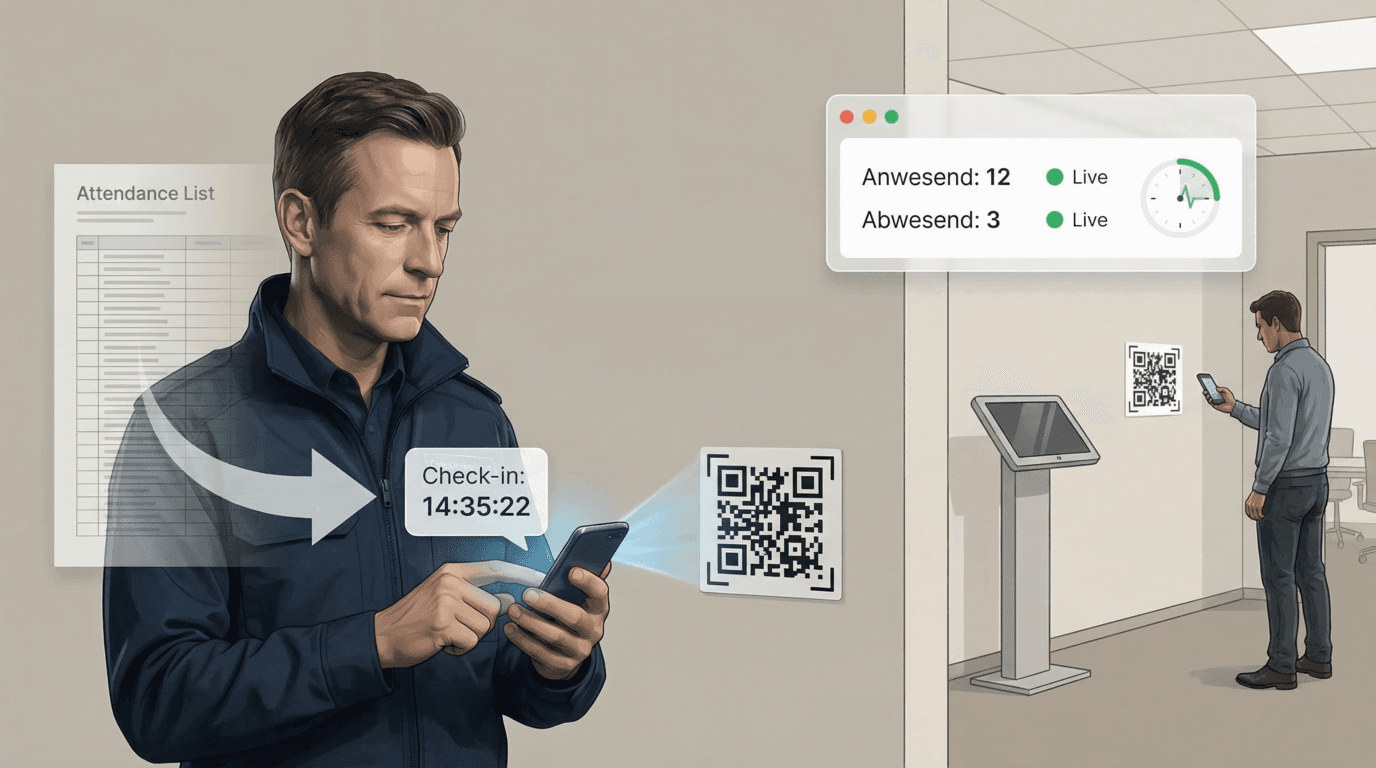
From scan to billing
The QR scan is only the first step: stamps become evaluations, evaluations become proof and exports for payroll and client invoicing. And if someone is missing, alerting steps in along the way.
Digital attendance that fits in.
LiteLog offers seven proven capture methods that slot right into your workflows. Pick the option that fits your team best.
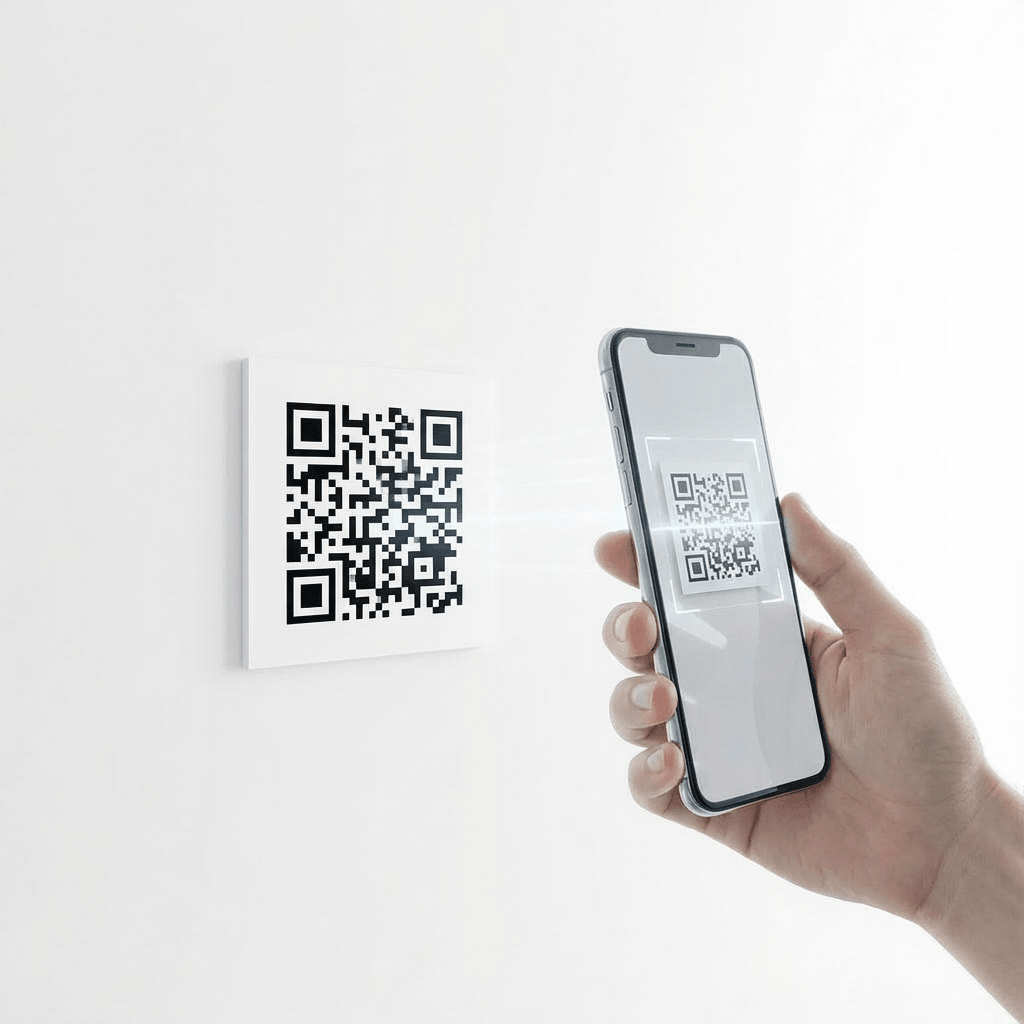
QR Code Scan
QR codes can be printed instantly or displayed on any screen. All that’s needed is a smartphone with a camera and the LiteLog app. Each scan automatically assigns the user to the correct location and shift or event. This ensures accurate check-ins without explanations or errors. Ideal for classrooms, lecture halls, and large groups.
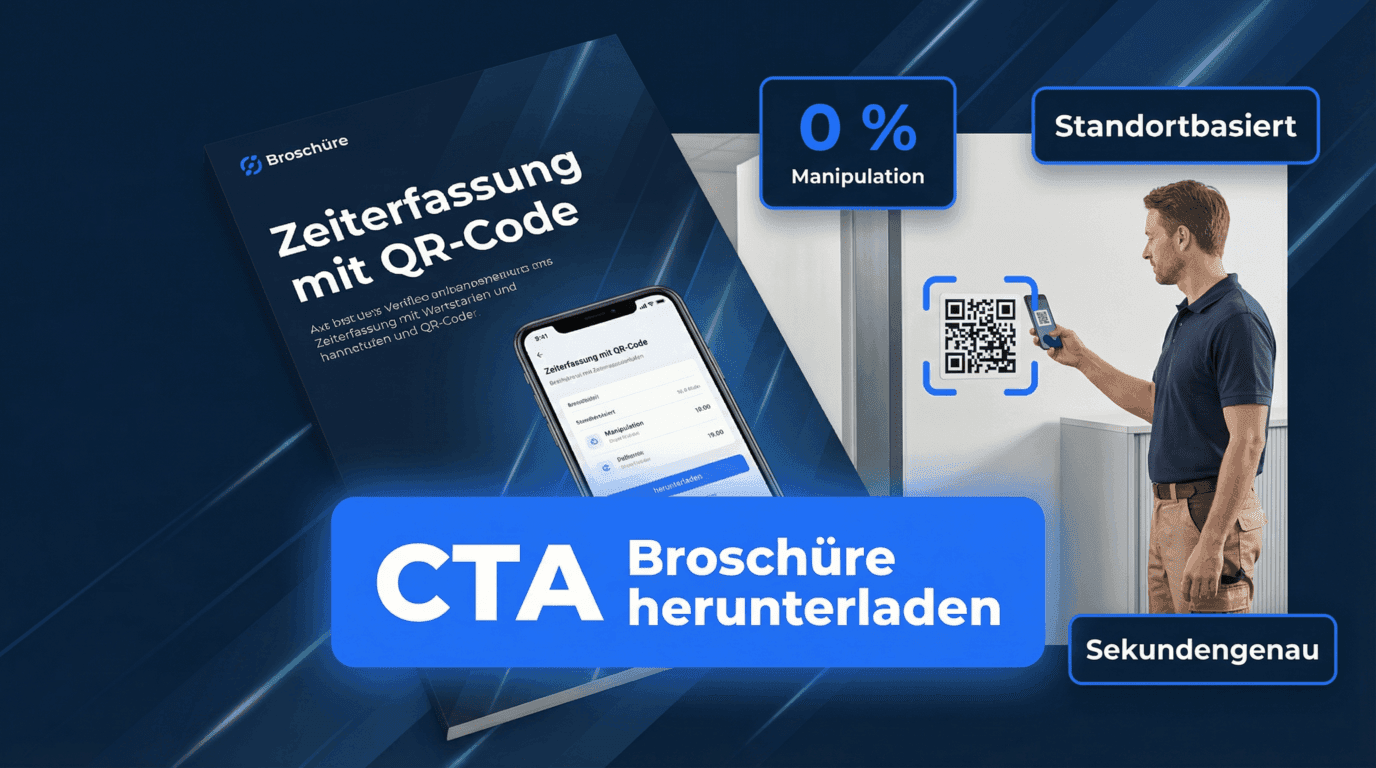
Brochure for digital time tracking
Working hours, breaks, and reporting — transparent and compliant.
Easy time capture via app
Automatic break rules
Exports for payroll & controlling
FAQ
FAQ – Digital Time Tracking with LiteLog
What are the advantages of QR code time tracking over classic methods?
QR code time tracking is faster, more reliable, and harder to falsify than punch cards or Excel sheets. Employees scan the code on site — no paperwork and no mandatory hardware. The timestamp is automatically linked to the site and shift, eliminating manual re-entry errors. For teams entirely without smartphones, LiteLog additionally offers stationary terminals and attendance tracking via WhatsApp or Telegram.
Is there time tracking with integrated project management?
LiteLog records working hours per site, area, or task — so time is automatically assigned to the right project, customer, or location. For classic project management with tickets and task hierarchies, LiteLog works with external systems via CSV and PDF exports.
Which time tracking systems offer automatic break detection?
Modern time tracking systems like LiteLog detect breaks rule-based: after a defined working duration — for example, 30 minutes after 6 hours — the break is deducted automatically. Break rules can be configured per site and weekday; alternatively, employees log their breaks manually.
Which cloud-based time tracking systems are recommended?
Recommended cloud solutions offer German hosting, GDPR compliance, and a mobile app. LiteLog meets these criteria and hosts on German servers in Frankfurt. Data is encrypted, the app runs on common smartphones, and no installation on company PCs is required.
Is there a free QR code time tracking app?
LiteLog offers a free trial that lets you evaluate QR code time tracking without upfront investment. Fully free solutions exist on the market but typically only cover basic features without site or shift context.
Which providers offer QR code-based working time tracking?
Providers fall into two groups: generic time trackers that only record start and end times, and industry-specific solutions like LiteLog that integrate presence, site, and shift. For cleaning, facility, and security services, the second group is usually the better fit.
What is digital time tracking?
Digital time tracking refers to recording working hours electronically through software instead of paper timesheets or Excel. Start times, breaks, and end times are stored digitally and can be evaluated at any time.
How does digital time tracking with LiteLog work?
Employees record their working hours via the app, for example by scanning a QR code or using other defined check-in methods. Start, end, and breaks are documented automatically and assigned to the correct site or assignment.
What makes LiteLog different from simple time tracking?
Simple time tracking only records time. LiteLog adds attendance, location, and site context, so it is clear who was actually on site and when—especially important for remote or hard-to-verify locations.
Is time tracking mandatory in Germany?
Under current case law, companies are required to record employees’ working hours systematically. The exact technical implementation is not prescribed in detail. Digital time tracking supports transparent and verifiable documentation.
How does LiteLog prevent false or manipulated time entries?
Site-specific QR codes, defined check-in methods, and automatic timestamps ensure accurate time entries. Optionally, a GPS buffer zone around the site or a Bluetooth beacon confirms that check-in and check-out actually happen on site. The location is verified only at the moment of booking – no movement profiles are created.
Can working hours be exported and processed further?
Yes. Recorded working hours can be exported, for example for payroll, controlling, or processing in external systems.
What happens if someone forgets to clock out?
LiteLog can end working hours automatically (auto-checkout) when clocking out was forgotten – for example at the end of a shift. Overlong breaks are capped automatically as well. Corrections remain possible and are fully logged.
How are supervisors alerted about missing check-ins?
LiteLog notifies automatically via email, push notification, SMS, or voice call – for example when nobody checks in at the start of a shift. A no-show is noticed immediately, not at the end of the month.
Are time corrections traceable and audit-proof?
Yes. Every change to recorded times is stored in an audit log with timestamp and author. The app also detects manipulated location data (mock GPS). This makes the records reliable for internal audits and client verification.
Can I generate an evacuation list from attendance data?
Yes. From live attendance, LiteLog generates an up-to-date evacuation list at any time: who is currently in the building or on site? In an emergency the list is available immediately – including as an export.
Can LiteLog clock in and out automatically?
Yes, with geofence zones. When an employee enters the zone, the LiteLog app clocks them in automatically; when they leave, it clocks them out. You enable the automation per property, and every clocking documents the method used.