
What the digital evacuation list covers
One goal: in an emergency, know immediately who is inside the building.
One click in an emergency
Red button in live attendance – the list opens immediately.
Who is in the building?
Everyone currently present at the property, with check-in time.
PDF for the assembly point
Printable list, one page per property – for emergency services too.
Always current
Fed by ongoing check-ins and check-outs – no maintenance needed.
Live attendance becomes the evacuation list
In a fire, seconds count – and nobody has time to search for lists. Because LiteLog already records who is present, the evacuation list is there with zero extra effort.
- ✓One click: press the red Evacuation list button in the live attendance list – done.
- ✓Per property: the list shows everyone counted as present at the selected property.
- ✓With context: check-in time and custom fields such as building section or emergency role are right in the list.
- ✓No maintenance: the data comes from the ongoing check-ins and check-outs of time tracking.
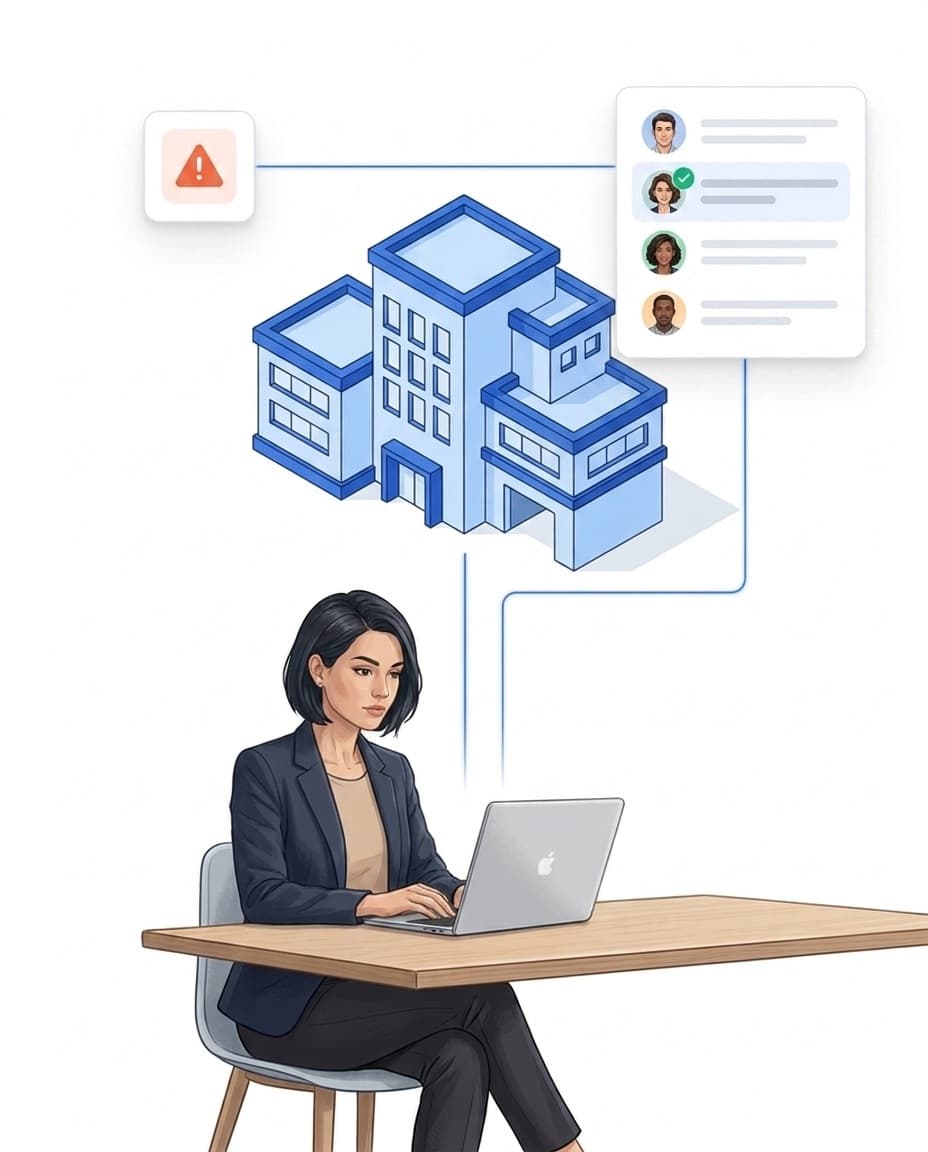
Assembly point: the list in your hand – digital or PDF
At the assembly point you go through the list person by person – on screen, on a tablet or classically on paper.
- ✓PDF export: one page per property, print-ready for the assembly point and emergency services.
- ✓Complete: the list contains everyone present at the property – not just your own team.
- ✓Drills included: open the list at any time and rehearse the procedure regularly.
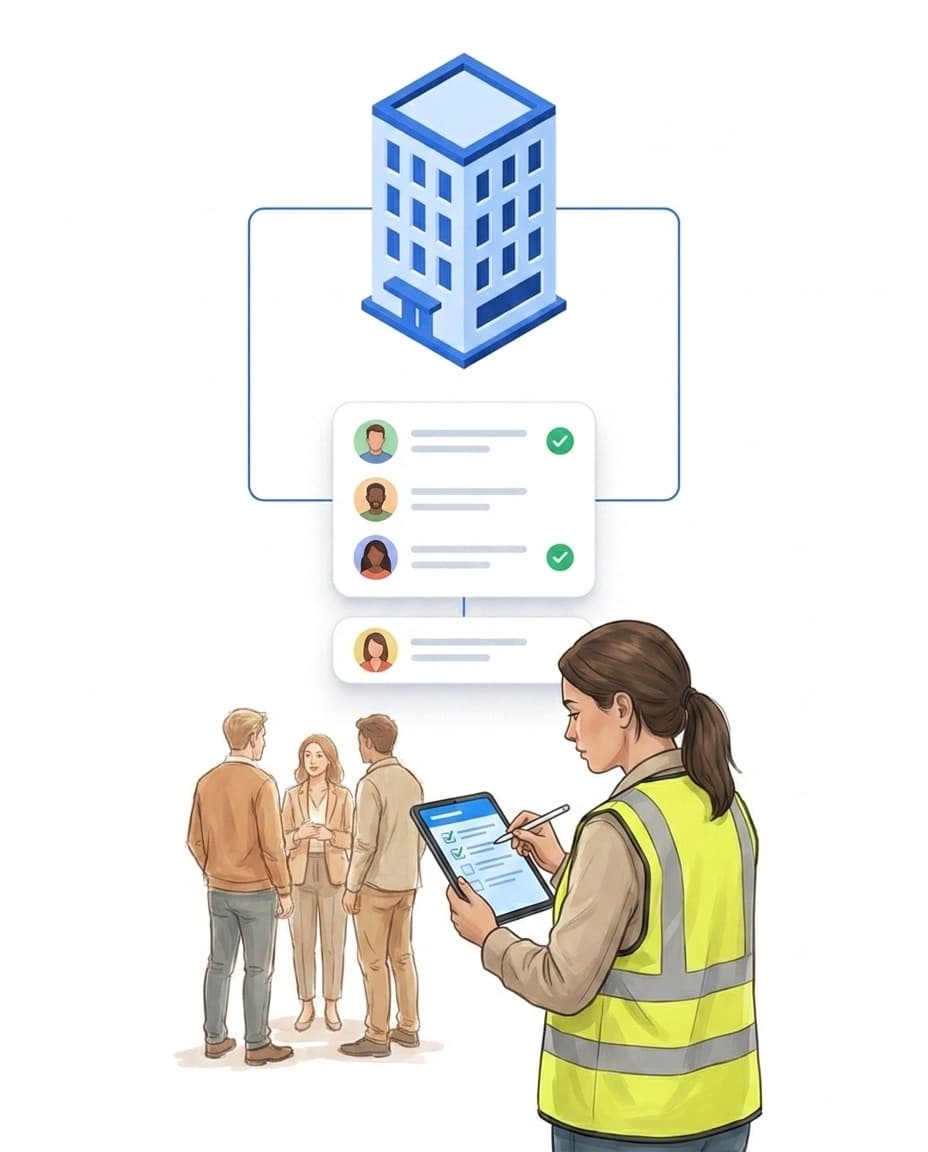
The foundation: attendance tracking that is lived
The evacuation list is only as good as your attendance data. LiteLog makes tracking so easy that it actually happens in daily work – the same data serves payroll, proof and emergencies.
- ✓Many ways in: check in and out via smartphone app, QR code, NFC or a stationary terminal – see time tracking.
- ✓Residents and guests too: in accommodations, residents check in via NFC for example – so an evacuation list is available there as well.
- ✓Typical settings: production and logistics, care facilities, accommodations and companies with many sites.
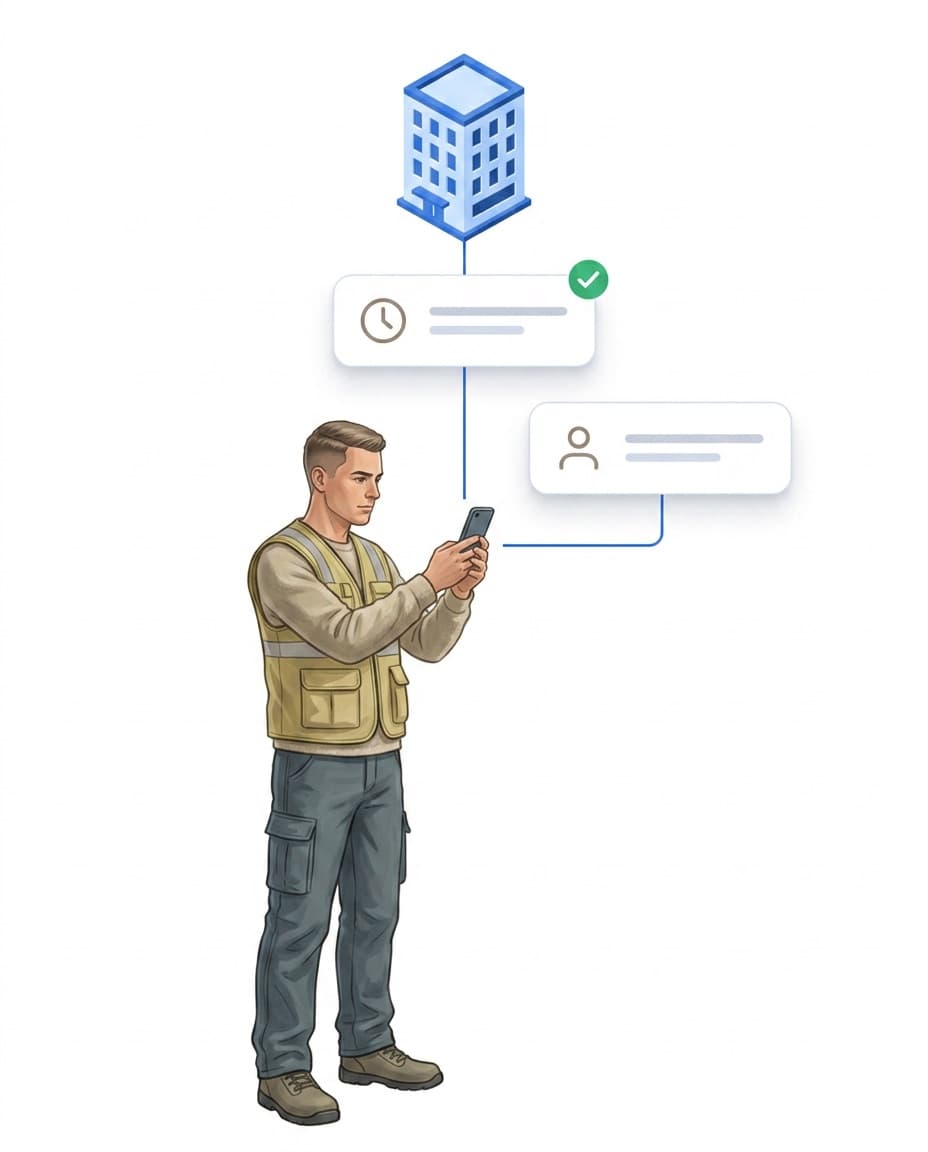
Built for your industry
Fits exactly into your existing workflows.

Commercial cleaning
Prove the work done on site and answer complaints with evidence.
Learn more
Caretaker services
A patrol for every entrance, defects become tasks.
Learn more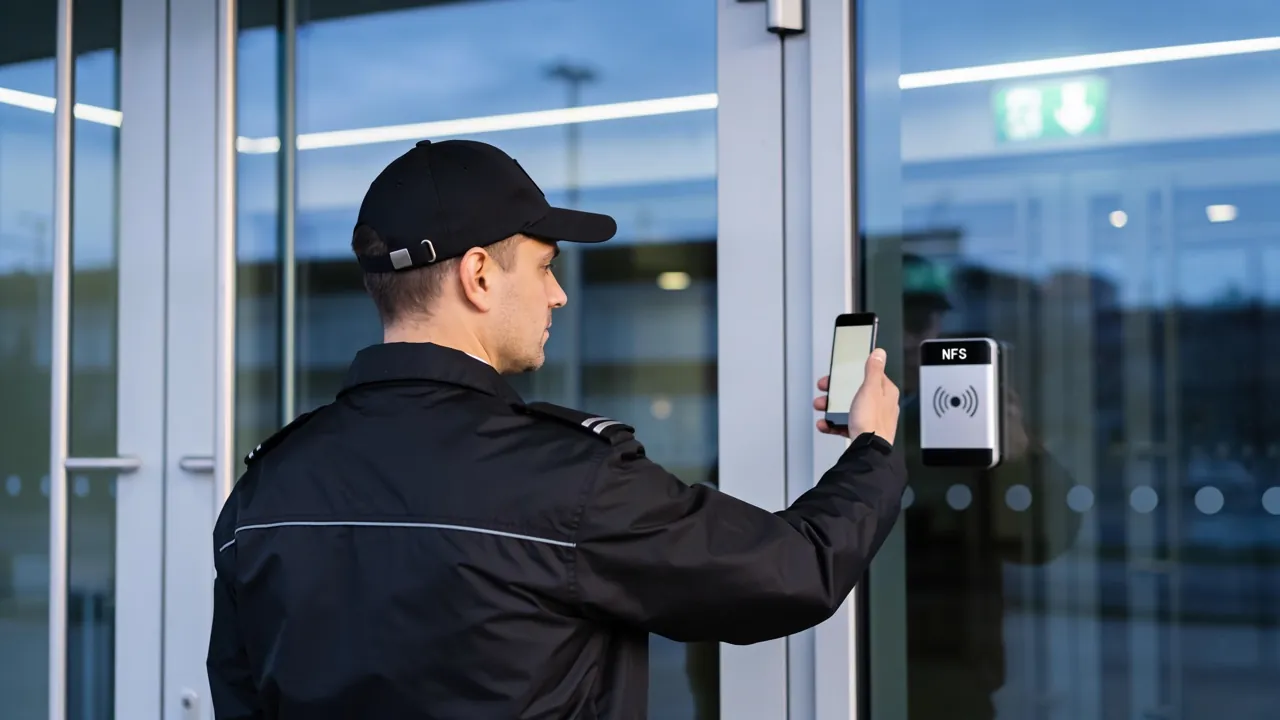
Security & guarding
Guard tour system with NFC checkpoints and complete guard tour records.
Learn moreView all industries
See overviewFAQ
Frequently Asked Questions about the Digital Evacuation List (FAQ)
What is a digital evacuation list?
An automatically generated overview of everyone recorded as present at the moment of the alarm. It is built from the running attendance data – nobody has to search for or maintain a paper list in an emergency.
How do I open the evacuation list in LiteLog?
In the live attendance list via the red Evacuation list button. One click opens the overview of everyone currently present at the selected property – no preparation, no waiting.
What information does the list contain?
Everyone currently counted as present – with check-in time and, if you wish, custom fields from the employee profile, such as building section or emergency role.
Can I print the list?
Yes. The evacuation list can be exported as a PDF – one page per property, made for the assembly point and for handing over to emergency services.
Is the list suitable for evacuation drills?
Yes. You can open the list at any time – for drills too. That way you regularly verify that your attendance tracking holds up in an emergency.
Does a digital evacuation list replace statutory fire safety measures?
No. It does not replace fire safety plans or evacuation wardens; it operationally supports your existing emergency and safety concepts.
What is required to use it?
Running digital attendance tracking. The evacuation list uses existing attendance data only – the more consistently check-in and check-out are lived, the more reliable the list.