
Software for cleaning companies
Prove every visit on site. Plan shifts, record hours for payroll and show your client the quality of your work.
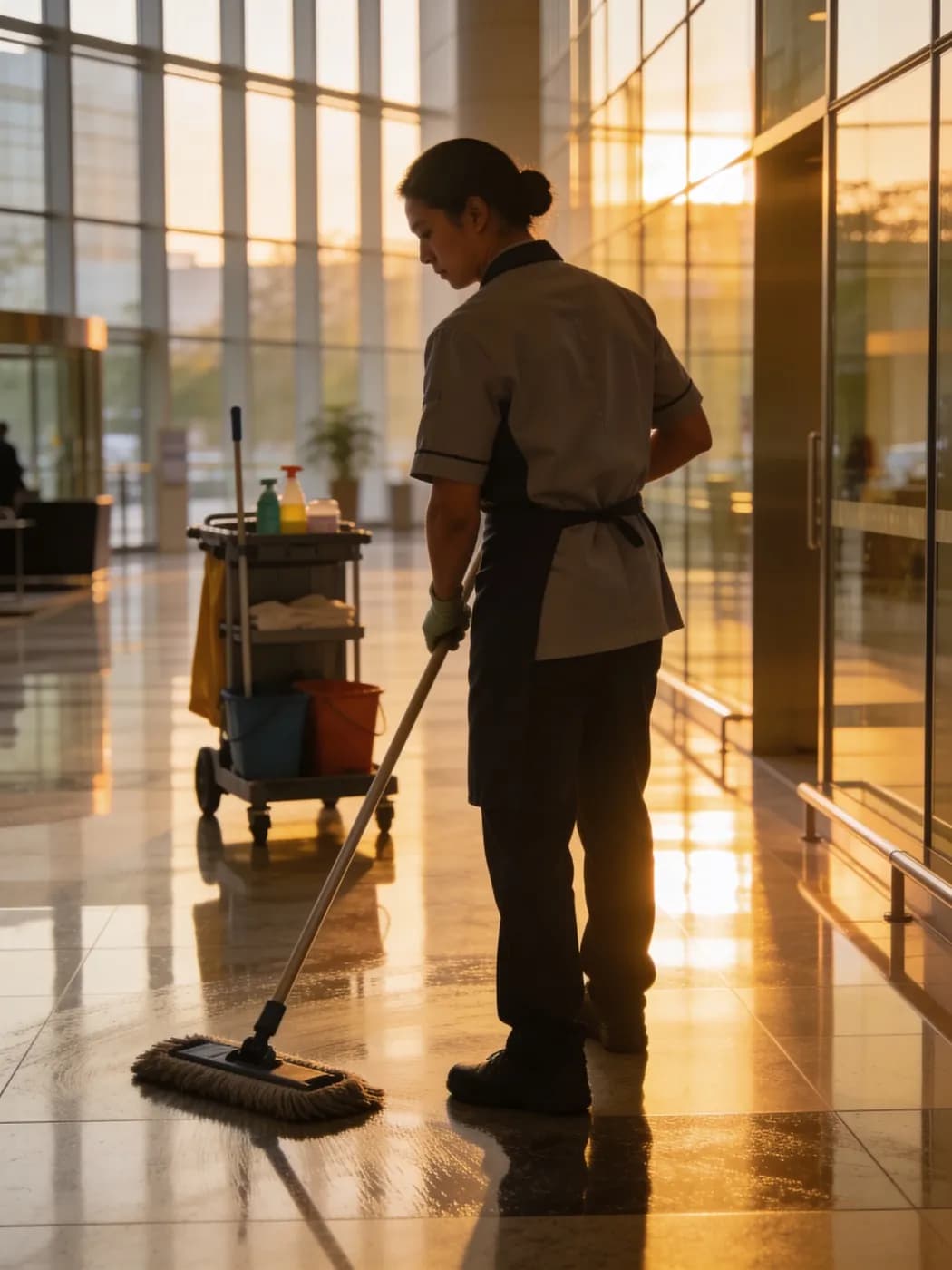
LiteLog for facility services in 2:40 minutes
Time tracking on site, checkpoints in the stairwell, defects with photo: what LiteLog does for facility service providers.
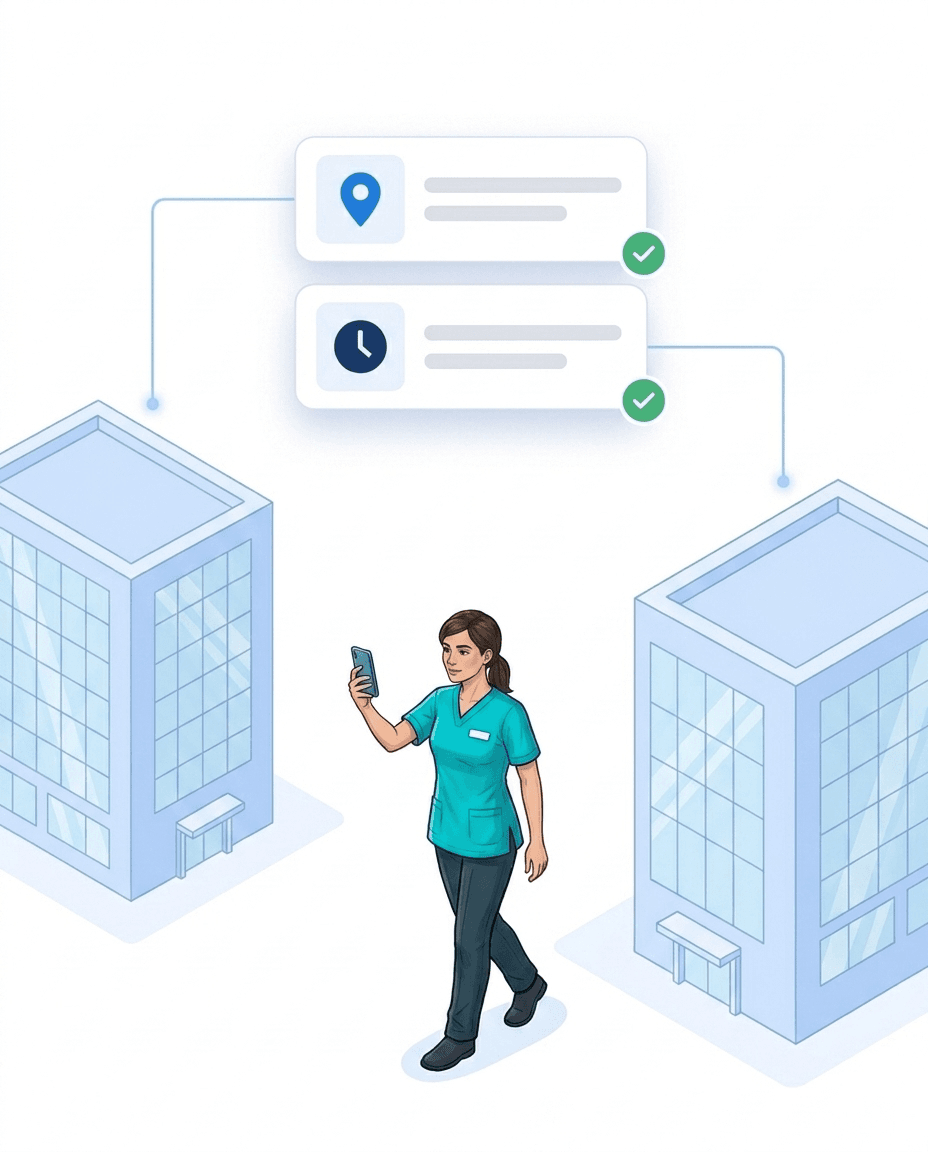
No more "Nobody was there"
If a client complains, you have the proof at hand right away.
- ✓Check in on site: with a QR code or NFC tag, with time and location.
- ✓Proof per day: who was on site, when and for how long, as a PDF.
- ✓On site only: if you wish, the app checks the location when scanning.
- ✓Late entries flagged: times recorded afterwards are marked.
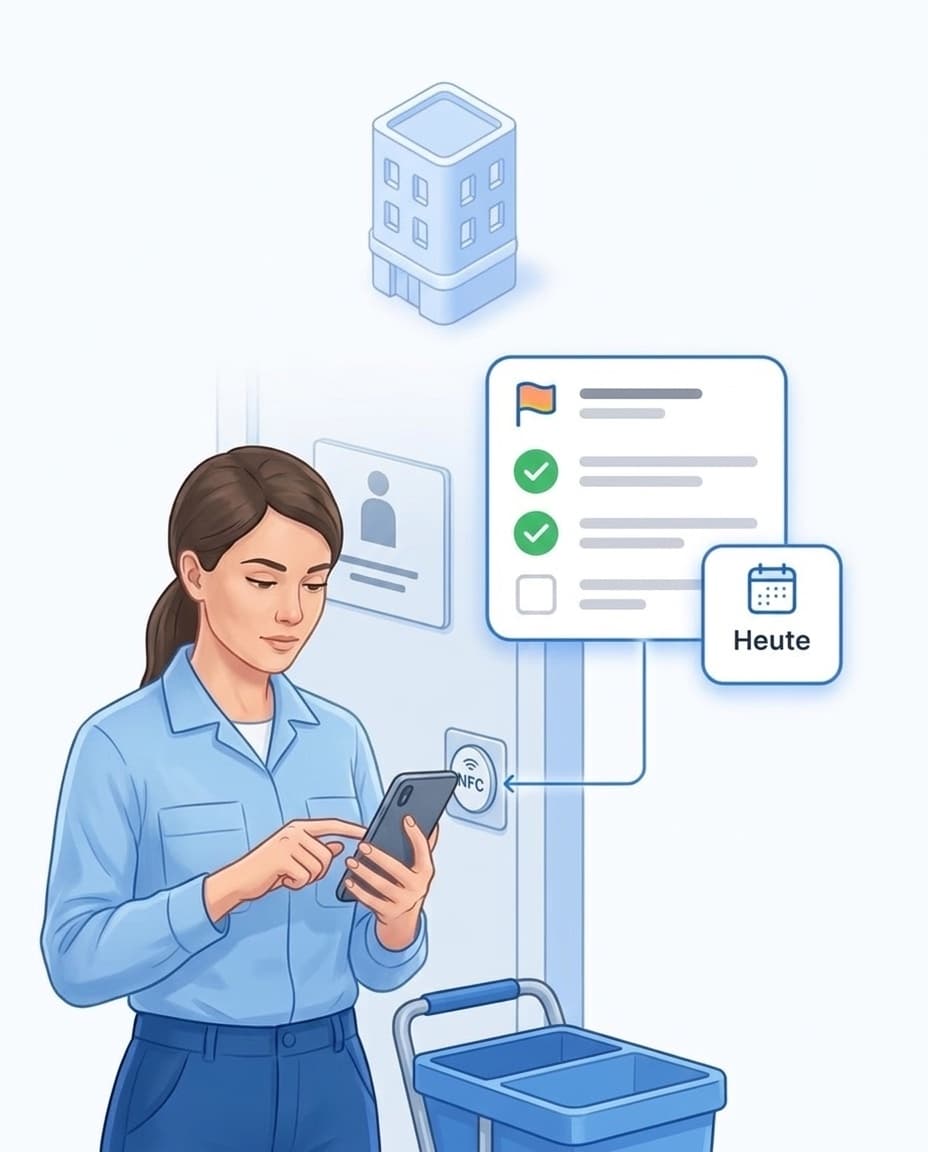
A cleaning checklist at every door
One NFC tag per room shows your team what needs doing there today.
- ✓One tag per room: Office, restroom or kitchen each get their own NFC tag.
- ✓Tasks on the tag: You define what needs to be done in that room.
- ✓Today, tomorrow, Fridays: Empty bins daily, windows weekly. The app only shows what is due today.
- ✓In their own language: The checklist appears in your employee's language.
- ✓Ticked off with a photo: Every item is checked off, with a photo if you like.
Shift planning and time tracking
You plan the shifts for each site, your team checks in and out on site.
- ✓Shift plan: plan shifts per site or employee, your team sees them in the app.
- ✓Alert when someone is missing: if nobody turns up for a shift, the site manager is notified.
- ✓Hours for payroll: planned and actual hours per employee and site, as CSV.
- ✓Learn more: Time tracking in commercial cleaning and building cleaning software.

Make quality visible
Checklists and inspections show that the cleaning was thorough.
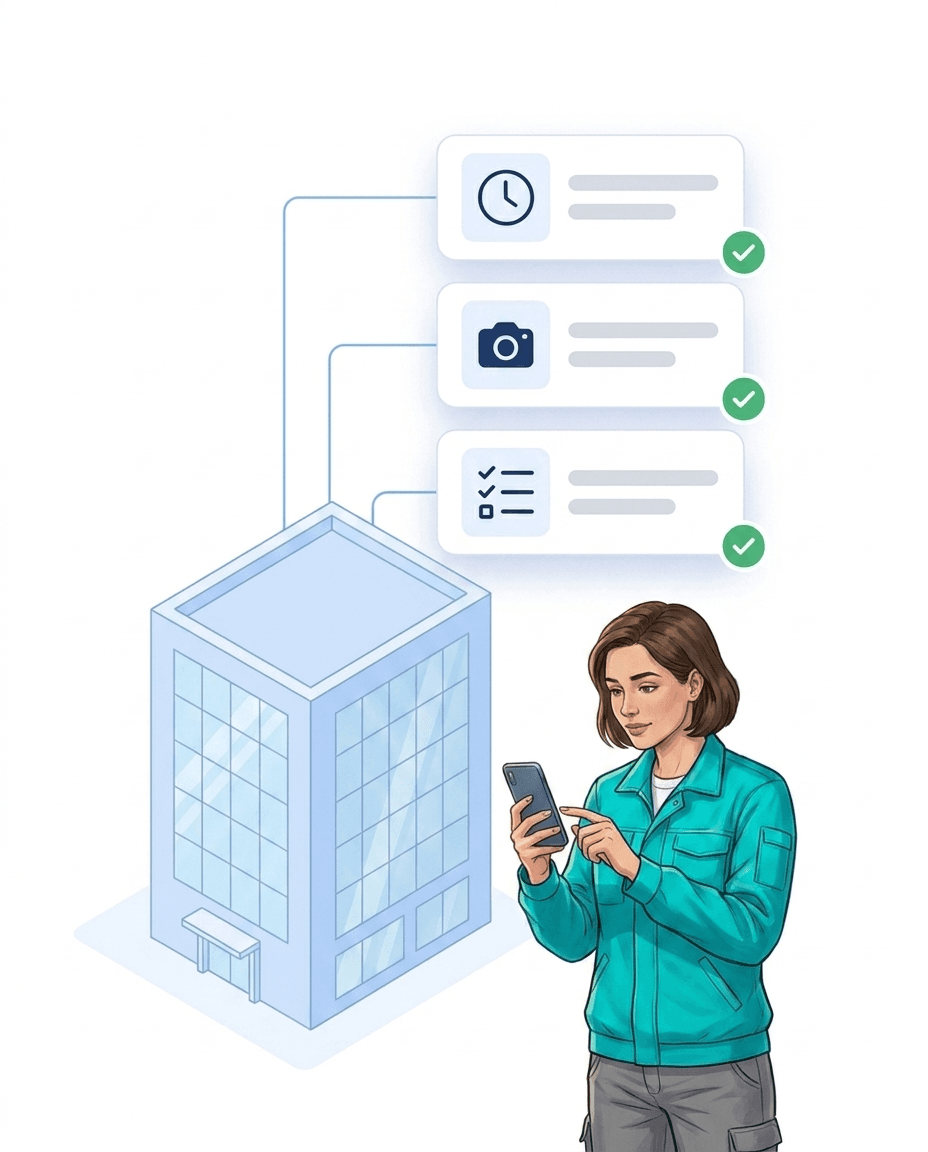
- ✓Checklists per site: daily, weekly or monthly, with photos.
- ✓Visual inspection: site managers rate areas with points.
- ✓Rework: if a rating falls below the threshold, a task is created.
- ✓App in 15 languages: everyone sets their own language.

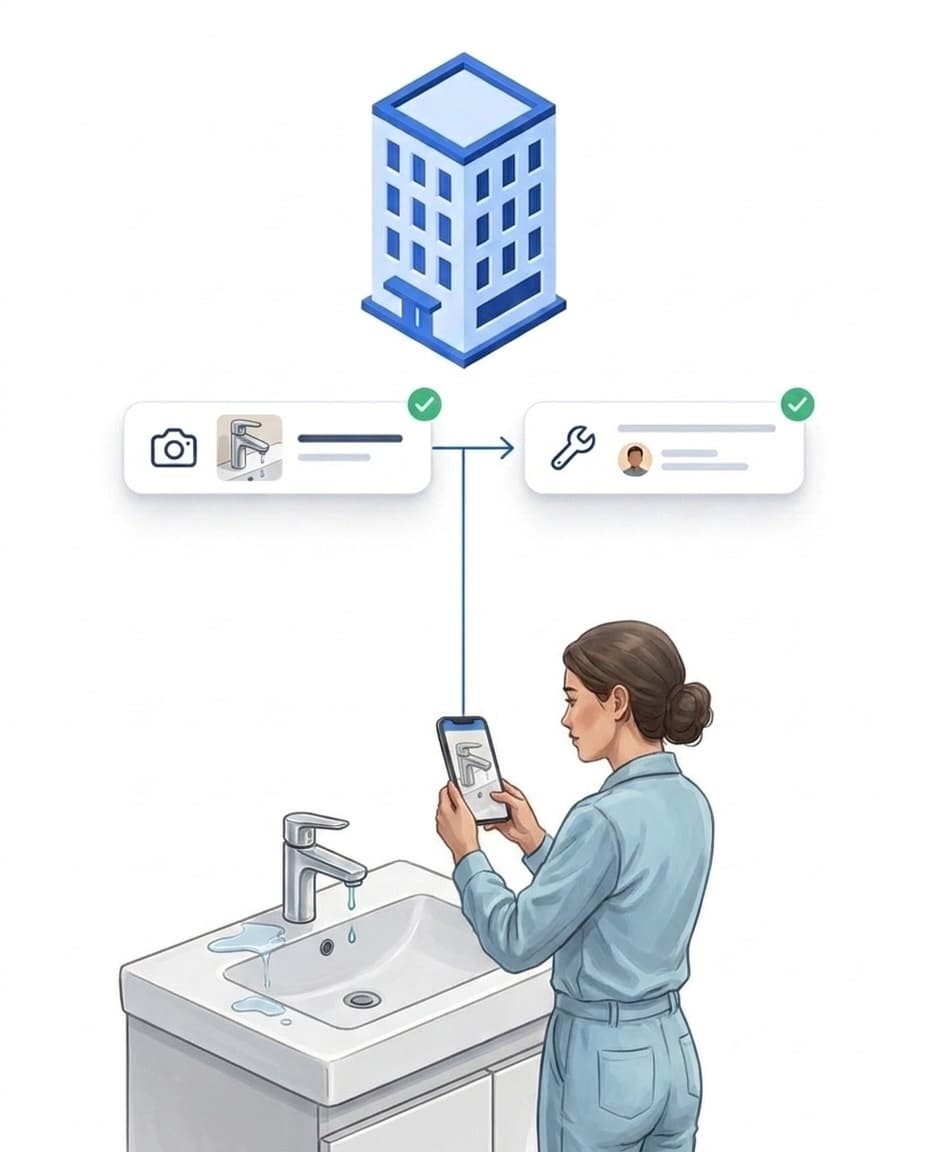
Defects reach the right person
A dripping tap or a broken light no longer gets forgotten.
- ✓Report with a photo: directly in the app, on site.
- ✓Becomes a task: automatically for the person in charge, for example building maintenance.
- ✓Clients can report too: via a QR notice on site, no login needed.
- ✓Done with proof: you see who fixed the defect and when.
Reports: only what your client should see
You decide what goes into the report and how it is delivered.
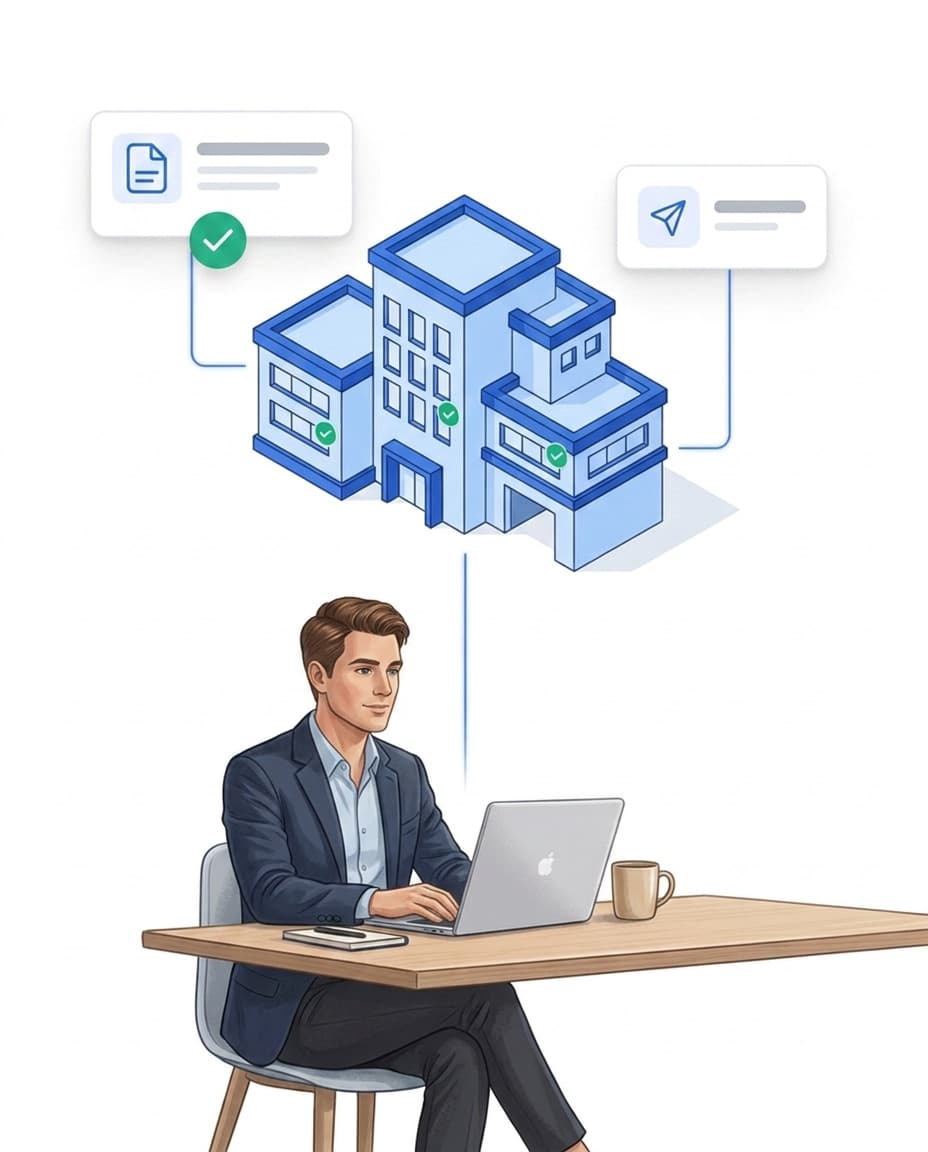
- ✓Only the essentials: you build the report yourself from modules.
- ✓Automatic delivery: by email, daily, weekly or per shift.
- ✓Client access: your client only sees what you share.
- ✓Download: every report as PDF or CSV.
Consumables under control
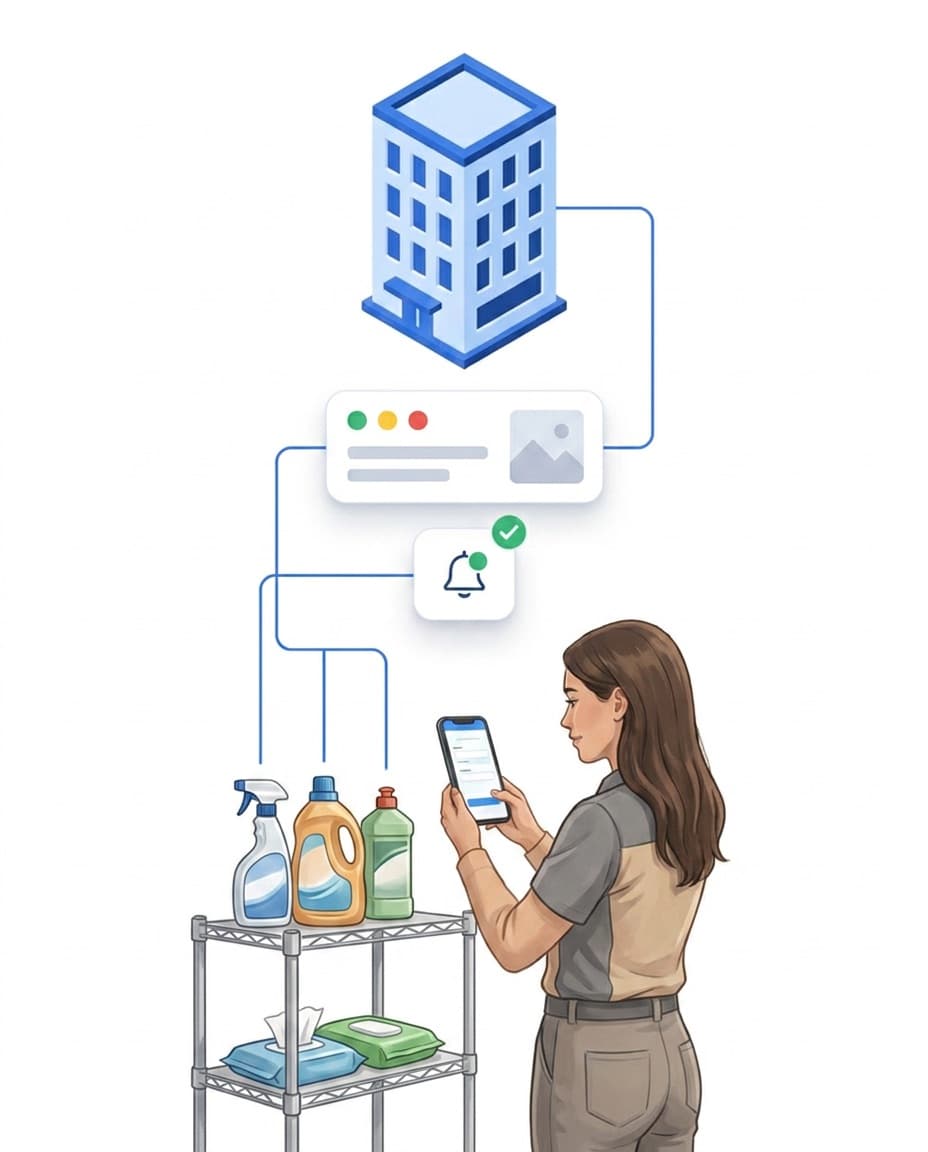
You see what is used at which site.
- ✓Record usage: when completing the task in the app.
- ✓Minimum stock: an alert before soap or paper runs out.
- ✓Costs per site: material usage as a report, for your pricing.
- ✓Optional: you only switch on the materials module if you need it.
Sign up today, start today
With LiteLog you get started right away, without hardware and without a long setup.
- ✓Sign up: try free for 14 days, no credit card required.
- ✓Print QR codes: print one code per site and put it up.
- ✓Invite your team: download the app, log in, get started.
- ✓Flexible: cancel monthly, switch plans at any time.
Cleaning Services — Quality Documentation and Performance Records
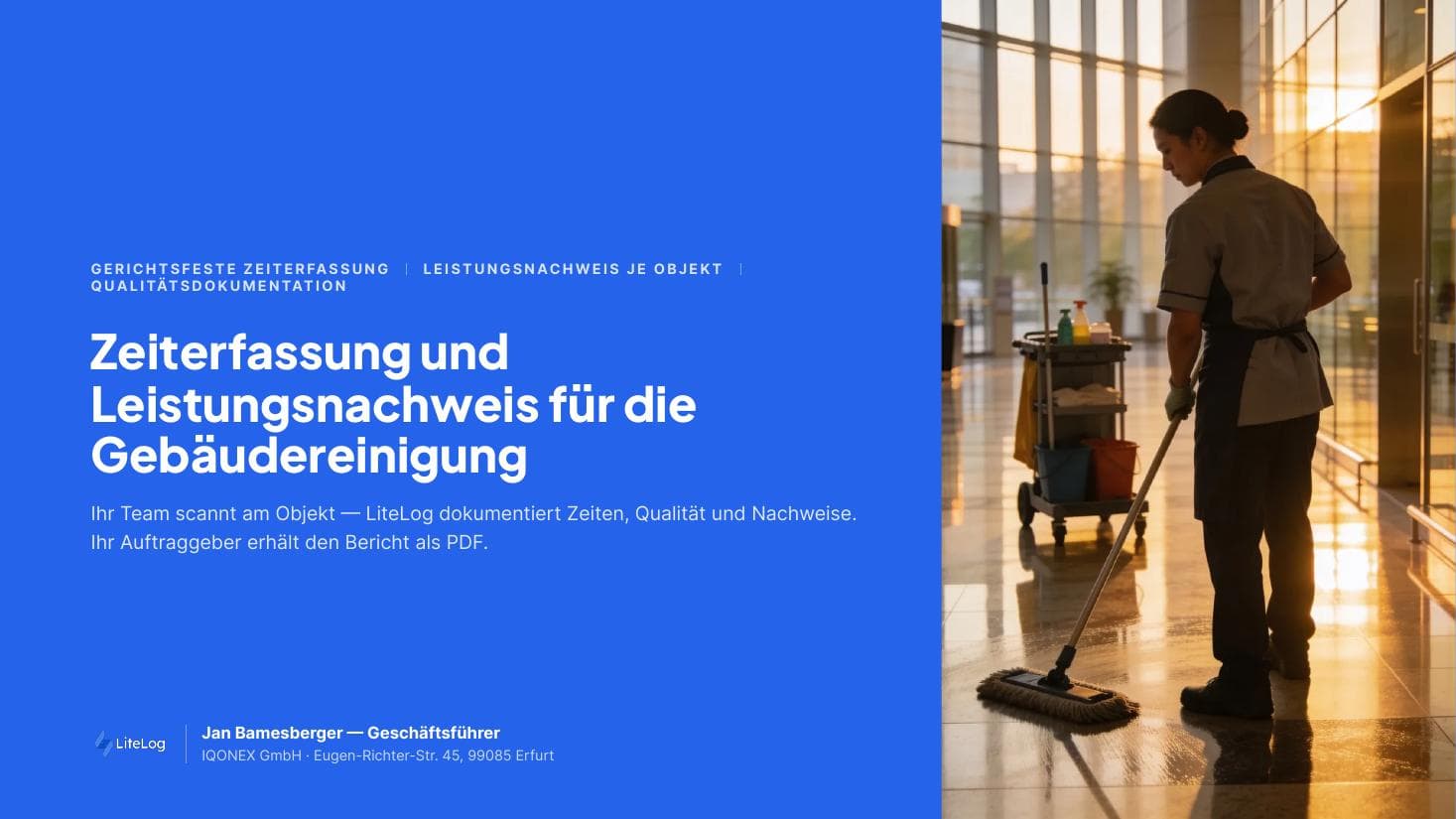
Free brochure on automated quality control for commercial cleaning. Checkpoint-based and audit-ready. Download now.
PDF, 5 MB
All materials in the media library →
FAQ
Frequently asked questions about LiteLog
What is digital proof of cleaning?
Digital proof of cleaning shows when which cleaning was done at which site, with time, location and person. It is created when scanning on site, not afterwards on paper.
What does the proof look like that I show a client who complains?
A PDF per day with check-in and check-out, name and scan location. You export it directly from LiteLog.
What if my employees do not want to use their own smartphone?
Then they use a company phone. The hours are still clearly assigned to the right person.
Can employees scan each other in?
Every scan is tied to a person, time and location. If you wish, check-in can be limited to the site premises, so a code photographed at home is of no use.
What happens if a cleaner does not turn up for a shift?
If there is no check-in at the planned start, LiteLog notifies the site manager. That way you know before your client does.
How do I document quality inspections for my clients?
Site managers check areas with a digital checklist, with a rating, photo and comment. This creates a report per site and period as a PDF.
Can my client see for themselves what was cleaned?
Yes, through their own client access. You decide what they see, always limited to their own site. They submit requests as tickets instead of calling.
How do I reach my cleaners without WhatsApp groups?
With the chat in the LiteLog app, one to one or as a group per site. The data is stored on servers in Germany.
Can I schedule recurring cleaning jobs?
Yes. You create a task once and set how often it is due: daily, on certain weekdays, weekly or monthly. Your team only sees in the app what is due today.
Can one cleaner work at several sites in a day?
Yes. They check in and out at each site with a QR code or NFC tag. Hours are recorded separately per site, for payroll and job costing.
Does the app work on basic Android phones?
Yes. The app runs on common Android smartphones and iPhones, no special devices needed. NFC tags need a phone with NFC, without NFC your team scans QR codes.
Can I control what cleaners and supervisors can see?
Yes. With roles and permissions you decide who can see and edit what. You also assign each person to their sites, so they only see those.
Prove every visit.
Sign up and get started today. 14 days free, no credit card required.