
Customer access
For better communication with your customer
Your client calls to ask how things stand? Give them their own login: they see their properties live, raise requests as tickets and follow the progress themselves. Simpler communication – and problems land on your desk the moment they surface.
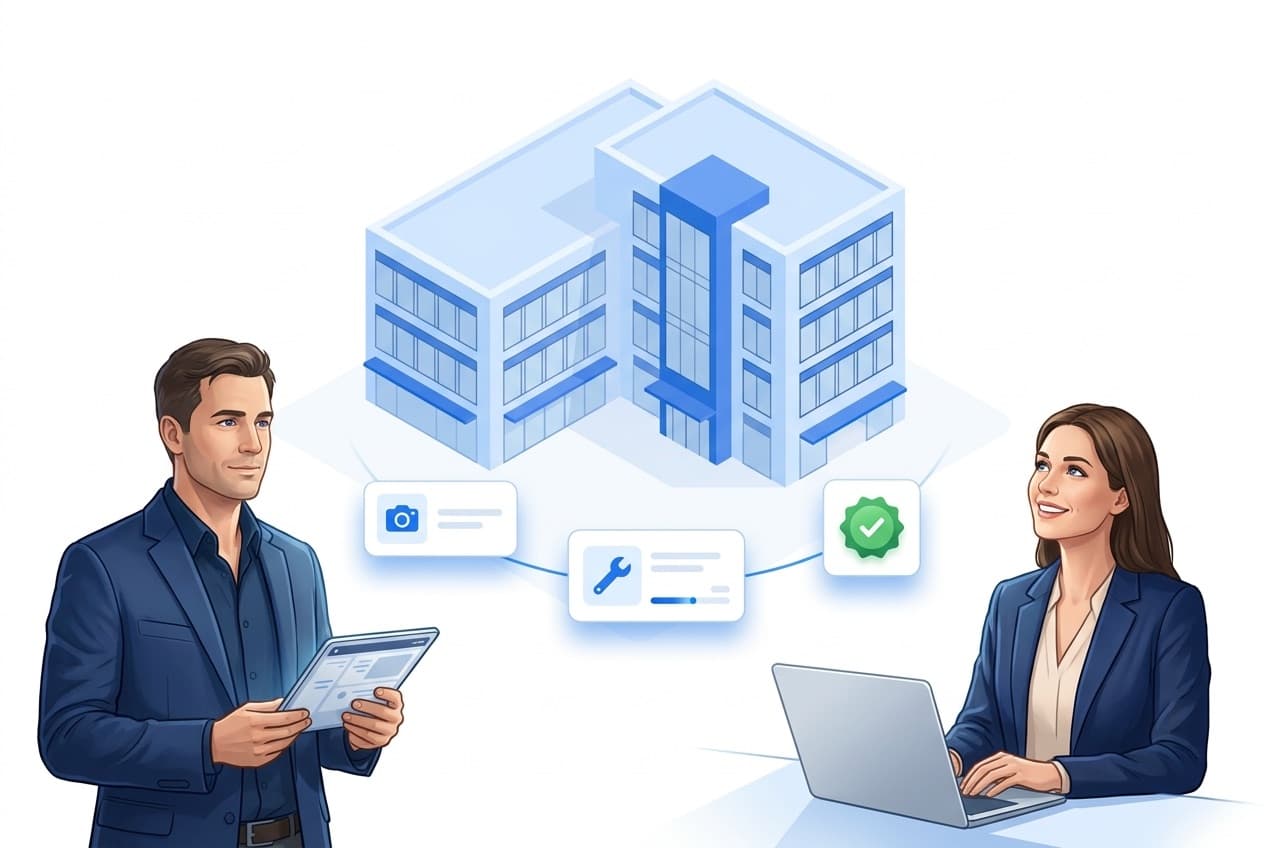
What customer access includes
One goal: better customer communication – and happier clients.
Master data & contacts
Every contact person of your client in one place.
Data access
You decide what your client sees – only their properties.
Tickets
Report requests instead of calling. On your side the ticket sits in the list as a task from outside, with sender and time received.
QR reports
Anyone at the property reports – no login, no app.
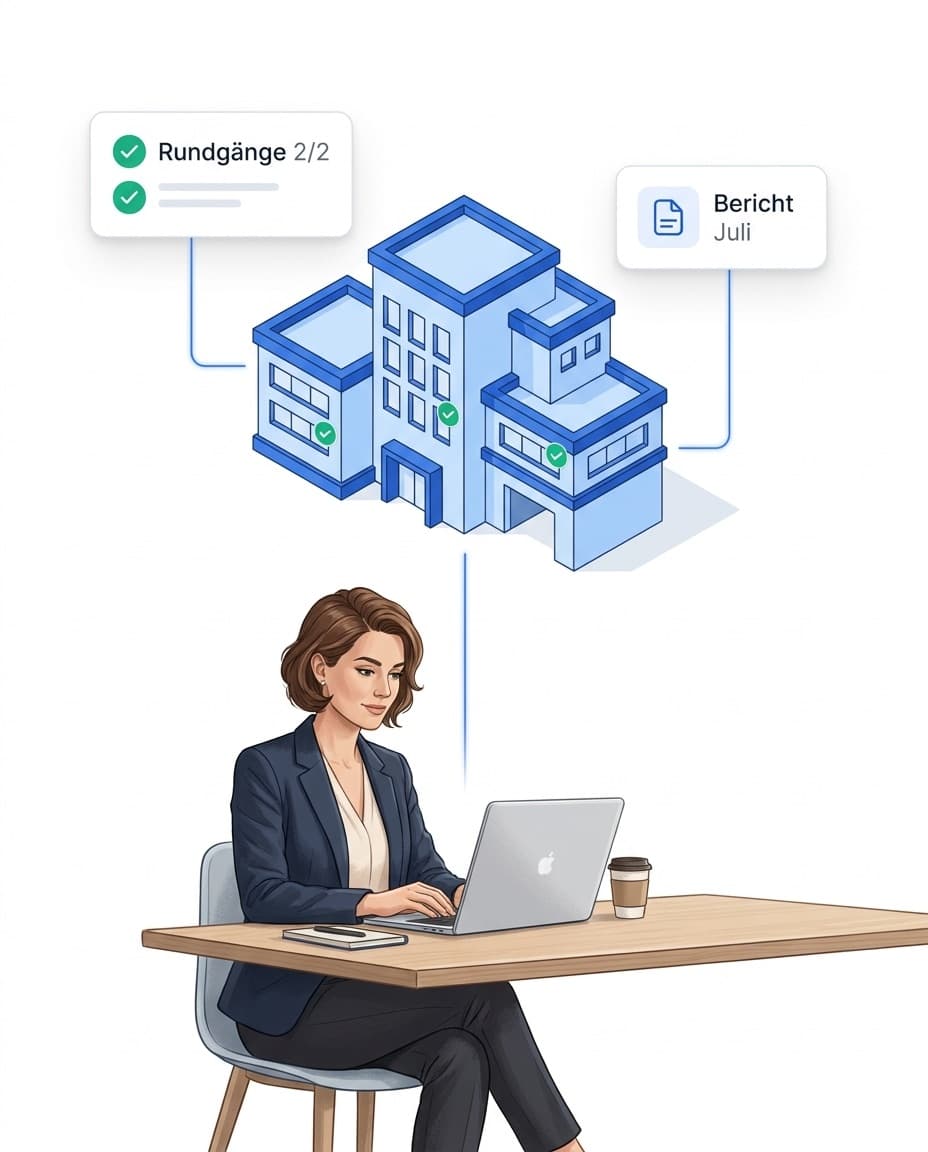
Master data & contacts: everything about your customer in one place
In LiteLog the customer is its own record – with their properties and contact persons. That is the basis for customer access.
- ✓Properties assigned: a property belongs to at most one customer.
- ✓Any number of contacts: per role, e.g. site management or accounting – in the portal and in the app on site.
- ✓Optional: LiteLog also runs without customers. Create them once a client should get insight.
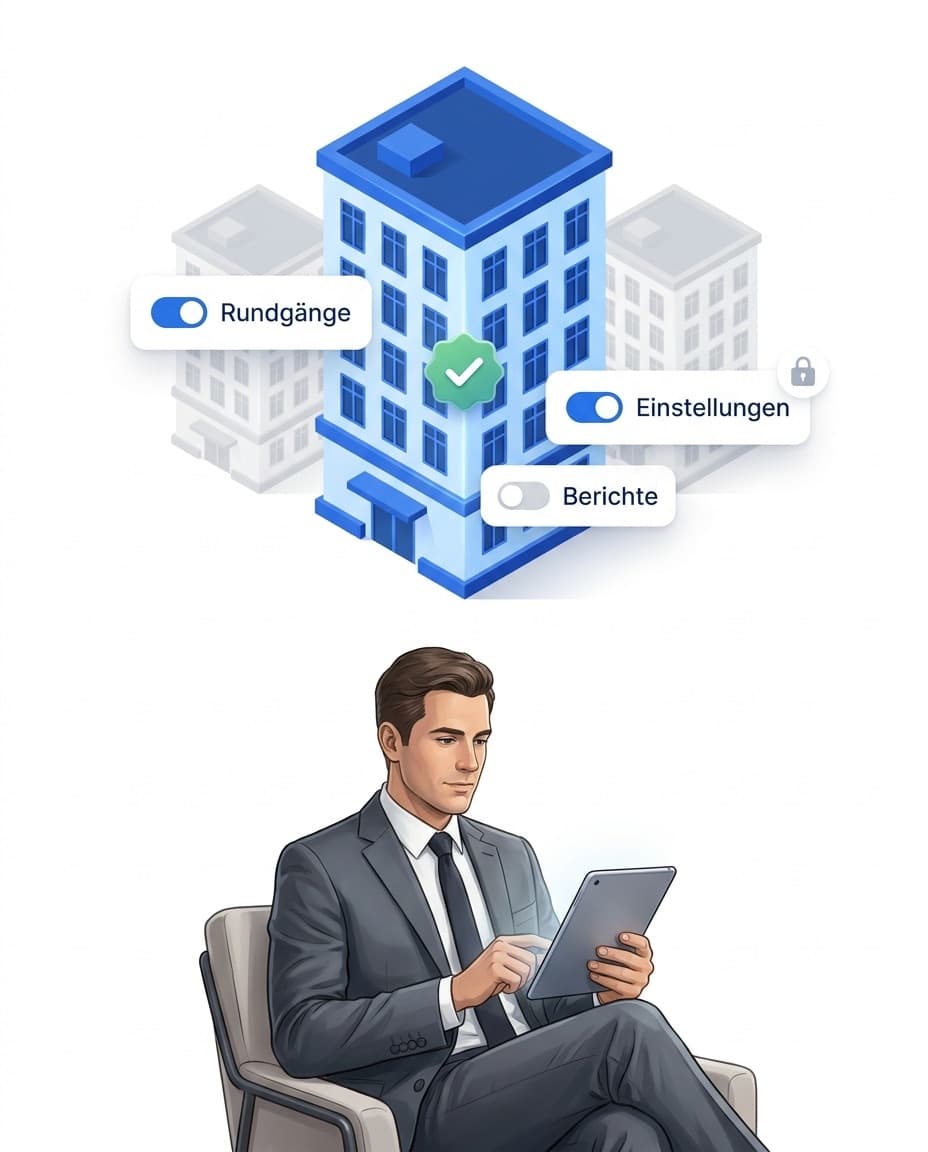
Data access: you decide what your client sees
A customer access shows only their own properties – and only the modules you release.
- ✓Only their property: data of other clients never appears.
- ✓Modules released individually: rounds, incidents, tickets, supplies, work orders, attendance proof, and reports & forms – including the automatically delivered service-level report.
- ✓Attendance proof on request: start, end, duration and gap per visit, measured against your targets, corrections marked. Per property you decide what the customer sees in the customer portal: staff number instead of name, full names, or no attendance proof at all. Sign-in method, location and breaks stay hidden.
- ✓Can be switched off: deactivate the access with one click.
- ✓In their language: released reports go out in your client's language thanks to automatic translation.
- ✓Your brand: portal and reports carry your logo and colors – see branding & white-label.
Tickets: your client reports issues themselves
When something surfaces, they report it with photo and priority. On your side the ticket is a task from outside, with sender and time received.
- ✓Report instead of calling: a short form with property, description and photos.
- ✓A task like any other: you accept the ticket, assign it and complete it. Customer, property and sender are already set.
- ✓One history: they see your replies immediately – never internal notes.

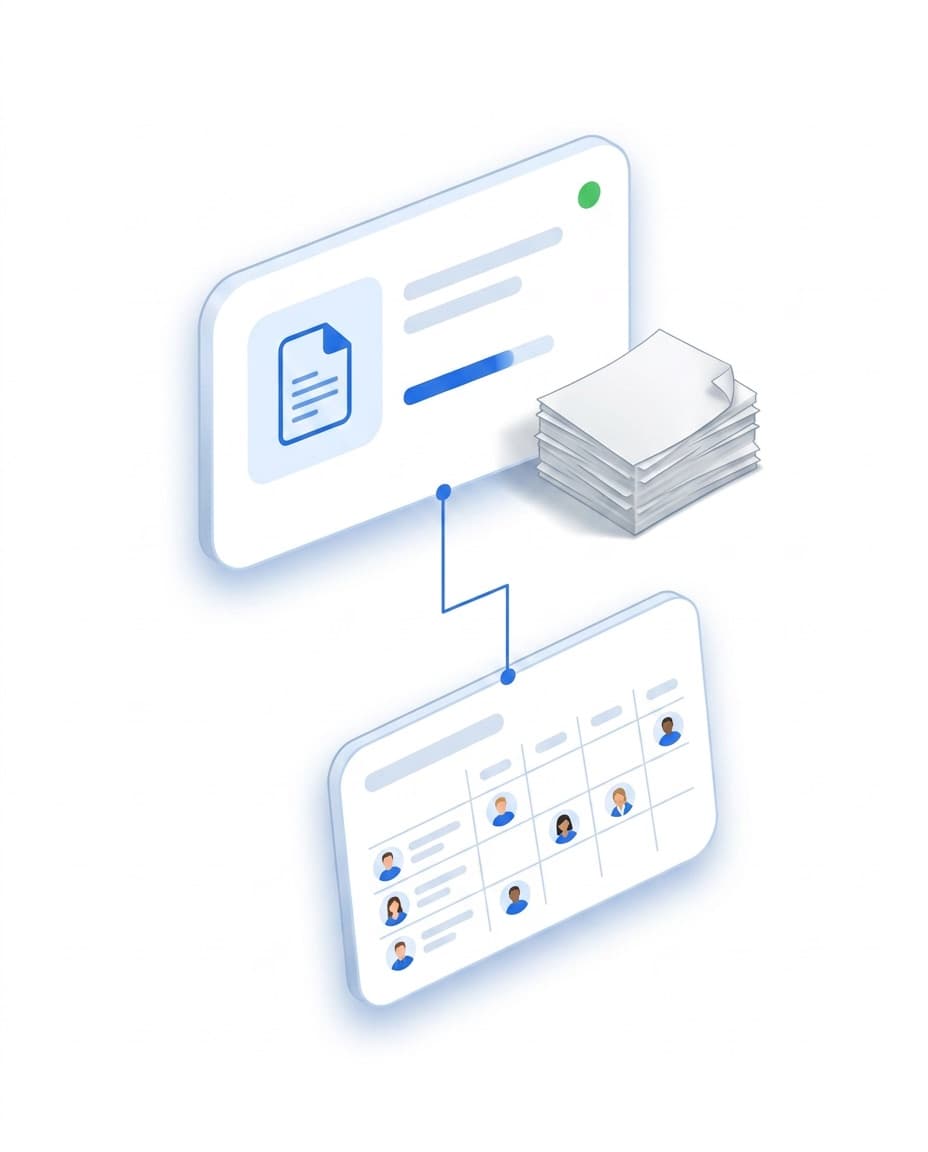
Manage client contracts with staffing requirements
For each client you create contracts – with staffing requirements, files and cancellation management. You transfer the requirement straight into the duty roster. The target-vs-actual status light per contract shows whether you deliver the agreed service.
- ✓Everything on the contract: staffing requirements, files and notice periods per client.
- ✓Into the duty roster: the right shifts are created from the requirement.
- ✓Status light per contract: contract fulfilment at a glance.
- ✓More on planning: Duty roster & shift planning.
QR reports: report without a login or app
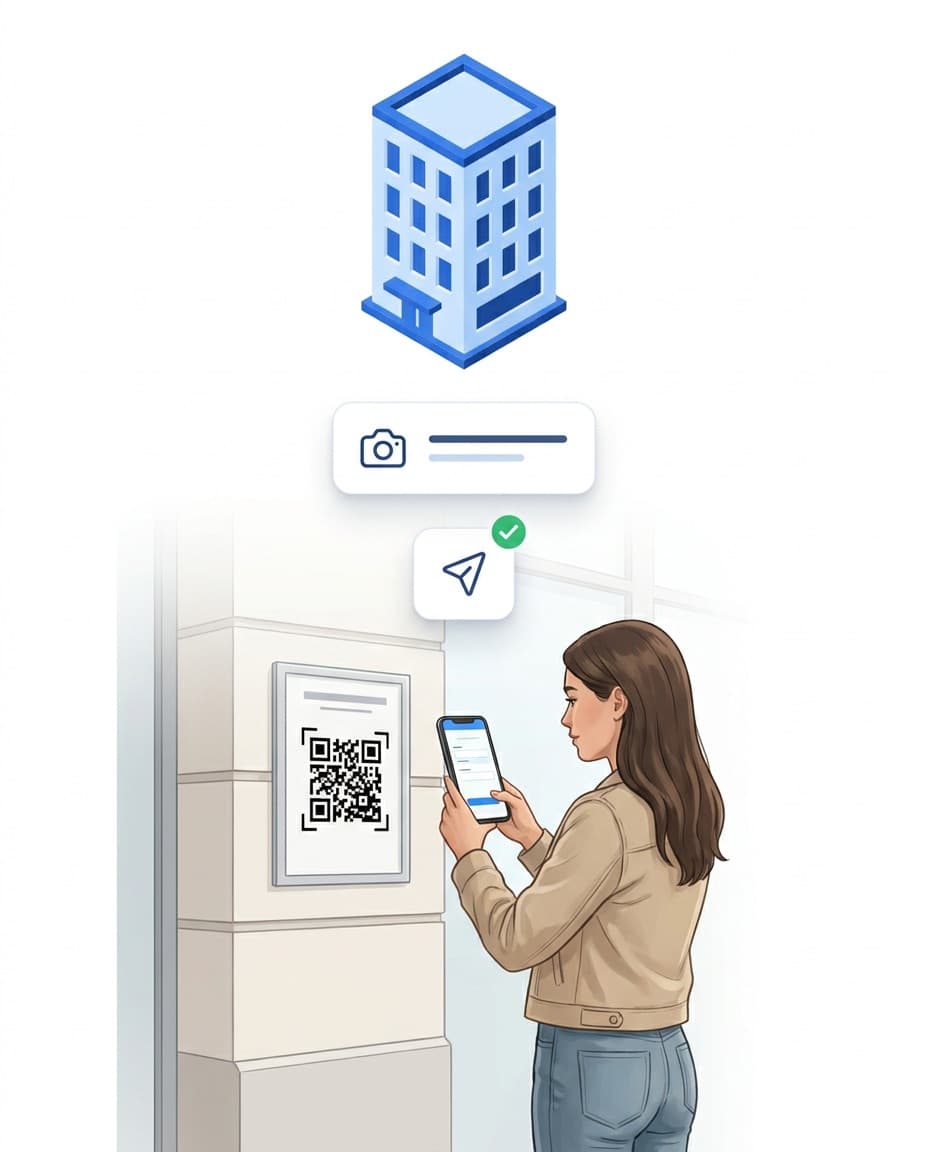
Even without an access, anyone at the property can report: scan the QR code, send the request with a photo – done.
- ✓Notice at the property: the QR code as a print-ready PDF.
- ✓For everyone: tenant, end customer or passer-by.
- ✓Clearly marked: lands as a public QR report in your reports.
- ✓Can be switched off: per property.
FAQ
Frequently asked questions about the customer portal (FAQ)
What is a customer portal?
A customer portal is a separate portal login for your client. They see only the properties assigned to their customer record, and only the areas you release for them. That way they check the current status themselves instead of calling.
What does a customer see in the portal – and what not?
Seven areas are visible, each released individually per login: rounds, incident reports, tickets, supplies, work orders, attendance proof, and reports and forms. Supplies is a premium building block like tickets and shows the customer the stock of their properties, read-only and without purchase prices. Attendance proof shows start, end, duration and gap to the previous visit for every visit, measured against your targets, and marks entries that were entered afterwards, edited or deleted; Per property you decide what the customer sees in the customer portal: staff number instead of name, full names, or no attendance proof at all. A newly created login deliberately starts with rounds only. What stays hidden is the raw time-tracking data, i.e. sign-in method, location and breaks, as well as the KPI dashboard.
Can a customer see the data of other clients?
No. A customer portal login is limited to the properties of its own customer. Properties of other clients appear neither in lists nor in reports. Who sees what internally is controlled by rights & roles management.
How many contacts can a customer have?
Any number. For every company customer you create contacts with a role, for example site management or accounting, and mark one of them as the main contact. The contacts are available in the portal and in the LiteLog app at the property.
Are the contacts available in the app as well?
Yes. Your team opens the Customers area under More in the LiteLog app and retrieves the contact details for the active property: client, contacts, role, phone and email.
What happens to a customer ticket?
A ticket is a task from outside. The customer describes their request, picks the property, sets a priority and attaches photos. On your side the ticket sits in the task list with sender and time received; customer and property are already set. You accept it, assign it and complete it like any other task. Replies from your team reach the customer; comments marked as an internal note stay hidden.
Can someone report an issue without a login?
Yes. In addition to the customer access, you put up a ticket QR notice at the property. Anyone who scans the code – tenant, end customer, passer-by – reports a request with a description and photo, no account and no app required. A problem reaches you the moment it is noticed; the report lands clearly marked in your reports.
How does the customer get their credentials?
You assign the username and password yourself and pass them on to your contact. No invitation email is sent. Use Deactivate access to withdraw the login at any time.
What does a customer access cost?
Nothing extra. Customer accesses never count as users – so you give every client their own login without growing your plan. Only the Tickets and Supplies areas are premium add-ons.
Do I have to create customers to use LiteLog?
No. Customers are optional. Properties and people are enough for day-to-day operation. Create customers when a client is meant to get their own insight or to be assigned to properties.
Can I manage my clients' contracts in LiteLog?
Yes. You create contracts per client with staffing requirements, files and cancellation management, and transfer the requirement into the duty roster. The status light per contract shows whether the agreed staffing is met.