LiteLog Feature

Roles & Permissions

Your client should see patrol reports — but certainly not your payroll data. Roles define exactly who sees what: staff see their shifts, site managers their sites, clients only the reports you release.

  • 14-day free trial
  • No credit card required
  • Hosted in Germany

Overview

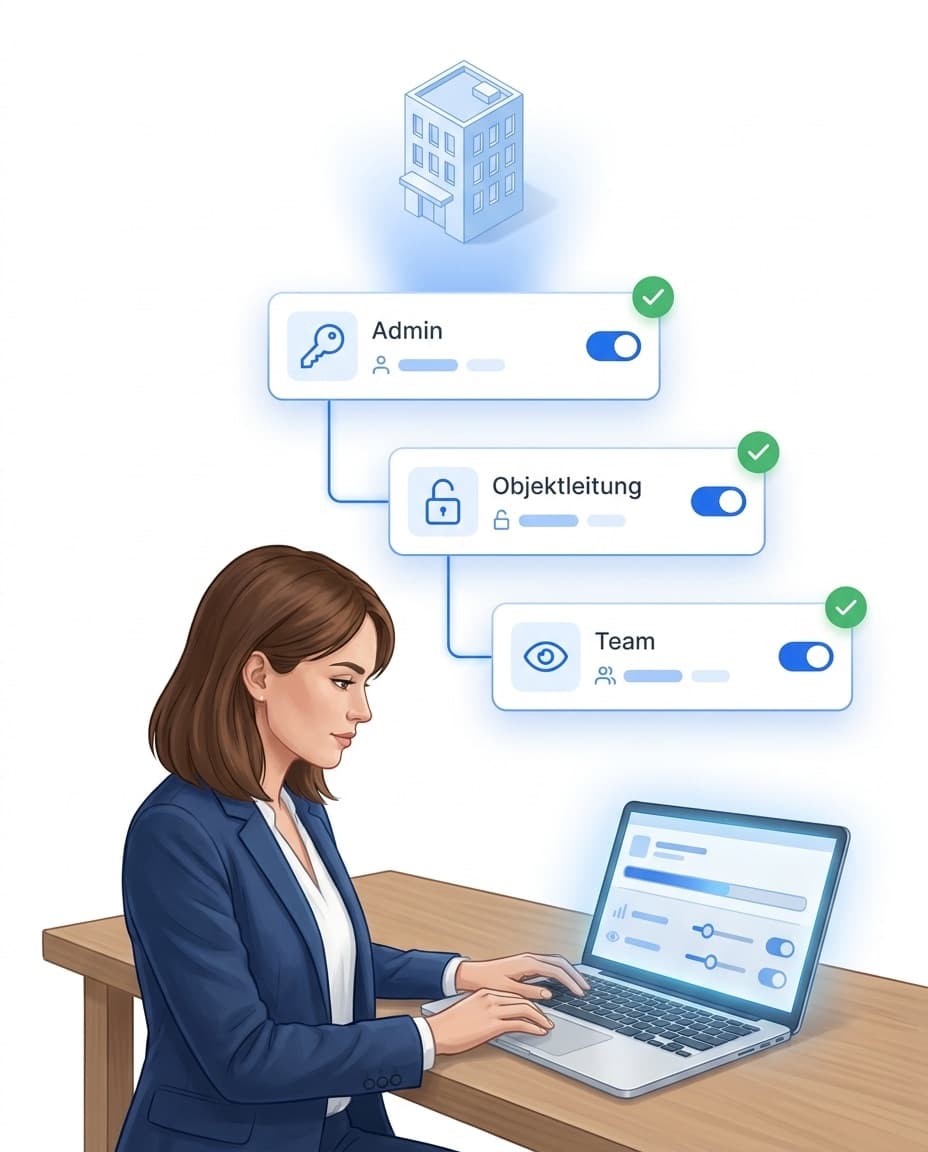
With LiteLog’s flexible role system you stay in control of sensitive data. Every role sees only what is relevant to it – from on-site staff to your customers.

  • Role-based visibility for staff, site managers and admins
  • Customer access with a deliberately limited data view
  • Notifications delivered only to the right recipients
Administrator assigning roles and permissions on a laptop – admin, site management and team each see only their area

Roles from practice: from the cleaning team to management

Permissions follow your organisation — not the other way round. Typical roles in a site or studio operation: day cleaning sees its areas and tasks, night cleaning its shift, the site or studio manager the whole location, facility technicians the technical incidents and tasks, management the dashboard with exceptions and reports. You define roles freely — visible sites, modules and actions included.

  • Freely definable: you create roles yourself — with exactly the modules, sites and actions the role needs.
  • Separate teams, one platform: cleaning reports, facility technology resolves, management sees exceptions — each in their own view.
  • Clients included: the client portal shows only what you release — transparency without exposing internals.

Edit and delete permissions: granted separately, fully traceable

Whether someone may view, create, edit or delete entries is granted separately per role. Employees complete their tasks without altering other people’s records. And even where administrators intervene, the original state stays traceable: changes to recorded times and patrol records create history entries with user and server-side timestamp — editing or deleting requires a stated reason.

  • Separate permissions: view, create, edit and delete can be granted individually — per role and area.
  • History instead of overwriting: the log keeps original and change side by side — nothing disappears without a trace.
  • Reason required: subsequent changes and deletions of critical records require a reason that is stored in the history.

Flexible notifications

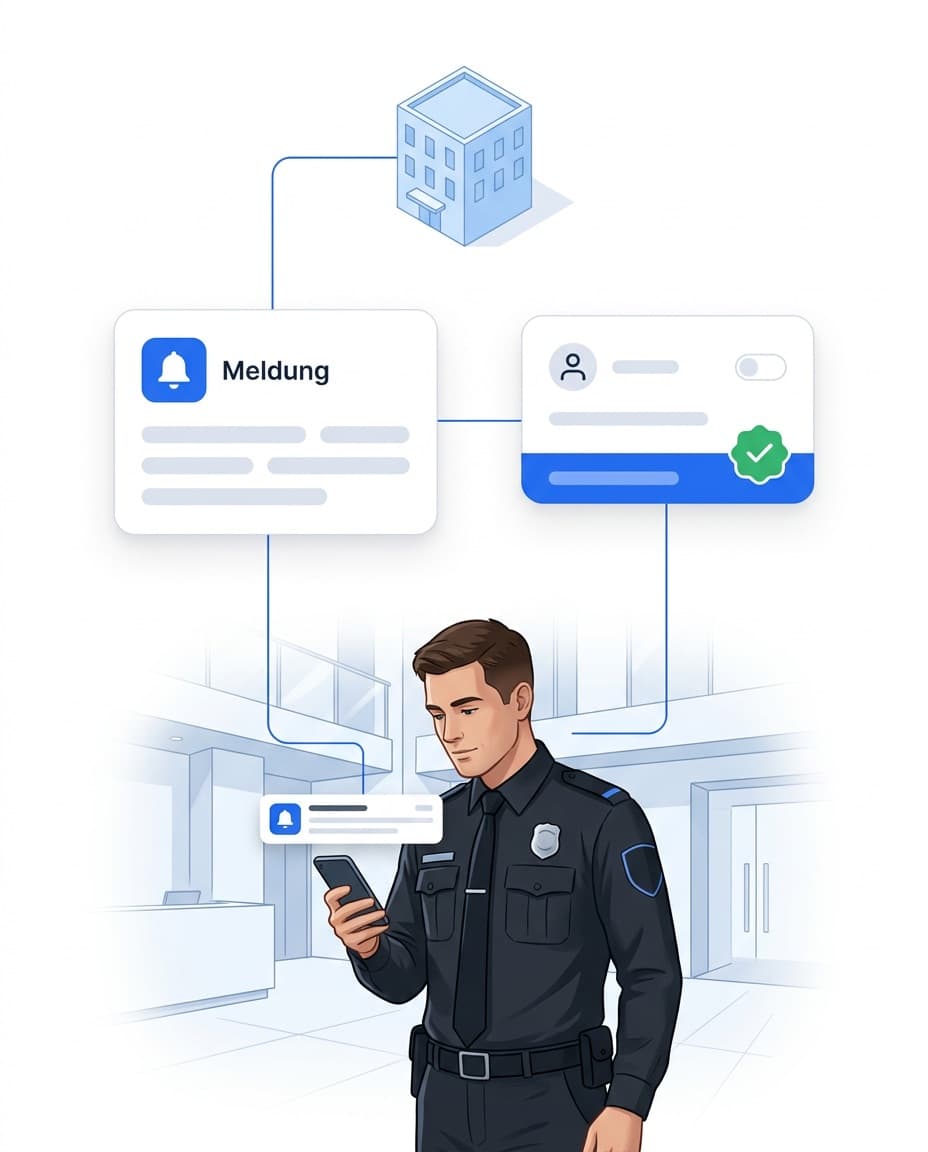
LiteLog controls notifications precisely: you decide which event reaches which recipients. Only the people who need to know are informed – without unnecessary emails.

  • Define exactly which message goes to which address
  • Notifications by role: staff, site manager, admin or customer
  • Examples: task reminder, status update, system alert, customer report
Security guard receiving a push notification about an incident – controlled via roles and recipient rules

Benefits of the role system

Clear roles and targeted notifications mean stronger data protection, less distraction and full transparency.

  • Stronger data protection through strict access limits
  • Efficiency: the right information reaches the right people automatically
  • Transparency and control through clear responsibilities

Conclusion

Everyone sees exactly what they need for their work: the cleaner their shifts, the site manager their sites, the client the released reports. That protects sensitive data like payroll and fulfils data protection requirements – and client access becomes a selling point, because your client gets live transparency without you sending a single report by hand.

The client-access chain

Permissions are not just about protection — used right, they become a sales argument: your client gets live transparency without you sending a single report by hand. The monthly report still arrives via automated report delivery.

FAQ

Frequently asked questions about LiteLog

Only if their role explicitly allows it: view, create, edit and delete are separately assignable permissions. This lets you configure that employees complete and document — but never alter completed records.

Yes. Changes to recorded times and patrol records create history entries with user and server-side timestamp; editing or deleting requires a stated reason. The history is neither overwritten nor removed when related data is deleted.

Run your workday with LiteLog

End manual lists – LiteLog digitises attendance, patrols and visitor management.

100% GDPR compliant – hosted in Germany 🇩🇪