
Automation & Workflows
You don't adapt to the software: LiteLog adapts to your processes. With the automation you freely combine 49 triggers and 10 actions into if-then rules — in the graphical editor without programming, and on request the AI creates the rule from a single sentence.
What workflow automation covers
You don't adapt to the software – LiteLog adapts to your workflow. The workflow automation rebuilds your processes as if-then rules – without programming. One example: when a patrol is missed, a message goes to the on-call team.
If-then without programming
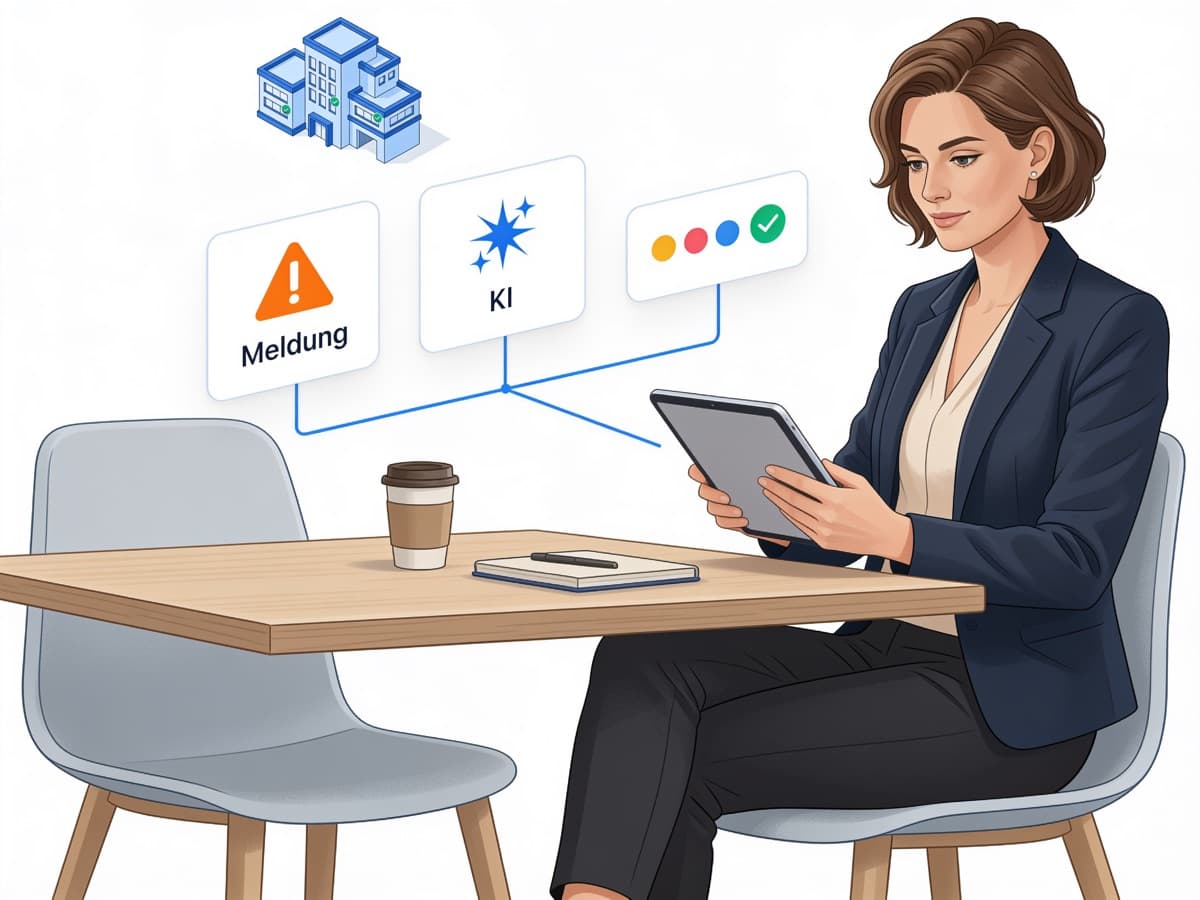
Rules from building blocks – built via drag and drop or created by the AI from a single sentence.
49 triggers, 10 actions
Freely combine events from every module with email, push, SMS, calls or automatic tasks.
14 ready-made recipes
Adopt templates from practice with one click – adapt recipients and properties, then activate.
Escalation & audit trail
Multi-level chains when nobody reacts – every run documented with recipients and deliveries.
Building a rule is this simple
Pick a trigger, dock an action, activate – that's all.
- ✓Built via drag and drop: arrange and connect blocks, entirely without programming
- ✓The AI builds for you – one sentence is enough: “When a patrol is missed, notify the property manager via SMS.”
- ✓Test run before going live: shows what would happen – without sending anything
Examples: adopt ready-made recipes with one click
49 triggers, 10 actions – the complete list
Triggers come from every module – many of them time- and deadline-based. Recurring reports – the weekly report every Monday, for example – are handled by scheduled report delivery.
Patrols and checkpoints
patrol missed · patrol completed · patrol starting soon (with a configurable lead time) · checkpoint missed
Incidents
incident created · incident triaged by the AI
Forms and quality
form submitted · defect detected · score below threshold · field signal raised · review requested · report approved · report ignored
Attendance and shifts
attendance requirement not met · check-in missed · check-out missed · scheduled shift start reached · scheduled shift end reached · work time ended · shift assigned · no work time for several days · minimum duration not met · visit interval violated
Location and zones
site perimeter left · restricted zone entered · dwell time in zone exceeded · location tracking interrupted
Absences
absence reported · absence decided
Safety and lone working
welfare check overdue · welfare-check main alarm · device unreachable · emergency status set
Tasks
task completed · task overdue · task assigned · task due today
Service level
service level breached
Material
stock below minimum · material request created · material request decided · material not returned
Reactions and violations
attendance violation · patrol violation · task violation · incident reaction · form reaction · material reaction · service level reaction
10 actions
Email · push · in-app message · SMS · automatic call · create task · assign task · change task phase · open incident · takeover offer to the team
Escalation chains that never sit idle
For critical events you build multi-level chains: first, a group is offered the takeover — the first acceptance wins. If nobody reacts, the rule waits a defined time, checks the current state, and only then notifies the next level. These channels are available:
- ✓Email, push, and in-app notification in all plans
- ✓SMS and automatic call with the SMS add-on
- ✓Before each level: a waiting time from one minute up to 28 days and a fresh check of the current state
One summary instead of many single emails
Not every event needs an instant email. Notification actions can collect events and send them once a day as a bundled summary. Your inbox stays quiet – and you still see everything.
- ✓Batched, not one-by-one: the rule bundles all events of the day.
- ✓Once a day: one email with everything that came up.
- ✓Selectable per rule: critical stays instant, routine reports come bundled.
Traceable and controlled
Automation needs control. Who may view, create, edit, or delete rules is governed by four dedicated permissions in roles and permissions management. The history documents every run with trigger, status, recipients, and deliveries – your proof towards clients and auditors that the chain really ran. SMS and calls are additionally recorded per recipient in the delivery log.
Proven in practice
“LiteLog has taken our documentation to a new level – fully digital, audit-proof, and available at any time.” That is how Sekuris Dienstleistungen GmbH & Co. KG, a security service with more than 20 sites, describes it. Saniteq building cleaning also runs its properties with LiteLog. The solution pages show how automation works in your industry:

FAQ
Frequently asked questions about LiteLog
Do I need programming skills for automations?
No. Rules are assembled from cards via drag and drop in the graphical editor or created by the AI from a text description. Conditions are picked from lists that match the selected trigger.
How many triggers, actions, and templates are there?
49 triggers from every module – from patrols to incidents, attendance, and material – combine with 10 actions. The template catalog contains 14 ready-made recipes; in addition, every new account comes with prepared standard rules, the most important of which are active from day one.
Are there ready-made automation templates?
Yes. The template catalog contains 14 ready-made recipes for incidents, attendance, patrols, safety, quality, and tasks – from AI triage with escalation to the call and SMS chain on a welfare-check main alarm. One click adopts the template as a draft, which you adapt to your properties and recipients and then activate.
How fast does an automation react to an event?
Every event is stored immediately together with the underlying record, and the rule usually executes within one minute. Failed deliveries are retried automatically.
Are there time-based automations?
Yes, via deadlines and points in time: a trigger fires, for example, when a patrol is about to start, a scheduled shift start is reached, a task becomes due today, or someone has not logged any work time for several days. Within a rule, delay blocks wait from one minute up to 28 days. Recurring schedules for reports – every Monday, for example – are handled by scheduled report delivery.
Through which channels can LiteLog notify automatically?
Email, push notification, and in-app notification are included in all plans. SMS and automatic calls are available with the SMS add-on.
Can LiteLog create tasks automatically?
Yes. A rule automatically creates a task from an incident or a defect detected in a form. It can also assign the task to a person or change its phase. These follow-up actions are part of the larger plans.
Who is allowed to create or change automations?
You control this via four dedicated permissions in roles and permissions management: viewing, creating, editing, and deleting can be granted separately. The history documents every run with recipients and deliveries – as proof towards clients and auditors.
What happens if nobody reacts to an alarm?
That is what escalation chains are for: the rule first offers the takeover to a group — the first acceptance wins. If nobody reacts, the rule waits a defined time, checks the current state, and only then notifies the next level.
Are notifications sent twice when data is synchronized multiple times?
No. The same event triggers a rule only once, and failed deliveries are retried automatically.
Can I bundle notifications instead of receiving them one by one?
Yes. Optionally, notification actions send a bundled summary of all collected events once a day. You choose this per rule: critical stays instant, routine comes bundled.