
Caretaker software & app
Software for caretakers: plan tasks per building, tick them off on site, report defects with a photo. The property manager sees every record directly.
What is caretaker software?
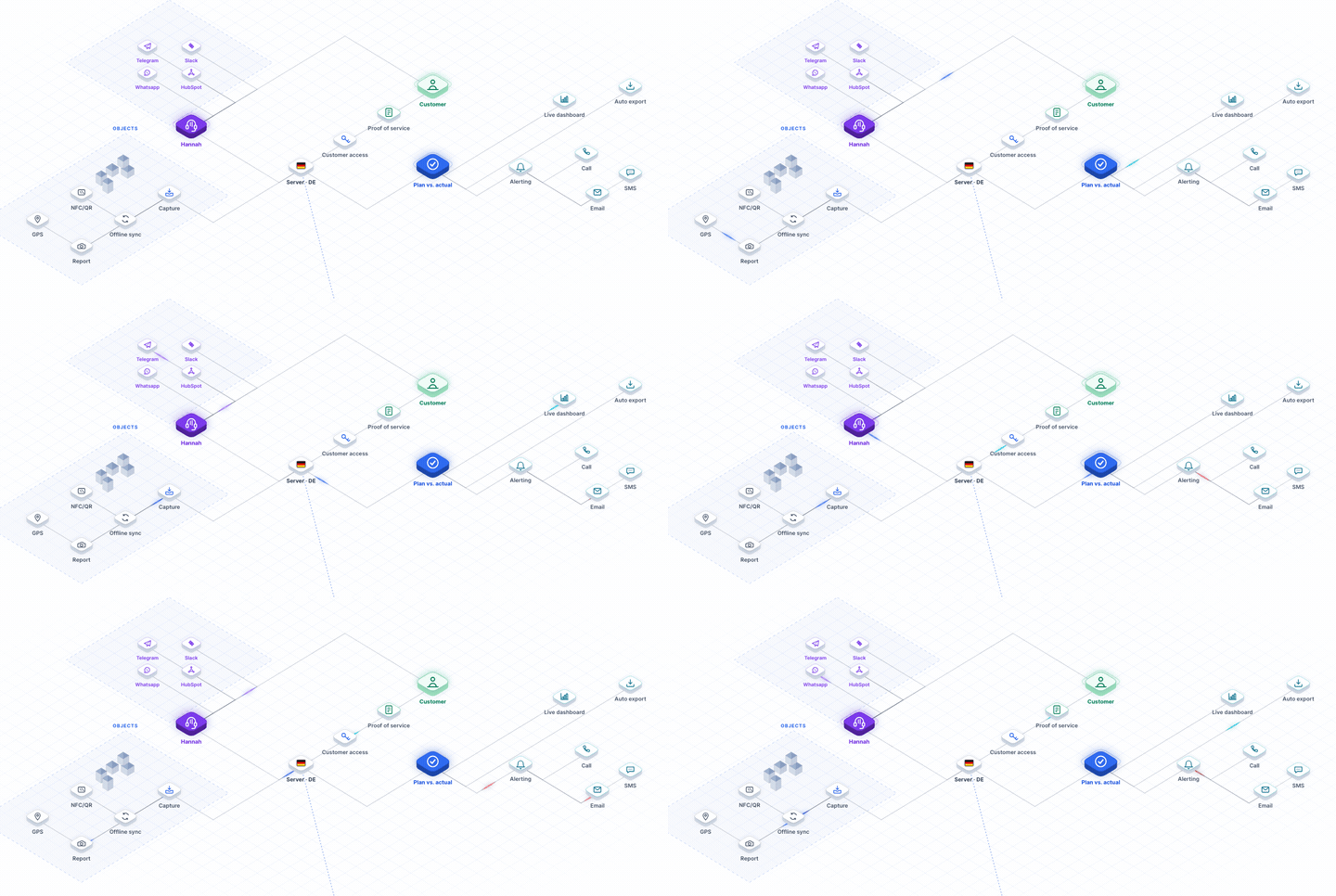
Caretaker software is a program for caretaking services. It is also called a caretaker app. You use it to plan, complete and prove the work at each building. It replaces paper notes, spreadsheets and photos on private phones. The property manager always sees who did what at which building. LiteLog is software and app in one, with servers in Germany.
What features should caretaker software have?
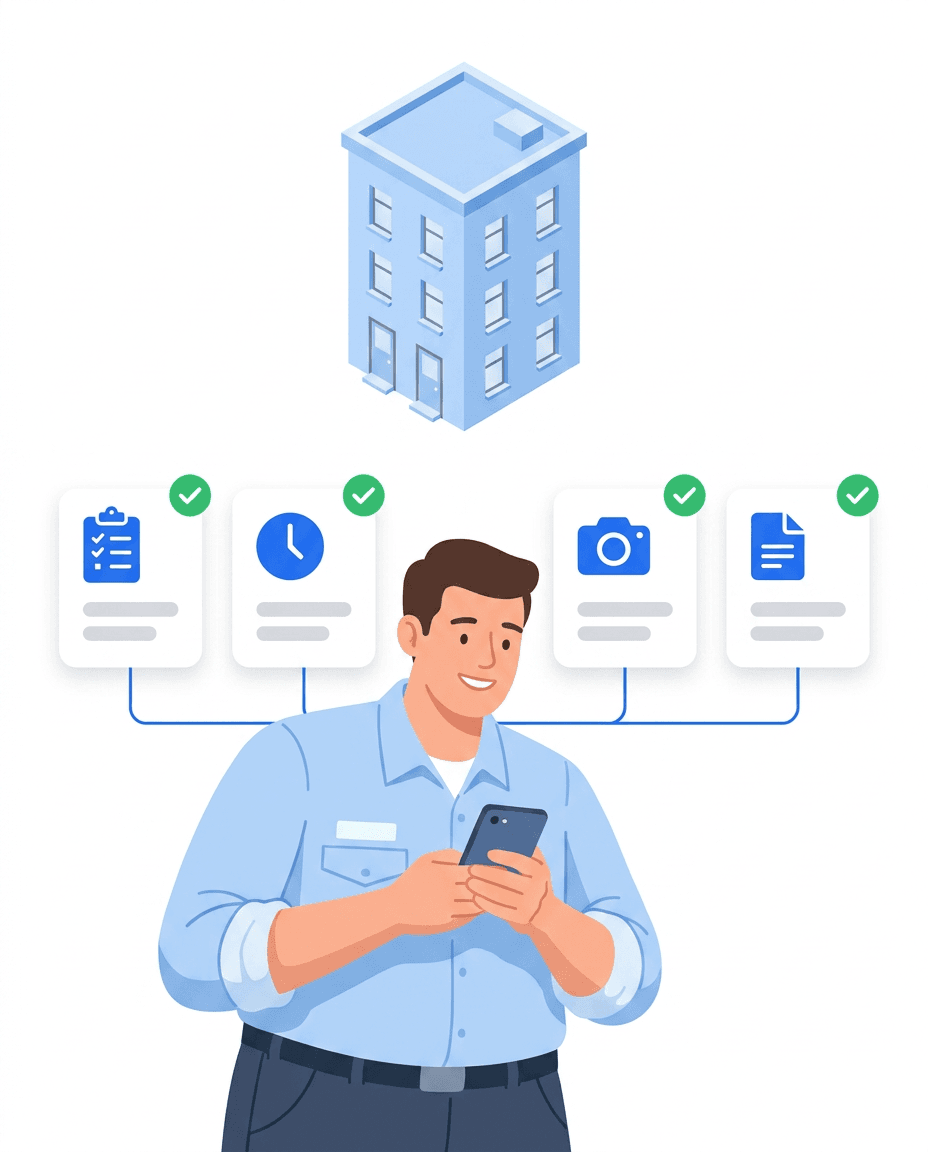
Every caretaking service needs these features.
Task and shift planning
Plan work per building once, weekly to yearly. Re-plan on the planning board when someone is sick.
Time tracking on site
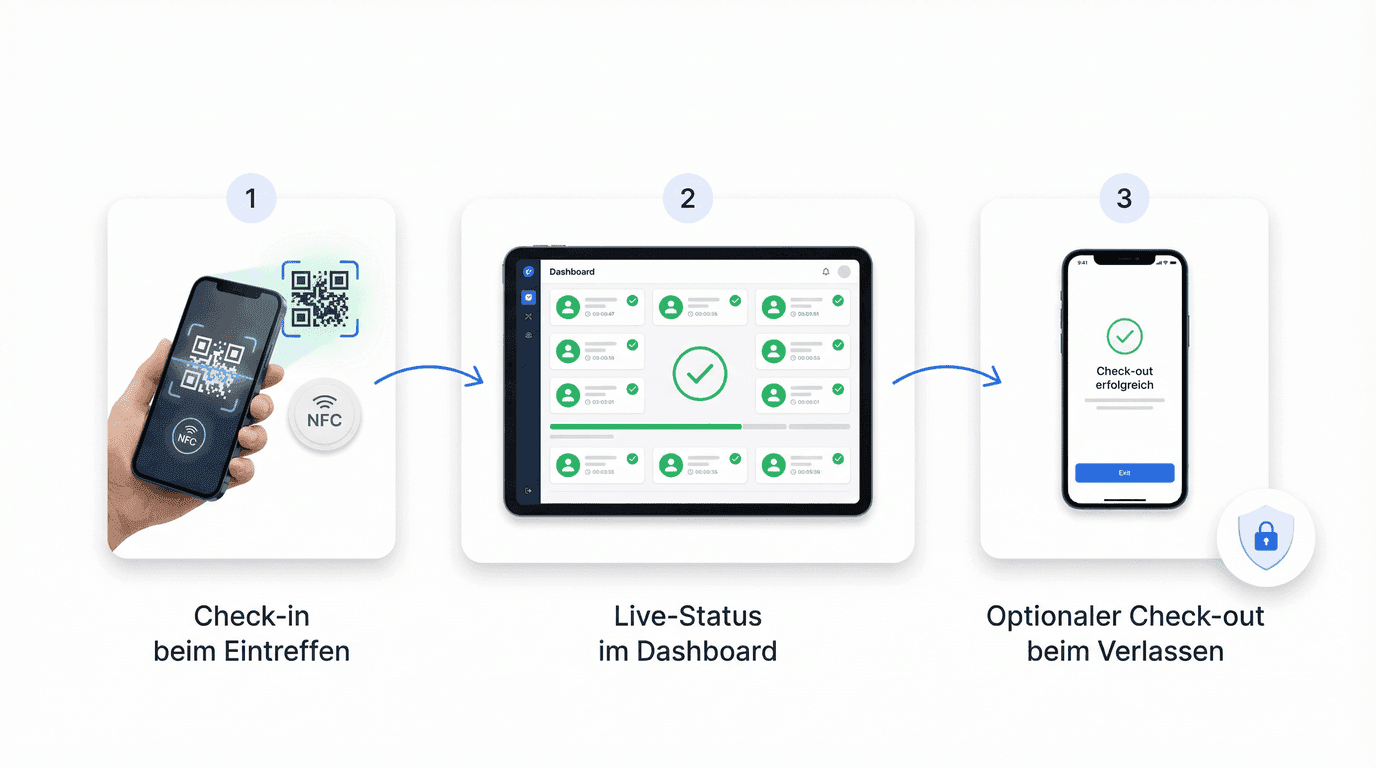
Clock in at the building with an NFC chip or QR code. The time goes to the right building.
Patrols
Scan the point in the stairwell, tick off the checklist. The app saves time and photos.
Defect reports
Take a photo and it becomes a task with a deadline. Residents report via QR code.
Proof of service
One report per client as a PDF. The property manager sees it in the client access.
Building management
Every building with address, checkpoints and tasks. You see at once what is open.
Typical use cases in caretaking
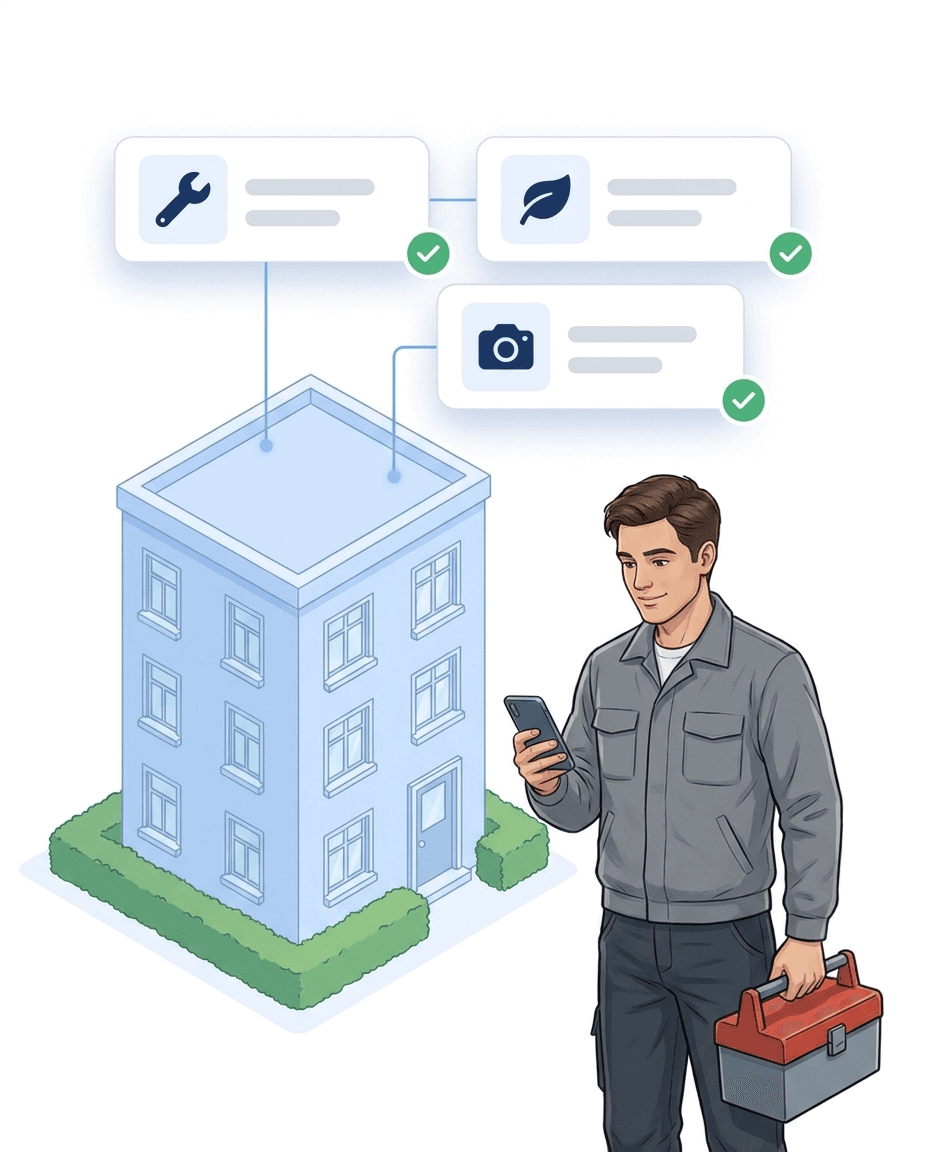
Patrols, minor repairs and grounds keeping are all recorded the same way. Every job is linked to the right building with person, time and photo. That answers the three questions every property manager asks. Was anyone there? What was done? How long did it take?
- ✓Property care: scan the chip at the building, time and person are recorded.
- ✓Minor repairs: tick off completed work with a photo and a note.
- ✓Outdoor areas: lawn, hedges and winter service as recurring tasks.
From paper notes to proof
Handwritten notes and photos in a messenger cannot be checked later. Work you cannot prove counts as not done when in doubt. With LiteLog the proof is created along the way, with every scan at the building.
- ✓Timestamp per building: to the second instead of “roughly 7 to 9”.
- ✓Report at a click: patrols, tasks, defects and times as a PDF.
- ✓Photo as evidence: for every query, per building and day.
Documenting winter service without gaps
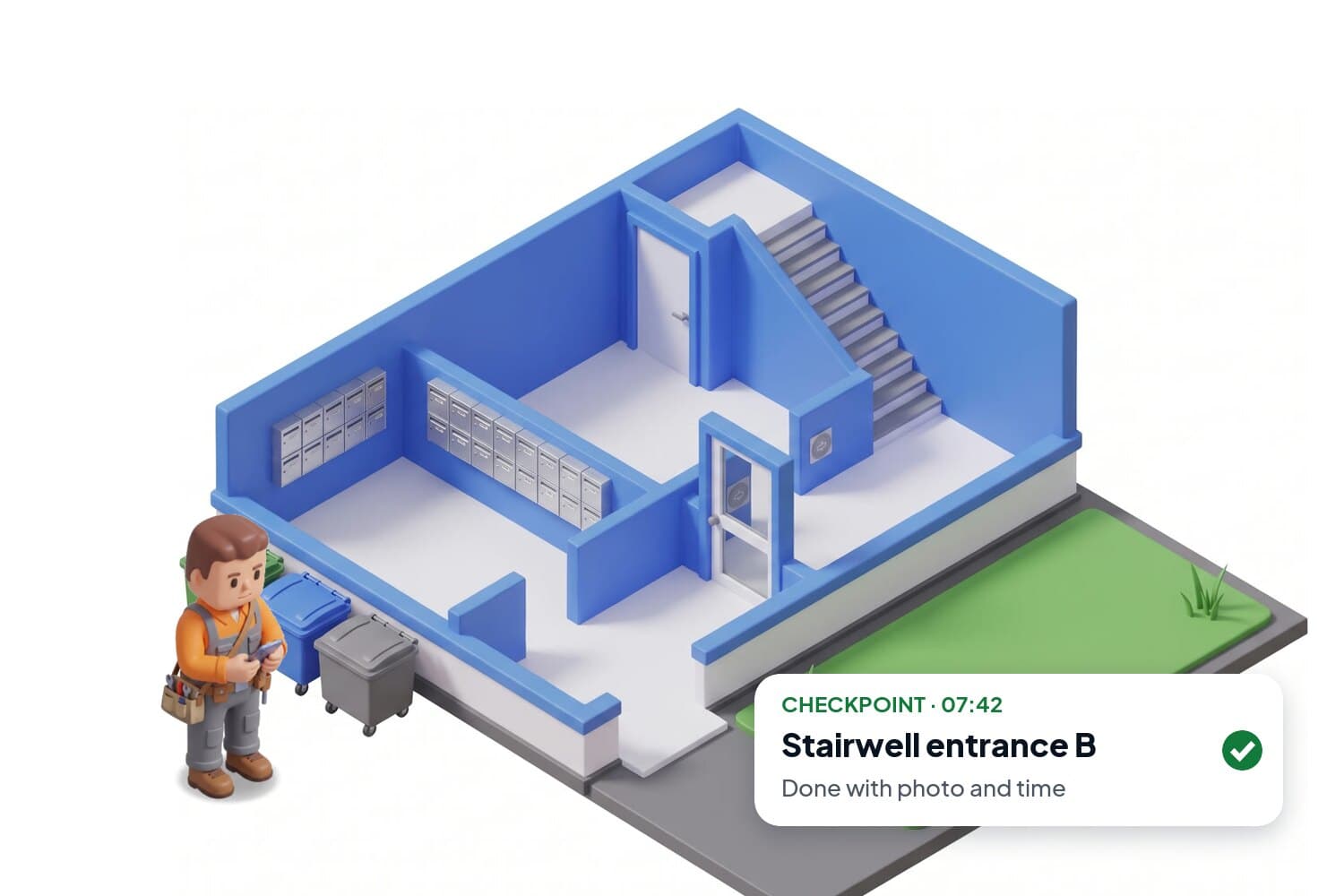
With black ice, you must be able to show in a dispute that the path was cleared. What the record must contain is explained in winter service documentation.
1. Clearing tour scheduled
Per building, recurring.
2. Scan and photo on site
Timestamped, cannot be changed.
3. Report to the owner
Sent automatically.
4. Record for liability claims
In seconds instead of searching files.
Ready to go in three steps
No IT project and no expensive hardware. You need one NFC tag or QR code per building and your team's phones. Most start with one building.
- ✓1. Attach chips: at the entrance, plant room or basement, no drilling.
- ✓2. Complete tasks: scan at the building and tick off with a photo, offline too.
- ✓3. Send proof: at month end, send the PDF to the property manager.
Companies that work with LiteLog.
People from the trade. Experience from everyday work.

„Clear, quickly explained and audit-proof. Exactly what we were looking for.“

„Mr Bamesberger supported us on site in person. Even the first contact was very pleasant.“

„Our technicians document maintenance and call-outs right on site, with photo and time. The customer has the proof before we have left the yard.“
Features
Five building blocks that carry everyday work on site.
Patrols
Every checkpoint is scanned, with a timestamp. If one is missed, you are notified.
Attendance tracking
You see who is in which building right now.
Time tracking with QR and NFC
Clock in and out with a scan on site. Every stamp carries time and place, the hours are ready for invoicing.
Our AI on the phone, in chat and in the app
Hannah answers calls, answers questions about LiteLog, classifies reports and creates tasks. Around the clock.
Go to the AI page
ChatGPT, Claude and integrations
Ask, set up and create directly in your AI. Reports, appointments and contacts land in the tools you already use.
How to connect LiteLog


FAQ
Frequently asked questions about LiteLog
How much does caretaker software cost?
LiteLog costs €79 per month for up to 15 employees (Basis). For up to 50 employees it is €199 (Betrieb), for up to 150 employees €399 (Profi). Sites, rooms and devices are unlimited, and client logins do not count. There are no setup fees and no special hardware. You can try it free for 14 days with the full feature set first.
Do I need special hardware for the caretaker software?
No. LiteLog runs on the smartphones your caretakers already have, Android or iOS. QR codes you print yourself or NFC tags at the building are enough for clocking in. You do not need time clocks or fixed terminals.
Is the caretaker software GDPR-compliant?
Yes. All data is stored on servers in Frankfurt, transfers are encrypted, and roles control who sees what. Clients get their own access and only see the records for their own buildings.
Does the caretaker software also cover cleaning and security?
Yes. In LiteLog, caretaking, cleaning and security work with the same buildings, people and reports, with one login. Nothing is entered twice and you do not need a second program for time tracking or patrols.
How long does it take to set up the caretaker software?
Usually less than an hour. You sign up in the portal and create buildings and tasks. Then you invite your team and attach QR codes or NFC tags at the buildings. You do not need an IT technician or your own server. Guides and videos help you get started.
Does the caretaker software work offline?
Yes. Patrols and tasks can be captured offline, e.g. via NFC in basements or areas without mobile coverage. Data is synchronised automatically once an internet connection is available.
How do I plan patrols in a caretaking service?
In four steps. Place checkpoints at the important spots. Examples are the entrance, plant room, underground car park and emergency exit. Set the interval by importance, daily to monthly. Add a short checklist to each point. Deviations are reported with a photo and become a task. LiteLog covers all four steps in one app.
How do I digitise patrols in a caretaking service?
Replace the paper list with NFC tags or QR codes at the building. The caretaker scans the point and ticks off the checklist on the phone. The timestamp and person are saved with it. All patrols automatically produce a report for the client.
How do I document winter service in a traceable way?
Plan the clearing tour per building in LiteLog. On site, the caretaker scans the point and takes a photo, both with a fixed timestamp. The report goes to the owner automatically. If a liability question comes up months later, the proof is there in seconds. What the record must contain is explained in winter service documentation.