Team communication directly in LiteLog
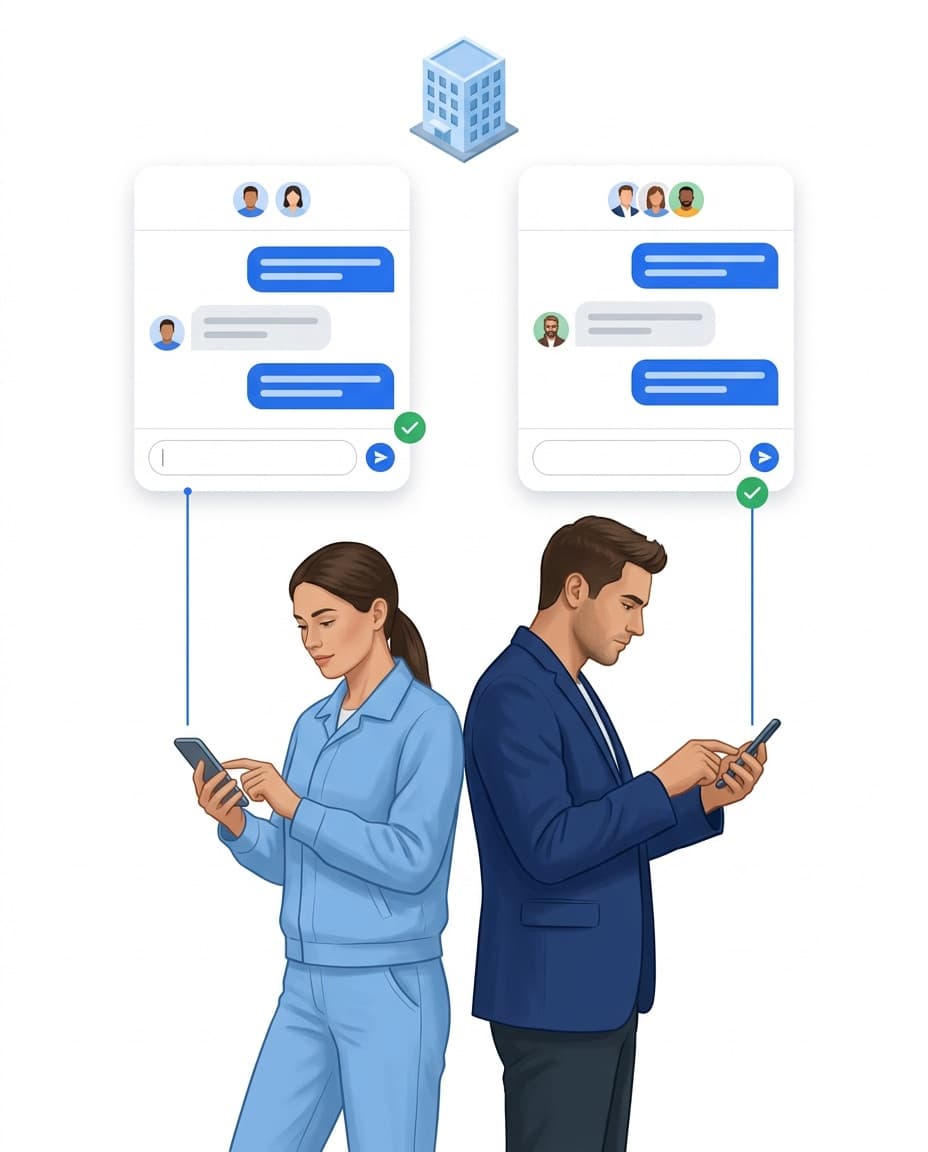
Coordination happens where the work is documented anyway โ in LiteLog instead of a separate app. Conversations work one-to-one or as a group and stay limited to your company. If you like, you can assign a conversation to a site.
- โOne-to-one and group conversations
- โLimited to your company
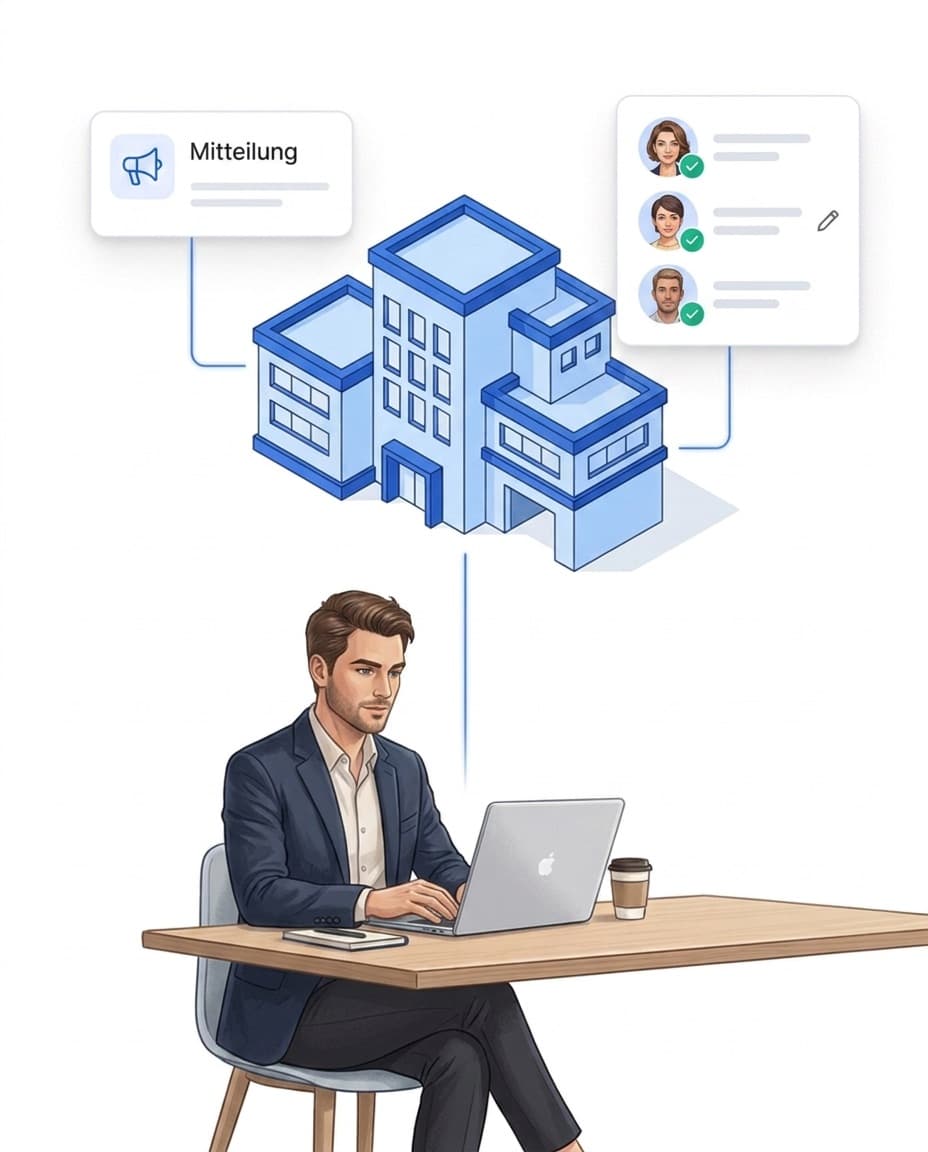
- โOptionally assigned to a site

Push notifications and permissions
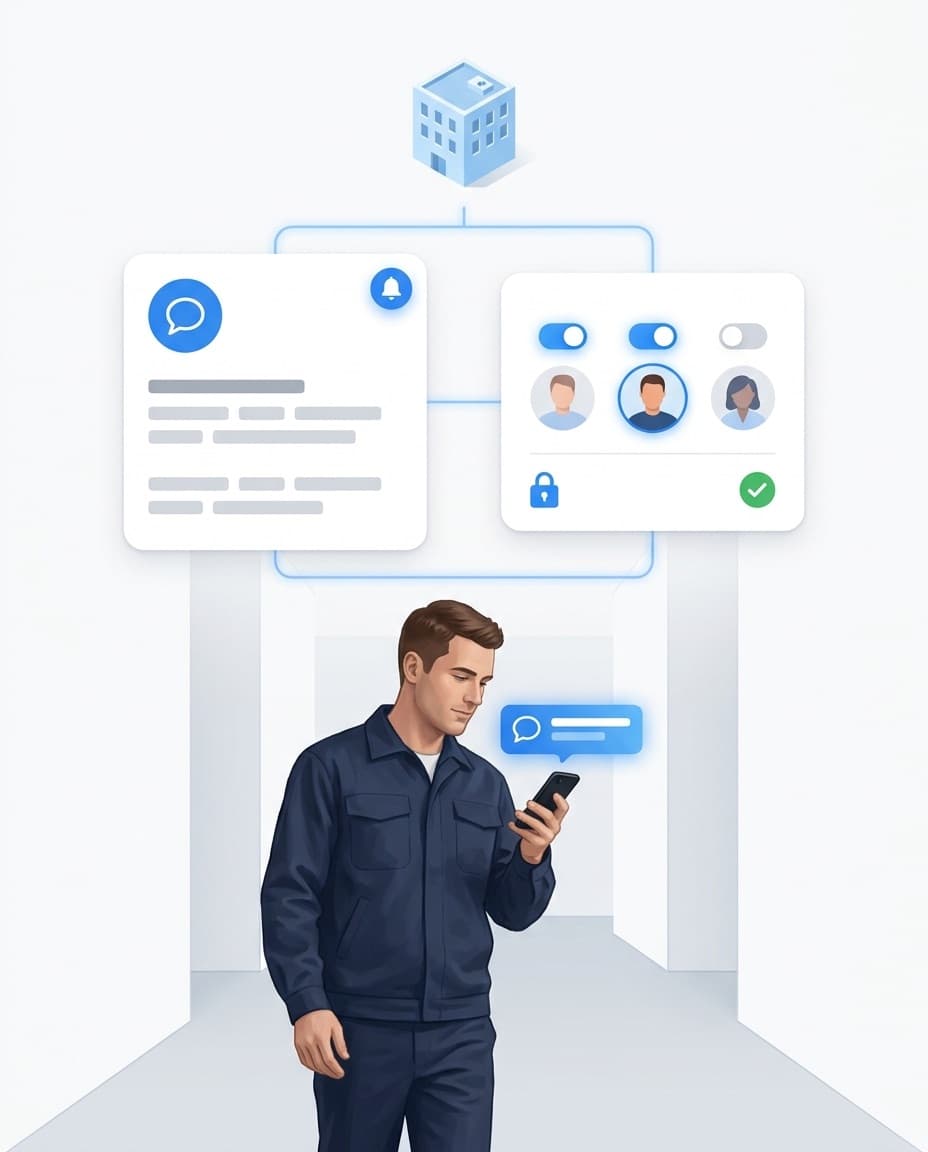
New messages reach the right people instantly via push and open the relevant conversation directly. Permissions control who uses the chat and who may open group conversations โ in line with role-based permission management. Individual conversations can be muted.
- โPush straight into the right conversation
- โSeparate rights for use and group start
- โMute conversations

FAQ
Frequently asked questions about employee chat (FAQ)
What is the advantage over WhatsApp groups?
The chat is part of LiteLog: agreements stay in the same system where your records and tasks are created, and are limited to your company. Instead of scattered private groups, there is one place with clear permissions.
Do employees receive push notifications?
Yes. New messages reach the right people via push notification on the smartphone and open the relevant conversation directly.
Can I control who may start group conversations?
Yes. Using the chat and starting group conversations are separate permissions: employees write in their own conversations, while administrative roles may additionally open groups.