
Cleaning and inspections at motorway service areas
For rest areas with fixed cleaning requirements: LiteLog checks the time window, minimum duration and interval of every cleaning round and reports deviations right away.
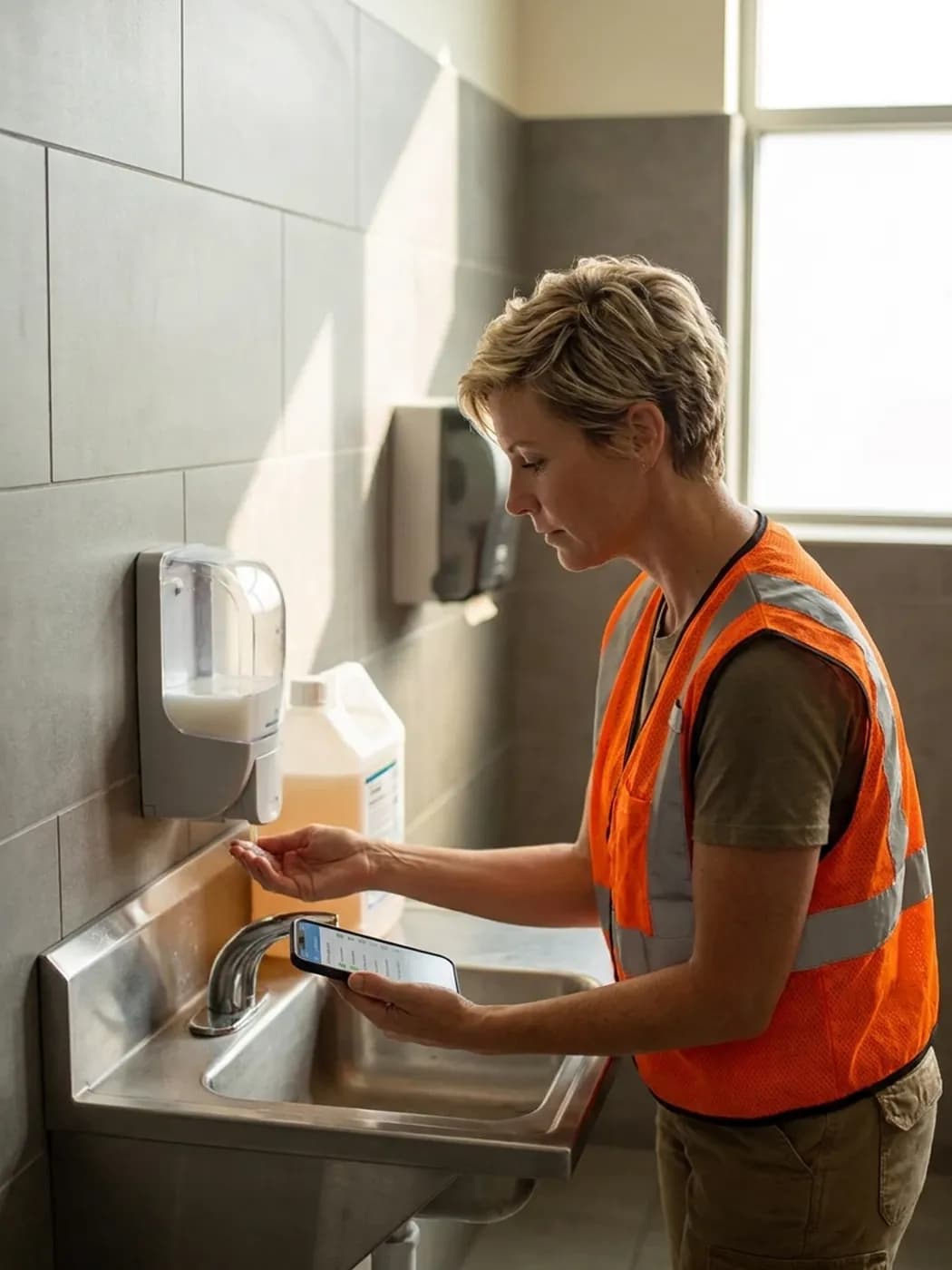
Cleaning only within the set time window
Your client's requirements define when cleaning may take place. LiteLog makes sure they are met.
- ✓Execution windows: for example 6 to 10 am and 5 to 9 pm on weekdays.
- ✓Weekends and holidays: If needed, separate time windows apply there.
- ✓Holidays by state: The German state where the site is located is what counts.
- ✓Blocked outside: The app will not start a time then, not even offline, and shows when it is possible again.
- ✓Once for all sites: You set default values centrally, and every site adopts them.

Minimum duration and interval checked
LiteLog compares every cleaning round with your client's requirements.
- ✓Minimum duration: If a round is shorter than required, LiteLog reports it.
- ✓Minimum interval: If the next round comes too early, you get an alert.
- ✓Maximum interval: If a round is missed, you know before the travellers do.
- ✓Tolerance: A grace period absorbs small deviations.
- ✓To the right people: by email, text message, push or phone call to the people you choose.

NFC tag and form instead of a paper list
Paper lists on the door get lost, are filled in wrongly or ticked off in advance. With an NFC tag and a digital form, that no longer happens.
- ✓One NFC tag per area: ladies' toilets, men's toilets, accessible toilet or outdoor area.
- ✓Form instead of a list: After the scan, your team fills in the area's form, with required fields and a photo if needed.
- ✓Nothing gets lost: No wet, torn or missing list on the door.
- ✓No ticking off in advance: An entry is only created by the scan on site, with person and time.
- ✓Only what is due: The app shows today's tasks in your team's language.
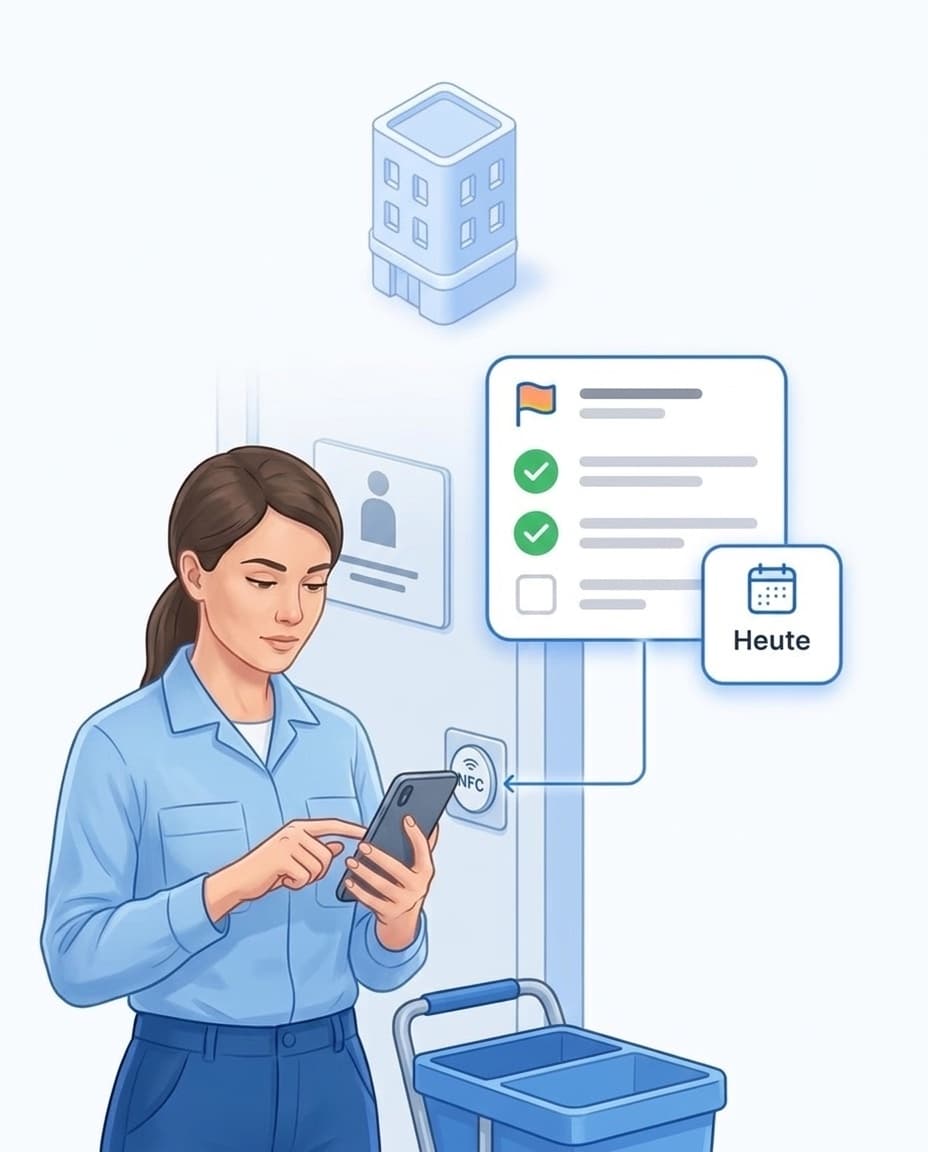
Every cleaning round confirmed by NFC
Your team holds the phone to the facility's NFC tag, which records check-in and check-out.
- ✓NFC tag at every facility: one tap with the phone, no camera and no code to read.
- ✓On site only: If you wish, the app checks the location when scanning.
- ✓Even without signal: The app works offline and uploads everything once there is reception again.
- ✓Late entries flagged: Times entered afterwards are marked in the report.
- ✓Learn more: Time tracking for building cleaning.
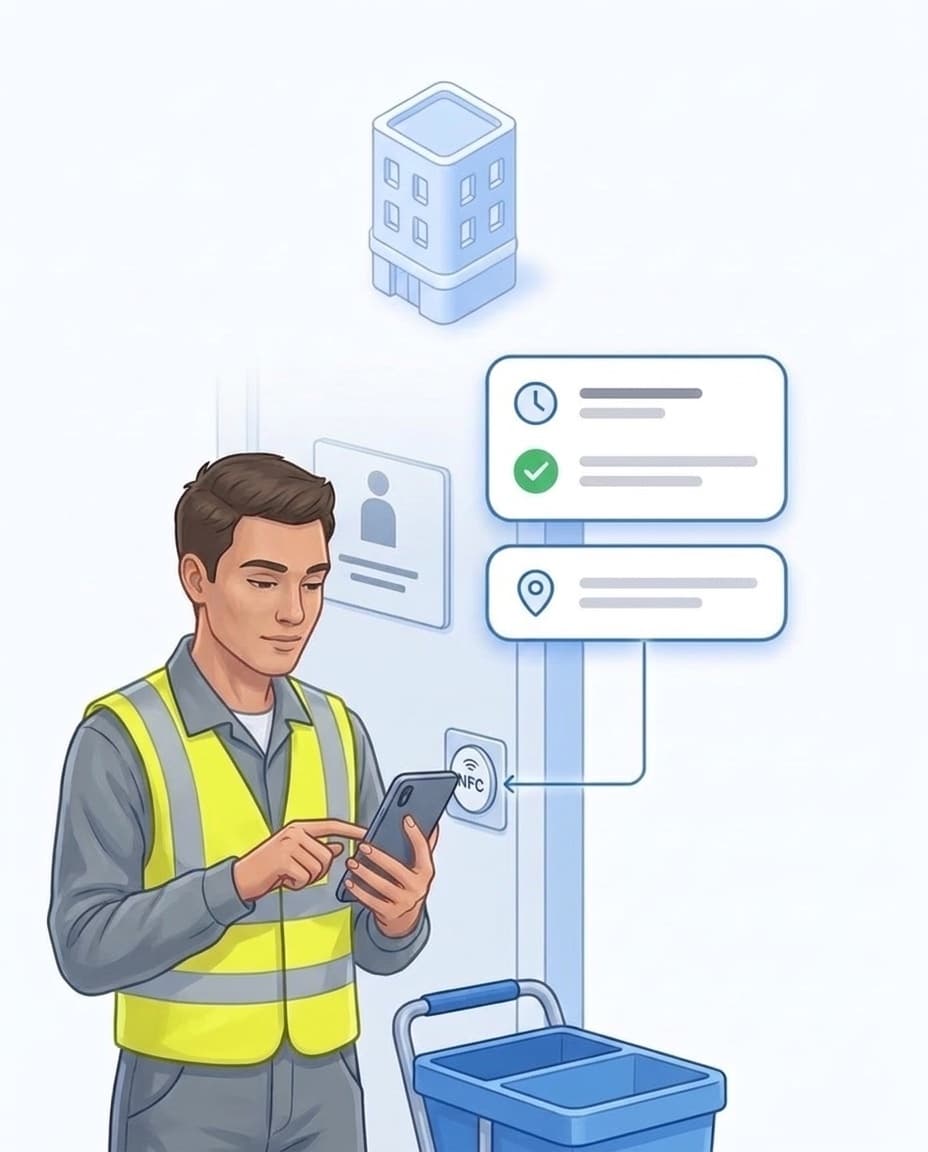
Proof for your client
Your client sees what happened at their sites.
- ✓Service report: per site and period as a PDF.
- ✓Automatic delivery: by email, for example weekly or monthly.
- ✓Client access: Your client sees only what you share, and only their own sites.
- ✓Data protection: hosted in Germany, data processing agreement included.
- ✓Service station with staff on site? Someone is usually there all day, like Saniteq at more than 50 Sanifair facilities. For that, our software for cleaning companies is the better fit.

FAQ
Frequently asked questions about LiteLog
Which sites is LiteLog suitable for?
For rest areas and motorway toilet facilities where the client sets time windows, minimum duration and intervals for cleaning. For staffed service stations with people on site all day, our software for cleaning companies is the better fit.
What are execution windows?
They are the time windows in which cleaning may take place at a site, for example 6 to 10 am and 5 to 9 pm on weekdays. Outside these windows, the app does not start a time. Checking out is possible at any time.
Can I set different time windows and intervals for weekends?
Yes. For weekends and public holidays you can enter separate values. Holidays follow the German state where the site is located.
How does LiteLog check the minimum duration of a cleaning round?
LiteLog compares the time between check-in and check-out with your requirement. If a round is shorter, LiteLog informs the people you choose. A tolerance absorbs small deviations.
Will I notice if a cleaning round was missed?
Yes. You set a maximum interval between two rounds. If it is exceeded, LiteLog reports it. A service time ensures that the night does not count.
What happens if there is no signal at the site?
The app keeps working offline, including the time window check. All entries are uploaded once there is reception again. The time recorded is the time of the scan, not of the upload.
Can the client view the records themselves?
Yes, through their own client access. You decide what they see, for example inspection rounds, reports and incidents, always only for their sites. You can also send them the service report automatically by email.
Do I have to enter the requirements at every site separately?
No. You set time windows, minimum duration and intervals once as a default. Every site adopts it, and you only enter different values where needed.
Our team speaks many languages. Is that a problem?
No. The app is available in 15 languages, and each person chooses their own. Checklists and forms can also be translated.
Prove every cleaning round.
Sign up and set up your first site today. 14 days free, no credit card required.