
Software for security companies
Every patrol on record: your team scans checkpoints with a smartphone, incidents go straight into the digital security logbook, and your client receives the proof automatically.
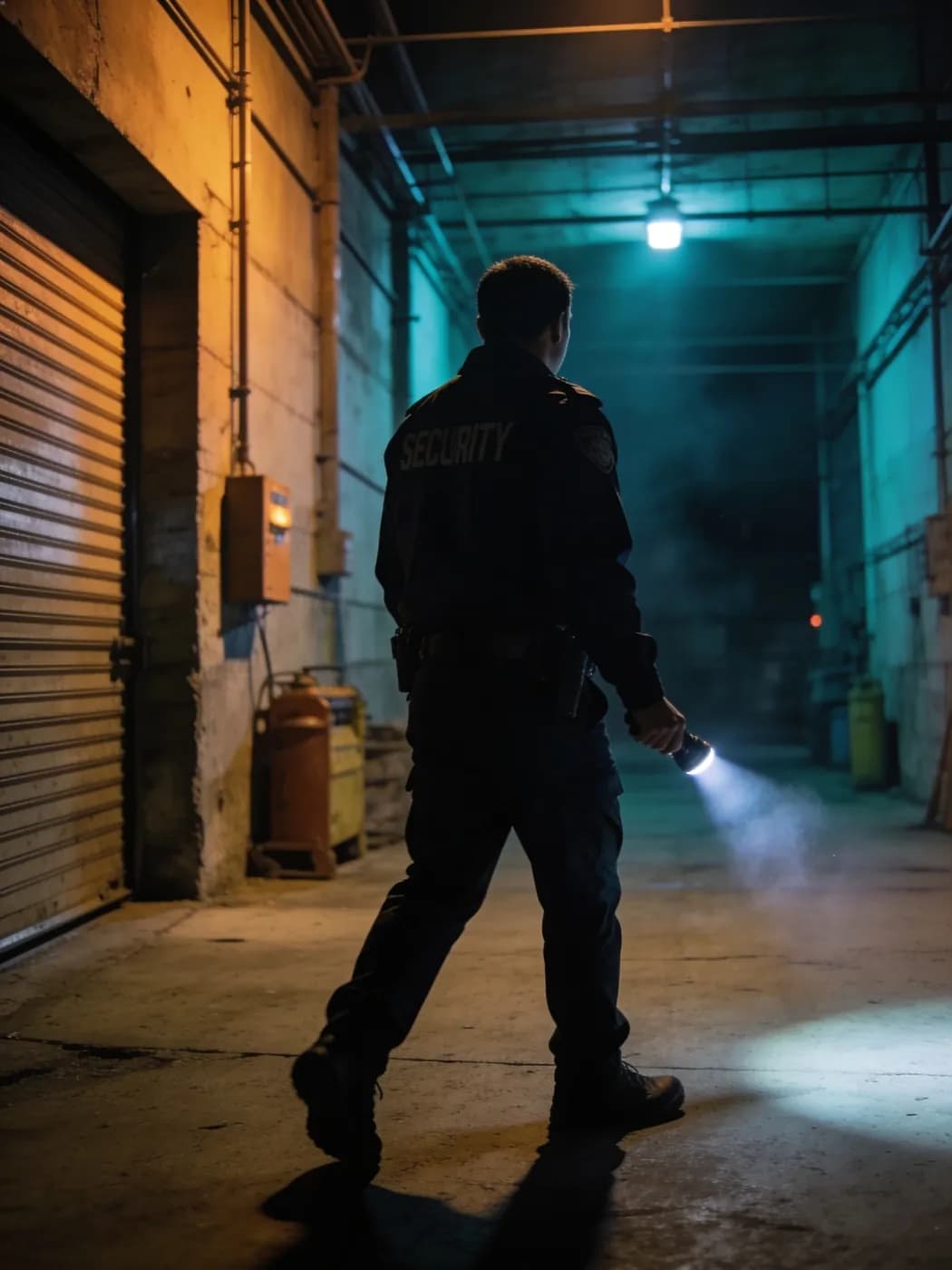
Guard tour system with AI: LiteLog for security services
The industry trailer: documented patrols, AI-classified incident reports, Hannah in the team chat, translated forms and proof by morning.
Why clients require a guard tour system
More and more clients make a guard tour system a requirement. Without digital proof, you often do not even make the shortlist.
- ✓In the tender: A guard tour system is often required just to place a bid.
- ✓In the contract: Clients want every patrol on record.
- ✓Covered by LiteLog: Proof for each patrol, alerts on deviations, security logbook and reports.
- ✓More about the system: How the guard tour system works.
Prove patrols with a smartphone
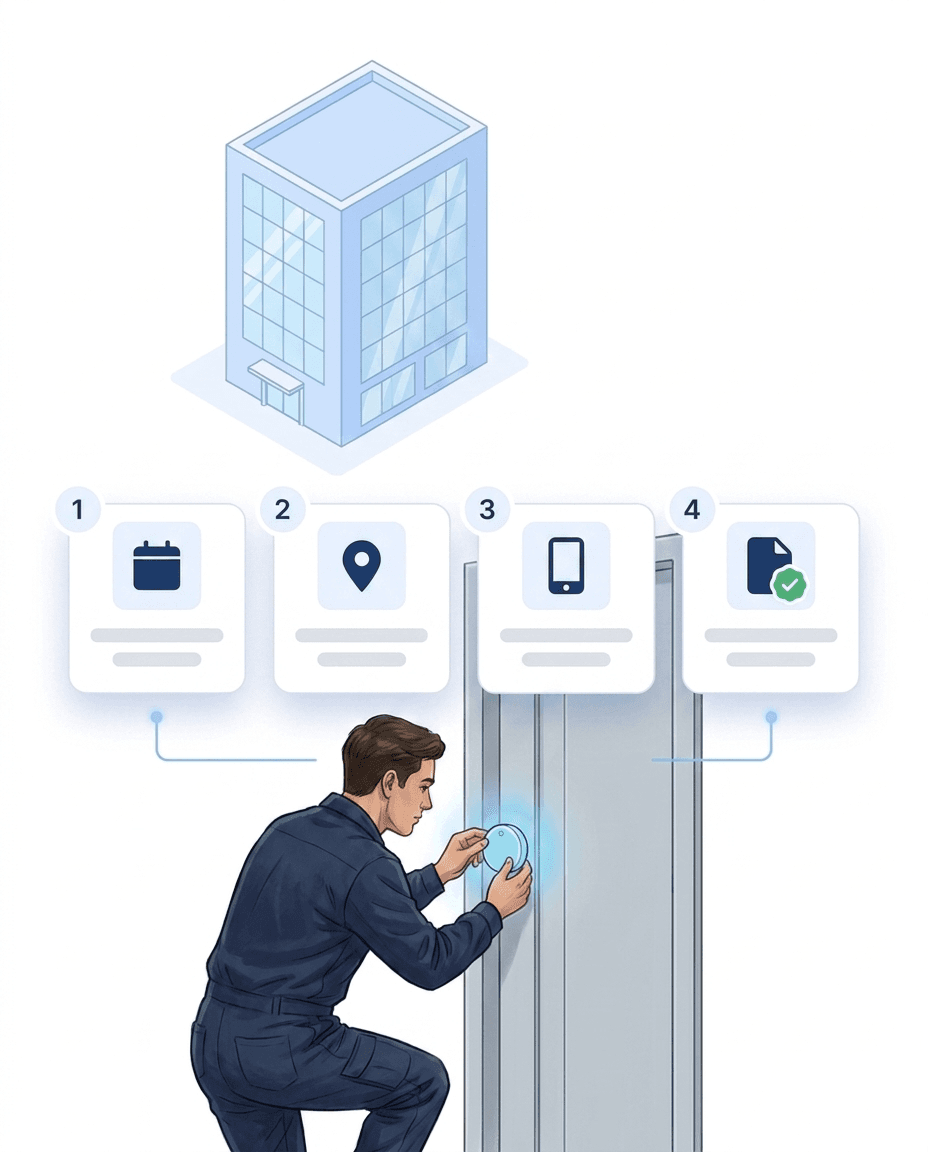
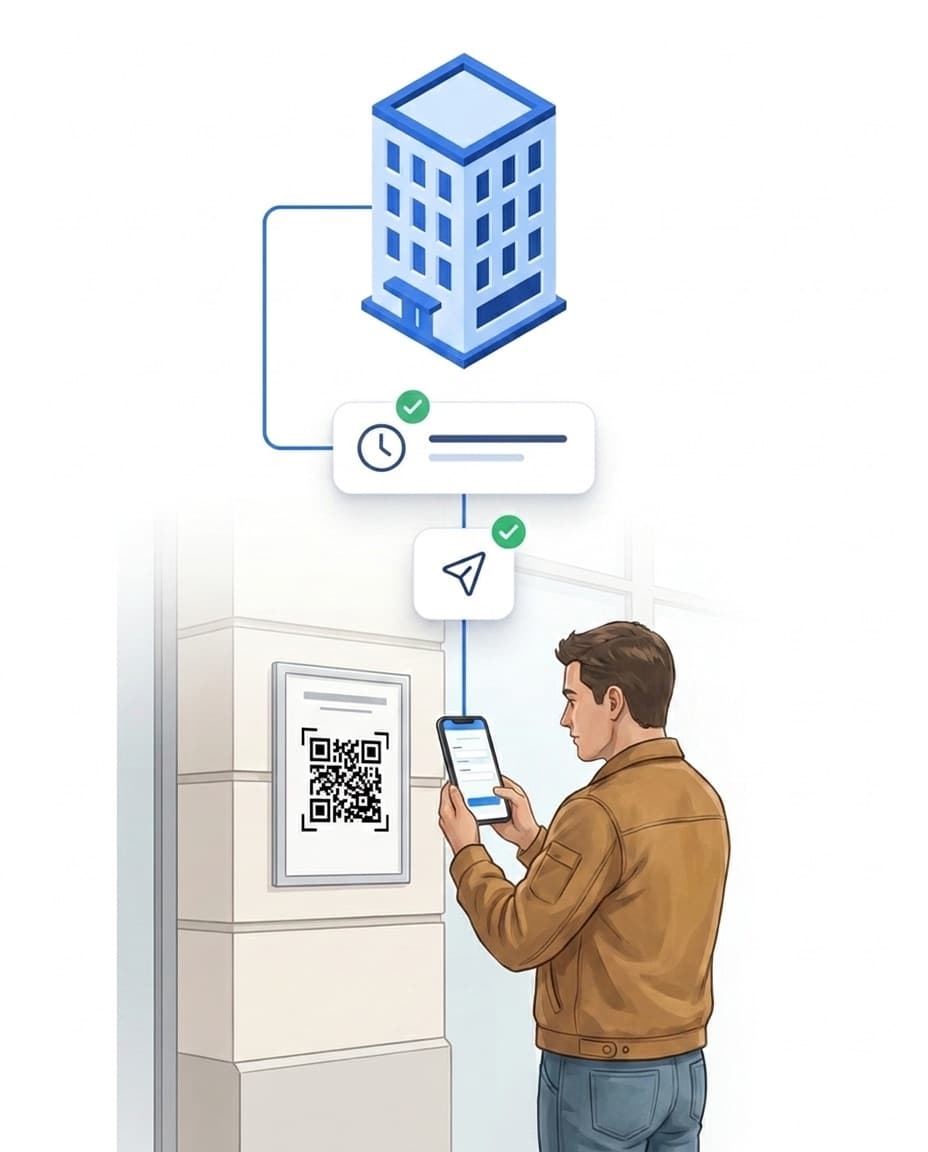
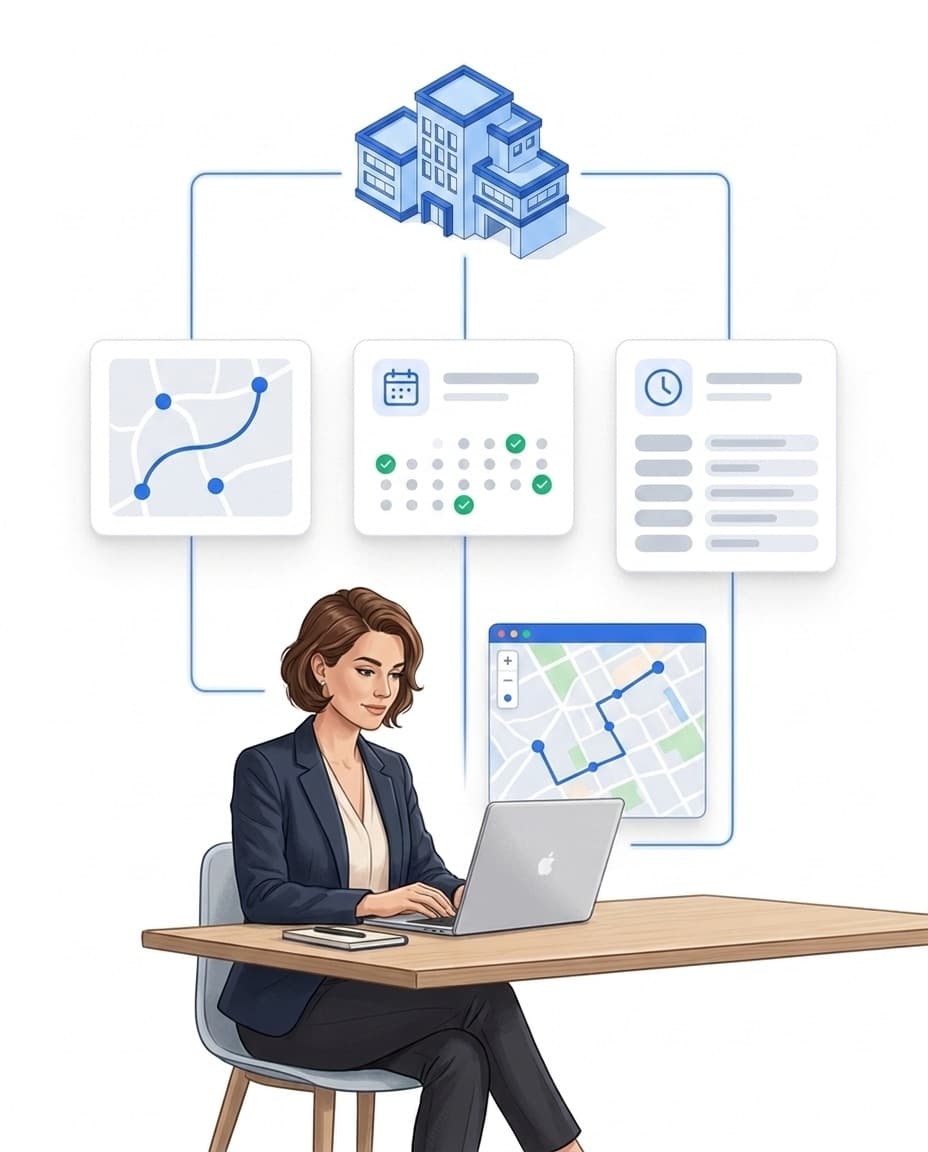
Each checkpoint has an NFC tag or QR code. Your team scans it with a smartphone.
- ✓Every scan counts: Person, time and GPS position are saved.
- ✓Planned, not forgotten: Patrols with fixed time windows, for example every two hours at night.
- ✓Instant alerts: If a checkpoint is missed, LiteLog notifies the operations manager.
- ✓No special hardware: Standard smartphones and low-cost NFC tags are enough, even offline.

Shift planning and time tracking
You plan shifts for each site. Your team checks in and out on site. So you know who was on duty where and when.
- ✓Shift schedule: Plan shifts per site, your team sees its shifts in the app.
- ✓Check in on site: via QR code or NFC tag, with time and location.
- ✓No-show alerts: If nobody turns up for a shift, the operations manager is told.
- ✓Hours for billing: Planned and actual hours per employee and site, as CSV.
Incidents in the digital security logbook
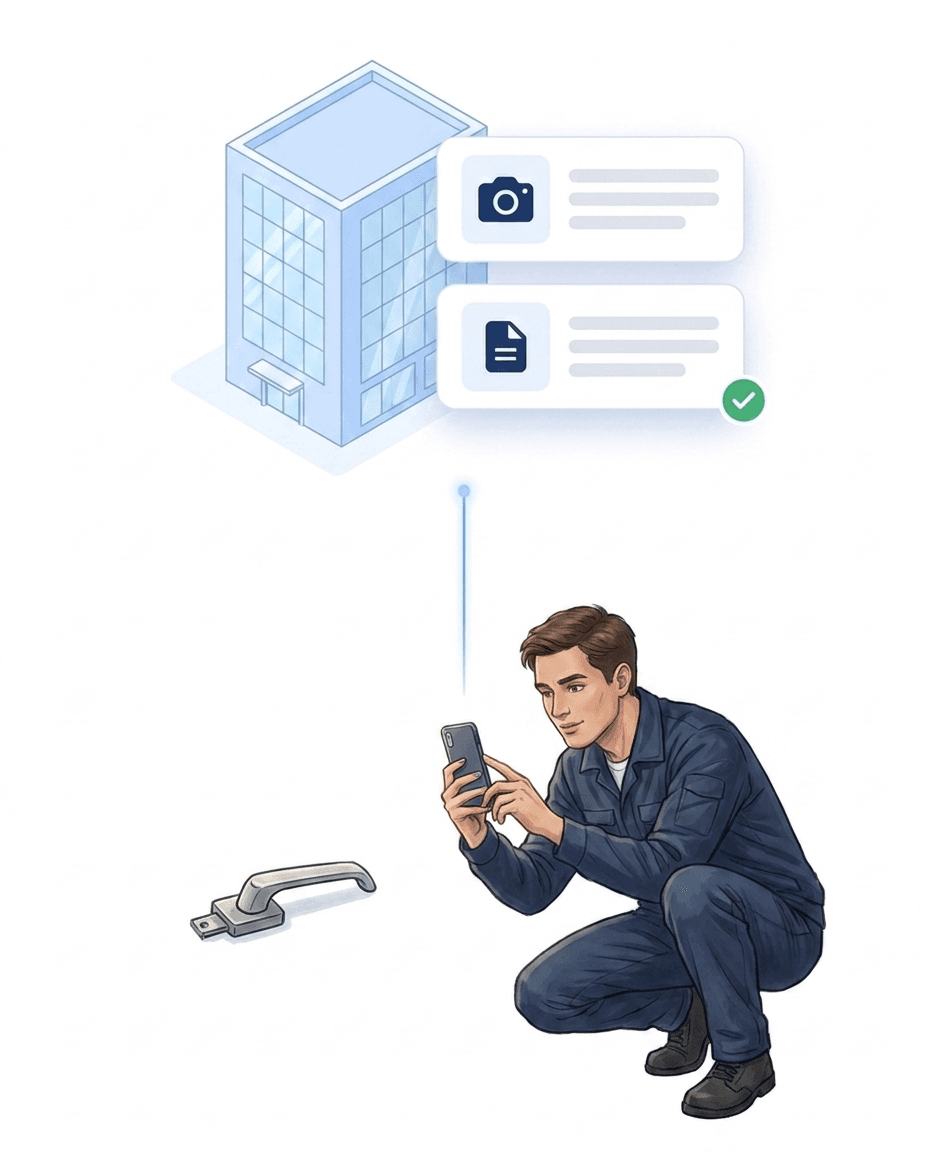
No more paper notes and WhatsApp. Every incident ends up in one place.
- ✓With photos: Record incidents with image, category and location.
- ✓Handovers: Shift handovers are fully documented.
- ✓Traceable: Corrections only with a reason, the original stays visible.
- ✓More about the logbook: Digital security logbook.
Reports: only what your client should see
You decide what goes into the report and how it is delivered.
- ✓Only what matters: You build the report yourself from ready-made blocks.
- ✓Automatic delivery: by email, daily, weekly or per shift.
- ✓Client portal: Your client only sees what you share.
- ✓Download: every report as PDF or CSV.
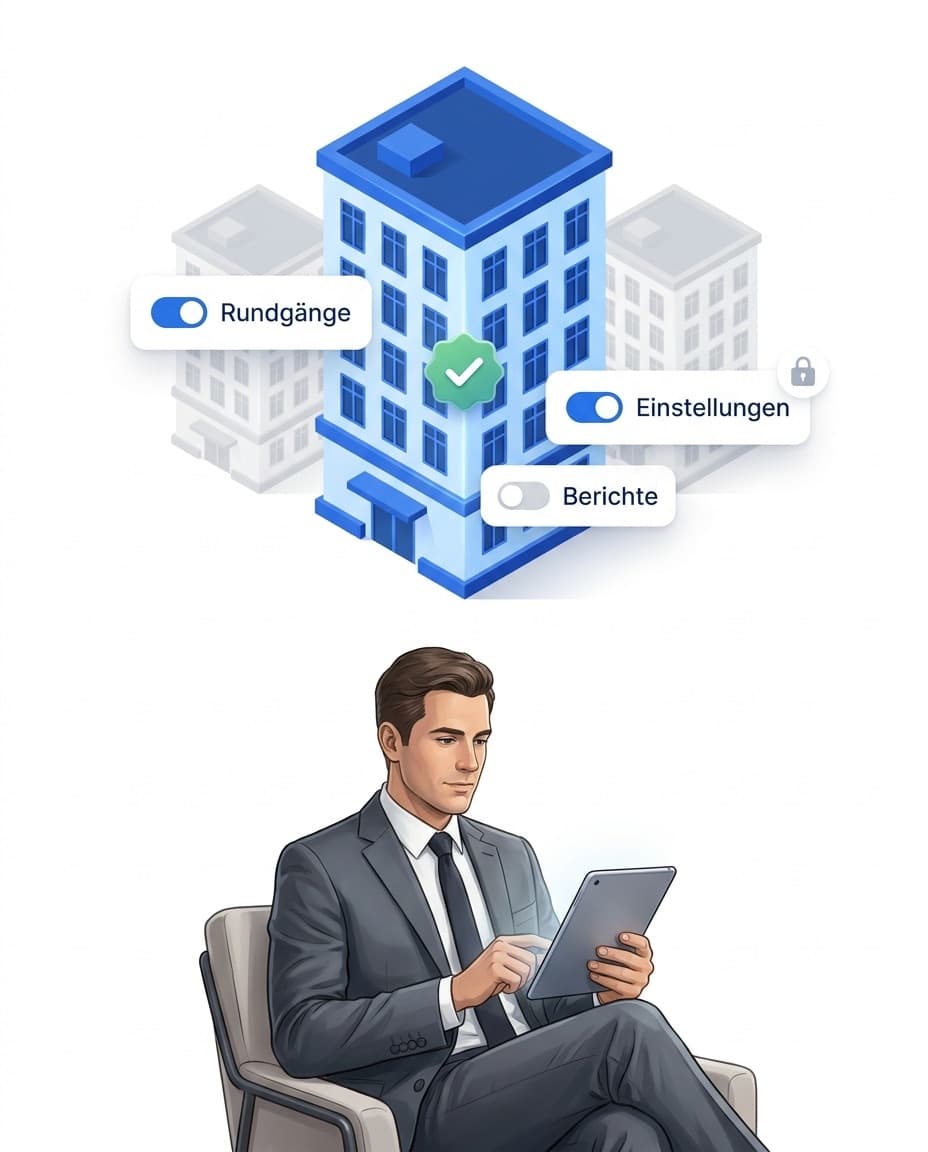
Protection when something goes wrong
After a break-in, clients and insurers ask: was your team on site?
- ✓On record: You show who checked which checkpoint and when.
- ✓With photos: for example of the locked gate.
- ✓Server timestamp: Corrections only with a reason.
- ✓As PDF: the history for clients and insurers.
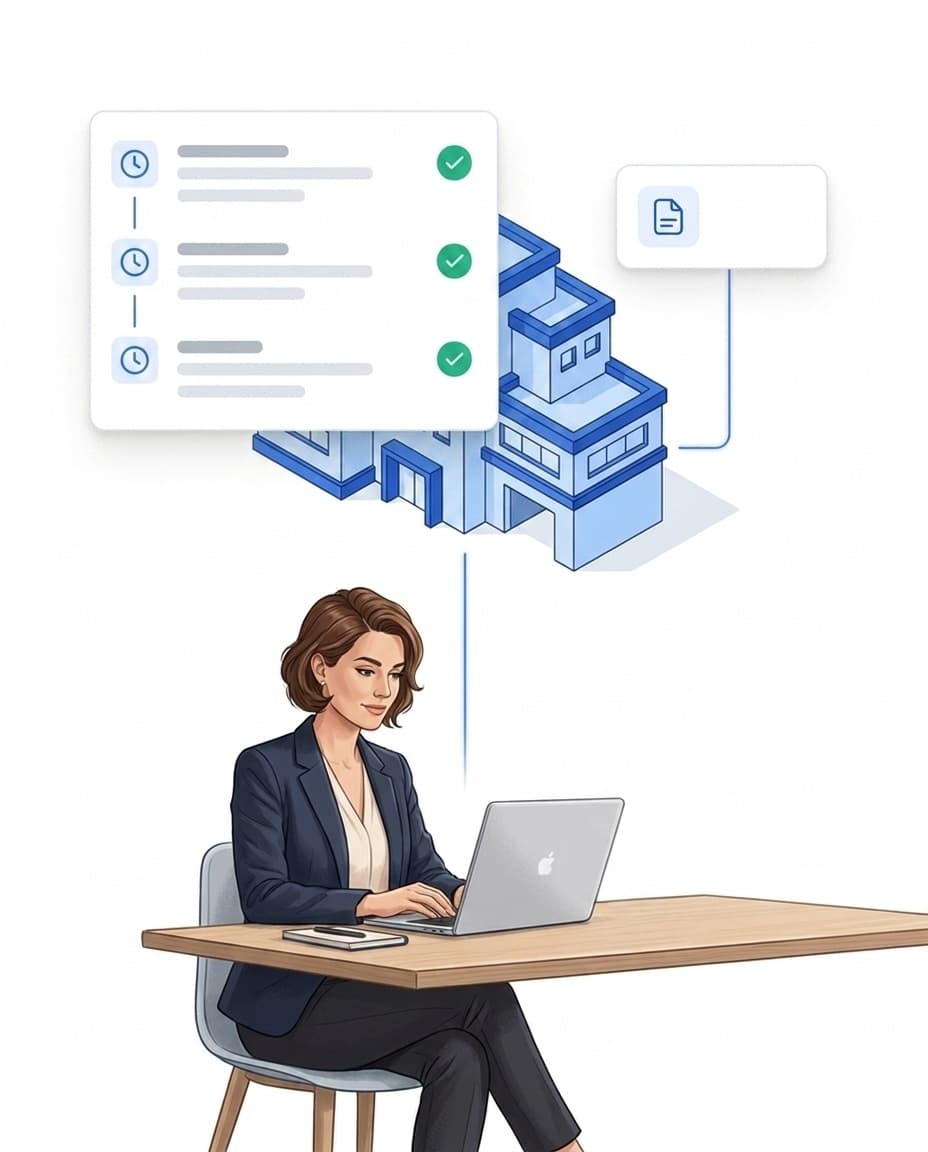
Sign up today, start today
A guard tour system often has to be in place within a few days. With LiteLog, you can start right away.
- ✓Sign up: Try free for 14 days, no credit card needed.
- ✓Set up checkpoints: Print QR codes right away, add NFC tags later.
- ✓Invite your team: Download the app, log in, get started.
- ✓Flexible: cancel monthly, adjust seats at any time.
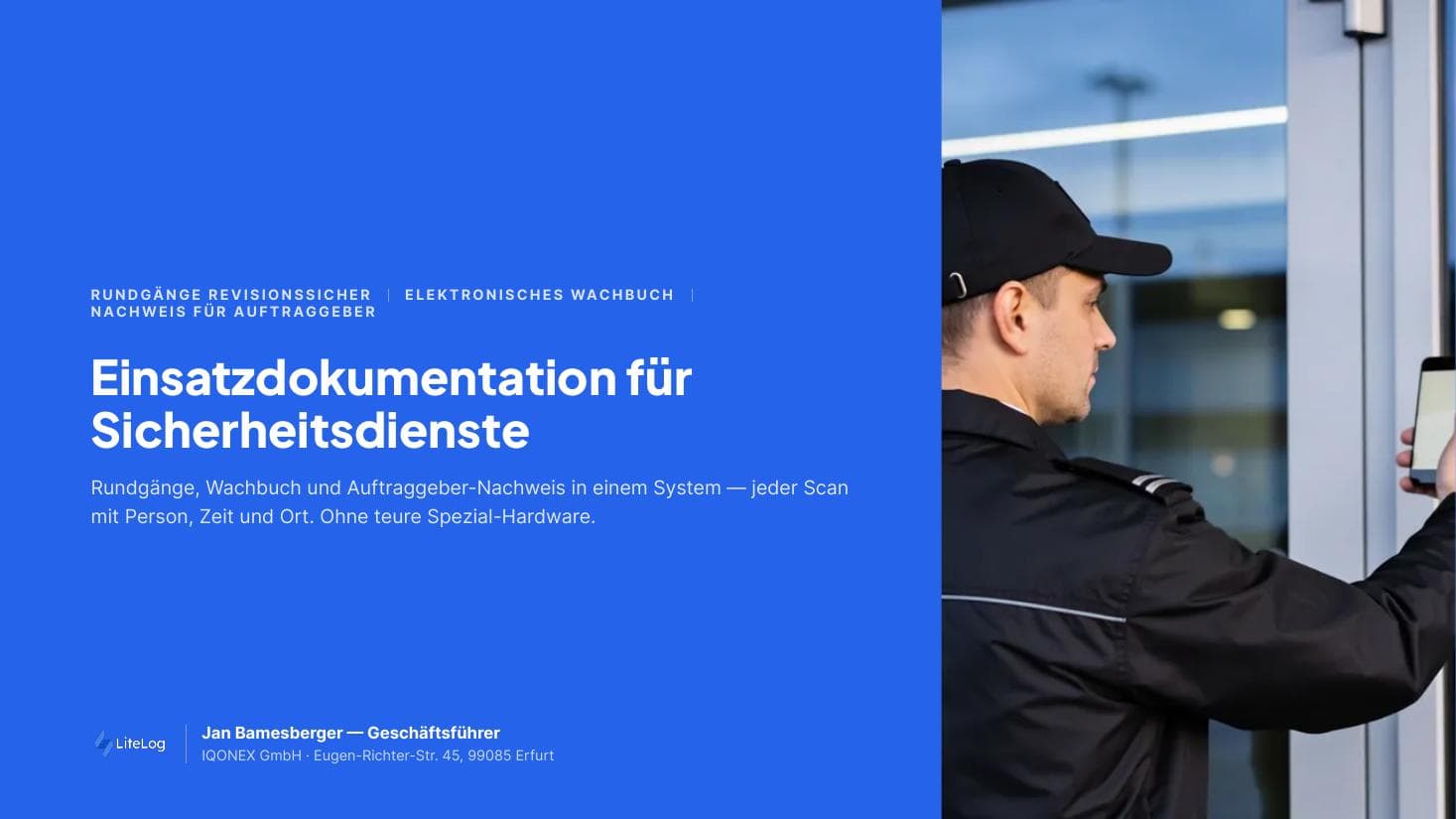
Security Services — Evidence-Based Deployment Documentation
Free brochure on court-admissible documentation of patrols, incidents and working hours. Download now.
PDF, 4 MB
All materials in the media library →
FAQ
Frequently asked questions about LiteLog
What is security guard software?
Security guard software digitises the core processes of a guarding business: patrols, incident reporting, the security logbook and client reports. LiteLog combines these functions in one application, without extra hardware.
How does LiteLog replace a guard tour system?
Instead of clock stations and data wands, LiteLog uses NFC tags or QR codes as checkpoints. Your staff scan them with a smartphone. Every scan saves the time, GPS position and user ID. The data is available in the control room immediately, not only at the next readout.
Do I need special hardware for patrols?
No. Standard NFC tags or printed QR codes are enough. Your staff use their smartphone or a simple company device.
Is the proof reliable?
Yes. Every entry contains the time, GPS position and user ID, and the timestamp comes from the server. Corrections need a reason and are logged as a separate action, the original stays visible. This creates a complete chain of evidence.
Can I create automatic reports for clients?
Yes. LiteLog creates PDF reports per site and period and sends them automatically. The reports include patrols, scans, incidents and actions taken. In addition, your client can check everything in their own client portal and submit requests as a ticket instead of calling. Client portal accounts do not count as users.
What happens if a patrol or checkpoint is missed?
Then the alert chain starts: first a push notification to the guard, then, after a set waiting time, a notification to the on-call team. SMS and phone calls are available as an add-on. Every step is logged, and the client can see in the proof that action was taken.
Can staff dictate their reports?
Yes. Reports can be recorded as a voice memo. If you enable the AI features in the settings, the AI transcribes the recording and classifies the incident by category and severity. For serious incidents, you activate the ready-made template “Report → AI classification → Escalation”. The incident then goes to the operations manager without anyone having to step in.
My team speaks several languages. Will everyone understand the forms?
Yes. LiteLog uses AI to translate forms into the languages of your team. Your guard fills them in in their own language, the structure stays the same. You can see the translations in the portal and correct them if needed. LiteLog also prepares translated reports for your client, and the original is kept.
Is the software GDPR compliant?
Yes. LiteLog runs its servers in Germany. Data is encrypted in transit and at rest. A data processing agreement (DPA) under the GDPR is available as standard. Retention periods can be configured individually.
What legal requirements apply to guard tours in Germany?
The security industry is governed by the German Trade Regulation Act (§ 34a GewO), and service quality by the DIN 77200-1 standard. Clients and insurers require complete proof of patrols. LiteLog records every patrol with time, location and person, as a basis for audits and disputes.
Prove every patrol.
Sign up and get started today. Free for 14 days, no credit card needed.