
Housekeeping and maintenance in your hotel
Housekeeping, maintenance and the night shift work in one app. You always see what is done and what is still open.
LiteLog for hotels in 90 seconds
Housekeeping, maintenance rounds and tasks: what LiteLog does for hotels.
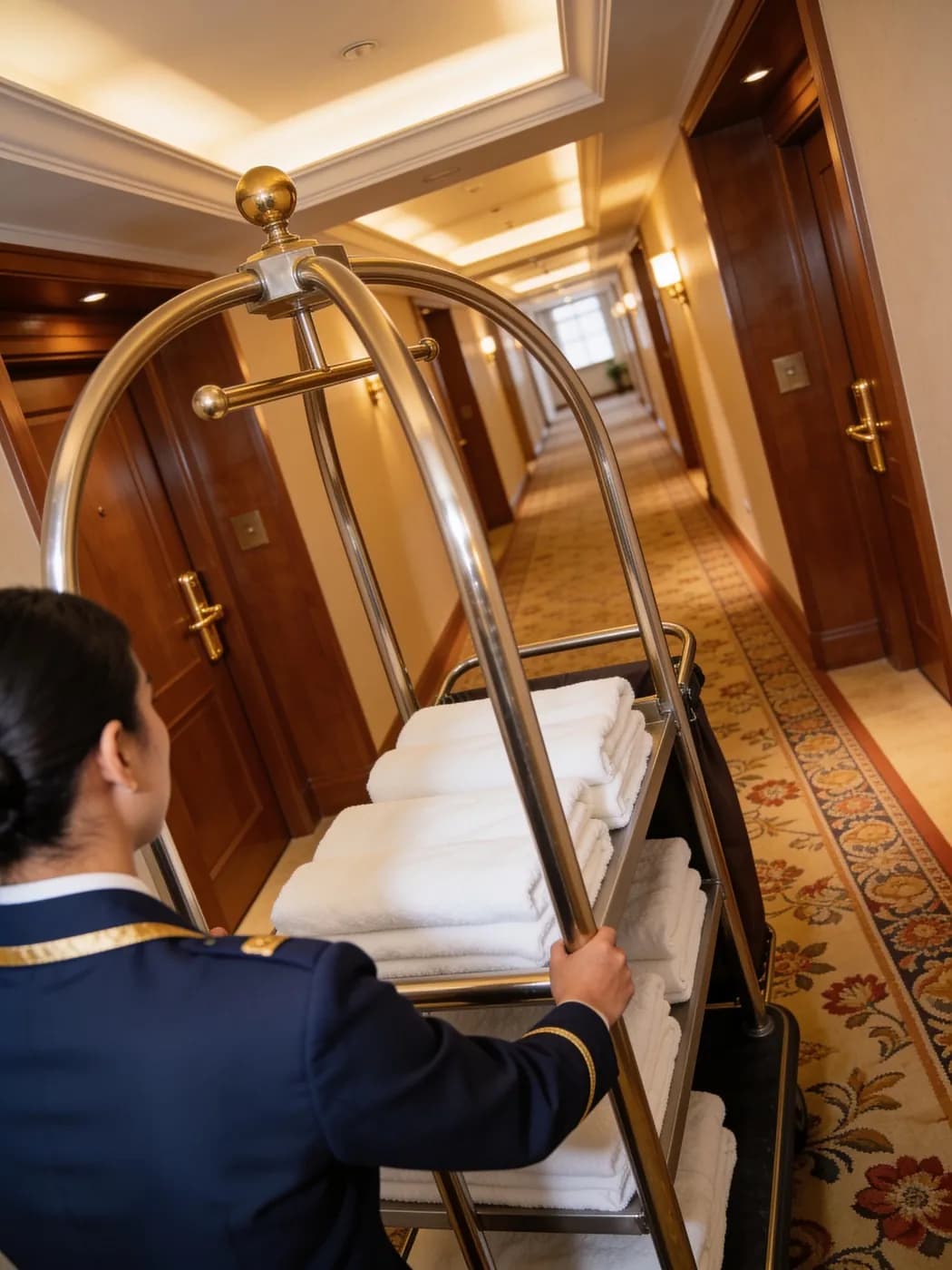
Housekeeping: assign rooms and tick them off
Every room attendant sees in the app which rooms are theirs today.
- ✓Assign rooms: tasks per room or floor for one or several people.
- ✓Checklist per room: bathroom, bed, floor, minibar. For a standard clean, one tap on done is enough.
- ✓Special jobs: deep cleaning or linen changes as a recurring series.
- ✓Progress at a glance: every task is open, in progress or done, no phone calls needed.
- ✓Photo when needed: your team records anything unusual with a photo.

From a defect in the room to maintenance
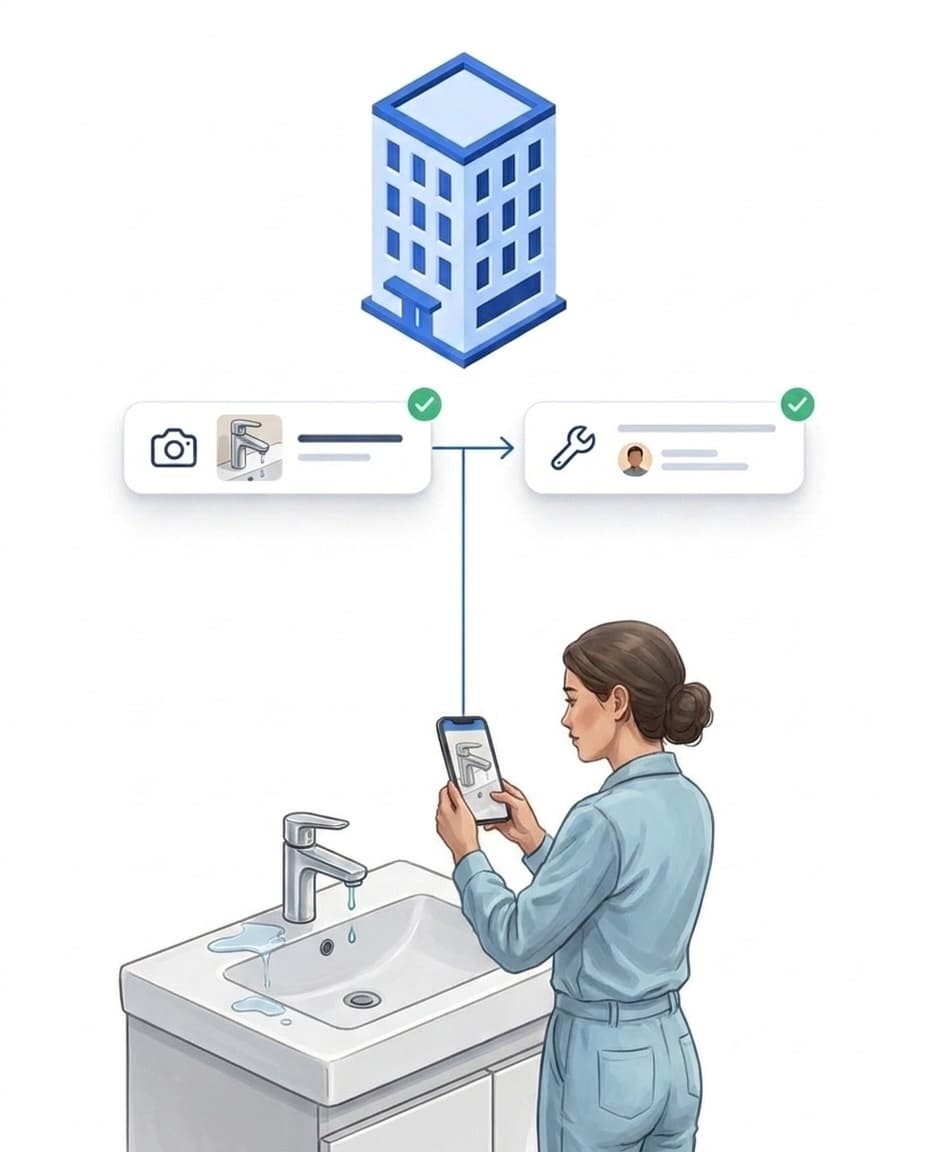
A dripping tap no longer gets lost between two shifts.
- ✓Report with a photo: housekeeping or reception log the defect right in the app.
- ✓Voice note instead of typing: if you wish, AI transcribes it and suggests category and severity.
- ✓Becomes a task: a rule turns the report into a task for maintenance.
- ✓Priority and deadline: urgent items come first, overdue ones stand out.
- ✓Done with proof: the technician closes the task with a photo and a short note.
Night shift patrols
In the morning you see whether the night shift covered every point.
- ✓Checkpoints: NFC tag or QR code at emergency exits, plant rooms, the car park and the pool area.
- ✓Several rounds per night: you set the time windows and frequency.
- ✓Gaps visible: points that were not scanned are flagged automatically.
- ✓Alert if missed: if a patrol does not take place, management is notified.
- ✓Learn more: Documenting patrols digitally.

Maintenance and inspections on schedule
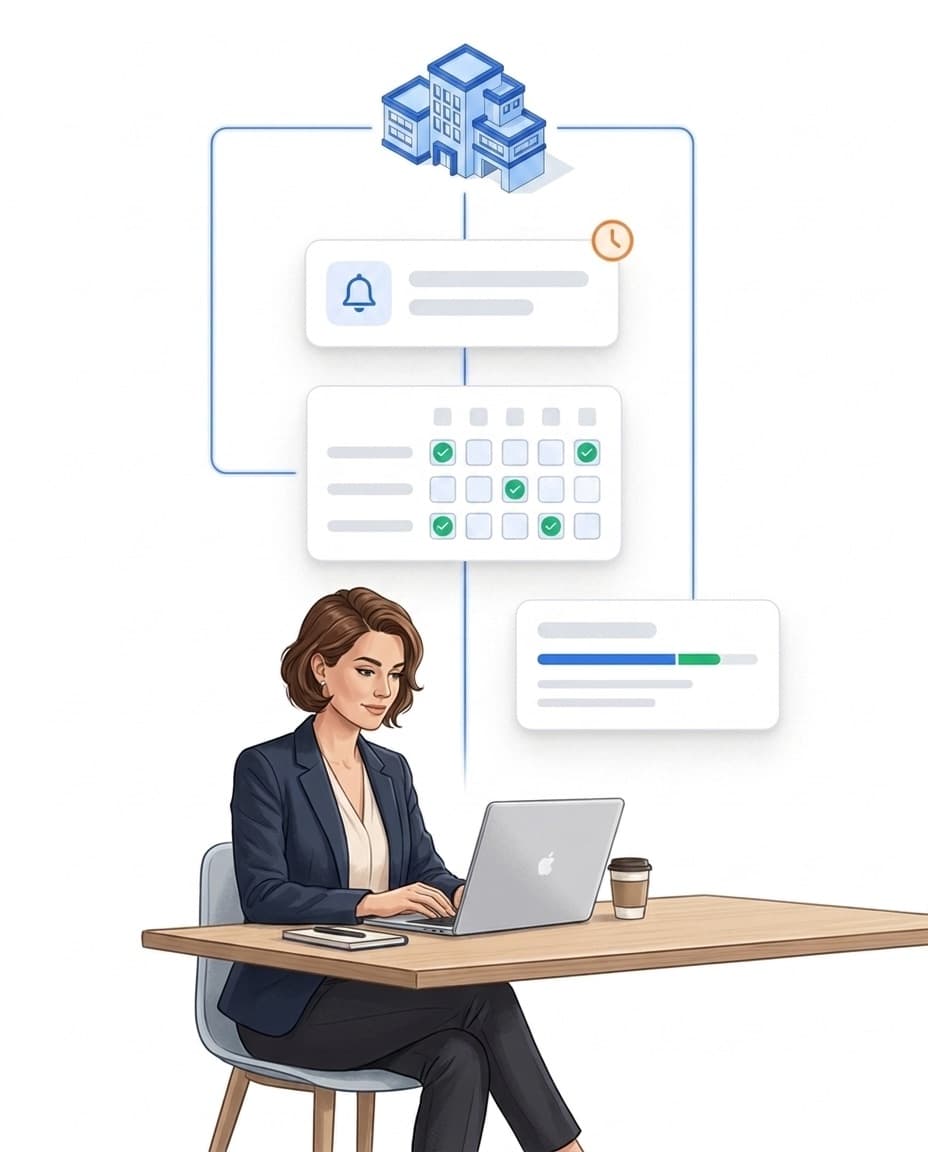
Regular inspections appear automatically for the person in charge.
- ✓Recurring: daily, weekly or monthly, for example the lift inspection.
- ✓Checklist for inspections: smoke detectors, emergency lighting, fire doors.
- ✓Overdue and today: two filters show what is urgent right now.
- ✓Traceable: every action with time and the person responsible.
- ✓Learn more: Software for building maintenance.
Shift planning and time tracking
You plan the shifts, your team clocks in and out at the staff entrance.
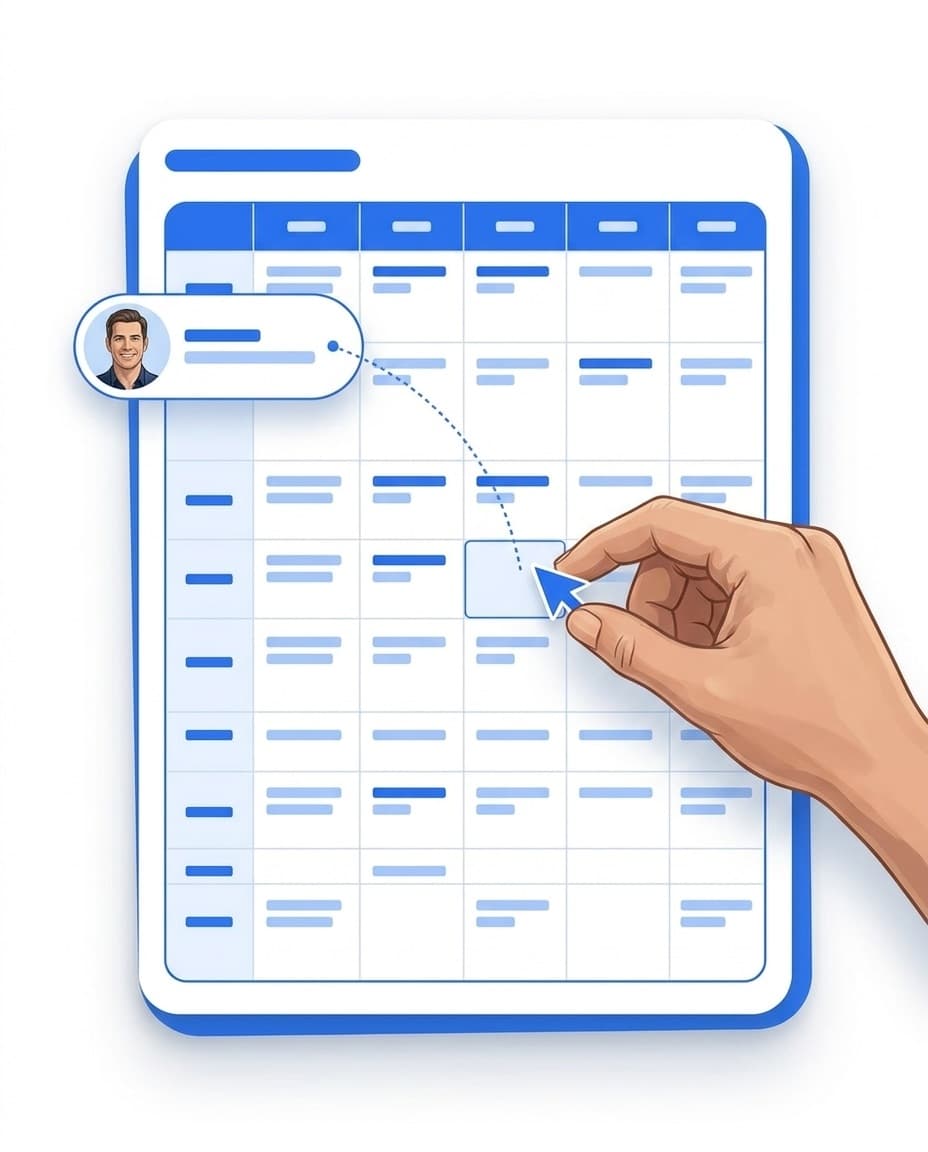
- ✓Shift plan: plan early, late and night shifts, your team sees them in the app.
- ✓Clock in by QR code: one code at the staff entrance, or a fixed tablet if you prefer.
- ✓Alert when someone is missing: if the night shift is not staffed, you are notified.
- ✓Hours for payroll: planned and actual hours per employee as CSV.
- ✓Learn more: Tracking attendance digitally.
One team, many languages
Everyone works in their own language and stays reachable without WhatsApp groups.
- ✓App in 15 languages: everyone chooses their own language.
- ✓Forms translated: if you wish, AI translates your forms into all languages.
- ✓Team chat: one to one or in groups, for example for housekeeping or maintenance.
- ✓Shift handover: a handover form at the end of the shift, readable for the next shift.
- ✓Only what matters: roles make sure everyone sees only what they need.

An overview for hotel management
Tasks, reports, patrols and attendance on one page.
- ✓Overview: open and overdue tasks, new reports, missed patrols.
- ✓Reports: as PDF or CSV, sent by email daily, weekly or monthly if you wish.
- ✓Several properties: group hotels by region or brand and evaluate them together.
- ✓Roles: the hotel manager sees their property, the regional manager all assigned properties.

Sign up today, start today
Start with one area, for example housekeeping, and expand later.
- ✓Sign up: try free for 14 days, no credit card.
- ✓Choose your industry: in the setup assistant you select “Hotel” and add your property.
- ✓Place the codes: print QR codes or link NFC tags with the app.
- ✓No PMS needed: LiteLog runs on its own next to your hotel system.
- ✓Works without signal: in the basement or car park the app saves offline.
Hotel — housekeeping and patrols
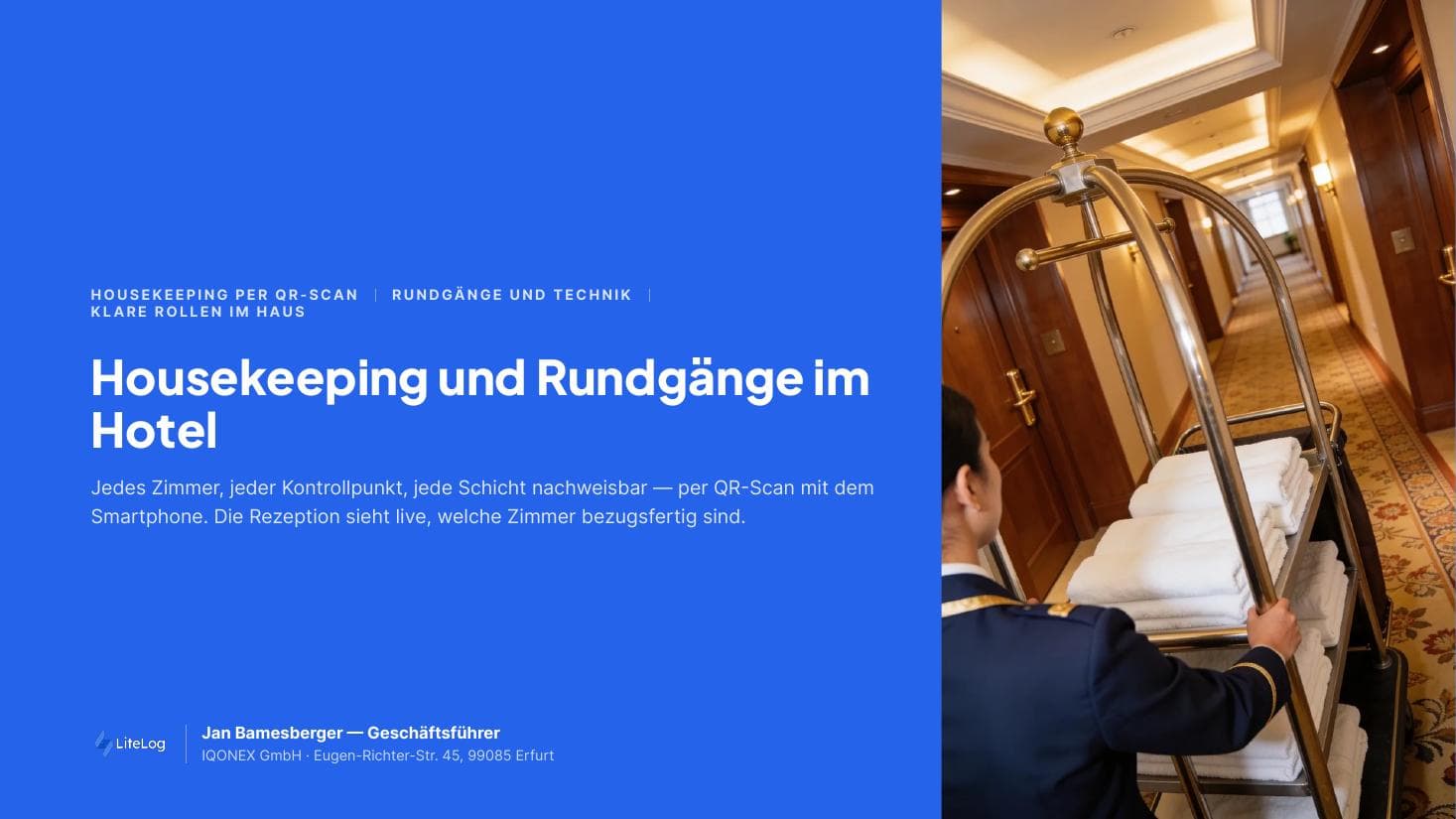
Free brochure on room checks, patrols and attendance in hotel operations. Download now.
PDF, 5 MB
All materials in the media library →FAQ
Frequently asked questions about LiteLog
What can hotel software like LiteLog handle in daily operations?
LiteLog organises the work behind the scenes: housekeeping tasks with checklists, defects routed to maintenance, night patrols, maintenance schedules, shift planning and time tracking. Bookings and guest data stay in your hotel system.
Do we need a connection to our PMS?
No. LiteLog runs on its own and does not need a link to your hotel system. You can start right away with one area.
How does the housekeeping manager assign rooms to the team?
They create room tasks individually or as a recurring series and assign them to one or several people, for example floor by floor. Every room attendant sees their rooms directly in the app.
Do room attendants have to tick off every checklist in full?
No. For a standard clean it is enough to mark the task as done. The checklist is mainly useful for deep cleaning and special cases.
How does maintenance find out about a defect in a room?
The room attendant reports the defect with a photo in the app. A rule automatically turns it into a task for maintenance. A push message or email can be added if you wish.
Which patrols make sense in a hotel?
Typical ones are night shift rounds, checks of emergency exits and escape routes, plant rooms, the car park and the spa and pool area. Each point has an NFC tag or QR code.
How does shift handover work without a handover book?
With a handover form or a recurring task with a checklist at the end of the shift. The next shift also sees open tasks, new reports and patrols in the portal.
Will I notice if the night shift is not staffed?
Yes, once you set up attendance monitoring. At the start of the shift LiteLog checks whether everyone expected has clocked in and notifies you of any gap.
Can we manage several hotels in one account?
Yes. Each hotel is its own property. You group properties by region or brand, and everyone sees only the properties assigned to them.
May employees use their own smartphone?
Yes. Private smartphones and company phones both work, iPhone and Android. A company phone that stays at the hotel can be restricted to your property.
Is LiteLog also suitable for holiday rentals?
Yes. For holiday rentals and serviced apartments there is a separate industry page covering handover reports and final cleaning.
Your hotel under control.
Sign up and get started today. Free for 14 days, no credit card.