
GMP-compliant cleaning documentation for pharma and labs
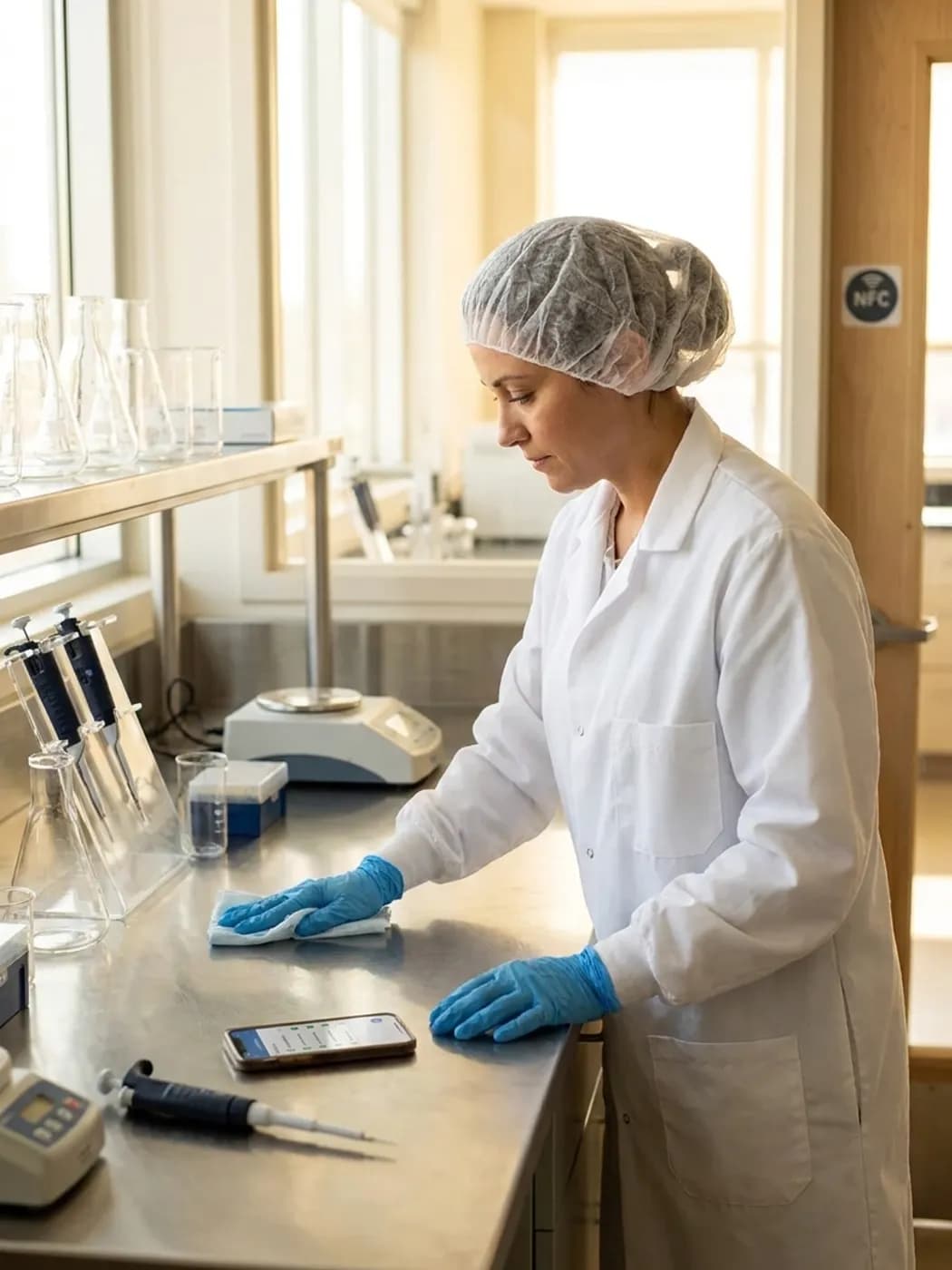
Record every cleaning in labs, technical areas and offices right at the area. For non-classified areas, alongside your GMP documentation.
LiteLog for pharma and labs in 2 minutes
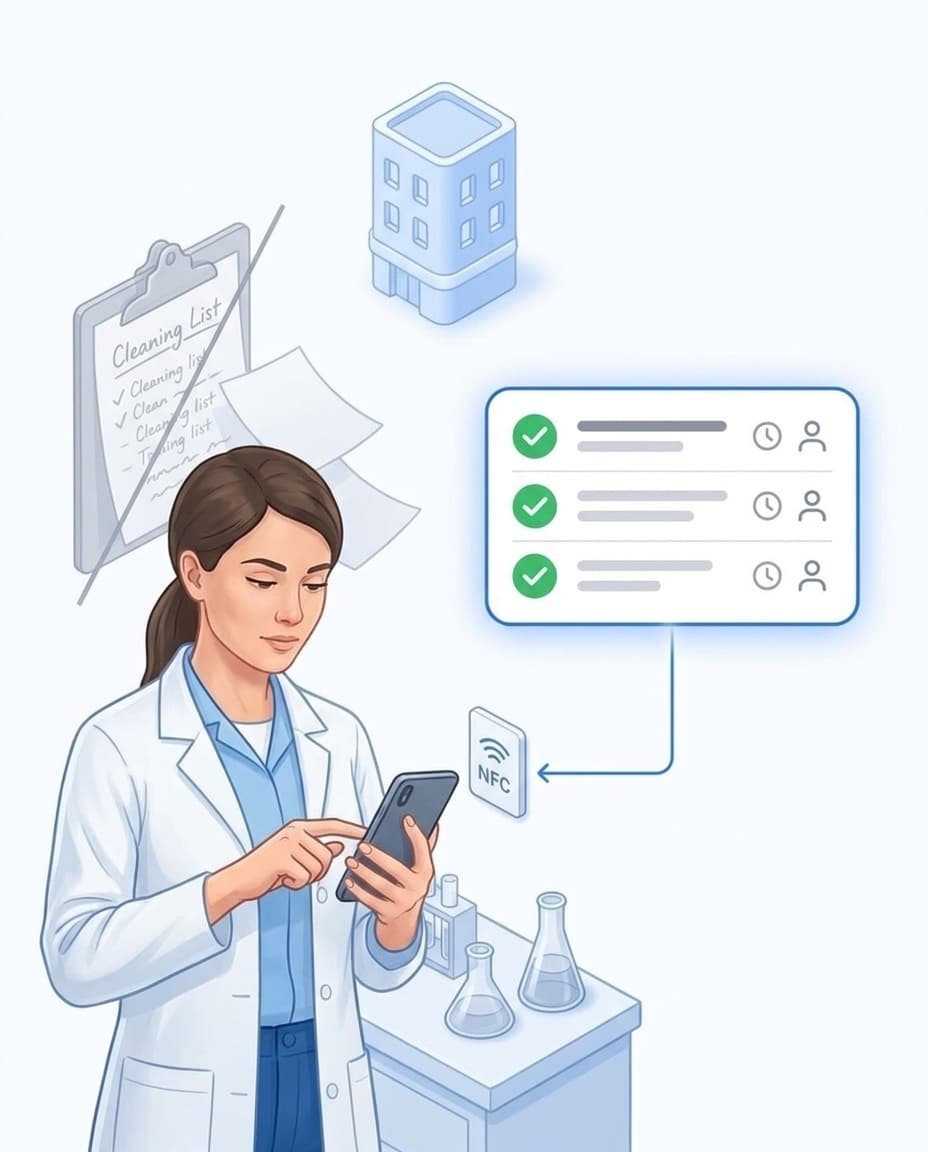
No more paper lists
Cleaning records get lost, or the next person just copies their predecessor's values instead of checking themselves.
- ✓Clearly assigned: LiteLog plans cleaning, maintenance, and inspection. Every task carries a person, time, and area.
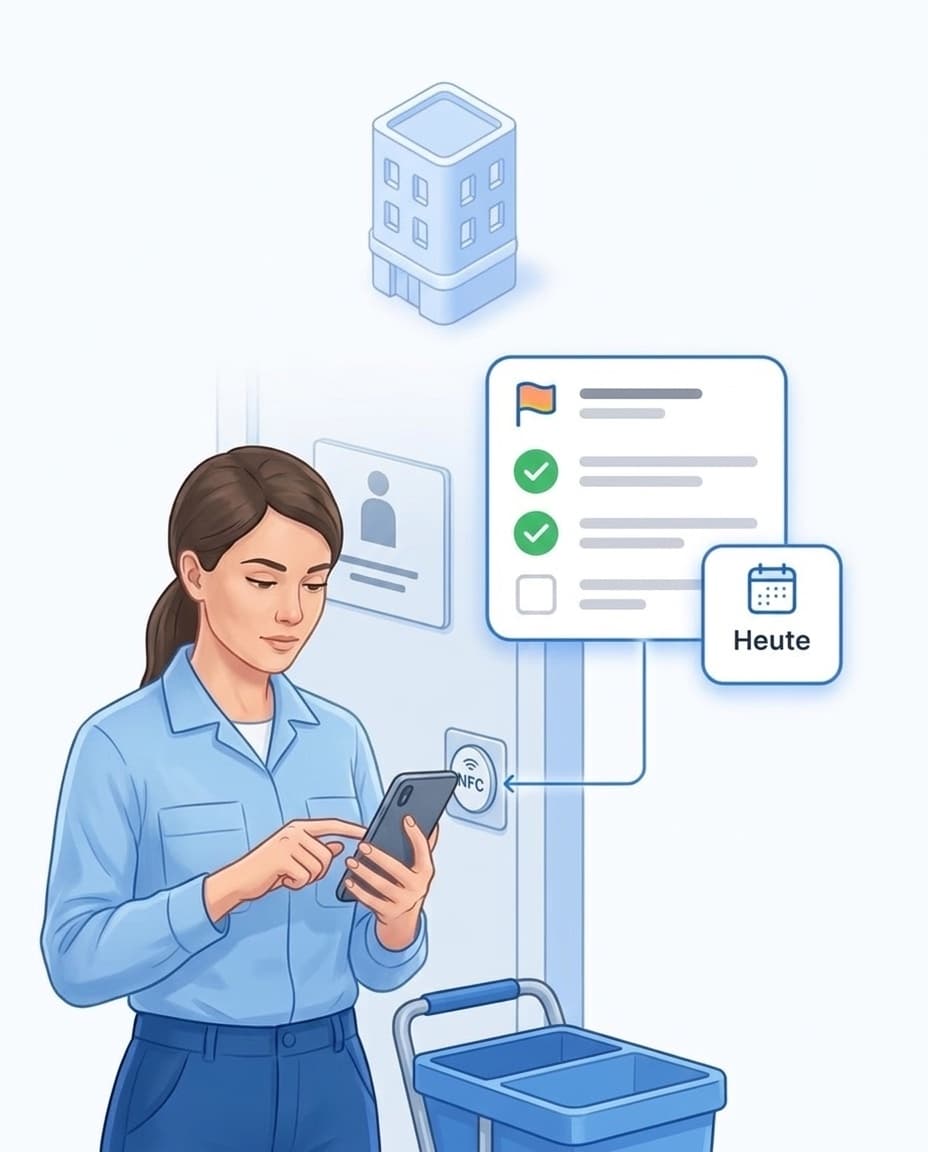
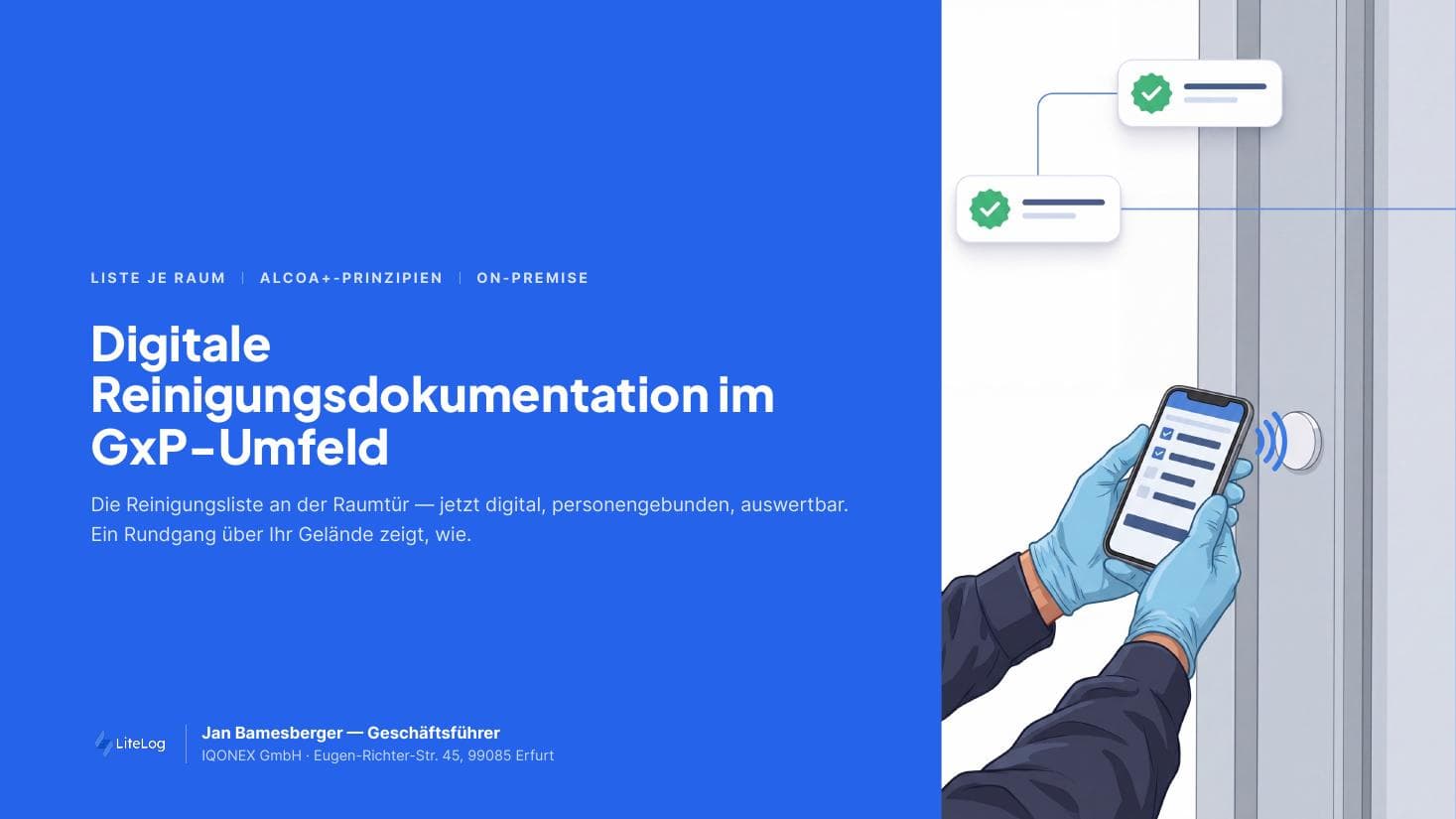
- ✓One NFC chip per room: The scan opens the task list for exactly that room.
- ✓Any schedule: Daily, weekly, monthly, or due on an exact date.
- ✓Its own list per role: The cleaner sees cleaning tasks, the technician maintenance, QA their checks.
Cleaning agents in the record
For every cleaning, your team records what was used: surface disinfectant, alcohol-based rapid disinfectant, or floor cleaner.
- ✓All in one record: Start, end, execution, and check belong together.
- ✓Agent changes: You update the template and state the reason.
- ✓Four-eyes principle: A second person approves the change.
- ✓History stays: Older records still show the agent used back then.
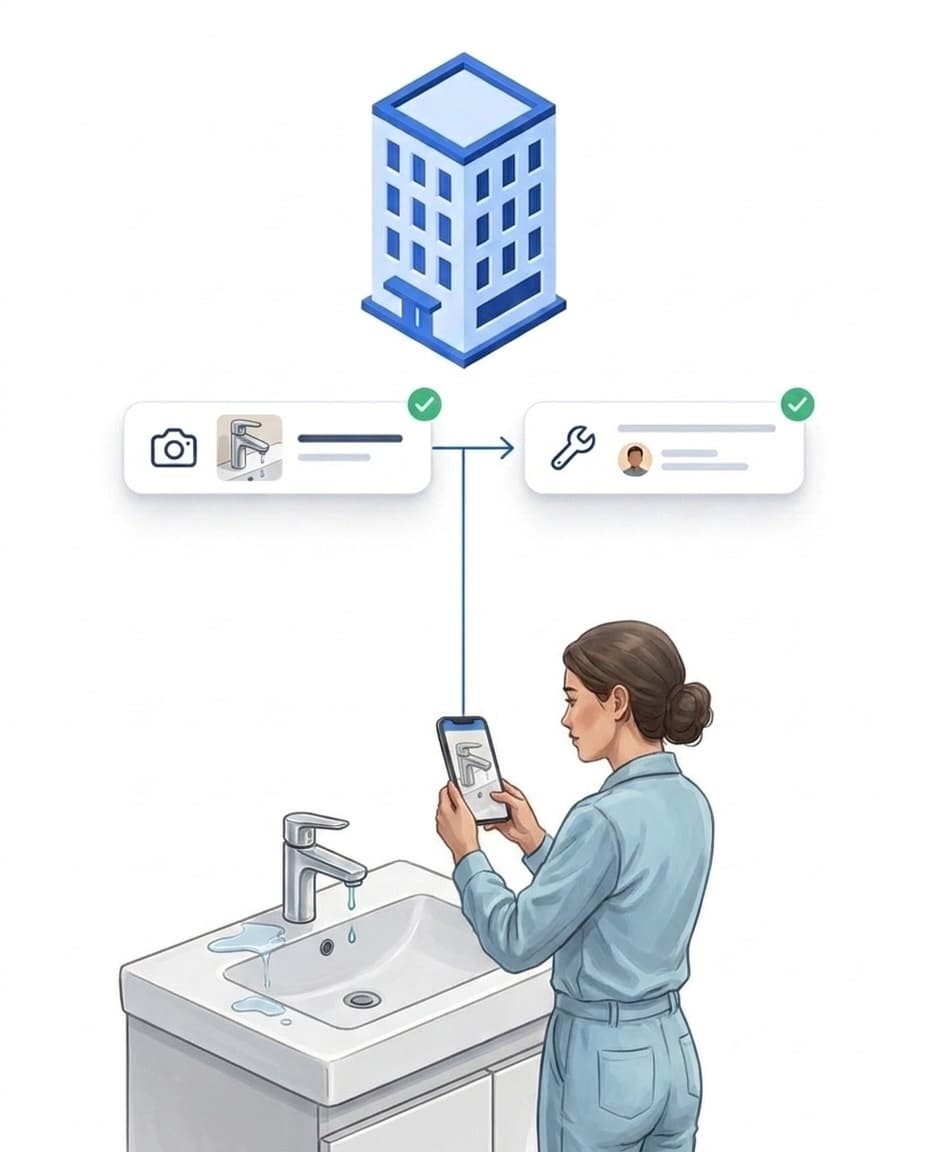
Deviations do not get lost
Important points require a photo as proof.
- ✓Report with a photo: directly in the app, at the area.
- ✓Becomes a task: A reported defect immediately becomes a task for the responsible person.
- ✓Escalate when urgent: critical reports go to the responsible people by rule.
- ✓Done with proof: you see who fixed the deviation and when.
GMP-compliant records for QA and audits
LiteLog documents according to the ALCOA+ principles: every entry carries a person and a server timestamp.
- ✓Export as PDF: filtered by building, area, and time period.
- ✓Server timestamp: independent of the device, assigned by the server.
- ✓Correction with reason: The original stays visible, every change states a reason.
- ✓Four-eyes principle: On request, a correction only takes effect after approval.
- ✓Evidence package: eight exports with column explanations. The checksum of a signature is the same in the completion, the signature log and the PDF.
Digital signature where your SOP requires it
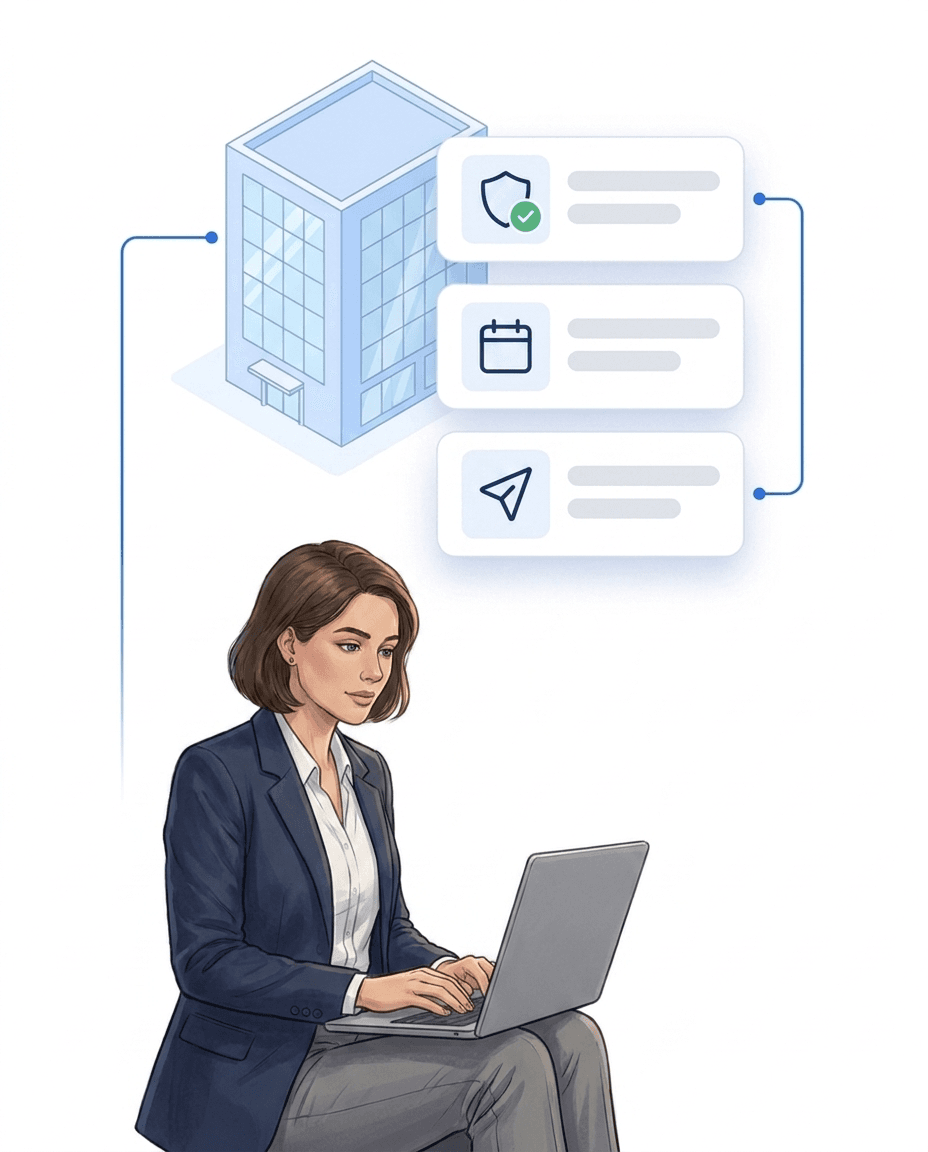
With the digital signature, your team confirms their identity once more when completing a task.
- ✓Re-authentication: by password, PIN, own NFC chip or QR code.
- ✓Use it where needed: define per site, form or task where a signature is required.
- ✓Signature log: full name, method, meaning and time of every signature.
- ✓Available as an add-on: in the Compliance add-on, built on the model of 21 CFR Part 11.

Pharma — GMP-compliant cleaning documentation
Free brochure on GMP-compliant cleaning records: prove every cleaning per area, with audit trail and signature. Download now.
PDF, 5 MB
All materials in the media library →FAQ
Frequently asked questions about LiteLog
Which areas in the pharmaceutical industry is LiteLog suitable for?
For non-classified areas: labs without cleanroom classification, technical and storage areas, corridors, offices and break rooms. Classified cleanrooms (grades A to D) and product-contact processes stay with your validated GxP systems.
Has LiteLog already been through a validation?
Yes. At a pharmaceutical company, LiteLog passed the quality assurance review, the validation and the approval by internal IT. How the process looks for you depends on where you use it. We are happy to visit and walk your team through the procedure.
Is cleaning documentation with LiteLog GMP-compliant?
Yes, in non-classified areas. LiteLog documents according to the GMP data integrity requirements (ALCOA+): every entry is attributed to a person, time and area, the server assigns the timestamp, corrections create new entries with a reason, and the original is preserved. At one pharmaceutical company LiteLog passed the reviews by QA, validation and IT. Classified cleanrooms remain with your validated GxP systems.
Does LiteLog comply with 21 CFR Part 11?
We do not issue a general declaration of conformity for Part 11. The digital signature is available as an add-on: it is built on the model of Part 11 and applies when submitting reports and forms, completing tasks, finishing a tour and approving change-control requests.
How do I set up daily, weekly and deep cleaning separately?
Each cleaning type is its own task at the area, with its own checklist and its own recurrence: daily, on specific weekdays, weekly, monthly or yearly. At the area, your team only sees what is due today.
What happens when someone corrects an entry?
The original is kept and the correction is created as a new entry. For time entries, a reason for change is mandatory. With change control switched on, a correction only takes effect once a second authorized person approves it.
What does the audit record look like?
You export the history as a PDF, filtered by building, area and period. It shows who did which cleaning, where and when, with checklist and photos.
Does the app work without a network?
Yes. The app stores scans, tasks, forms and reports on the device. As soon as a connection is back, it syncs everything automatically. Entries that arrive late are not lost.
Can external cleaning companies work in the system?
Yes. A cleaning company gets its own access to the portal and the app. It creates its employees itself and sees only its own accounts. Their records come to you just like those of your own team.
Where is the data stored?
All data is stored on servers in Frankfurt am Main, including backups. You can sign a data processing agreement (DPA) with us.
I clean for a pharma client. Can the client see the records?
Yes, through their own customer access. You decide what your client sees, always limited to their site. Reports can also be emailed to them automatically.
What documents do we get for supplier qualification?
We provide information on features, hosting and security as well as the data processing agreement. For the digital signature, you receive the technical description. Contact us through the contact form.
What does each audit trail entry contain?
Who, when, what, old and new value, and the reason. Who: name, login name and role; for completions and signatures also the personnel number. When: settings, access events and account changes carry the server time with seconds, in local time and in UTC. For signatures, device time and the server's time of receipt stand side by side, so it stays visible when a device was offline. For completions, the phone's clock applies if it is at most one hour behind the server time and at most five minutes ahead of it. Otherwise the server time counts. What: area, record and event, for example created, changed, archived or cancelled. One line per changed field with old and new value. The reason consists of a reason code and a text. All principles are in the manual: Audit trail principles.
When does LiteLog require a reason?
Not when recording, but for every change afterwards. Creating a task, completing a task, submitting a form or creating an issue report needs no reason; who and when is recorded. A reason is mandatory for later changes, for example when an issue report or a report is corrected, for cancellation and archiving, and for "not feasible". For changes to templates, roles, schedules and site settings you switch the mandatory reason on in the settings; with change control a second administrator decides as well. The reason consists of a code and a text and is stored with the old and new value, in the portal, in the app and via the API. The full overview is in the manual: When a reason is mandatory.
How often are updates released, and what changes with a dedicated server or on-premise?
That depends on the operating model. On the main platform there are 2 to 3 updates a month, each with a version number and release notes. On a dedicated server hosted by LiteLog, updates are bundled into agreed windows and checked on an acceptance environment beforehand; you set the date. On your own servers we hand over a frozen version. Updates then only come when needed, for example security fixes; larger version jumps run as a project. Updates never alter the audit trail. More in the manual: Security and privacy.
Prove every cleaning right at the area.
We accompany your rollout personally: an experienced contact person supports you from the initial setup to day-to-day operation. We are happy to discuss your QA's questions in a conversation.