
What digital patrols cover
One goal: every patrol is provable. If a point is missing, management sees it immediately, not at the end of the month.
Checkpoints
Prove that your team really was on site. If in doubt via NFC tag, plus QR code, Bluetooth beacon or GPS. Beacon and GPS book automatically on approach. GPS checkpoints outdoors only, indoors and in basements NFC tag or beacon.
Scheduled or free
Fixed routes with time windows and repetition – or spontaneous free patrols without a schedule.
Works offline
Scans are stored locally and synced automatically as soon as the connection is back.
Alarm on deviation
A missed patrol triggers a notification immediately – a standard rule comes prepared.
Which software solutions are suitable for planning patrol rounds in companies?
Companies plan patrol rounds digitally today — with a guard tour system that manages checkpoints, intervals, and responsibilities. Key criteria are: flexible route planning, mobile execution via app, automatic deviation alarms, and audit-proof reports.
- ✓Checkpoint planning: Place NFC, QR, Bluetooth beacon or GPS points on site and link them in sequence.
- ✓Interval control: Daily, weekly, or monthly — with time windows, repetition, and public-holiday rules.
- ✓Mobile execution: Staff scan each checkpoint — the app guides them step by step. Also runs as a free patrol without a fixed schedule, or automatically via Bluetooth beacons and GPS without taking the phone out.
- ✓Deviation alarms: Missed scan or late patrol — LiteLog escalates according to your rules, for example to the control centre.
- ✓Tamper protection: Fake-GPS detection and plausibility checks for every scan — time, person, and location are clearly proven.
- ✓Reports: Client and audit reports automatically as PDF — with your logo, time-triggered delivery.
- ✓Industries: Security services, facility management, caretaker services, care, industrial sites.
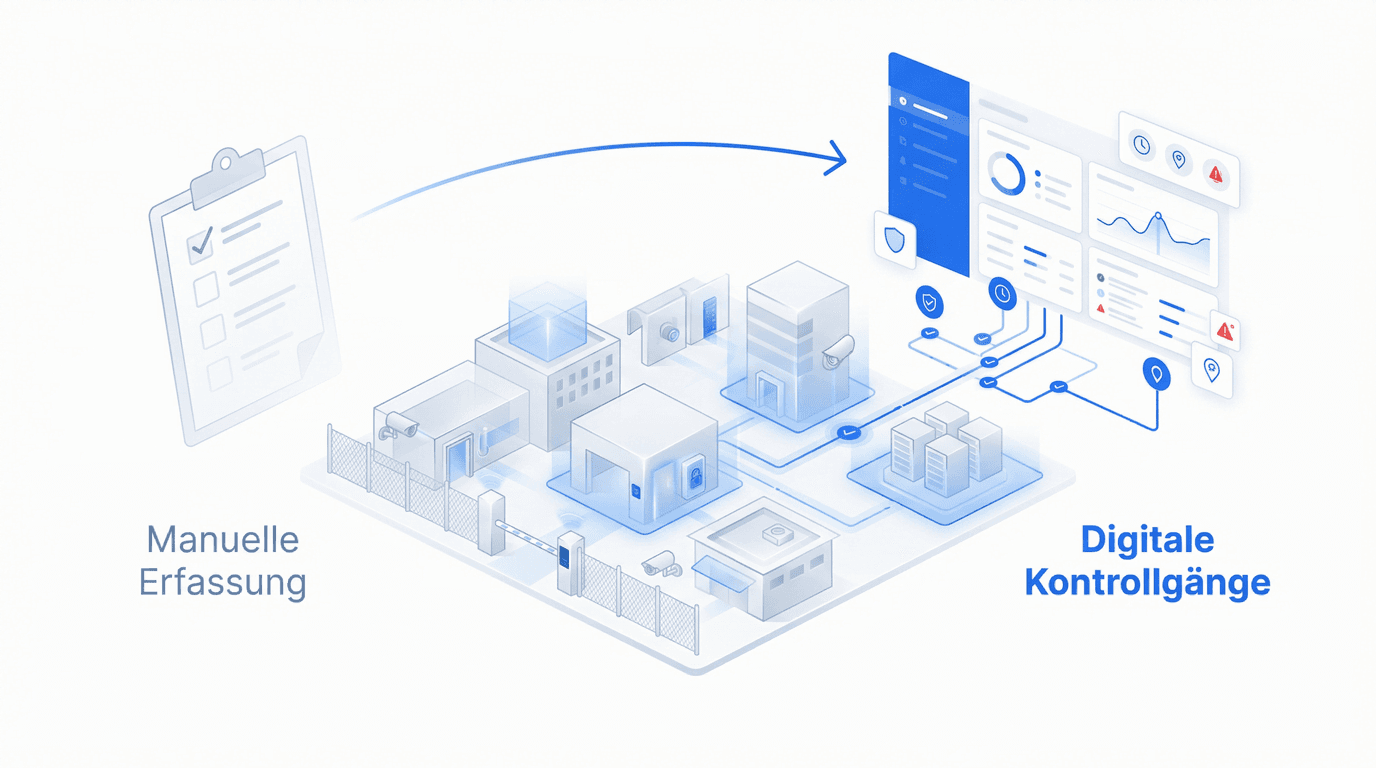
Checkpoints vs. patrols
Checkpoints above all prove that your employee really was on site. They are also the place of every task: an NFC tag or QR code in the room or on the grounds. There you attach tasks and forms that appear on scan.
Patrols document that your team really was at every point: a person scans several checkpoints within a fixed time window. Every scan stores place, time and person.
This distinction matters: you evaluate checkpoints per place and patrols per time window.
- ✓Four capture methods: NFC tag, QR code, Bluetooth beacon or GPS checkpoint. If in doubt, choose the NFC tag: the most widespread, the easiest to attach and to scan. QR codes rarely, because they can be photographed. GPS for large areas such as parks, outdoors only. Beacons for warehouses, for example, where a tag has no good place. Beacon and GPS book automatically on approach, without taking the phone out.
- ✓Tasks at the point: attached tasks and forms appear on scan. The work happens where it belongs.
- ✓Use your own hardware: existing smartphones are enough; print QR codes yourself, and compatible NFC tags can be used at any time, with a sticker if you like – see hardware & equipment.

The property: everything about one customer in one place
Every clock-in, every patrol and every incident report belongs to a property. A property is your customer's building or site. So for each customer you see at a glance what happened there. Setting it up takes a few minutes.
- ✓Set up in a few minutes: Type the address or click the spot on the map. Add name, customer and area, done.
- ✓Proof for your customer: The property dashboard shows how many hours your team was on site and which entries look suspicious.
- ✓Clear responsibility: For each property you decide who is responsible. The responsible people receive the alarms and incident reports of this property, for example when a patrol is missed or someone is absent.
- ✓Mobile jobs too: Without a fixed location, choose “No area”. Times, tasks and incident reports still come together at the property.
- ✓Set up by AI: Tell Claude or ChatGPT which properties you look after. Through the AI connector the AI creates them with customer, responsible people and area.
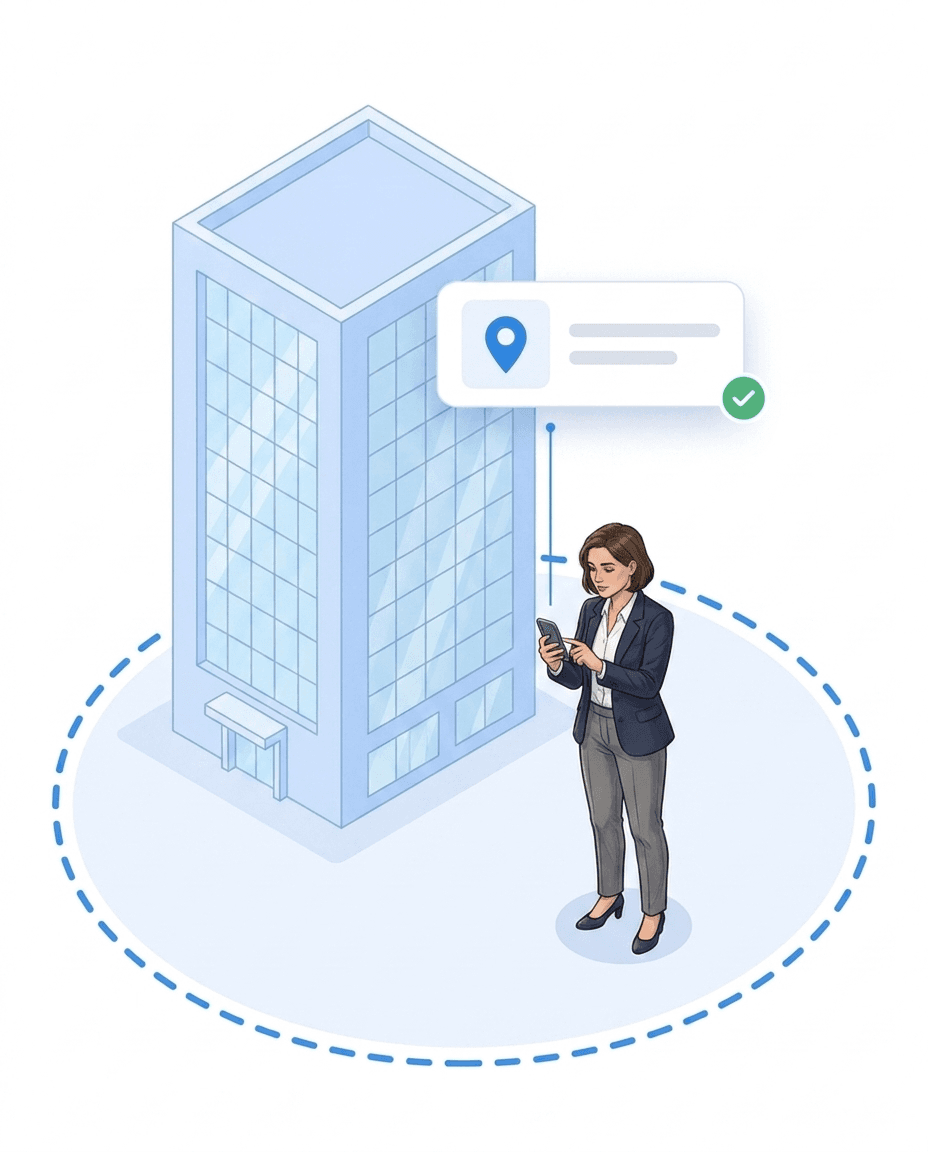
Creating checkpoints: one by one, from the room list or by AI
You create checkpoints one by one or from a list: paste the room list or attach an Excel/PDF, the AI creates points and areas, you check the preview. Areas group the points for a clear overview, typically the floors of a building. Every point gets its QR code as a PDF. The site manager links an NFC chip or beacon with the app; any chip works, no number needed. You place every point on the map or on the floor plan of its level, so your employees find it faster. Tasks and series are attached to the point; completing is only possible there.
- ✓One by one or from a list: paste the room list or attach an Excel/PDF. The AI creates points and areas, you check the preview.
- ✓Areas: group checkpoints for a clear overview, typically the floors of a building. Create them by hand or as a whole list with the AI (“Create from list with AI”).
- ✓QR code as a PDF: every point gets its QR code to print.
- ✓NFC chip or beacon: linked by the site manager with the app. Any chip works, no number needed.
- ✓On map and floor plan: you place every point on the map or on the floor plan of its level, so your employees find it faster. During a patrol, the app opens the floor plan at the next point with one tap.
- ✓Tasks at the point: tasks and series are attached to the point. Completing is only possible there.
Tasks at the checkpoint: scan and see what needs doing here
A checkpoint is a spot at the property. Whoever scans it sees only the tasks of that spot, depending on their role. Completing is only possible at the point. If the points are to be covered within a time window, you create a patrol requirement. The order is free. The QR or NFC point in the sanitary area shows cleaning staff the daily, night or interval tasks of that place; the point in the plant room leads to the maintenance checklist. Scan instead of scroll: work starts at the place, not in a list.
- ✓Scan the spot, see the work: the scan opens the tasks and forms of that place, including due date, checklist and photo requirement.
- ✓No patrol required: the scan at the point does not start a patrol; it is the direct entry into the work on site. If a patrol is running, the tasks stored at the point appear on scan as well.
- ✓Done is done: the status syncs for everyone. Whoever scans later sees what has already been completed.
Proof of location on patrol
A scan alone does not prove that someone actually stood at the point. That is why LiteLog optionally verifies the location as well – and warns when someone enters an area they are not supposed to enter.
- ✓Location check when booking: For each function you decide how a booking is proven – off, via geofence (GPS) or via beacon (Bluetooth). For patrols the setting applies when a checkpoint is booked.
- ✓GPS checkpoints: Points without a chip and without a code – during a running patrol the app books automatically as soon as someone comes within the radius (50 metres by default, 20 as a minimum).
- ✓Restricted zones: Areas you draw that nobody should enter. On entering, the app warns immediately with your own text; optionally an event is created when someone stays there too long.
- ✓No continuous tracking: Verification happens when booking and when a zone is crossed, not along the whole route. LiteLog confirms a zone change several times – that takes one to two minutes. Only the events are stored, no movement profiles.
Planning and running patrols
Paper lists provide no reliable proof that checks actually happened. In LiteLog you set up patrols as fixed routes with defined checkpoints, time windows and intervals – the app guides your staff step by step through the site.
- ✓Time windows & repetition: daily, weekly or monthly – with a calendar preview; public holidays and special days are taken into account.
- ✓Patrol: all points within the time window, order free. If you need a fixed order, plan a patrol route.
- ✓No fixed schedule needed: free patrols for spontaneous checks – started at any time, documented just the same.
- ✓Version history: changes to routes remain traceable.
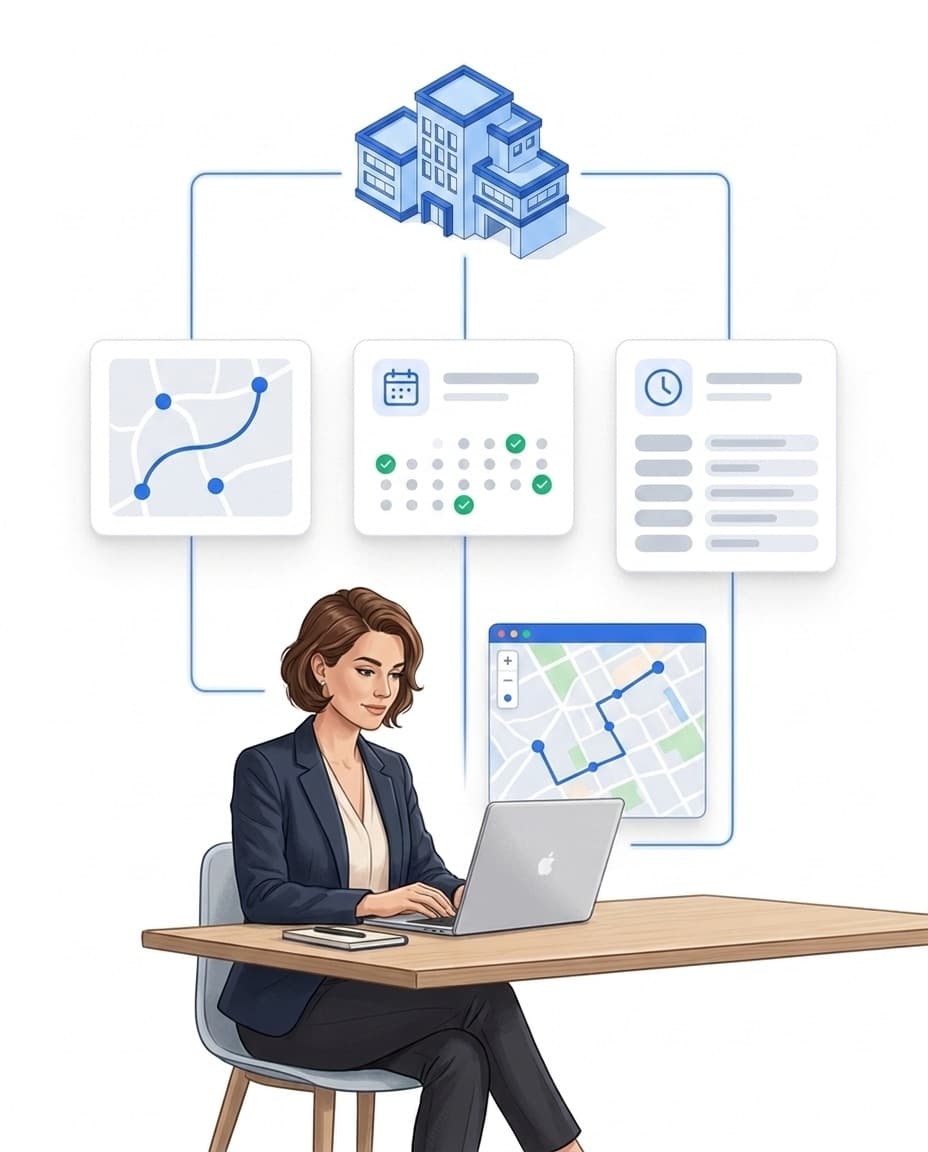
Monitor live, alert, prove
The current status of ongoing patrols can be viewed at any time. If a point is missing or a patrol does not happen, management sees it immediately.
- ✓Reported immediately: missed patrols and checkpoints are reported automatically once the time window has passed – via the automation you escalate by push, email, SMS or call.
- ✓Offline is no problem: scans are stored locally and synced automatically as soon as the connection is back.
- ✓Logs with map & timeline: every scan is documented audit-proof with time, user and checkpoint.
- ✓Proof for your client: export logs as PDF or release them in the customer portal – the service-level report measures the completion rate automatically.
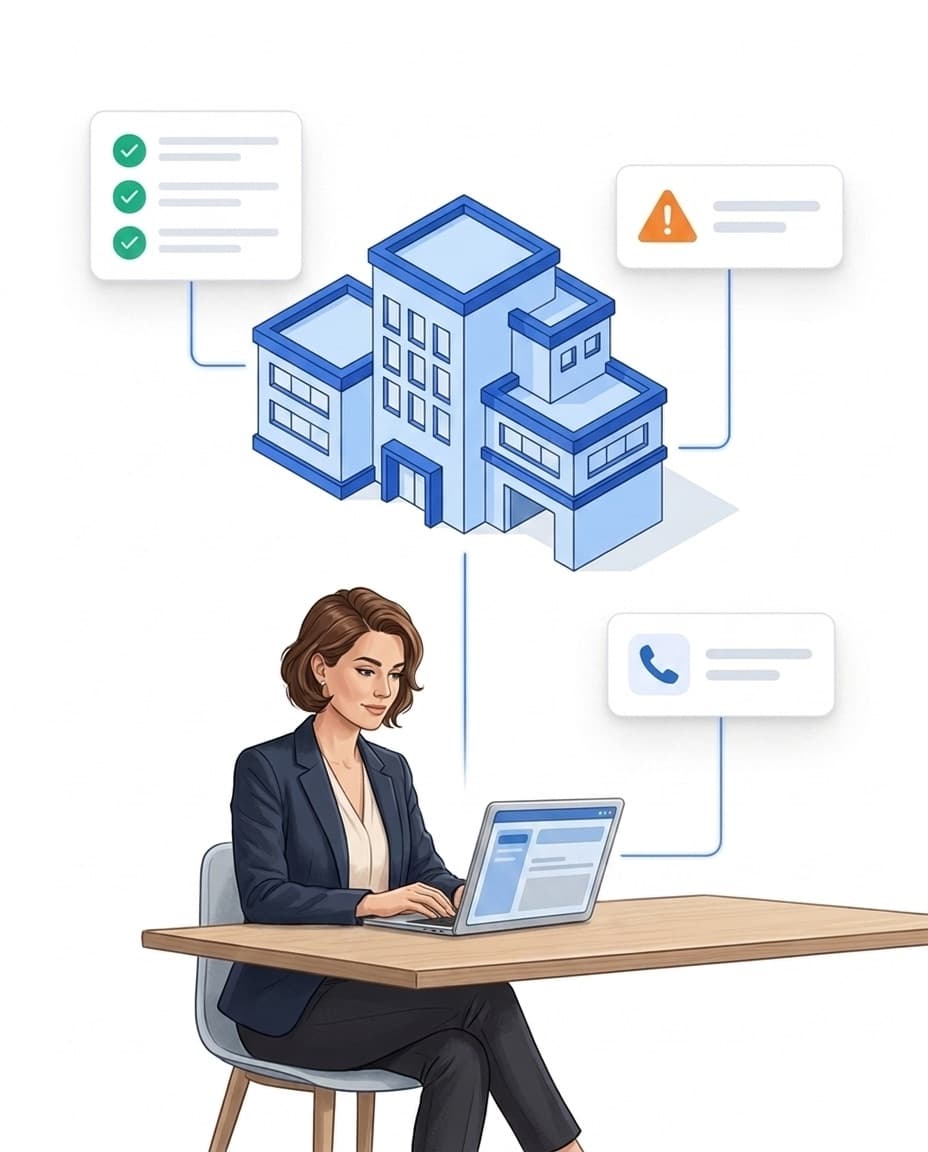
The guard-tour chain: planned, guided, proven
A patrol in LiteLog is not an isolated feature but a chain from planning to client proof. If something is missed along the way, automation rules take over — and at the end of the month the service-level report measures the completion rate automatically. See how patrols, alerting and reports work together in the guard tour system overview.
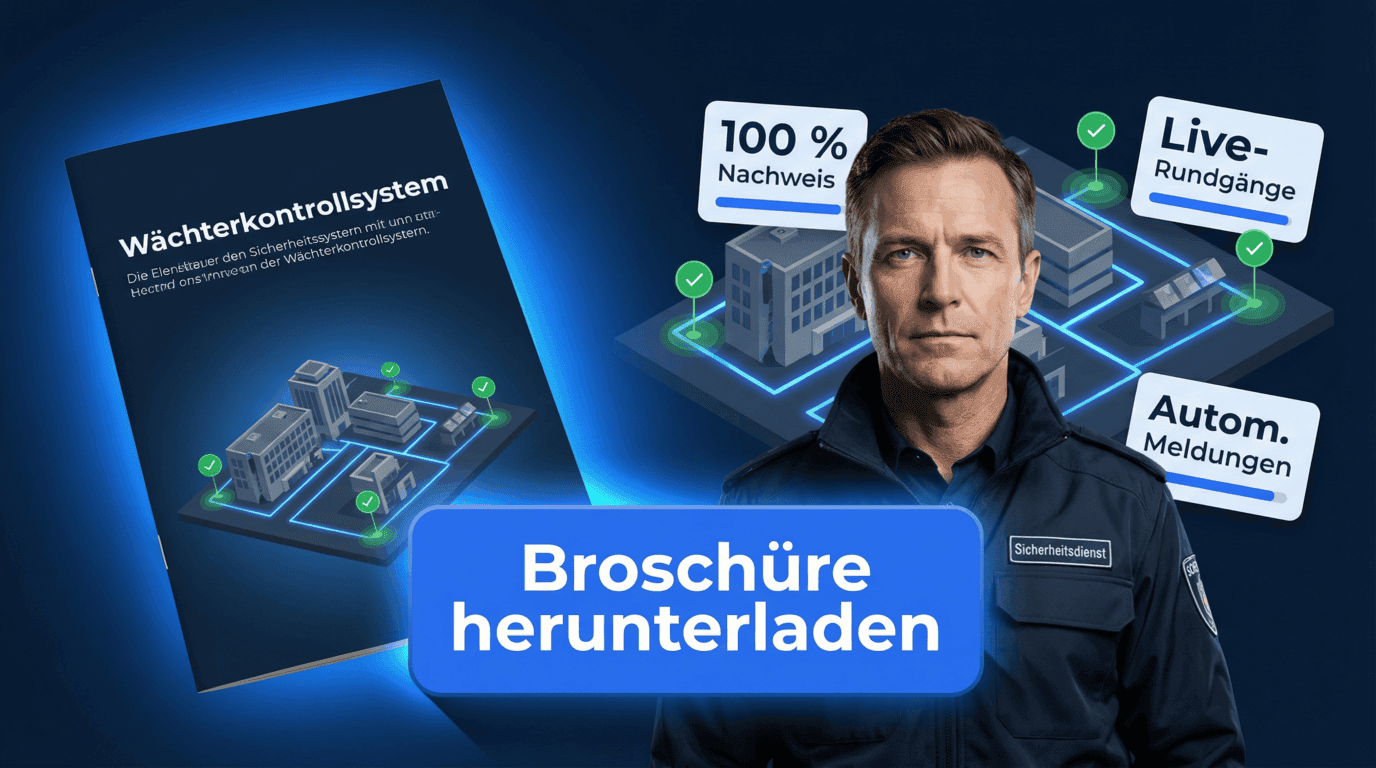
Brochure on patrols & rounds
Plan routes, verify checkpoints, and document proof with confidence.
Structure routes and checkpoints clearly
See live status and deviations instantly
Export evidence for audits and clients
FAQ
Frequently Asked Questions about Digital Patrols and Rounds
What are patrols?
A patrol documents that your team really was at every point. A person scans several checkpoints within a fixed time window. Every scan stores place, time and person. If a point is missing, management sees it immediately.
What are rounds?
Rounds describe the entire route or process that security personnel regularly follow. A round can include multiple checkpoints and represents the practical workflow of security inspections.
What is the difference between a patrol and a round?
A patrol focuses on checking individual checkpoints. A round describes the complete route along which those checkpoints are visited.
How are rounds documented digitally?
In digital rounds, checkpoints are recorded via NFC tag, QR code, or Bluetooth beacon. Each scan is automatically stored with a timestamp, user, and location.
Which detection method should I choose?
If in doubt, the NFC tag. It is by far the most widespread, the easiest to attach and the easiest for your employees to scan. A sticker can go on the tag if you like. Use QR codes rarely, because a QR code can be photographed. GPS points suit large outdoor areas such as parks; indoors GPS is imprecise. Bluetooth beacons fit warehouses, for example, where a tag has no good place or is hard to find. Setting them up takes more effort.
Can rounds be monitored in real time?
Yes. The status of ongoing rounds can be viewed at any time. Missed checkpoints and rounds are reported automatically once their time window has passed and can trigger alarms.
Which industries are suitable for digital rounds?
Digital rounds are suitable wherever recurring duties need to be completed with proof: in security services for site protection, mobile patrols, construction site monitoring, and plant security — as well as in facility management, caretaker services, care facilities, hotels, gyms, and industrial plants, for example for maintenance rounds or meter readings.
Are digital patrols documented in an audit-proof way?
Yes. All data is logged in an audit-proof way with timestamps, checkpoints, and users and can be used for audits, evidence, or client reports.
Do I need special hardware for the guard tour system?
No. LiteLog’s guard tour system can be used with existing smartphones (Android or iOS). You print QR codes yourself as a PDF. Any NFC chip works. The site manager holds the phone against the chip in the app (More → Settings → Link NFC). Nobody types in a chip number. Nobody can photograph a chip, but a QR code can be. GPS checkpoints need no hardware at the point at all – the configured radius is enough. 👉 More about hardware & equipment with LiteLog
How does LiteLog make sure a checkpoint was really booked on site?
In three stages: the scan ties the booking to the chip or code at the point. On top of that, a location check can be switched on per function – via geofence (GPS) or via beacon (Bluetooth). And every scan runs through fake-GPS detection and a plausibility check. If you need it particularly strict, bind checkpoints as beacons: then every booking is automatically verified at the point.
What happens if a checkpoint is missing or broken?
The patrol carries on. Your employee taps “Checkpoint not available” in the app and takes a photo of the spot. The point then counts as done in this patrol. Tamper protection counts it as “Photo instead of checkpoint”, and in the portal the checkpoint shows the note “Chip missing”. Once you link a new tag or the next scan succeeds, the note disappears. Whether booking by photo is allowed is set in the patrol rules.
Can a scan directly show the tasks of that spot?
Yes. A checkpoint is a spot at the property. Whoever scans it sees only the tasks of that spot, depending on their role. Completing is only possible at the point. If the points are to be covered within a time window, you create a patrol requirement. The order is free. Cleaning staff in the washroom instantly see what needs doing there, including due dates and photo requirements.
How do I create a property?
In a few minutes in the portal: search the address or click the spot on the map, enter name, customer and responsible people, draw the site area. For mobile jobs without a fixed location, choose “No area”. The property then has its menu: dashboard, time tracking, tasks, settings and PLACES with map, floor plans and checkpoints. With the AI connector, Claude or ChatGPT can also create properties for you.
Who finds out when something goes wrong at a property?
The people responsible for the property. They get a push message when a patrol is missed, the attendance requirement is not met or an incident report comes in. If nobody is assigned, the message goes to the supervisor.