
Attendance control app: who is present right now, via QR & NFC
LiteLog's attendance tracking app replaces paper lists and Excel: check-in in the app via QR code, NFC tag or button, without the app in the browser or on a tablet — tamper-proof with time and location. You see live who is on site right now; in an emergency, one click turns it into the evacuation list.
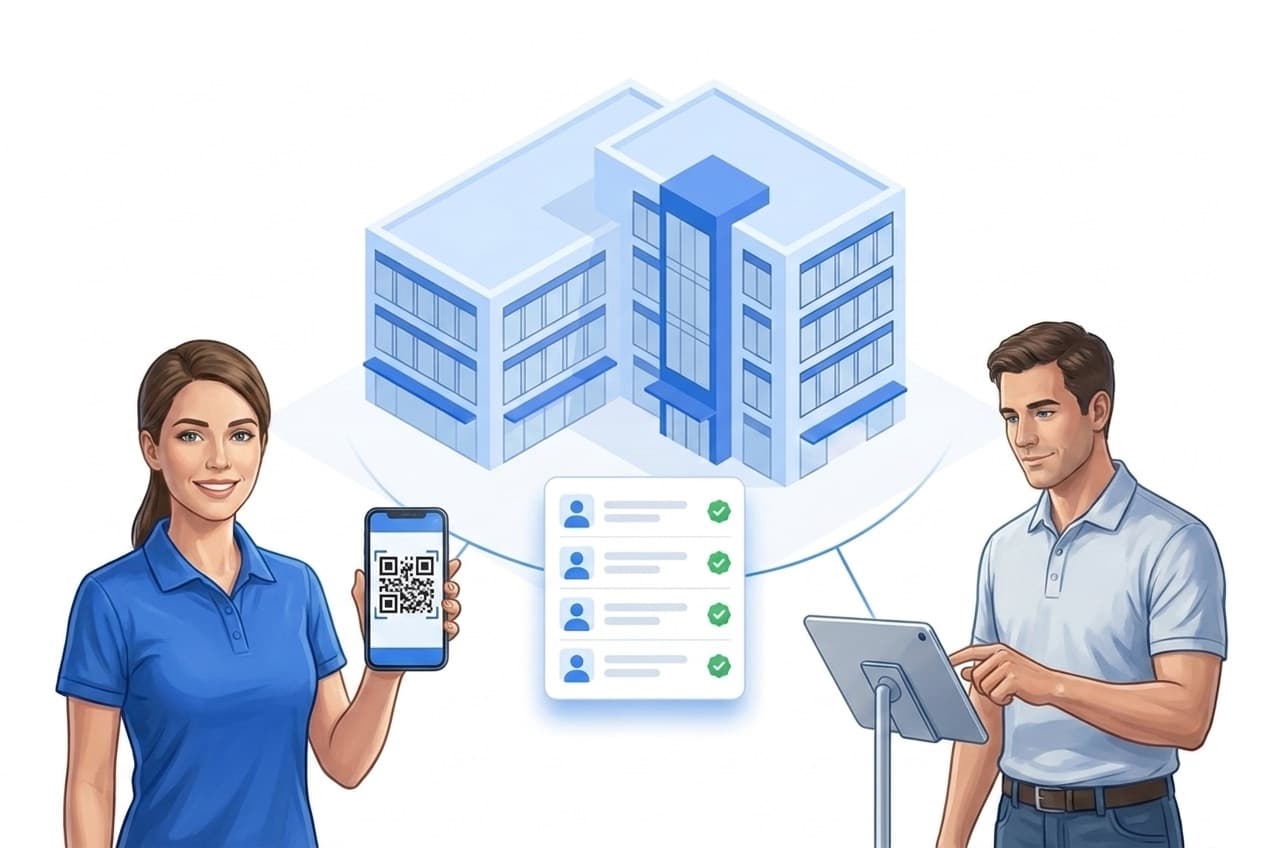
What the attendance tracking app covers
People check in or out, and every entry is automatically stored with a timestamp and user assignment. The core is simple and clear:
Who is present — and who is not? The bigger picture, from check-in to proof for payroll and clients, is on the solution page attendance tracking and electronic attendance control.
Check-in & check-out
Sign in and out via smartphone, QR code, NFC or without an app in the browser – every entry with a timestamp.
List builds itself
The digital attendance list is always current – visible live, exportable as PDF or CSV.
Alerts on deviations
Missing check-ins surface immediately – alerts via push, email, SMS or phone call.
Evacuation list
In an emergency, one click shows who is in the building – from the same data.
Built for your industry
Fits exactly into your existing workflows.
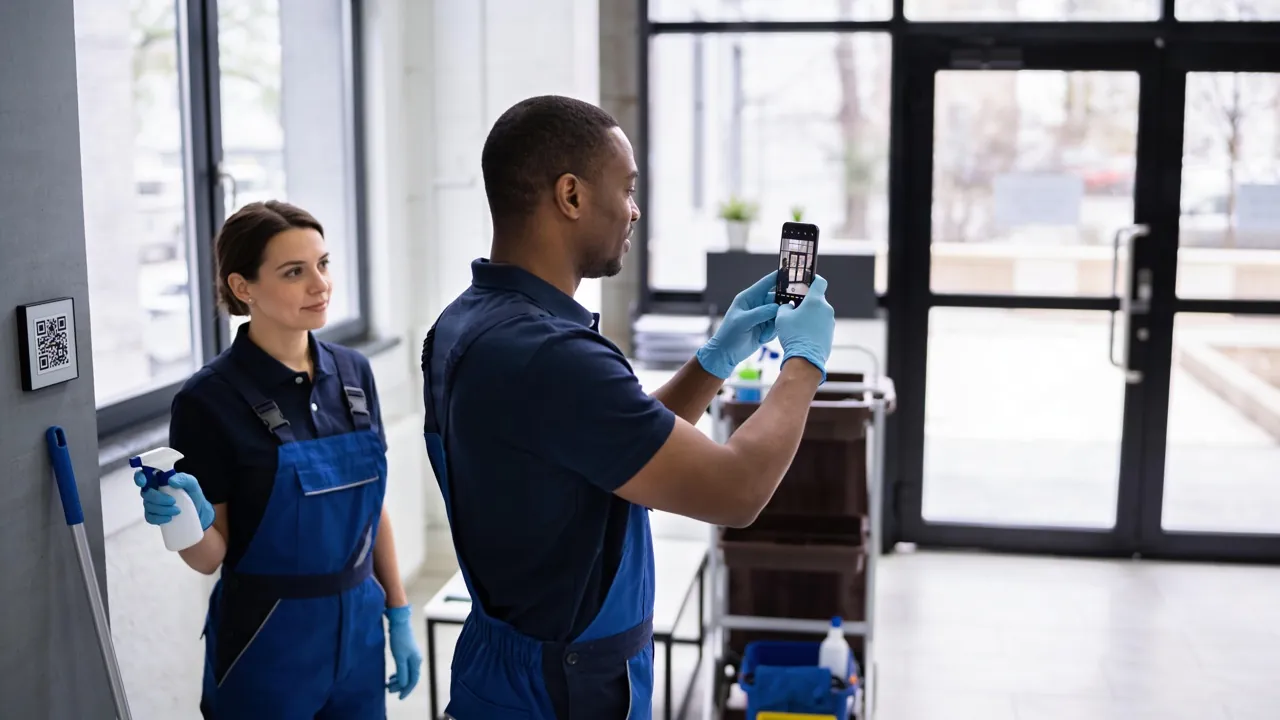
Commercial cleaning
Prove the work done on site and answer complaints with evidence.
Learn more
Caretaker services
A patrol for every entrance, defects become tasks.
Learn more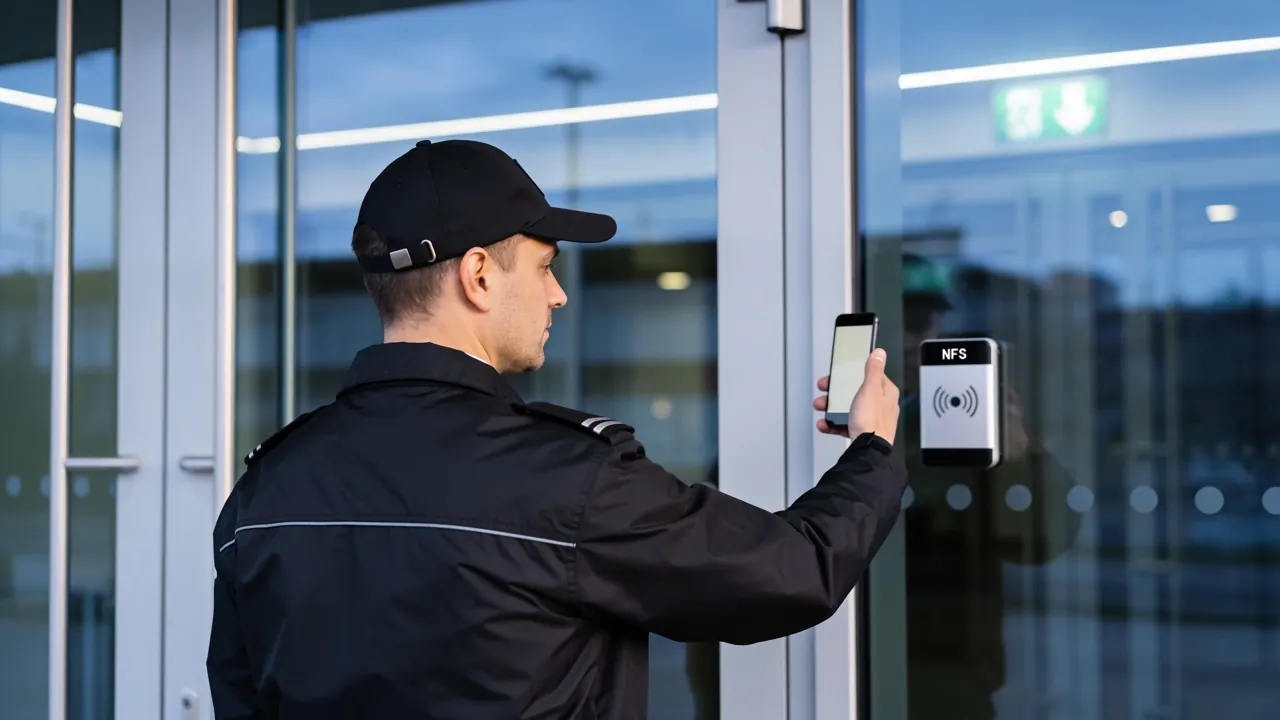
Security & guarding
Guard tour system with NFC checkpoints and complete guard tour records.
Learn moreView all industries
See overviewWhy use an attendance control app?
Four reasons speak for digital capture – and they all feed the same list.
- ✓Less effort & sustainable: Check-in and check-out are automatic. No manual transfer, no follow-up work — and printed lists are completely eliminated.
- ✓Real-time overview: All attendance is visible live — ideal for administration, security, and billing.
- ✓Flexible to use: On site, mobile, or at fixed check points — the app adapts to your process.
- ✓Tamper-proof & fewer errors: Timestamps, user assignment, and optional location or NFC checks prevent manipulation and reduce transfer errors.
- ✓No personal smartphone needed: The stationary terminal records check-ins with a card or chip – see time tracking without a smartphone.
- ✓Starting with a template? The attendance list as PDF, Word and Excel is free to print until the app is up and running.

Automatic alerting for deviations
For shifts, appointments, or time windows, define the expected number of check-ins. LiteLog shows live how many people are present, detects missing or too few check-ins immediately, and automatically triggers an alert.

Security & privacy
- ✓GDPR-compliant attendance tracking: Legally compliant processing of personal data.
- ✓Hosting in Germany & access rights: Data stays in Germany, access only for authorized roles.
- ✓Enhanced security with beacons: Optional: attendance can only be recorded at the intended location—without GPS tracking.
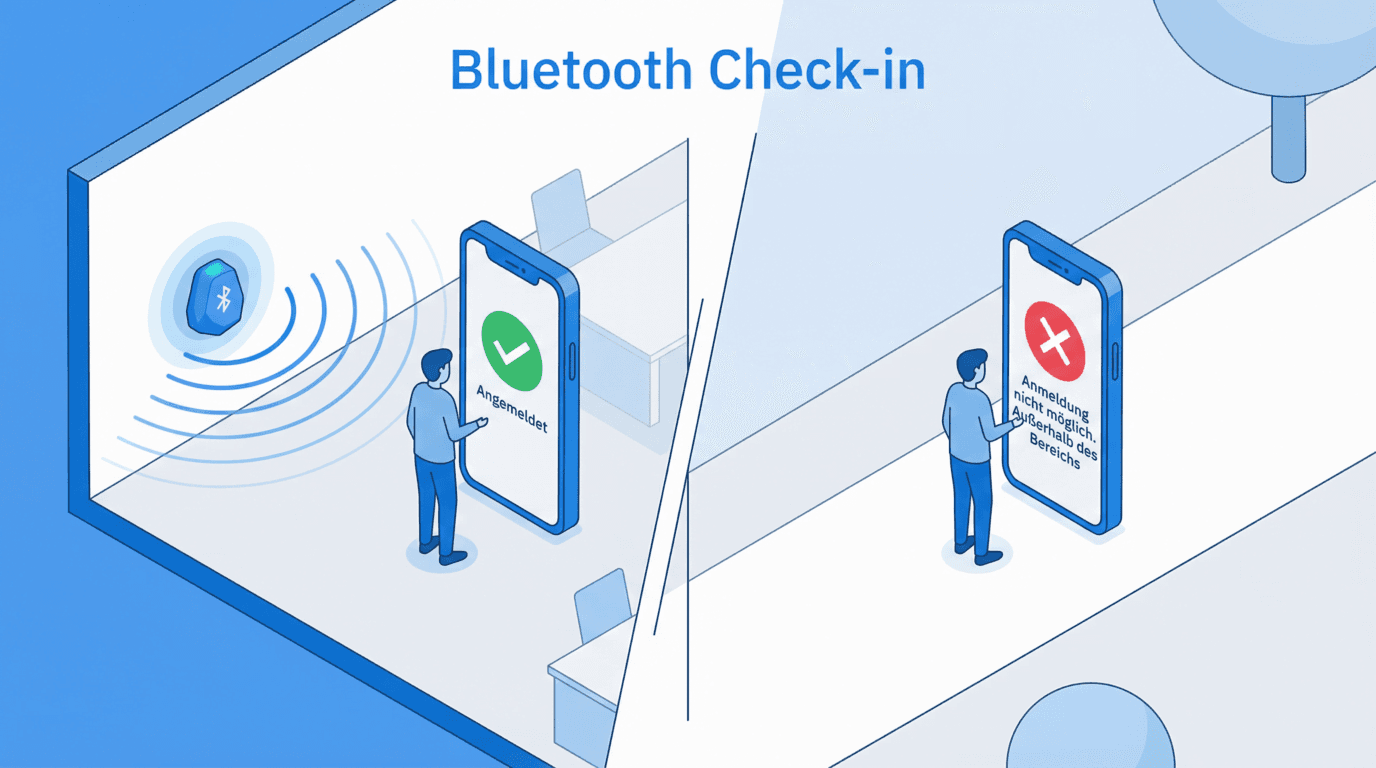
The accommodation chain: one check-in, three benefits
A single check-in feeds several functions at once: live occupancy, billing — and in an emergency the evacuation list. Especially with occupancy changing daily, it matters that everything comes from one capture.
Digital attendance that fits in.
LiteLog offers seven proven capture methods that slot right into your workflows. Pick the option that fits your team best.
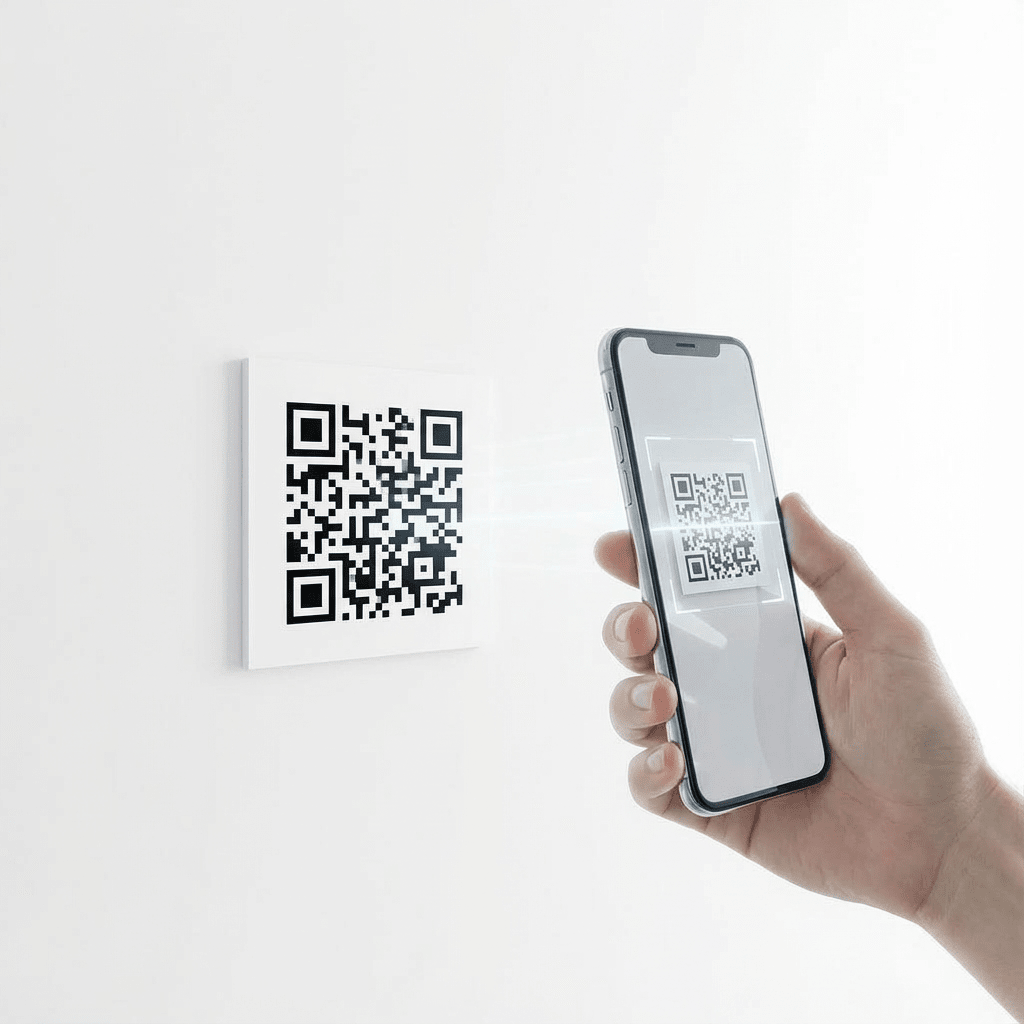
QR Code Scan
QR codes can be printed instantly or displayed on any screen. All that’s needed is a smartphone with a camera and the LiteLog app. Each scan automatically assigns the user to the correct location and shift or event. This ensures accurate check-ins without explanations or errors. Ideal for classrooms, lecture halls, and large groups.
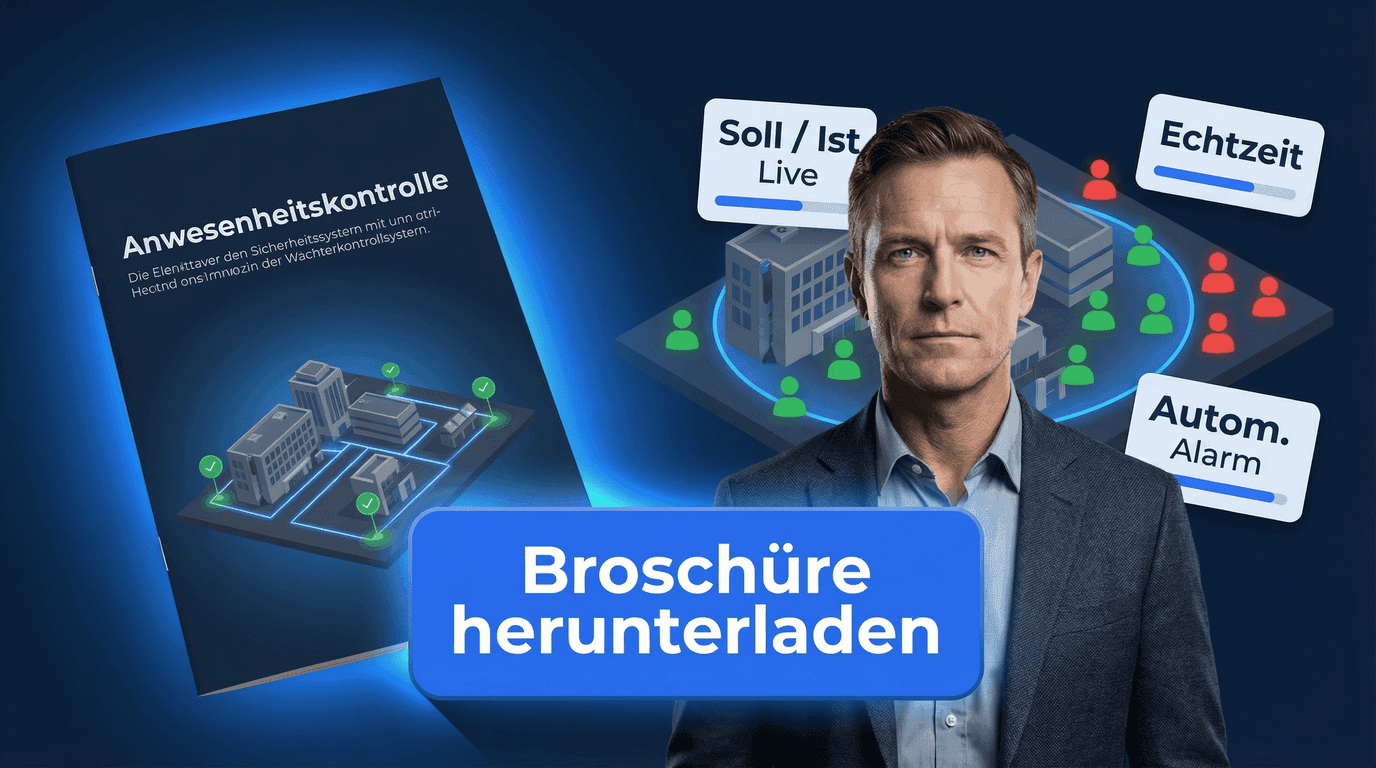
Brochure for digital attendance tracking
Check-ins, reporting, and compliance — tailored for attendance.
Digital check-ins with NFC & QR
Live overview and exports
Insights for municipalities and operators
FAQ
FAQs about the attendance tracking app
What is an attendance tracking app?
An attendance tracking app is a digital solution for documenting attendance completely and in real time. People clock in and out in the app with a QR code, an NFC tag or a button. Without the app, they use the browser with their staff number or a tablet at the entrance. Every attendance is recorded automatically with timestamp, user assignment and verification details, with no paper lists or Excel.
What is the difference between the attendance tracking app and the digital attendance list?
The attendance tracking app is the tool for capturing attendance. The digital attendance list is the automatically generated result: a current, analyzable, and exportable overview of who was present and when.
Who is an attendance control app suitable for?
For organizations that must document attendance reliably, tamper-proof, and traceably — especially with changing groups of people or multiple locations, for example: courses & training, cleaning and facility services, security services & site monitoring, and public administrations.
How does attendance control work in practice?
Attendance is captured via check-in and check-out — depending on the scenario: QR code at the site, NFC tag or NFC reader with a personal card, web check-in without an app in the browser using the staff number, and button click with GPS zone or patrol check-in. Every entry is automatically saved with a timestamp and is immediately visible centrally.
How is a digital attendance list created?
The attendance list is generated automatically from all recorded check-ins and check-outs. It is always current, audit-proof documented, and can be exported as PDF or CSV without manual rework.
Is the digital attendance list legally compliant?
Yes. Attendance tracking is GDPR-compliant and traceable. Timestamps, user assignments, logging, and defined role permissions make the data auditable, tamper-proof, and analyzable — including for sponsors, administrations, or auditors.
Can attendance be captured in a tamper-proof way?
Yes. LiteLog offers multiple safeguards against manipulation, including NFC tags that cannot be photographed, optional location or beacon checks, start-time windows per site and a mandatory reason with history for every subsequent change. This ensures attendance is captured only at the right time and place.
Do all users need their own smartphone?
No. The stationary NFC terminal works without any personal smartphone: people clock in and out with a personal card or tag. A tablet at the entrance shows a code that changes every three minutes. There, people type their staff number and PIN directly, without an app and without an account. Managers can also record attendance manually in the portal.
Does the attendance control app work offline?
Yes. In the LiteLog app, QR code, NFC tag and button all work without reception: the app stores the entries locally and sends them automatically once a connection is available again. Web check-in in the browser and the tablet at the entrance, on the other hand, need an internet connection.
Are there automatic alerts for deviations?
Yes. LiteLog can automatically compare expected and actual attendance. In case of deviations — e.g., missing check-out or unconfirmed attendance — alerts are triggered, for example via push notification, email, SMS, or automated phone call. Optionally, an alive check can be activated during the shift.
How quickly is the attendance tracking app ready to use?
Usually within one day. Setup needs no complex training and adapts to existing processes, whether with the app, without the app or on a tablet at the entrance.