
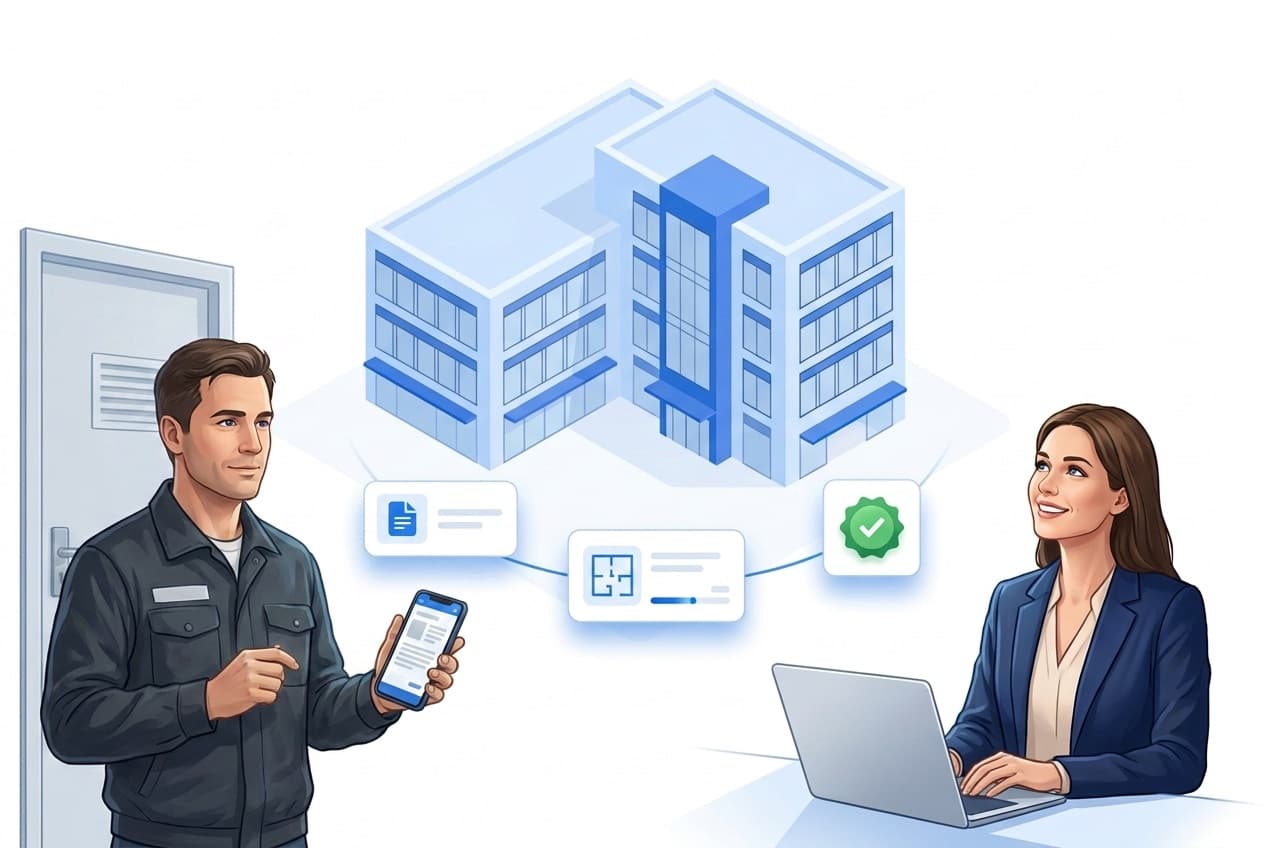
What document storage includes
One goal: every piece of information lives where the work happens – at the property, in the app, offline too.
Central storage
Site plans, instructions and emergency info in one place instead of binders and chats.
Assigned to the property
Every document hangs on the right property – can be switched on and off per property.
Offline in the app
Accessible even without signal in the basement or utility room.
Ask instead of search
The AI chat knows released documents – answers from your files.
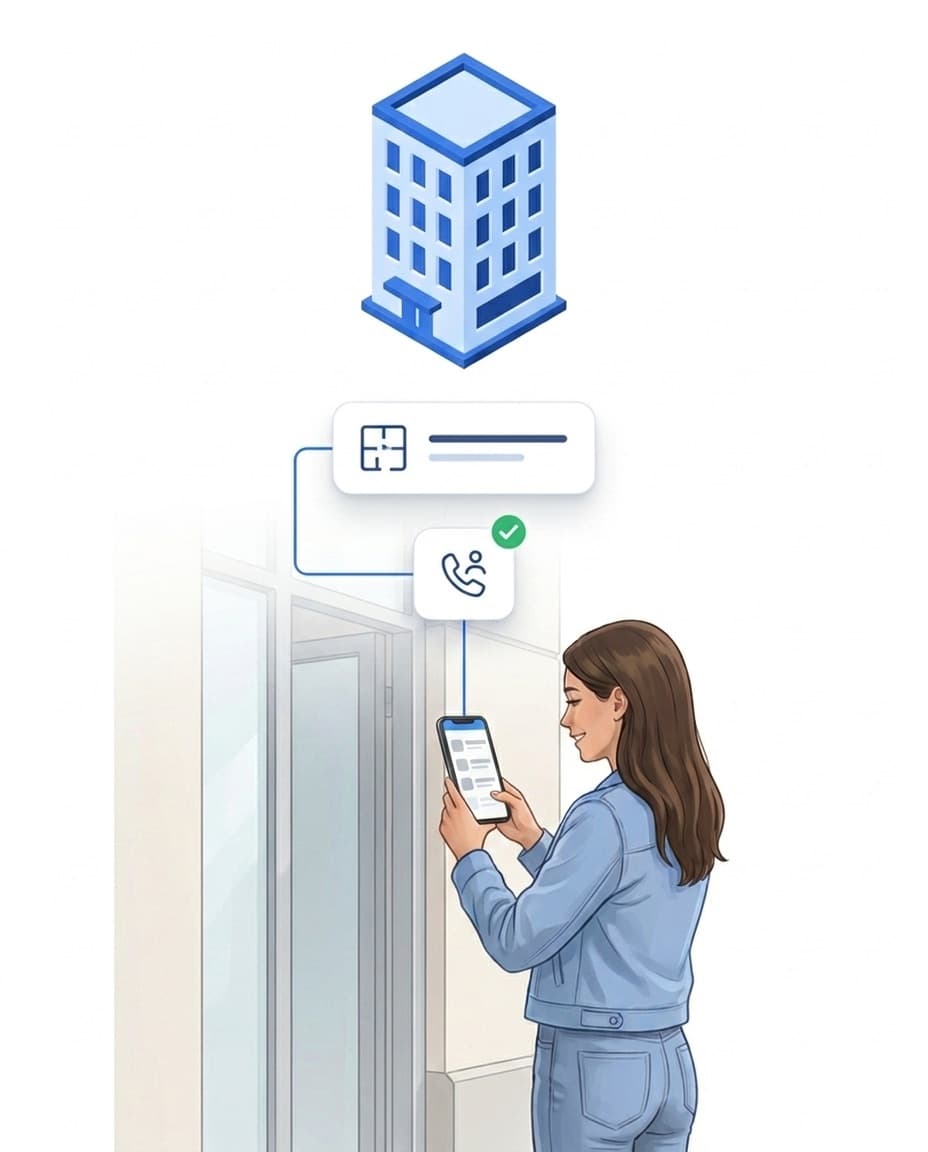
Everything at the property: plans, instructions, emergency info
Where is the key plan? What applies during an alarm at the north site? Instead of binders in the office, the answer lives where it is needed.
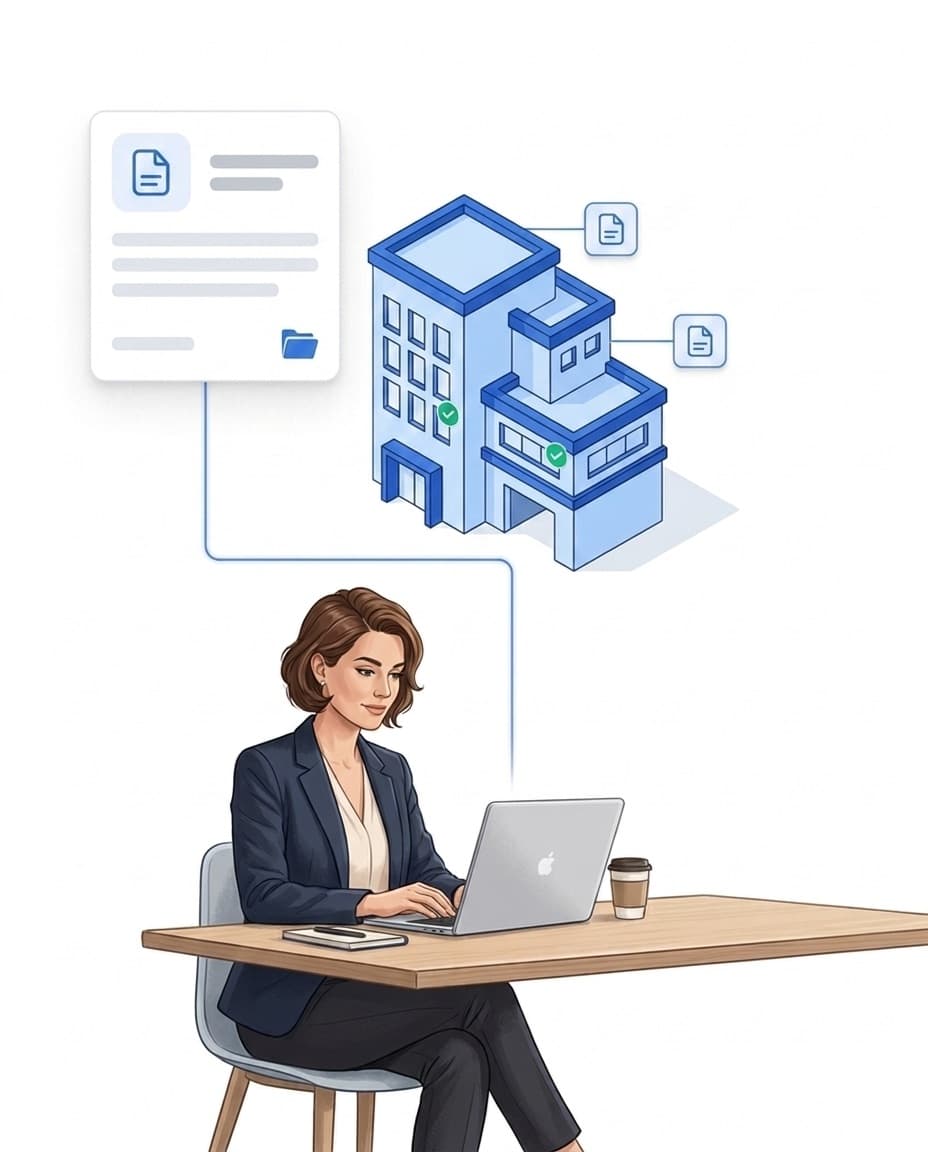
- ✓Upload and assign: documents live centrally in the portal and hang on the respective property.
- ✓In the app on site: employees open plans and instructions right at the property – no call to the site manager.
- ✓Controlled per property: the documents area can be switched on or off per property.
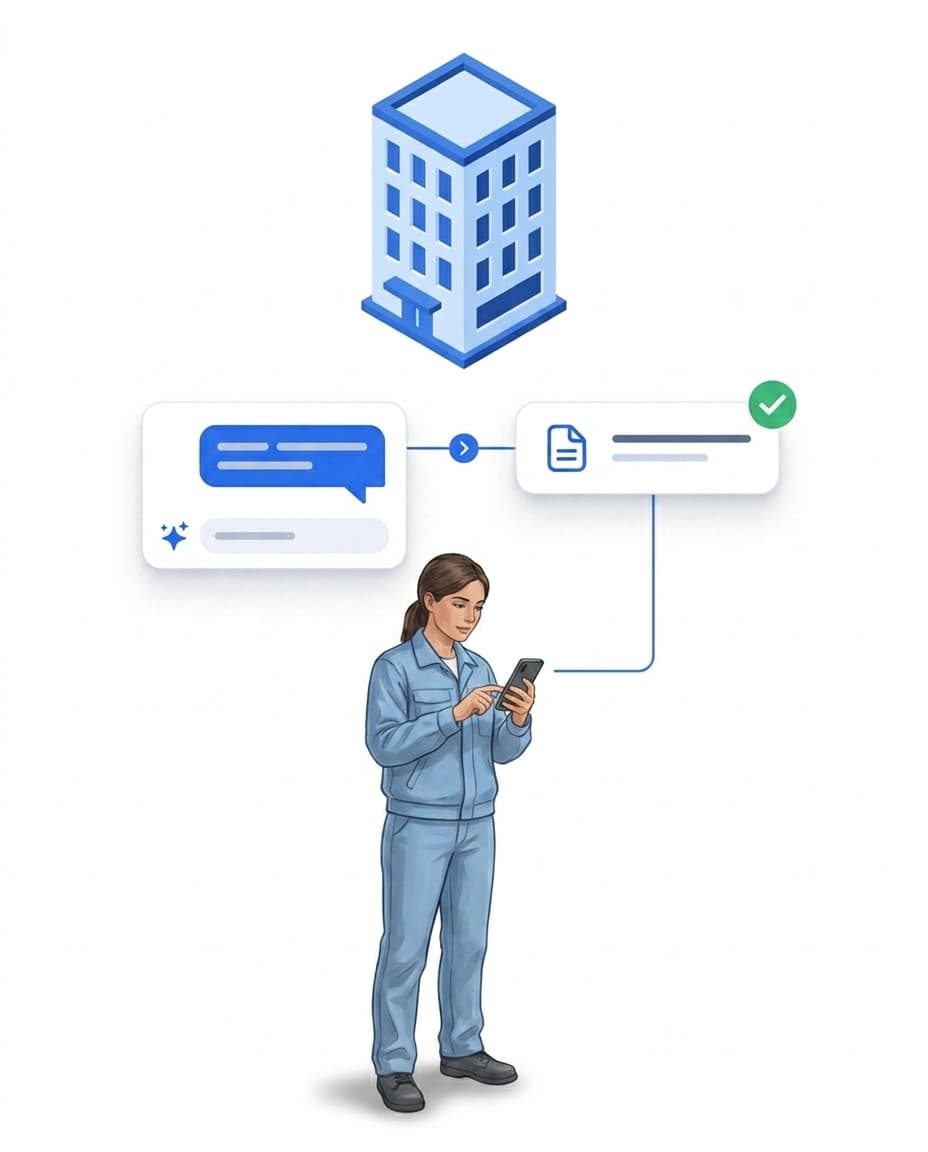
Ask instead of search: the AI chat knows your documents
Where is the emergency number? Instead of leafing through the PDF, your team asks the AI assistant Hannah right in the employee chat – the answer comes from your own files.
- ✓Released per document: only files you explicitly release for the AI flow into its knowledge.
- ✓Answers from your files: the AI chat answers questions from the released property documents.
- ✓Optional: the AI assistant is an add-on feature and can be enabled per tenant.
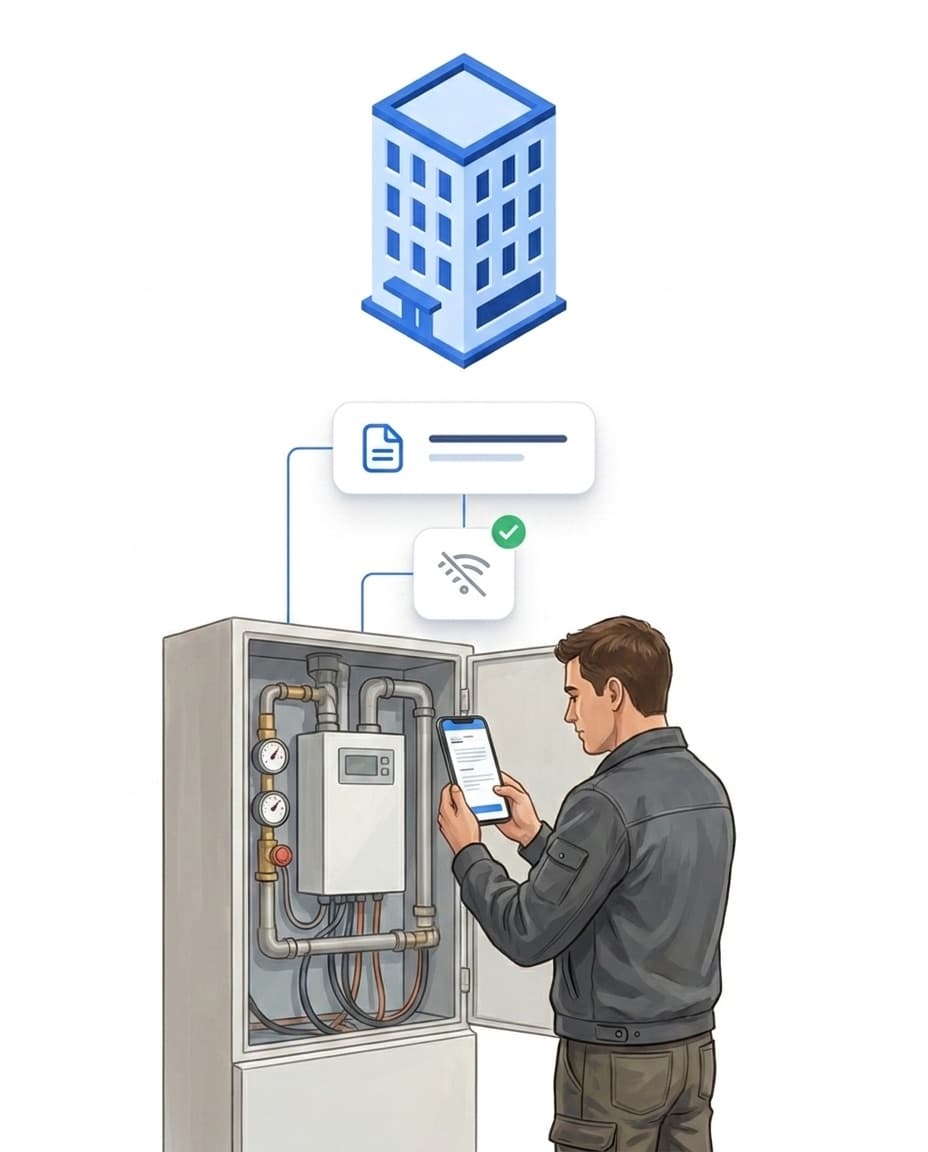
Offline on board: even without signal
Underground car park, basement, utility room: exactly where plans are needed – and exactly where the network is often missing. The app keeps documents locally, like LiteLog's entire offline mode.
- ✓Local on the device: documents of assigned properties are accessible without a connection.
- ✓Synced automatically: updates reach all devices as soon as there is a connection again.
- ✓No paper binders: no outdated copy circulates any more – replaced centrally applies everywhere.
Example: the onboarding chain
The first day at a new property: instead of a briefing marathon, the new colleague finds the site plan, instructions and emergency info right in the app – offline too. Together with custom fields on the employee profile and the app in their language, they are ready to work from the first shift.
FAQ
Frequently asked questions about document storage (FAQ)
Which documents can I store in LiteLog?
Everything your team needs on site: site plans, work and maintenance instructions, emergency information, phone lists or briefing material. You upload the files centrally and assign them to properties.
Can the AI answer questions about my documents?
Yes. Documents you release for it flow into the AI assistant's knowledge. Your team asks the question in the chat – the answer comes from the released files. Release happens deliberately per document, and the AI feature is optional.
Does access work offline?
Yes. The app keeps the documents of assigned properties locally – employees open them in the basement or utility room without signal. As soon as there is a connection again, the app syncs updates automatically.
Who sees the stored documents?
Employees see the documents of the properties they are assigned to in the app. The documents area can be switched on or off per property.
How do I keep documents up to date?
Replace the file once centrally in the portal – all devices receive the new version automatically. Outdated copies in paper binders or chat histories are a thing of the past.
Is document storage the same as the documents in LiteBill?
No. Document storage holds operational files at the property for your team. LiteBill manages commercial documents such as quotes and invoices and is part of the invoicing package.