
Reports you assemble yourself
Every client wants a different record. With LiteLog you assemble exactly the report you need, from building blocks instead of spreadsheet work.
You choose the content, the period and the property. LiteLog creates the report and sends it automatically, as a PDF/A: revision-safe and archivable for the long term.
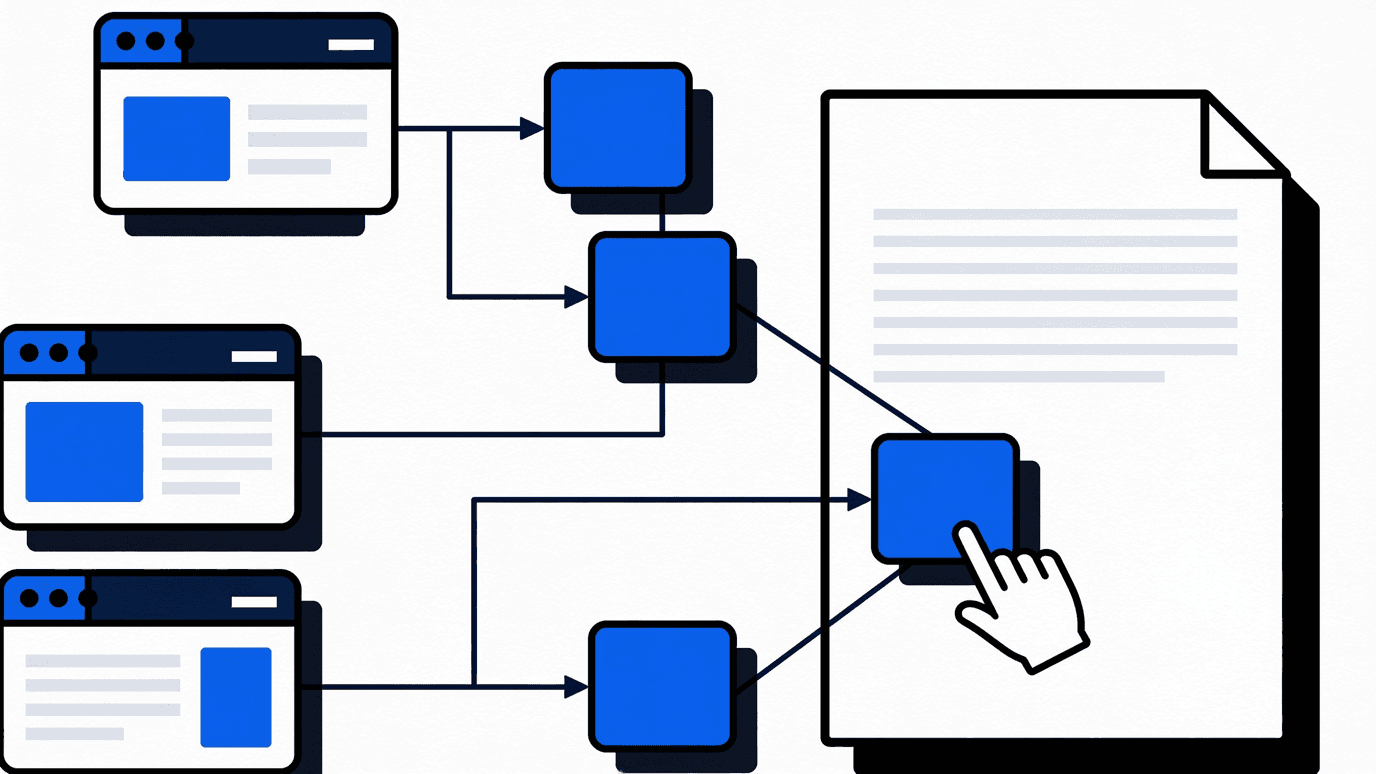
Three steps to a finished report
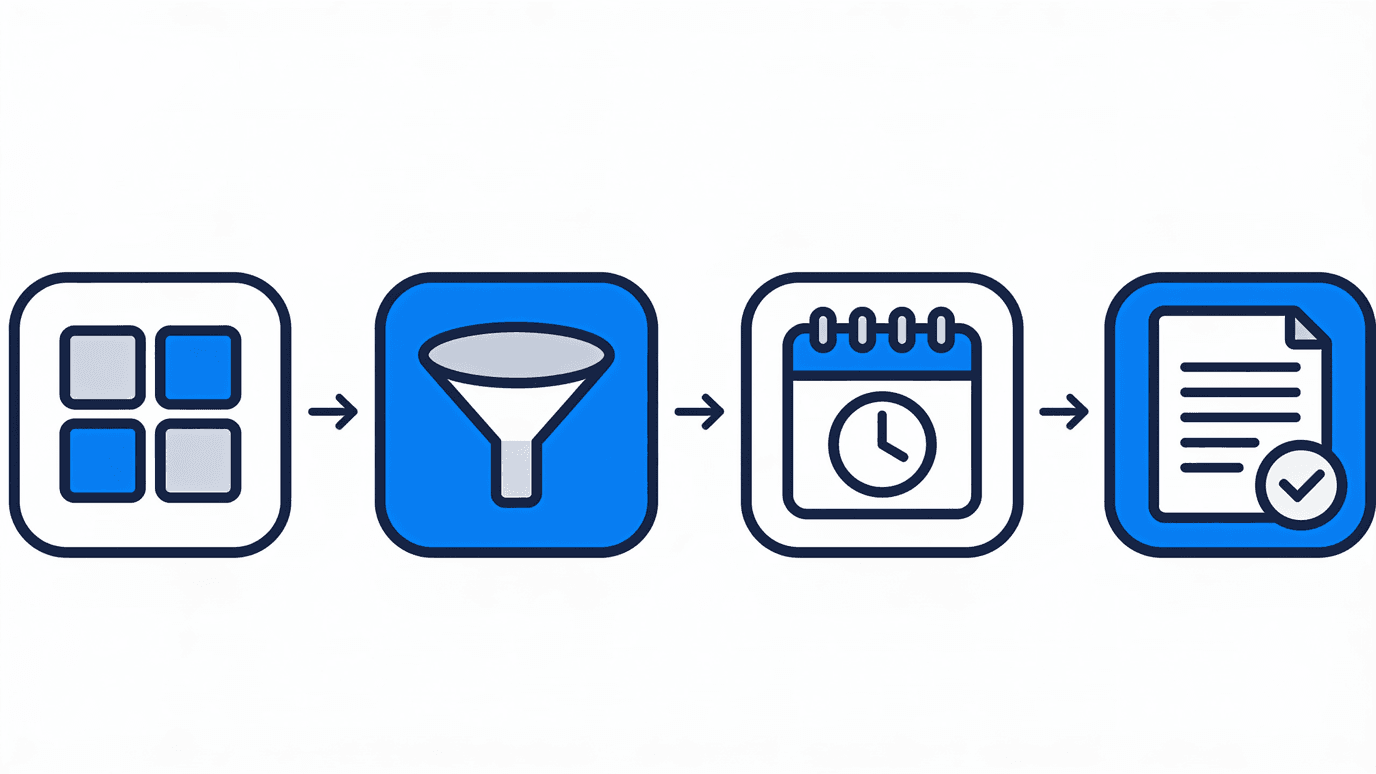
A report is created without technical knowledge. Three steps are enough:
- ✓Pick the building blocks: time tracking, attendance, patrols, guard book, incidents or property metrics.
- ✓Set the scope: filter by period, property, shift or site.
- ✓Define recipients and schedule: once, daily, weekly or monthly.
Which data can go into a report
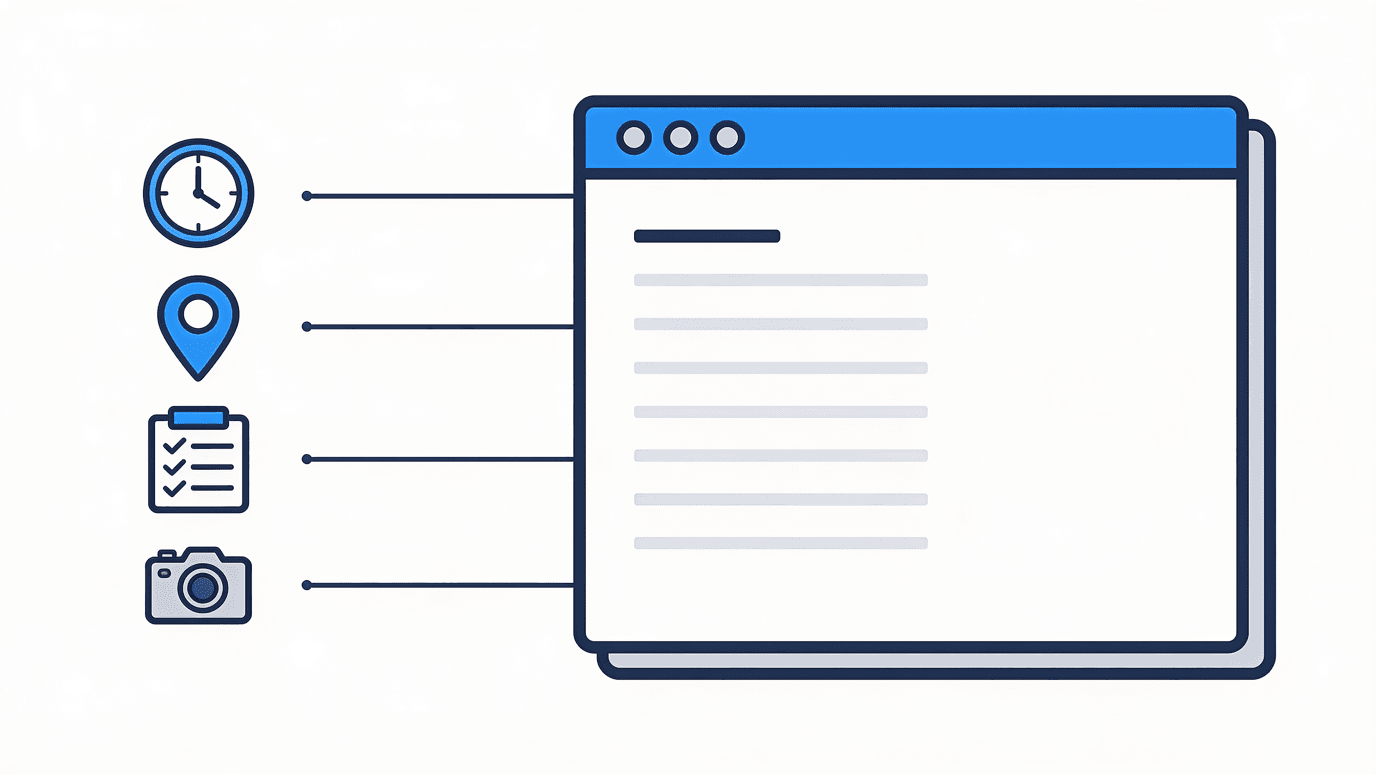
Reports draw on every operational module. The result is one record from a single source:
- ✓time tracking and working hours per person and shift
- ✓attendance with check-in, check-out and location
- ✓patrols and checkpoints with timestamps
Automated delivery to clients
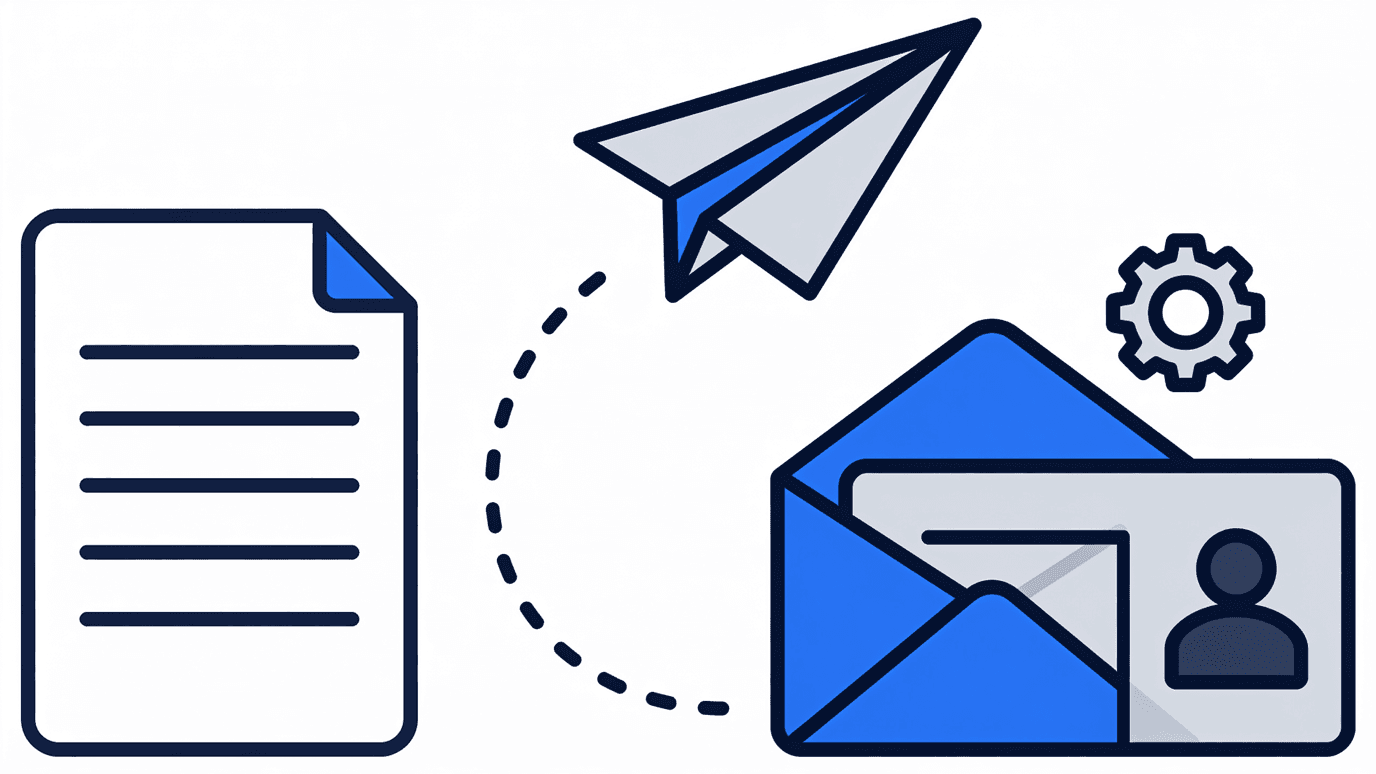
Once set up, delivery runs on its own. LiteLog creates the report at the scheduled time and sends it to the defined recipients, internal teams as well as clients.
The record arrives on time, without anyone having to remember it.
Revision-safe as PDF/A
Reports are sent as PDF/A, the standardised archive format for revision-safe long-term archiving (ISO 19005, adopted in Germany as DIN ISO 19005).
A PDF/A stays readable and unchanged for years. It is suited to audits, client evidence and statutory documentation duties, and it supports GoBD-compliant filing as well as record-keeping duties under the GDPR.
- ✓standardised archive format (ISO 19005 / DIN ISO 19005)
- ✓readable and verifiable, unchanged, for years
- ✓suited to client evidence and audits
The right record for every industry
The report builder adapts to the industry. The same building blocks produce whichever record is required:
- ✓Security: client report per property and period
- ✓Cleaning: service record per building
- ✓Care: report for internal audits and relatives

Conclusion
With the report builder you assemble every record yourself: across modules, sent automatically and revision-safe as PDF/A. Spreadsheet work is no longer needed.
FAQ
Frequently asked questions about custom reports (FAQ)
Can I build my own reports?
Yes. With the LiteLog report builder you choose the content, filters and layout yourself. No technical knowledge is needed: pick the building blocks, set the period, define the recipients.
In which format are reports sent?
Reports are sent as PDF/A, the standardised archive format for long-term, revision-safe archiving (ISO 19005, adopted in Germany as DIN ISO 19005). Exports as CSV and Excel are also available.
What is PDF/A and why does it matter?
PDF/A is a standardised PDF variant (ISO 19005) for long-term archiving. A PDF/A stays readable and unchanged for years, which makes it suitable for client evidence, audits and statutory documentation duties.
Are the reports archivable in a revision-safe way?
Yes. Thanks to the PDF/A format, LiteLog supports revision-safe and GoBD-compliant archiving. Reports remain unchanged and verifiable at any time.
Can LiteLog send reports automatically?
Yes. You define recipients and a schedule: once, daily, weekly or monthly. LiteLog creates the report and sends it automatically to internal teams or clients.
Which data can I include in a report?
Reports can include data from every module: time tracking, attendance, patrols, the digital guard book, incidents as well as site and property-level analytics.
Can reports be sent to external clients?
Yes. Reports can go to internal users and external clients, as a fixed PDF/A record per property and period.