
Shift planning for site-based service providers
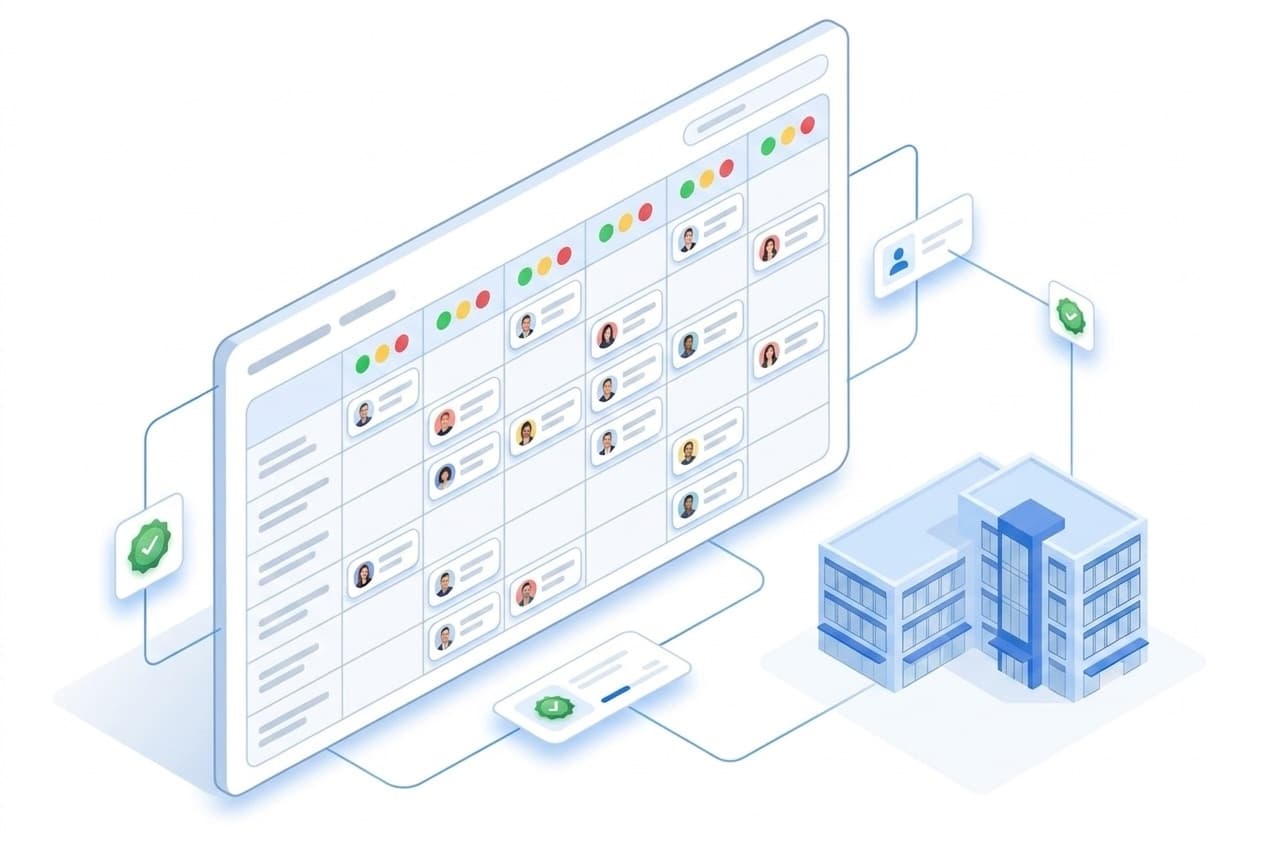
LiteLog plans shifts where your work happens: on site. The duty roster connects employees, properties and client contracts – built for security services, commercial cleaning and facility management. One goal: every shift covered, every contract fulfilled.
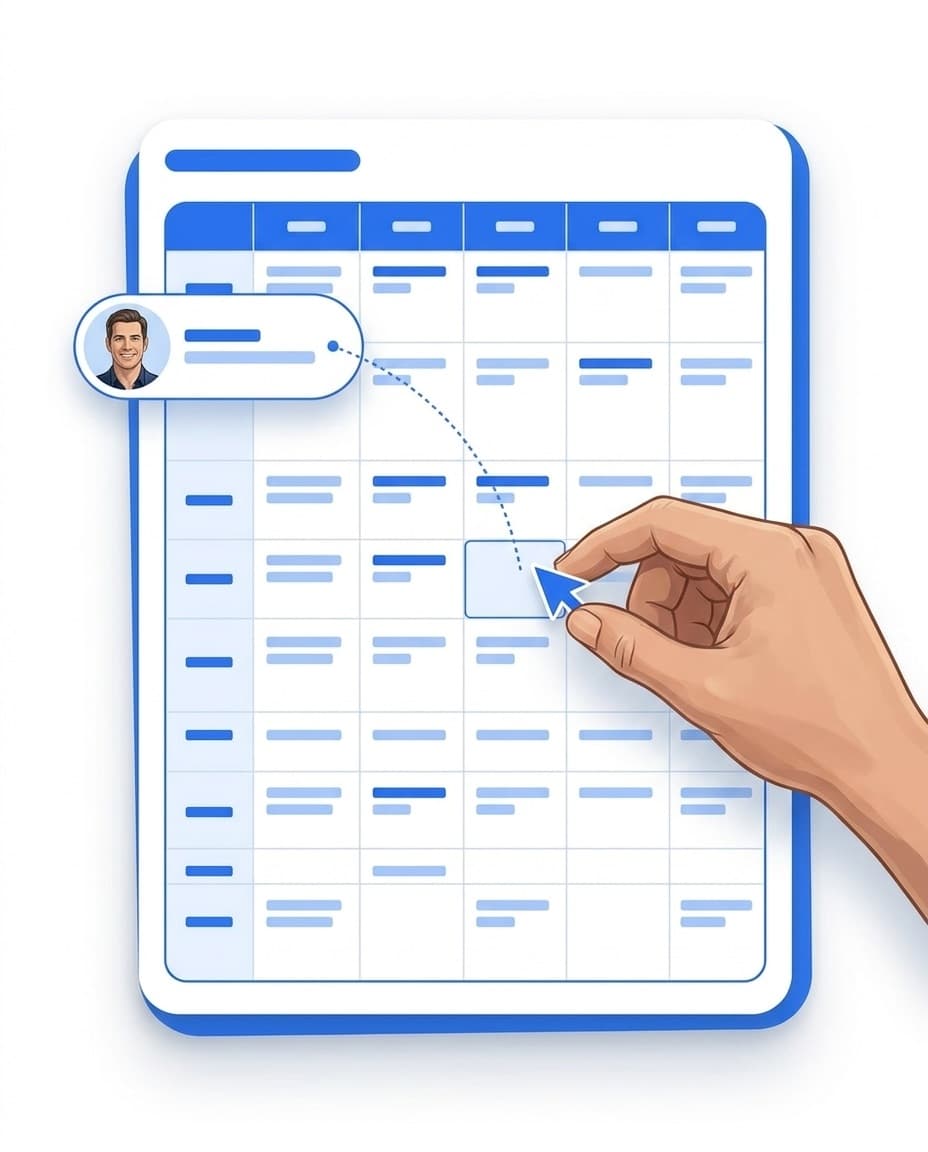
Drag-and-drop planning board
Drag employees into shifts – daily and weekly views.
Target-vs-actual status lights
Under- and overstaffing per property and contract at a glance.
Working time and overlap warnings
Alerts while you plan, before conflicts land in the roster.
Leave & absences
Requests, approvals and calendar right in the roster.
The planning board: scheduling by drag-and-drop
The planning board shows employees and shifts as a matrix – by day or by week. You drag a person into a shift, done. Open assignments are collected in a dedicated row, so no shift goes unstaffed unnoticed. Multi-select lets you edit many shifts in one go, per-property shift defaults serve as templates – and you copy a finished week into the weeks that follow.
- ✓Daily and weekly views: dispatch at short notice or plan well ahead.
- ✓Multi-select: mark several shifts and edit them in a single step.
- ✓Shift series: plan recurring duties, end them and resume them.
- ✓Instructions on the assignment: attach notes right to the shift – your team sees them in the LiteLog app.
- ✓Shift defaults per property: set times and staffing once, reuse them every time.
Target vs. actual staffing with status lights – per property and per contract
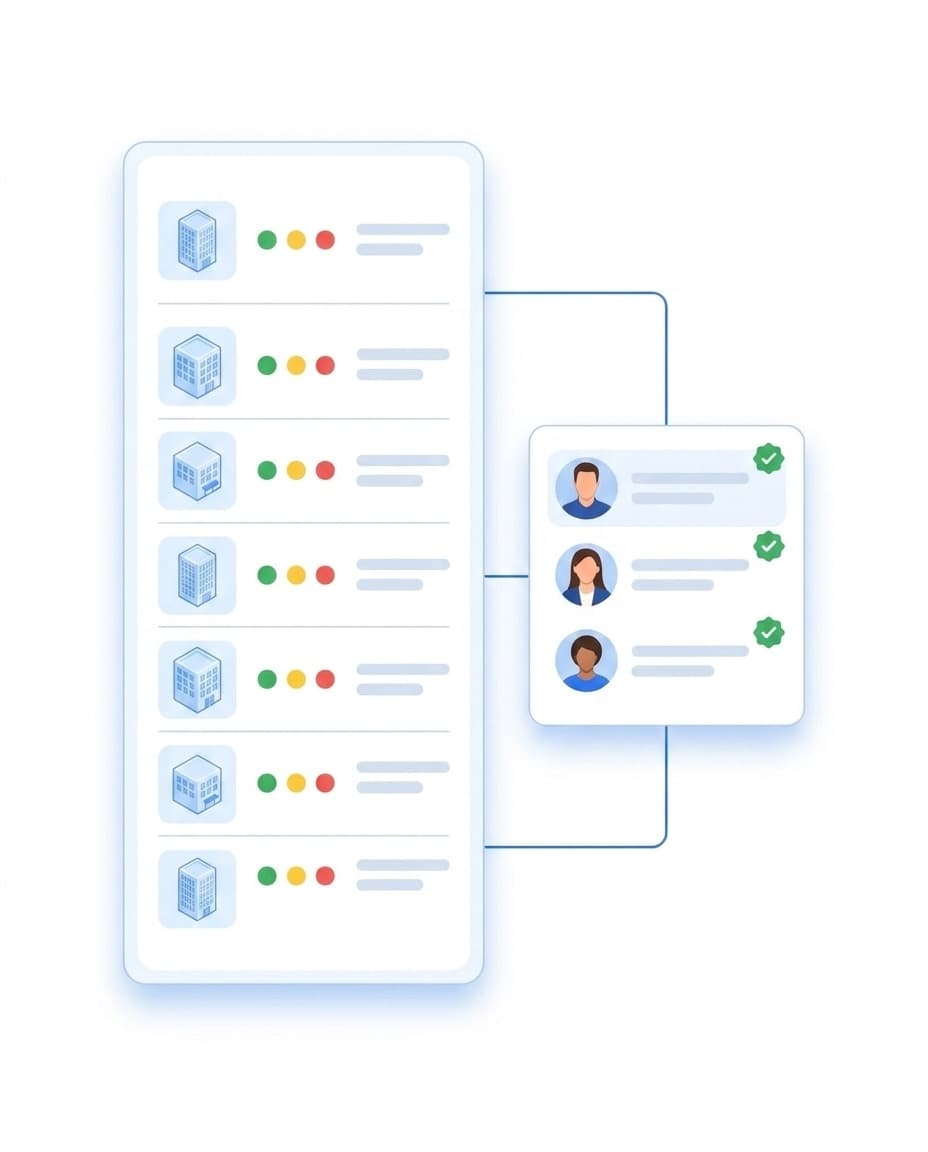
LiteLog derives staffing requirements from shift defaults and client contracts. Status lights show per property and per contract where people are missing or too many are scheduled. LiteLog suggests suitable staffing, you decide.
- ✓Targets from defaults and contracts: the requirement lives on the property and the client contract.
- ✓Status lights per property and contract: under- and overstaffing at a glance.
- ✓Staffing suggestions: based on availability and working time model.
- ✓Qualifications in the catalog: manage qualifications and certificates per employee in one place.
- ✓You decide: LiteLog suggests, you confirm every assignment yourself.
When someone calls in sick: cover in minutes
When someone calls in sick, the absence band shows the conflict right in the roster. You see immediately which shifts are affected. Cover suggestions respect availability and avoid overlaps, so you restaff in minutes.
- ✓Conflicts visible: the absence band highlights affected shifts in the plan.
- ✓Suitable suggestions: only available people with no overlapping shifts.
- ✓Restaffed quickly: drag the cover into the shift.
From leave request to approval – right in the app
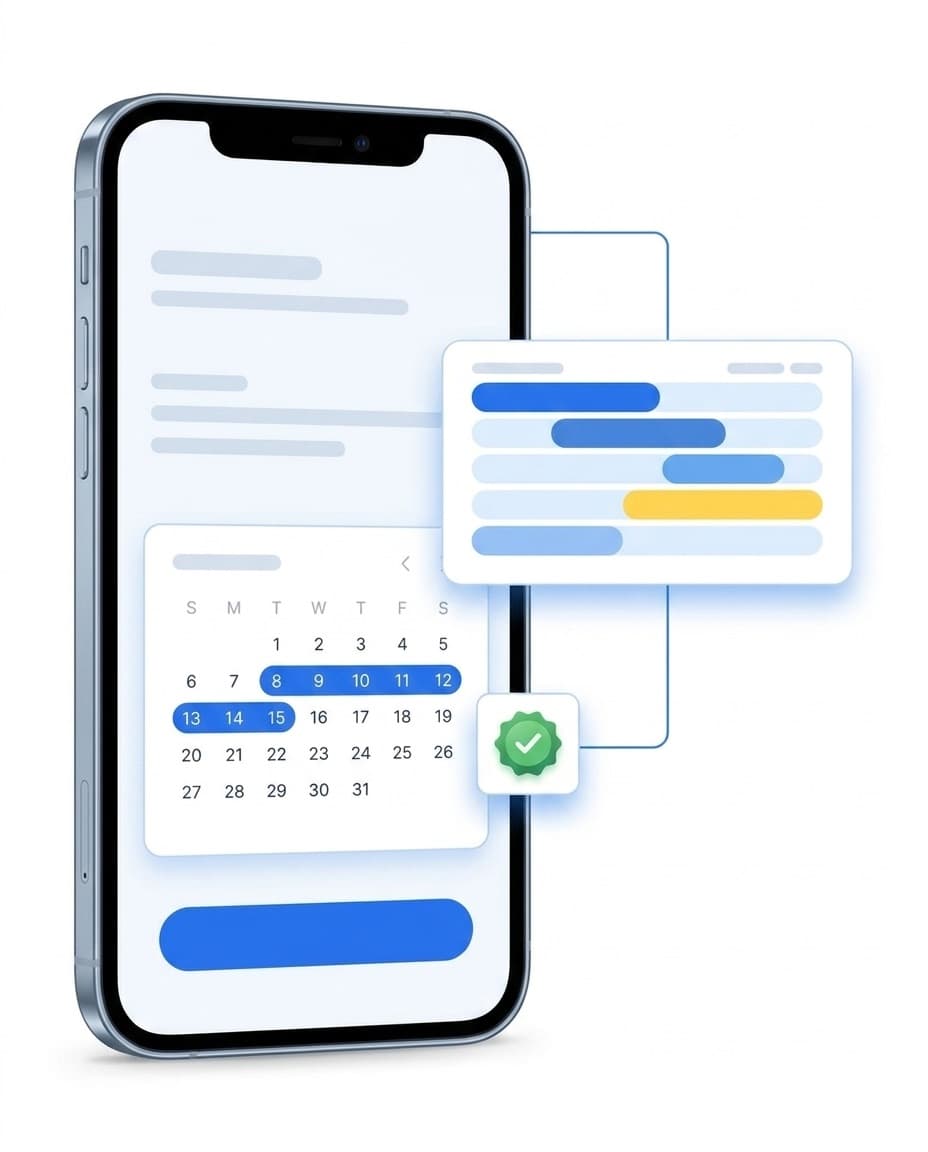
Employees request leave in the LiteLog app, you approve in the portal – with a decision note the requester can see. The leave balance stays in view at all times. Approved absences appear in the duty roster automatically.
- ✓Request in the LiteLog app: pick the dates, submit, done.
- ✓Approval with a note: the decision and its reasoning are documented.
- ✓Balance in view: remaining leave per person at a glance.
- ✓Absence calendar: who is away and when – across the team.
- ✓Self-cancellation: employees withdraw requests that are not yet approved.
Warnings instead of nasty surprises
LiteLog checks while you plan and warns you before a conflict lands in the roster. The alerts support you in keeping to working time rules – the decision stays with you.
Working time alerts
Warnings about rest periods and maximum working hours as you plan.
Overlap check
Double-booked people stand out immediately.
Working time models
Weekly hours and working days stored per employee.
Absence conflicts in view
Approved absences appear in the plan and highlight conflicts.
From client contract straight into the duty roster
What you promised the client becomes the basis for planning. You define the staffing requirement on the contract and transfer it into the duty roster. The status light per contract shows at any time whether you are meeting the commitment.
- ✓Requirement on the contract: define staffing per client contract.
- ✓Transfer to the roster: the right shifts are created from the requirement.
- ✓Target vs. actual per contract: the status light shows contract fulfilment.
- ✓More on the client portal: Client contracts in the customer portal.
FAQ
Frequently asked questions about duty rosters and shift planning (FAQ)
What is duty roster software for security and cleaning companies?
Duty roster software for site-based service providers plans shifts not only per employee, but per property and per client contract. LiteLog uses target-vs-actual status lights to show whether every agreed staffing level is met. That sets it apart from generic shift planners that know nothing about your clients.
How does drag-and-drop shift planning work?
On the planning board you drag employees straight into a shift – in the daily or weekly view. Multi-select lets you edit several shifts in a single step. You plan shift series once and let them recur. And you copy a finished week into the weeks that follow.
Does LiteLog warn about working time violations?
Yes. While you schedule, alerts appear for rest periods, maximum working hours and overlaps before the conflict lands in the roster. The warnings support your decision; responsibility for the plan stays with the planner.
What happens when an employee calls in sick at short notice?
The conflict becomes visible right in the roster: the absence band highlights the affected shifts. LiteLog suggests covers who are available and free of overlaps. You restaff the shift by drag-and-drop.
Can LiteLog staff shifts automatically?
LiteLog delivers staffing suggestions at the press of a button, based on availability and working time model. The final decision always rests with the planner – you confirm every assignment yourself.
How do employees request leave?
Right in the LiteLog app: pick the dates and submit. You approve or decline, each with a decision note, and the leave balance is tracked automatically. Employees cancel their own requests as long as they are not yet approved.
Can I control staffing per client contract?
Yes. You store the staffing requirement directly on the client contract and transfer it into the duty roster. The status light per contract shows at any time whether you are meeting the agreed staffing.
Which industries is the shift planning built for?
For every service provider working on site: security services, commercial cleaning, facility management and caretaker services. In all of them, LiteLog connects the duty roster, properties and client contracts.