
What AI categorisation includes
One goal: every report becomes a structured, classified incident without manual work.
Classified automatically
Category, severity and title appear within a minute – hands-free.
Voice memo becomes text
Speak instead of typing – the AI transcribes and classifies.
Severity detected
From photos too: the vision AI analyzes images of brief reports.
Workflow reacts
Automation rules act on the classification – up to alerting.
Category, severity and title – automatically
Once enabled, every incoming incident is sorted automatically, usually within a minute: the AI assigns a category, estimates the severity and writes a meaningful title. If it is unsure about the category it deliberately leaves it empty instead of guessing. Urgent matters escalate on their own via your workflow rules, incidents become instantly searchable, and your client reports look consistent throughout.
- ✓Category, severity and title automatically
- ✓Works for app incidents and inbound incidents
- ✓Category and severity can be overridden at any time
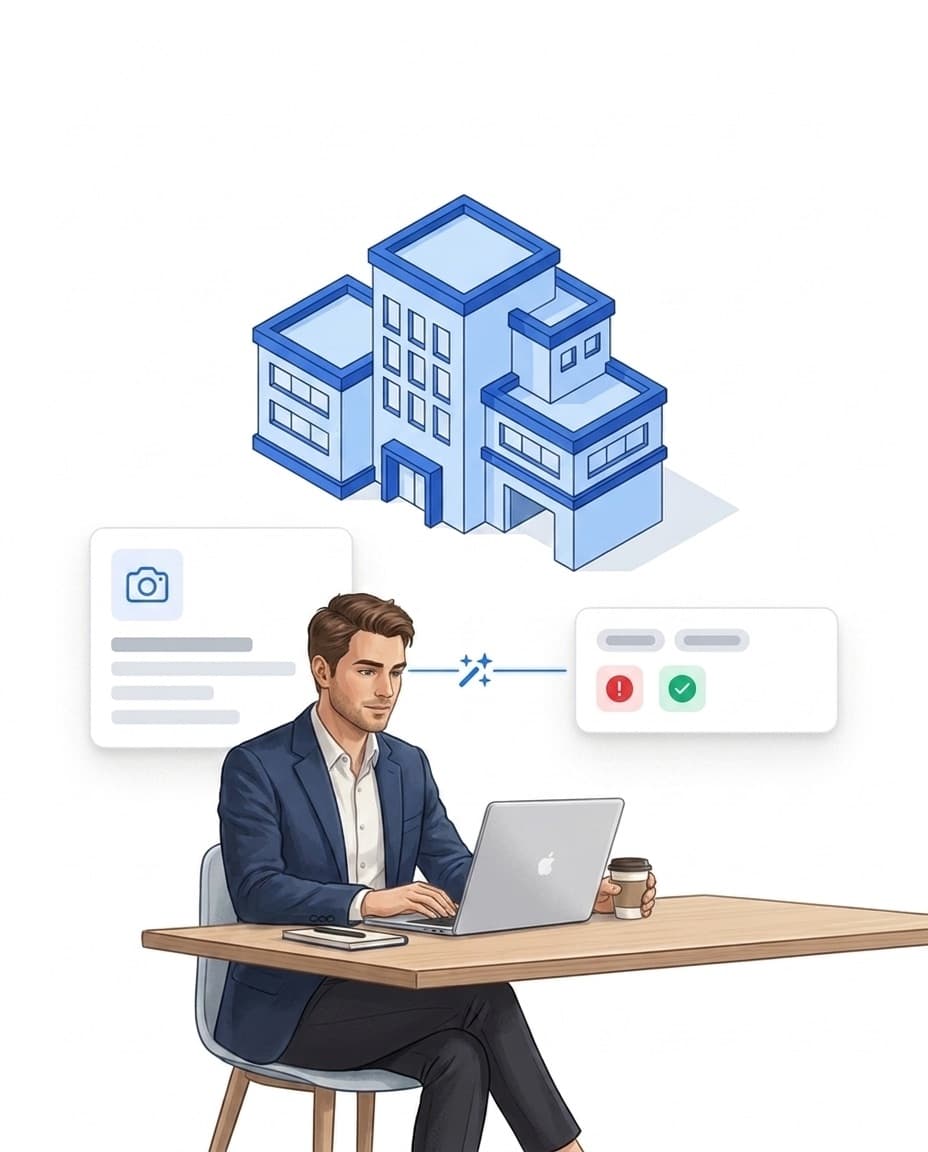
Photo analysis with vision AI
A picture often says more than a brief description. If an incident is described only briefly or not at all, the vision AI analyzes the attached photo instead. That way incidents with little text are classified too – where the description is detailed, the text is enough.
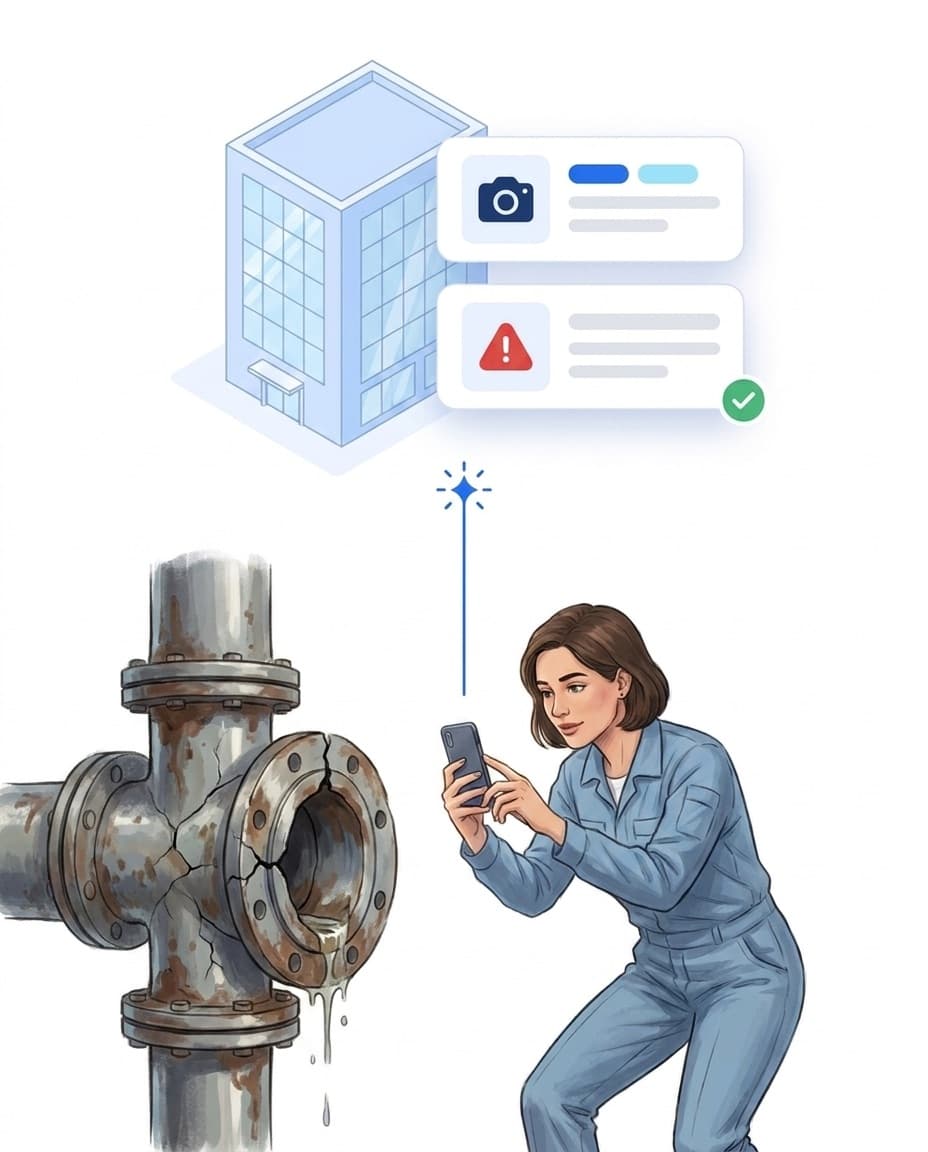
Voice memo instead of typing
Typing on the go is inconvenient – speaking is faster. Staff simply record the incident as a voice memo: the AI transcribes the recording automatically and then classifies the incident just like a typed report. Even spontaneous observations end up fully documented and classified in the system.
- ✓Speak the incident, AI transcribes automatically
- ✓Transcript feeds directly into classification
- ✓Original recording stays attached to the incident
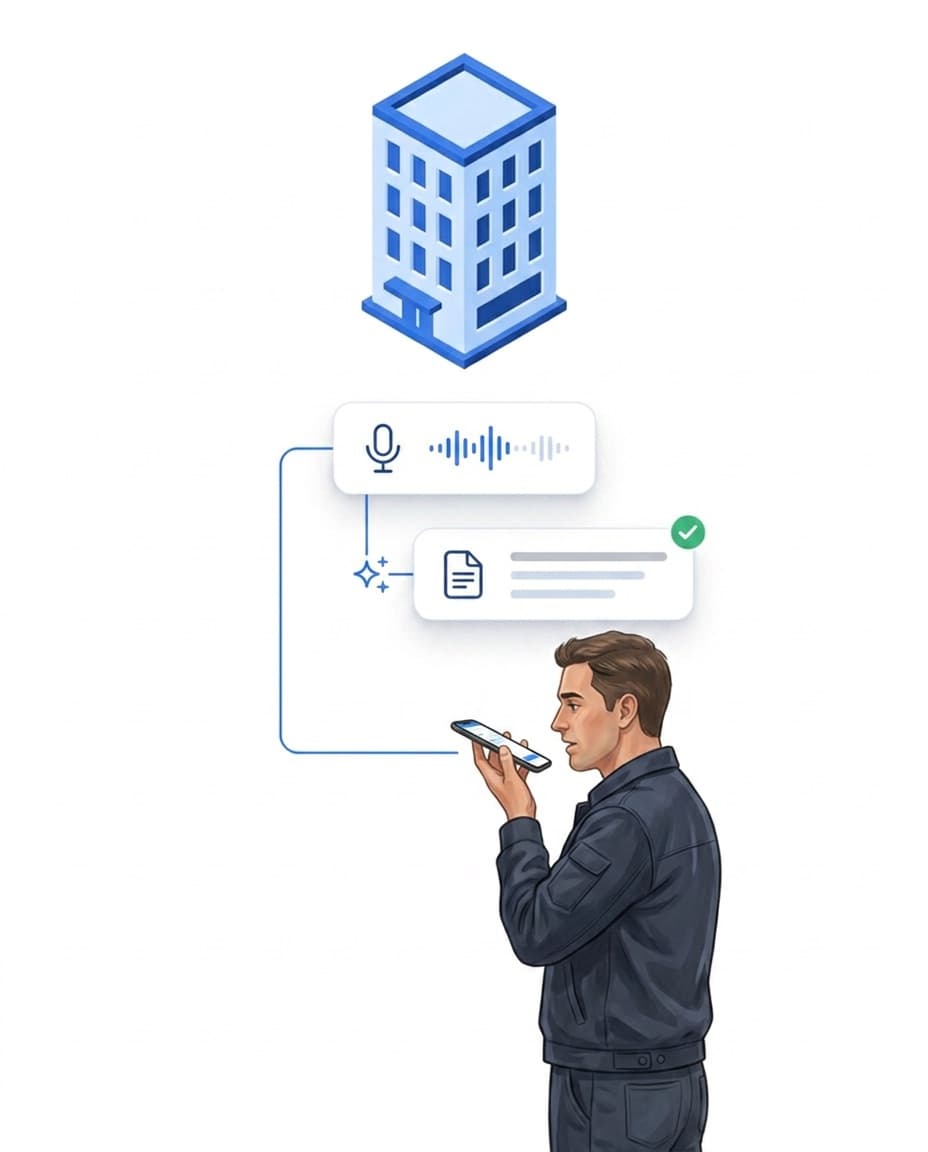
Incident classified – workflow starts
Categorization is not the end but the trigger: based on category and severity, your workflow rules fire automatically – for example an alert on critical incidents. Where your data is processed is explained on our secure AI page.
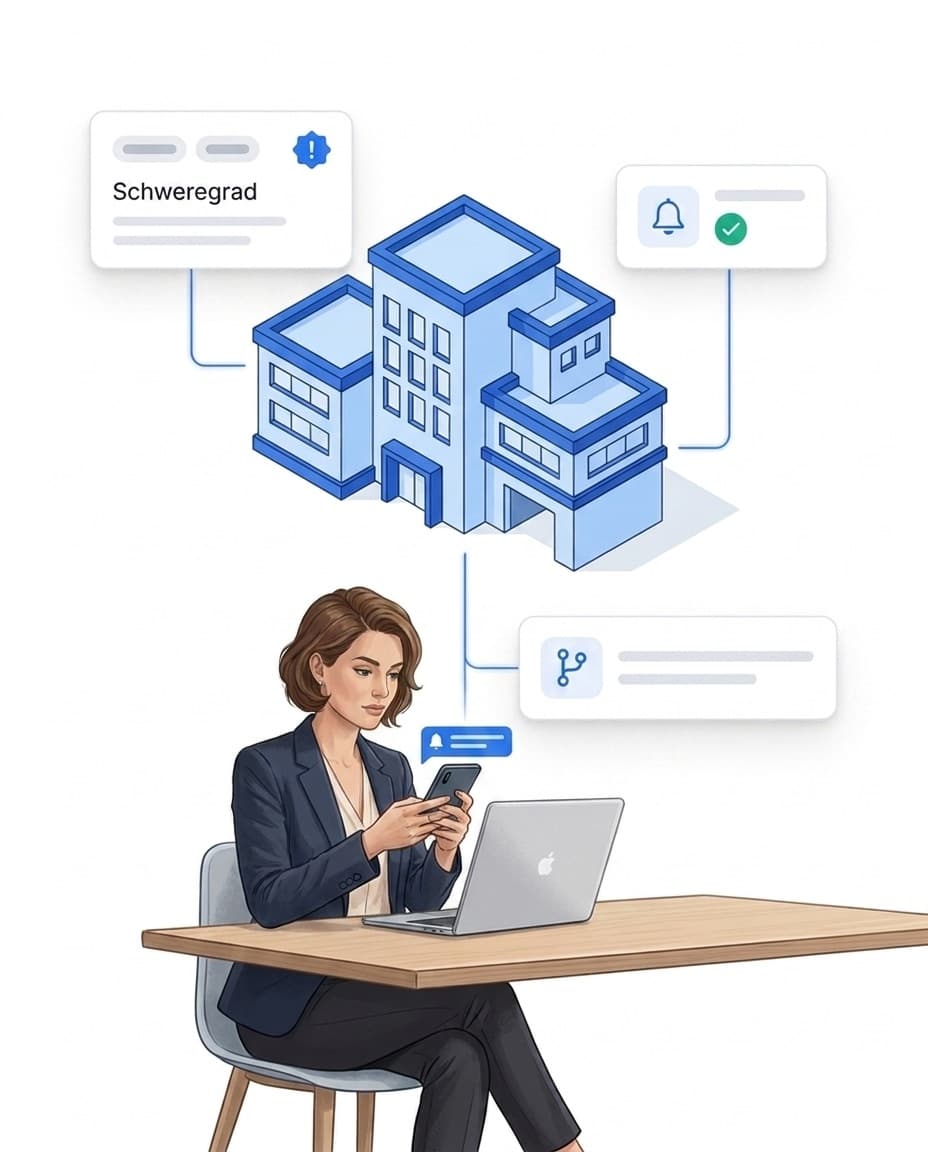
The voice-memo chain: speak instead of type
Your staff do not have to write form texts: speaking is enough. The AI turns it into a structured, classified report — and the workflow rules react directly to the classification.
FAQ
Frequently asked questions about AI categorization (FAQ)
Which AI is behind this and where is my data processed?
Classification runs on Azure OpenAI in a European processing environment. Processing is GDPR-compliant. Learn more on our secure AI page.
What does AI categorisation cost?
Nothing extra: a monthly AI budget is included in every plan and covers typical incident volumes. If you need more, the AI add-on extends it. See the current overview on the pricing page.
How do I enable AI categorisation?
You decide whether AI helps out: the feature is off by default. A single switch under Settings → Integrations → AI features enables it for your account – and can be turned off there at any time. Until you enable it, no incident is processed externally.
Can the AI also analyze photos?
Yes. If the description is brief or missing, the AI analyzes the attached photo to classify category and severity. Where the description is detailed, the text is enough.
Can staff record incidents by voice?
Yes. In the app, an incident can be recorded as a voice memo. The AI transcribes the recording automatically and the text feeds directly into classification – category, severity and title are generated just like for typed incidents. The voice memo stays attached to the incident.
What happens after automatic categorization?
Once an incident is classified, it can fire your workflow rules – for example an escalation on high severity or a notification to the responsible person. You define which rule applies.
Can I override the AI suggestions?
Yes. Category and severity can be adjusted manually at any time. The classification then counts as human-confirmed and is not overwritten by the AI again.