
Five task types, one list
Routine and ad-hoc work in one list. Every task says what needs doing, who takes care of it and by when. Click a type to learn more about it.
Routine
Comes back regularly, from daily to yearly.
Learn more ↓Task
One-off and sudden, such as a leak at the heating pump.
Learn more ↓Ticket
A task from outside, with sender and time received.
Learn more ↓Patrol
Proves that your team really was at every point.
Learn more ↓Tour
Several sites by car, every stop with a time window.
Learn more ↓1 · Routine: what comes back regularly
Routine is everything that comes back regularly: the filter change every three months, the daily cleaning of the entrance, the yearly fire extinguisher check. You create the task once, and LiteLog generates every occurrence on its own.
- ✓From daily to yearly: you choose the interval, with an optional margin of a few days before or after.
- ✓With a clear end: the routine ends on a date or after a number of occurrences.
- ✓Proven one by one: each occurrence is its own task and is completed and proven individually.
- ✓At the place: if the routine is tied to a checkpoint, your team sees it on scan, with a checklist if you want.

2 · Task: what comes up suddenly
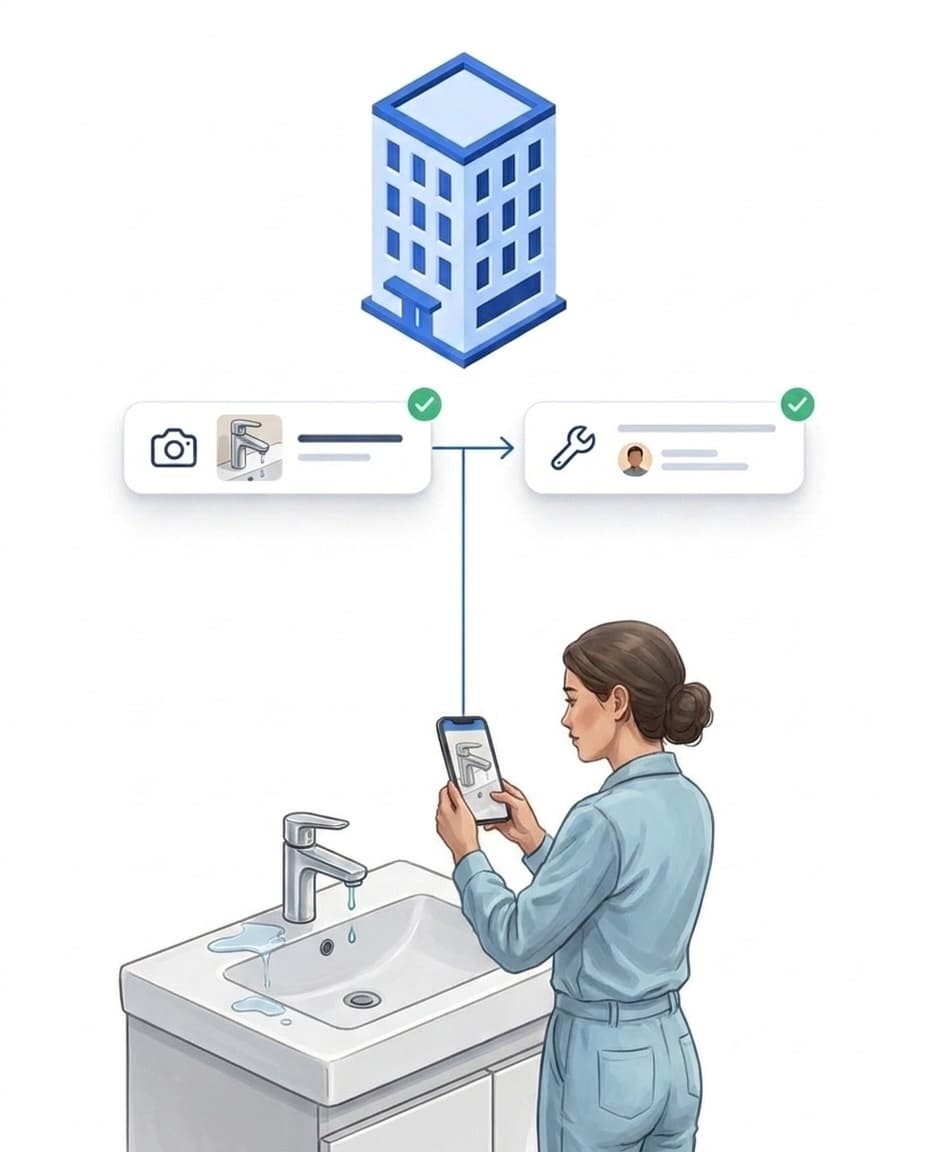
If something comes up suddenly, like the leak at the heating pump, you create a one-off task. Your team sees it in the app immediately.
- ✓What, who, by when: every task says what needs doing, who takes care of it and by when.
- ✓In the portal or on site: management creates tasks in the portal, your team also directly in the app.
- ✓Task pool: tasks can be assigned to several people or offered to a group. The first to accept wins, everyone else instantly sees the task is taken.
- ✓Exact spot: if you want, a pin marks the spot on the map or floor plan.
3 · Ticket: tasks from outside
Not every task comes from you. Your clients and outside parties can create tasks too, through the customer portal or as a report from the app. LiteLog creates such tasks as tickets.
- ✓With sender and time received: a ticket shows who sent it and when it came in.
- ✓Like any other task: you accept it, assign it and complete it.
- ✓Visible to the client: in the customer portal the client follows the status without calling.
- ✓AI suggestion: for reports, AI suggests category and urgency, and you can override both at any time.

4 · Patrol: been at every point
A patrol first and foremost documents that your team really was at every point. The person on site scans several checkpoints one after another within a fixed time window, for example the evening round across the whole grounds.
- ✓Place, time and person: every scan stores where, when and by whom.
- ✓Tasks at the point: you can also attach tasks to individual points that appear on scan.
- ✓Missed point: if a point is missed, management sees it immediately.
- ✓More: checkpoints, time windows and evaluation are explained under patrols.

5 · Tour: several sites by car
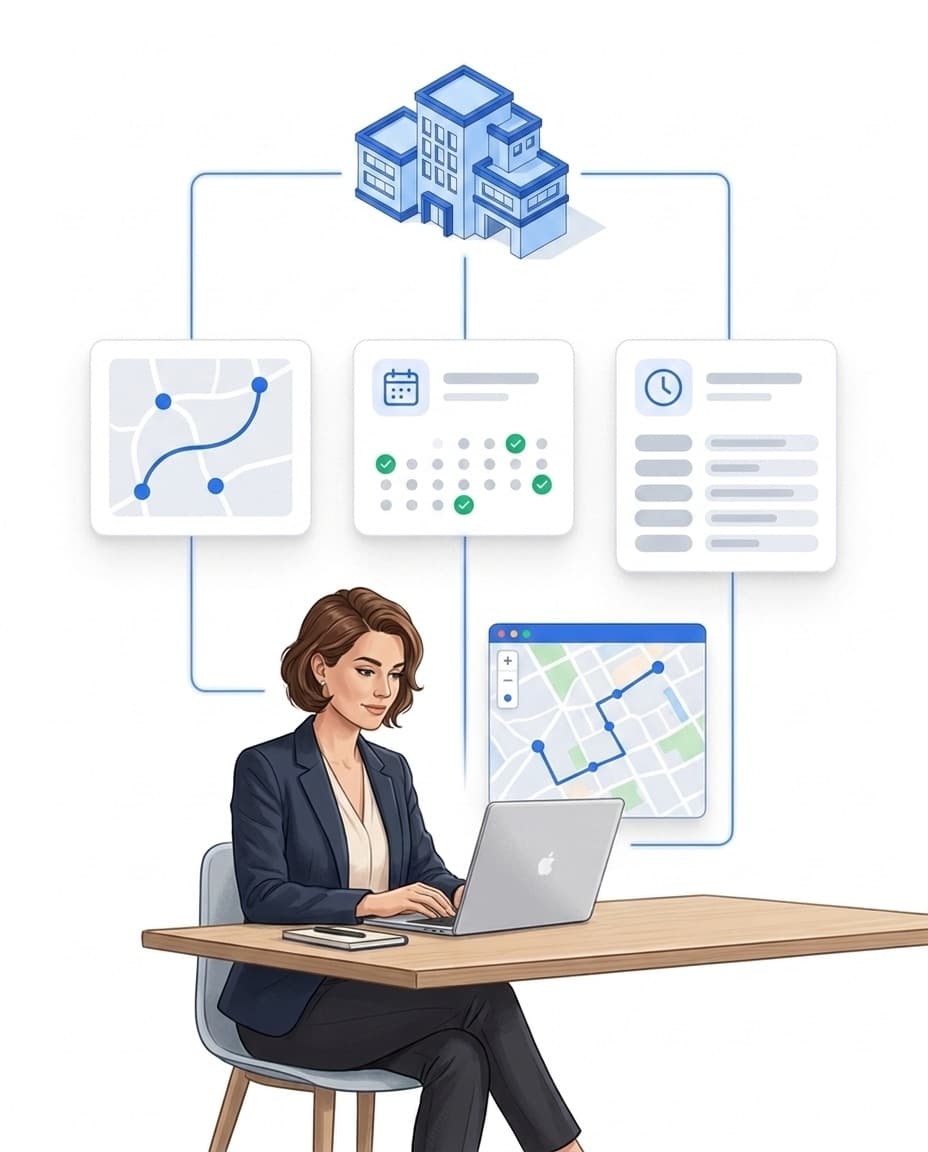
A tour takes your team by car across several sites, each with its own time window. If a stop is missed, you see it immediately.
- ✓Every stop with a time window: you set when your team should be at which site.
- ✓Missed stop: visible immediately, without asking around.
- ✓Typical for: mobile patrol services, caretakers with several buildings, cleaning of small sites.
Which software is suitable for task management in commercial cleaning and security services?
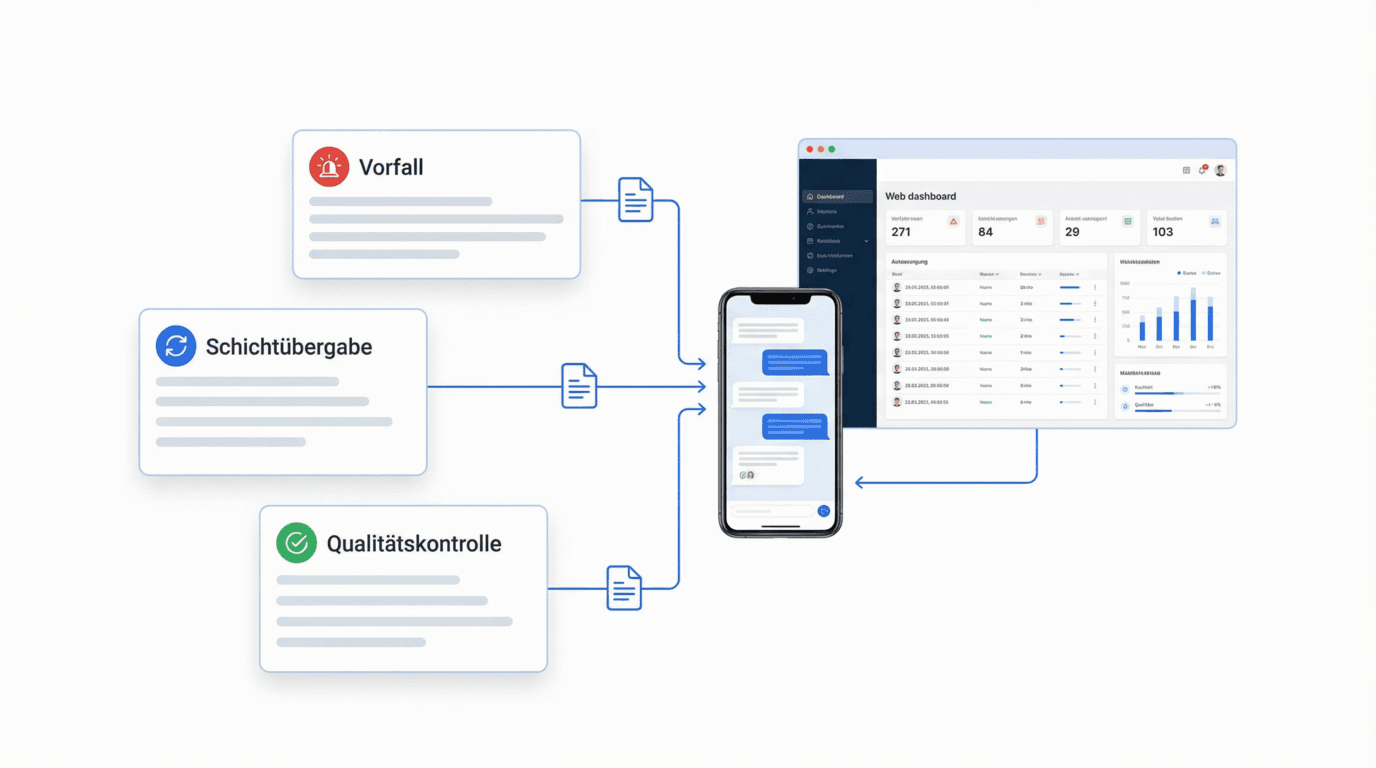
Building service providers need task management that keeps routine and ad-hoc work in one list and ties every task to its place. The key criteria: tasks appear on scan at the checkpoint, routines run on their own, tickets from outside arrive with sender and time received, completion is proven with a photo, and overdue items raise their hand automatically.
- ✓Five task types: routine (recurring, from daily to yearly, with an optional margin), task (one-off, in the app immediately), ticket (from outside, with sender and time received), patrol (several checkpoints within a fixed time window) and tour (several sites by car, every stop with a time window).
- ✓Every task has its place: we recommend checkpoints for this, an NFC tag or QR code per room or site, inside the building and on the grounds. Your team scans the point and sees exactly what needs doing there, with a checklist if you want.
- ✓AI suggestion: for reports, AI suggests category and urgency, and you can override both at any time.
- ✓Photo proof: prove completion with a photo. The photo requirement is configurable per task, the result documented audit-proof.
- ✓Not feasible: if a task cannot be done, the team reports it with reason and photo. Management learns about it immediately and decides how to proceed.
- ✓Overdue automation: overdue items show in red. One example: if a task is overdue, LiteLog notifies the site manager.
- ✓Industries: commercial cleaning, security services, caretaker services, facility management, property management.
- ✓Task pool for the team: tasks can be assigned to several people or offered to a group via a takeover offer. The first to accept wins, everyone else instantly sees the task is taken.
Every task has its place: the checkpoint
So your team knows what needs doing where, we recommend checkpoints: an NFC tag or QR code per room or per site. Scan instead of scroll: your team scans the point and sees exactly what needs doing there, with a checklist if you want. It works without signal too, inside the building and outdoors. If the site has a floor plan, a pin additionally shows the exact spot on the plan.
- ✓Scan instead of scroll: the scan at the checkpoint opens the tasks of that place, including due date, checklist and photo requirement.
- ✓Checklists & multi-assignment: break larger tasks into checkable sub-steps and distribute one task to several staff members at once.
- ✓On the floor plan: Upload one floor plan per level for each site, as an image or PDF. When creating a task – in the portal or in the app – a pin marks the spot, with a short note such as “lock on the second door on the left”. In the app, the plan can be zoomed and opened full screen with all open tasks on that level – useful in halls, terminals, warehouses and multi-level buildings, even without room numbers. Checkpoints can be placed on the same plan; on patrol, the app then shows where the next point is.
Done means: proven with a photo
Toni replaces the lamp, fixes the railing – and marks the task as done, with a photo of the result. Before and after now sit side by side, audit-proof with timestamp and user.
- ✓Photo requirement per task: with the requirement enabled, the task can only be closed with a photo.
- ✓Not feasible: if a task cannot be done, the team reports it with reason and photo. Management learns about it immediately and decides how to proceed.
- ✓Offline too: complete tasks in basements or underground garages without signal. Whatever the app captured offline syncs automatically as soon as it has a connection again.
- ✓Visible to your client: in the customer portal they see the whole record: reported, completed, proven. On request, LiteLog sends the proof automatically as a PDF.

Due, overdue – and the bigger picture
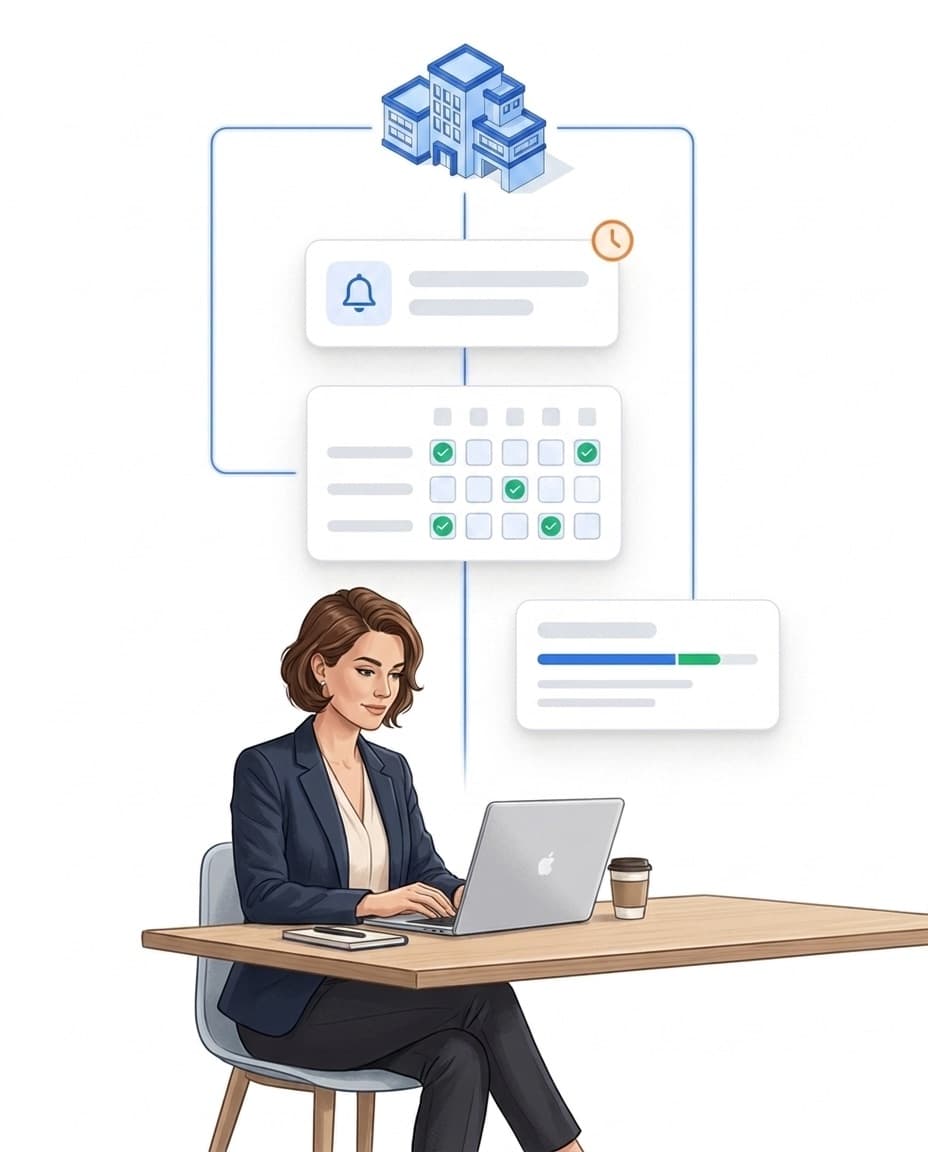
In the portal all tasks sit under "Tasks", sorted by type. Overdue items show in red. Management sees everything in real time and exports with one click; it does not have to check every completed task individually. Two views show whether your team delivers: list and coverage.
- ✓Automation on deadlines: there are various options and approaches for automation. One example: if a task is overdue, LiteLog notifies the site manager. You build the if-then rules in the automation.
- ✓List: all tasks with type, status, due date, owner and site, filterable and editable right in the row.
- ✓Coverage: you set a daily scan target – the matrix shows day by day whether the site is checked as often as planned.
- ✓An honest rate: "Completed (30d)" measures the share of tasks completed in the last 30 days – a clear number for you and your client.
FAQ
Frequently asked questions about task management (FAQ)
What is task management software for building service providers?
Task management software for building service providers keeps routine and ad-hoc tasks in one list, assigns them to the team and documents completion verifiably. In LiteLog every task has its place; we recommend checkpoints with an NFC tag or QR code for this, one per room or site. Your team scans the point and sees exactly what needs doing there. Completion is proven with photo, time and person in an audit-proof record.
Which task types are there in LiteLog?
Five. Routine: recurring, from daily to yearly, with an optional margin of a few days before or after. Task: one-off, comes up suddenly and is in the app immediately, such as a leak at the heating pump. Ticket: a task from outside, with sender and time received. Patrol: several checkpoints within a fixed time window, every scan stores place, time and person. Tour: several sites by car, every stop has a time window. All five sit in one list in the portal, sorted by type.
Do tasks work offline?
Completing works offline: status and photo proof are stored locally. Whatever the app captured offline syncs automatically as soon as it has a connection again. Reading is limited offline: you see the last loaded state; new tasks arrive with the next connection.
Can I create recurring tasks?
Yes. Routine tasks repeat at fixed intervals, from daily to yearly, with an optional margin of a few days before or after. The routine ends on a date or after a number of occurrences. Each occurrence is its own task, completed and proven individually.
Can clients view tasks or report issues themselves?
Yes. Through the customer portal, clients see the released records of their site: reported, completed, proven. They can also open a ticket themselves. A ticket is a task from outside, with sender and time received. You accept it, assign it and complete it like any other task; the client follows the progress without a single phone call.
Can I make a photo mandatory on completion?
Yes. Whether photo proof is required is configured per task. With mandatory photos enabled, the task can only be closed with a photo – the result sits audit-proof next to the original report.
Can employees pick up tasks from a pool on their own?
Yes. Tasks can be assigned to several people or offered to a whole group via a takeover offer — the first to accept wins. Everyone else instantly sees the task is taken; nobody works twice.
Can everyone see which tasks are already done or taken?
Yes. Status, assignees and completion marks sync automatically across all devices — whoever opens a task or scans a checkpoint sees the current state including photo proof. Completions recorded offline are synced as soon as a connection is available.
How do staff find the right spot on site when there are no room numbers?
Via the floor plan: each level of a site can have its own floor plan, and when a task is created a pin marks the exact spot, together with a short note. In the LiteLog app, the person doing the work sees the pin on the plan, can zoom in and see all open tasks on that level at a glance. This works without room numbers and adds the exact spot to the checkpoint; if a task is created offline, the pin is saved with it and transferred once a connection is back.