
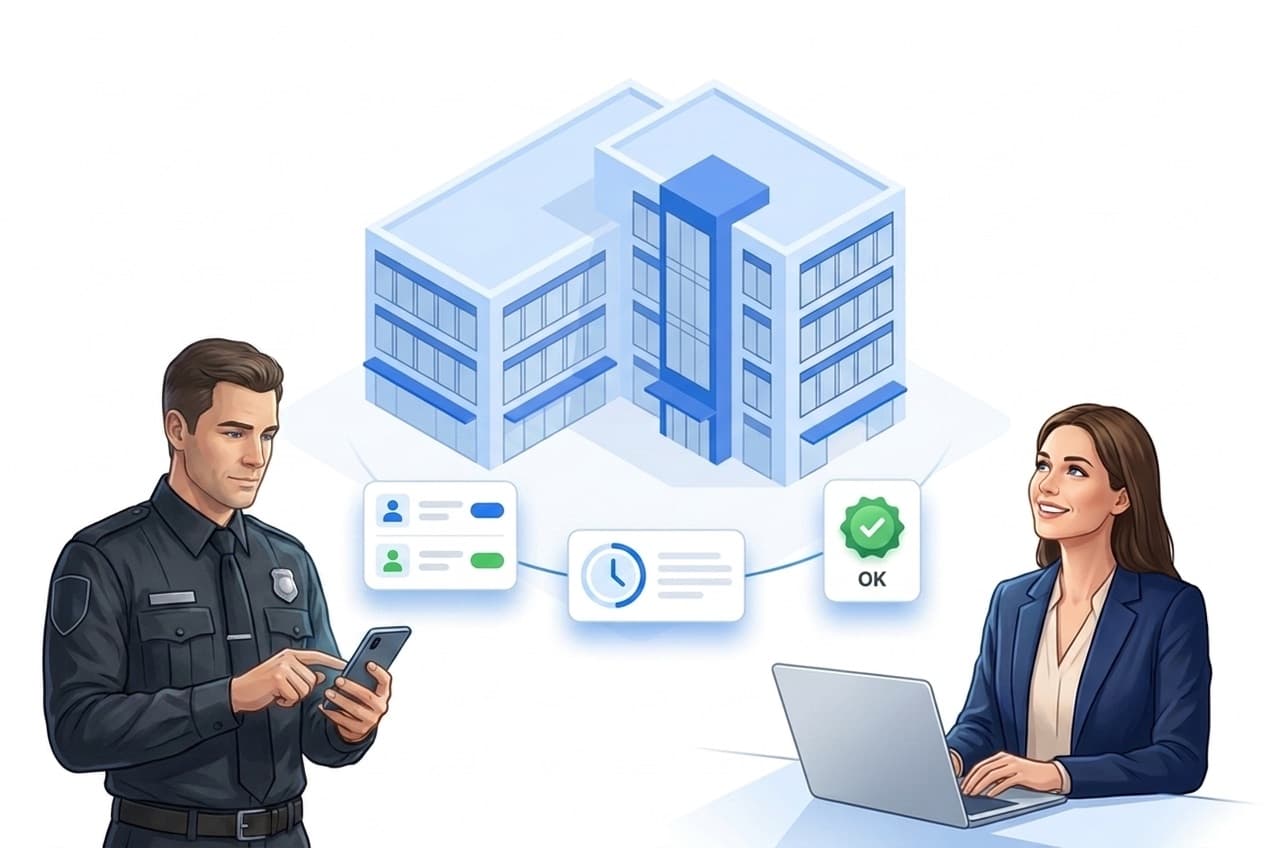
What personnel status & live check include
One goal: always know who is on duty – and that lone workers are safe.
Live staff status
Who is checked in, on duty, checked out – automatically from check-ins and scans.
Status control & SOS
Radio status and emergency button right in the app – can be enabled per property.
Live check
Lone workers confirm at an interval – otherwise LiteLog escalates automatically.
Escalation
Pre-alarm, main alarm, SMS fallback – alerting via push, email, SMS or phone call.
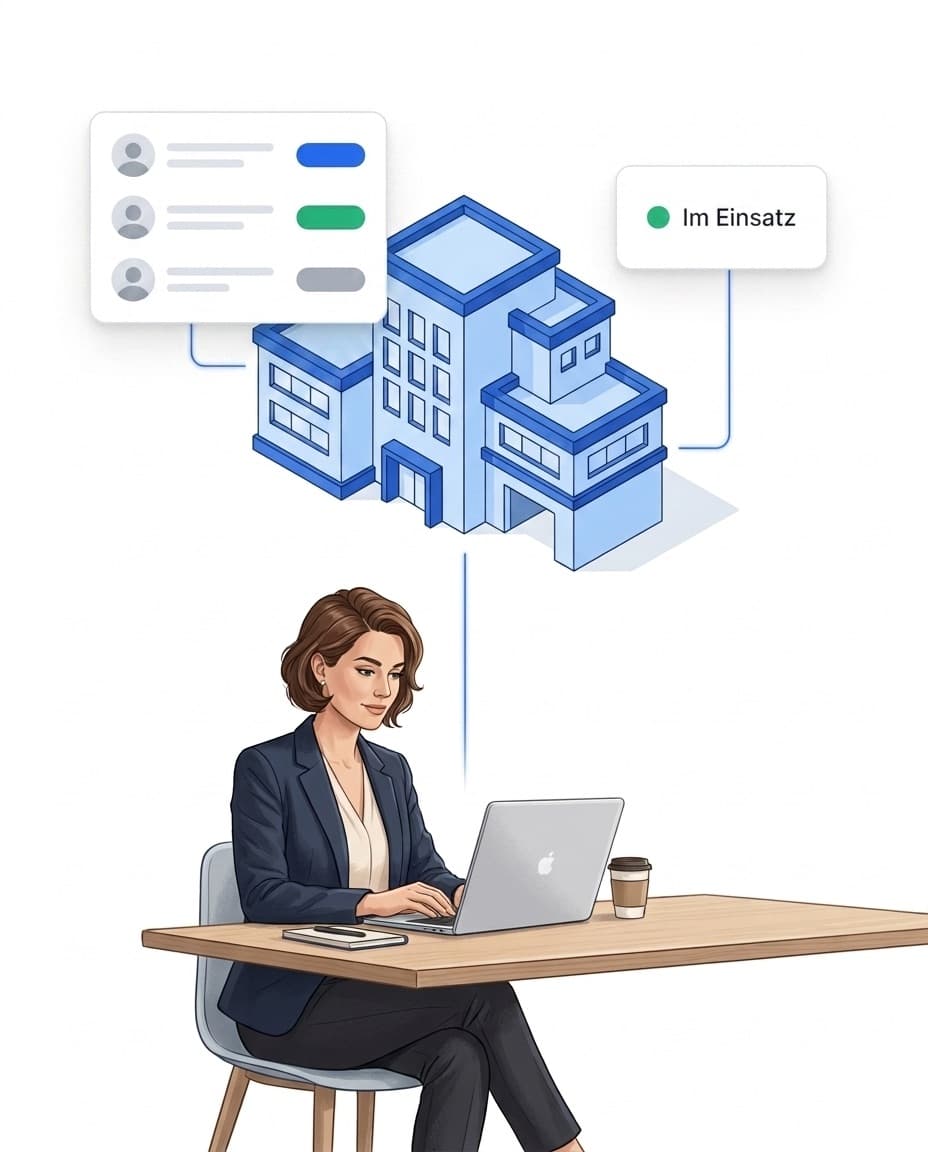
Personnel overview: who is on duty right now?
Dispatchers and control rooms see the staff status in real time – without radio rounds and without phone calls.
- ✓Derived automatically: the status comes from check-ins, check-outs and scans of time tracking – nothing is maintained twice.
- ✓Your own status definitions: define radio statuses like “break” or “en route” account-wide; employees set them via the status control in the app.
- ✓SOS button: the status control includes an emergency button – can be enabled per property.
- ✓Live check at a glance: the live view shows the live-check state per employee in its own column.
Live check: lone workers safely in view
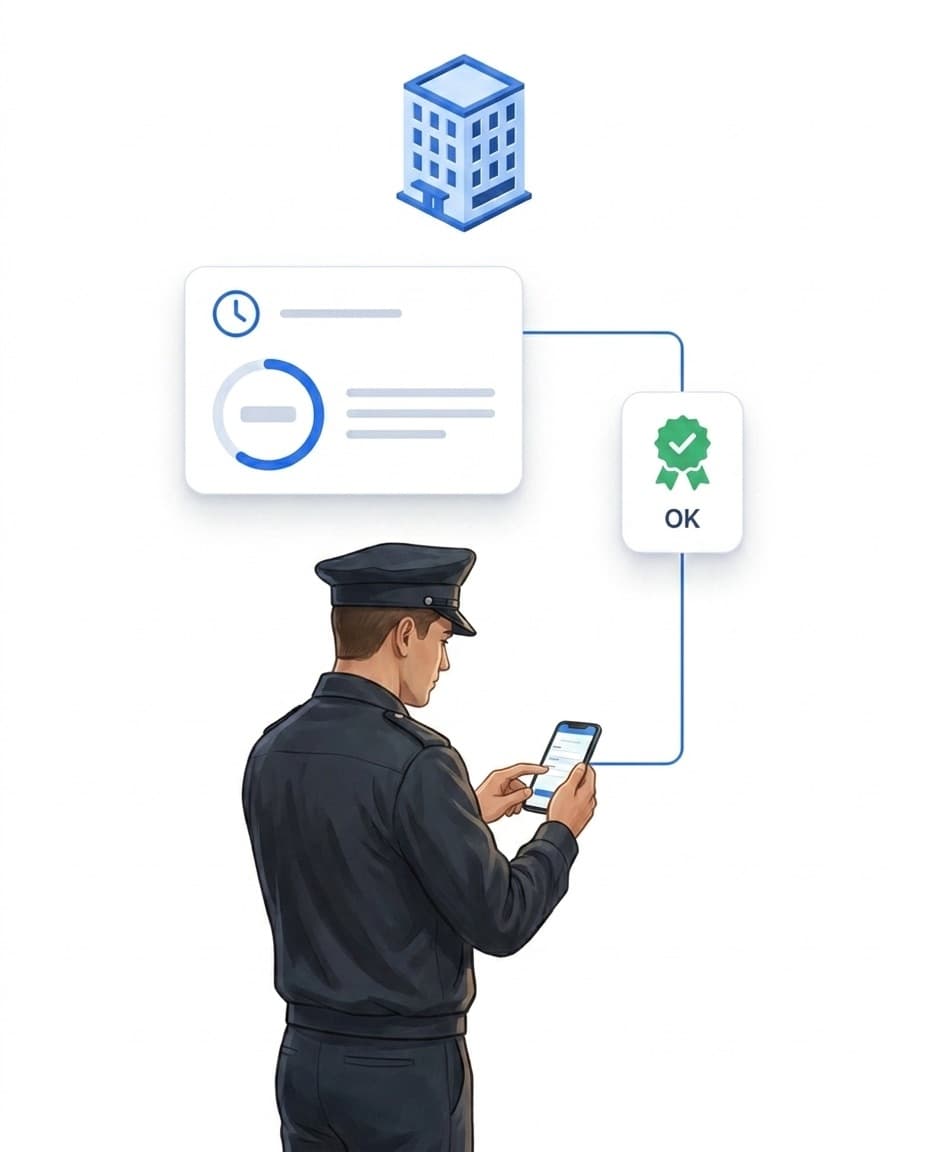
The live check – often called a dead man's switch – is LiteLog's lone worker protection. Night watch, patrol duty, single shift: whoever works alone confirms at a fixed interval – every status message counts as a sign of life. If it stays out, LiteLog escalates in stages instead of not at all.
- ✓Set interval & grace period yourself: can be enabled per shift template in the shift planner or per property for spontaneous shifts.
- ✓Pre-alarm: interval expired – the employee receives a push prompt to confirm.
- ✓Main alarm: grace period passed as well – LiteLog automatically creates an incident report with the last known position and sets the status to emergency.
- ✓SMS fallback: if the prompt cannot reach the device, LiteLog additionally tries an SMS to the stored phone number.
Escalation & traceability
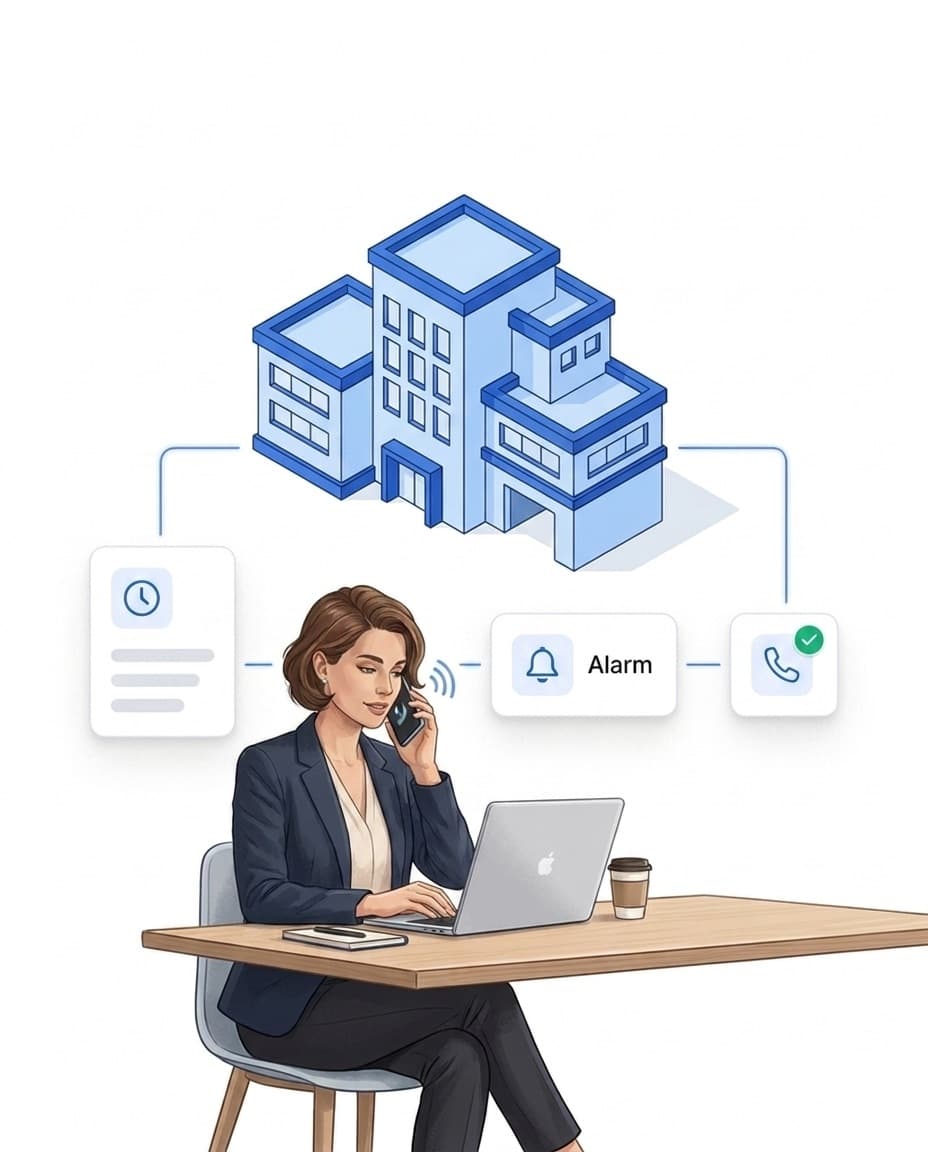
Who gets alerted on pre-alarm, main alarm or unreachability is controlled via the automation rules – with recipients and channels of your choice.
- ✓Channels per stage: push, email, SMS or automated phone call – e.g. a quiet pre-alarm via push, a loud main alarm via call to the duty phone.
- ✓Pre-configured default rules: new accounts start with sensible rules; you adjust recipients and channels.
- ✓Fully logged: every escalation step is documented including the delivery result – the sequence can be reconstructed completely afterwards.
FAQ
Frequently asked questions about personnel status & live check (FAQ)
What does the personnel overview show?
The staff status in real time: who is checked in, on duty or checked out – derived automatically from check-ins, check-outs and scans. Your own status definitions (e.g. radio status) complete the picture, and the live view additionally shows the live-check state per employee.
How does the live check work?
Lone workers confirm at a fixed interval via the status control in the app – every status message counts as a sign of life. If the confirmation is missing, a pre-alarm with a push prompt follows; if the grace period also passes, the main alarm fires: LiteLog creates an incident report with the last known position and sets the status to emergency.
Who is notified in case of an alarm?
You control this via the automation rules: for pre-alarm, main alarm and the case that the prompt cannot reach the employee, you pick recipients and channels – push, email, SMS or automated phone call. Every escalation step is logged.
Is the live check a certified personal emergency signal system?
No. The live check is a supporting feature for protecting lone workers, not a certified personal emergency signal system within the meaning of the relevant standards. Check within your risk assessment whether a certified system is required.
Where do I activate the live check?
In two places: per shift template in the shift planner (for planned shifts) or per property (for spontaneous clock-ins). You set the interval and grace period yourself – 30 to 60 minutes are common depending on the risk level.