
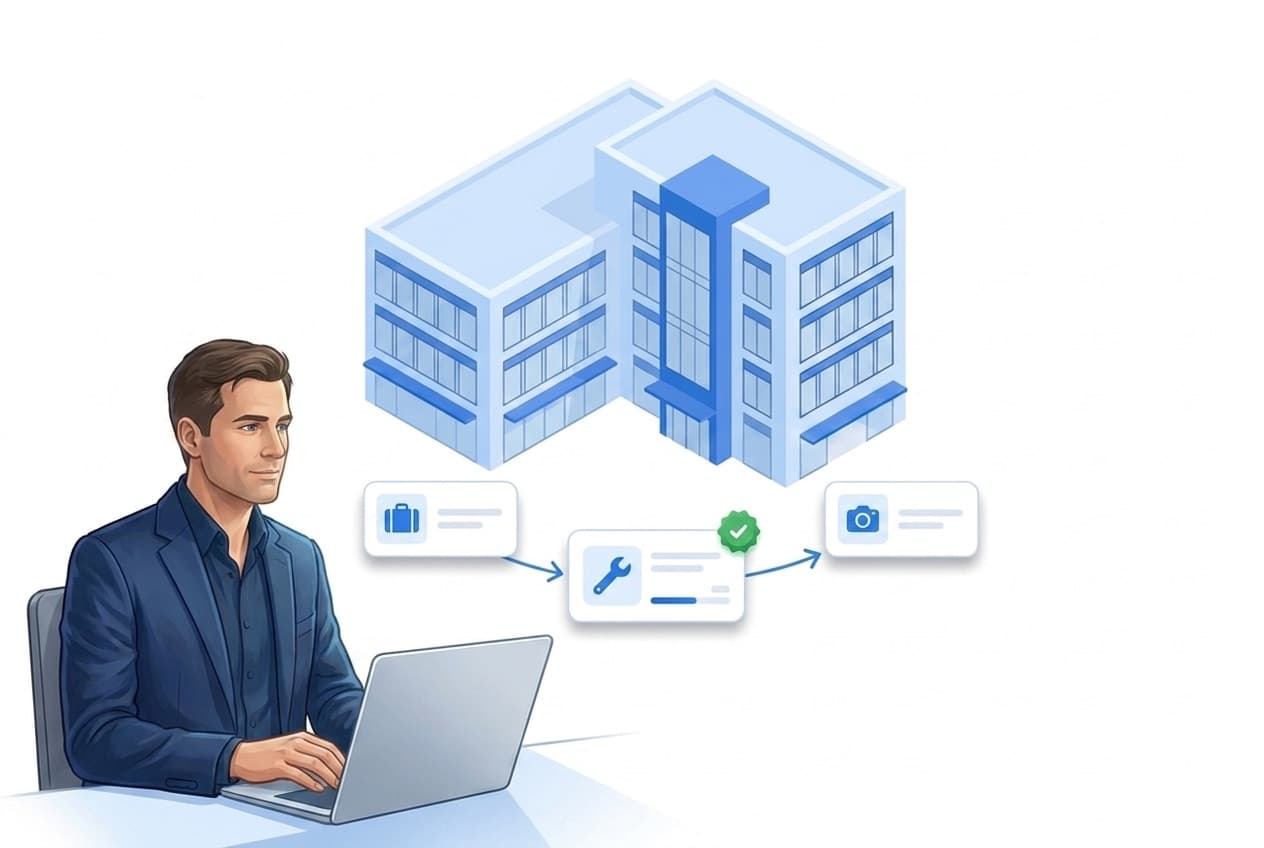
What the REST API covers
One goal: LiteLog talks to your systems — no duplicate data entry.
Open interface
Standard REST with JSON and an OpenAPI specification — from properties to workflow rules.
Open the OpenAPI file →PMS automation
A guest checks out — the final-cleaning task is created automatically for the right property.
API keys & scopes
Create keys yourself, limit permissions per key — revocation takes effect immediately.
Clear limits
120 requests per minute, strict validation — hosted in Germany.
Resources: from properties to workflow rules
The REST API lets your property-management system, ERP or your own tools talk directly to LiteLog. The interface follows common REST conventions with JSON, an OpenAPI specification and unambiguous error codes.
- ✓Core resources: Read, create and update properties; read and create tasks; create incident reports; fetch submitted form responses including photo links.
- ✓Material via API: Read stock and bookings of the material module, create bookings and raise material requests.
- ✓Administration included: Create staff accounts including invite links, roles, form templates and workflow rules via API — for example for automated onboarding.
- ✓Does not count as an employee: API traffic never counts towards the number of employees; the interface is included from the Betrieb plan.

Guest checks out, cleaning task appears
The classic vacation-rental flow: on checkout, your PMS automatically creates the final-cleaning task for the right property. Once the cleaning checklist is submitted, the PMS fetches the result including photos — more on the vacation rentals industry page.
- ✓Idempotent via UUID: Duplicate PMS events never create two tasks.
- ✓Handover report with photos: Your system polls for submitted checklists — including links to the photos, as in the reports.
- ✓Master data in sync: Facility-service companies use the same path to connect their ERP or CAFM and keep property master data current.
API keys & scopes
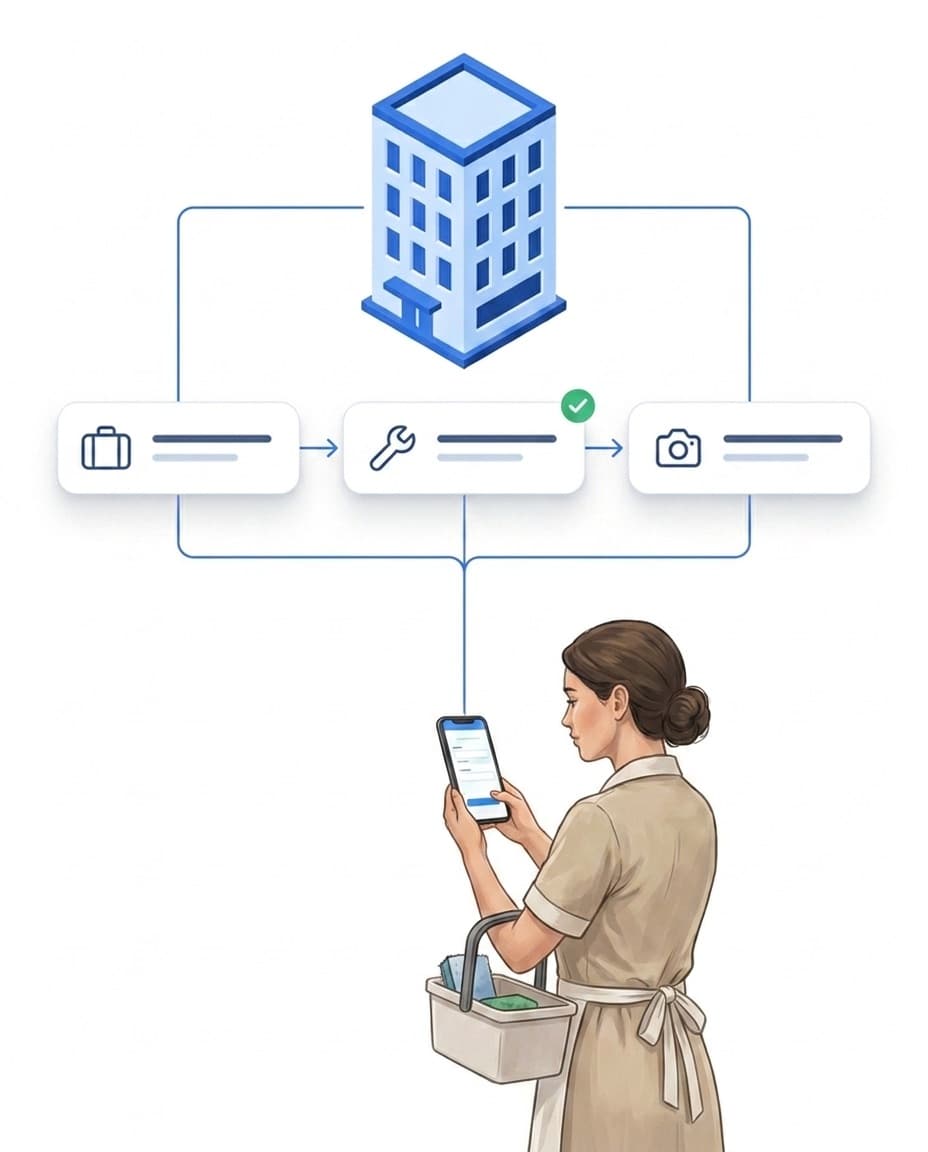
You create API keys yourself in the portal under Features → Connections — no support ticket needed. Each key is bound to your tenant and one access account and sees exactly the properties that account sees — in concert with roles & permissions.
- ✓Scopes per key: Permissions such as "write tasks" or "read material" additionally limit what each key may do.
- ✓Displayed exactly once: The raw key is shown a single time at creation — never again afterwards.
- ✓Immediate revocation, zero-downtime rotation: Create the new key first, then revoke the old one.

Security & honest limits
The API is built for reliable operation — and we are honest about what is (still) missing: webhooks are planned; until then your system polls for new data. Deleting via API is deliberately not offered. The REST API works with API keys; OAuth exists only for the AI connection.
- ✓120 requests per minute per key: clearly documented, with an unambiguous response when exceeded.
- ✓Strict validation: Unknown fields are rejected, and errors return with a plain-text code.
- ✓Hosted in Germany: operated GDPR-compliant — details in the cloud architecture.
- ✓AI connection: You connect an AI tool of your choice to your account via the open standard MCP. The connection inherits the role and the properties of the user who gave consent.

FAQ
Frequently asked questions about the REST API (FAQ)
From which package is the REST API available?
The REST API is included from the Betrieb plan and is also available in Profi and Custom. It is not included in the Basis plan.
Does an API request count as an employee?
No. API traffic never counts towards the number of employees. With an expired license, read access stays open while write access is blocked.
Which data can I read and write via the API?
Read, create and update properties; read and create tasks; create incident reports; fetch submitted form responses including photo links. On top of that: material (read stock, create bookings, raise requests), staff accounts including invite links, roles, form templates and workflow rules. Deliberately not included: deleting via API, file uploads and writing time-tracking data.
Are there webhooks?
Not yet — webhooks are planned. Until then your third-party system fetches new data via polling, for example submitted checklists.
How do I create and secure an API key?
In the portal under Features → Connections → REST API. When creating a key you choose a name and its scopes; the key is displayed exactly once. Revocation takes effect immediately, and for rotation you create the new key first and then revoke the old one — with zero downtime.
Where is the data processed?
In Germany (Frankfurt) on EU cloud infrastructure, GDPR-compliant — like the entire LiteLog system. The cloud architecture page describes the details.
Can LiteLog be connected to AI tools?
Yes, through the AI connector. You connect an AI tool of your choice, for example Claude or ChatGPT, to your LiteLog account via the open standard MCP. Each user gives explicit consent in the portal and chooses “Read” or “Read and write”. The connection inherits the role and the properties of that user and can be disconnected in the portal at any time; an administrator can switch it off for the company. It cannot delete anything. Details are in the privacy policy. A package that includes the REST API is required.