
Turnover cleaning and maintenance for holiday rentals
Every departure creates its cleaning task automatically. Your team records cleaning and condition with photos, and you and your owners see everything at the unit.

LiteLog for vacation rentals in 2 minutes
Every departure becomes a cleaning task
You connect the booking calendar, LiteLog creates the cleaning tasks.
- ✓Connect your calendar: paste the iCal link from Airbnb, Booking.com, Hospitable or your rental software.
- ✓One task per departure: with checklist, due time and the assigned cleaner.
- ✓Same-day turnover: If the next guest arrives the same day, the task gets a higher priority.
- ✓Moved or cancelled: The due date follows the booking, cancelled tasks are marked.
- ✓All units at a glance: One overview shows arrivals and departures for every unit.
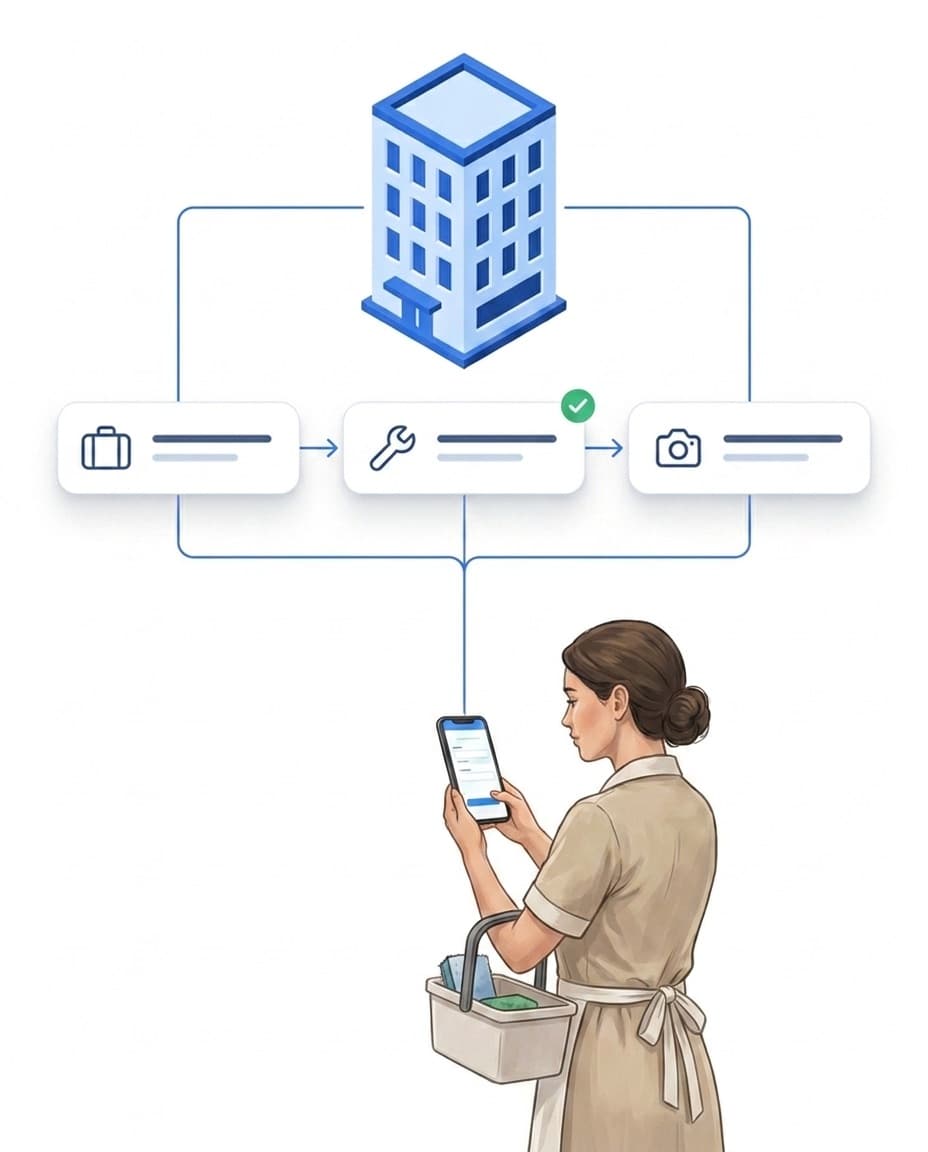
Turnover cleaning with checklist and photo
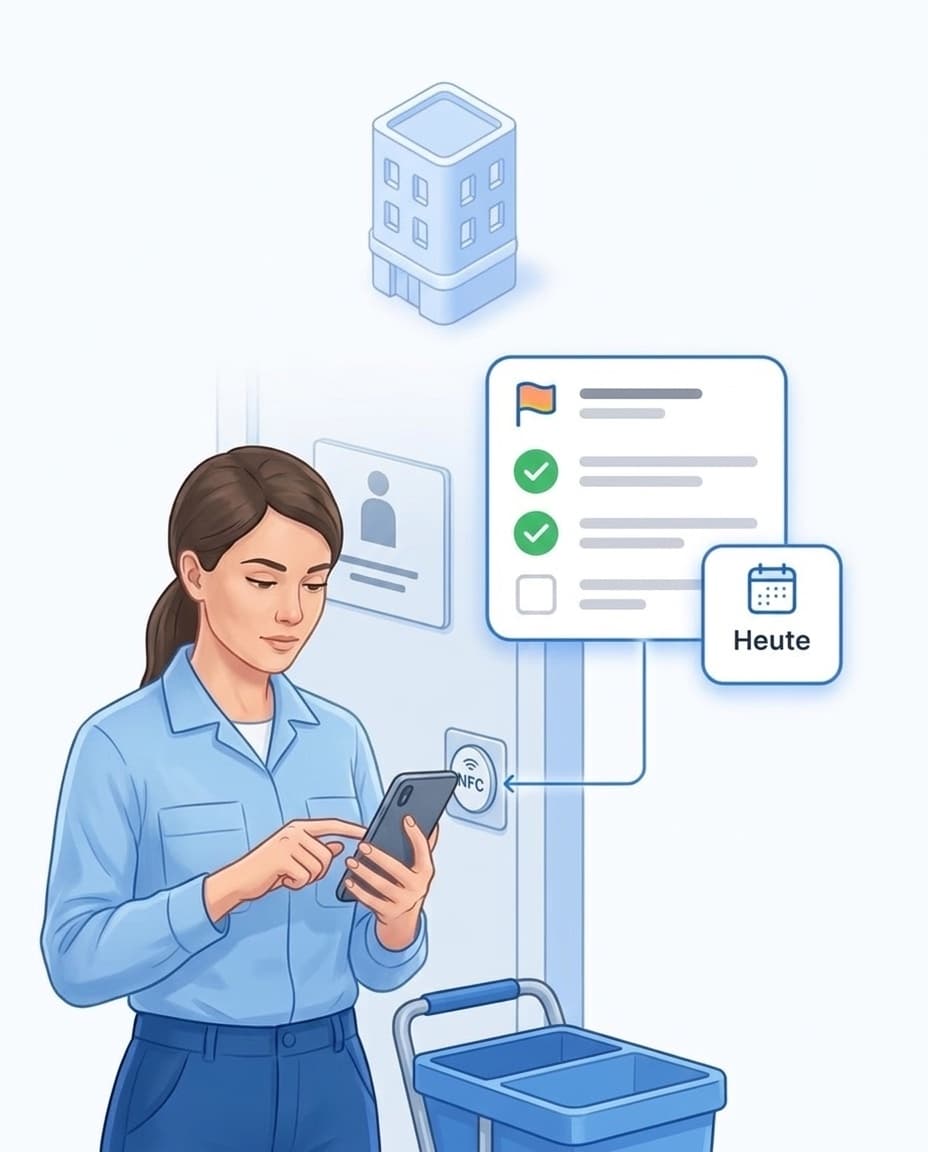
Your team sees at the unit what needs doing and records every item.
- ✓Check in at the unit: via QR code or NFC tag on the door, with the time.
- ✓Checklist per room: OK or defect for every item.
- ✓Required photos: You decide where a photo is needed.
- ✓No signal needed: Checklist and photos work offline and sync later.
- ✓More on cleaning: Software for cleaning companies.
Compare check-in with check-out
One tap shows which damage is new and which was already there.
- ✓Record check-in: condition per room, meter readings and keys, with photos.
- ✓Signature on the phone: The guest signs without an account of their own.
- ✓Record check-out: the same items, open defects are carried over.
- ✓Compare: Each item is marked new, pre-existing, fixed or unchanged.
- ✓In detail: Handover report for check-in and check-out.

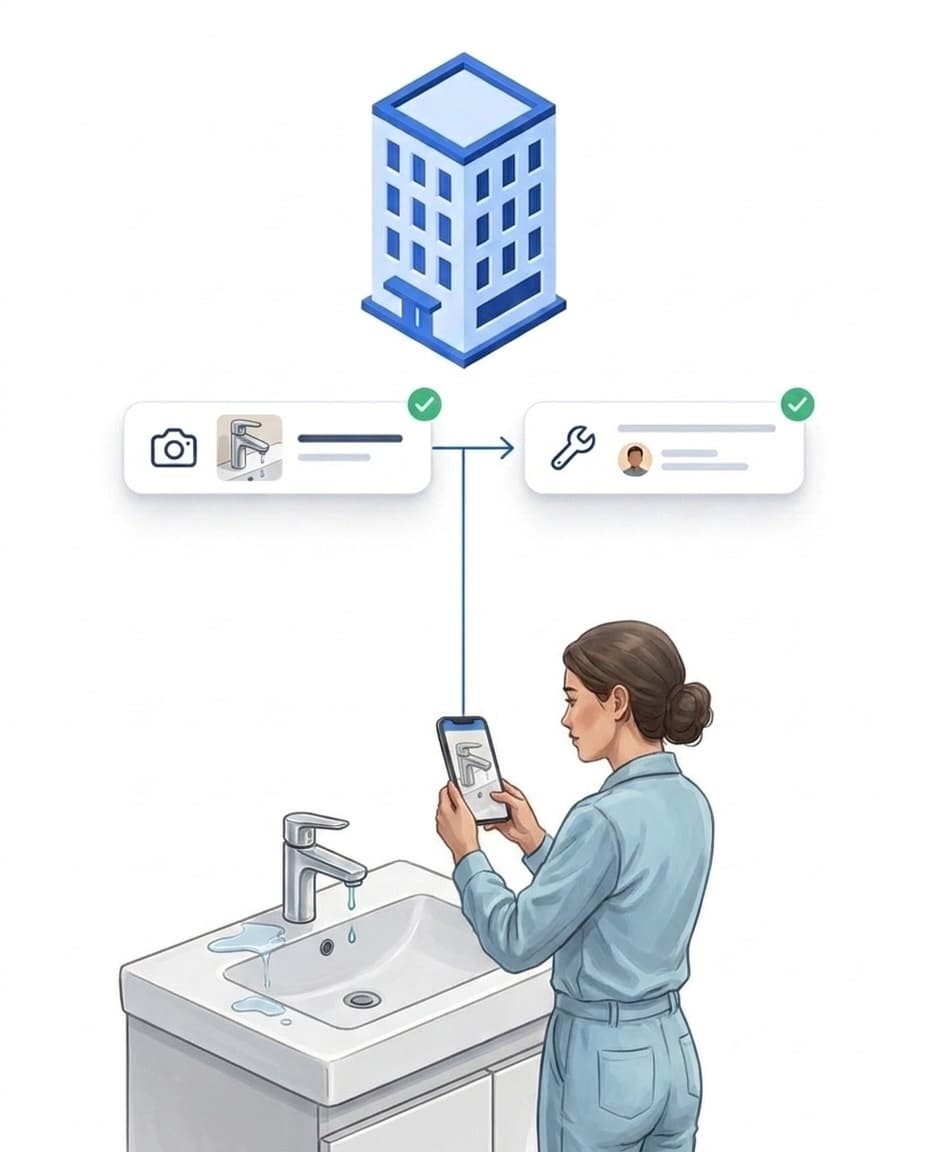
Defect found, caretaker informed
Whatever the cleaner notices ends up as a task for the caretaker.
- ✓Defect with photo: a dripping tap or a broken lamp, right in the checklist.
- ✓Task for the caretaker: manually or automatically through a rule.
- ✓Maintenance as a series: Set up smoke detectors, heating or deep cleaning once, LiteLog creates every due date.
- ✓Done with proof: The caretaker closes the task with a photo.
- ✓More on maintenance: Caretaker software.
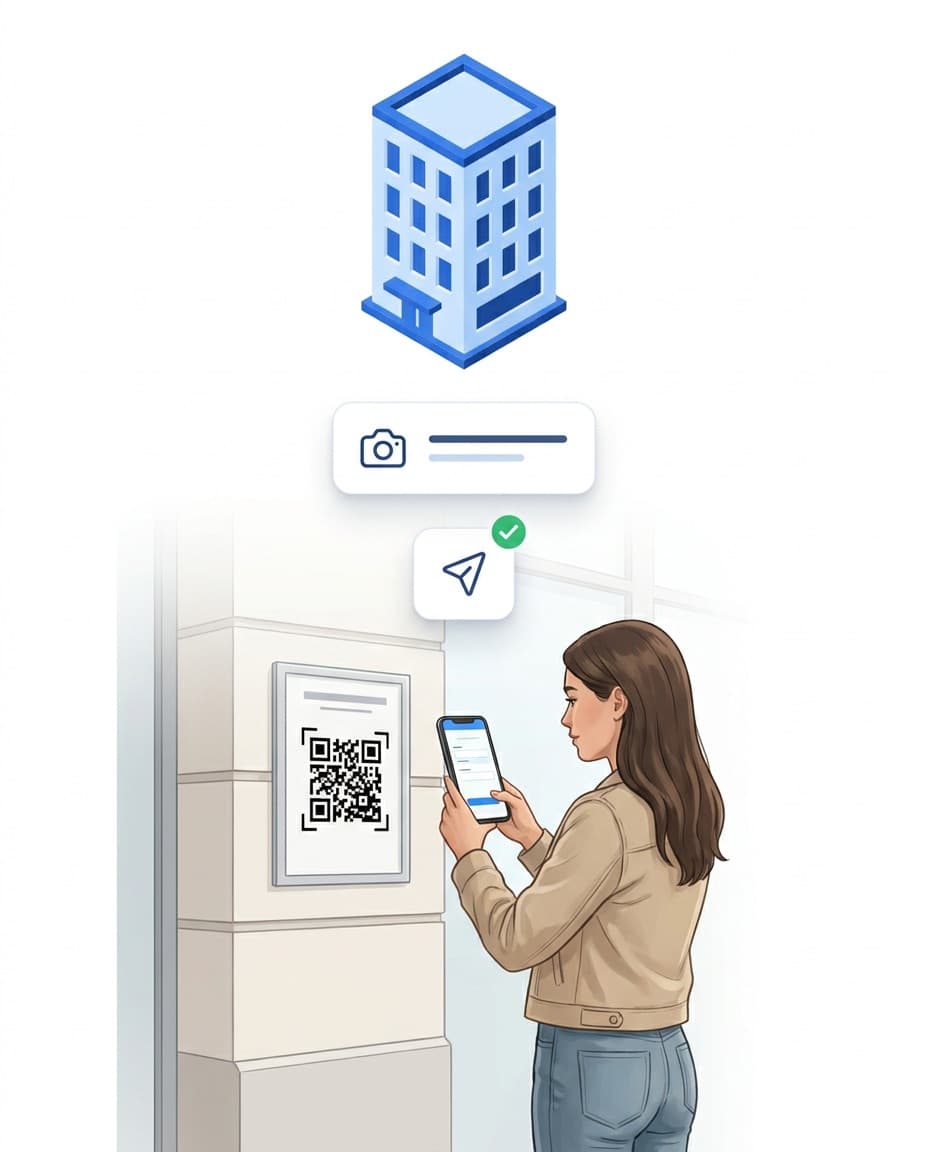
Guests report problems via QR code
You hear about a problem before it shows up in a review.
- ✓Notice in the unit: LiteLog creates the print-ready PDF with the QR code.
- ✓No app, no login: The guest describes the problem and adds a photo.
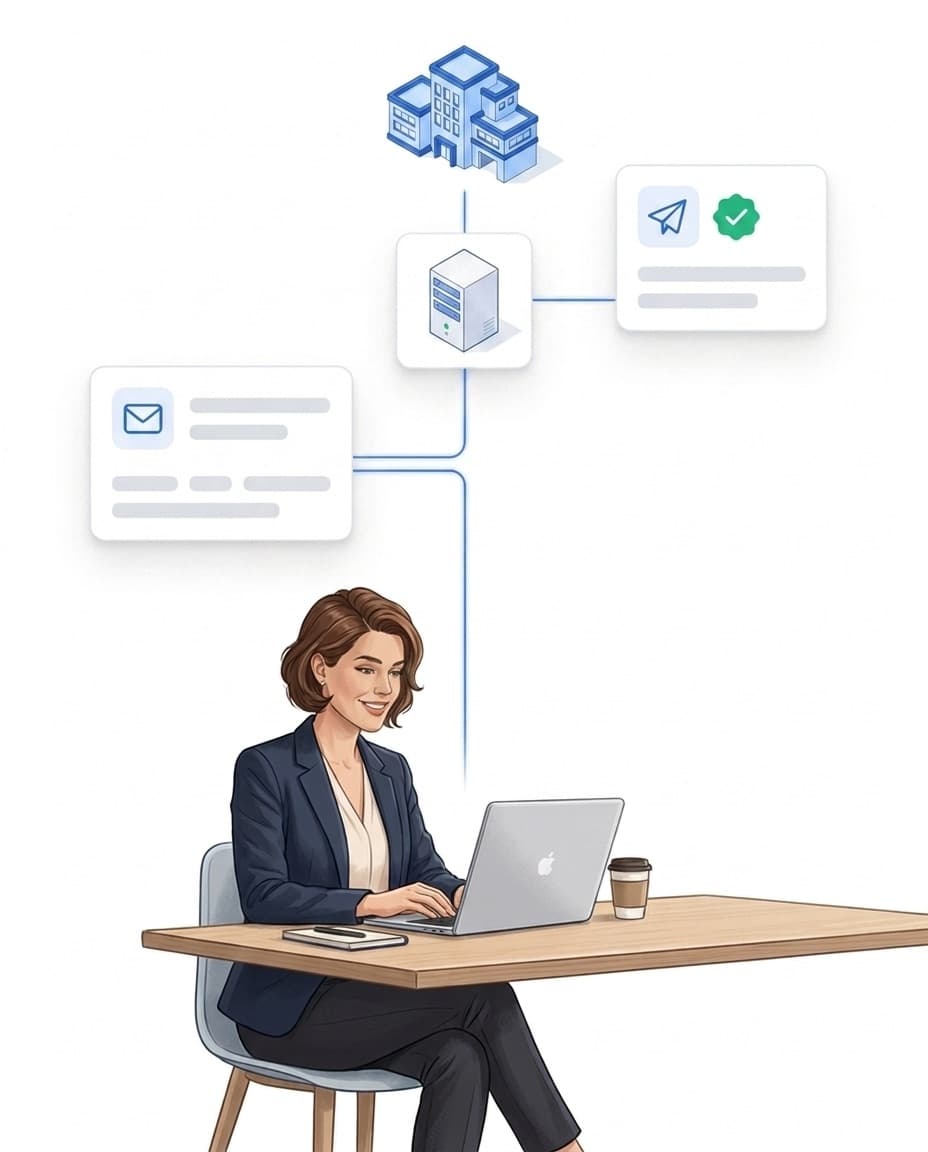
- ✓Informed right away: If you like, a rule sends you a message.
- ✓Pass it on: Turn the report into a task for cleaning or the caretaker.
Owners check for themselves
Instead of calling you, owners look into their own access.
- ✓Own access: Each owner sees only their own units.
- ✓You decide: which reports and handover records are shared.
- ✓Reports by email: daily, weekly or monthly, automatically.
- ✓PDF with your logo: Handover records and reports carry your company logo.
- ✓Learn more: Customer portal.
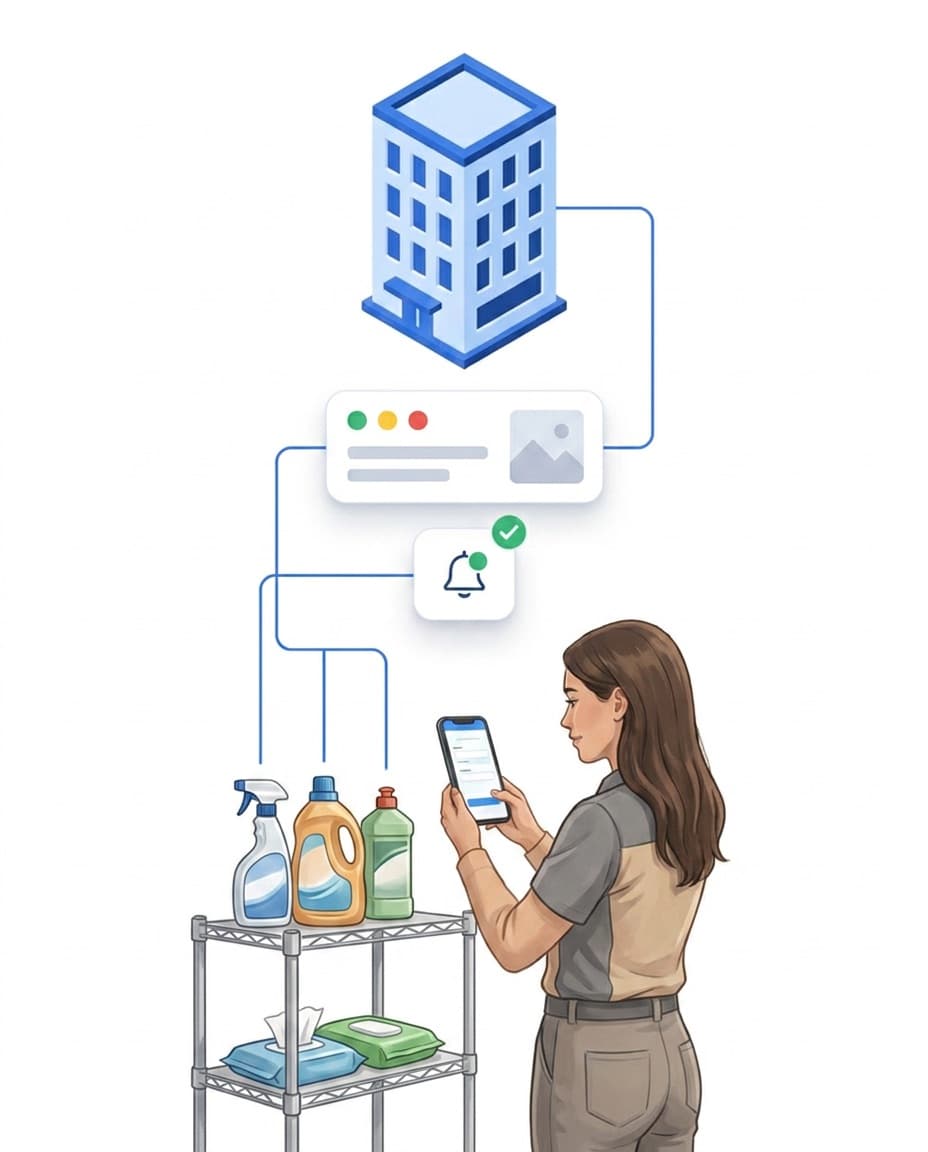
Supplies per unit
Toilet paper, soap or coffee no longer run out unnoticed.
- ✓Stock per unit: You define what each unit should have on hand.
- ✓Log usage: when the cleaning is completed in the app.
- ✓Minimum stock: an alert before something runs out.
- ✓Optional: Switch on the supplies module only when you need it.
Set up in an afternoon
For a building with a few units, you don't need a long rollout.
- ✓Building and unit: Name the levels the way you talk about them.
- ✓Templates ready: Cleaning, inspection and handover report are already included.
- ✓Bring your own checklist: Upload Excel or PDF, the AI turns it into a template.
- ✓Your own phones are enough: Android or iPhone, no tablet needed.
- ✓Try it: 14 days free, no credit card.
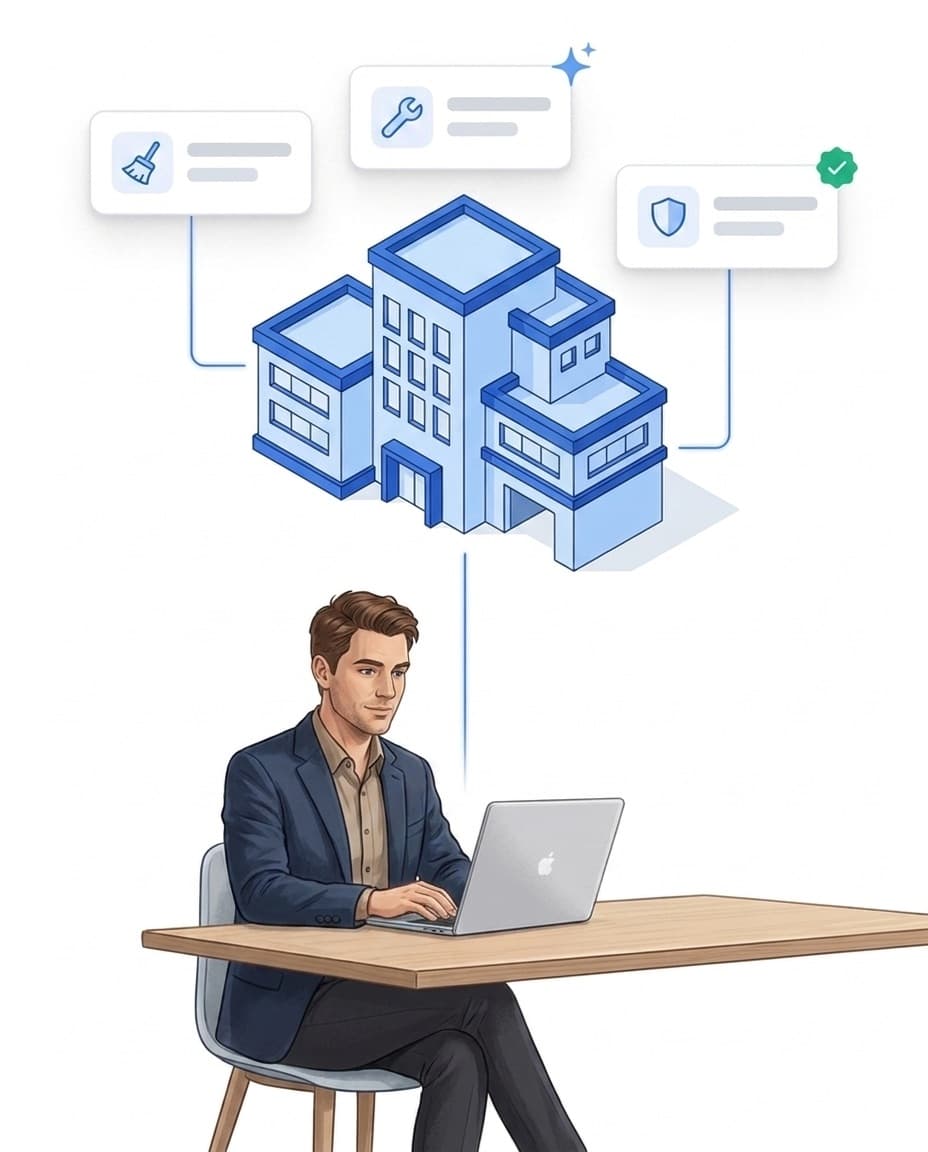
Vacation rentals — cleaning and handover
Free brochure on cleaning schedules from bookings, handover reports with photos and defect comparison. Download now.
PDF, 4 MB
All materials in the media library →FAQ
Frequently asked questions about LiteLog
Who is LiteLog for in the vacation rental business?
For operators with their own cleaning and maintenance team, and for cleaning services working for several hosts. LiteLog covers everything between departure and arrival. Bookings, prices and guest communication stay in your booking platform.
Which booking platforms does the calendar work with?
With any platform that offers an iCal link, for example Airbnb, Booking.com and Hospitable. The iCal export of rental software such as Smoobu, Guesty or Lodgify works too. You can connect several calendars per unit.
Does LiteLog import guest names or phone numbers?
No. The task only contains arrival, departure, source and the link to the reservation. Guest data stays in the booking platform.
How quickly does a new booking appear?
LiteLog fetches the calendar every 30 minutes, or immediately at the push of a button. Airbnb itself only updates its calendar export every few hours, so last-minute bookings arrive later there.
What happens with blocked dates from Booking.com?
Booking.com does not distinguish between bookings and blocked dates in its calendar. LiteLog marks such entries as uncertain and still creates a task. The Hospitable calendar leaves blocked dates out from the start.
Can one cleaner clean several units in a day?
Yes. They check in and out at each unit. That way you see for every unit who was there, when and for how long.
Can our external cleaning company work with it?
Yes. The cleaning company's staff get their own access. Through roles and assignments they only see the units and tasks you give them.
Do we need hardware at the units?
A printed QR code on the door is enough. If you prefer, use NFC tags or a beacon instead. For the team, their own Android phones or iPhones will do.
What if there is no signal in the building?
The app works offline. Checklist, photos and completion are saved and synced as soon as there is a connection again.
How do I reach my team without WhatsApp groups?
Through the chat in the LiteLog app, one-to-one or in groups. The data is stored on servers in Germany.
Can the team read the checklists in their own language?
Yes. The app and the checklists appear in the language each person sets in their account. If AI translation is switched on, it translates the checklists when you publish them.
Is there an interface to our property management system?
Yes, a REST API. With it you can, for example, create units and tasks or query their status. This helps if your system has no iCal export.
Every unit guest-ready.
Sign up and connect your first calendar today. 14 days free, no credit card.