
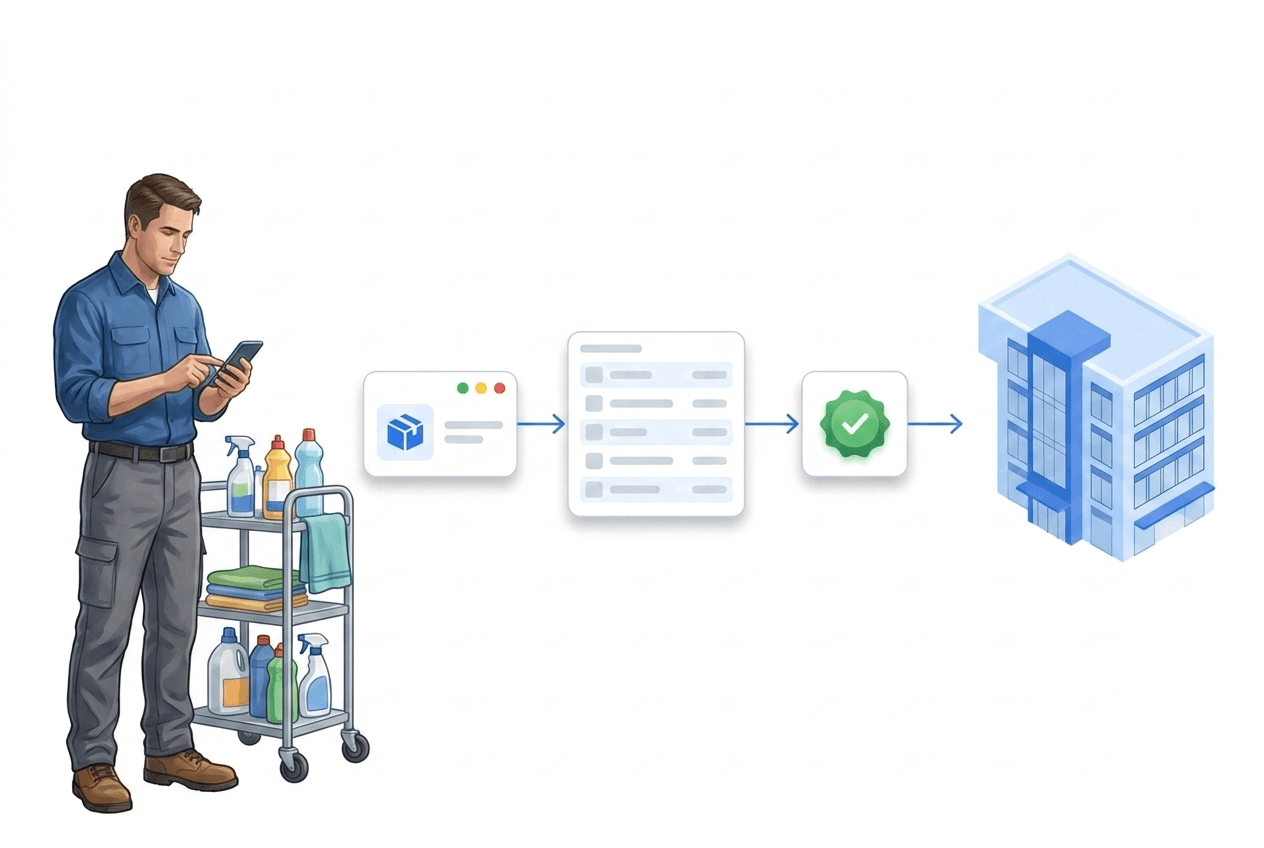
What supplies & equipment covers
One goal: always know what is on site — and be able to prove every figure.
Journal instead of a list
Every refill, withdrawal and correction is a booking — stock is calculated.
Minimum-stock alert
Traffic light per article and automatic notification before something runs out.
Issue with signature
Workwear, keys, radios — signed on screen, receipt as a PDF.
Consumption proof
Additions, withdrawals and costs per site and period — as CSV or PDF.
How do facility service providers keep consumables and warehouses per site?
Cleaning agents, gloves, light bulbs: every site holds supplies, and nobody reliably knows how much. LiteLog tracks stock per site — not as a maintained number, but as a journal: every refill, withdrawal and correction is an entry, and the stock level is the sum since the most recent count.
- ✓Stock is calculated, not maintained: Every movement is a journal entry — every figure can be traced back to its bookings.
- ✓One article master, stock per site: Name, unit, category and purchase price are maintained centrally; stock is kept at the individual site.
- ✓Several warehouses, one procedure: Besides the site, you keep stock in warehouses — with transfers from warehouse to warehouse, a default warehouse per site and warehouse visibility per person.
- ✓Optional per site: You enable the module only where it is needed — for cleaning and caretaker sites it is switched on by default at creation.
- ✓No purchasing: No suppliers, no purchase orders — LiteLog keeps stock, warehouses and proof, not procurement.
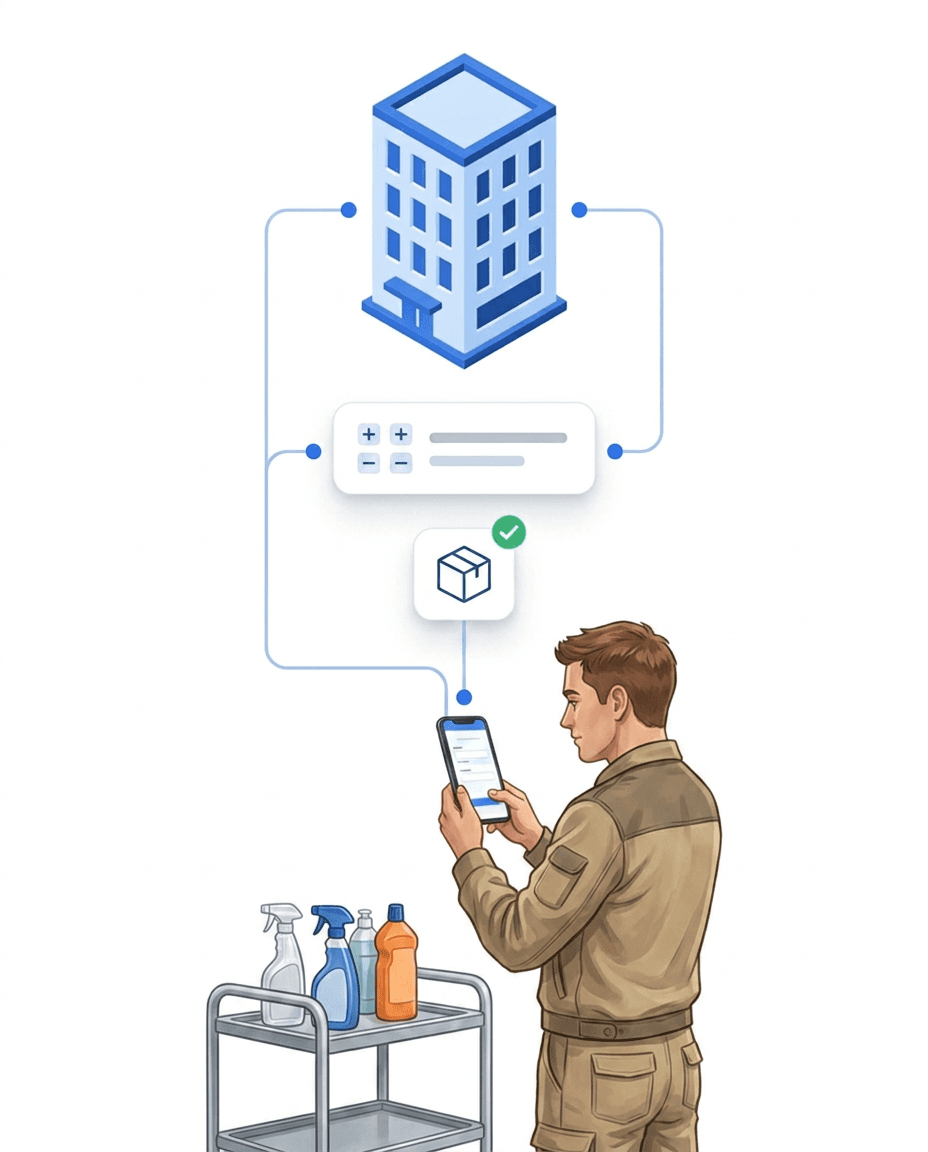
Traffic-light status and minimum stock: resupply before something runs out
Normally the early shift discovers that the cleaning agent is empty — LiteLog notices earlier. Per article and site you set a minimum stock and a target quantity; the traffic-light status makes the situation visible at a glance, and crossing the threshold triggers an automatic notification.
- ✓Traffic light per article: Enough, low, empty — plus "count needed" when the calculated stock turns negative, and "no target" for articles without a minimum quantity; 0 units always show "empty".
- ✓One alert per shortfall: When stock falls below the minimum, LiteLog notifies automatically — without repeating on every further withdrawal.
- ✓Also a workflow trigger: "Material below minimum stock" is available in automation — for your own recipients and escalations.
- ✓Target quantity for refills: Requests propose the difference between target quantity and current stock.
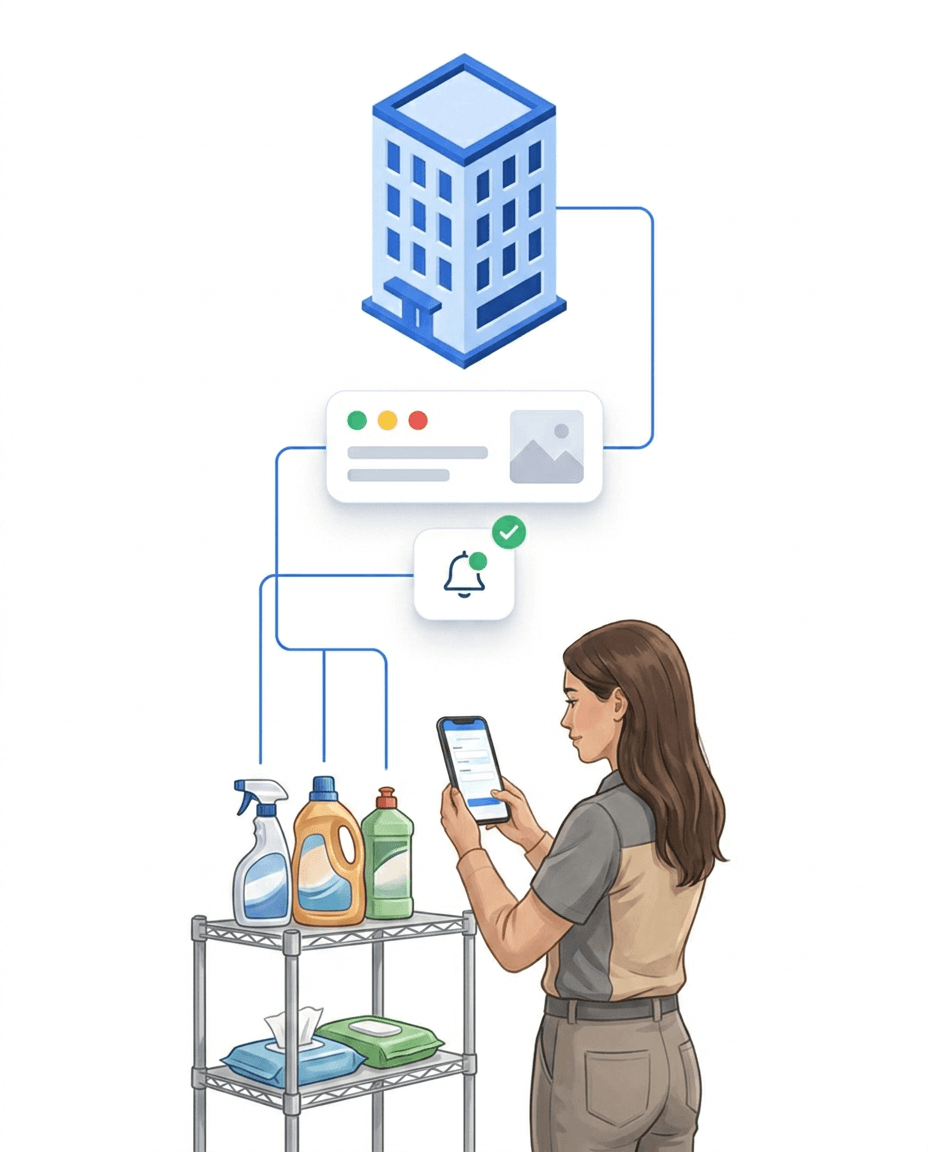
Record consumption where it happens: on task completion
Stock keeping rarely fails in the portal — it fails because nobody on site has time for forms. That is why capture is attached to a step that exists anyway: completing the task in the LiteLog app.
- ✓Pre-filled instead of typed: The task's expected material pre-fills the material step — one tap confirms, only deviations are edited.
- ✓Offline-capable: Bookings work in basements without reception; syncing happens automatically once a connection returns.
- ✓A clean journal on the side: Every confirmed completion becomes a booking — the consumption proof builds up during daily work.
- ✓"Material" tile on the home screen: Booking, counting and requesting are reachable straight from the app start — even without an open task.
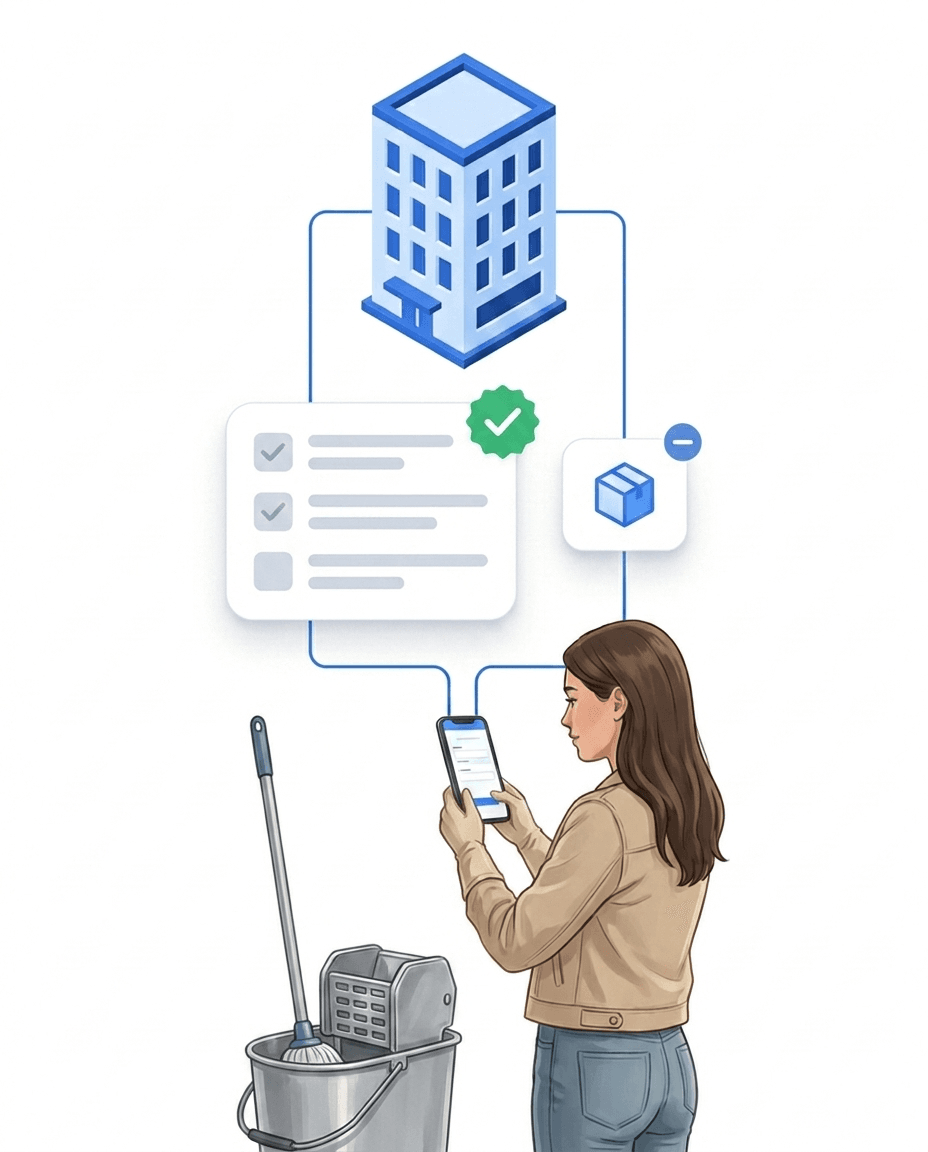
Consumables per cleaning round: at service areas, locations and sites
Example service area: for the sanitary cleaning you store paper towels, bin liners and disinfectant per round as a withdrawal on the task. When the cleaner completes the round in the app, LiteLog books the consumption from the location's stock. If an article falls below its minimum quantity, the traffic light responds — and the request is placed with one tap.
- ✓Direction per article: Expected material on the task is a withdrawal or a refill — depending on whether the round consumes material or refills the dispenser.
- ✓Deviation with one tap: The default is pre-filled; whoever used more or less only changes the quantity.
- ✓Target/actual report per task: Default times completions against the booked quantities — the deviation per article and site is in the report.
- ✓Proof with person, time and receipt: Every booking carries who recorded it and when, and when it was received — late entries remain recognisable.

Equipment issued to people: signature and receipt
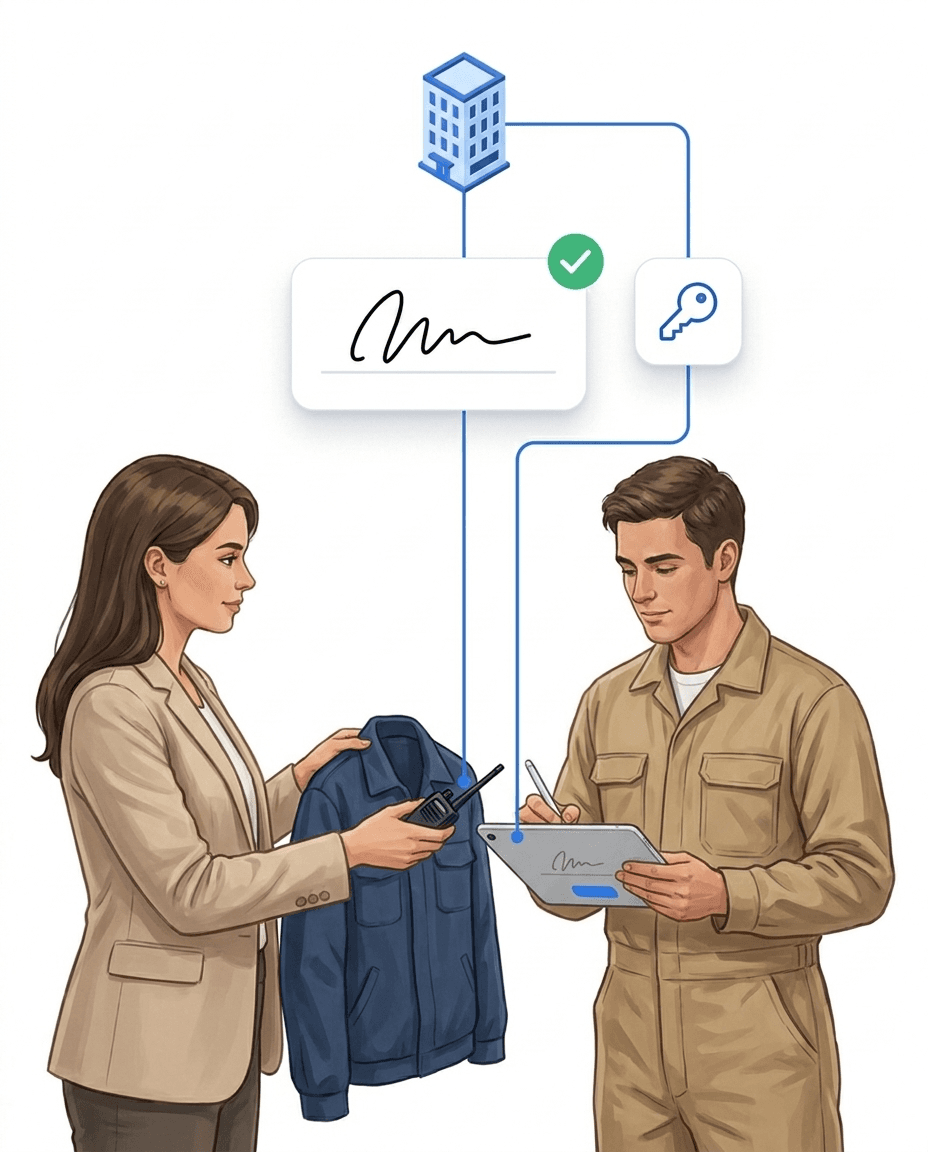
Workwear, keys, radios: items issued to people need different proof than consumables. LiteLog keeps an equipment account per person — with a signature on issue and a receipt that ends the discussion when in doubt.
- ✓Three article types: consumables, equipment by quantity (such as workwear) and serialized items — radios, machines, keys.
- ✓Issue with signature: The person signs on screen, and the issue receipt is created as a PDF.
- ✓Items uniquely identified: serial number, NFC chip or QR label per item; status available, issued, lost, retired.
- ✓Return, loss, handover: Even the shift handover from person to person is booked — in the portal or via device scan in the app, offline-capable. A loss requires a reason (lost, defective, other), optionally with a note and a proof photo from the person's own equipment.
Requests with approval: resupply on an orderly path
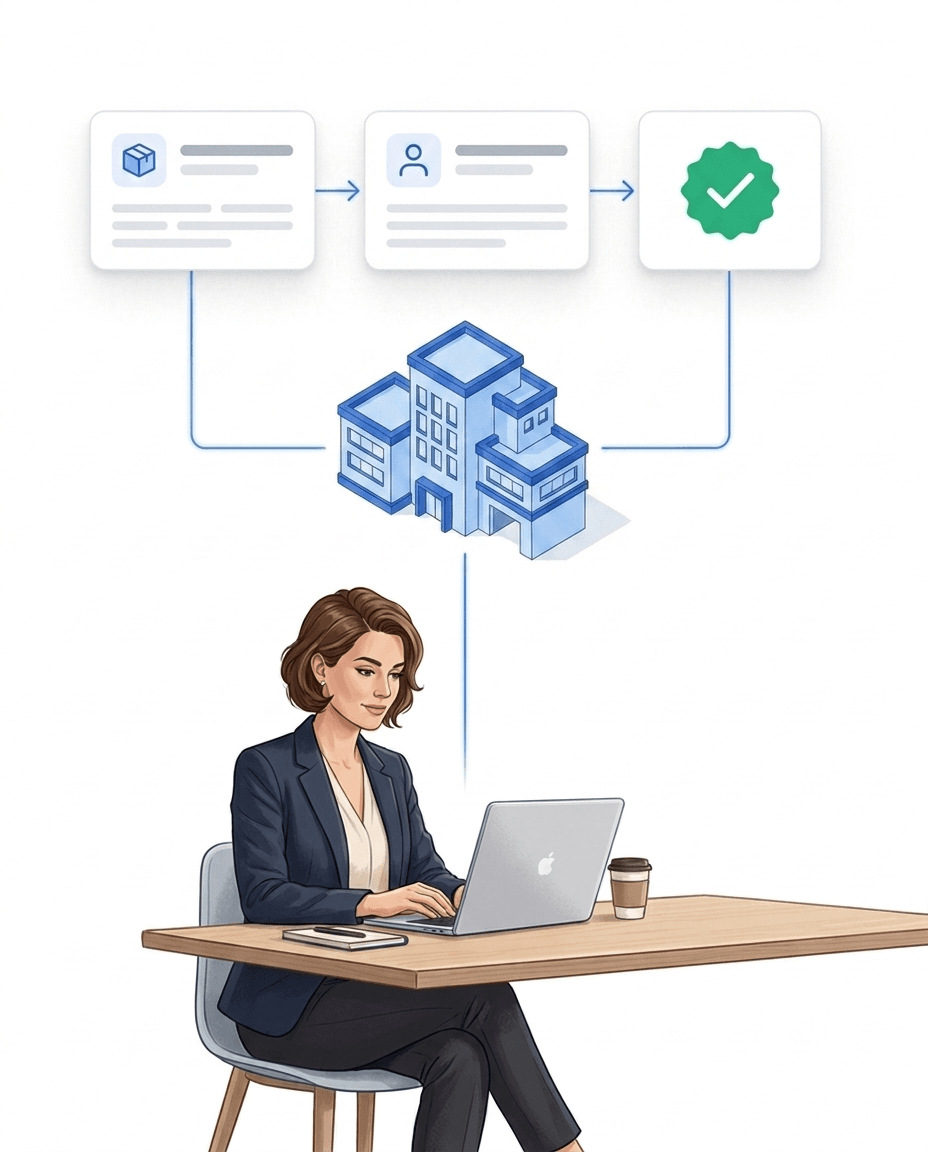
"Bring bin liners next time" — shouted requests get lost. In LiteLog a material request is a case with a status: requested, approved or rejected, fulfilled. Everyone involved knows where things stand.
- ✓Three paths, one procedure: Staff request in the app (offline too), the back office at the site, your client via the customer-portal module Material — enabled as its own building block.
- ✓Stock visible, shortfall proposed: The app shows the stock at the site per article; the first tap sets the shortfall up to the target, "Refill everything to target" fills the whole list at once.
- ✓Approval by management roles: Approve, reject (optionally with a reason) or fulfil — fulfilling books the item list from a selectable warehouse: goods receipt at the site, withdrawal in the warehouse.
- ✓Status instead of shouting: Requesters track the status themselves and withdraw open requests.
- ✓Automatically informed: Triggers for received and decided requests are available in workflow automation.
Consumption proof and re-billing
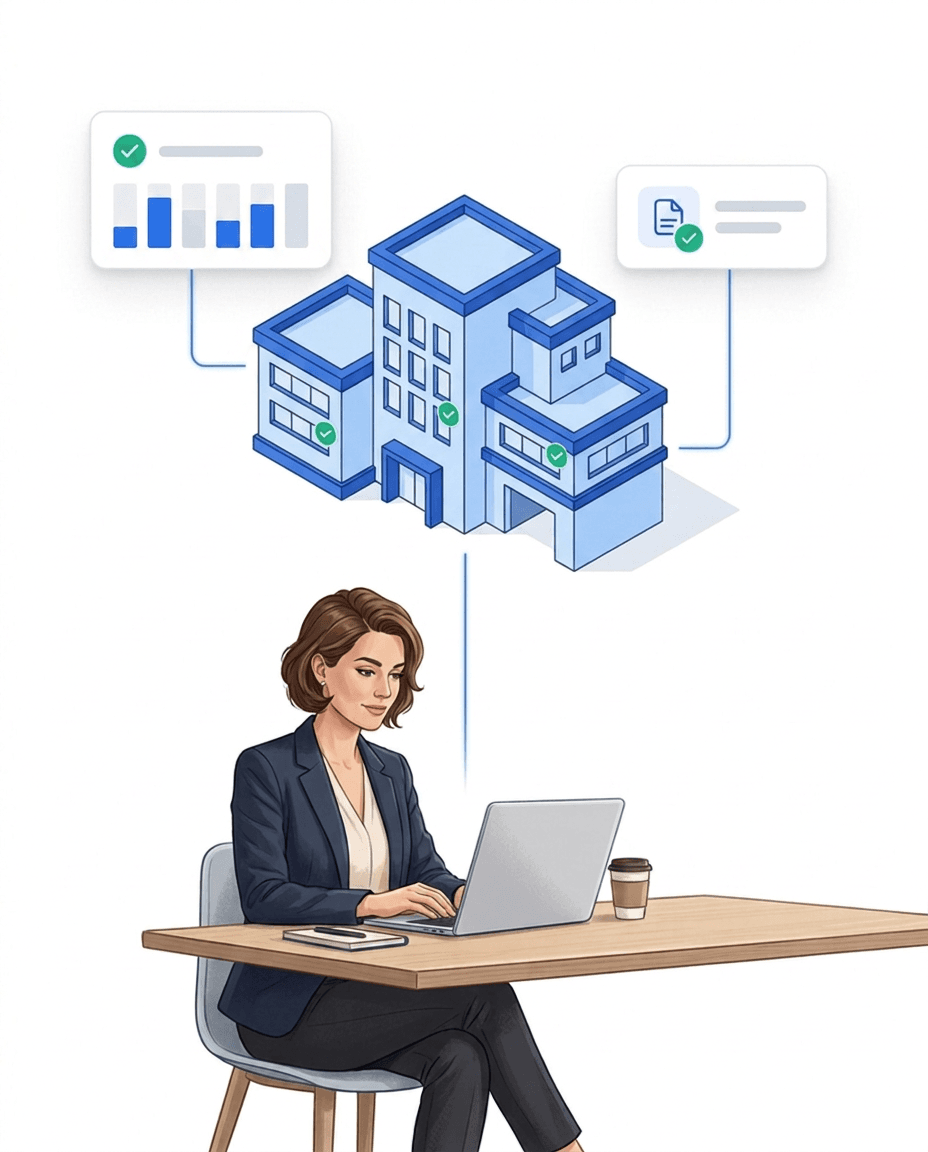
In the end what counts is what you can prove: to the client, to accounting and for your own calculation. Five reports deliver the proof per site and period — and via LiteBill the consumption becomes an invoice draft.
- ✓Five reports: Stock with inventory value, consumption, journal with receipt time, reorder list and target/actual per task — as CSV or PDF, optionally delivered automatically on a dispatch schedule.
- ✓Prices locked in: Every booking carries the price at booking time — later price changes never distort past evaluations.
- ✓Changes to defaults documented: A configuration audit records who changed target quantities and task defaults, and when.
- ✓Re-billing via LiteBill: Sales price and tax rate live on the material article; LiteLog aggregates consumption per customer and period into an invoice draft with positions at the sales price — no link to LiteBill articles required.
Stock, issue and requests — the most common questions about the material module
Frequently asked questions about supplies & equipment (FAQ)
What is the LiteLog material module?
An optional module that tracks consumables and equipment per site. Stock is derived from journal entries and the most recent count — so every figure is provable. It adds a traffic-light status per article, minimum-stock alerts, issuing items to people with a signature, material requests with approval, and a consumption report.
How does the stock stay correct without constant counting?
Stock is not maintained as a number but calculated: every refill, withdrawal and correction is a journal entry, and the stock level is the sum since the most recent count. If things drift apart, the "count needed" status flags it — one count later, the chain adds up again.
How do I find out that supplies are running low?
Per article and site you set a minimum stock. A traffic-light status always shows enough, low or empty; when stock falls below the threshold, LiteLog notifies automatically — once per shortfall, not as a constant stream. The trigger is also available in workflow automation, for example for your own recipients or escalations.
Can staff and clients request material?
Yes. Staff request in the LiteLog app — offline too —, the back office directly at the site, and your client via the Material module of the customer access, which you enable as its own building block. Approval sits with management roles: approve, reject or fulfil. Fulfilling books the refill straight into the journal, and requesters track the status themselves.
Does the material module replace my purchasing?
No, deliberately not. There are no suppliers and no purchase orders in LiteLog. Warehouses do exist: several warehouses, transfers from warehouse to warehouse and a default warehouse per site. The module keeps stock and proof and tells you, in an orderly way, what a site needs — ordering continues on your usual path.
Can I re-bill material consumption to my customers?
Yes. The basis is the sales price and tax rate you store on the material article — no link to LiteBill articles is needed. LiteLog aggregates the consumption of a period across the customer's sites and creates an invoice draft with positions at the sales price. This requires the LiteBill invoicing package.
Can I manage my vehicle fleet with the Material feature as well?
Yes, without a dedicated fleet module. Each vehicle is a serialized item with the licence plate as serial number; VIN, first registration, next inspection and fuel type live in custom fields. Vehicle keys, fuel cards and tyre sets are further serialized items, stored tyres sit in a tyre warehouse. The driver takes over the vehicle by scan with signature and records odometer and condition in a handover form offered at clock-in and clock-out. A defect automatically becomes a task, inspections run as recurring tasks with reminders. There is no per-vehicle file and no mileage-based intervals.
Do I have to use the module for all sites?
No. Material is an opt-in module and is enabled per site. For cleaning and caretaker sites it is switched on by default at creation; everywhere else nothing changes until you activate it.