
Handover protocol
Move-in and move-out digitally, with comparison
The handover protocol for an apartment, holiday rental or furnished let is created in the app: condition per room, meter readings, keys and the tenant's or guest's signature on the device. At move-out, the Compare button sets move-in against move-out, item by item.

What the handover protocol includes
One report in the app, two appointments, one comparison: move-in and move-out documented cleanly, without paper and without retyping.
Condition per room
OK or defect, photo only when defective. Rooms repeat as often as needed.
Meters and keys
Meter readings and handed-over keys are part of the protocol.
Signature and dispatch
The tenant signs on the device, the PDF goes out by email.
Move-in/move-out comparison
One button sets both protocols side by side and rates every deviation.
Move-in: record the condition per room
At move-in you open the handover protocol in the app and walk through the rooms. Every item gets a rating: OK or defect. Only for a defect do you take a photo and describe it briefly.
- ✓Per room, per item: walls, floor, windows, doors, fixtures. Bathroom 1, Bathroom 2, Bedroom 3: rooms repeat without changing the template.
- ✓Photo only when defective: a scratch in the parquet is photographed, an intact wall is not. That keeps the protocol short and readable.
- ✓Meter readings: electricity, gas, water, heat with meter number and reading, optionally with a photo of the meter.
- ✓Keys: type and number of keys handed over, such as front door, apartment, letterbox, basement.
- ✓Known defects: whatever the landlord still has to fix is noted with a deadline.
- ✓Furnished apartment: inventory per room as separate items, with condition and a photo when defective.

Move-out: the same protocol, a new appointment
At move-out you use the same form. You walk through the same rooms and items and rate them again. This produces two protocols with an identical structure that can be compared.
- ✓Same items: whatever was recorded at move-in appears in the same place at move-out.
- ✓New photos: defects noticed at move-out are photographed and described.
- ✓Meters and keys again: final readings and the return of keys in the same protocol.
- ✓Timestamp: date, time and recording person appear in the report automatically.

Compare: move-in against move-out, item by item
The Compare button sets the move-in protocol against the move-out protocol. You see at a glance what is new, what was already there at move-in and what has not changed.
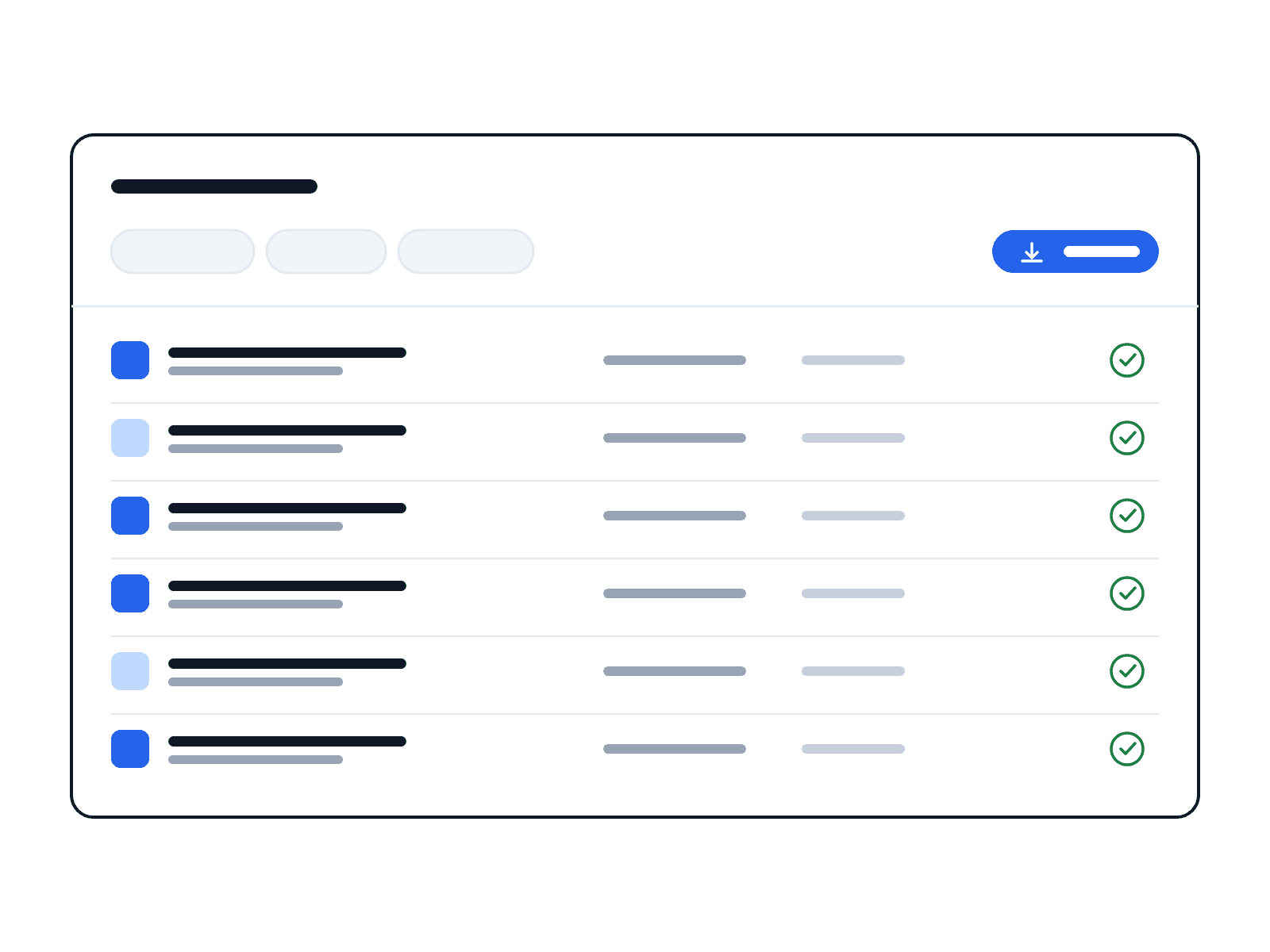
- ✓Five columns: item, move-in, move-out, assessment, evidence.
- ✓Four assessments: new, pre-existing, fixed, unchanged.
- ✓Evidence per row: the photo from the respective protocol is attached to the row. A defect photographed at move-in counts as pre-existing.
- ✓Clear basis: whatever is new, you discuss with the tenant or guest using the comparison, not from memory.
Signature on the device and dispatch to the tenant
The tenant or guest signs directly on your smartphone or tablet. They need no account and no app for this. Afterwards you send the protocol as a PDF to their email address.
- ✓Without an account: signature of the tenant or guest on the employee's device, with the name in block letters.
- ✓PDF with your logo: the protocol carries your logo and colours, see Branding & white label.
- ✓Send: via "Send to customer" you type in the email address; both sides hold the same document.
- ✓Archive: every protocol stays stored at the property and can be retrieved at any time, also in the owner's customer access.

Corrected version with a reason, the original remains
A meter reading mistyped, a room forgotten? You create a corrected version and state why. The original remains unchanged, and both versions can be viewed.
- ✓Traceable: every correction carries date, person and reason.
- ✓Nothing disappears: the original protocol is never overwritten.
- ✓On queries: you show the original and the corrected version side by side.
For holiday rentals, serviced apartments and furnished lets
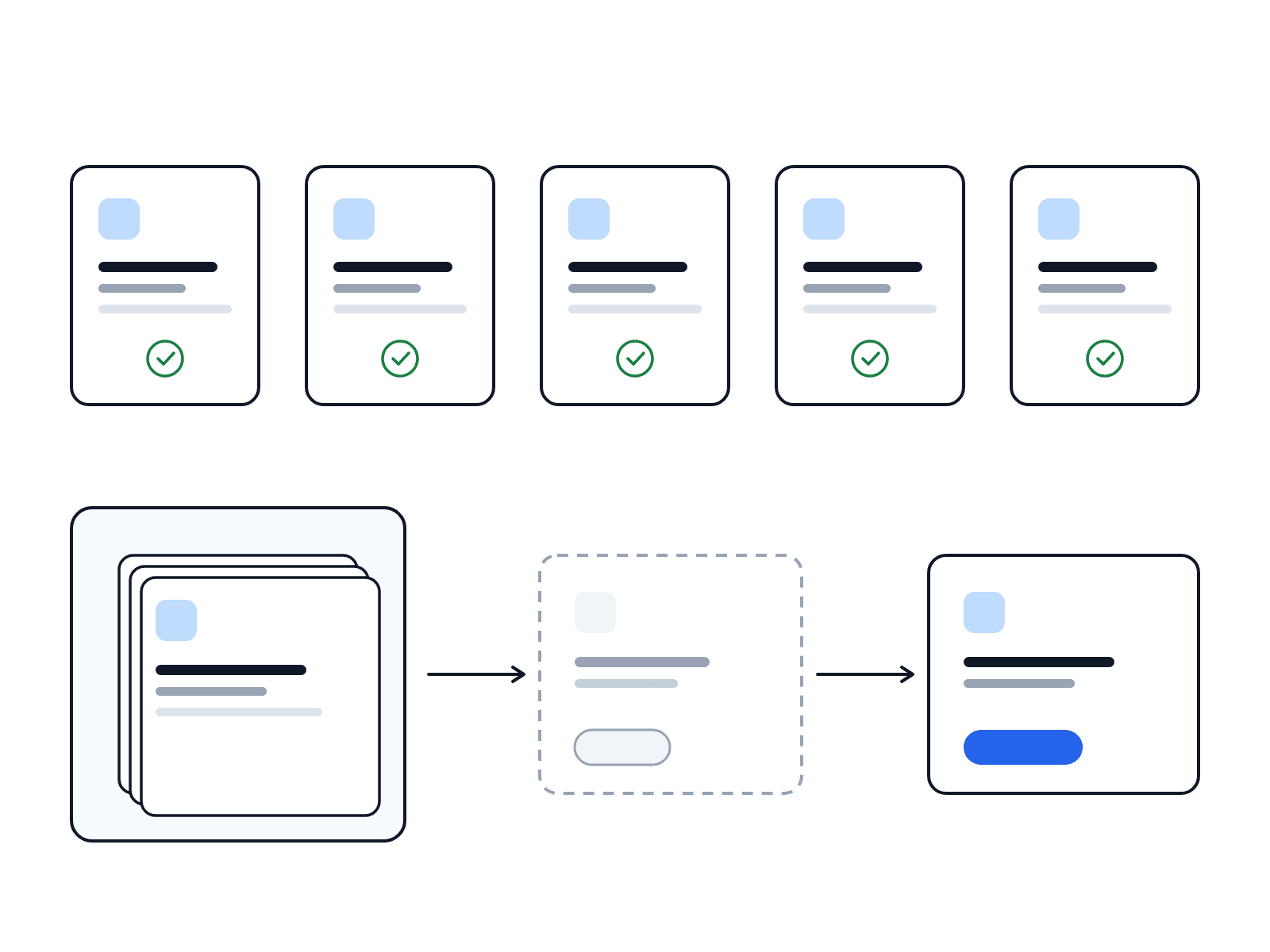
Where apartments change hands often, a handover protocol that is finished in minutes and serves as the basis for the next change matters. LiteLog connects the protocol with cleaning, caretaker and owner.
- ✓Holiday rentals: check-in and check-out as a protocol; the booking calendar from Airbnb, Booking.com or Hospitable creates the cleaning task per check-out, see holiday rentals industry page.
- ✓Serviced apartments and hotels: condition per unit at changeover, defects go to maintenance or housekeeping as a task.
- ✓Furnished lets: inventory per room, comparison at move-out, protocol for tenant and owner.
- ✓Caretaker: a defect from the protocol becomes a task with photo and deadline; recurring tasks from weekly to yearly run alongside.
- ✓Offline: record in the basement or without reception, sync later.
FAQ
Frequently asked questions about the handover protocol (FAQ)
What belongs in a handover protocol at move-in?
Property and date, the parties involved, the condition per room rated OK or defect, a photo of every defect, meter readings with meter number, the keys handed over and any known defects the landlord still has to fix. Finally the signatures of both sides. In the LiteLog app these items are set up as a form.
What belongs in a handover protocol at move-out?
The same items as at move-in, so that both protocols can be compared: condition per room, new defects with photo, final meter readings, returned keys and the signatures. The comparison in LiteLog then shows per item whether a defect is new, pre-existing, fixed or unchanged.
How does the comparison of move-in and move-out work?
You open the move-out protocol and tap Compare. LiteLog sets both protocols side by side in a table: item, move-in, move-out, assessment, evidence. The assessment is new, pre-existing, fixed or unchanged; the photo from the respective protocol is attached to the row as evidence.
Can the tenant or guest sign without an account of their own?
Yes. The tenant or guest signs on the employee's smartphone or tablet and enters their name. They need neither a LiteLog account nor an app.
How does the tenant receive the handover protocol?
After signing, you send the protocol from the app as a PDF with your logo. Via "Send to customer" you type in the tenant's email address. The document also stays stored at the property.
What happens if defects surface after the handover?
Then the protocol counts. A defect that was photographed at move-in and rated pre-existing cannot be attributed to the tenant. A defect missing from the move-out protocol is hard to prove after the handover. That is why it pays to record every item with a photo. More in the article Defects found after the apartment handover.
Is the handover protocol suitable for holiday rentals and furnished apartments?
Yes. For holiday rentals and serviced apartments you record condition and inventory per room at check-in and check-out; the booking calendar creates the cleaning task per check-out. For furnished lets, the furniture appears as separate items in the protocol, with a photo when defective.
Can I correct a handover protocol afterwards?
Yes, as a corrected version with a reason. The original remains, and both versions can be viewed with date and person. That way it is traceable what was changed and when.
Is there a handover protocol template as PDF?
Yes. The handover protocol template for furnished apartments and holiday rentals is free as PDF, Word and Excel (German). The same fields are set up in the LiteLog app, there with photo, signature and comparison.
Does the digital handover protocol work offline?
Yes. You record rooms, photos and the signature without reception too, for example in the basement. As soon as the device is back online, the app syncs the protocol.
Is the apartment handover app also an acceptance report?
The form covers both: the handover to the tenant or guest and the acceptance at move-out. Anyone accepting a cleaning or a tradesman's work uses the same structure with condition per item, photo when defective and signature.