
Time tracking without a smartphone – terminal & messenger
No phones allowed on site, or no company app wanted on the private device? LiteLog captures attendance anyway: at a stationary terminal with a card or chip – or directly in Telegram and WhatsApp via location, QR photo or a short command. Time tracking follows fixed rules without AI; the optional Hannah AI assistant adds voice-note reports and quick answers.
What terminal & messenger cover
One goal: time tracking for everyone – without a company app, and even entirely without a smartphone.
Stationary terminal
Clock in and out with a card or chip at the permanently installed NFC reader – no smartphone at all.
Telegram & WhatsApp
Clock in via location, QR photo or a short command – right in the familiar chat, no app installation.
Fixed rules, no AI
Deterministic processing – no chat content goes to a language model.
One system
Both routes write into the same audit-proof time tracking as the LiteLog app.
What if an app or a phone is not an option?
No phones allowed on site – or a phone at hand, but no extra app wanted? Neither is an obstacle. The decision is simple:
- ✓Completely phone-free: the stationary terminal on site
- ✓Phone allowed, but no extra app: LiteLog directly in Telegram or WhatsApp
- ✓Both routes write into the same audit-proof time tracking as the LiteLog app
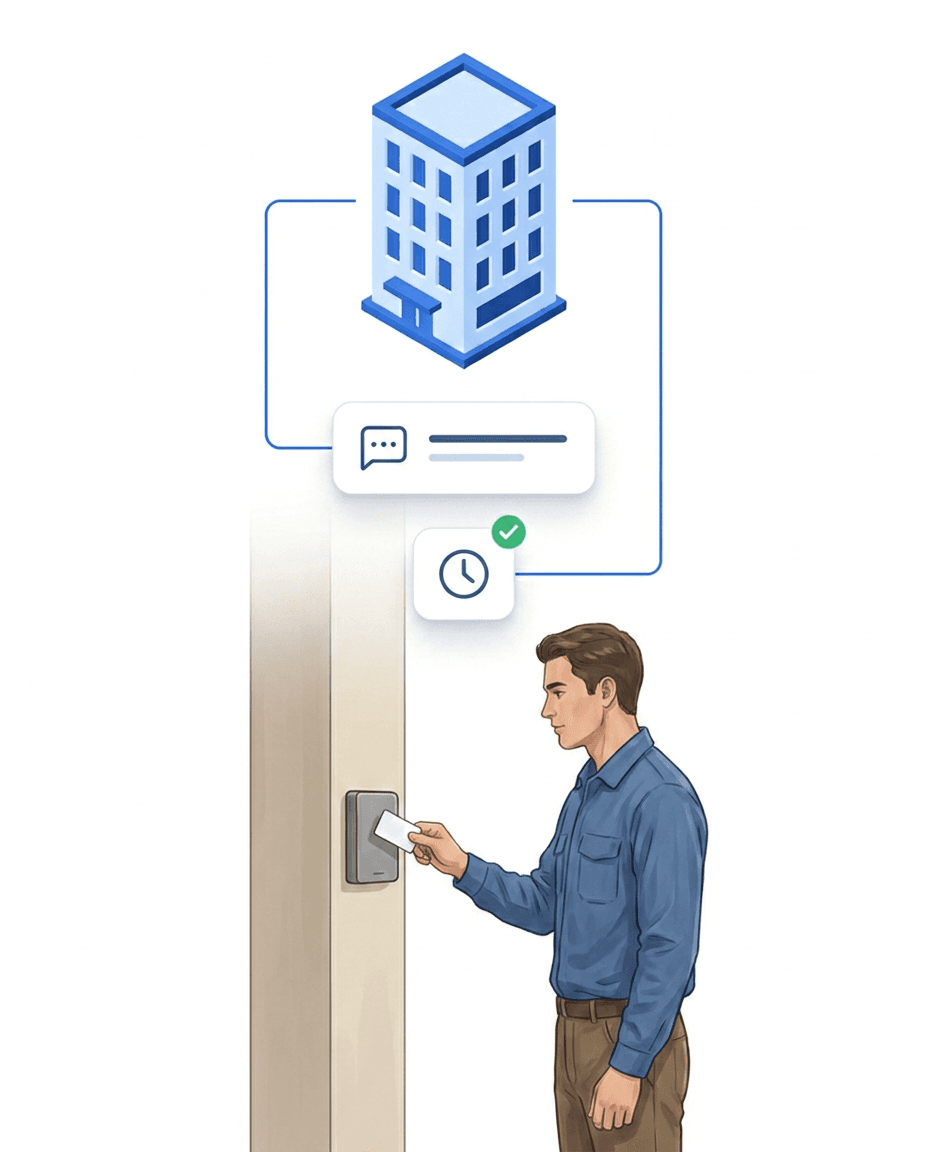
Situation 1: No phones allowed on site – the stationary terminal
A permanently installed terminal is set up at the entrance or in the work area – a stationary NFC reader. Employees clock in and out there with their personal card or chip. A personal smartphone is not needed at any point. The terminal suits entrances, sensitive areas and teams without smartphones. Every clock-in and clock-out is documented audit-proof with time, property and person and appears immediately in the live dashboard. LiteLog sets it up together with you – from the right device to issuing cards to the team.
- ✓Permanently mounted NFC reader at the entrance or in the work area
- ✓Clock in and out with a personal card or chip
- ✓Audit-proof with time, property and person
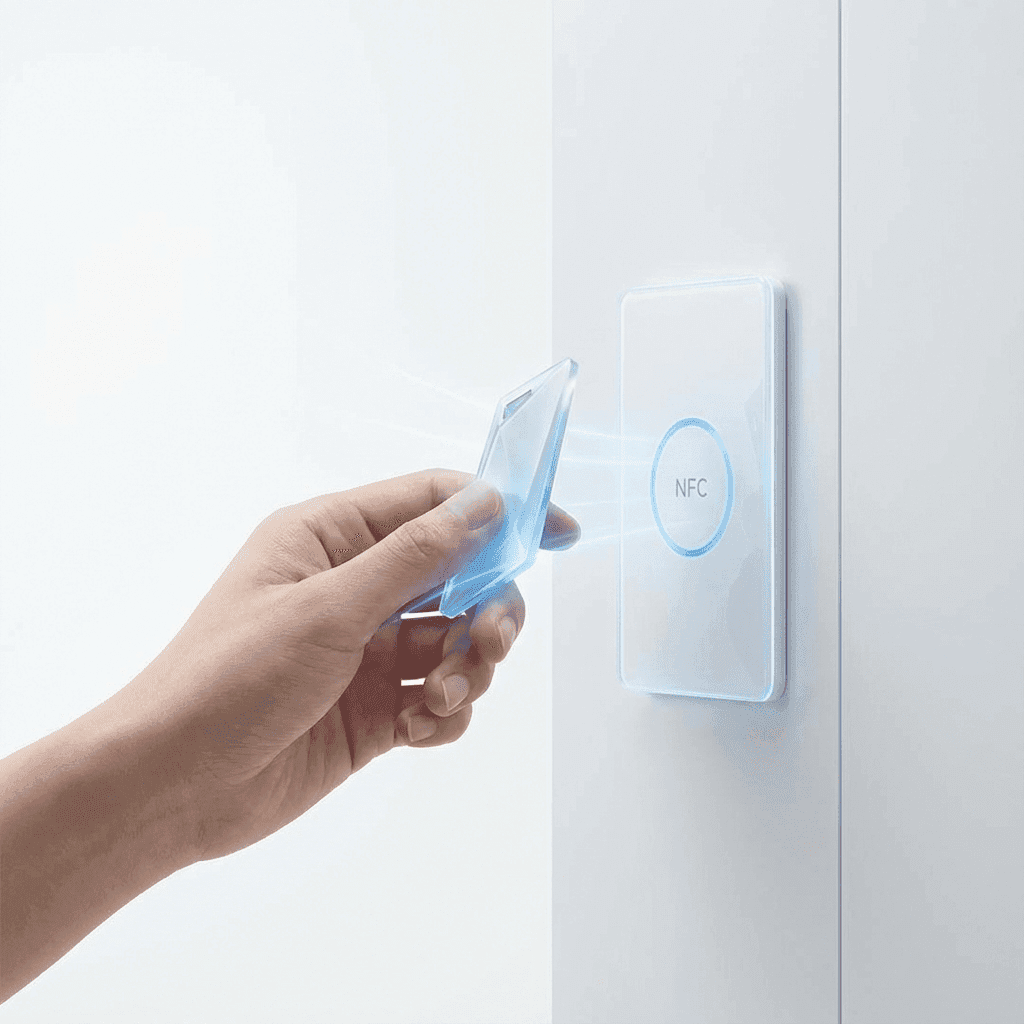
Don't want to install an app? LiteLog runs directly in Telegram & WhatsApp
Not everyone wants to install another app. With LiteLog that's no problem: clocking in and out runs directly inside Telegram and WhatsApp. Employees scan a QR code from their employee profile once – after that, two tools every phone already has are enough: the camera and the share-location function. Which one to use is up to the employee.
- ✓Ban on cell phones in sensitive areas
- ✓Not everyone owns a smartphone
- ✓No company app on the private device
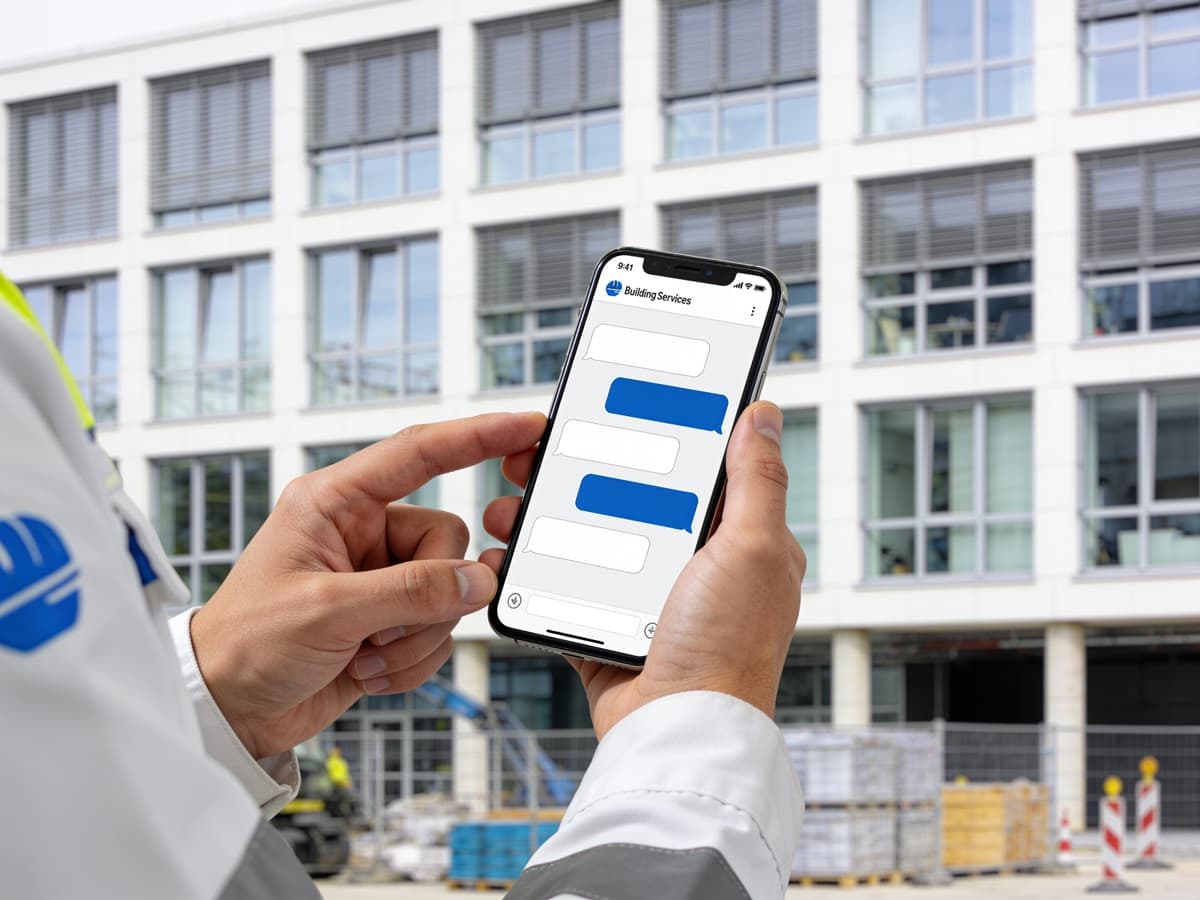
For field service and teams without company phones
Telegram or WhatsApp are already on the phone – nothing new is added, and no company phones need to be purchased. The location is transmitted only at the moment the employee actively sends it to clock in or out. There is no continuous tracking and no movement profile.
- ✓No company phones, no extra hardware on site
- ✓Location only on active clock-in/out – no continuous tracking
- ✓Combinable with the stationary terminal for areas without any phone
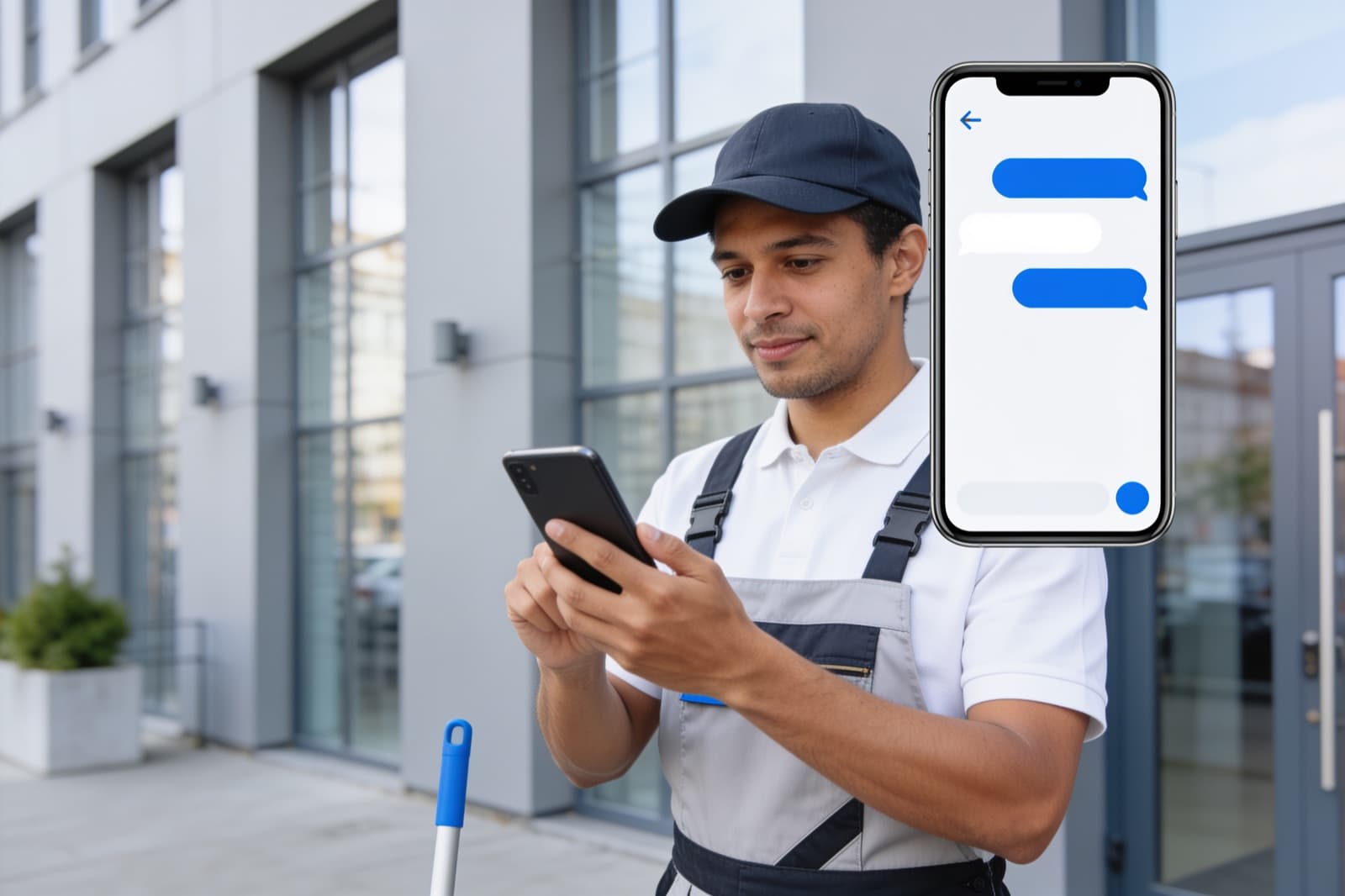
Scan a QR code or share your location – the logic works on its own
The employee photographs a QR code – nothing more. Which action the scan triggers is determined by the QR code you put up on site:
- ✓Attendance QR: time tracking starts or stops automatically – LiteLog detects which one is due
- ✓Checkpoint QR: the scan is recorded as a patrol checkpoint
- ✓Share location: instead of a QR, the employee sends their location – LiteLog matches the booking to the right property via geofence
- ✓Extra safety: require the location to be shared to start and stop time tracking
- ✓Those who prefer typing use a short command like "clock me in"
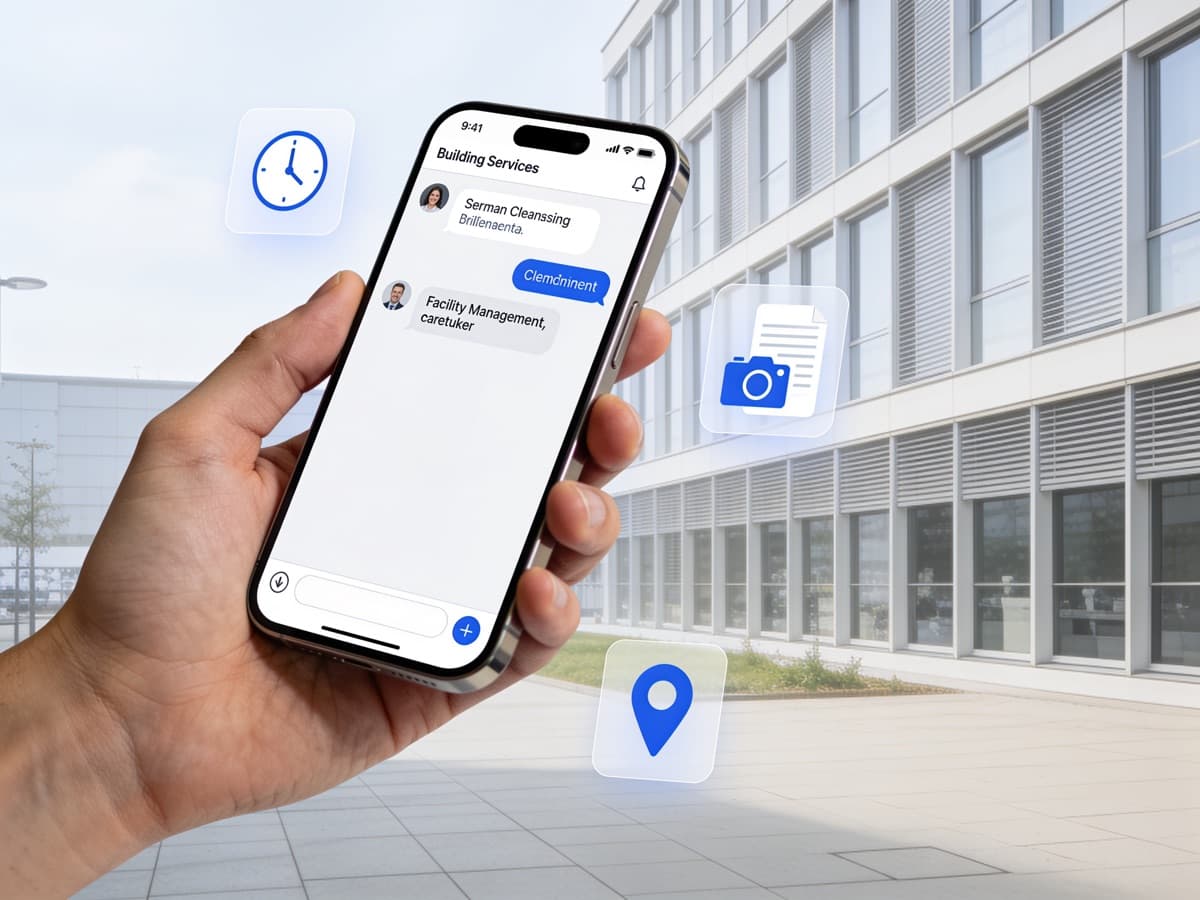
The advantages: language-independent and no training needed
Camera and location work without a single word. Every employee can use this right away – with no German skills and no onboarding.
- ✓Share location – two taps, no text
- ✓Photograph the QR – the camera is enough
- ✓Works the same for everyone, no matter which language they speak
- ✓Full control instead of AI: fixed rules, and you decide what is allowed in the messenger
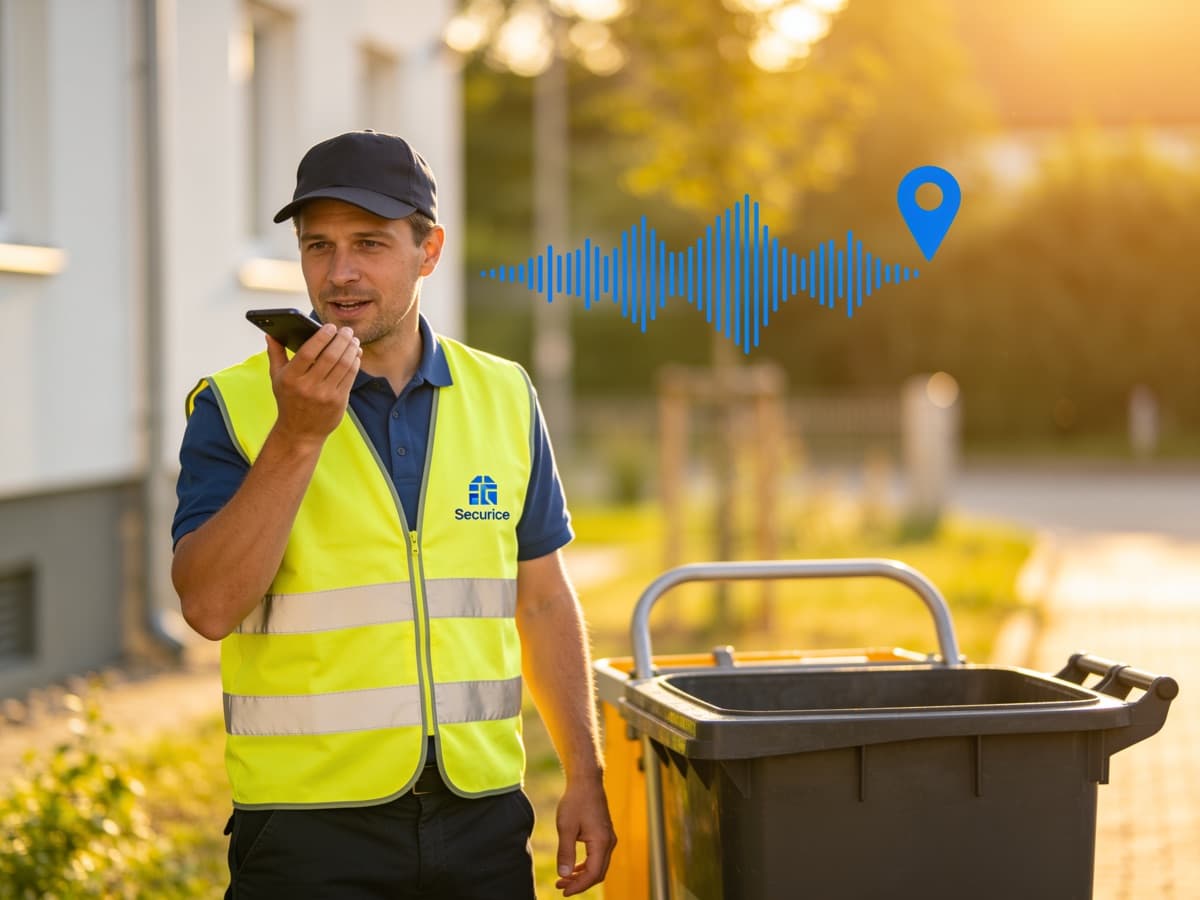
Terminal, messenger or app – what fits when?
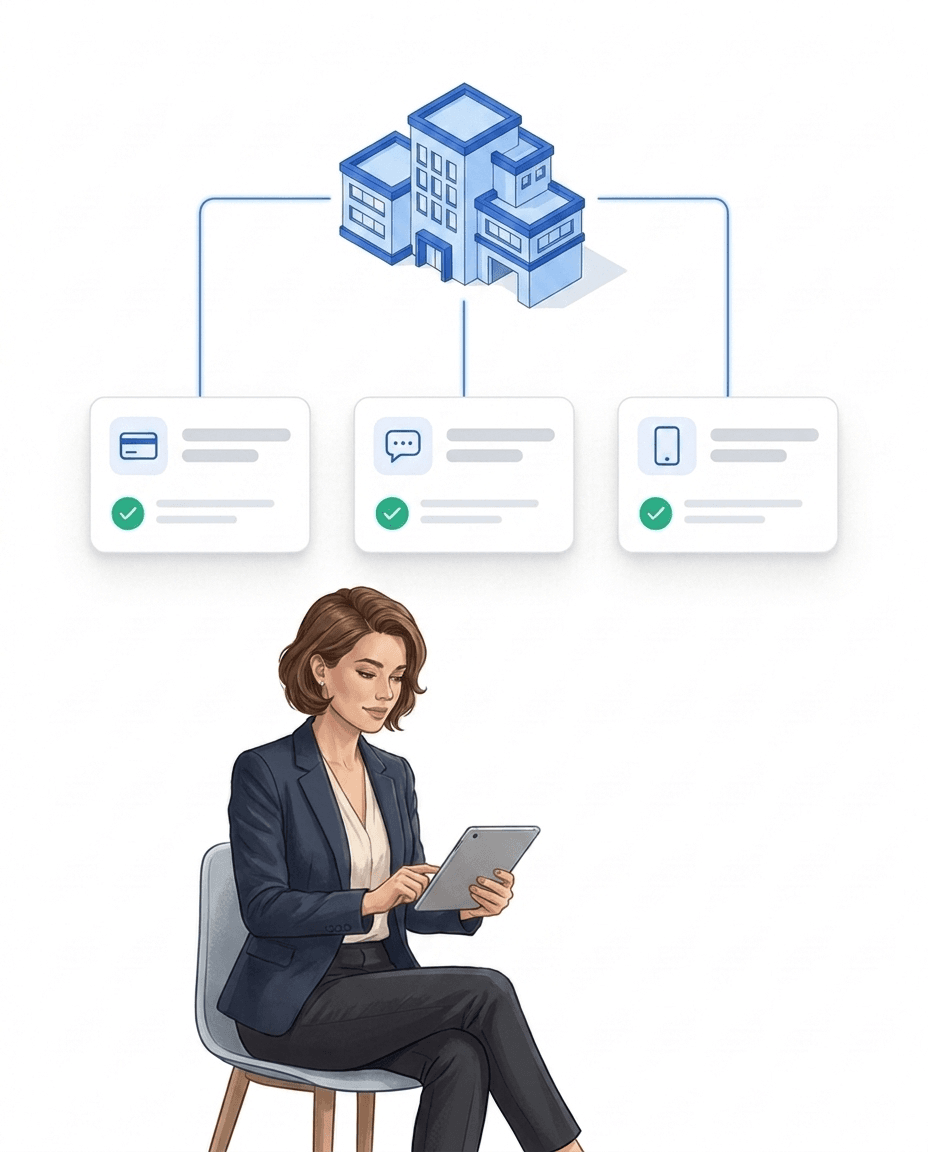
The three ways can be freely combined – even within a team. The stationary terminal is the right choice if you really don't want a cell phone involved at the location: fixed objects, entrances, sensitive areas. The messenger route is suitable if employees have a phone with them but do not want to install a company app - especially if there are many changing field service objects where hardware is not worthwhile. The LiteLog app remains the most convenient way for anyone who wants to use it, with NFC, QR, GPS and beacon check-in (the app automatically suggests clocking in as soon as a Bluetooth beacon is in range), offline mode and walking tours. All three ways write to the same time tracking and dashboard.
Answers about Telegram, WhatsApp and LiteLog's app alternative
Frequently asked questions about attendance via messenger
Does the messenger replace the LiteLog app?
For time tracking and patrol scans, yes. Employees clock in and out via location, QR photo or a short command and record checkpoints – entirely in the chat they already use, with no app to install. The LiteLog app continues to offer the full feature set – both use the same LiteLog system.
Do employees need an app or an account?
No. LiteLog runs directly in Telegram and WhatsApp, which are already on almost every smartphone. Employees scan the connect QR from their employee profile once (or receive the link by SMS) – after that their chat is linked to their LiteLog account and they're ready to go.
How does time tracking work in the chat?
In three ways: send your location (LiteLog matches the booking to the right property via geofence), photograph the attendance QR at the property, or write a short command like "clock me in". LiteLog automatically detects whether a shift is starting or ending. The working time appears immediately in attendance – just as traceable as a scan in the app, including flags for bookings outside the property area.
Does this work for multilingual teams?
Yes – that's exactly where the messenger route shines: the two main routes need no language at all. Sharing a location or photographing a QR code works the same for every employee, regardless of the language they speak or write.
Is AI used for time tracking?
No. Messenger time tracking follows fixed, deterministic rules – location, QR photos and short commands are processed without a language model, and no chat content is sent to an AI. If you additionally use the optional Hannah AI assistant (e.g. for voice-note incident reports or queries), its permissions and data access are controlled separately – see the "Secure AI" page.
How do I control what is allowed in the messenger?
On three levels in settings under integrations: first, switch the channel on or off per company (Telegram and WhatsApp separately). Second, define the allowed actions – time tracking and patrol checkpoints individually. Third, enable the clock-in methods – location, QR photo and short command each separately. In addition, only employees you actively invite are connected, and every link can be removed at any time.
Which data is transmitted – and where does it go?
The location is transmitted only at the moment an employee actively sends it – there is no continuous tracking. The bookings themselves are stored, like all LiteLog data, in the EU. As for transport: Telegram and WhatsApp messages travel over the respective messenger's infrastructure – to minimize that, use the QR route (the photo contains only the property code).