
Free-form templates without IT – LiteLog adapts to you
Damage report, handover protocol, quality inspection: rebuild any form digitally – without coding. Assemble fields, set required ones, publish; from then on your team fills it in the app, with photo and digital signature right on the smartphone. LiteLog adapts to your workflow, not the other way around.
- ✓17 field types, required fields and conditions
- ✓Digital signature – with customer counter-signature if needed
- ✓No coding, right in the settings
- ✓Instantly available in the app

Quality control with a scoring system
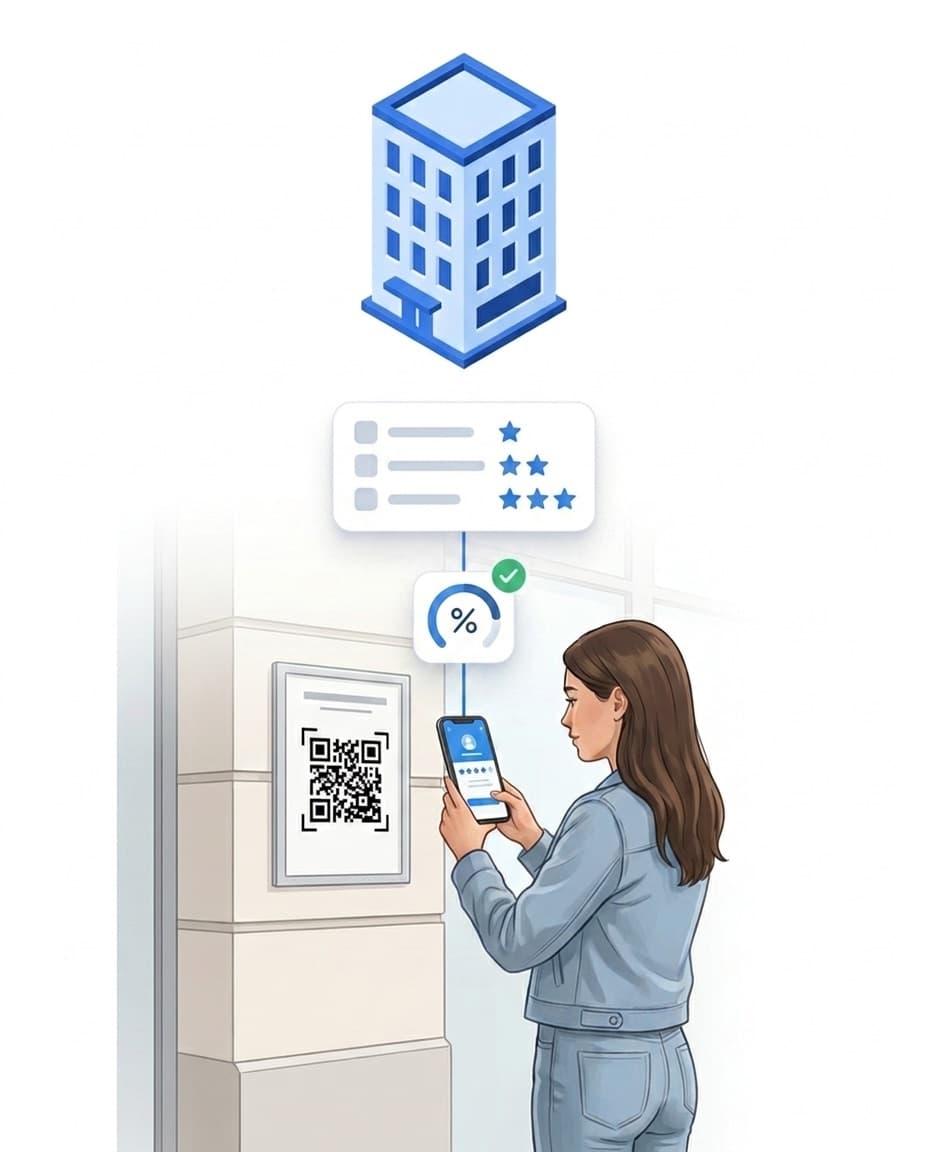
For quality control it matters not only that a check happened – but how well it went. Award points per answer and set a pass mark in percent. The finished report then states: passed or failed.
If someone reports a defect, the form demands a photo and a note right away. And if the score falls below your mark, an automation rule can react. How building service providers build their quality management with it: see quality management software.
- ✓Points per answer, weighting per field
- ✓Pass mark in percent – result in the report
- ✓Mandatory photo and note for a defect
Ready to go: prebuilt templates – or created by AI
You don't start from scratch: ready-made templates are waiting – adopt, adjust, publish. And you don't rebuild existing paper forms either: upload a PDF or Excel file, or describe the form in one sentence – AI turns it into a draft in the builder.
- ✓Ready-made templates from the first minute
- ✓PDF or Excel upload becomes a draft via AI
- ✓Nothing goes live unreviewed
Everyone works in their own language
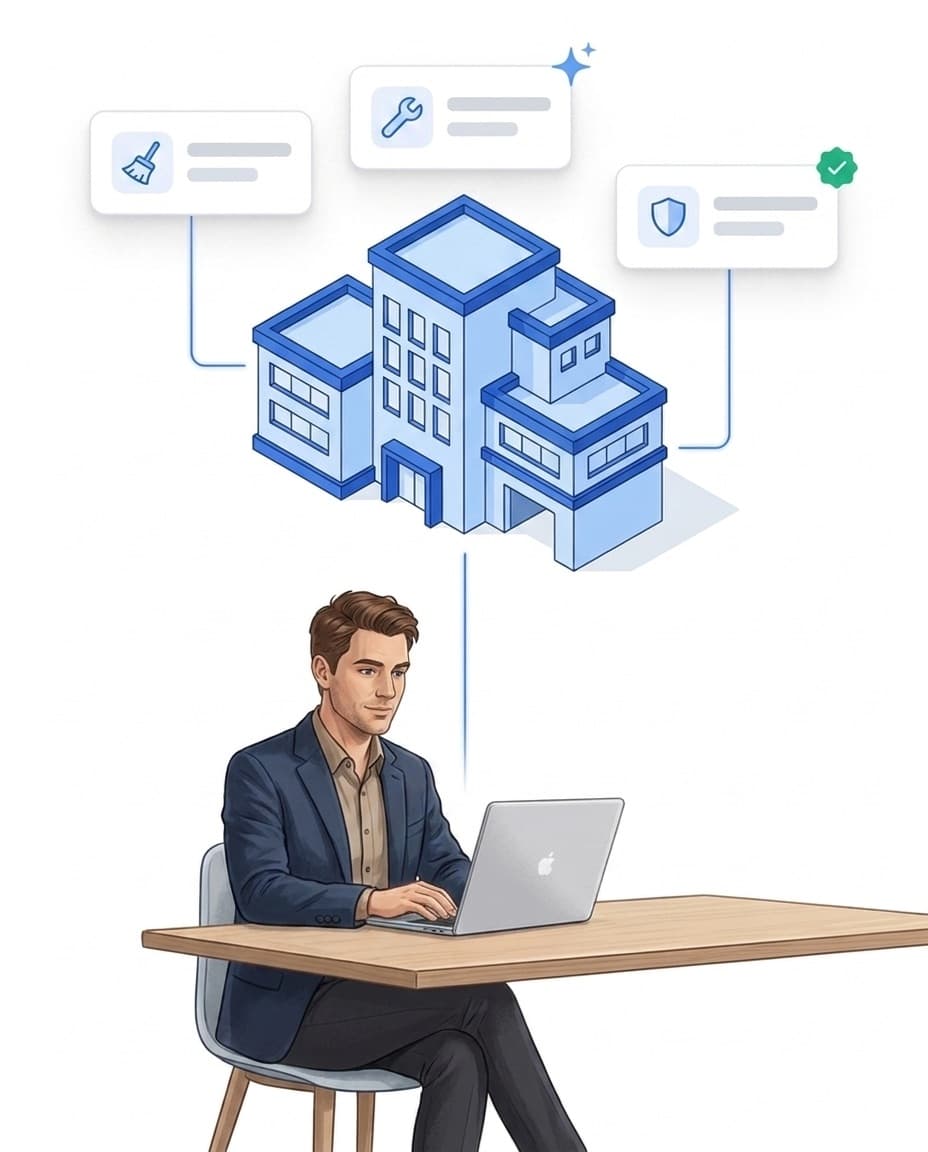
Many teams don't just speak one language – and a form nobody understands gets filled in wrong. With LiteLog you create the template once; on request, AI translates it into 15 languages when you publish. Your staff see fields, options and checklists in their native language – even offline in the LiteLog app. Free-text answers come back translated for the site manager, while the original stays stored and visible at any time. You can review and correct every translation right in the builder.
- ✓One template, 15 languages – AI translates on publish
- ✓Answers come back translated, the original is always kept
- ✓Translations reviewable and correctable in the builder
The chain of defects: from the photo to the completed order
In LiteLog a form is not an endpoint. It is a trigger: attach workflows to any response. If your team reports a defect or an inspection falls below the pass mark, the rule kicks in. It creates a task with an assignee and a due date. It notifies the right people via push. And it escalates if nobody reacts. AI classifies the defect by category and severity. This is the standard case:
Approval and sending to the client
Not every report should reach the client unreviewed. Enable approval per template: submitted reports then wait in a queue, the responsible people are notified and approve – or dismiss. On approval, AI drafts the subject line and cover message in the client's language and polishes the free-text answers for the PDF, clearly marked as such. You review and edit everything before sending; the original stays untouched in the portal. What the client sees afterwards: see customer access.
- ✓Approval can be enabled per template – approve or dismiss
- ✓AI drafts subject and cover message in the client's language
- ✓Polished PDF version, clearly marked – the original is kept
- ✓Everything editable before sending, in the portal and the LiteLog app
Your benefits at a glance
Everything your forms produce stays analyzable – and can trigger the next step automatically.
Adapts to you
Your own forms, your own scoring, your own logic – you model your workflow, not ours.
Automate with workflows
A defect automatically becomes an assigned task with a due date.
See workflows →Automatic export
Reports and tables as PDF/A or CSV – on demand or sent automatically to your client.
Mobile and offline
Filled in where the work happens – even without a connection. LiteLog syncs automatically.
FAQ
Frequently asked questions about reports & forms (FAQ)
What is the difference between an incident and a form response?
An incident documents an occurrence (e.g. an event or a handover). A form response is a submitted form, such as a checklist or inspection record. The unified view brings both together in one shared timeline.
Which templates are available right after sign-up?
Ready-made default templates are available right after sign-up and can be used across all industries – for a quick start with no setup.
Can AI create a form for me?
Yes. Describe the form in one sentence or upload an existing PDF (up to 8 pages) or Excel file – AI creates a template draft with matching field types. You review and publish the draft yourself. The feature is included free in all plans.
Can I fill in forms offline?
Yes. Forms can be filled in without a connection; LiteLog synchronizes the responses automatically once a connection is restored.
Can forms be signed digitally?
Yes. Add the signature field in the builder – signing happens right on the smartphone, either by the employee or as a counter-signature by the customer, optionally with the signer's name. The signature is stored with the response and visible in the portal.
Can I build my own reports?
Yes. With the LiteLog report builder you choose the content, filters and layout yourself. No technical knowledge is needed: pick the building blocks, set the period, define the recipients.
Can LiteLog send reports automatically?
Yes. You define recipients and a schedule: once, daily, weekly or monthly. LiteLog creates the report and sends it automatically to internal teams or clients.
In which format are reports sent?
Reports are sent as PDF/A, the standardised archive format for long-term, revision-safe archiving (ISO 19005, adopted in Germany as DIN ISO 19005). Exports as CSV and Excel are also available.
Are the reports archivable in a revision-safe way?
Yes. Thanks to the PDF/A format, LiteLog supports revision-safe and GoBD-compliant archiving. Reports remain unchanged and verifiable at any time.
What permissions does a user need to see the unified view?
The view is role-based: users only see incidents and form responses if their role has the corresponding permission. This keeps client data and internal records cleanly separated.
Can I also record reports offline?
Yes. Messages can be created offline and are automatically synchronized as soon as a connection is established again.
Who receives notifications about new reports?
Notifications can be defined per recipient group. This way you can provide targeted information to teams, property managers or customers.
In which languages can staff fill in forms?
In 15 languages. You create the template once – on request, AI translates it when you publish, and staff see fields, options and checklists in their native language, even offline. Every translation can be reviewed and corrected in the builder; free-text answers come back translated for the site manager, while the original stays stored.
Can I review reports before they are sent to the client?
Yes. Enable approval per template: submitted reports then wait for a decision – approve or dismiss. The responsible people are notified, and a counter in the portal shows how many reports are pending.
What does AI do when sending to the client?
On request, AI drafts the subject line and a short cover message in the client's language and polishes the report's free-text answers. The polished PDF version is clearly marked, the original stays unchanged in the portal – and you can review and edit everything before sending. The feature is optional and disabled by default.