
Patrols and maintenance for critical infrastructure
Prove every check at fences, gates and plants. Incidents reach the right person with a photo right away, even from a dead zone.
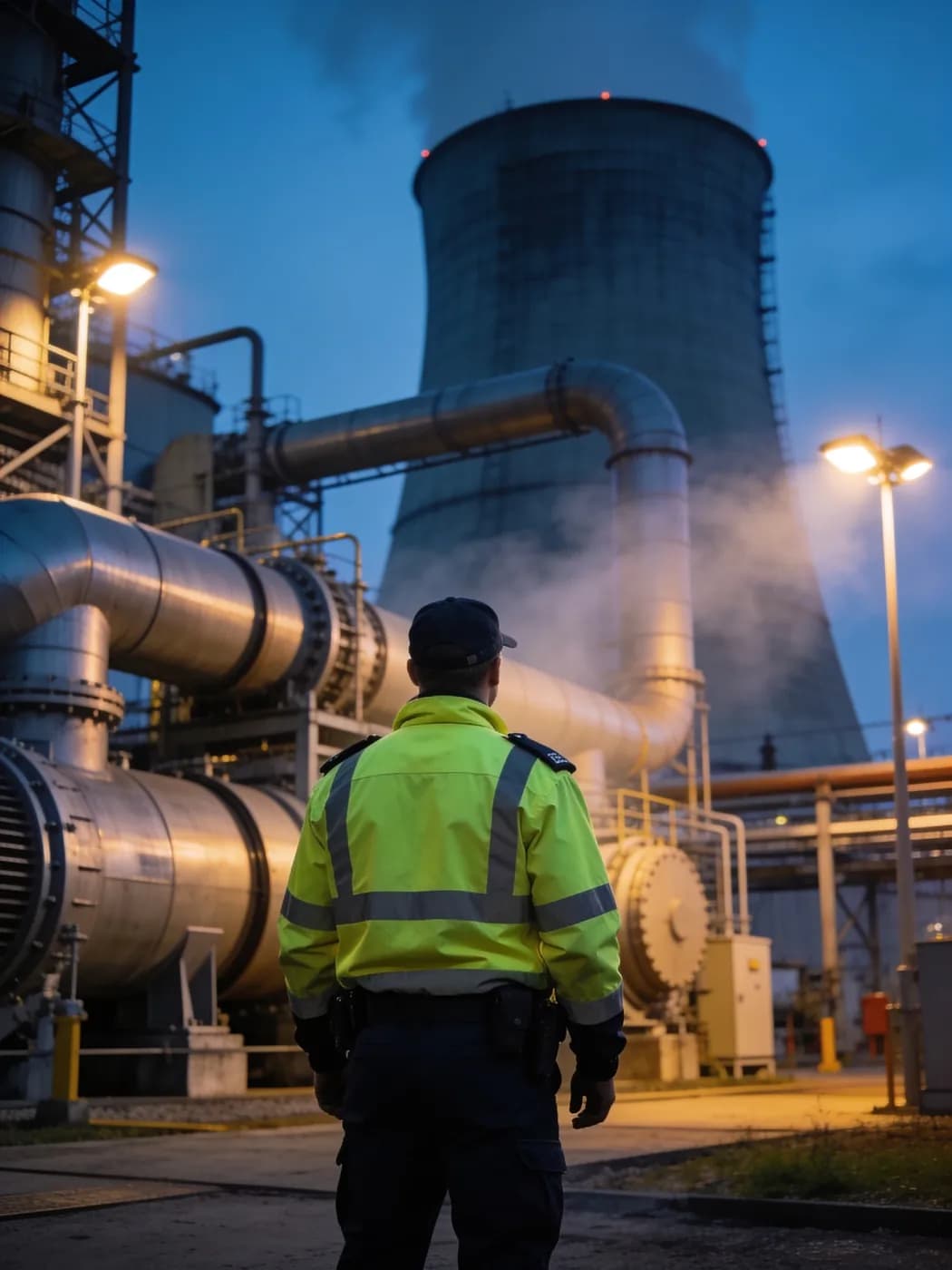
LiteLog for critical infrastructure in 90 seconds
Patrols, incident chains and complete records: what LiteLog does for critical infrastructure operators.
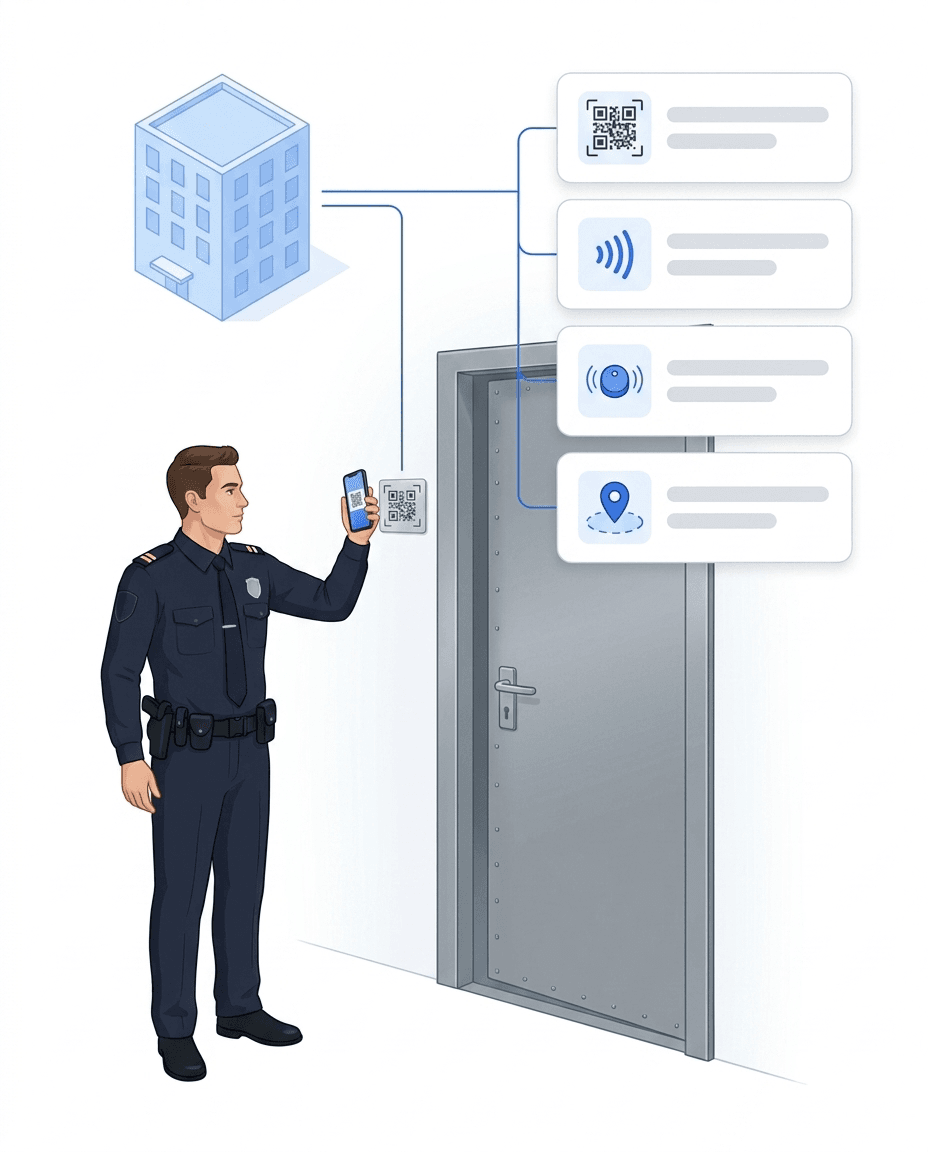
Patrols at fences, gates and airlocks
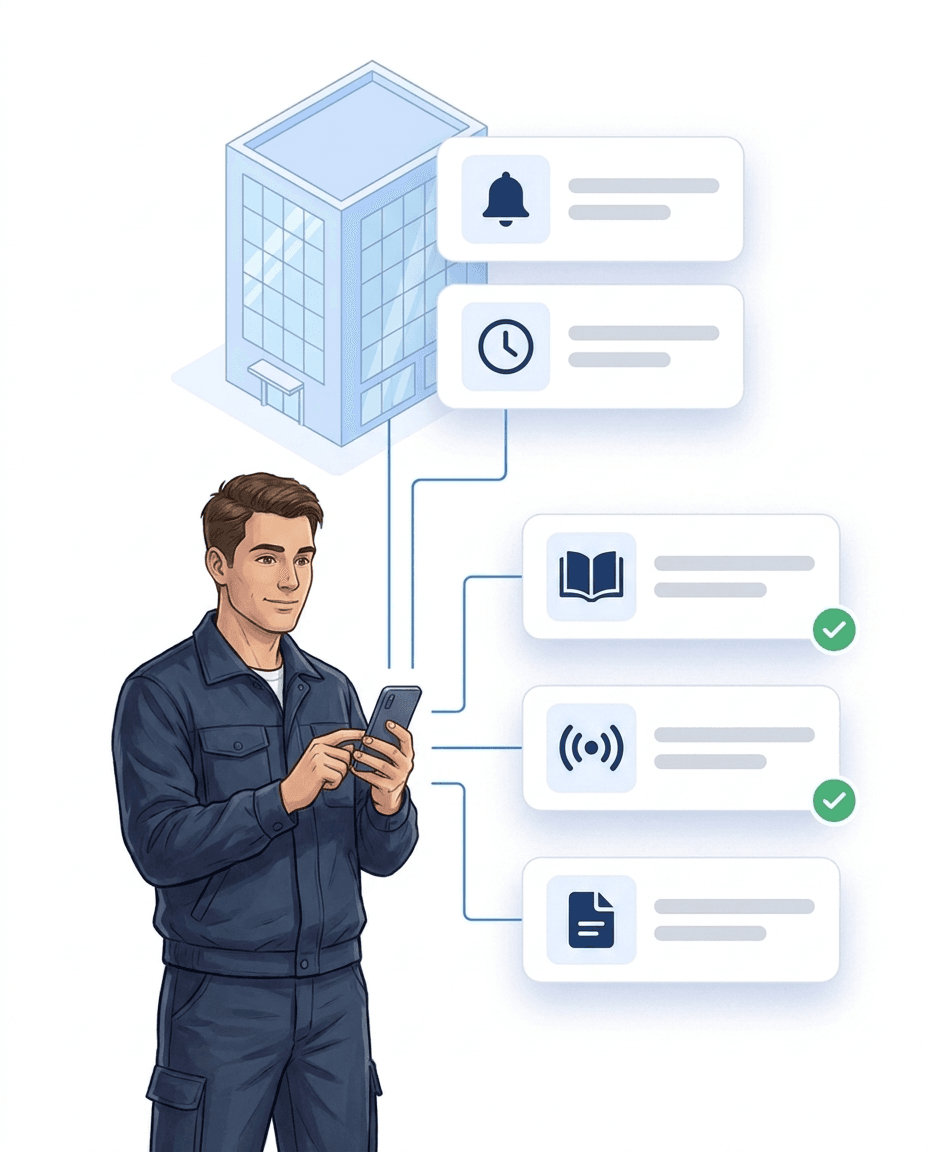
Every checkpoint on site is scanned, with person, time and location.
- ✓Checkpoints: NFC tag, QR code or beacon at the gate, fence section or airlock.
- ✓Fixed time windows: for example every two hours at night; your team sees the next patrol in the app.
- ✓Gaps show up at once: If a checkpoint is missed, LiteLog can notify the shift lead.
- ✓On site only: If you wish, the app checks during the scan that the device is on the premises.
- ✓Learn more: How the guard tour system works.
Visual inspections at plants
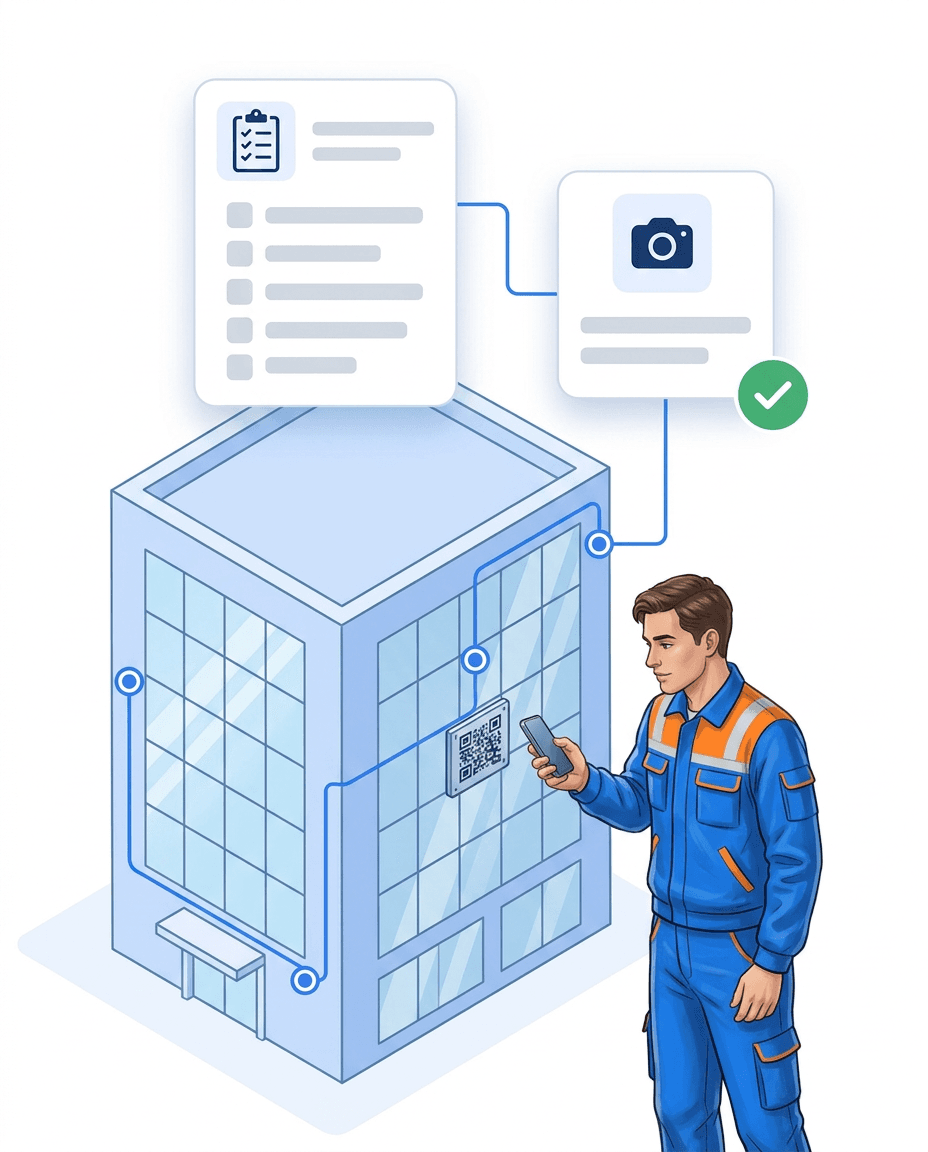
Pumping station, substation or server room: your team checks against a fixed list.
- ✓Your own checklists: You build the form yourself, with yes/no, numbers, required photo and signature.
- ✓In the right place: The checklist sits on the checkpoint and opens when scanned.
- ✓Recurring: daily, weekly or monthly; the app only shows what is due today.
- ✓Instructions at hand: Plans and instructions for each plant are available in the app.
- ✓Not possible? If an area is closed, your team reports it with a reason instead of just ticking it off.
Even where there is no signal
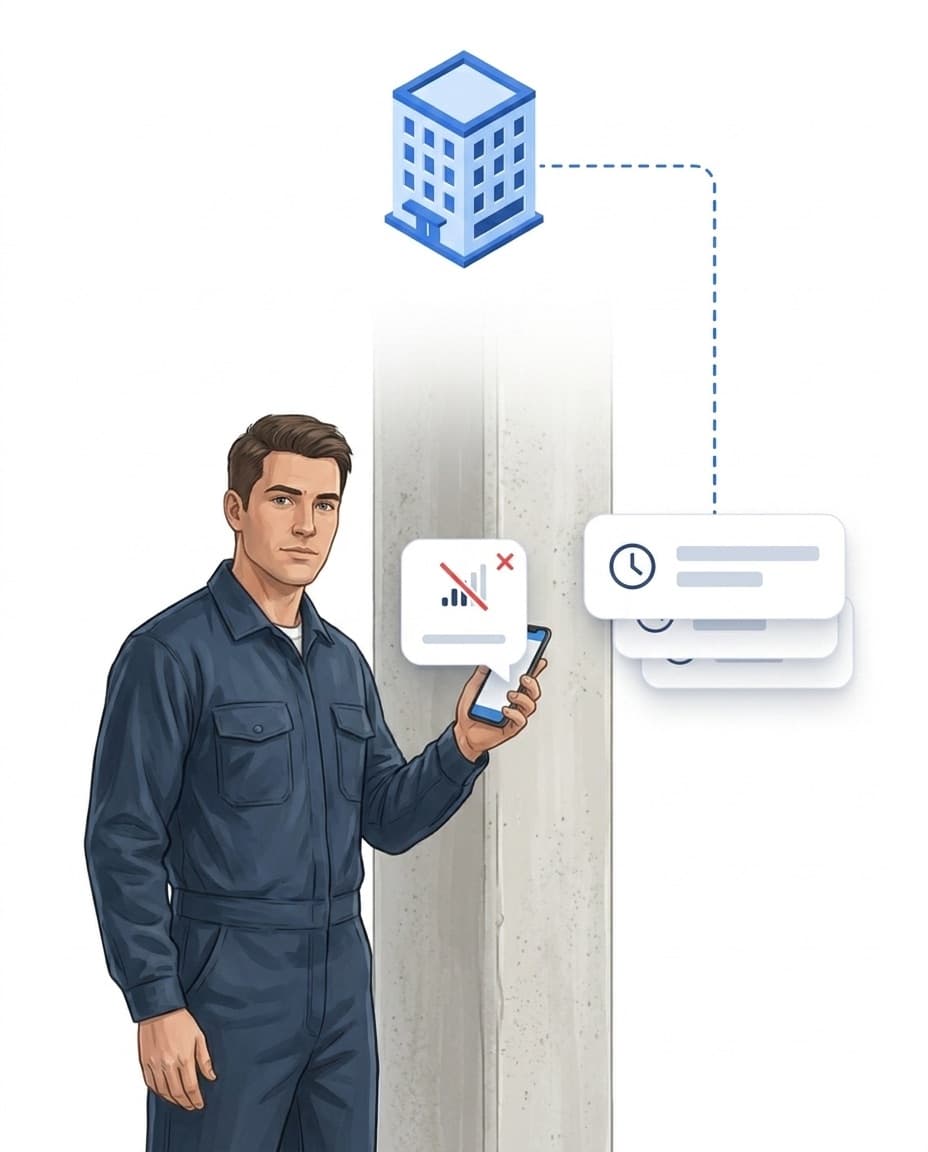
Critical plants are often in basements, tunnels or far out in the field.
- ✓Scan offline: Checkpoints are saved without a connection.
- ✓Report offline: Incidents with photo and text can be created without a connection.
- ✓Sent automatically: As soon as the device is back online, the data goes to the server.
- ✓No duplicates: If a report is sent twice, LiteLog stores it only once.
Incidents with photos instead of group chats
A damaged fence or an open gate is reported in seconds and no longer gets lost.
- ✓Captured fast: up to eight photos, text or a voice note, linked to the checkpoint.
- ✓Classified: category and severity from low to critical, by hand or with AI.
- ✓Becomes a task: The fix goes to the responsible person, with a deadline.
- ✓Original stays: A submitted report can no longer be changed.
- ✓Learn more: Digital guard book.
Alerts to the right place
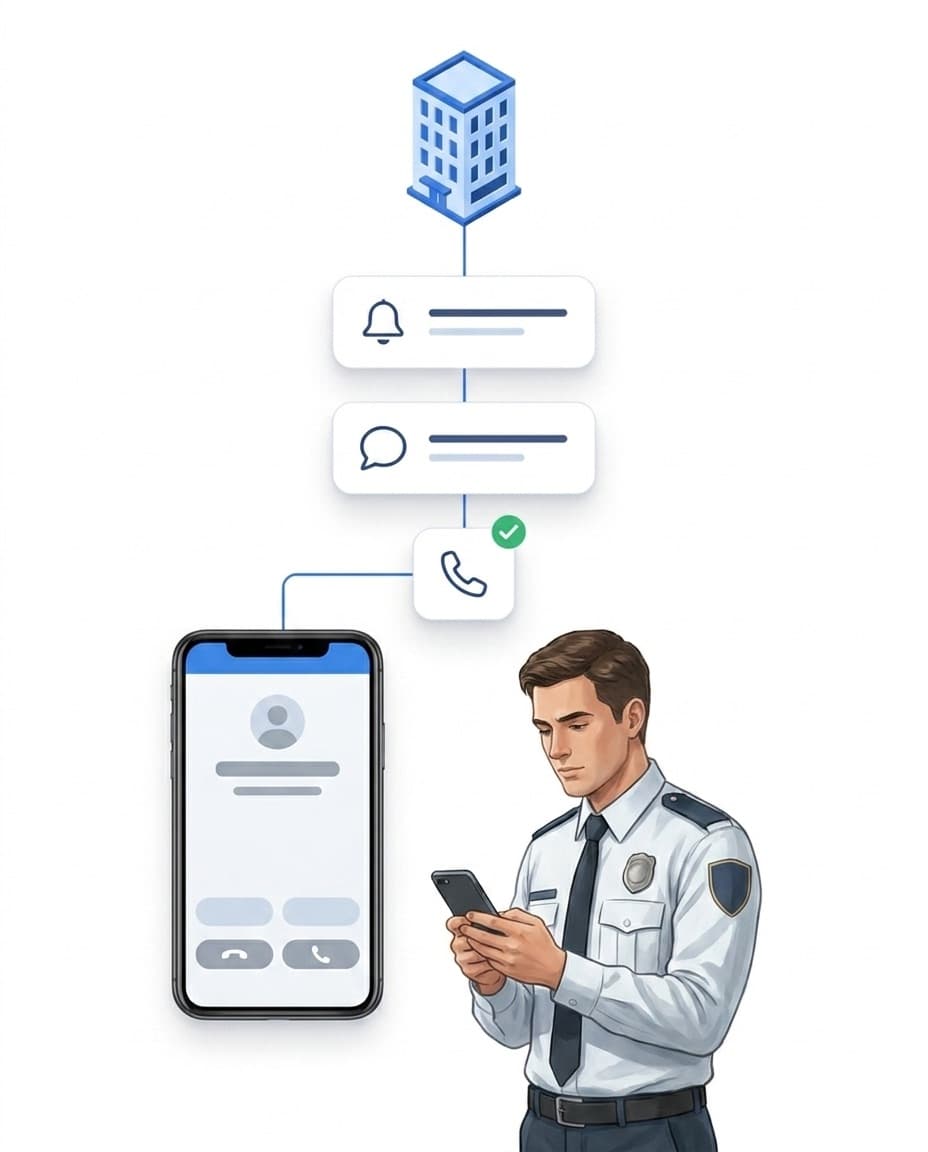
You decide who is told about which event and how fast.
- ✓Your own rules: for example “Report with severity critical: notify the security manager immediately”.
- ✓Several channels: push, email, text message or automated phone call.
- ✓Step by step: If nobody responds, the alert goes to the next person.
- ✓Logged: You see who was notified and when.
Alone at a remote site
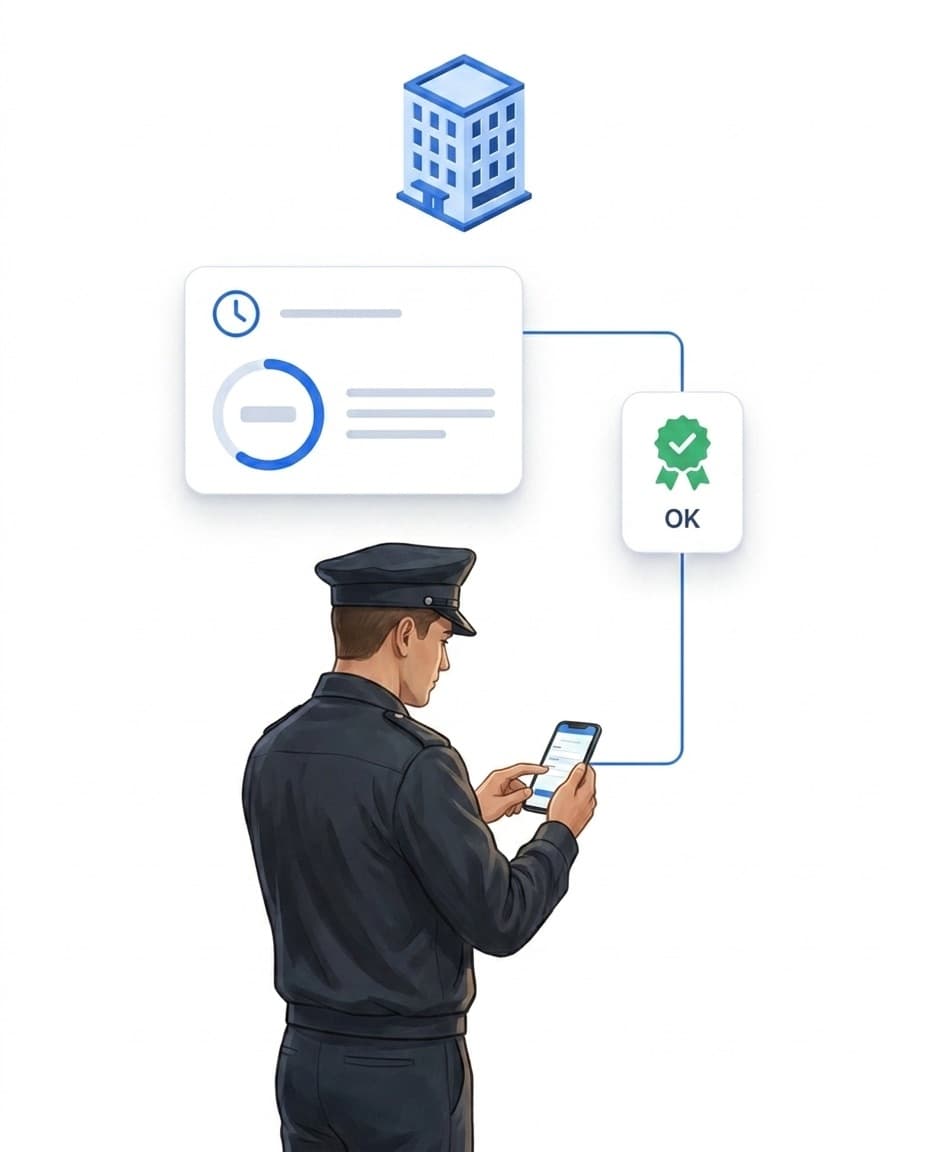
Anyone working alone at a distant site at night does not go unnoticed.
- ✓Welfare check: Your employee confirms at set intervals that everything is fine.
- ✓If it is missed: LiteLog alerts the shift lead and escalates further.
- ✓Staff overview: You see who is on duty at which site right now.
- ✓No-show alert: If nobody arrives for a planned shift, the shift lead is told.
Records for audits and authorities
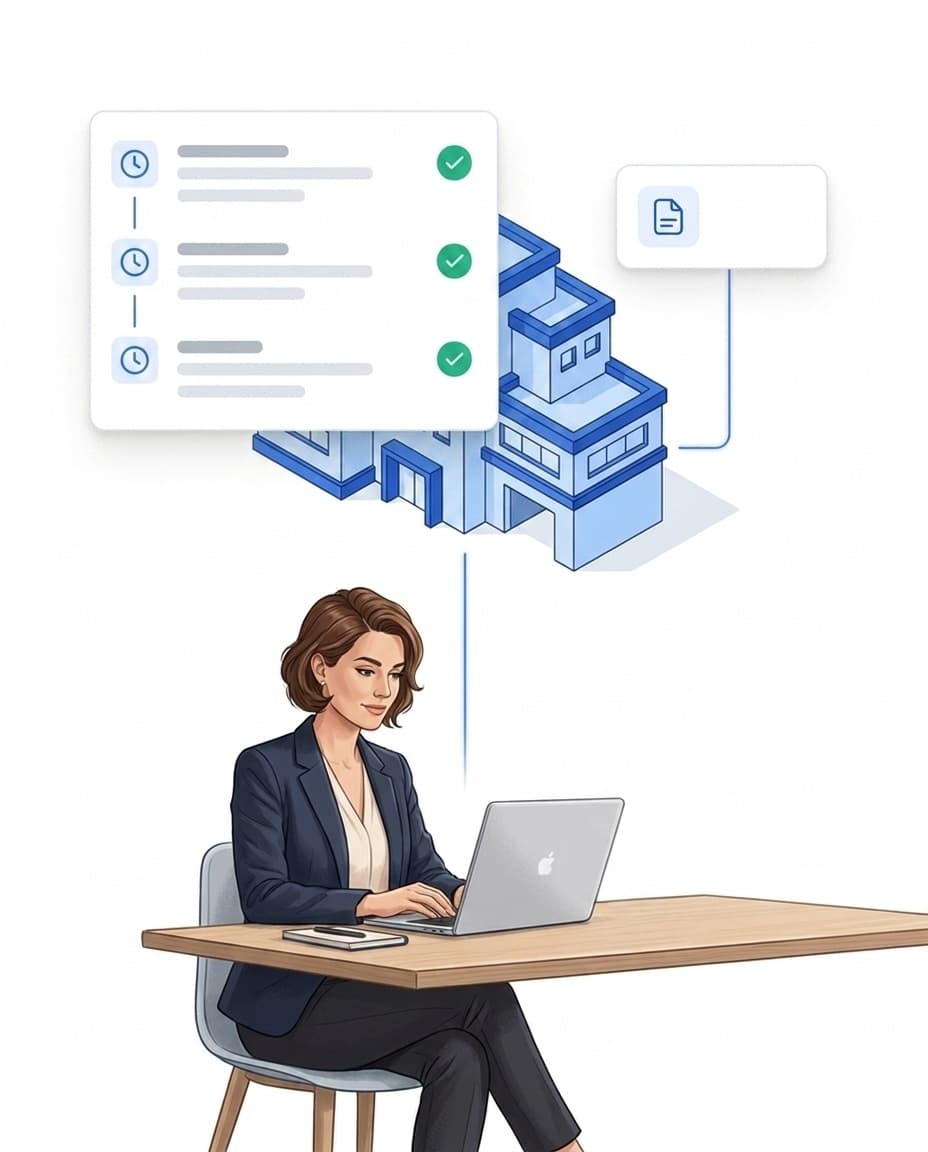
When someone asks what happened at a plant on a given day, you have the answer.
- ✓History: checks, reports and changes on one timeline, filterable by site.
- ✓Server timestamps: Corrections only with a reason; the original stays visible.
- ✓Export: reports as PDF or CSV, sent automatically by email if you wish.
- ✓Digital signature: If required, your team confirms inspections with a PIN, NFC chip or QR code.
Who sees what: roles, sites, contractors
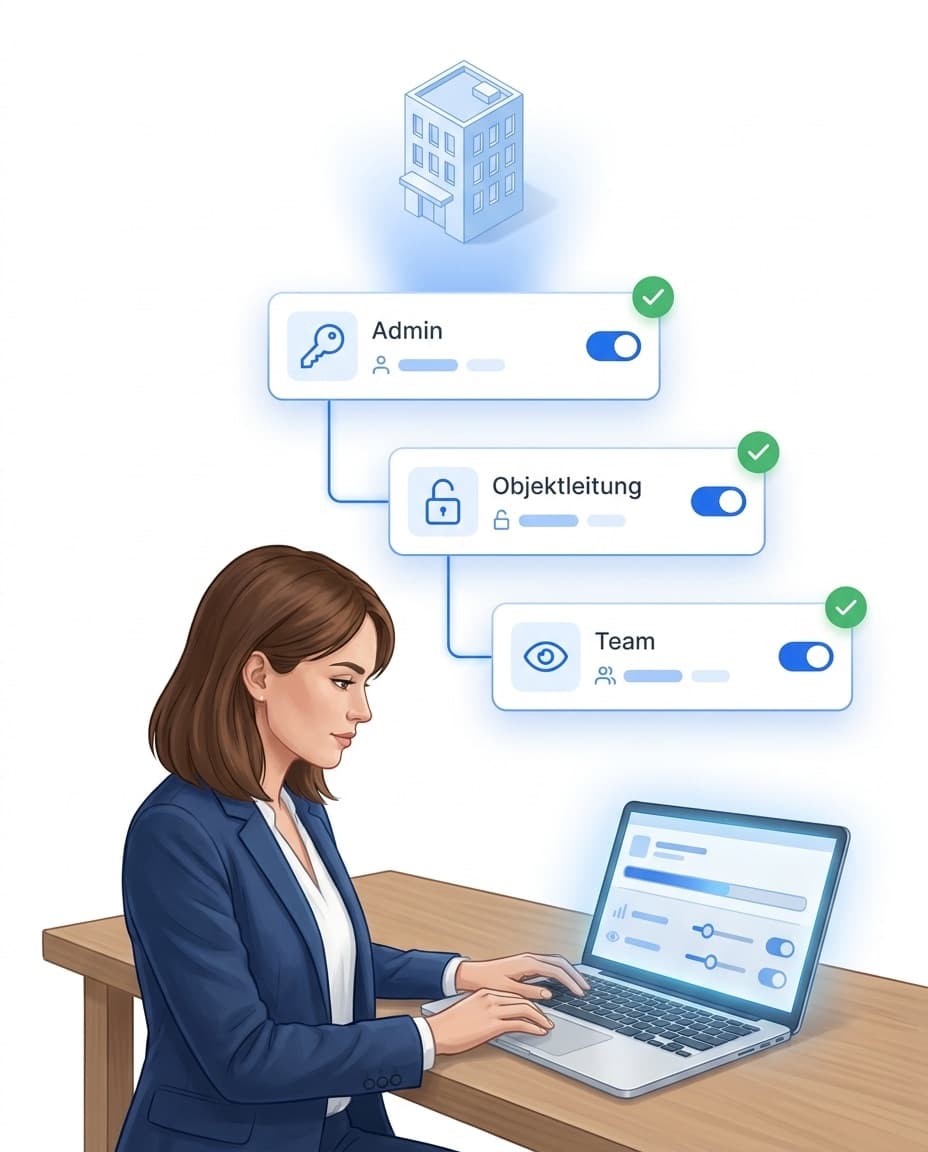
Each person only sees the plants and data they are responsible for.
- ✓Roles and permissions: You decide who can see and edit what.
- ✓Per site: Each person is assigned to their plants and only sees those.
- ✓Contractors: Service providers on your premises get their own access for their staff.
- ✓Servers in Germany: data centre in Frankfurt, data processing agreement included.
- ✓AI only if you want it: All AI features stay switched off until you enable them.
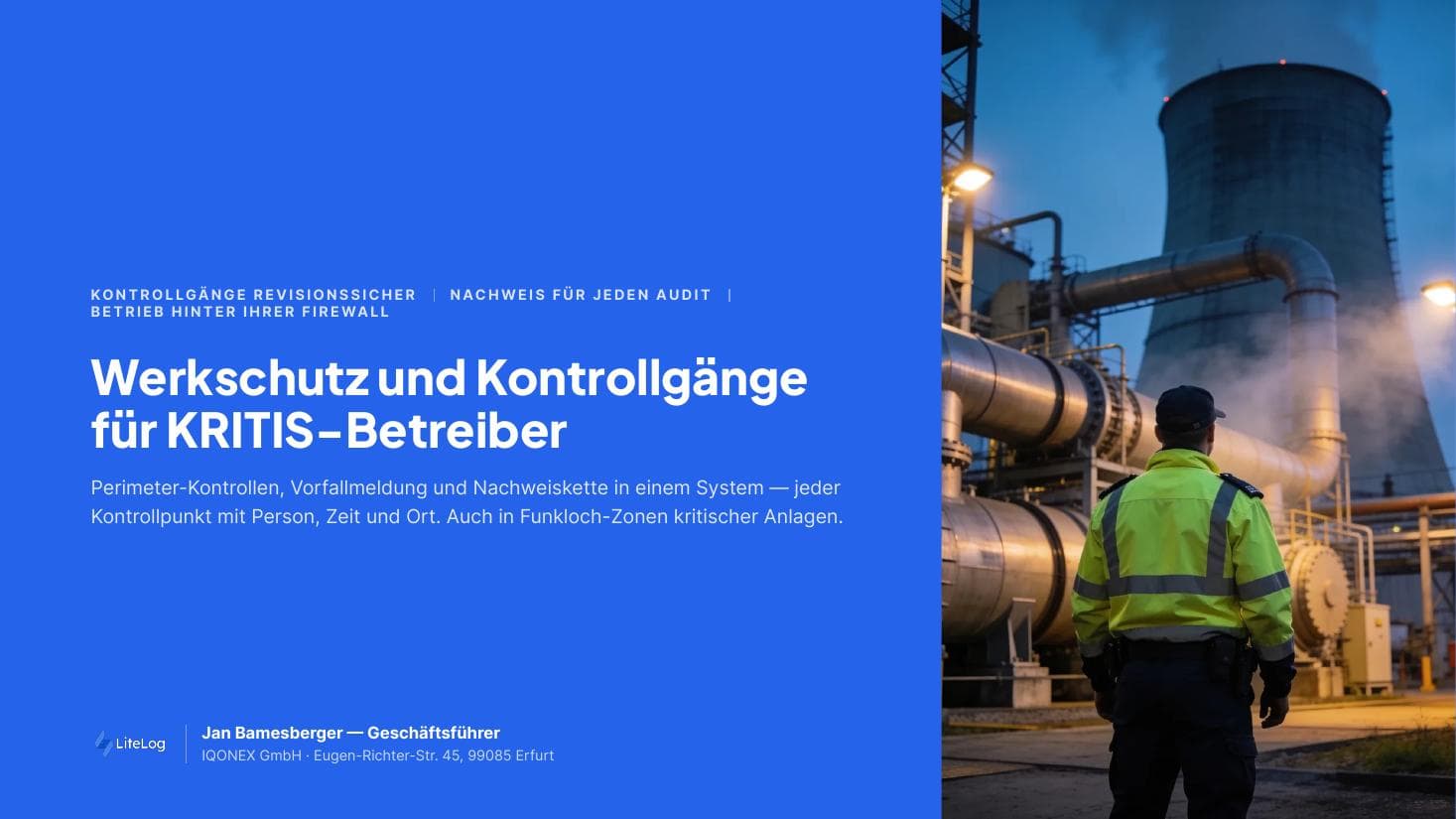
Critical infrastructure — plant security and patrols
Free brochure on complete patrol records and attendance evidence in critical infrastructure. Download now.
PDF, 5 MB
All materials in the media library →FAQ
Frequently asked questions about LiteLog
Which critical infrastructure operators is LiteLog suited for?
For anyone who has to prove checks on site: municipal utilities, water suppliers, energy grids, ports, data centres or logistics sites. LiteLog records who was at which checkpoint when, and what they noticed.
Does LiteLog submit the NIS2 report to the authorities?
No. Reporting to the authorities remains your responsibility. LiteLog provides the basis: incidents with time, location, photo and severity, plus the history of who was informed and when.
Our plants are in dead zones. Does it still work?
Yes. Scans, checklists and reports are stored on the device and sent automatically as soon as there is a signal again.
Private phones are not allowed on our premises. What then?
Your team uses company phones. The app runs on common Android devices and iPhones. NFC tags need an NFC-capable device; otherwise it scans QR codes.
How do we prove that a check really took place on site?
NFC tags, QR codes and beacons can only be scanned right at the point. The app can also check the location and block actions outside the premises. If an Android device reports a simulated location, the scan is flagged.
Can we manage many distributed sites in one account?
Yes. Each plant is its own site with its own checkpoints, checklists and rules. Management sees all sites, employees only the ones they are assigned to.
Contractors work on our premises. Can they take part?
Yes, through subcontractor access from the Betrieb plan. The contractor creates its own staff and only sees its own people and the sites released to it. Their records still end up with you.
Can we keep technical inspections and security checks separate?
Yes. You create separate patrols and checklists and assign them to the teams. Site security and plant engineering work at the same site, and each sees its own tasks.
Where is our data stored?
On servers in Germany, in a data centre in Frankfurt. You receive a data processing agreement. AI features stay switched off until you enable them yourself.
What can we show an auditor?
The history of all checks and reports per site and period, as PDF or CSV. Corrections are visible with reason and person. If you need a dedicated audit trail and the digital signature, you book the Compliance add-on.
How do we protect employees working alone at a remote site?
With the welfare check. The person confirms in the app at set intervals that everything is fine. If the confirmation is missed, LiteLog alerts the shift lead.
How quickly can we get started?
You sign up, create sites and checkpoints and print QR codes right away. You can add NFC tags later. The first 14 days are free.
Every check on record.
Sign up and create your first checkpoints today. 14 days free, no credit card.