96%
Trusted by companies

The digital guard book (e-guard book) logs patrols, incidents and shift handovers automatically – legally sound, with unalterable entries and PDF reports for your client. No paperwork, no special hardware.
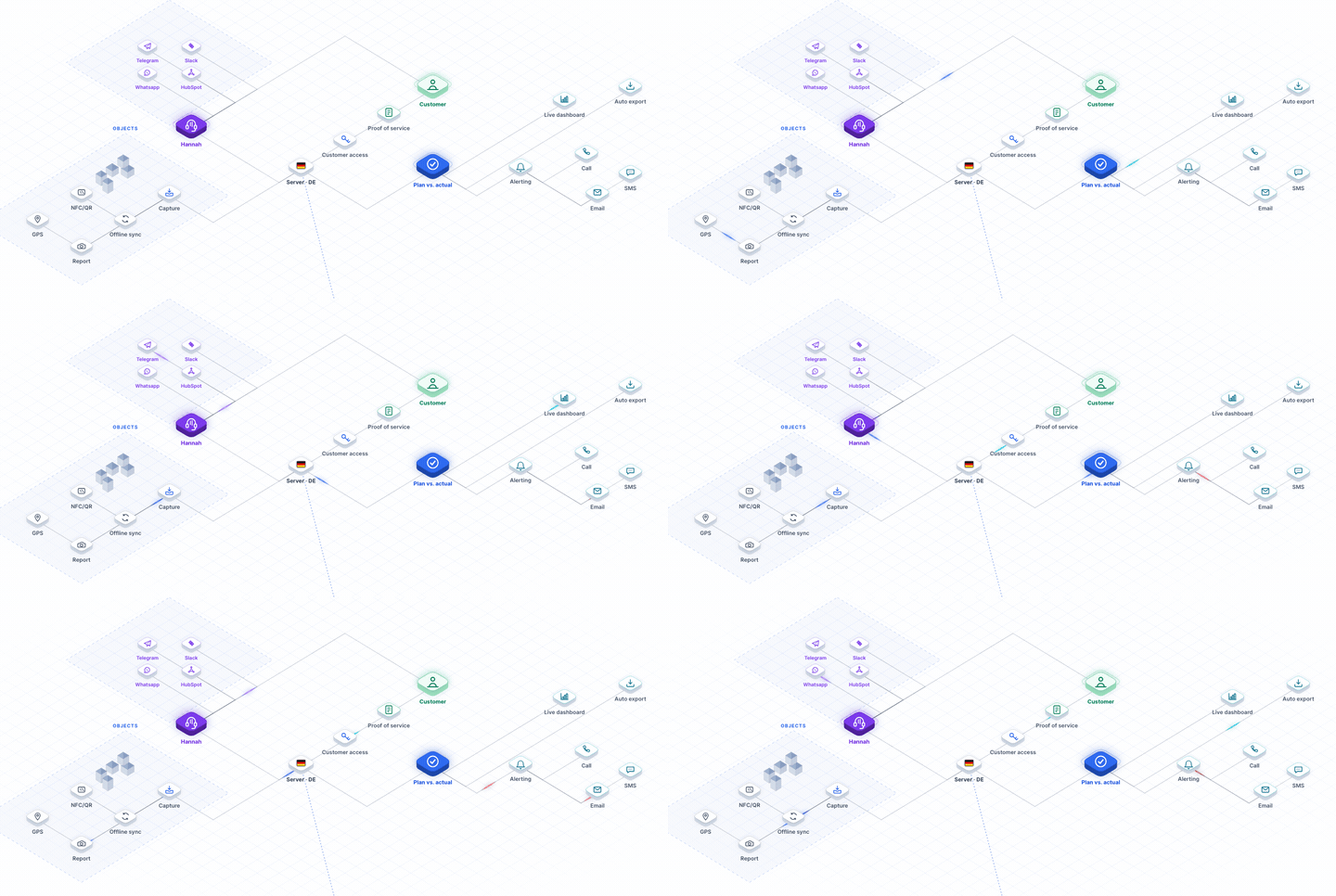
The e-guard book logs every patrol live and combines checkpoints, incidents and photos into a central record. Reports can be filtered by time period, site or incident type and sent automatically as PDF to clients or internal recipients. This gives clients regular audit-proof documentation in corporate design — without any manual effort from your team. What belongs in a guard book and how to move off paper is explained in our article guard book for security services. On demand you can activate AI categorization, which sorts incoming incidents automatically, and with forms & templates – including a security template library you can activate on demand – you digitize every checklist. For how to plan and run patrols in detail, see the patrols & rounds feature page.

The guard book is the written record of every shift: who was on site and when, which patrols were carried out, and what happened. For security companies this record is not optional. In Germany, the Bewachungsverordnung requires records for every guarding contract, § 34a GewO governs the reliability of the staff deployed, and DIN 77200-1 describes how services must be documented. An electronic guard book meets these requirements without paper.
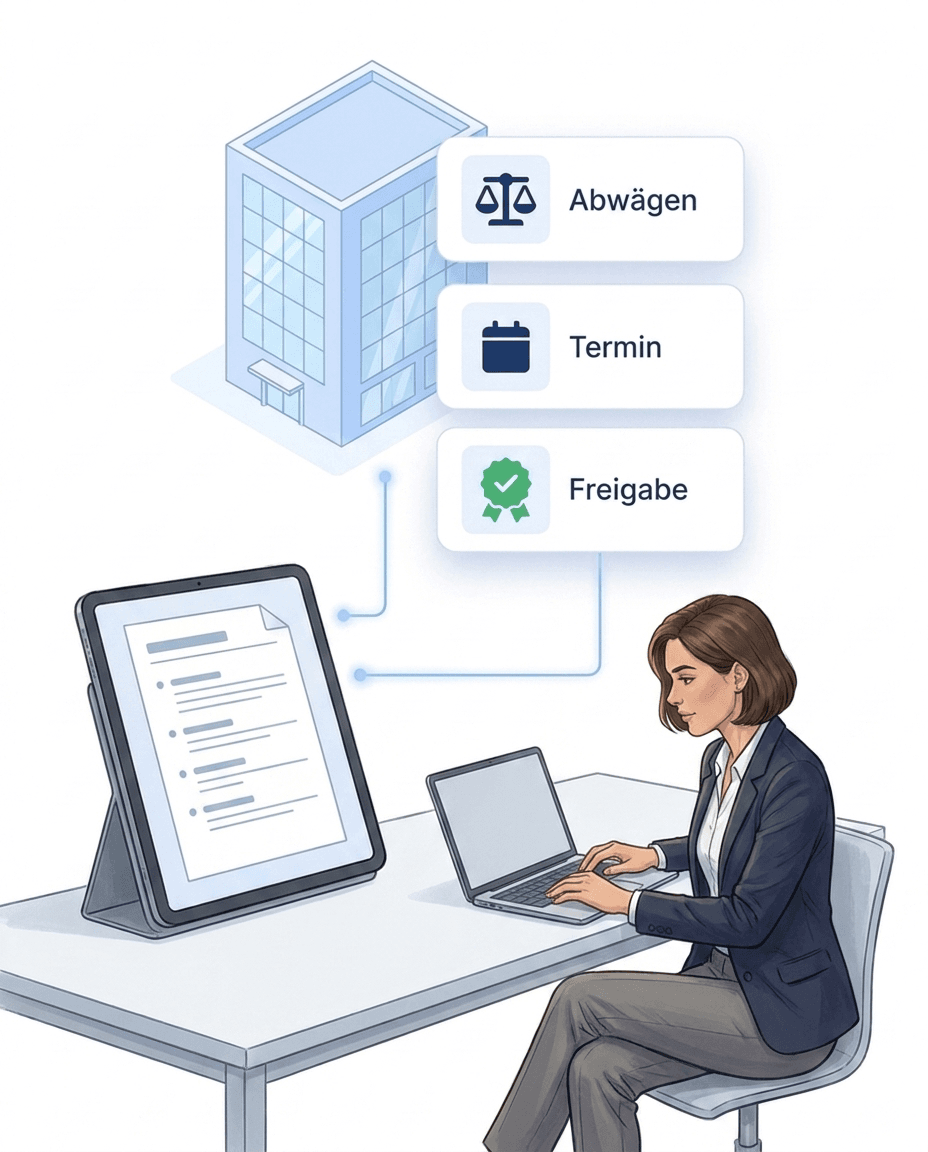
Most gaps appear between two shifts. In the digital guard book the next shift takes over the current state directly in the app: open items, ongoing cases and client instructions. Nothing depends on a note left on site or on what a colleague remembers.
An incident is only worth what you can prove. In the guard book staff record an alarm, damage or encounter right where it happens: photo, note, category and severity. Time and location are set by the app. Operations control sees the report instantly, the client later sees the evidence in the report.
Every site documents differently. With forms & templates you build your own guard book – shift report, handover protocol or incident entry with exactly the fields your client wants to see. Staff fill in the forms in the app, offline as well. All entries are collected in the reports view.
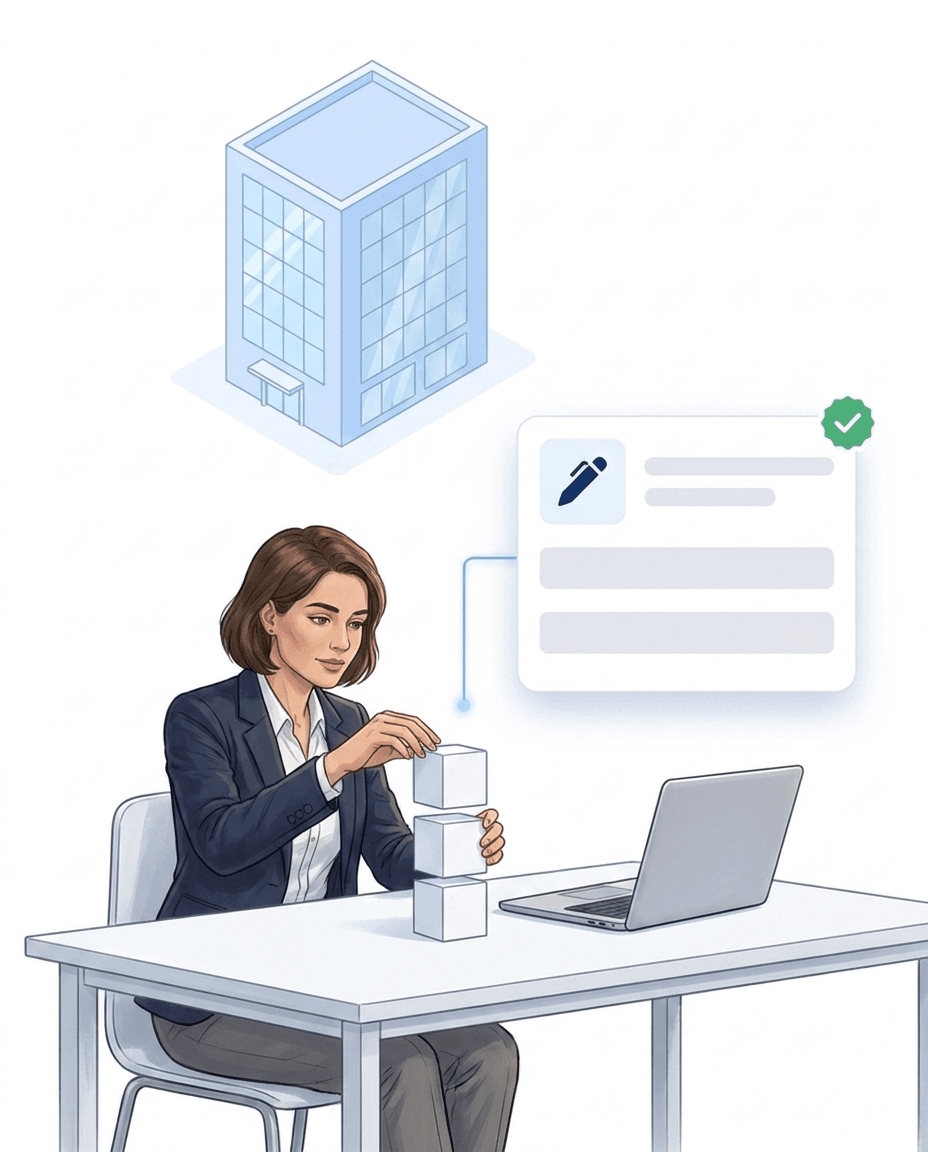
The paper guard book stays on site, is rarely available after the shift and can be completed later. Guard book software solves exactly these three points: entries are centrally available at once, they carry time and location, and once submitted they can no longer be changed. The switch needs no new hardware – the smartphones your team already carries are enough.
More than 10 years experience in this industry
Digital guard control and time tracking for 20+ nationwide sites
Read the customer story →Integrations
Hannah fits seamlessly into the software your company uses every day — calendar, CRM, messenger, and of course LiteLog.


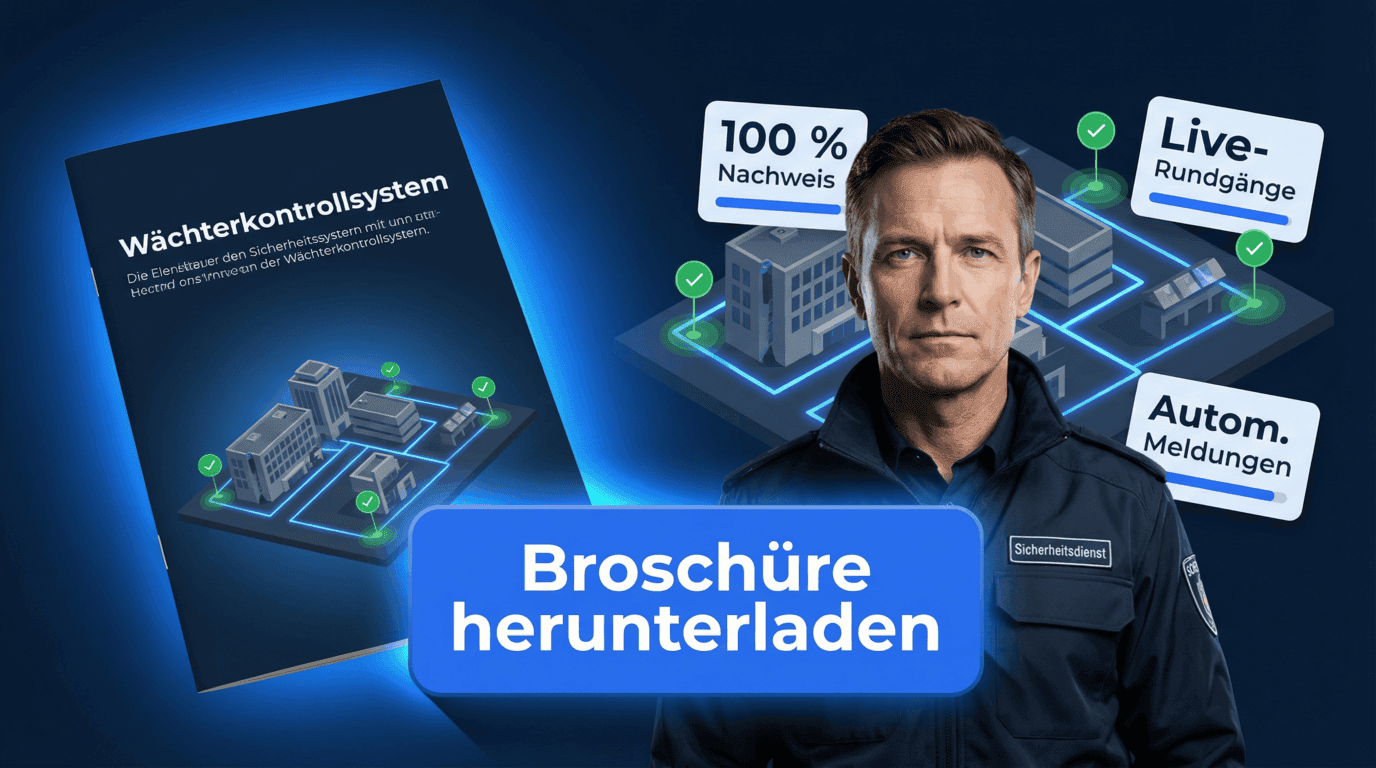
More visibility. Less effort. Clear proof.
Keep patrols in view
Respond immediately to deviations
Reduce manual admin effort
Build trust with clear proof
Clock in, break, clock out — one QR scan at the site is enough. Unlike plain time tracking, LiteLog also documents where the work happened: every stamp carries time, location and user, and becomes solid ground for payroll and client invoicing.
Learn more aboutWho works when at which site? Plan shifts on the planning board via drag-and-drop – with target vs. actual status lights per site and contract, cover suggestions and integrated leave management.
Learn more aboutDid the night shift really check every floor? Patrols built from NFC or QR checkpoints guide your staff step by step through the site — every scan is documented audit-proof, and if a patrol is missed, the alarm system triggers automatically.
Learn more aboutNight shift not started, patrol skipped, check-in missing? LiteLog doesn't wait for the monthly report — it alerts immediately, via push, email, SMS or phone call, optionally as a multi-level escalation chain.
Learn more aboutYou don't adapt to the software: LiteLog adapts to your processes. With the automation you freely combine 49 triggers and 10 actions into if-then rules — in the graphical editor without programming, and on request the AI creates the rule from a single sentence.
Learn more aboutForced door, water damage, shift handover: your employee takes a photo or records a voice memo — the AI categorizes the report automatically, and serious cases escalate via workflow straight to the site manager.
Learn more aboutOur Standards

We comply with GDPR. Your data stays in Germany and we guarantee the highest security standards.

Your data is securely hosted on German servers, protected by strict German data protection laws.

Backoffice works on any computer in the browser. We support iPhone and Android devices.
FAQ
Yes. No law prescribes paper. What matters is that the records are complete, traceable and unchangeable. A digital guard book does this better than paper: timestamp, location and user are set automatically, submitted entries cannot be overwritten, and every correction remains visible as its own entry. LiteLog stores the data GDPR-compliant on servers in Germany.
Under the German Bewachungsverordnung, records of guarding contracts must be kept for three years, counted from the end of the calendar year. Client contracts, insurer requirements and tax rules often demand longer periods, so check what applies to your contracts. In LiteLog all entries stay archived permanently and can be exported as PDF at any time.
There is none. Both terms describe the same thing: software-based guard book entries instead of handwritten records. The terms e-guard book and guard book software are also common.
Suitable guard book software combines three things: patrol documentation with NFC, QR or beacon checkpoints, incident reporting with photo and timestamp, and automated report delivery to the client. Offline operation, hosting in Germany and a start without proprietary hardware matter as well. LiteLog covers these points in one system.
Every entry needs date, time, site, the person on duty and the event itself. For incidents, add the type of event, the action taken, who was informed and, where possible, a photo. In LiteLog the app sets time, location and person automatically, staff only add the facts. The free guard book template shows the structure.
The shift handover itself belongs in the guard book — the equipment that goes with it is kept by the optional Supplies & Equipment module: keys and radios as serialized items with a serial number, NFC chip or QR label, handed over from person to person by scan with signature and a PDF receipt. The issue receipt thus adds to the guard book entry the proof of who took over which key.
End manual lists – LiteLog digitises attendance, patrols and visitor management.
100% GDPR compliant – hosted in Germany 🇩🇪