What incident documentation covers
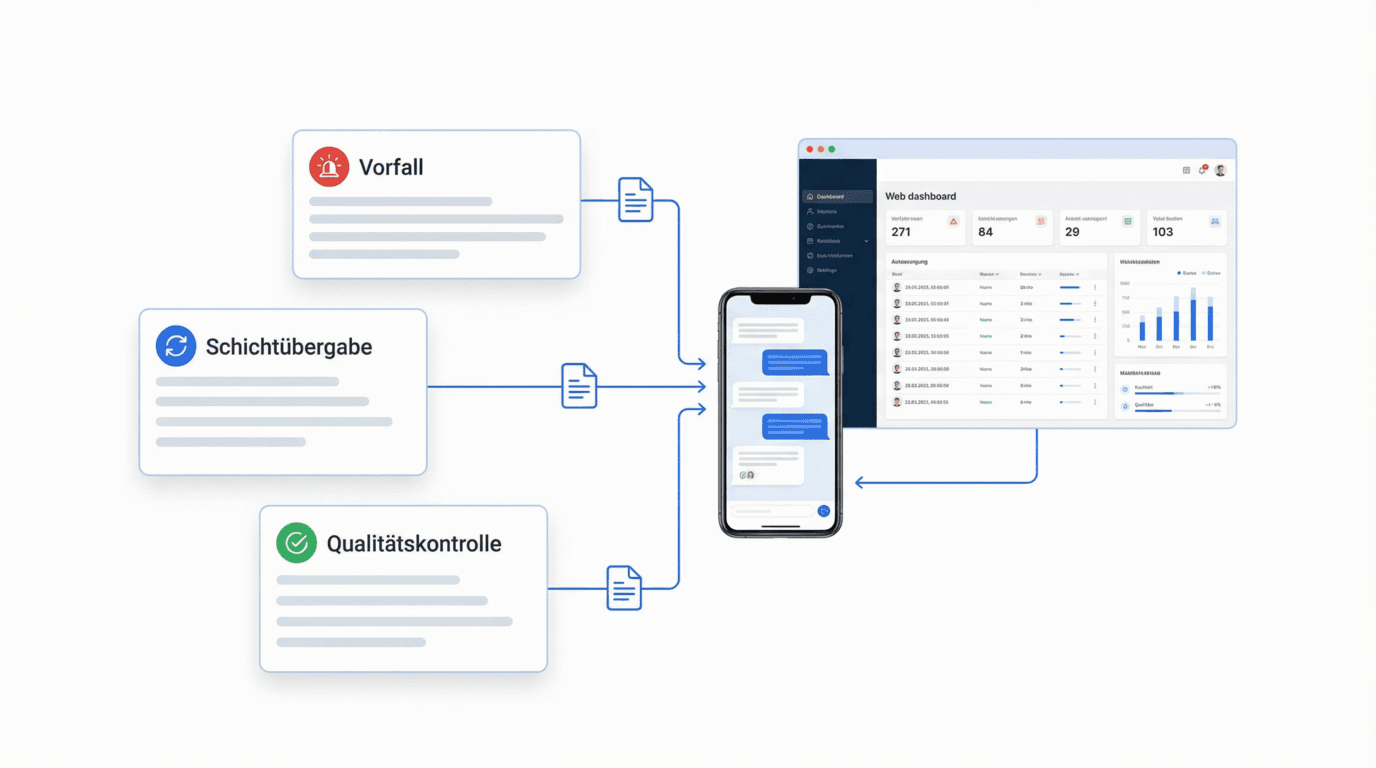
One goal: every incident is recorded where it happens – and triggers the right response.
Captured instantly
Photo, text or voice memo – right on site, in seconds.
Works offline
No signal needed: the report is stored and synchronized automatically.
AI categorization
Every report is automatically sorted by category and severity.
Audit-proof record
Timestamp and user attribution make every report verifiable.
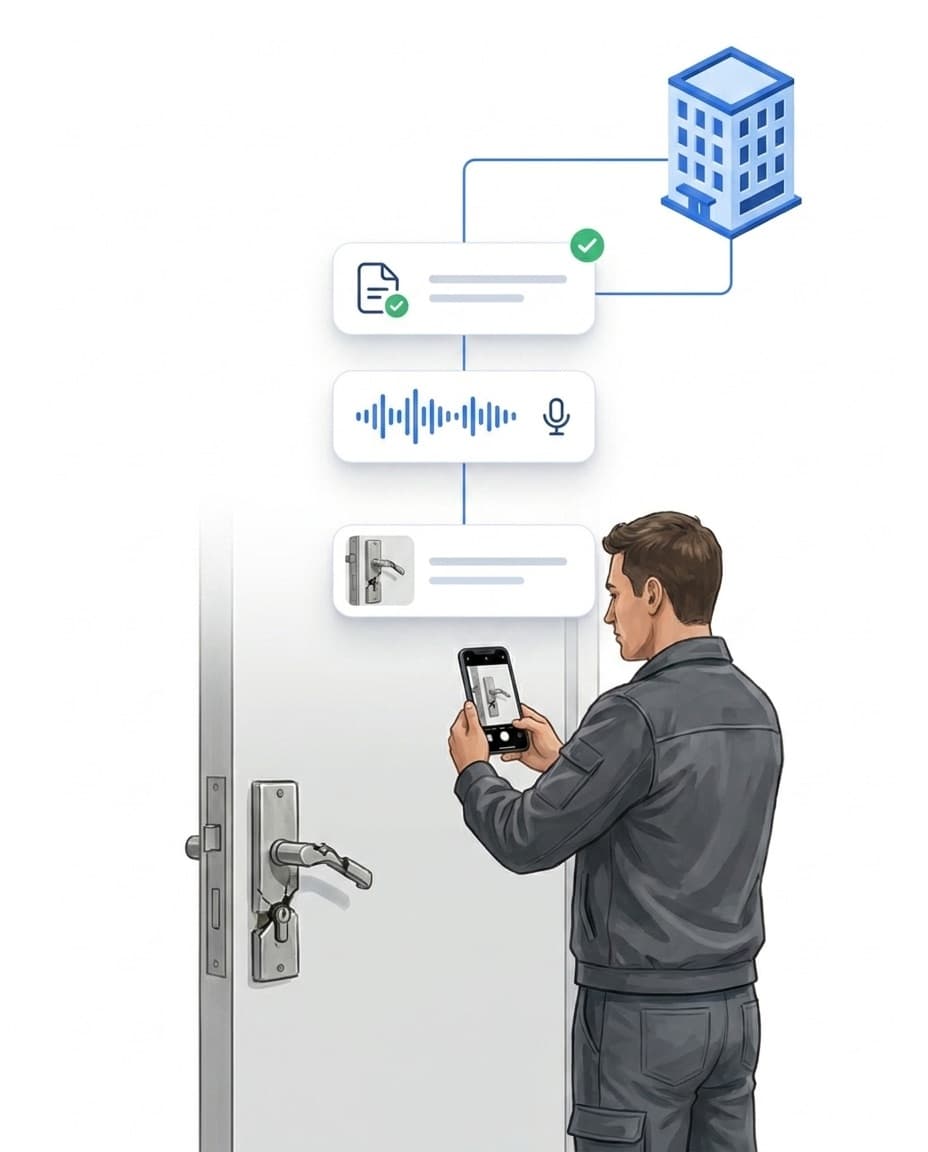
Capture on site: photo, text or voice memo
Incidents are documented where they happen – in the LiteLog app, without detours via paper or phone calls.
- ✓Photo, text or voice memo: photograph the forced door, describe it briefly or record a memo – whatever is fastest in the situation.
- ✓Works offline: Without signal, the report is stored locally and synchronized automatically as soon as the network is back.
- ✓Optional location binding: If desired, reports can only be filed directly at the property – configurable per property.
- ✓In the portal too: Reports are created in the app or in the browser; drafts can be continued on any device.
AI categorization: every report sorted correctly
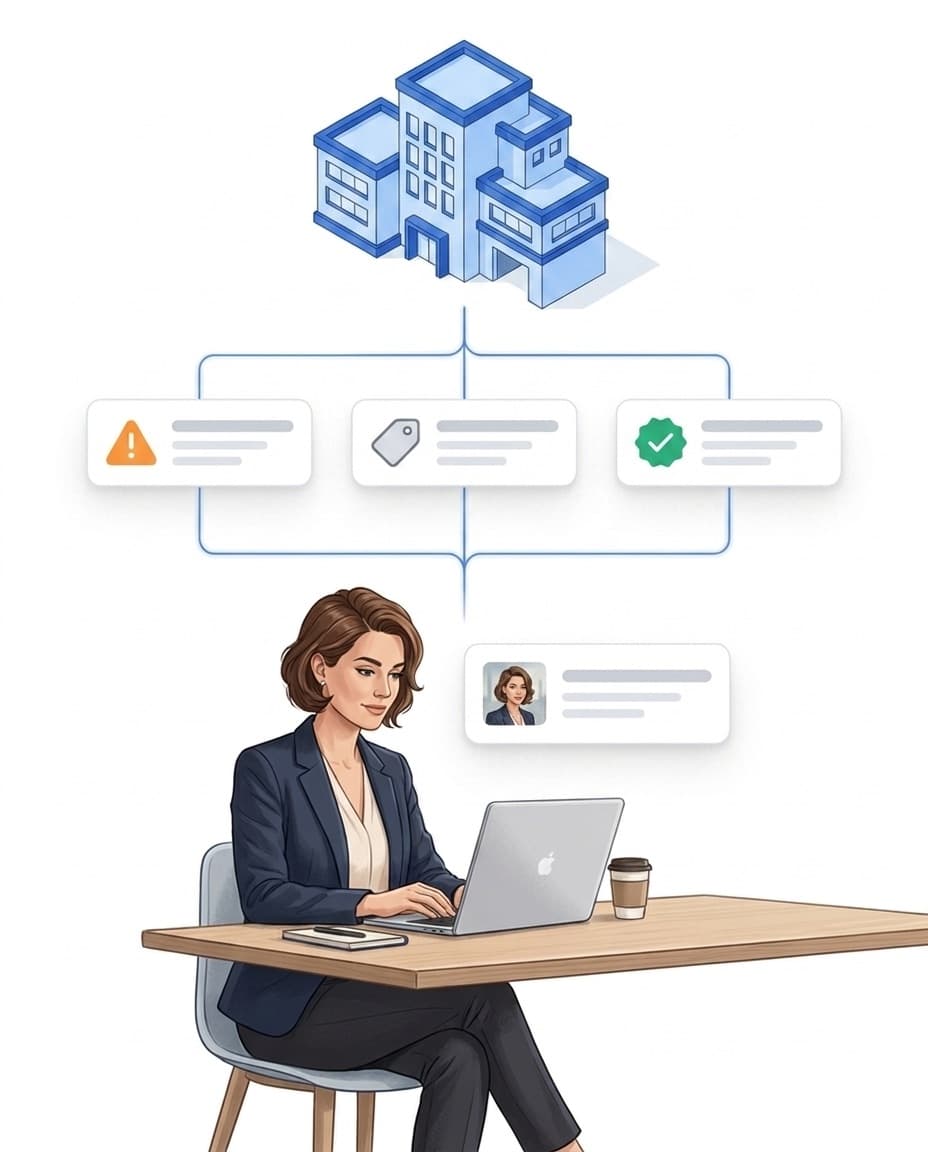
AI incident categorization automatically classifies every report – using your own categories.
- ✓Category & severity automatically: The AI classifies the report's text and photos – your team does not have to sort anything by hand.
- ✓Your categories: The basis is the report categories from your settings – no foreign taxonomy.
- ✓Trigger for rules: "Report classified" starts automation rules – for example an escalation only for high severity.
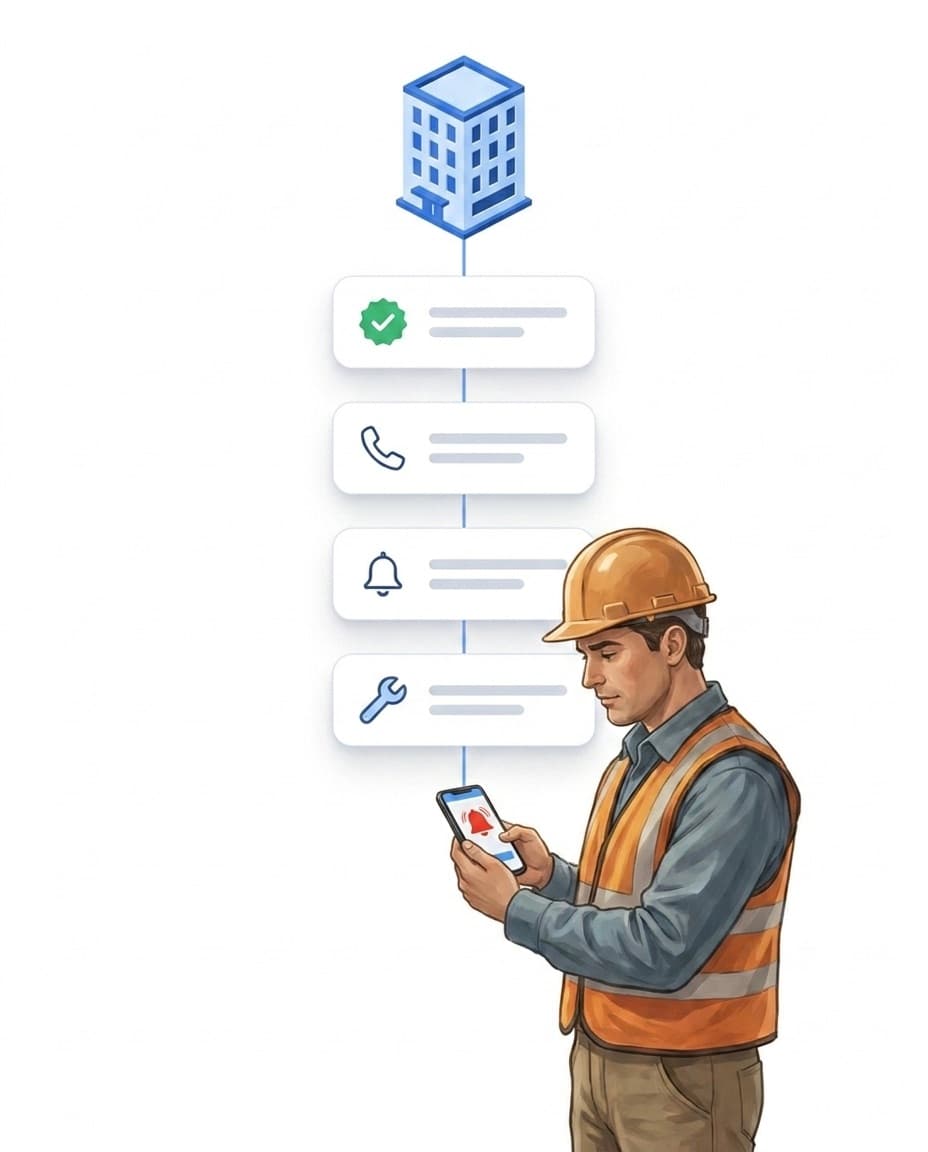
From report to task – with escalation
A documented report is only the beginning – LiteLog makes sure it turns into the right response.
- ✓Automatic task: A rule turns a report into a task – with priority and assignee, without double entry.
- ✓Escalation for serious cases: The site manager immediately receives a push notification – if nobody reacts, the next step follows via SMS or phone call through alerting.
- ✓Reports from outside: Customer tickets and QR reports without a login also arrive clearly labeled in your reports.
Reports by email – with acknowledgement, no sign-in
You send reports by email straight from the LiteLog app or the portal – as a PDF attachment. With AI features enabled, LiteLog automatically translates report texts written in other languages. The recipient acknowledges receipt via a link, without needing an account.
- ✓From app and portal: sending starts right from the report.
- ✓PDF attached: the report arrives complete and ready to print.
- ✓Automatic translation: with AI features, report texts in other languages go out translated.
- ✓Acknowledgement documented: who confirmed and when is stored with the report.
Proof & evaluation in the Reports area
All incident reports appear together with completed forms in the Reports area – filterable and exportable.
- ✓Verifiable: Every report carries a timestamp and user attribution – for audits and client questions you deliver proof in seconds.
- ✓Found via filters: by property, employee, period, category and status – as a table or on the map.
- ✓PDF export & delivery: export individual reports as PDF or send them automatically to your client via delivery rules – up to the proof of service.
FAQ
Frequently Asked Questions about Incident Documentation (FAQ)
How do employees document an incident?
In the LiteLog app right on site: take a photo, write a short text or record a voice memo – individually or combined. Alternatively, the report is created in the portal in the browser. Drafts can be saved and continued later, even on another device.
Does incident documentation work offline?
Yes. Without signal – in the basement or the underground car park – the report including photos and voice memo is stored locally on the device and synchronized automatically as soon as a connection is available again.
How does AI categorization of reports work?
The AI automatically assigns each report to one of your report categories and rates the severity – based on text and photos. You maintain the categories yourself in the settings. Automation rules can react to the classification, for example an escalation only for high severity.
Who gets informed about a serious report?
You control this via automation rules: recipients (roles, people assigned to the property, the property's alarm contacts, today's shift staffing) and channels (push, email, SMS, phone call, in-app) are chosen per rule – optionally as a multi-step escalation chain.
Can a report automatically become a task?
Yes. An automation rule creates a task from the report – exactly one per report, with priority and assignee. This turns a reported defect into a trackable repair.
Can people without a LiteLog login report something?
Yes, in two ways: clients report tickets via the customer access, and anyone on site can report an issue with a photo via the ticket QR notice – no login and no app required. Both arrive clearly labeled in your reports.
Can I send a report to people without LiteLog access?
Yes. You send the report by email with a PDF attachment, straight from the app or the portal. The recipient acknowledges receipt via a link, without signing in and without an account; the acknowledgement is documented.