
Cleaning, maintenance and rotas in the care home
Plan early, late and night shifts, track working hours and record hygiene, cleaning and control rounds in your building. Your care documentation stays where it is.
LiteLog for care facilities in 90 seconds
Rounds, documentation and attendance: what LiteLog does for care facilities.
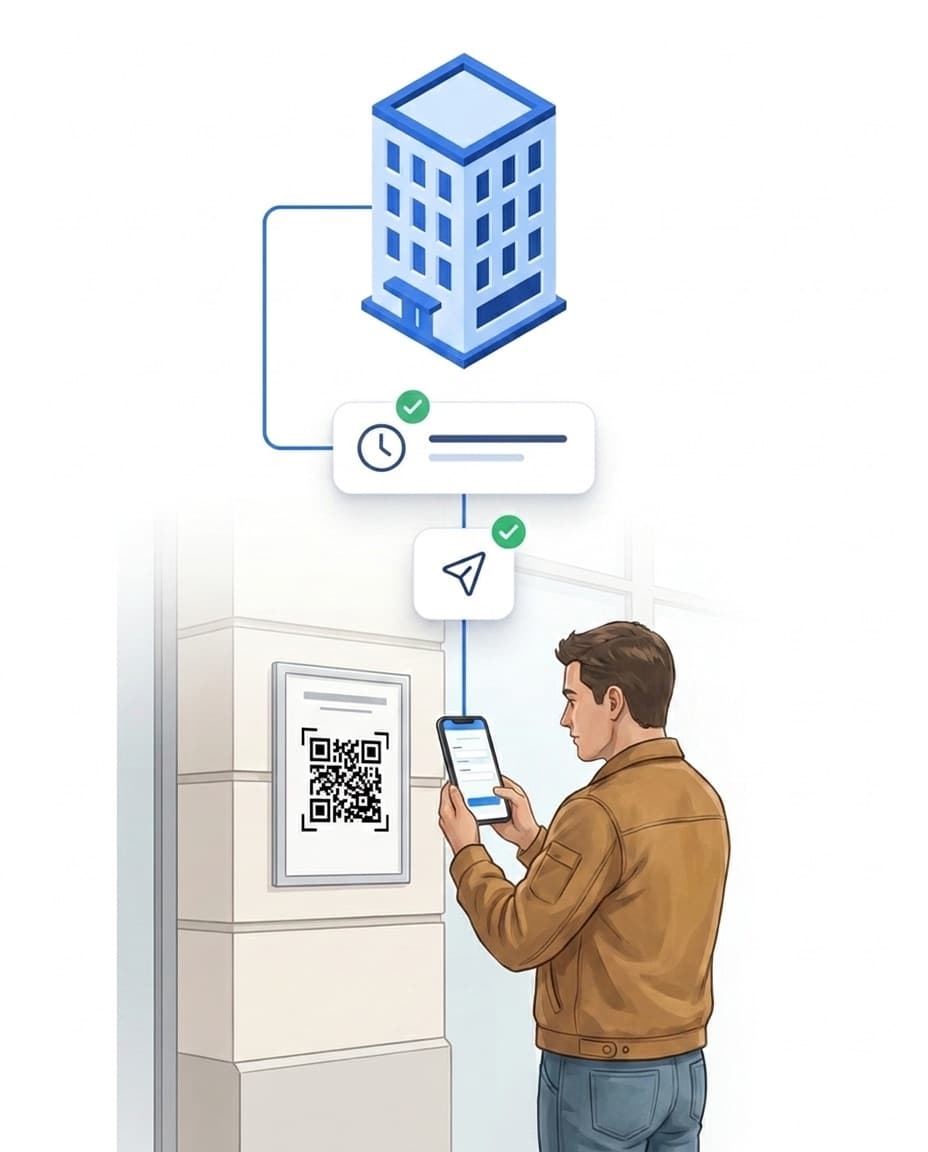
Who is on duty today?
Your team clocks in and out on the unit, and you see the staffing at a glance.
- ✓Clock in on site: with a QR code or NFC tag on the unit, time-stamped.
- ✓Only in the building: If you wish, the app checks the location on each scan.
- ✓Live overview: You see who is clocked in right now and who is missing.
- ✓Edits flagged: Times added afterwards are clearly marked.
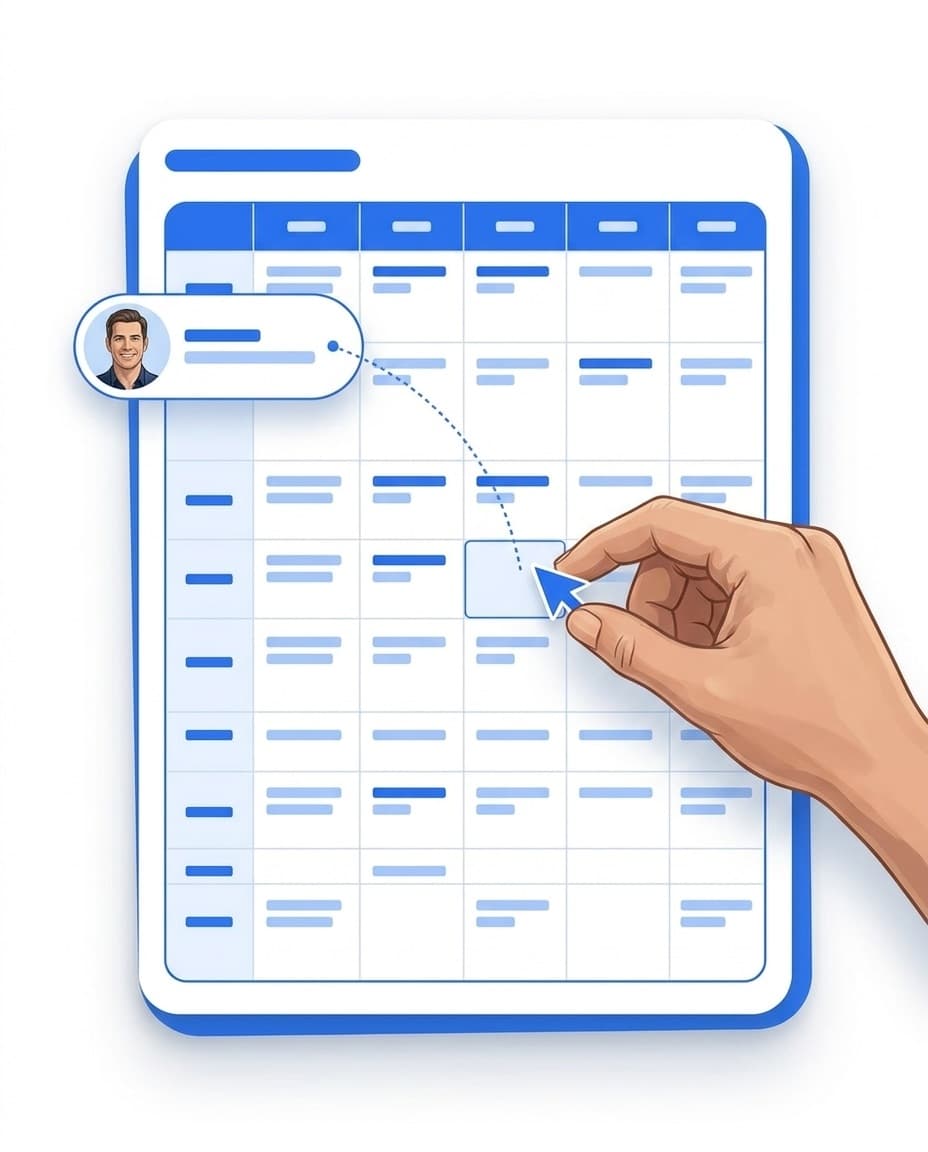
Rota for early, late and night
You plan shifts per unit, and your team sees them in the app.
- ✓Weekly grid: Plan and move shifts per unit or per person.
- ✓No-show alert: If nobody clocks in for a shift, the manager is notified.
- ✓Hours for payroll: Planned and actual hours per employee, as CSV.
- ✓Learn more: Time clock app for your team.
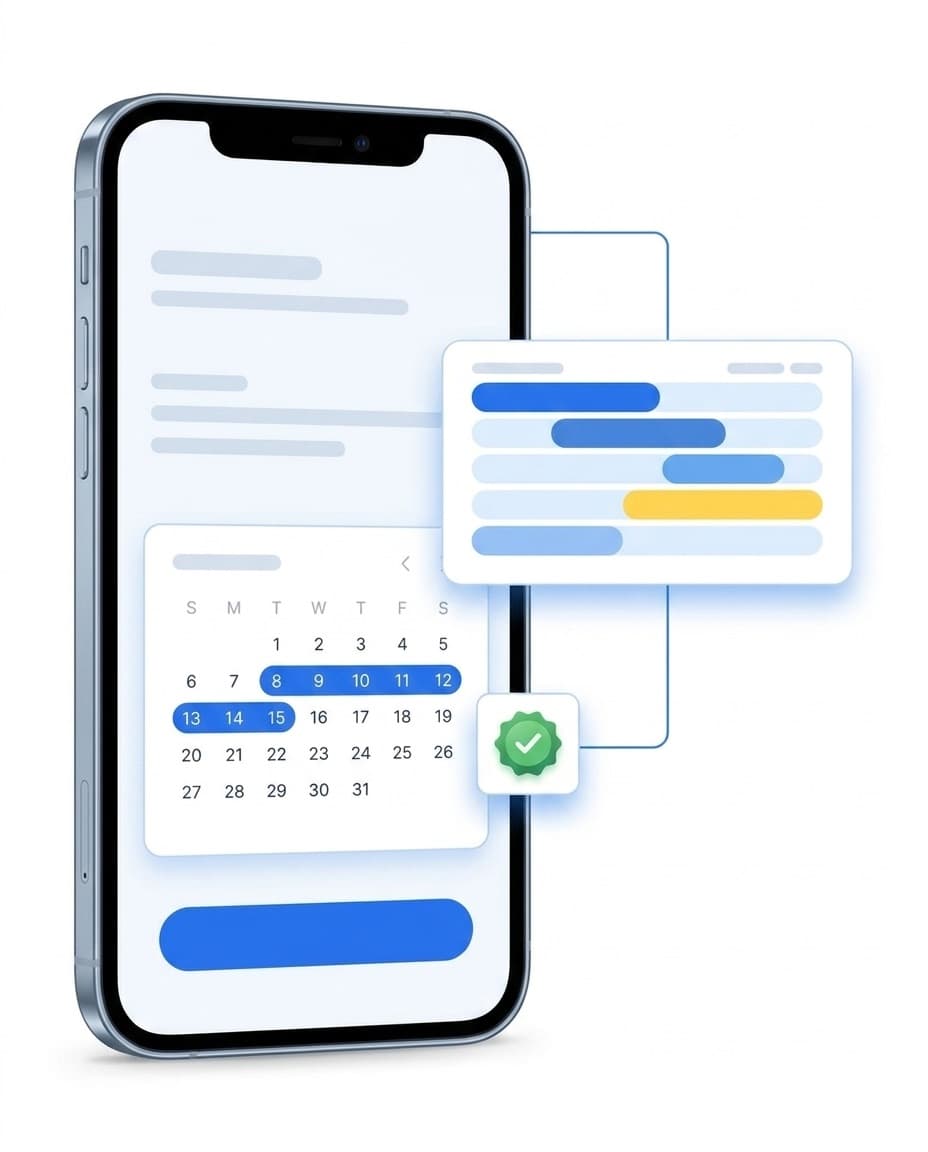
Sick notes from the app
When someone drops out, you see right away which shift needs covering.
- ✓Report sick: The carer reports sick in the app, with the period.
- ✓Affected shifts: You see which shifts are now open.
- ✓Cover directly: You reassign the open shift from the same view.
- ✓Leave in view: You record leave in the portal, with entitlement and balance.
- ✓Discreet: You decide who may see the reason for an absence.
Record hygiene and cleaning
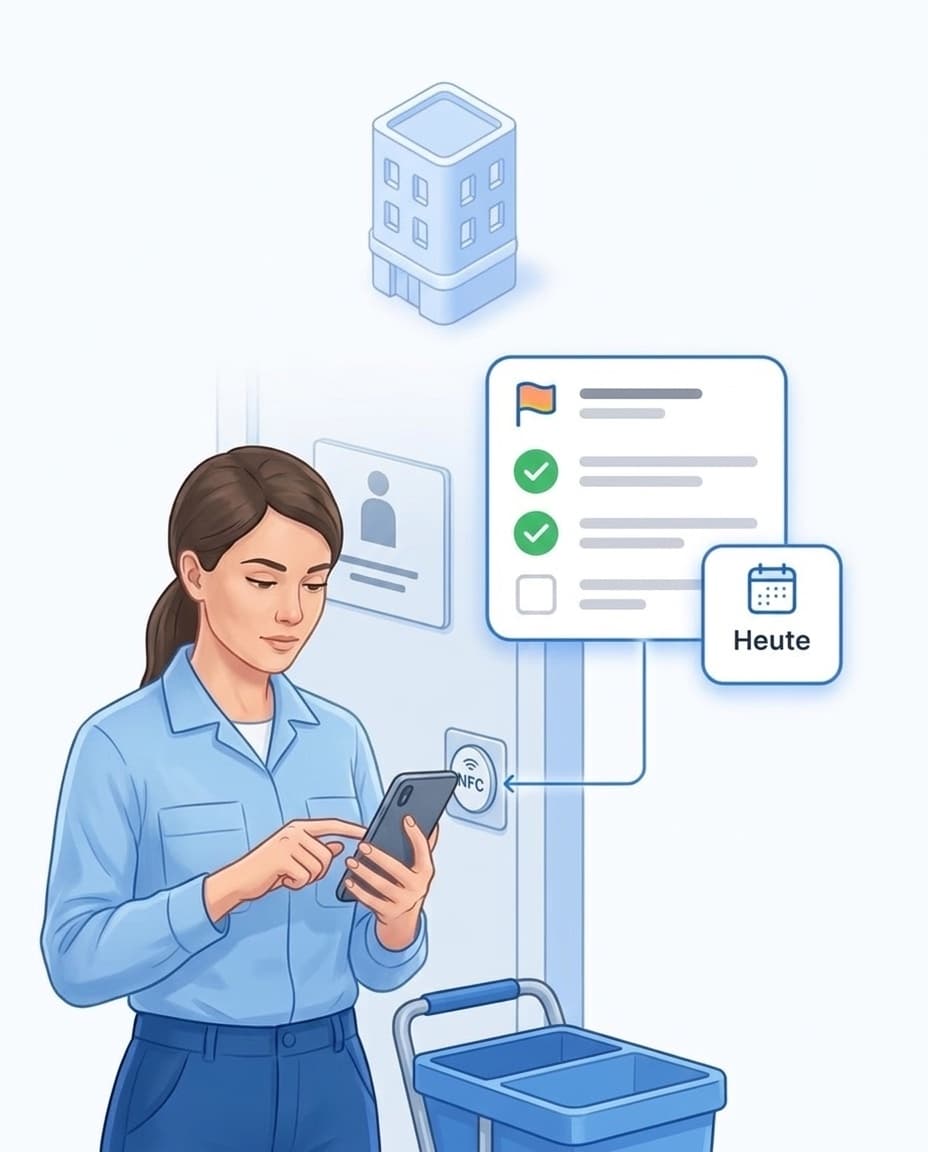
Checklists per room show what is due today and what has been done.
- ✓One tag per room: Bathroom, kitchen or sluice room gets an NFC tag or QR code.
- ✓Recurring: daily, on set weekdays or monthly. The app only shows what is due today.
- ✓Ticked off with a photo: Each item is ticked off, with a photo if needed.
- ✓Overdue: If a task is left undone, the manager is notified.
- ✓Record: Who did what and when, as a PDF per area and period.
Control rounds on the night shift
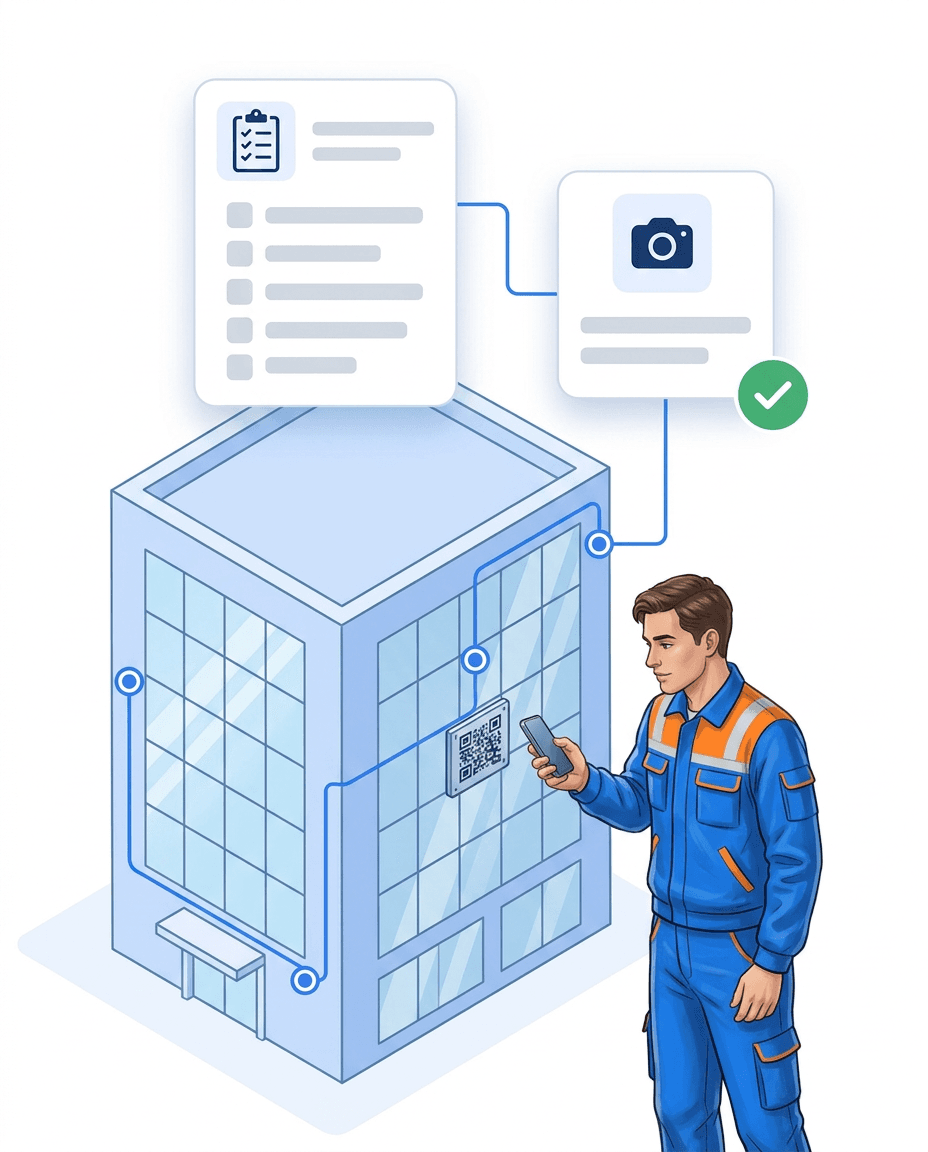
Checkpoints in corridors and plant rooms show that the round was done.
- ✓Checkpoints: NFC tags or QR codes in corridors, at exits and in plant rooms.
- ✓With a time window: You set when a control round is due.
- ✓Missing points: The log shows which checkpoints were not scanned.
- ✓Missed: If a control round is skipped, the manager gets a message.
- ✓Learn more: Control rounds with the guard tour system.
Forms instead of paper
Inspections, checklists and handovers are filled in in the app.
- ✓Your own forms: Build them from fields such as choice, date, photo or signature.
- ✓Required fields: Without the photo or answer, the form cannot be completed.
- ✓Scores and pass mark: Rate inspections with points and a pass mark.
- ✓Multilingual: The form appears in each employee's language.
- ✓Learn more: Quality management software.

Defects reach maintenance
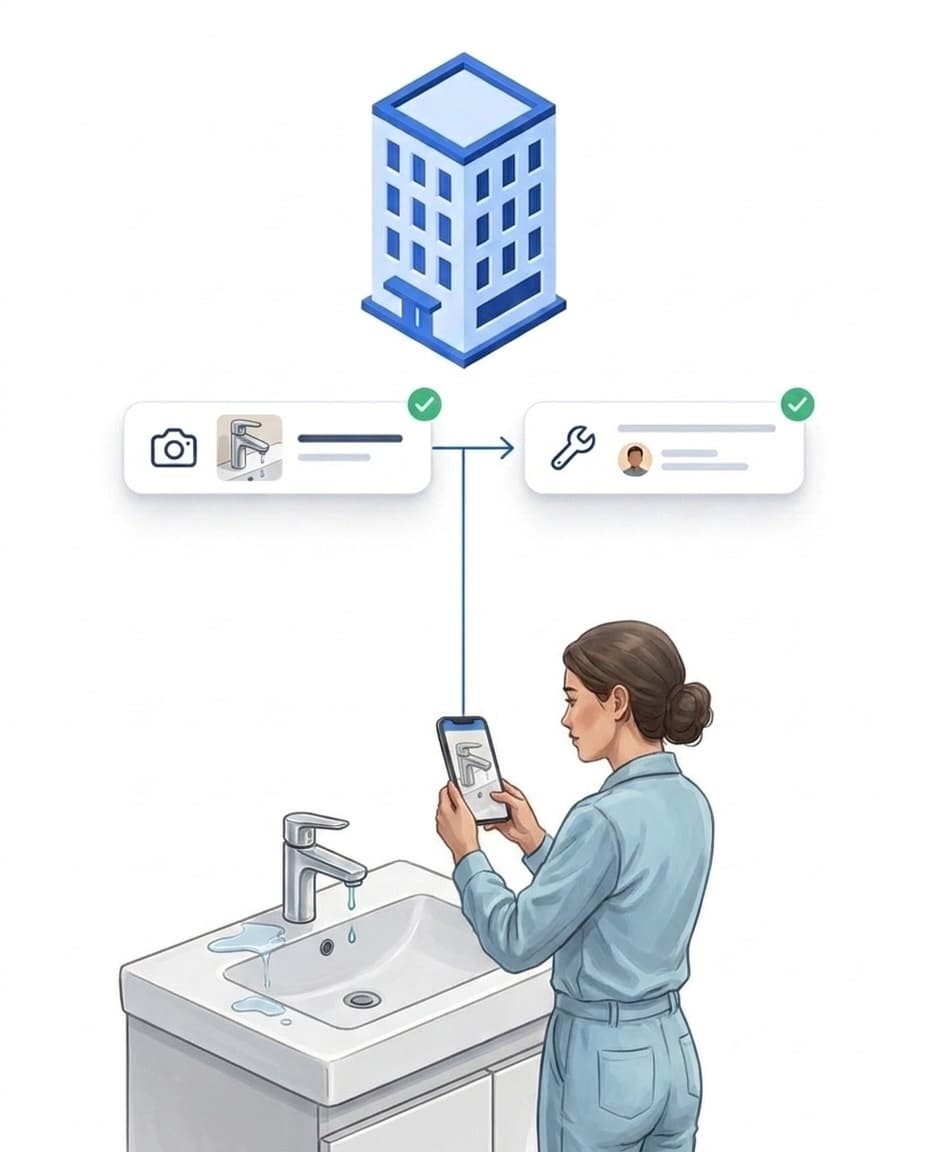
A broken call bell or a dripping tap no longer gets lost.
- ✓Report with a photo: right in the app, on the unit.
- ✓Becomes a task: automatically for the person in charge, such as maintenance.
- ✓Visitors can report too: via a QR notice, without login or app.
- ✓Fixed with proof: You see who fixed the defect and when.
Reach the whole team
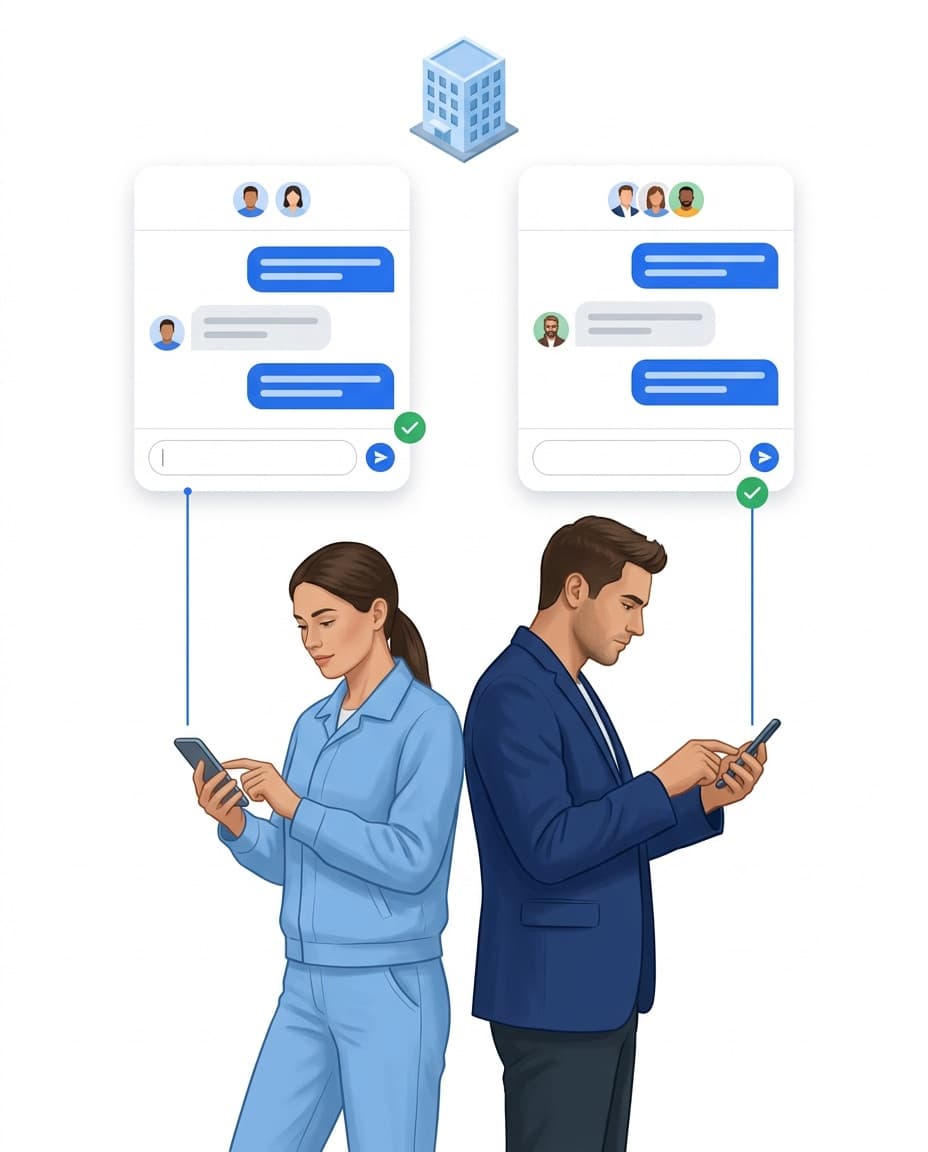
Messages, languages and permissions in one place, without private messengers.
- ✓Team chat: one to one or as a group per unit, instead of WhatsApp.
- ✓App in 15 languages: Everyone sets their own language.
- ✓Roles and permissions: Everyone only sees their own area.
- ✓Data in Germany: Hosted on servers in Germany.
- ✓Quick start: sign up, print QR codes, invite your team.
Care — Attendance and Patrols in Care Facilities
Free brochure on digital patrol logging and attendance tracking in care homes. GDPR-compliant. Download now.
PDF, 5 MB
All materials in the media library →FAQ
Frequently asked questions about LiteLog
Does LiteLog replace our care documentation?
No. LiteLog is not care documentation software and keeps no resident records. LiteLog covers rota, time tracking, hygiene and cleaning records, control rounds and issue reports in your building.
How do carers track their working hours?
They clock in at the start of a shift with a QR code or NFC tag on the unit and clock out at the end. The times go straight to the portal as planned and actual hours per person.
Can I plan early, late and night shifts in the rota?
Yes. You create shifts with start and end times per unit and assign people. Your team sees its shifts in the app.
What happens when someone reports sick?
The sick note goes from the app straight to the portal. You see the affected shifts and reassign them from the same view.
How do I record hygiene and cleaning tasks?
You set up a checklist per room that is due daily or on set days. Your team ticks off the items on site, with a photo if needed. This creates a record as a PDF.
Can I schedule control rounds on the night shift?
Yes. You place checkpoints and set when the control round is due. The log shows which checkpoints were scanned and which are missing.
Do residents have to wear or operate anything?
No. Only your team uses the app. QR codes and NFC tags are fixed to rooms and corridors, not to people.
Is there an interface to care software such as Vivendi or Medifox?
There is no ready-made integration. You export times and reports as CSV or PDF. A REST API is available for your own integrations.
Our team speaks different languages. Does that work?
Yes. The app is available in 15 languages, and everyone sets their own. Your own forms and checklists can be translated as well.
Does the app run on work phones?
Yes. The app runs on common Android smartphones and iPhones. NFC tags need a phone with NFC, otherwise your team scans QR codes.
Where is the data stored?
On servers in Germany. With roles and permissions you decide who may see which data.
Shifts, hygiene and building under control.
Sign up and get started today. Free for 14 days, no credit card required.