96%
Trusted by companies

Quality management software for building service providers: visual inspections with scoring and a pass threshold, rework tasks via automation rules and inspection reports per site and period as audit-proof PDF/A — documented according to the ALCOA+ data integrity principles. LiteLog is operational quality management on site — deliberately not a document-control QMS under ISO 9001. From €79/month.
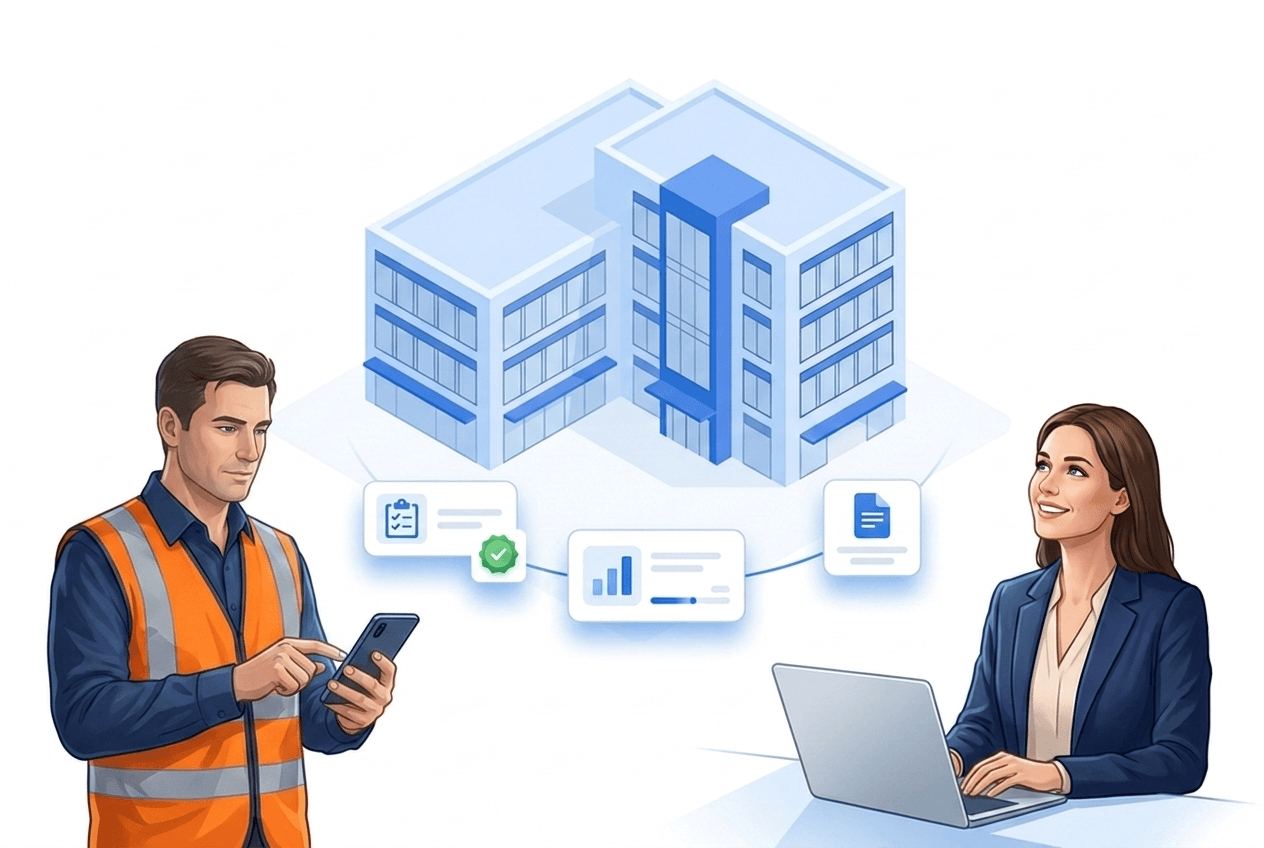
Quality management software for building service providers documents the quality of the delivered service directly on site: visual inspections via digital form, a score per area, rework as an assigned task and the inspection report per site and period as a PDF for the client. LiteLog is deliberately operational quality management for day-to-day operations — it does not replace a document-control QMS under ISO 9001 with audit administration and CAPA processes, but it runs on your site managers’ smartphones without an implementation project.
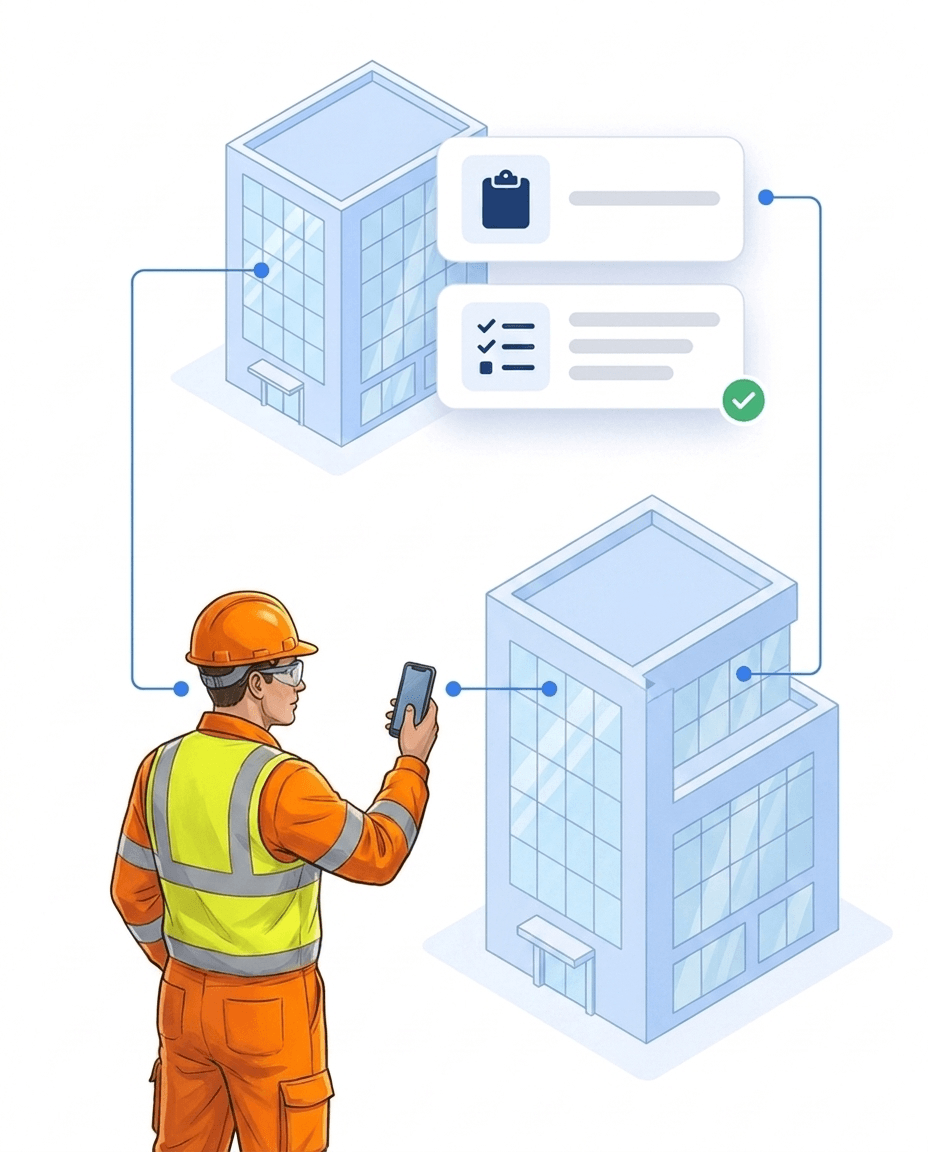
The client says yesterday’s cleaning did not happen — your team says it did, and without evidence, doubt wins. With LiteLog, quality becomes a documented chain: if the score falls below your threshold, LiteLog notifies the site manager immediately, and a rule under automation creates the rework task — assigned to a specific person, with deadline and priority.
You build your inspection templates in LiteLog yourself — without programming: assemble fields, define mandatory fields, publish, and the template is immediately available in the app. Via “visible if” and “mandatory if”, a field only appears when it is needed — so the record stays short when everything is fine, and complete when it matters.
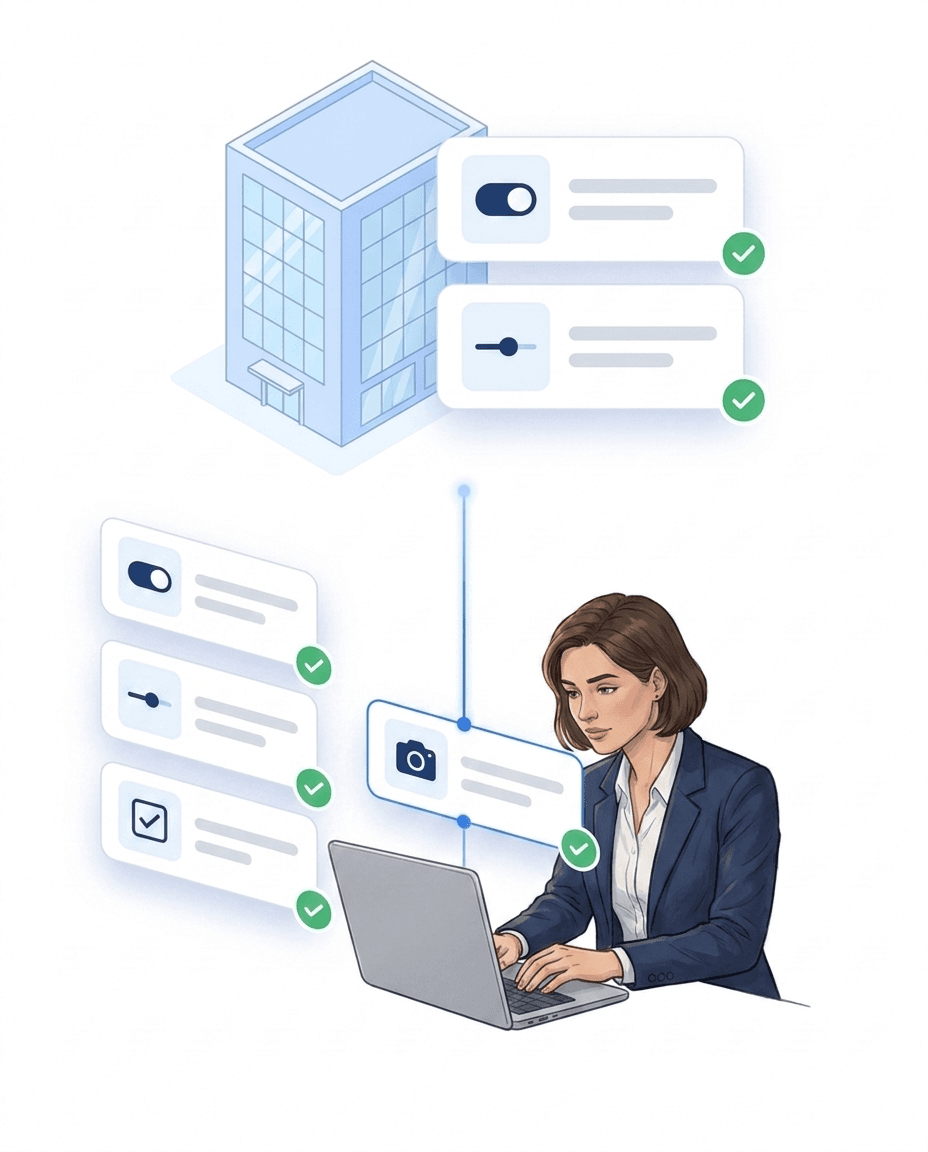
You assign points per answer, weight individual fields more strongly and define a pass threshold in percent — the finished report then states passed or not passed, traceable for you and your client. To turn a defect into work, you create a rule under automation once: trigger “defect detected” or “score below pass threshold”, action “create task” and assign it to a person, with deadline and priority.
Site managers walk an inspection round with NFC or QR checkpoints per room and fill in a digital checklist along the way — rating, photo, remark. The scan proves that every room was really inspected; the results feed into the inspection report per site and period — without paper checklists and binders.
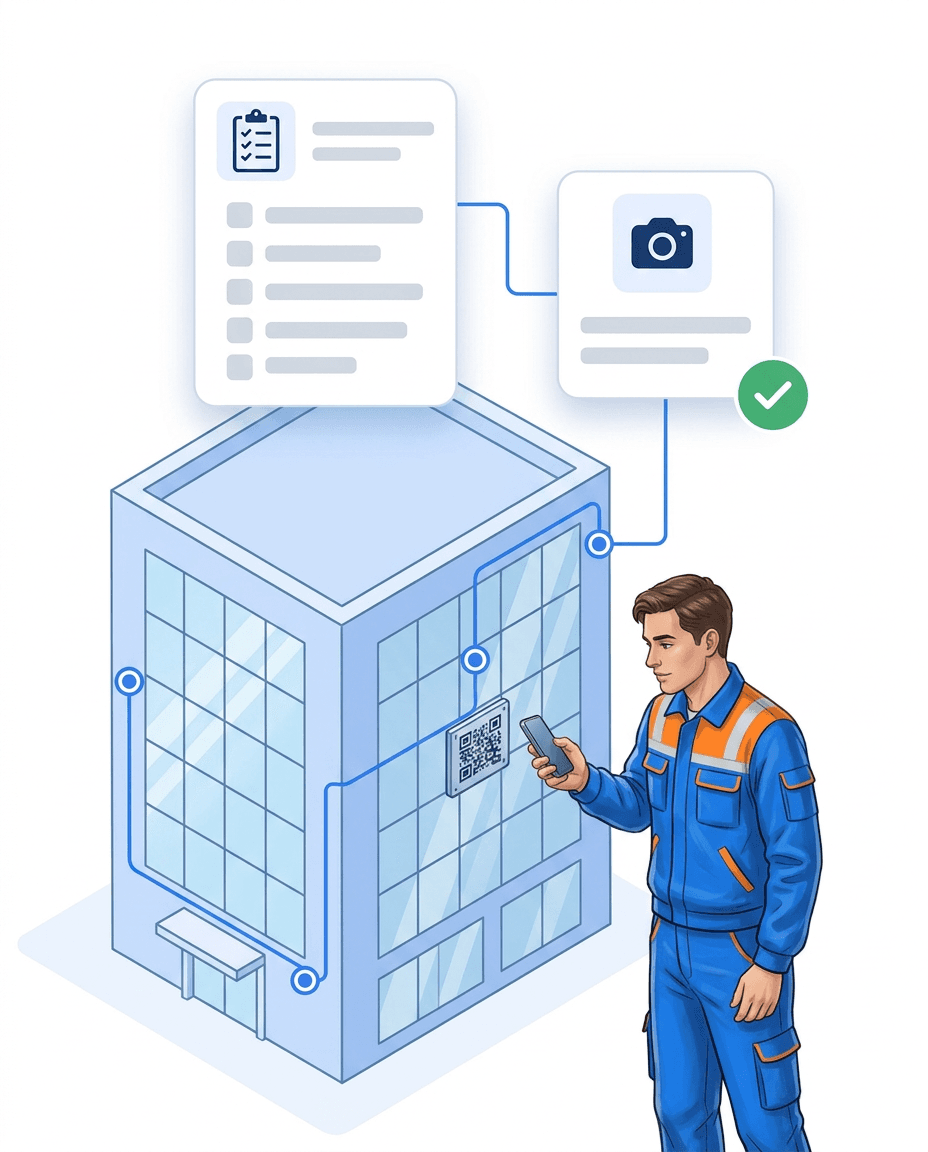
Every inspection, every rework, every photo lands in the inspection report per site and period — as a PDF for the client, suited to contracts with agreed quality measurement. You assemble the report from building blocks — times, completed sites, complaints, inspection rounds — and define recipients and rhythm: one-off, daily, weekly or monthly.
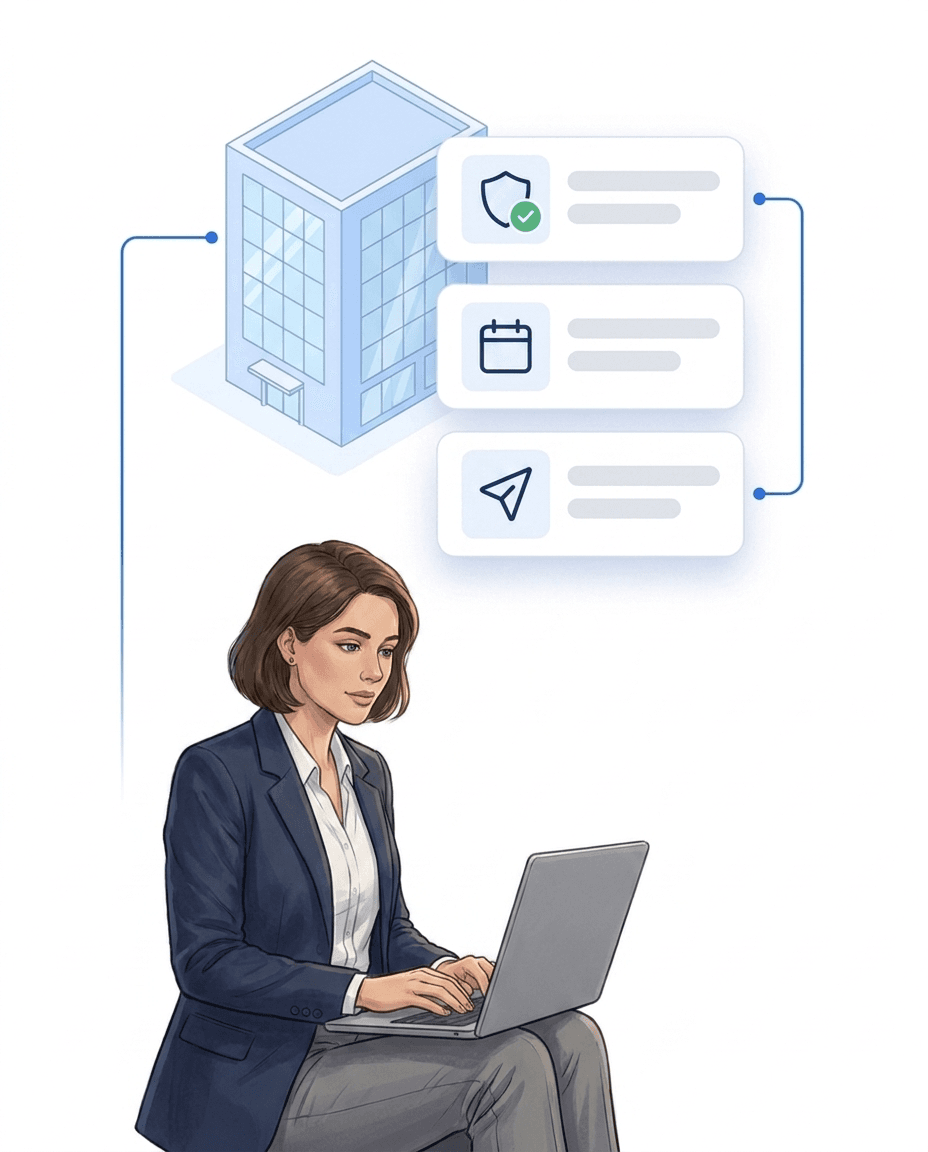
Five standard templates are available right after registration — including the defect report that every LiteLog account contains out of the box. You upload existing checklists as a PDF (up to 8 pages) or Excel file — or describe the form in one sentence — and AI creates a template draft in the builder that you review, adjust and publish.
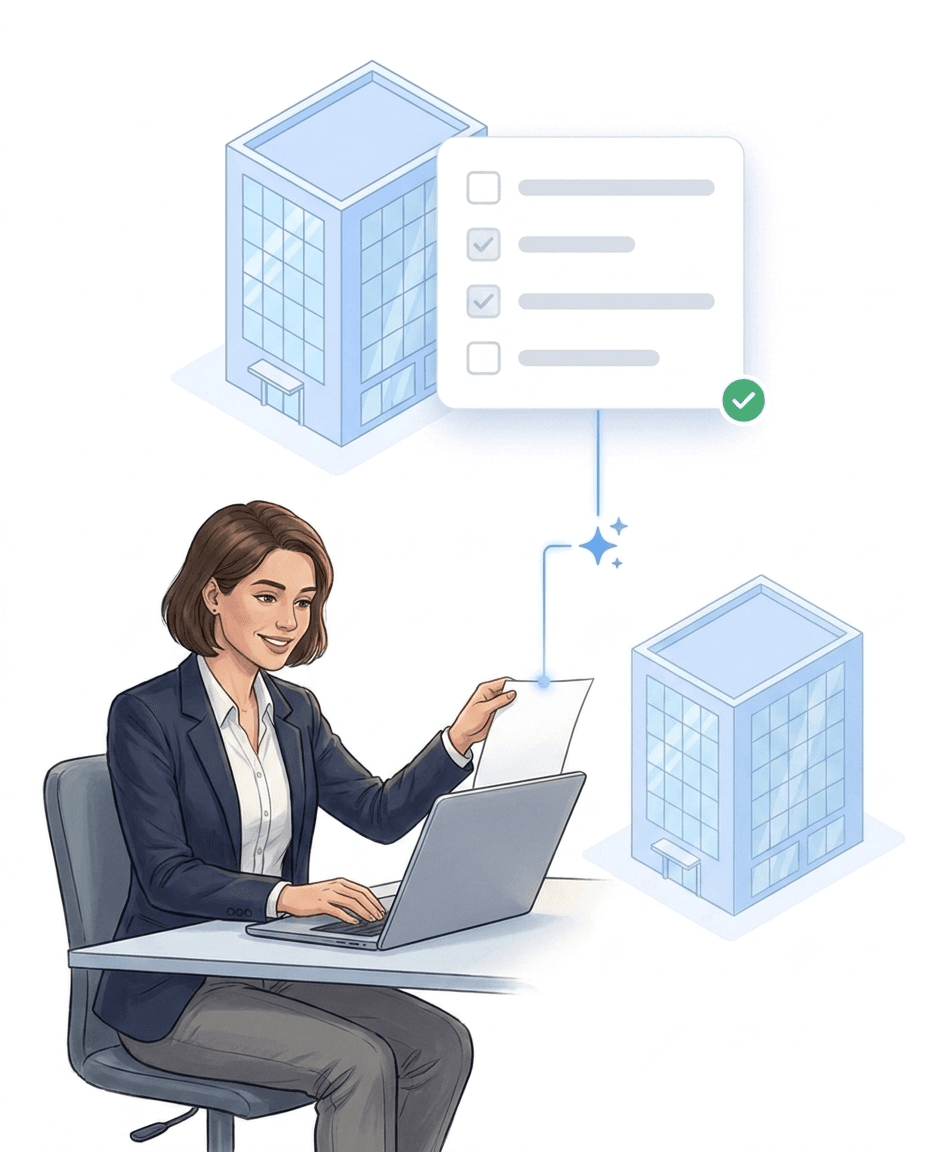
After cleaning, the site manager fills in the visual inspection on the phone — sanitary areas, floors, waste, every answer scores points, and at the end there is a score per area. If it falls below the threshold, LiteLog creates the re-cleaning task directly from the inspection and assigns it; if it stays open, the system escalates to management — the defect is fixed before the client sees it.
The room inspection runs as a checklist on the smartphone: a detected defect becomes a task for maintenance via a rule under automation — with photo and room number, and after the fix the head housekeeper sees the status in the dashboard. At the end of the shift, the handover form is filled in and all reports of the shift stand in one timeline, backed by time and person — instead of on sticky notes or in private chat groups.
The cleaner fills in the cleaning checklist in the LiteLog app — OK/defect checkpoints per area, mandatory photos for bathroom, kitchen and bedroom, and the completion report at the end, also offline. If the subsequent acceptance checklist records a defect — a dripping tap, a missing remote control — a rule under automation turns it into a task for the caretaker.
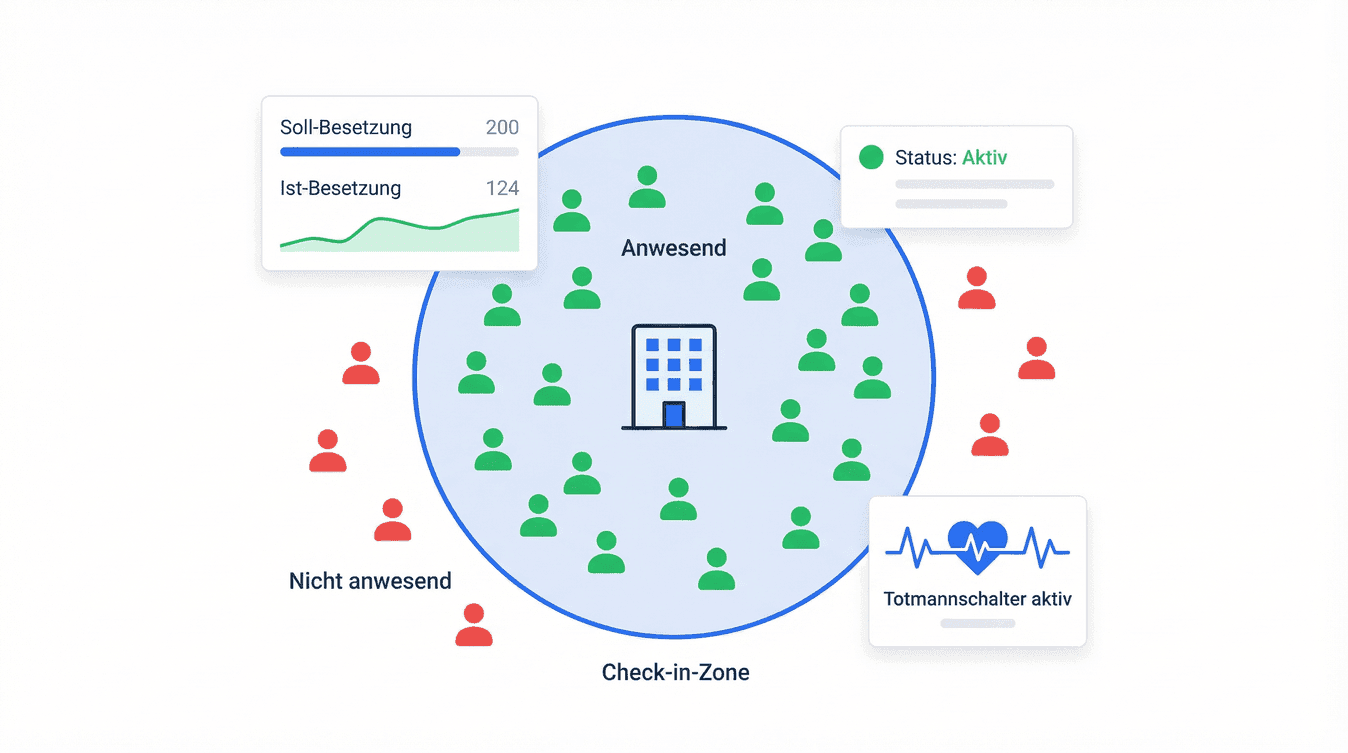
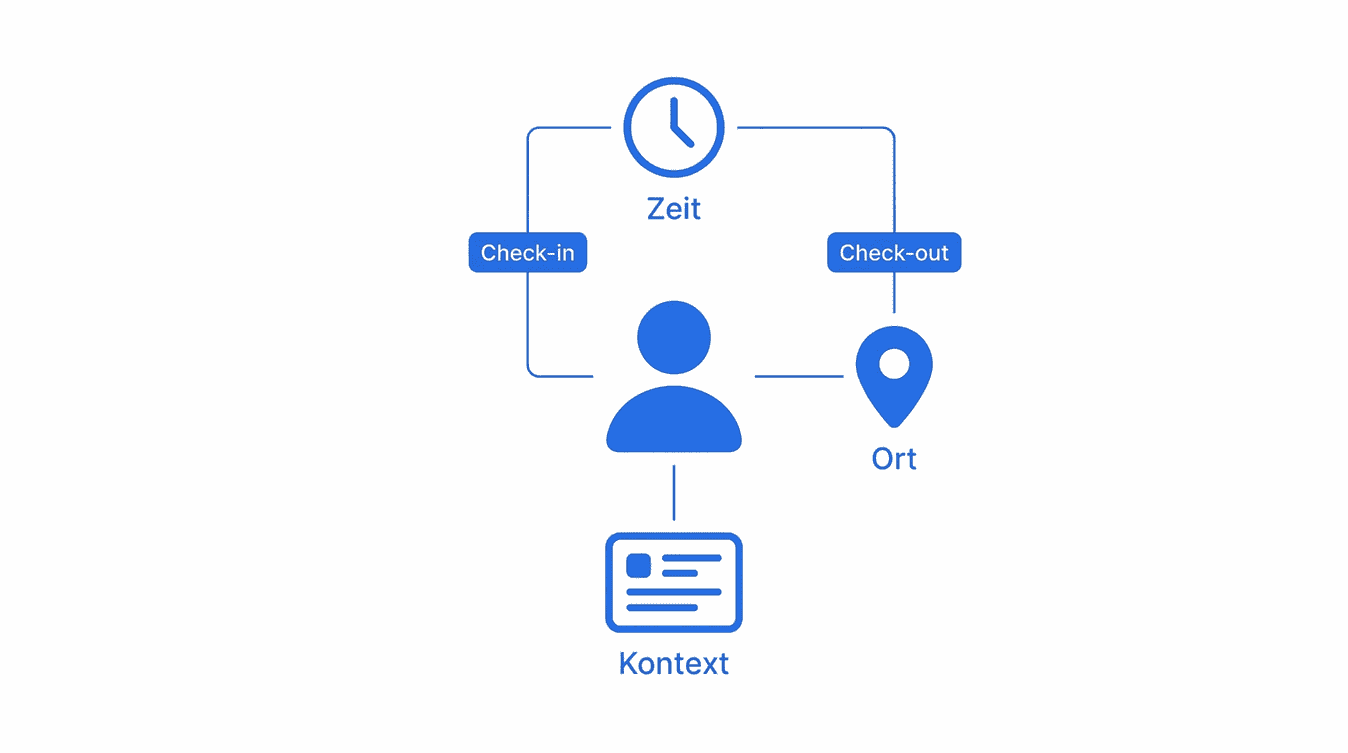
In care, quality assurance above all means traceability: who was where, when, for how long — as a daily structure overview for home management and quality management, with a complete record per resident. LiteLog creates the care report per period automatically and sends it as PDF/A — a care-sector service provider running several facilities puts it this way: “LiteLog has taken our documentation to a new level. We finally have the traceability required for audits and quality assurance.”
More than 10 years experience in this industry
3-star hotel with 2 locations digitizes control rounds with two company smartphones and no extra hardware.
Digital guard control and time tracking for 20+ nationwide sites
Read the customer story →Integrations
Work with LiteLog directly in Claude or ChatGPT. And Hannah fits into the software your company uses every day: calendar, CRM and messenger.
ClaudeChatGPTConnect LiteLog to Claude or ChatGPT


Free-form templates instead of rigid masks: digitize any form without IT, fill it on mobile with a digital signature — and attach logic that turns a defect list into assigned tasks automatically. Reports reach clients as revision-safe PDF/A.
Learn more aboutYou don't adapt to the software: LiteLog adapts to your processes. With the automation you freely combine 49 triggers and 10 actions into if-then rules — in the graphical editor without programming, and on request the AI creates the rule from a single sentence.
Learn more aboutLiteLog has five kinds of tasks: one-off, recurring, ticket, patrol and tour. All of them sit in one list. Your team completes them on site in the app and proves them with a photo if you want. Management sees at once what is done, open or overdue.
Learn more aboutDid the night shift really check every floor? Patrols built from NFC or QR checkpoints guide your staff step by step through the site — every scan is documented audit-proof, and if a patrol is missed, the alarm system triggers automatically.
Learn more aboutForced door, water damage, shift handover: your employee takes a photo or records a voice memo — the AI categorizes the report automatically, and serious cases escalate via workflow straight to the site manager.
Learn more aboutMeasure agreed service levels per client automatically and deliver a revision-safe service-level report at the end of every period.
Learn more aboutOur Standards

We comply with GDPR. Your data stays in Germany and we guarantee the highest security standards.

Your data is securely hosted on German servers, protected by strict German data protection laws.

Backoffice works on any computer in the browser. We support iPhone and Android devices.
FAQ
Quality management software for building service providers documents the quality of the delivered service directly on site: visual inspections via digital form with a score per area, rework tasks with responsibility and deadline, and inspection reports per site and period as a PDF for the client. It replaces paper checklists and binders with a documented chain from inspection to proof.
No — and that is deliberate. LiteLog is operational quality management on site: carry out inspections, rework defects, prove services. LiteLog does not replace a document-control QMS under ISO 9001 with audit administration and CAPA processes. If you run such a system, LiteLog supplies the reliable evidence from day-to-day operations; if not, you start directly with inspections and inspection reports, without an implementation project.
Site managers walk an inspection round with NFC or QR checkpoints per room and fill in a digital checklist along the way — rating, photo, remark. The results produce an inspection report per site and period that you send to the client as a PDF. This documents the agreed quality measurement in a traceable way — without paper checklists and binders.
LiteLog has three flat prices by headcount: Basis €79 per month for up to 15 employees with 10 form templates and 3 automation rules, Betrieb €199 for up to 50 employees with 30 templates and 10 rules, Profi €399 for up to 150 employees with unlimited templates and rules, escalation chains, quality management and SLA evaluation. Sites and devices are unlimited in every plan. You start with a 14-day free trial.
Not on its own — you create a rule under automation once: trigger “defect detected” or “score below pass threshold”, action “create task” and assign it, with deadline and priority. Tasks are always assigned to a specific person, not to a role or a team. From then on the chain runs on its own.
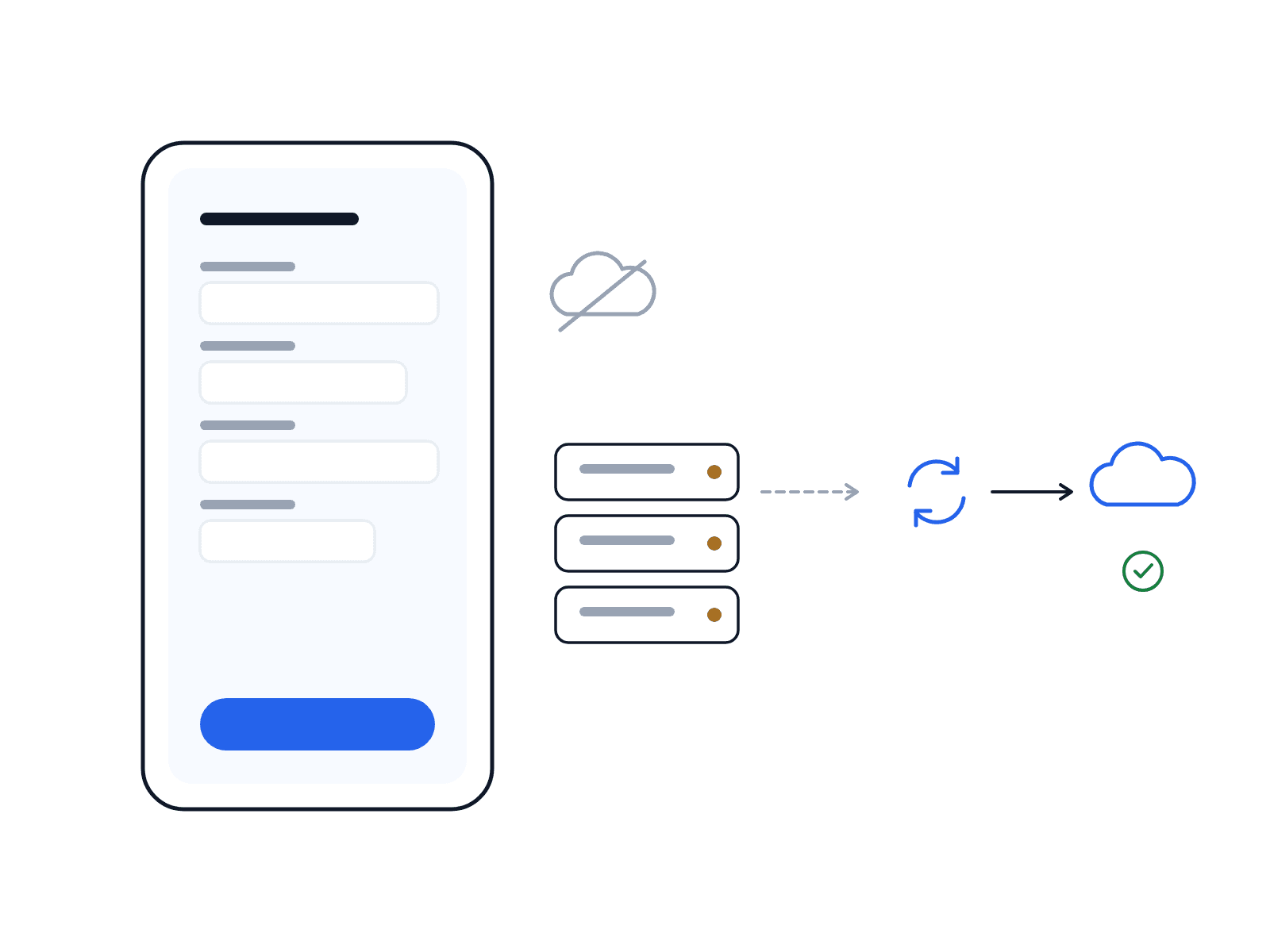
Yes. Forms can be filled in without a connection; LiteLog synchronises the answers automatically as soon as a connection is available again.
Reports are sent as PDF/A, the standardised archive format for audit-proof long-term archiving (ISO 19005, in Germany as DIN ISO 19005). This supports GoBD-compliant filing as well as GDPR documentation duties.
Yes. Upload the PDF (up to 8 pages) or the Excel file — or describe the form in one sentence — and AI creates a template draft in the builder. You review, adjust and publish. AI form creation is included free of charge in all packages; if it is temporarily unavailable, LiteLog says so openly and you build the template yourself in the editor as usual.
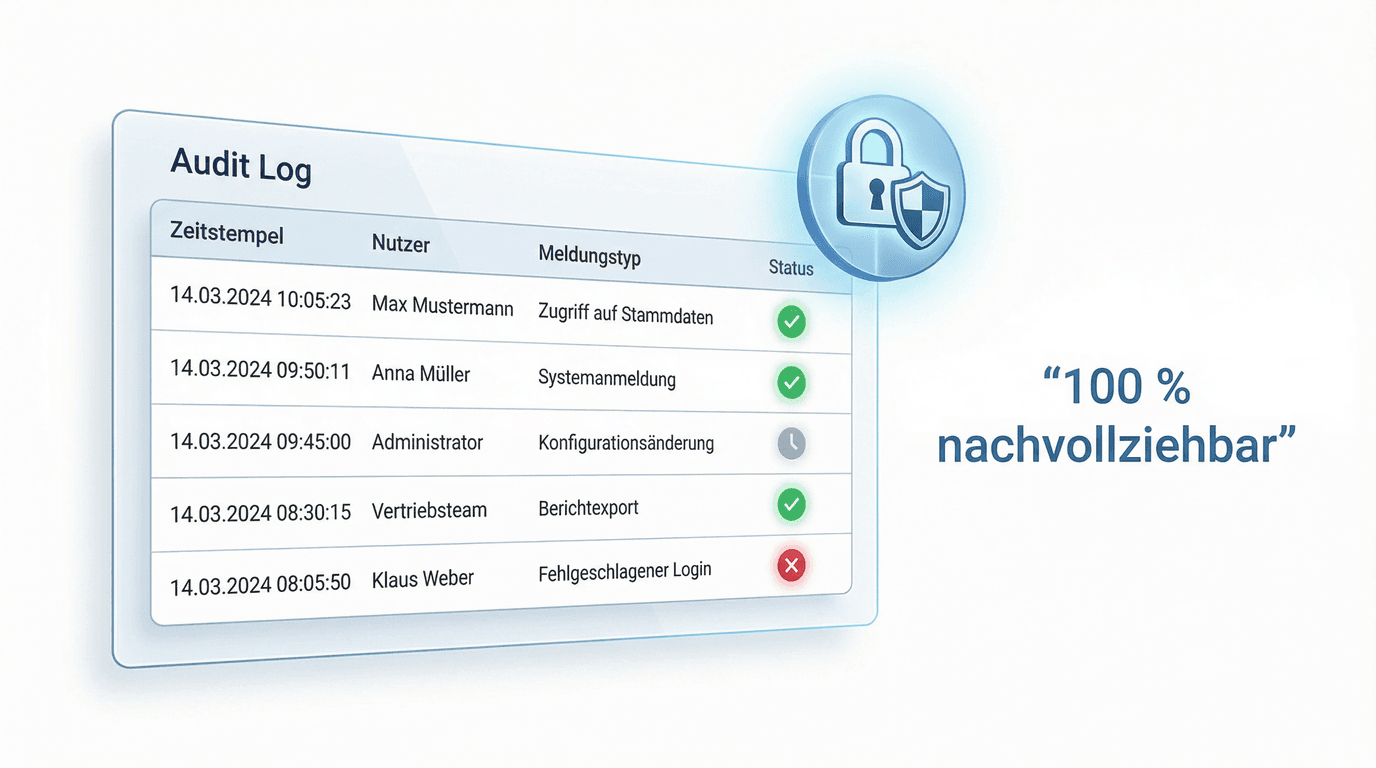
Yes. LiteLog documents according to the ALCOA+ principles: every inspection is unambiguously attributed to person, time and place, the server assigns its own timestamps, and corrections create new entries with a mandatory reason instead of overwriting the original. This lets inspection reports stand up to the QA audits of GMP-regulated clients — for example in pharma and laboratories. LiteLog is deliberately not a validated GxP system, but accompanying documentation for non-classified areas.
End manual lists – LiteLog digitises attendance, patrols and visitor management.
100% GDPR compliant – hosted in Germany 🇩🇪