96%
Trusted by companies
The LiteLog time clock app replaces physical punch clocks and paper timesheets. Work hours are recorded via smartphone – using NFC, QR codes or geofencing.
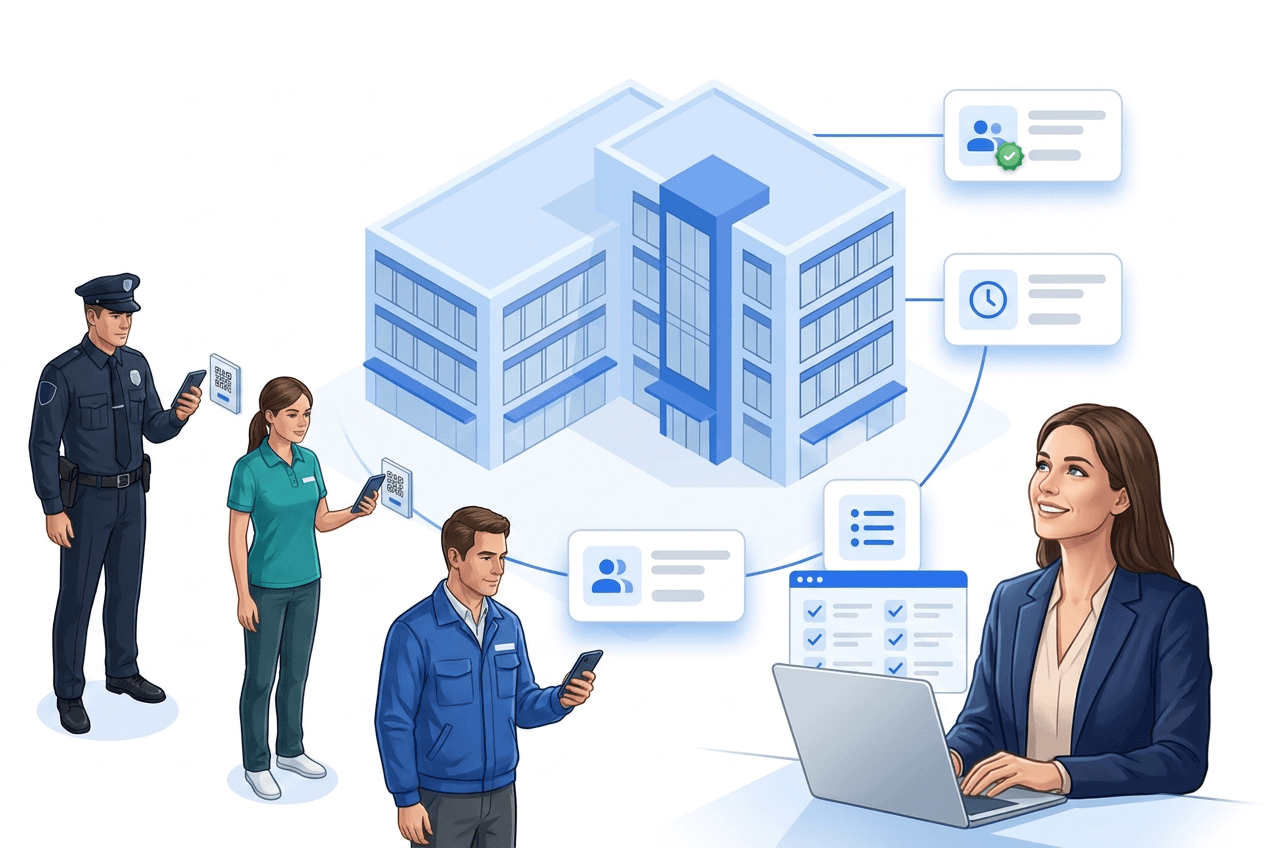
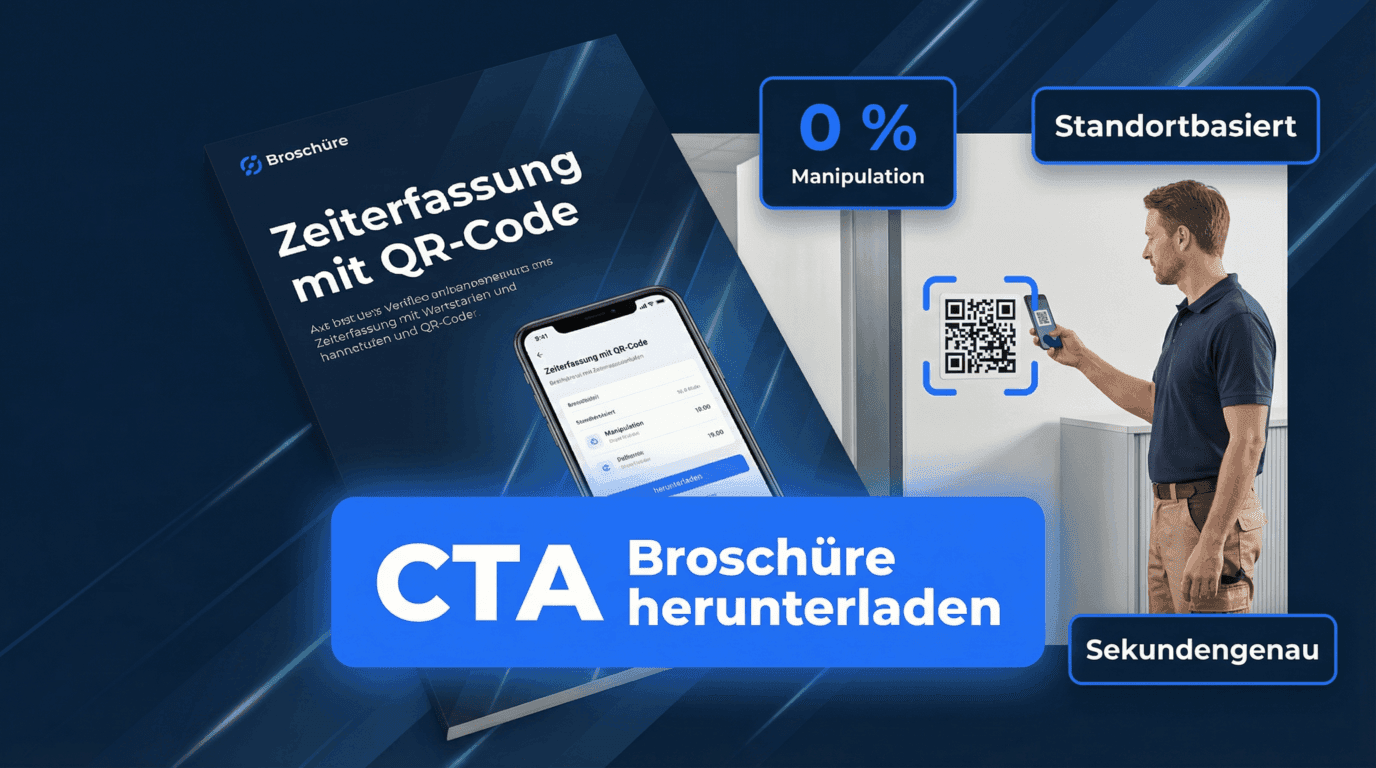
Working hours, breaks, and reporting — transparent and compliant.
Easy time capture via app
Automatic break rules
Exports for payroll & controlling
A time clock app replaces punch cards and paper timesheets: employees check in via NFC tag, QR code or geofencing directly at the work site, and the app stores work hours, breaks and shift times automatically. Managers see all times live in the dashboard and generate reports at the push of a button.
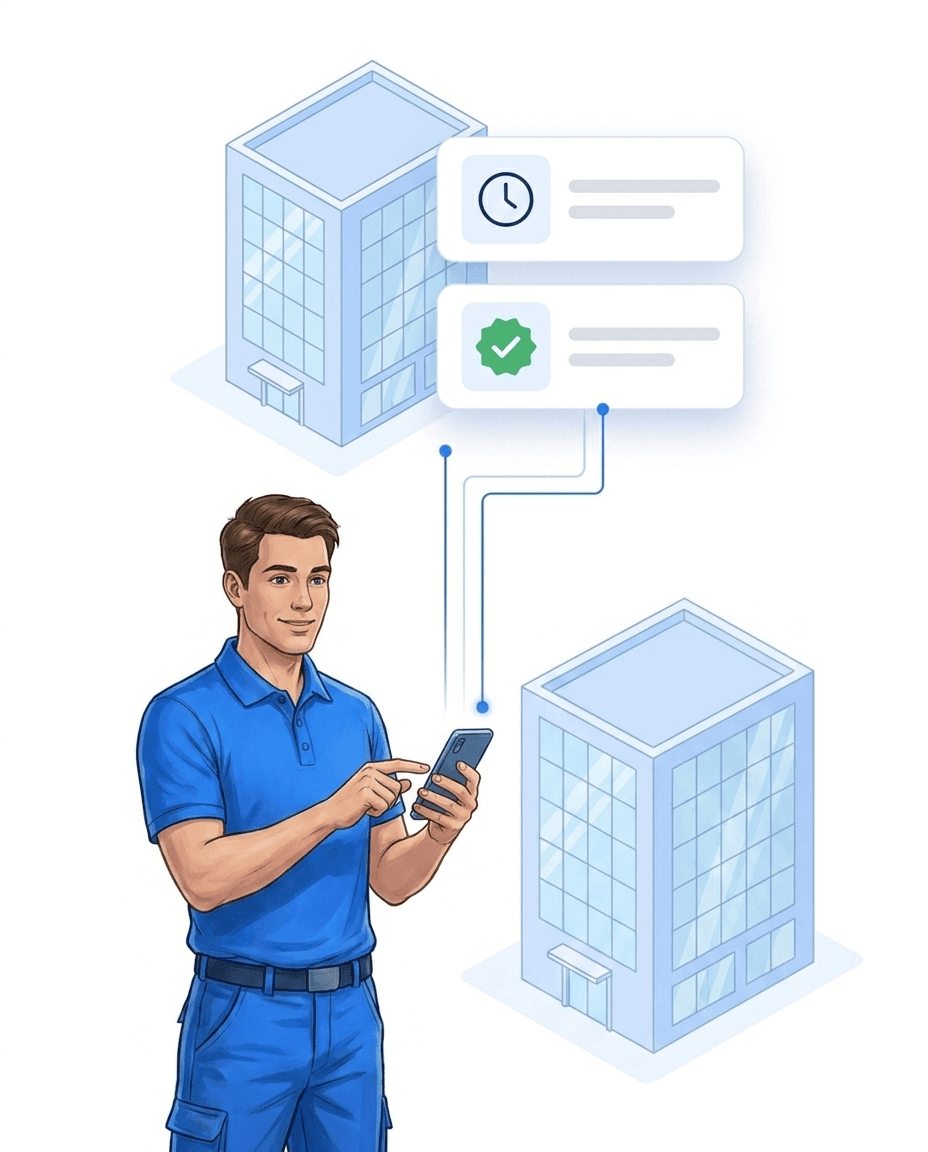
Physical punch clocks require maintenance and are tied to one location, paper timesheets and spreadsheets are error-prone – and none of them shows in real time who is currently working. With the time clock app, all work hours land in the dashboard automatically, without terminal hardware, time cards or paper that can get lost.
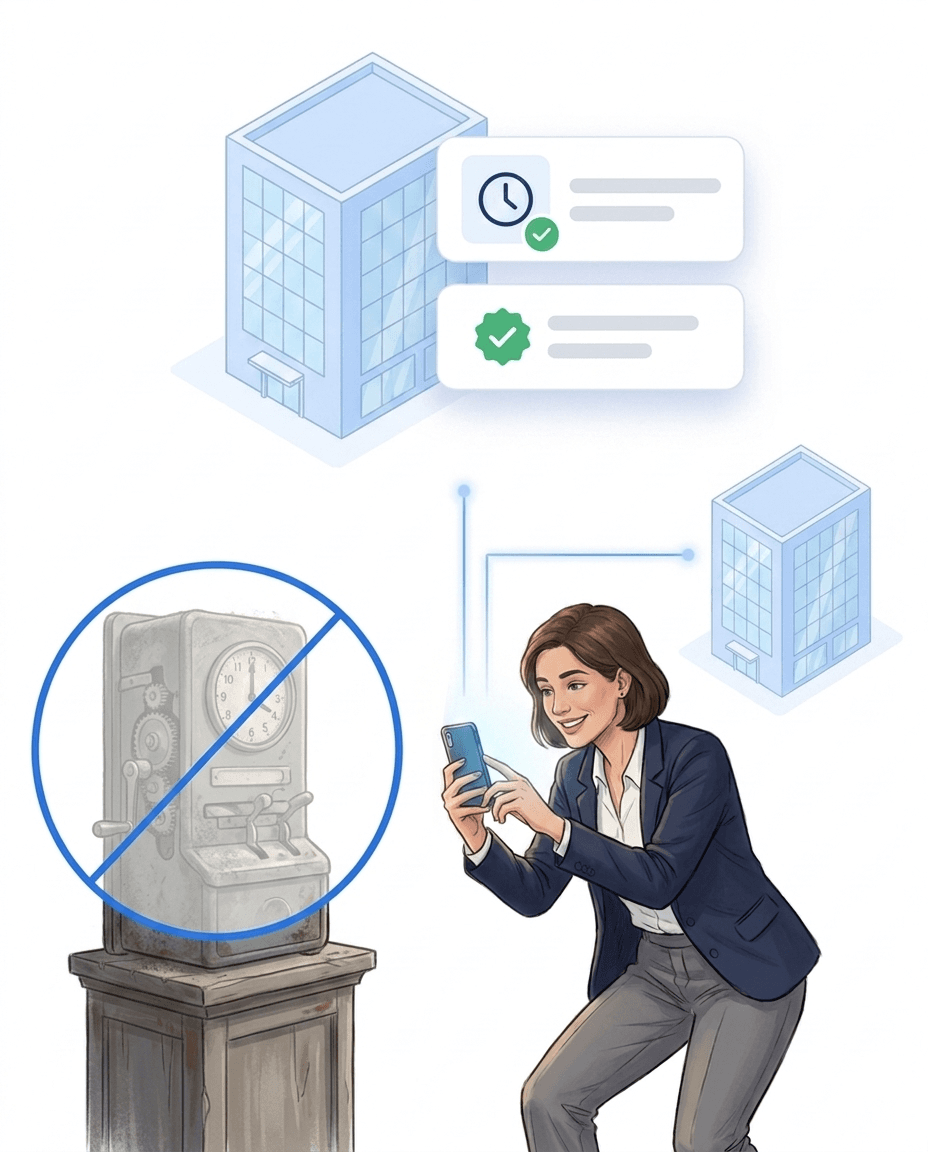
Employees scan an NFC tag or QR code at the work site – the app records start, breaks and end, keeps working without an internet connection and transfers the data as soon as the device is back online. If you prefer not to scan at all: automatic time tracking via beacon starts the check-in by itself as soon as employees enter the site.
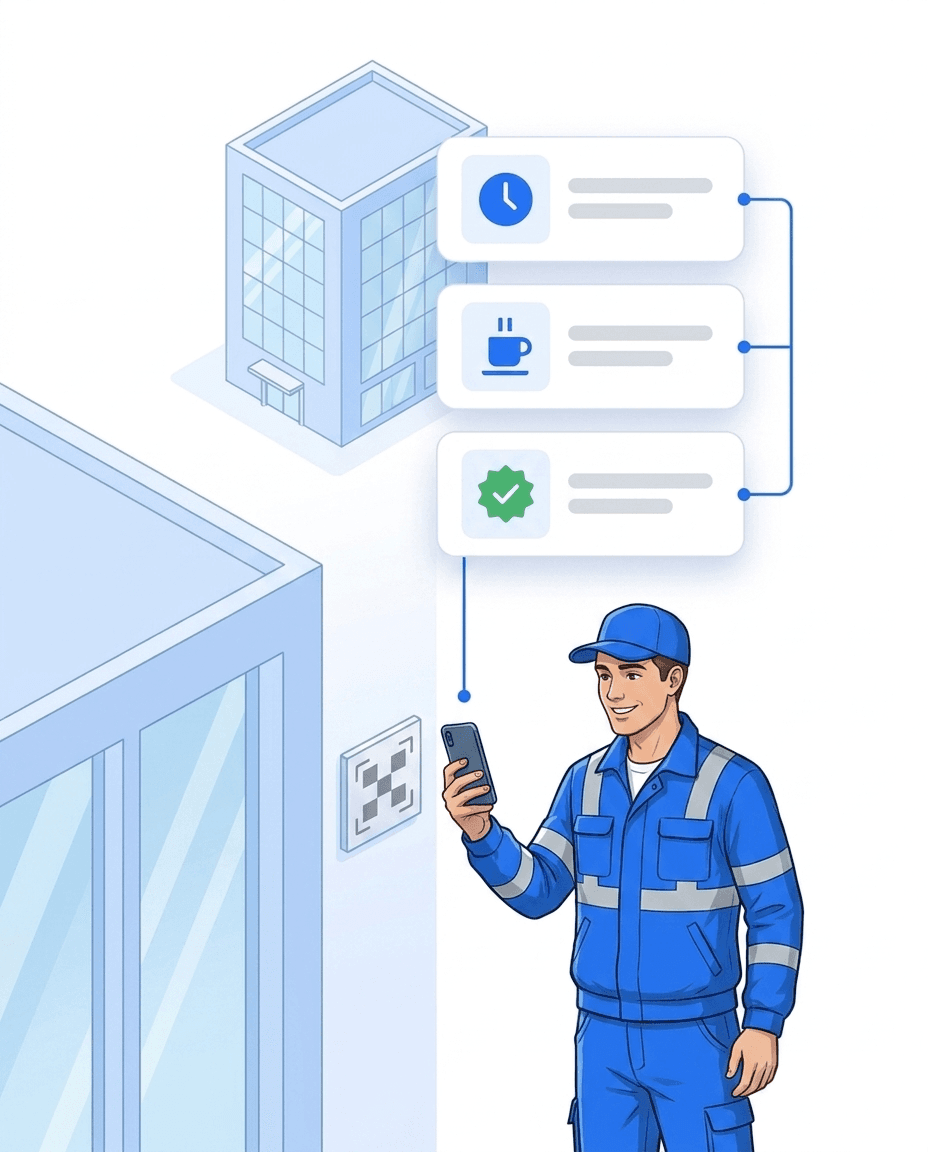
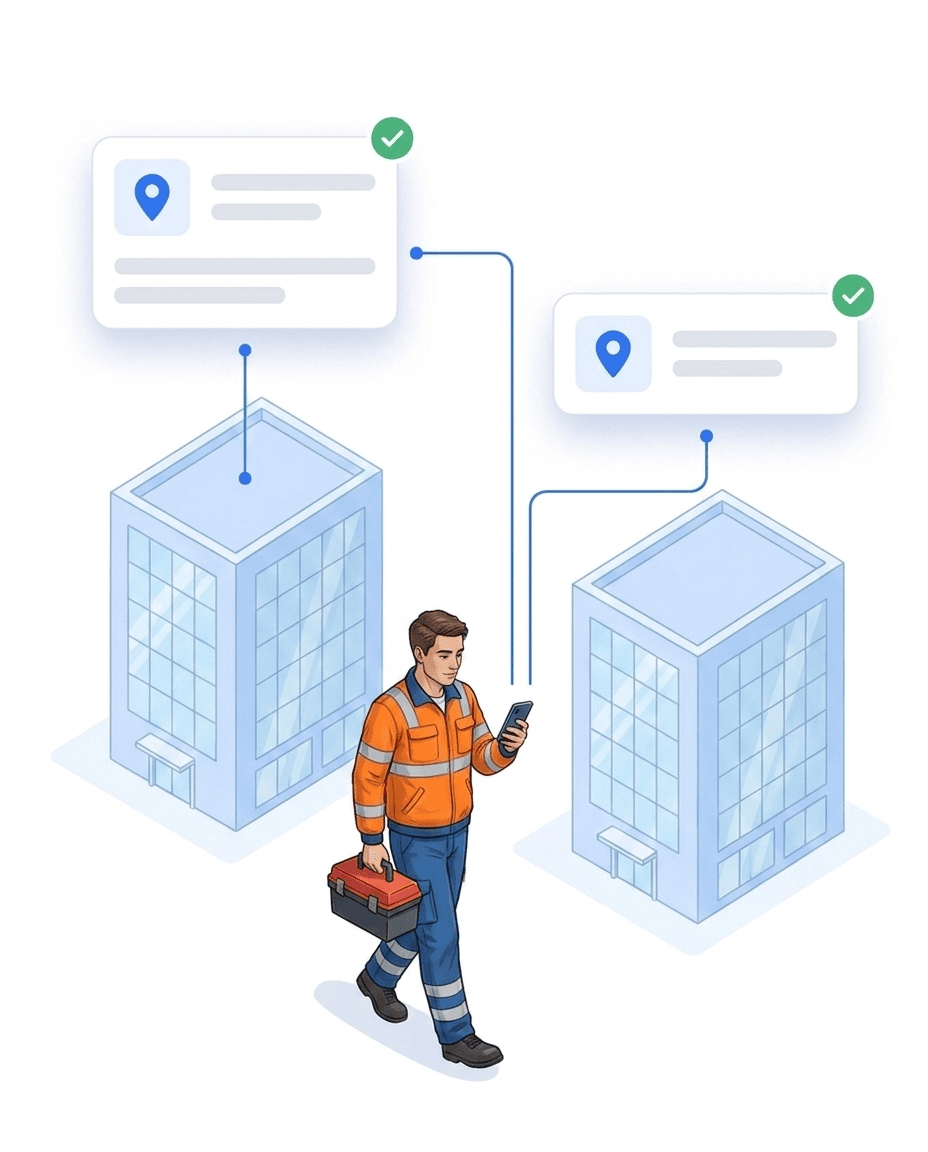
Field staff, employees on construction sites or at client locations sign in via smartphone directly at the work site – start, breaks and end are recorded automatically, and the location confirms the site. Dispatchers see in real time who is working where, instead of collecting paper lists or fielding calls to head office.
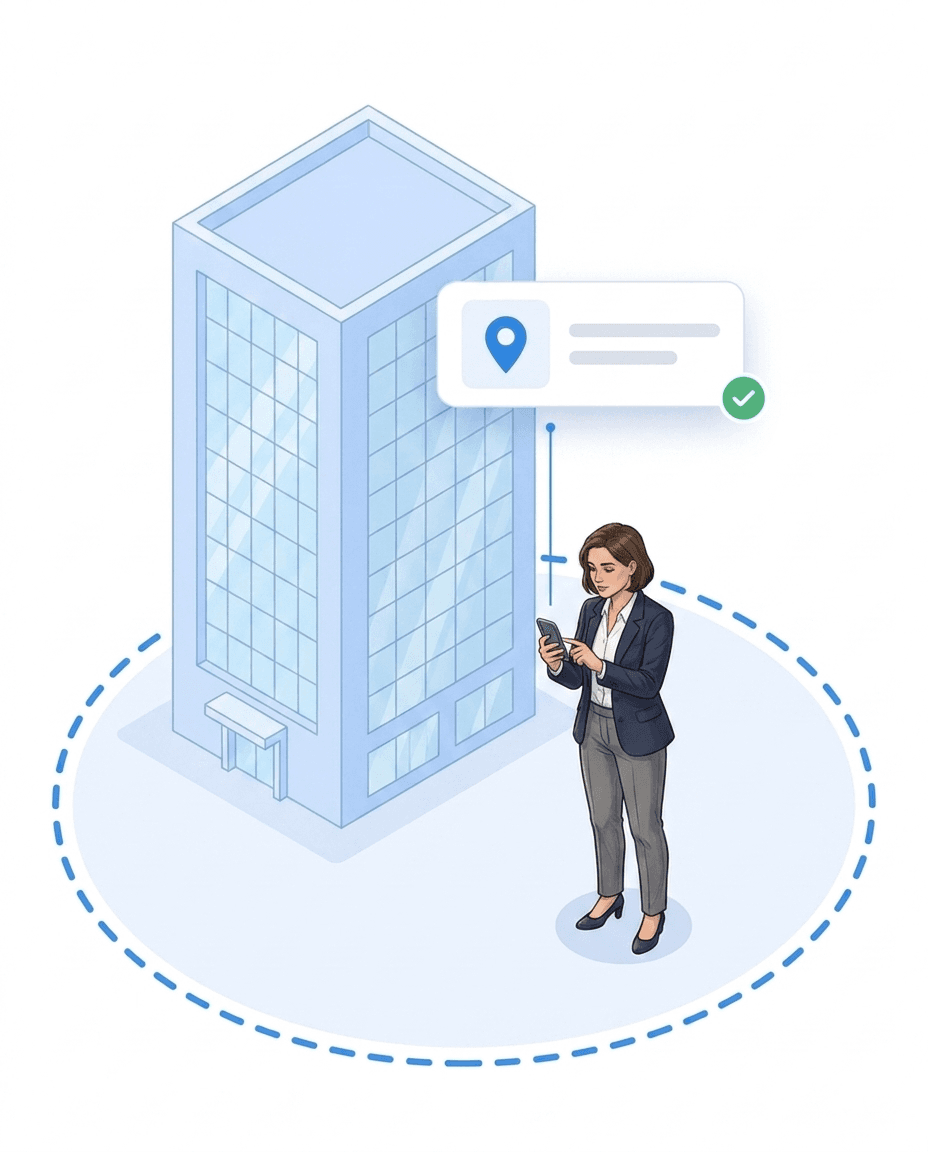
LiteLog records the location once when an employee signs in at the site – there is no movement tracking during the shift. With geofencing you define an area around each site where sign-in is possible – giving clients solid proof of the work performed — with their own client access on request.
Security services, facility cleaning and caretaker teams work at many different locations – a stationary punch clock is not an option there. With LiteLog, employees record their times directly on site, dispatchers see staffing live and clients receive automated proof-of-service reports on request. For security services, the digital guard book complements time tracking with complete event documentation.
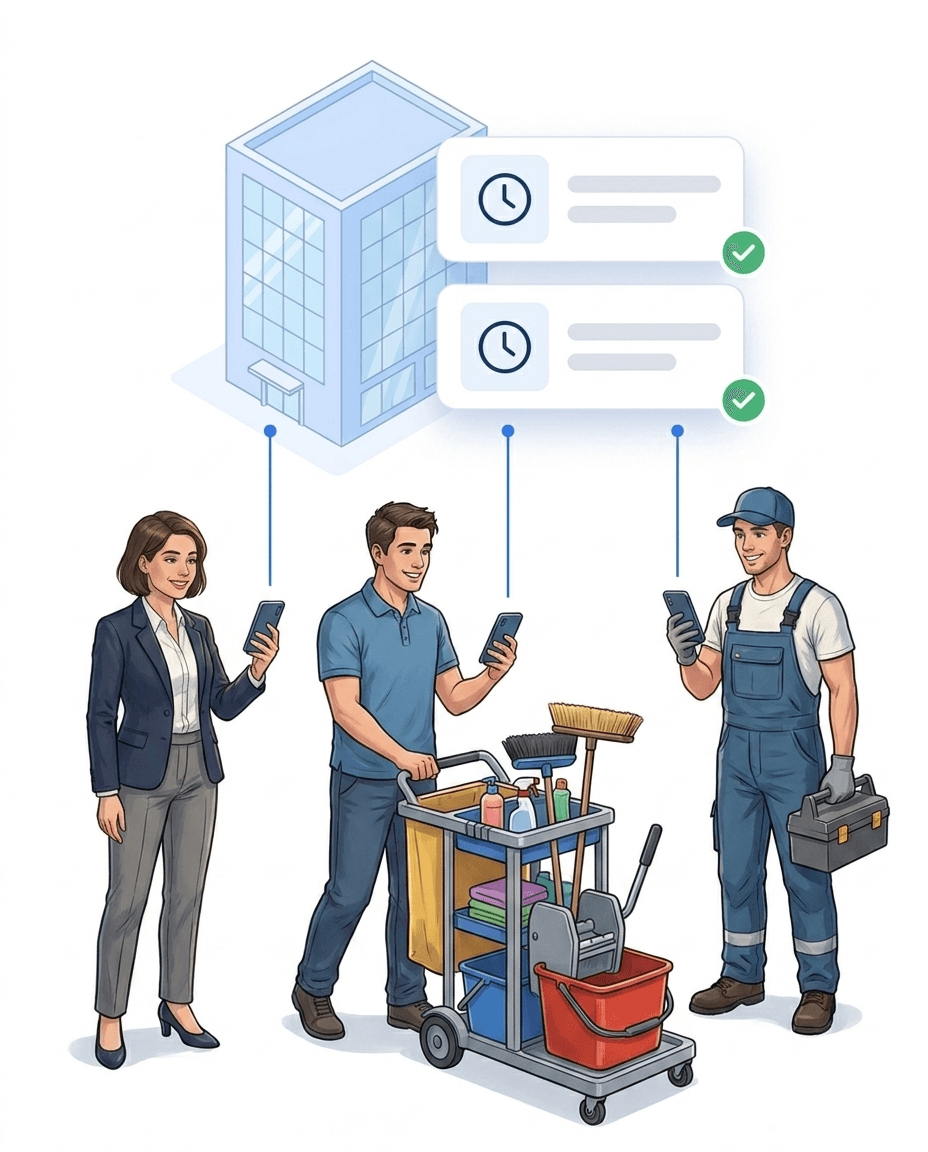
If the sign-in at shift start does not happen, a chain starts automatically – from a push notification to the employee to a stand-in task. You adjust this chain in the workflow editor without programming.
LiteLog offers a free 14-day trial with full functionality – no setup fees, no credit card required. Register, create locations, invite employees: the first check-in is possible in under 10 minutes.
Whether you need special shift models, integration with your payroll system or individual compliance requirements: we adapt LiteLog to your processes. Along the way we support you personally from concept to rollout.
More than 10 years experience in this industry
Digital guard control and time tracking for 20+ nationwide sites
Read the customer story →Burak Kocademir Security Services
Read the customer story →Integrations
Hannah fits seamlessly into the software your company uses every day — calendar, CRM, messenger, and of course LiteLog.


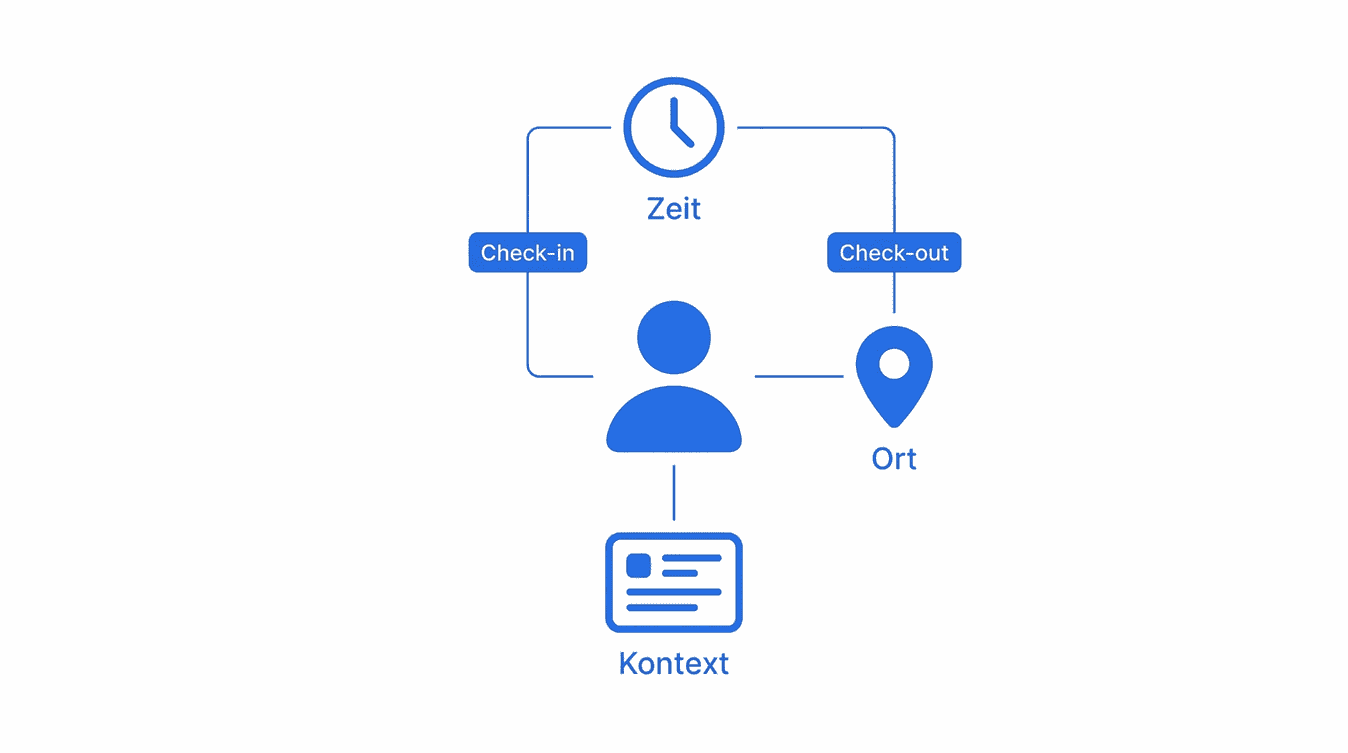
Clock in, break, clock out — one QR scan at the site is enough. Unlike plain time tracking, LiteLog also documents where the work happened: every stamp carries time, location and user, and becomes solid ground for payroll and client invoicing.
Learn more aboutLiteLog's attendance tracking app replaces paper lists and Excel: check-in via smartphone, QR code, NFC or kiosk — tamper-proof with time and location. You see live who is on site right now; in an emergency, one click turns it into the evacuation list.
Learn more aboutAre all sites covered? How many patrols ran last night? Every user builds their own KPI dashboard via drag and drop — tiles for attendance, hours, patrols and reports, with a live map and live attendance.
Learn more aboutYour client should see patrol reports — but certainly not your payroll data. Roles define exactly who sees what: staff see their shifts, site managers their sites, clients only the reports you release.
Learn more aboutUnderground car park without signal, basement without WiFi: the app captures scans and reports offline too and syncs automatically as soon as the connection is back. Access anytime via app, browser or terminal — no servers of your own.
Learn more aboutFree-form templates instead of rigid masks: digitize any form without IT, fill it on mobile with a digital signature — and attach logic that turns a defect list into assigned tasks automatically. Reports reach clients as revision-safe PDF/A.
Learn more aboutLiteLog offers seven proven capture methods that slot right into your workflows. Pick the option that fits your team best.
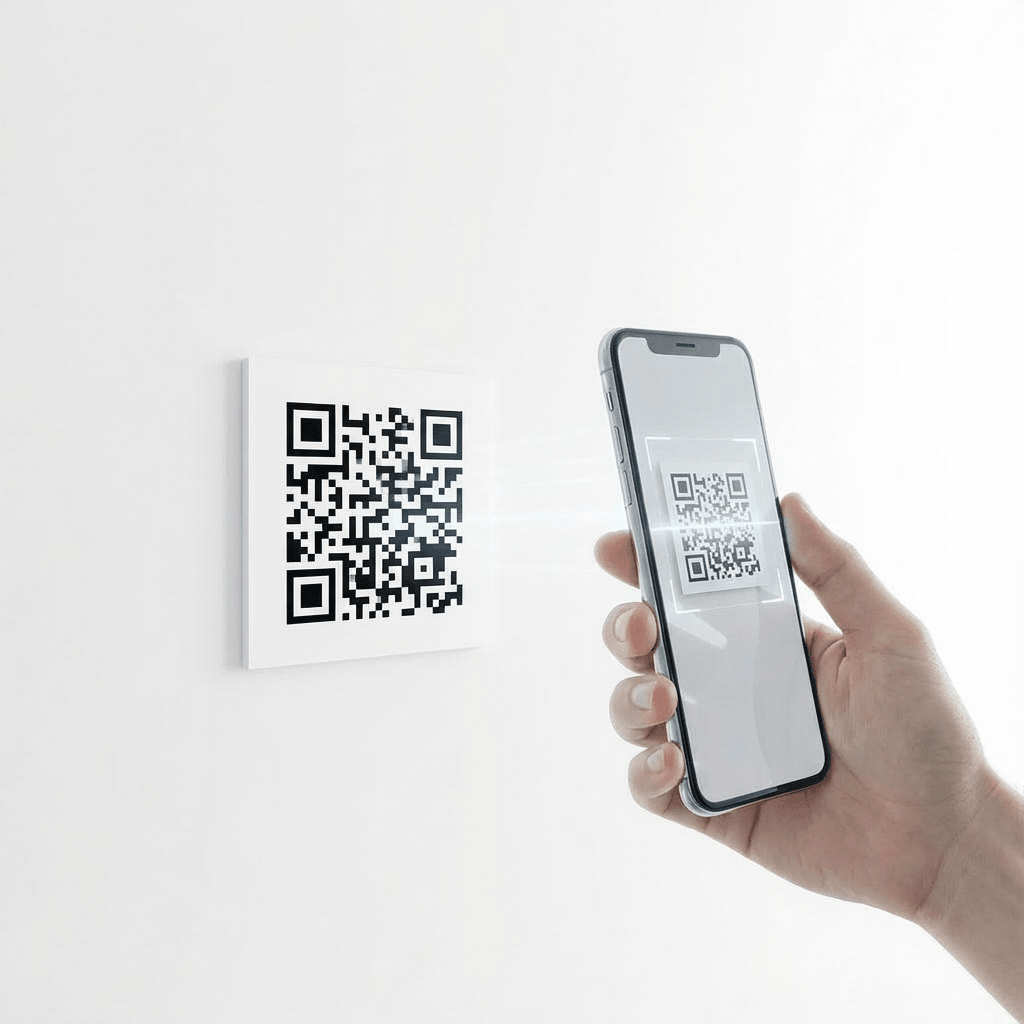
QR codes can be printed instantly or displayed on any screen. All that’s needed is a smartphone with a camera and the LiteLog app. Each scan automatically assigns the user to the correct location and shift or event. This ensures accurate check-ins without explanations or errors. Ideal for classrooms, lecture halls, and large groups.
Our Standards

We comply with GDPR. Your data stays in Germany and we guarantee the highest security standards.
Your data is securely hosted on German servers, protected by strict German data protection laws.

Backoffice works on any computer in the browser. We support iPhone and Android devices.
FAQ
A time clock app replaces traditional punch clocks with a smartphone application. Employees record work hours via NFC, QR code or geofencing. All data is stored digitally and available for reporting immediately.
LiteLog offers a free 14-day trial with full functionality. There are no setup fees. After the trial, pricing is based on team size and agreed individually.
Yes. The LiteLog time clock app is available for both Android and iPhone. It works on all common smartphones and can be installed and set up in minutes.
No. The time clock app works with existing smartphones. Optionally, NFC tags or QR codes can be placed at work sites. Expensive time terminals are not required.
Yes. LiteLog is GDPR-compliant and hosted in Germany. All data is encrypted in transit and stored in an audit-proof manner. Access rights can be configured per role.
Yes. The app works offline. Check-ins and check-outs are stored locally and synchronised automatically once an internet connection is available.
The time clock app is ideal for security services, facility cleaning, caretaker services and any industry with distributed teams at changing work sites.
In under 10 minutes. Register, create locations, invite employees – and the first check-in can happen. No IT department or on-site installation is needed.
Yes. All work hours can be exported as PDF, CSV or Excel. Reports can be created manually or automatically and sent to internal or external recipients.
Yes. The time clock app fully replaces stationary punch clocks. Employees record work hours on their smartphone. This saves hardware costs and works at any location.
Mobile time tracking means work hours are recorded via smartphone directly at the work site. Instead of paper timesheets or spreadsheets, employees sign in through the app – via GPS, NFC tag or QR code.
When signing in, the app records the location of the employee. This proves that the work hours were recorded at the correct site. Location data is stored in an audit-proof way and can be presented to clients as evidence.
No. LiteLog records the location only when an employee signs in at the site, not throughout the shift. There is no movement tracking. Data is transmitted encrypted, stored in Germany and visible only to authorised roles.
Mobile time tracking suits every team without a fixed workplace: field service, security companies, cleaning, caretaker services and trades. Wherever people work at changing sites, it replaces paper timesheets and calls to head office.
Mobile time tracking focuses on location proof and on teams at changing work sites. A time clock app mainly replaces the stationary punch clock. LiteLog combines both functions in one solution.
With a mobile time tracking app like LiteLog, employees record their working hours via smartphone directly on site — by scanning a QR code or NFC tag. The app automatically stores start, end, breaks, and location. Evaluation happens in the web portal with filters by person, site, time period, and task. Working hours can be exported as CSV or PDF — for payroll or client reports.
For freelancers, mobile time tracking apps usually work project-based: when starting an assignment, freelancers start a timer or scan a client QR code. The app captures time automatically, assigns it to a project, and creates invoice drafts with hourly rates directly. LiteLog covers this use case and is particularly suitable for freelancers in security or facility services who work on site for multiple clients.
End manual lists – LiteLog digitises attendance, patrols and visitor management.
100% GDPR compliant – hosted in Germany 🇩🇪