
Cloud Architecture & Offline Mode
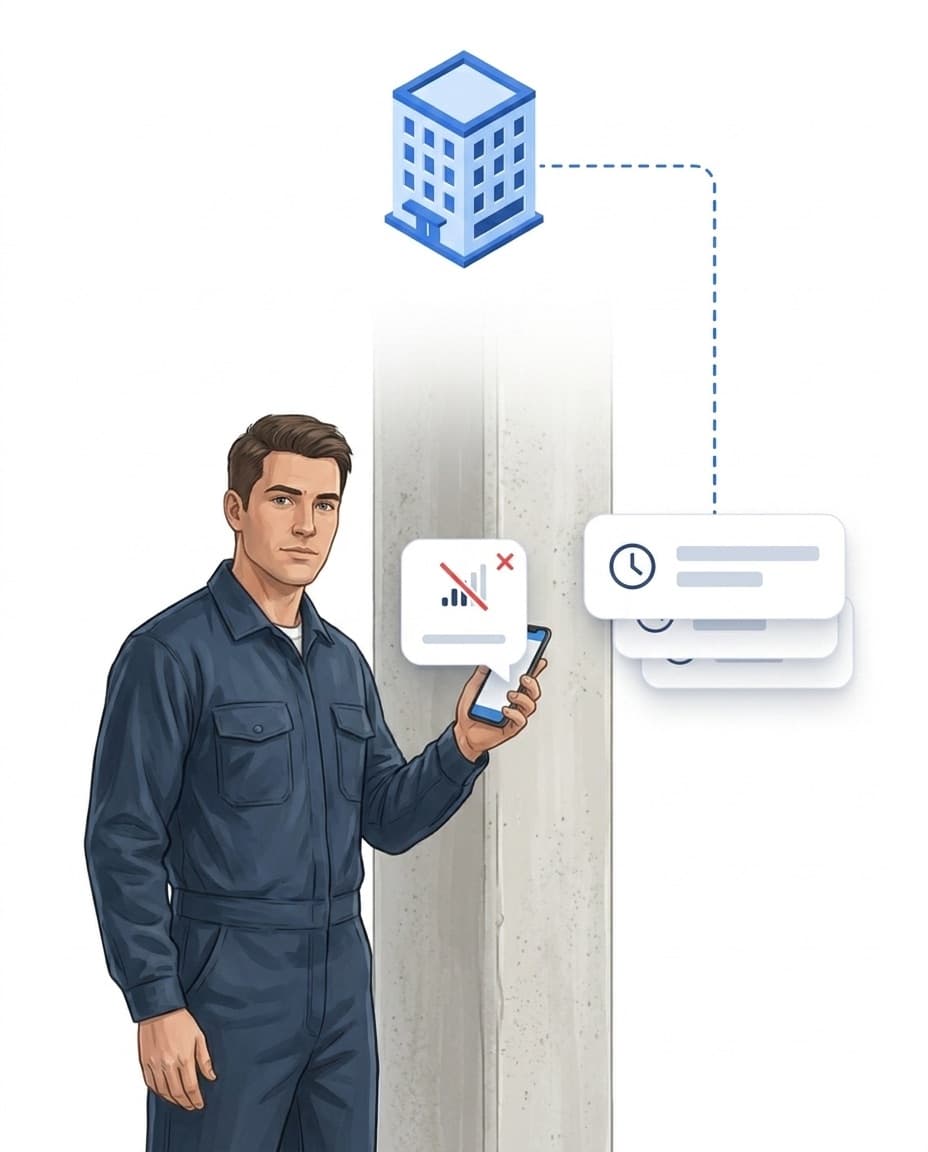
Underground car park without signal, basement without WiFi: the app captures scans and reports offline too and syncs automatically as soon as the connection is back. Access anytime via app, browser or terminal — no servers of your own.

What cloud architecture & offline mode cover
One goal: operations keep running – even when the connection drops.
One central system
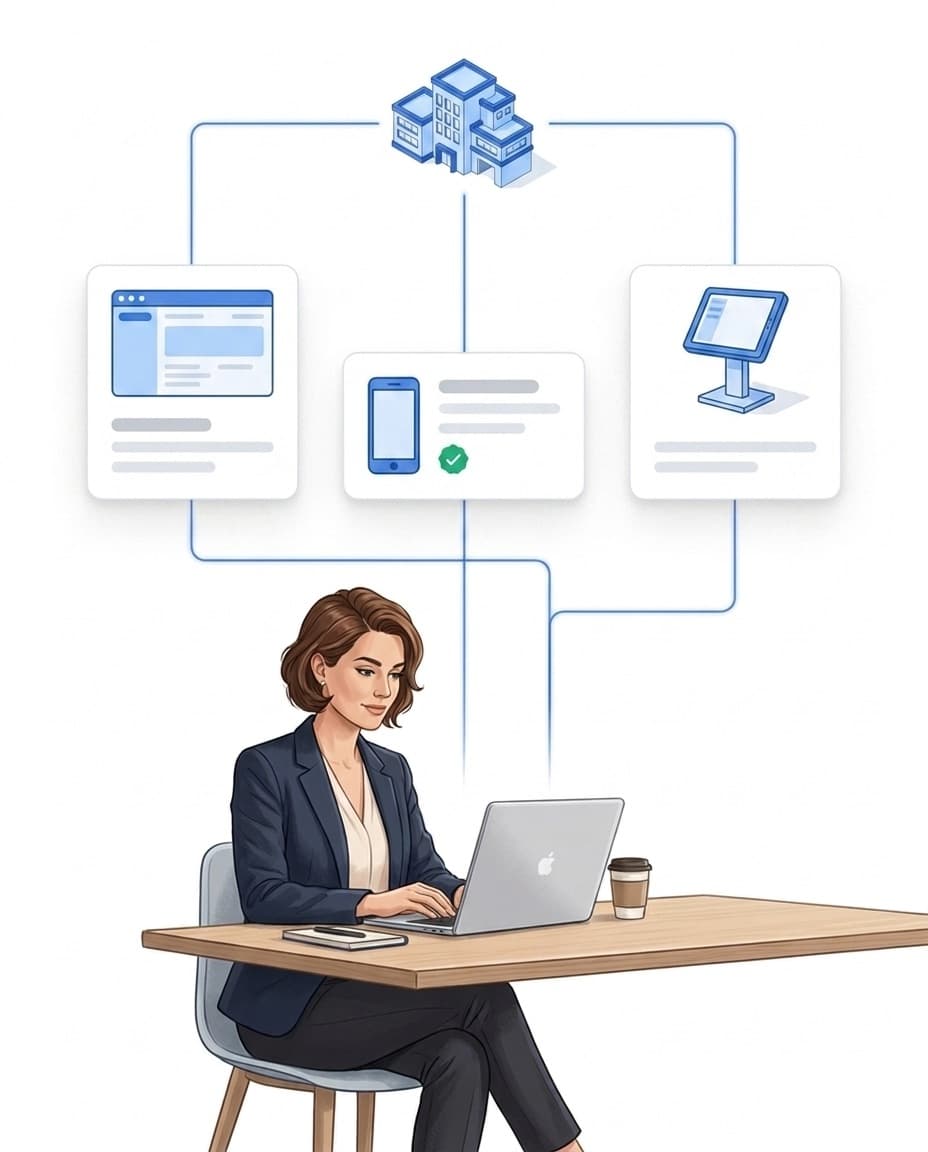
Portal, app and terminal work on the same data base – no servers of your own.
Offline mode
The app captures without signal – in the basement or the underground car park.
Automatic sync
As soon as a connection exists, all entries are transferred – no action needed.
Servers in Germany
Hosted in Frankfurt, GDPR-compliant processing, automated backups.
One backend, multiple access channels
All data, rules and evaluations live in one central cloud backend – devices access it via clearly defined channels. If one channel is unavailable, the system remains usable via the others.
- ✓Web portal: administration, control and reporting in the browser – no installation.
- ✓Mobile app (iOS & Android): operational capture on site – time tracking, patrols and incident reports.
- ✓On-site terminal: a tablet for self-service check-in via QR code – for teams without personal devices.
- ✓REST API: connect third-party systems such as PMS or ERP via the open interface.
Offline mode: working without signal
Dead zone, basement, underground car park: the app stores everything locally – your team simply keeps working.
- ✓Stored locally: check-ins and check-outs, checkpoint scans, incident reports including photos and voice memos, and forms are saved on the device.
- ✓Unchanged handling: no extra mode, no button – the app takes care of storing and transferring by itself.
- ✓An honest limit: Offline mode is a feature of the mobile app – the on-site terminal shows a safe default view during connection problems.
Synchronization, security & hosting in Germany
As soon as a connection is available again, the app transfers all locally stored events – the backend validates and assigns them correctly.
- ✓Nothing twice, nothing by hand: no re-entry, no follow-up work, no uncertainty about missing records.
- ✓Logic catches up: After the sync, target-actual comparison, alerting and automation rules kick in as if the scan had been live.
- ✓Hosted in Germany: servers in Frankfurt on EU cloud infrastructure – GDPR-compliant processing, automated backups, audit-proof logging.
- ✓No IT of your own: no server, no maintenance – access via browser and app.
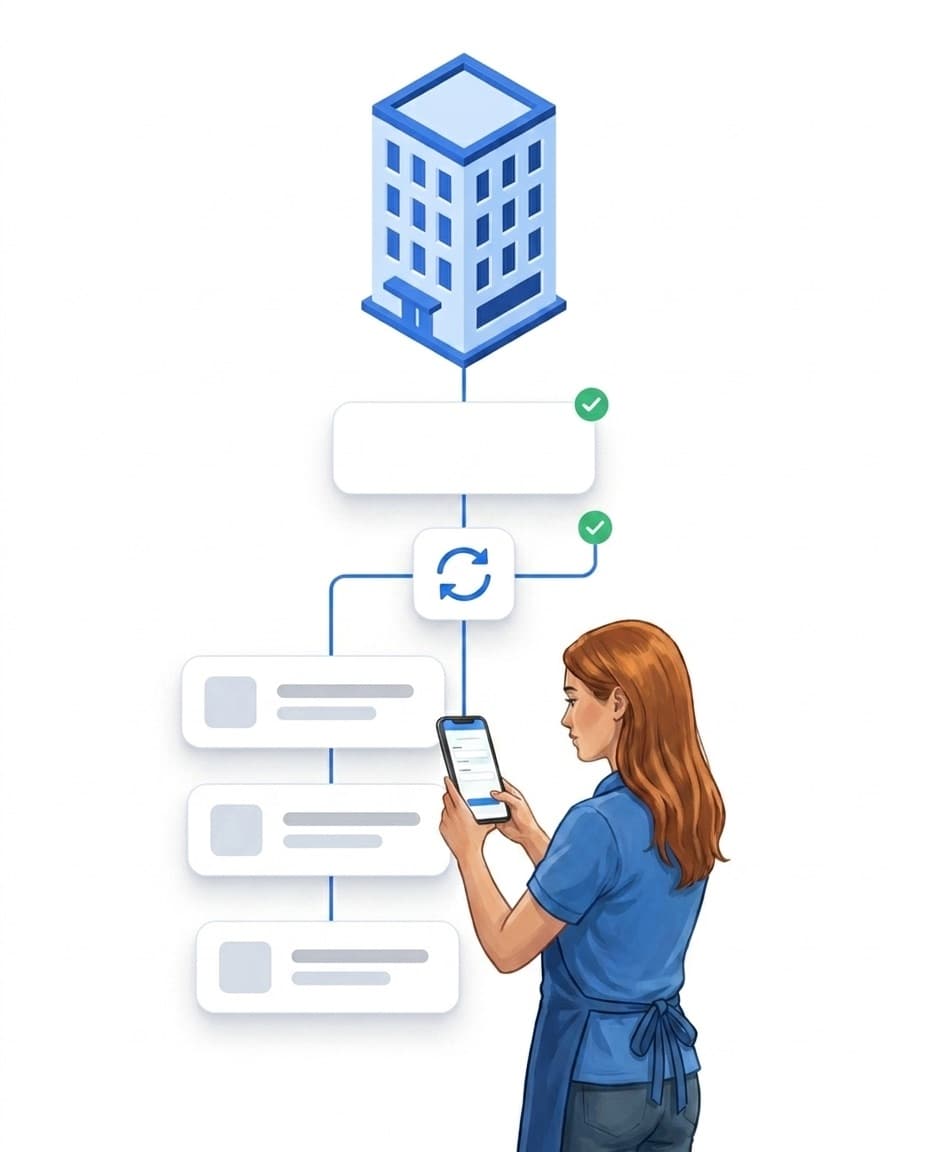
The offline chain
Offline capability does not just mean "store and wait" — after the sync, the entire logic kicks in as if the scan had been live: target/actual comparison, workflows, proof.
FAQ
Frequently Asked Questions about Cloud Architecture & Offline Capability (FAQ)
Comparison of cloud solutions for employee time tracking
Cloud solutions for employee time tracking differ in four aspects: (1) hosting location (Germany / EU / USA), (2) billing model (per employee vs. per site), (3) feature depth (pure time tracking vs. presence and site context), (4) mobility (browser-only vs. mobile app). LiteLog hosts in Frankfurt, bills per site, offers full presence and site context, and has a mobile app for Android and iOS.
Does LiteLog work with poor mobile coverage or in basements?
Yes. The mobile app captures attendance, patrol scans, incident reports and forms offline and synchronizes automatically as soon as a connection is available again. The on-site terminal shows a safe default view during connection problems.
Is any data lost when using offline mode?
No. All relevant events are stored locally and securely transmitted to the central system once the connection is restored.
Is offline mode only available for certain modules?
No. Offline mode is an architectural principle of the mobile app and applies to operational capture: check-ins and check-outs, patrol scans, incident reports including photos and voice memos, forms and material bookings.
Where is LiteLog's data stored?
On servers in Germany (Frankfurt) on EU cloud infrastructure – with GDPR-compliant processing, automated backups and audit-proof logging of all events.
What differentiates LiteLog from traditional cloud solutions?
LiteLog combines a central cloud architecture with a full offline mode in the mobile app and automatic synchronization. This keeps on-site capture fully operational even during connection interruptions – without data loss and without manual follow-up work.