96%
Trusted by companies
Digital attendance logging replaces paper sheets, spreadsheets and manual signatures – easy to record, traceable and GDPR-compliant.
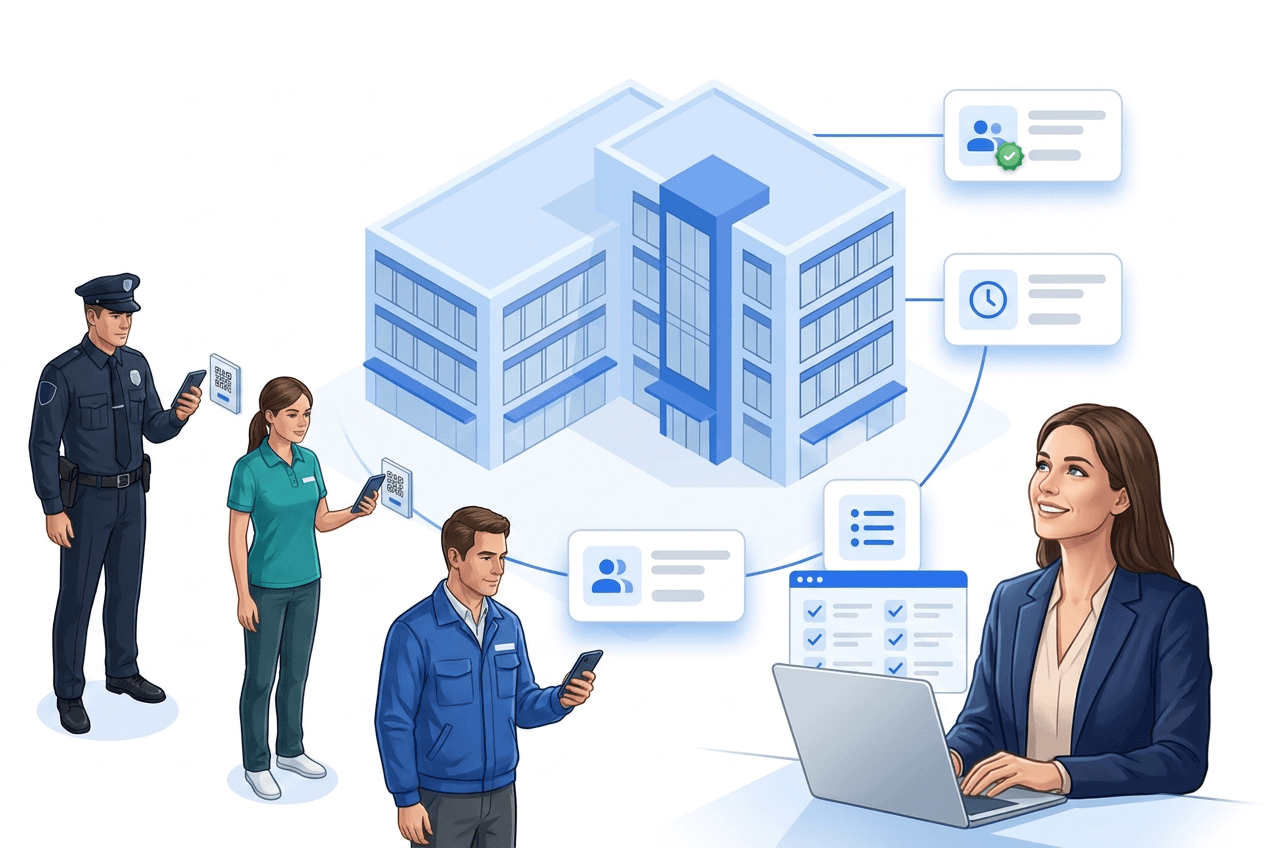
Attendance refers to the physical presence of a person at a defined location at a specific time — for example, at the workplace, in a class, at an event venue, or in accommodation. In many contexts, attendance must be documented: for payroll, compliance, evacuation lists, or client reports.
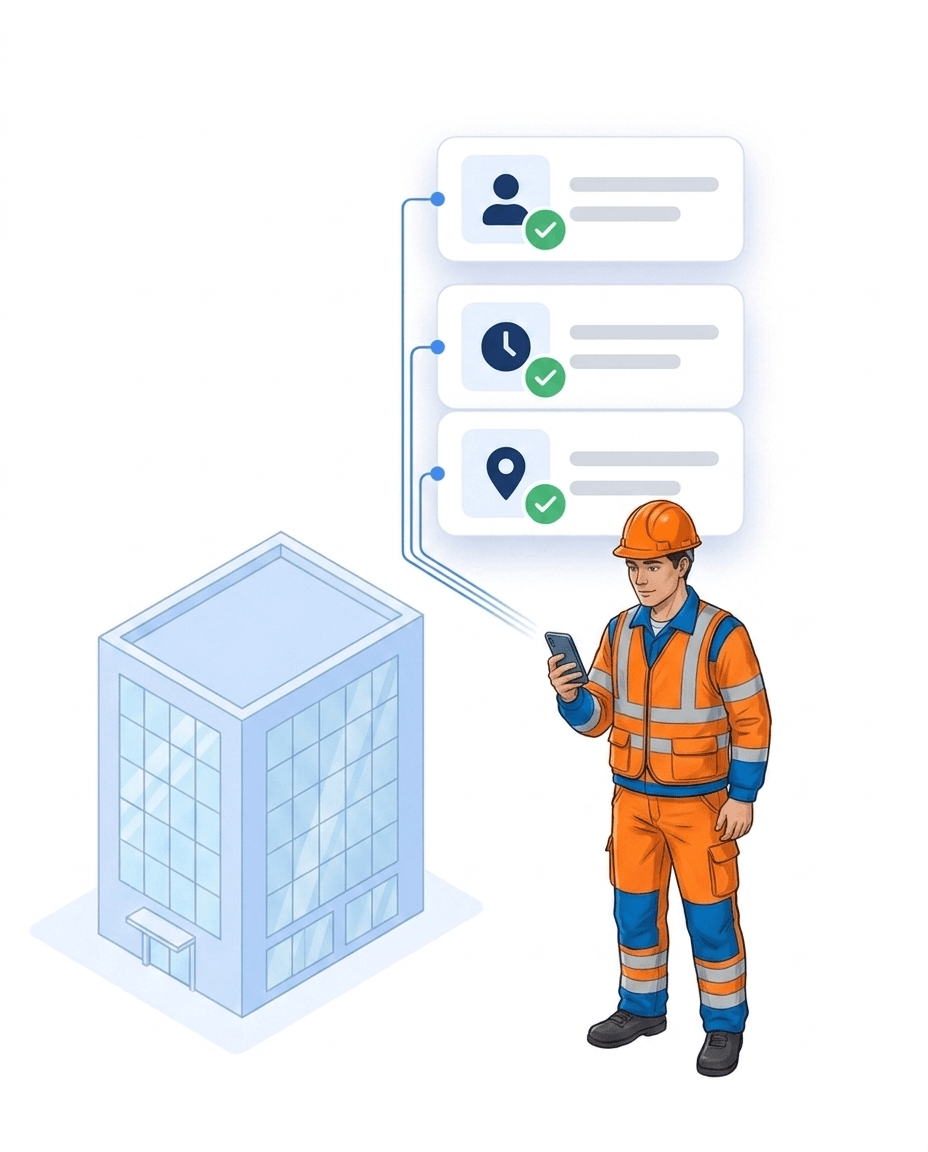
Companies use three main types of digital attendance tracking: (1) pure time tracking (start/end, mostly for payroll), (2) combined presence and site-context systems like LiteLog (incl. location, shift, punctuality), (3) industry-specific specialised tools (care, security, events).
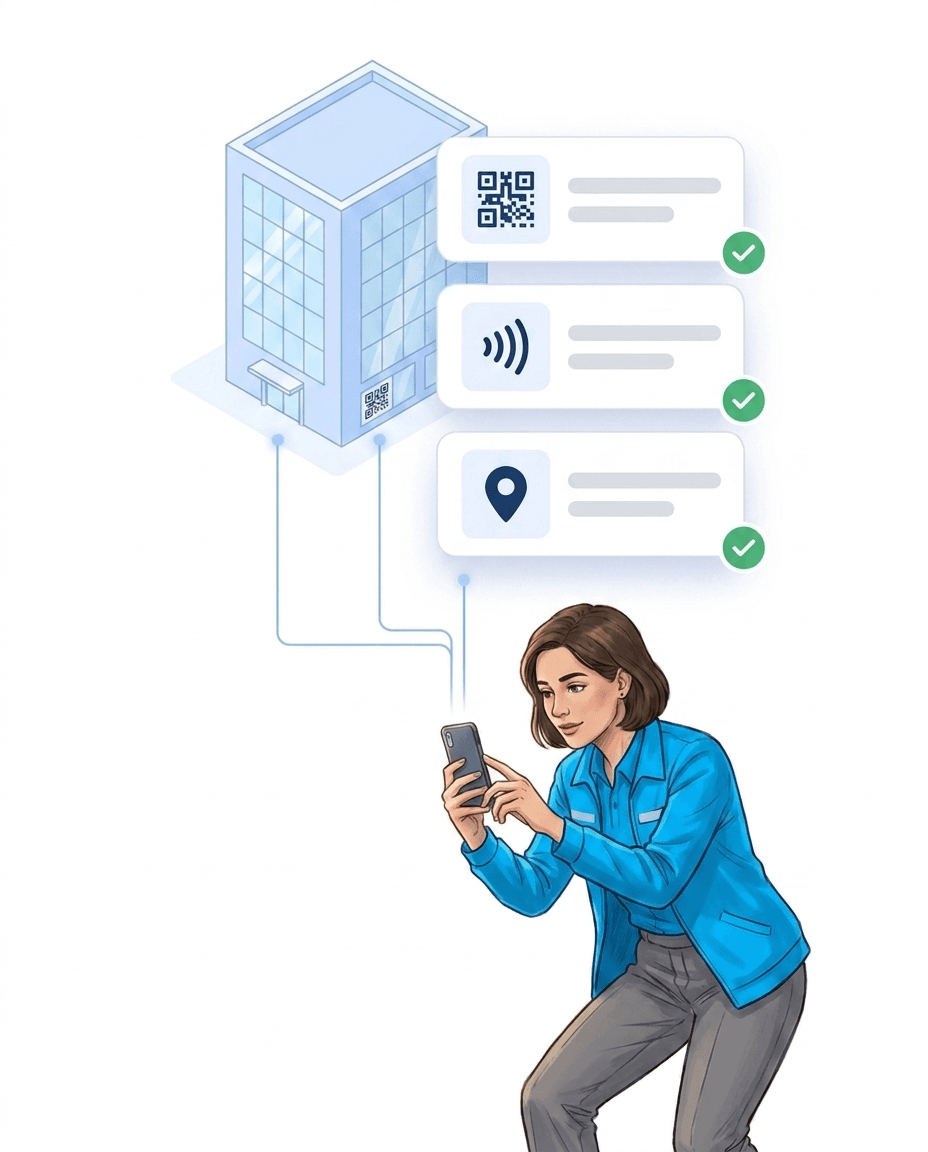
Digital attendance logging records attendance with software instead of handwriting and documents it in a traceable way – always tied to person, time, place and context.
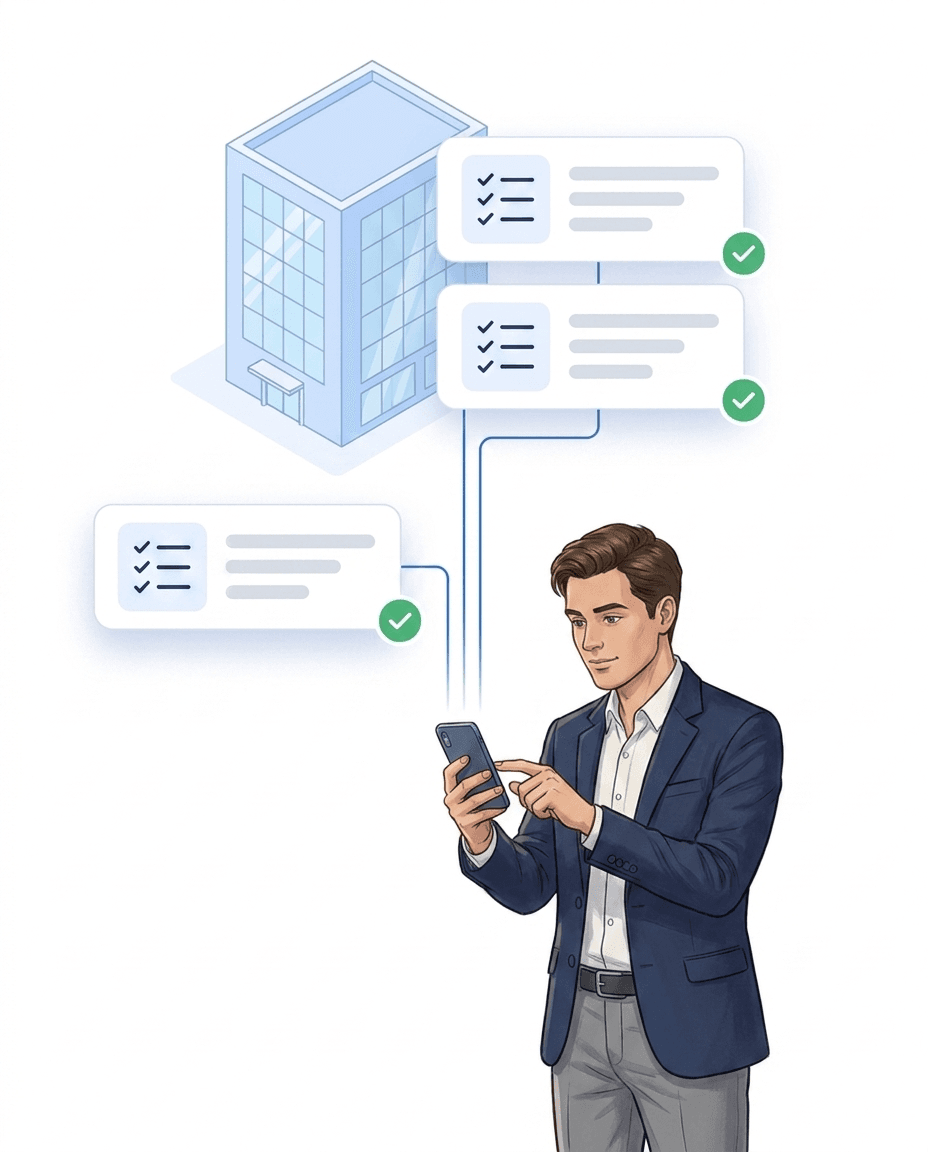
Paper lists and basic checkmark apps do not provide reliable evidence and are error-prone. The digital attendance list app replaces the handwritten sheet – staff check in on their phones, and the list is ready for review right away.
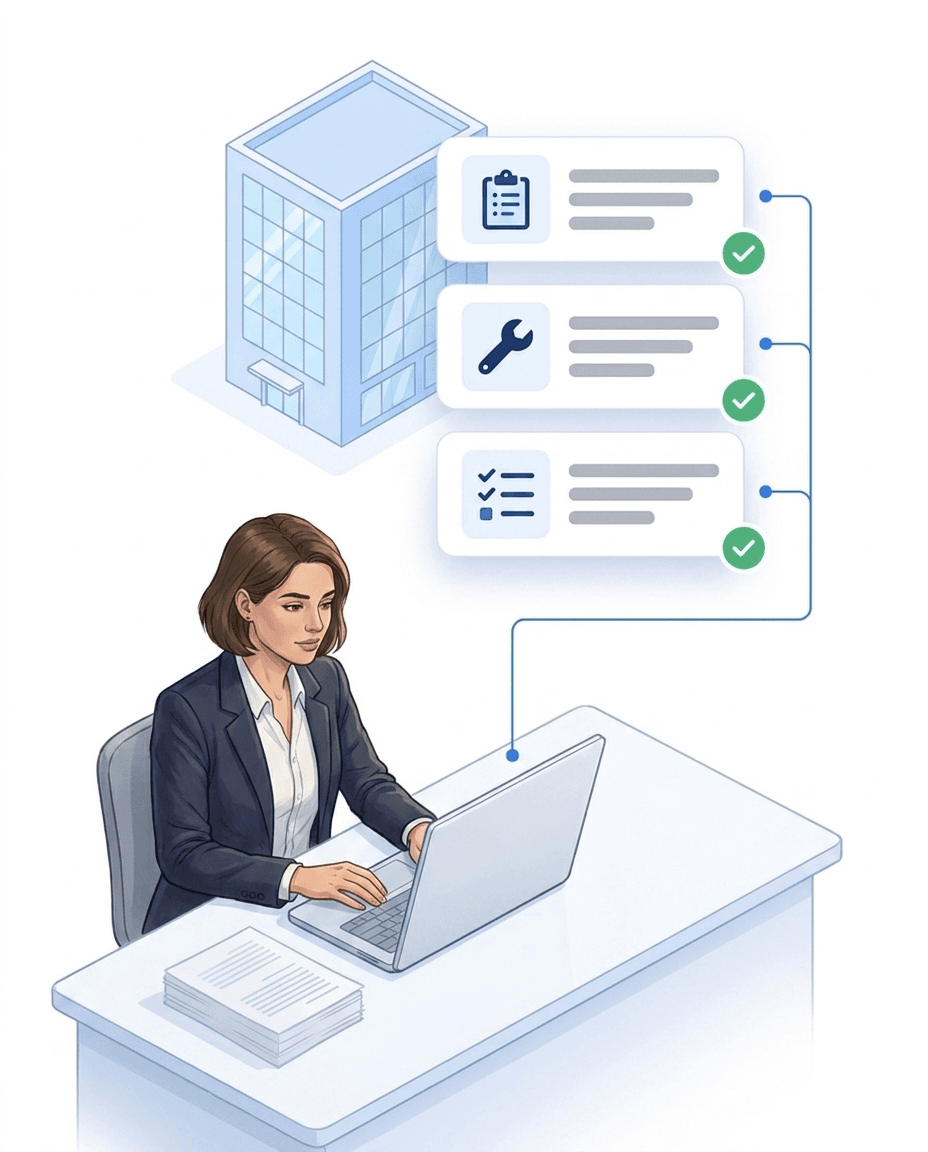
LiteLog guides you through the entire process – from check-in to export – and stores all information in an audit-proof way. A step-by-step setup guide is available in the product documentation.
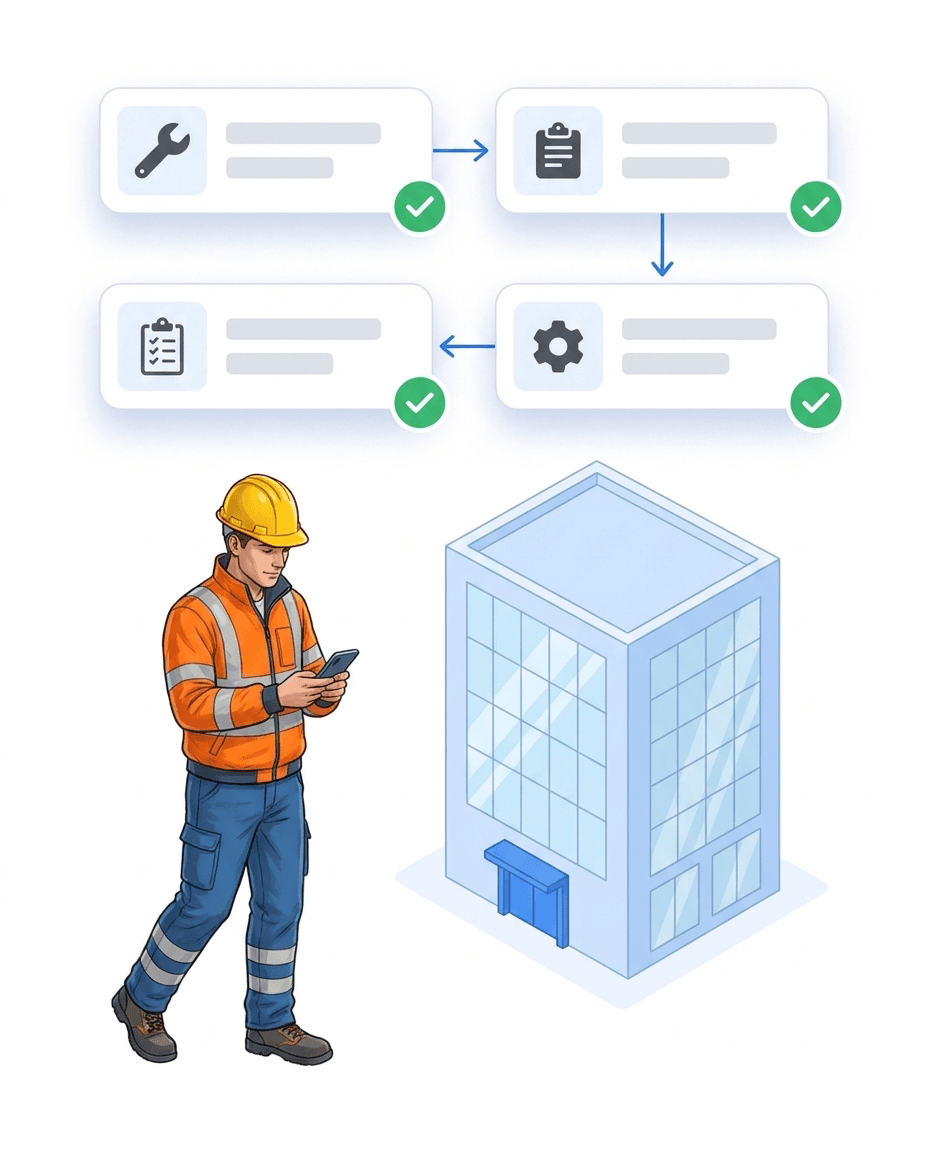
The same check-in that documents attendance feeds two more functions: the live overview for dispatch and — in an emergency — the digital evacuation list. Capture once, use three times.
Attendance is shown live in the dashboard – you can see at any time who is signed in, who is on duty, and who has signed out. The personnel status is derived automatically from check-ins, check-outs, and scans – with no manual upkeep.
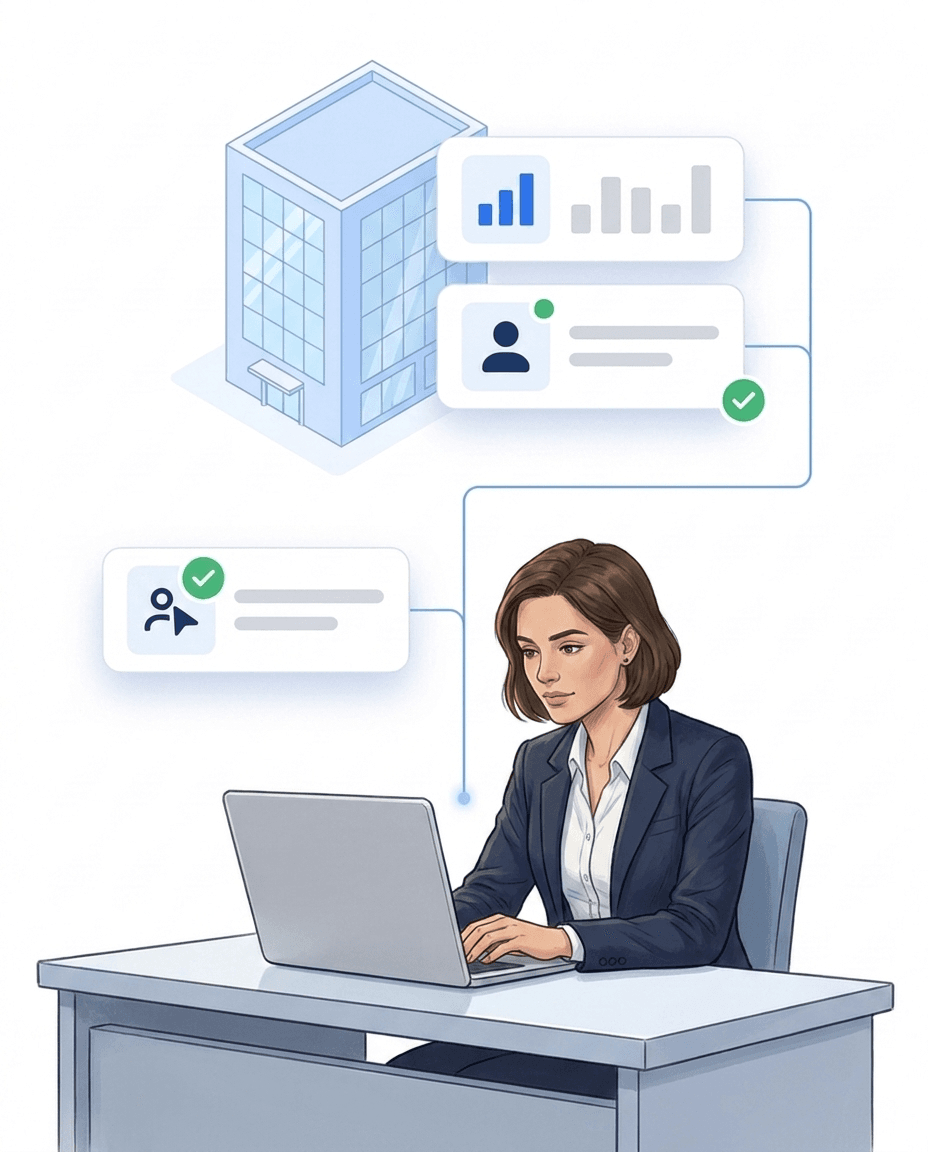
The live check requires lone workers to send a short confirmation at fixed intervals. If it does not arrive, LiteLog escalates automatically through alarm notifications and the rules of the workflow automation.
With the AI assistant Hannah, staff sign in and out of their shift directly in WhatsApp or Telegram – no app installation, they simply share their location. Hannah assigns the correct site automatically via geofence – in many languages.

More than 10 years experience in this industry
Digitization of cleaning schedules and patrol control
Read the customer story →Integrations
Hannah fits seamlessly into the software your company uses every day — calendar, CRM, messenger, and of course LiteLog.



Digital guard control systems with real-time visibility, clear proof, and alerts.

Customer story: Time tracking and performance proof for cleaning and facility teams.
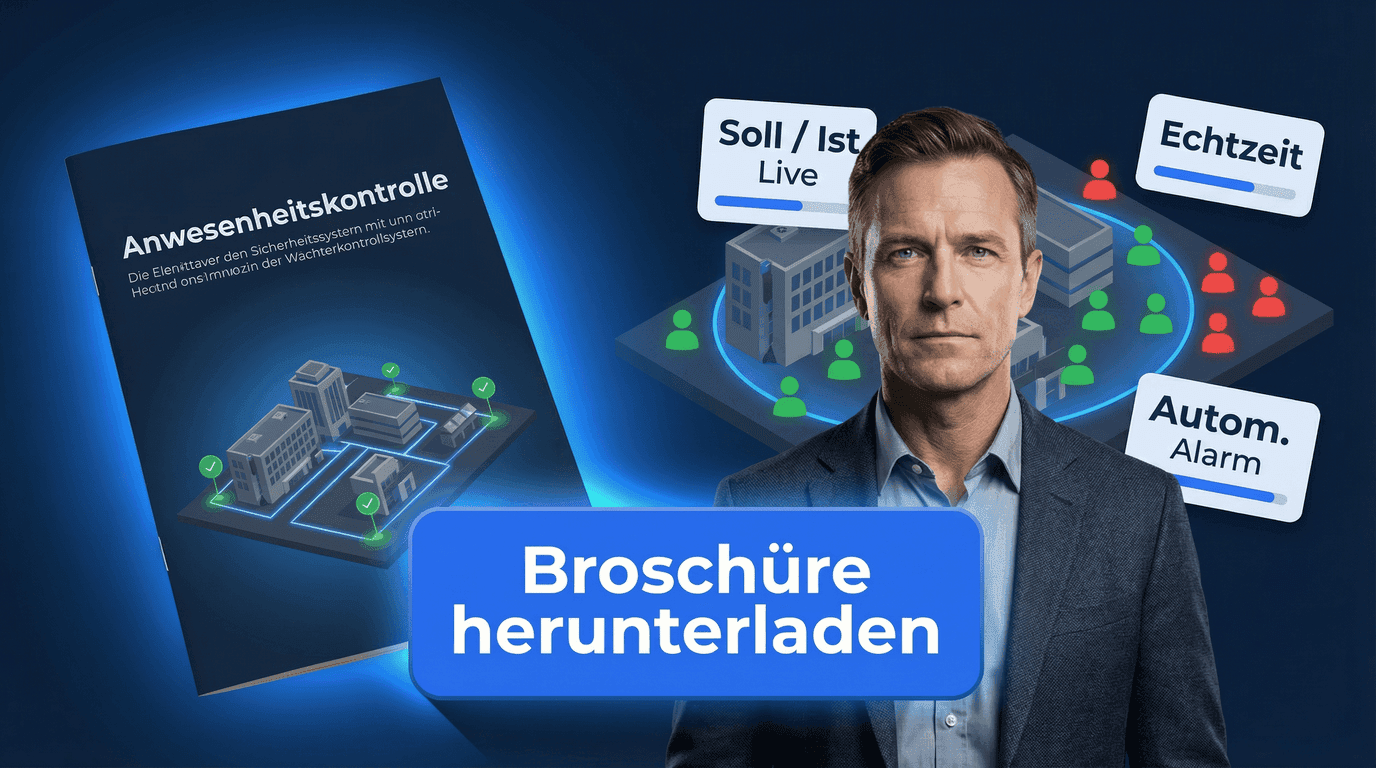
Check-ins, reporting, and compliance — tailored for attendance.
Digital check-ins with NFC & QR
Live overview and exports
Insights for municipalities and operators
LiteLog's attendance tracking app replaces paper lists and Excel: check-in via smartphone, QR code, NFC or kiosk — tamper-proof with time and location. You see live who is on site right now; in an emergency, one click turns it into the evacuation list.
Learn more aboutYour client should see patrol reports — but certainly not your payroll data. Roles define exactly who sees what: staff see their shifts, site managers their sites, clients only the reports you release.
Learn more aboutFire alarm — who is inside the building right now? From the running attendance data, LiteLog instantly generates the evacuation list: roll call at the assembly point, missing-person status live, final report automatic.
Learn more aboutYour team speaks Polish, Ukrainian or Turkish? Every employee uses the app in their own language — the same report appears to the site manager in yours. 15 languages for interface, emails and reports.
Learn more aboutUnderground car park without signal, basement without WiFi: the app captures scans and reports offline too and syncs automatically as soon as the connection is back. Access anytime via app, browser or terminal — no servers of your own.
Learn more aboutNight shift not started, patrol skipped, check-in missing? LiteLog doesn't wait for the monthly report — it alerts immediately, via push, email, SMS or phone call, optionally as a multi-level escalation chain.
Learn more aboutLiteLog offers seven proven capture methods that slot right into your workflows. Pick the option that fits your team best.
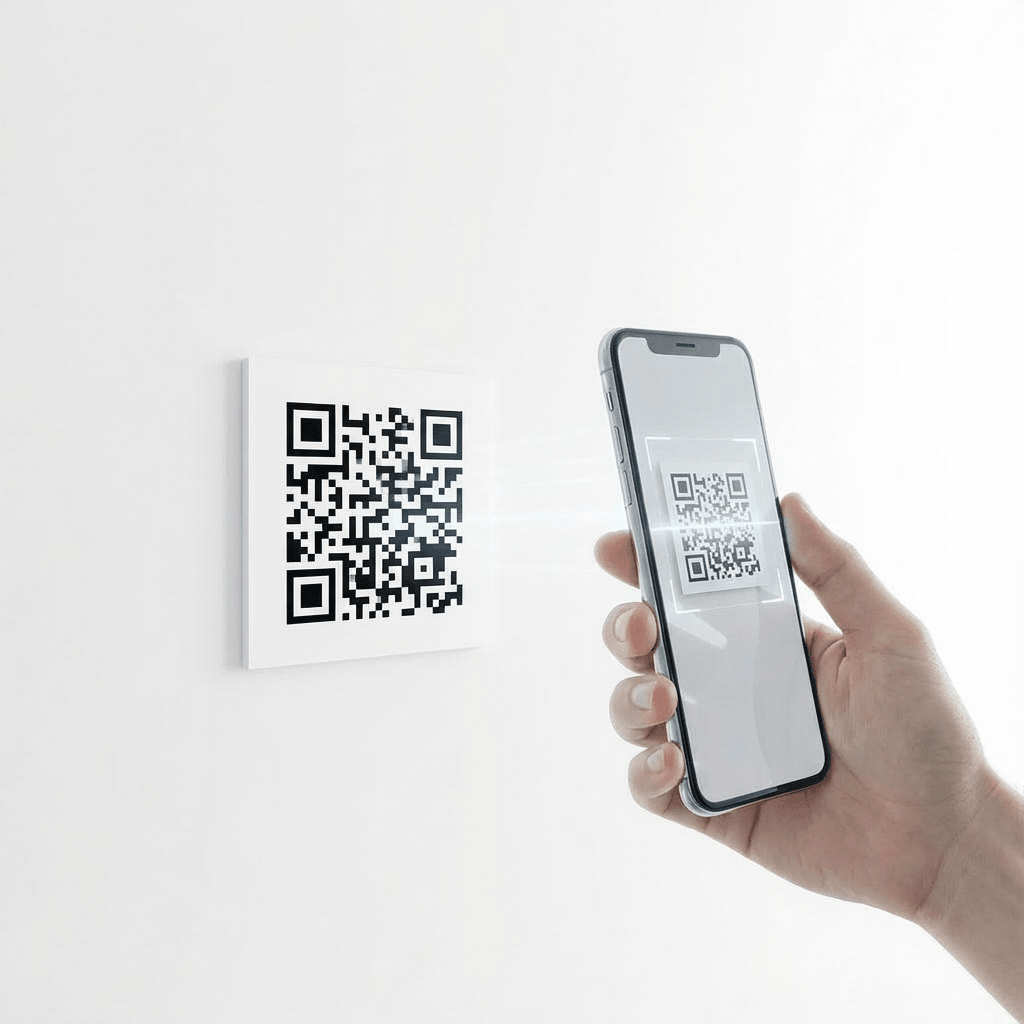
QR codes can be printed instantly or displayed on any screen. All that’s needed is a smartphone with a camera and the LiteLog app. Each scan automatically assigns the user to the correct location and shift or event. This ensures accurate check-ins without explanations or errors. Ideal for classrooms, lecture halls, and large groups.
Our Standards

We comply with GDPR. Your data stays in Germany and we guarantee the highest security standards.
Your data is securely hosted on German servers, protected by strict German data protection laws.

Backoffice works on any computer in the browser. We support iPhone and Android devices.
FAQ
For small and medium businesses, cloud-based time tracking systems without setup costs are a good fit. LiteLog is one such example: per-site billing (not per employee), unlimited employee count, 14-day free trial, hosting in Germany. Employees use their own smartphone with QR or NFC scan — no IT overhead and no expensive hardware.
The best tools for small companies combine simple setup with strong evidence. Criteria: (1) no IT overhead, (2) employees’ own smartphones are sufficient, (3) GDPR-compliant hosting in Germany, (4) attendance tied to site and time (not just start/end), (5) automated reports. LiteLog meets these criteria specifically for service industries (cleaning, security, facility).
Cloud-based providers for attendance tracking range from generic time trackers to industry-specific solutions. LiteLog hosts in Frankfurt on German servers, is GDPR-compliant, offers mobile apps for Android and iOS, and integrates attendance with site and shift context. No local installation, no VPN access required — access via any browser or the mobile app.
A digital attendance list records who was present, when and where – electronically instead of on paper. All entries are stored automatically and can be reviewed at any time.
A digital attendance list is created using software or an app. Participants check in via QR code, NFC or a tablet. Attendance is recorded automatically without manual paperwork.
Traditional PDF or Excel templates require manual entry and checks. Digital attendance logging replaces templates entirely by generating attendance lists automatically from real check-ins.
Attendance logging describes the process of capturing presence digitally. The attendance list is the resulting record that shows who was present and for how long.
Yes. Timestamps, user attribution and audit logs ensure that attendance data is traceable, verifiable and suitable for audits or inspections.
Yes. Attendance can be captured offline using NFC or local check-points. Data is synchronised automatically once an internet connection is available.
Digital attendance lists are commonly used for accommodations, care facilities, training sessions, events, sports clubs and distributed teams.
Yes. Attendance lists can be exported as PDF or CSV files and used for documentation, billing or submission to authorities.
Depending on the setting, you can use QR-code check-ins for classrooms and entrances, NFC tags for offline locations, tablet or terminal check-points for high footfall, and mobile GPS check-ins for outdoor areas or changing rooms.
Structured attendance data provides digital lists and time records, utilisation and participation statistics, and billing by session, person or timeframe. Exports as PDF, CSV or Excel support reporting for authorities or cost bearers.
Every check-in and check-out automatically receives a punctuality status: Early, On Time, or Late. The system also calculates the deviation in minutes — measured against the actual shift start or end time.
Early arrivals are recognised and automatically assigned to the correct shift. As long as the employee is still working when the shift begins, they count as present — no false alarm is triggered. The status still correctly shows “Early”.
Yes. For properties with multiple shifts (e.g. day and night), LiteLog automatically assigns each check-in to the nearest shift. This ensures seamless handovers, even when employees arrive early.
Yes. Paper lists are visible to anyone who holds them and can be photographed and shared instantly — once that happens, the data is beyond control. There is no access control, no retention limits, and no record of who viewed or distributed the data. Digital attendance lists protect the same personal data through encryption, role-based permissions, and automatic deletion — meeting the requirements for technical and organisational safeguards more effectively than any paper list.
LiteLog provides ready-made attendance list templates as Word and PDF downloads — tailored for security services, cleaning, facility management, care, and events. A printable template with date, time, and signature fields is available at /en/blog/anwesenheit-vorlage. If you would rather skip the printout and capture attendance directly on a phone or tablet, LiteLog replaces the template entirely — including a live overview and Excel export.
Yes. Employees without a smartphone sign in at the stationary on-site terminal — a tablet in kiosk mode or an NFC reader, using a personal card or chip. Alternatively, attendance can be recorded via WhatsApp or Telegram without installing an app. Both options are described in detail at /en/features/anwesenheit-per-messenger.
The personnel status is derived automatically from check-ins, check-outs, and scans, and can be extended with your own status definitions. This gives you a current picture of who is signed in, who is on duty, and who has signed out — without extra effort.
Yes. When a person signs in or out, the overview updates immediately for all authorised dispatchers. No separate message to the control room is needed.
The live check requires a short confirmation at fixed intervals. If it does not arrive, LiteLog escalates automatically through the rules you defined — first with a pre-alarm to the person on site, then by SMS and phone call to the control room and standby staff. Every step is logged.
No. The live check is an assistive function for lone worker protection and not a certified personal emergency signal system (PNA) under German DGUV rules. Where a certified system is required by law, it does not replace it.
End manual lists – LiteLog digitises attendance, patrols and visitor management.
100% GDPR compliant – hosted in Germany 🇩🇪