
Cleaning and maintenance in your gym
Prove the cleaning in every area and plan equipment maintenance. Defects reach maintenance staff with a photo, and shifts and hours live in one place.
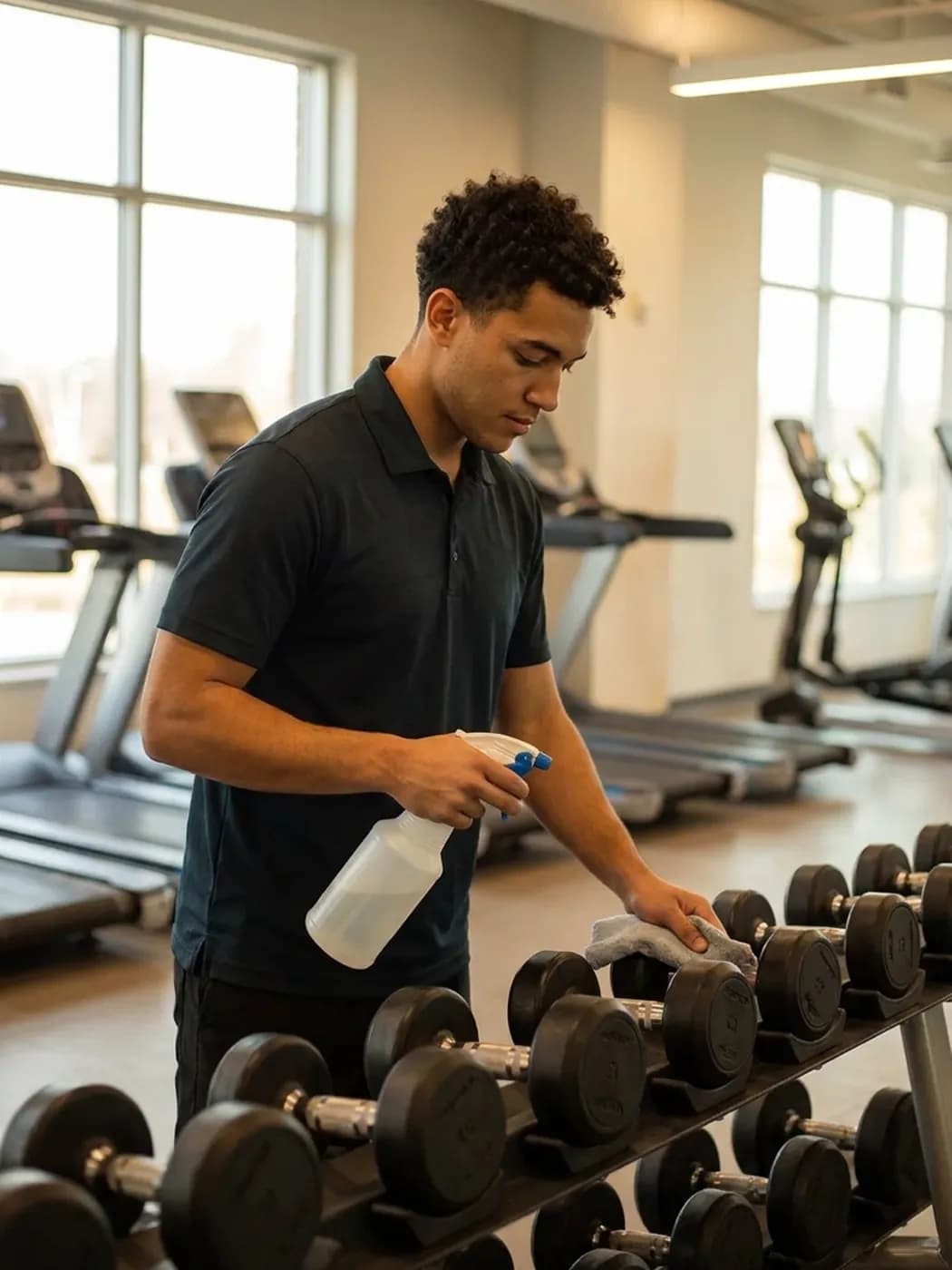
LiteLog for gyms and sports venues in 80 seconds
Task point, recurring cleaning, defects to facility tech and the exception dashboard: what LiteLog does for gyms.
A cleaning plan at every area
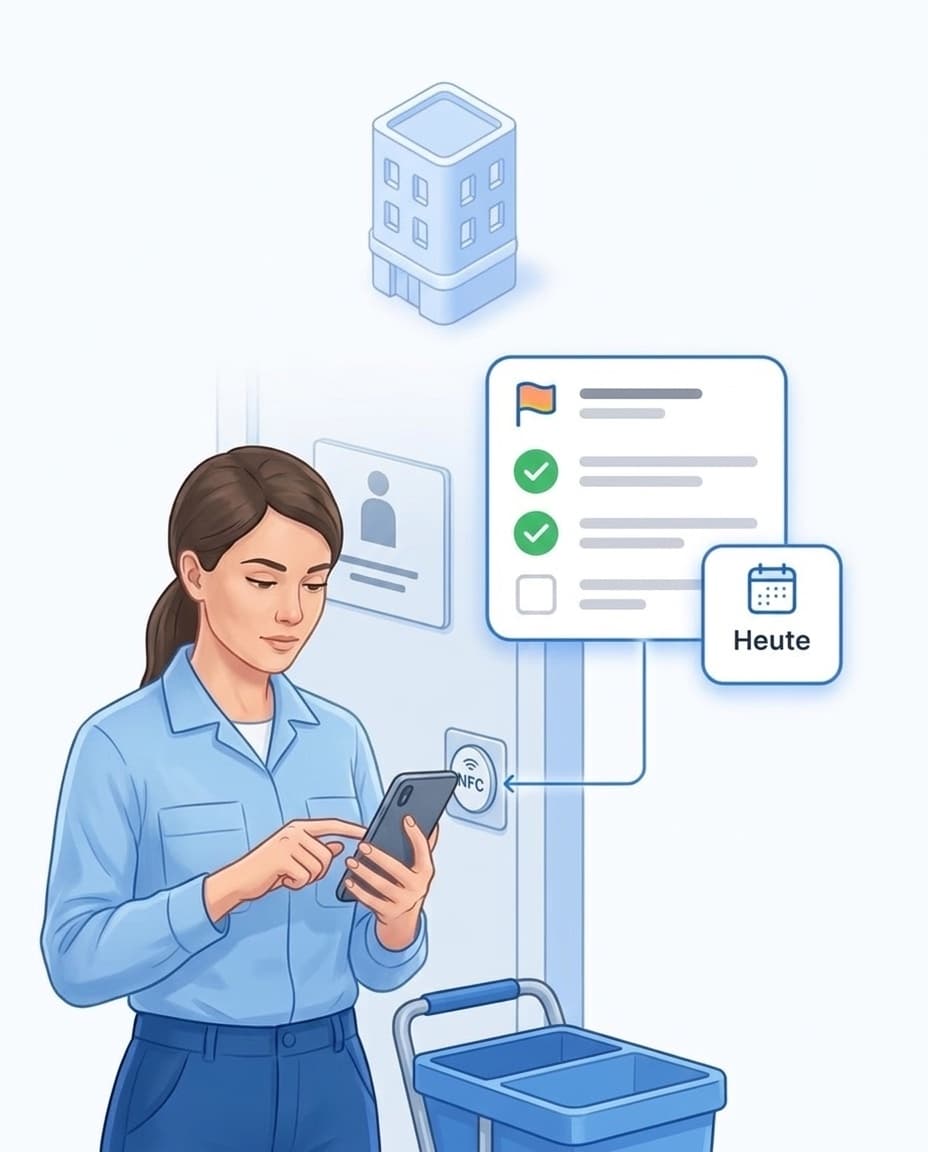
A QR code on the door shows your team what needs doing there today.
- ✓One code per area: Changing room, showers, sauna, studio or training floor each get a QR code or NFC tag.
- ✓Only what is due today: After the scan, your employee sees the tasks for this area.
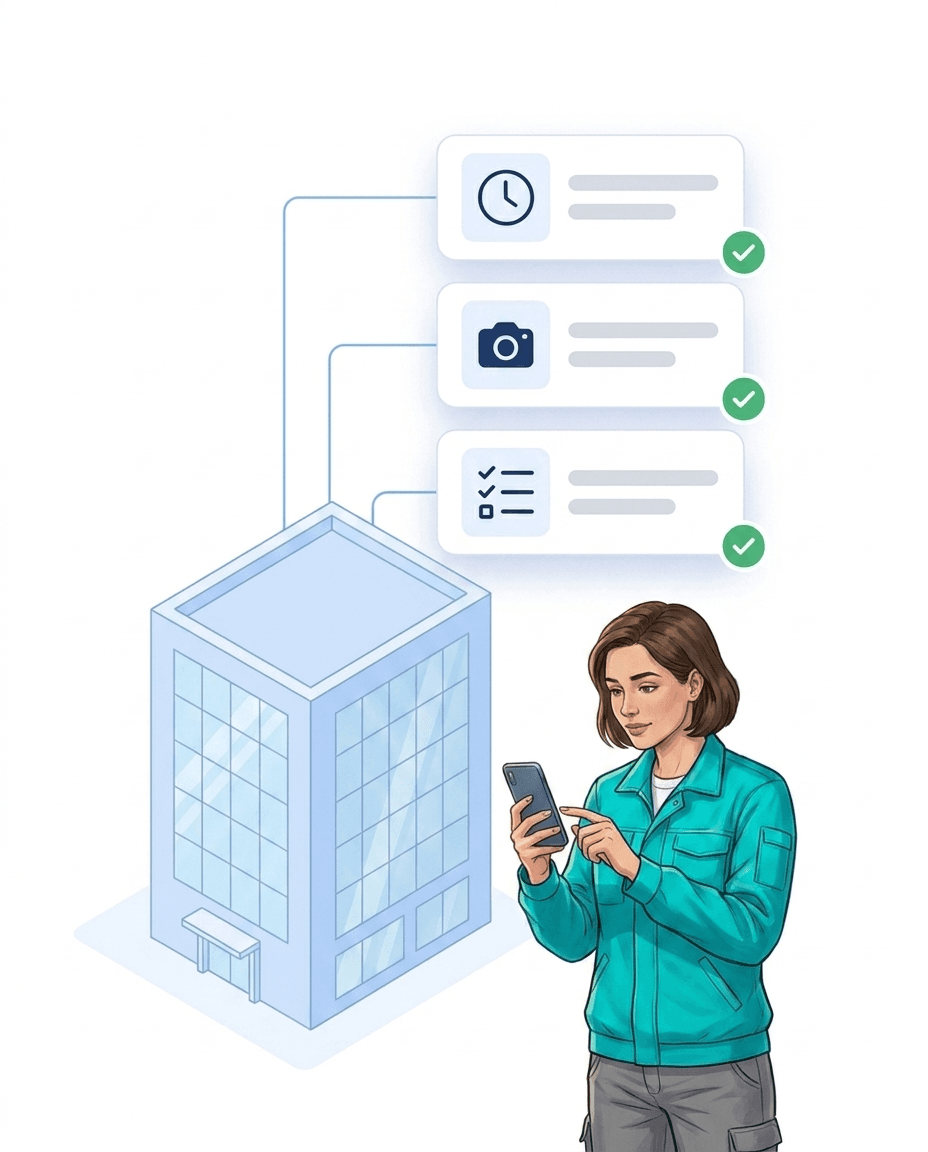
- ✓Checked off with a photo: Each item is completed with time and name, with a photo if you wish.
- ✓On site only: If you wish, a task can only be completed after scanning the area.
- ✓More on cleaning: See all features in the building cleaning software.
Cleaning and maintenance that plan themselves
Set up recurring work once, and LiteLog creates the dates.
- ✓Daily or on set weekdays: Washroom cleaning appears every day, deep cleaning on Sunday.
- ✓Equipment maintenance as a series: Treadmills, strength machines or ventilation get a fixed rhythm.
- ✓From the last completion: Filter changes and servicing can count from the last completed date.
- ✓Public holidays covered: Dates on closing days are moved automatically.
- ✓Rate at a glance: You see how many of the recent dates were completed.

Defect reported, maintenance informed
A broken machine no longer gets lost as a shout across the front desk.
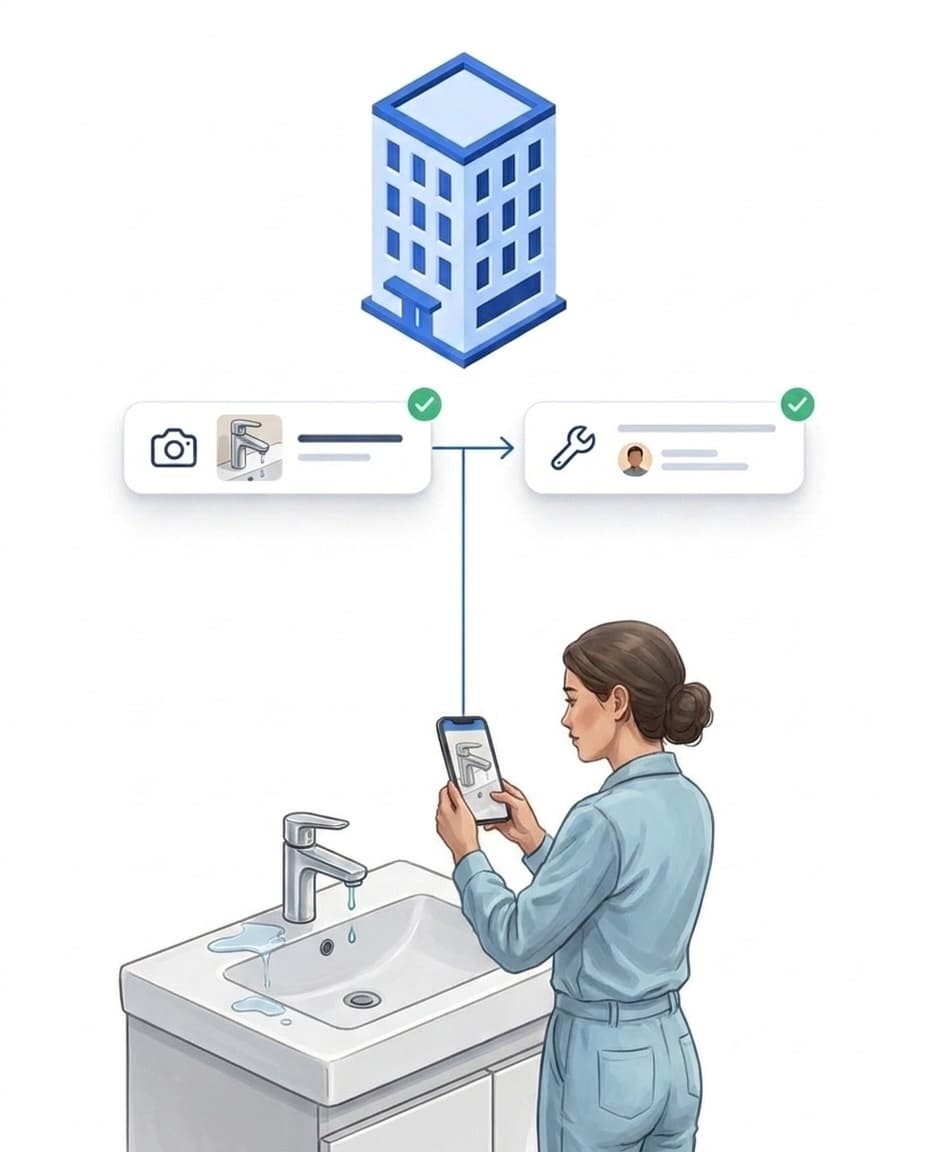
- ✓Report with a photo: Dripping shower or broken locker: take a photo, add a short note, send.
- ✓Turned into a task: A rule creates a task for maintenance staff from the report.
- ✓Cannot be done: If a task cannot be completed, your team picks a reason, such as “Equipment defective”.
- ✓Management informed: If an issue stays open, the gym manager gets a message.
- ✓More on maintenance: See the caretaker software for details.
Checklists for opening, closing and inspections
Your routines as a form in the app, the same for every shift.
- ✓Your own forms: Build your opening round, closing round or sauna check yourself.
- ✓Required fields: The form cannot be finished without a photo or entry, if you set it that way.
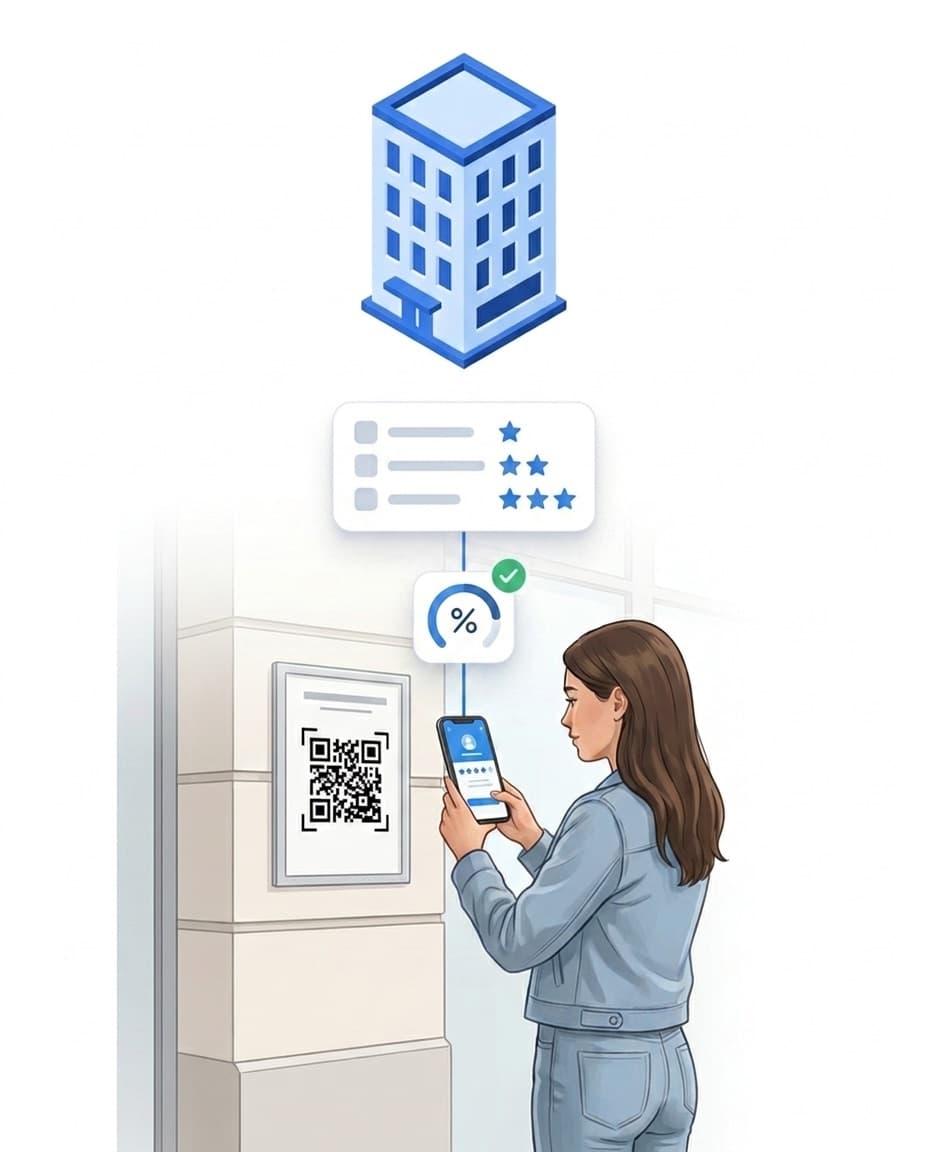
- ✓Score with a threshold: If an inspection scores below the threshold, a re-cleaning task is created.
- ✓More on quality checks: See the quality management software.
Shift schedule and hours for the whole team
Plan front desk, trainers and cleaning staff in one schedule.
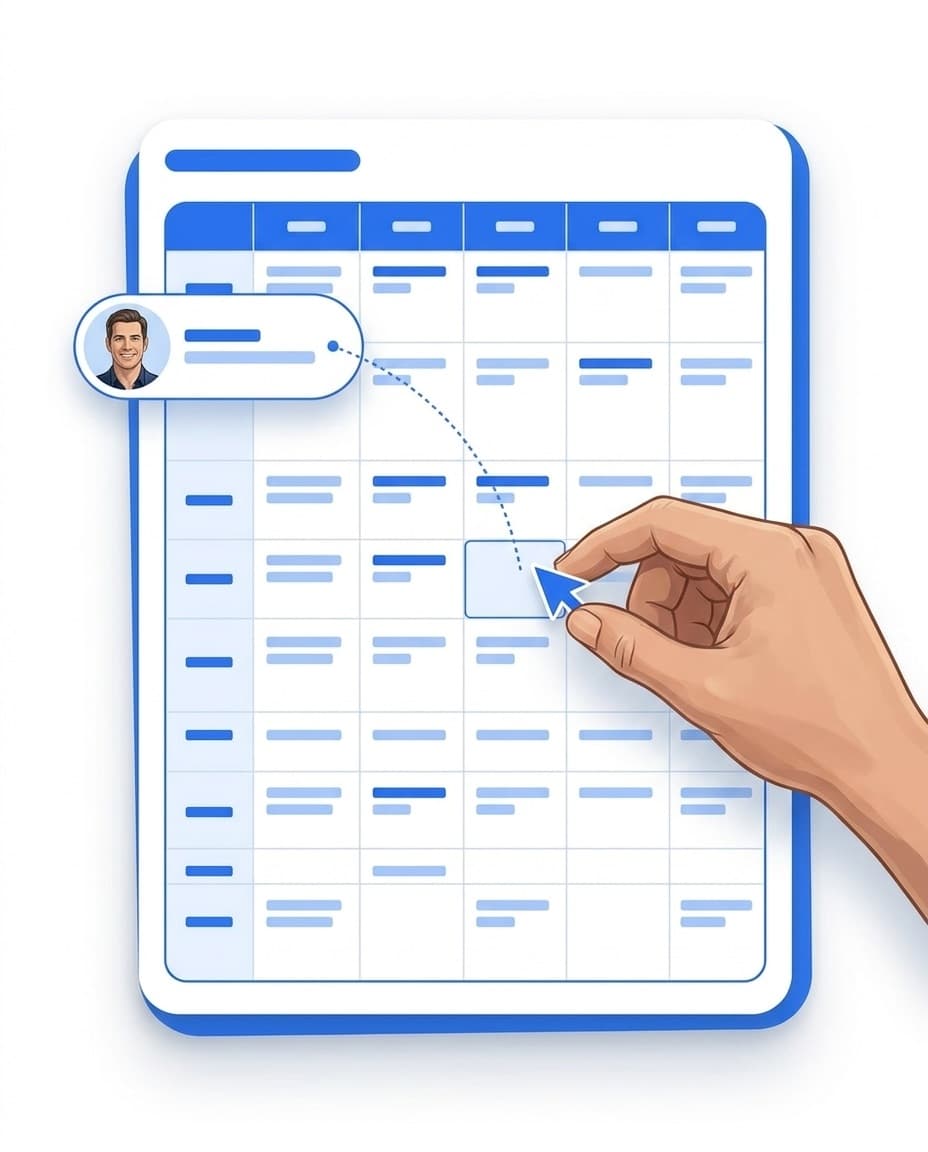
- ✓Plan shifts: Drag assignments in the calendar onto the right person.
- ✓Clock in at the gym: Your team clocks in and out with a QR code at the entrance.
- ✓Sick notes from the app: You approve them and fill the affected shift again.
- ✓Hours for payroll: Export working hours as CSV or Excel.
One chat for every shift
Messages to your team arrive straight in the LiteLog app.
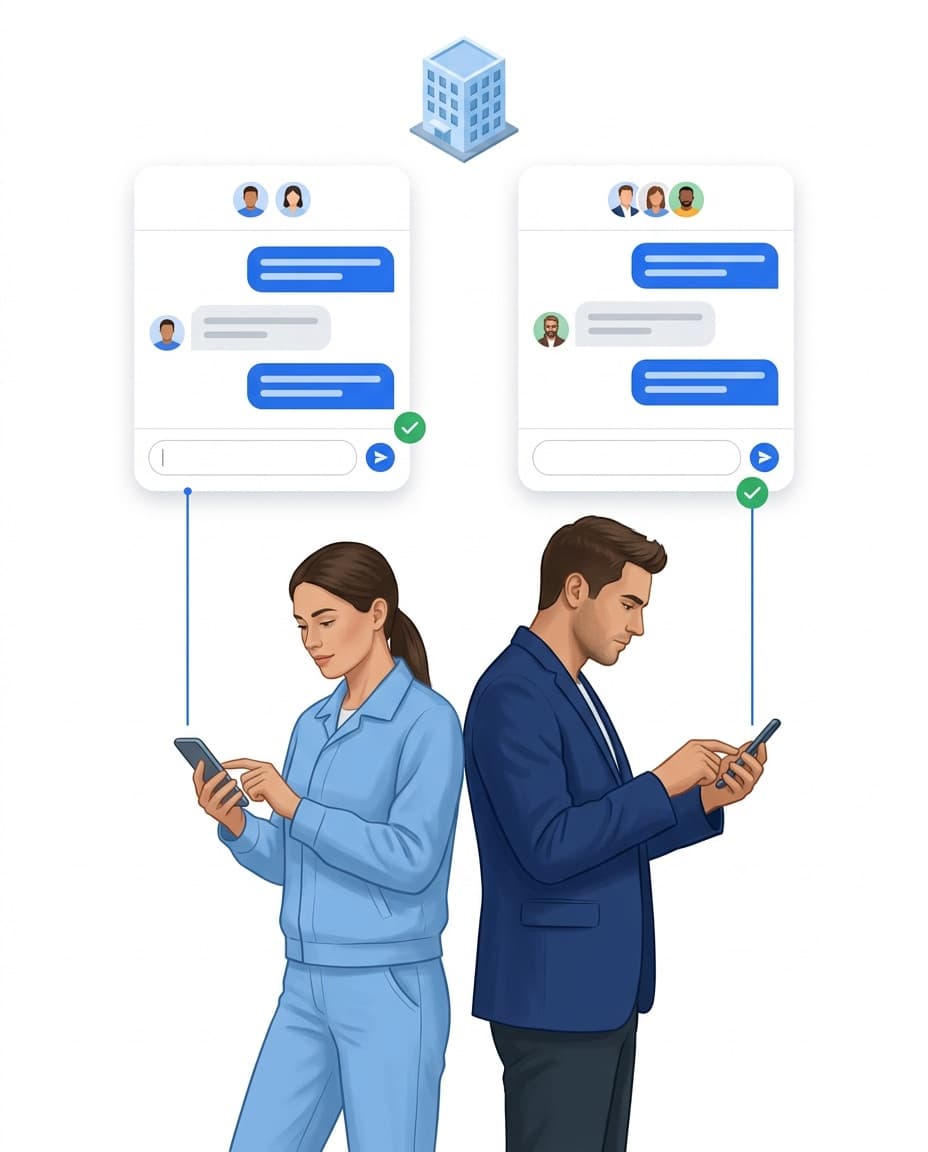
- ✓One person or a group: Write to one person, the night shift or the whole gym.
- ✓Ask for confirmation: Everyone confirms important notices with one button.
- ✓See who read it: Each message shows who has read it.
- ✓In their own language: The app comes in 15 languages, and forms are translated.
The gym manager sees what is open
Instead of walking the floor, you only see what needs attention.
- ✓Action needed today: Overdue tasks and open sick notes are listed at the top.
- ✓Several gyms: Each location is its own site, all in one account.
- ✓Roles and rights: Front desk, cleaning and maintenance only see what they need.
- ✓Proof as a PDF: Export who did what and when with one click.

Sign up today, start today
With LiteLog you start right away, without hardware or a long setup.
- ✓Sign up: Try free for 14 days, no credit card needed.
- ✓Print QR codes: Print one code per area and put it up.
- ✓Invite your team: Download the app, sign in, get going.
- ✓Flexible: Cancel monthly, adjust seats at any time.
FAQ
Frequently asked questions about LiteLog
What does LiteLog do in a gym?
LiteLog organises the work behind the scenes: cleaning, maintenance, defects, shift schedules and working hours. Membership management, class booking and member access are not covered by LiteLog.
Which areas of a gym can I set up?
Any area you want to record separately: entrance, training floor, studios, changing rooms, showers, sauna or plant room. Each area gets its own QR code or NFC tag.
How do I prove the cleaning of changing rooms and showers?
Your employee scans the code at the area and checks off the due items, with a photo if you wish. Time and name are saved, and the record can be exported as a PDF.
How do I plan maintenance of the training equipment?
Create a recurring task per machine or group of machines, for example monthly or yearly. If you wish, the next date counts from the last completion.
How does maintenance staff find out about a broken machine?
Your team reports the defect with a photo in the app. A rule under Automation turns it into a task for maintenance staff and informs management if it stays open.
Can I run opening and closing rounds digitally?
Yes. You build the checklist as a form with your own questions, required photos and required fields. Your team fills it in in the app, and the result is saved with time and name.
Can I schedule shifts for front desk, trainers and cleaning?
Yes. In the schedule you assign shifts by drag and drop. Your team clocks in and out with a QR code at the gym, and you export the hours for payroll.
Can staff with limited German use the app?
The app is available in 15 languages. Forms and checklists appear in the language each person has set in their account.
Is LiteLog suitable for several gyms?
Yes. Each gym is its own site with its own areas, tasks and team. Management sees all locations in one account.
An external company does our cleaning. Does LiteLog still help?
Yes. If the cleaning company works with LiteLog, it can give you customer access. There you see the released records and open your own tickets.
Your gym under control.
Sign up and get started today. Free for 14 days, no credit card needed.