
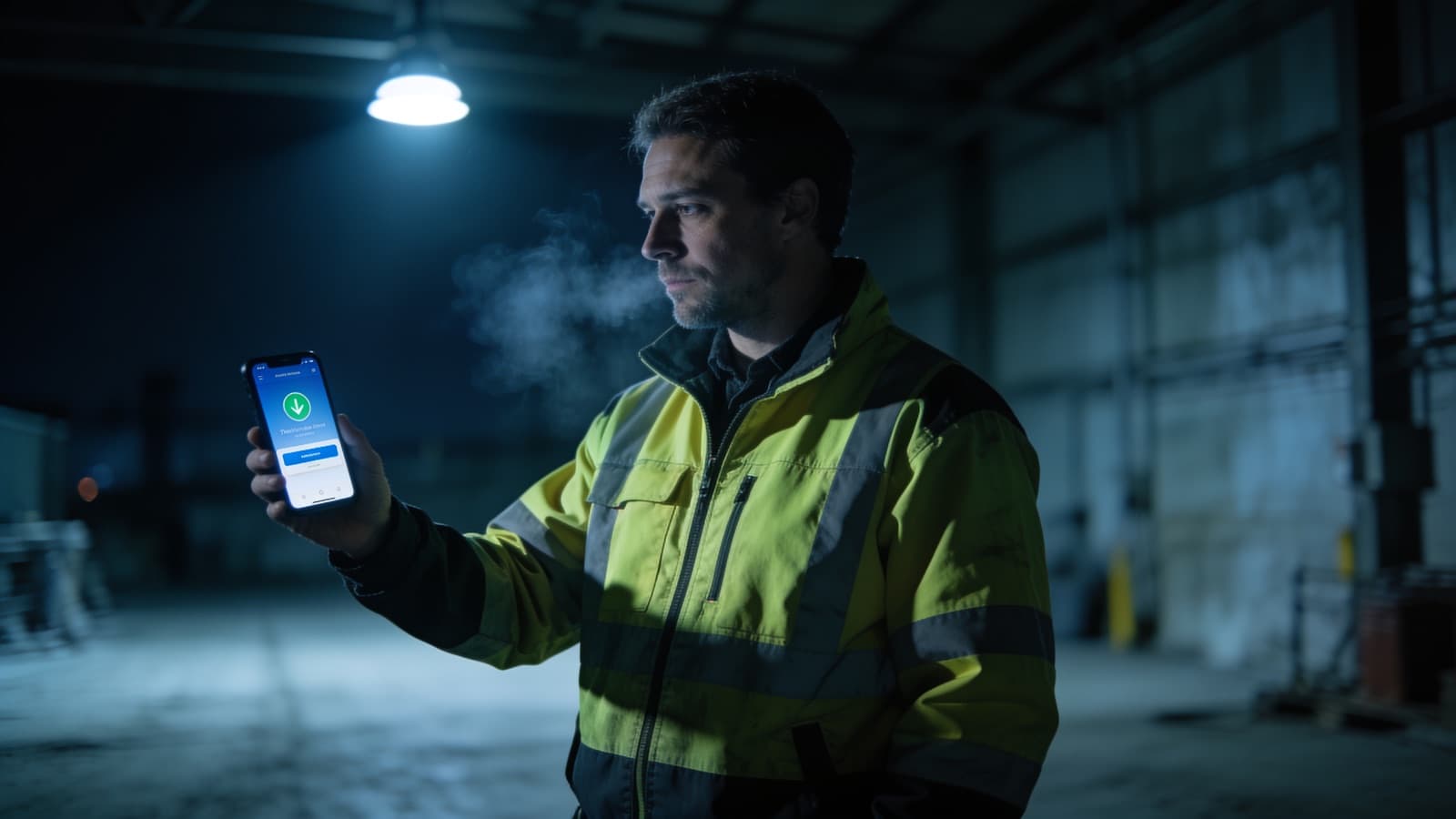
Dead Man Switch: Lone Worker Protection as a Smartphone App
A dead man switch (also called a dead man's switch or lone worker alarm) triggers an automatic alert when a person stops responding. Originally developed for industrial machinery — locomotives, forklifts, heavy plant — the concept now protects lone workers in security services, facility management, cleaning, and hazardous environments. With LiteLog, this protection runs as a smartphone app — no dedicated hardware required.
Whether you call it a dead man switch, dead man's switch, man-down alarm, lone worker device, or personal emergency signaling system — the core function is the same: periodic liveness confirmation and automatic escalation if confirmation stops.
What Is a Dead Man Switch?
A dead man switch is a safety mechanism that requires regular confirmation from a person. If the expected response fails to arrive within a defined interval, the system assumes an emergency and triggers an alarm automatically.
In industrial settings, dead man switches have been standard for decades — on locomotives, forklifts, and heavy machinery. The digital version applies the same principle to lone worker protection: employees confirm their status at regular intervals via their smartphone. If a confirmation is missed, the system escalates immediately.
When Is a Dead Man Switch Required?
Lone workers face higher risks because no colleague is nearby to notice an emergency. Typical scenarios include:
- Security patrols at night — guards on solo rounds in remote or poorly lit areas.
- Facility management — technicians working alone in basements, rooftops, or plant rooms.
- Hazardous environments — chemical plants, construction sites, or industrial facilities.
- Cleaning services — staff working alone in buildings outside business hours.
In Germany, DGUV Vorschrift 1 (Section 8) requires employers to assess the risks of lone work and implement appropriate protective measures. A digital dead man switch is one of the most effective solutions.
How Does a Digital Dead Man Switch Work?
The principle is straightforward:
- Interval check-ins — The app prompts the employee at configurable intervals (e.g., every 15, 30, or 60 minutes).
- Confirmation — The employee taps a button on their smartphone to confirm they are safe.
- Automatic alarm — If the confirmation is missed, the system triggers an alert after a grace period.
- Escalation chain — The alarm notifies the dispatcher, supervisor, or emergency contact — step by step until someone responds.
- GPS position — The last known location is transmitted with the alarm, so responders know where to look.
Dead Man Switch App vs. Dedicated Hardware
Traditional dead man switch devices are standalone units worn on the body. They detect tilt, motion loss, or missed button presses. While reliable, they come with significant drawbacks:
| Criteria | Dedicated Device | Smartphone App (LiteLog) |
|---|---|---|
| Cost | EUR 200–500 per unit | Included in the LiteLog subscription |
| Additional hardware | Required | None — runs on any smartphone |
| GPS tracking | Often limited | Built-in, high accuracy |
| Escalation logic | Basic or none | Configurable multi-level chain |
| Integration | Standalone silo | Combined with time tracking, guard tours, and reporting |
| Deployment | Device procurement and setup | Ready in minutes |
A smartphone app eliminates the need for extra devices, reduces cost, and integrates lone worker protection directly into the daily workflow.
LiteLog Dead Man Switch Feature
LiteLog includes a built-in dead man switch as part of its security service solution — described in detail on the personnel status & live check feature page. Key capabilities:
- Configurable intervals — Set check-in frequency per shift, role, or site.
- Automatic escalation — Missed check-ins trigger alerts to dispatchers, supervisors, or external contacts.
- GPS position on alarm — The last known location is shared immediately.
- Audit-proof documentation — Every check-in and every alarm is logged with a complete evidence chain.
- Combined with guard tours — Use the dead man switch alongside digital patrol rounds in a single app.
No additional hardware. No separate system. One app for time tracking, patrols, incident reports, and lone worker protection.
Worth noting: lone worker assignments often qualify for shift premiums. See our overview of security guard salaries in Germany for typical hourly rates, night-shift bonuses, and the impact of the §34a qualification on pay.
Dead Man Switch in Occupational Safety: Terms and Scope
Several terms describe the same concept:
- Dead Man Switch — the physical button or app function used to confirm
- Dead Man's Switch — alternative English spelling, same meaning
- Lone-worker emergency device (PNG, Personen-Notsignal-Gerät) — the established term in German occupational safety, often combined with additional sensors (fall detection, tilt, no-motion alarm)
- Totmannschalter / Totmannschaltung — the German technical terms
In occupational safety, the dead man switch is the standard solution for meeting the duty of protection for lone work. German DGUV Vorschrift 1 requires appropriate risk mitigation — dead man switches, lone-worker emergency devices, or equivalent solutions fulfil this requirement in a documented and traceable manner.
Note: Outside occupational safety, the term dead man switch is also used for functions on locomotives, forklifts, lawnmowers, and angle grinders. These machine-side dead man switches follow the same principle — response required, otherwise emergency stop — but are technically separate systems and not the subject of this article.
Conclusion
A dead man switch app replaces expensive standalone devices with a smartphone-based solution that is faster to deploy, easier to manage, and fully integrated into existing workflows. LiteLog provides automatic interval check-ins, configurable escalation chains, and GPS positioning — everything needed to protect lone workers reliably and document compliance with occupational safety regulations.
Templates for Security Services
- Timesheet template 2026 (PDF & Excel) — MiLoG-compliant, free download.
- Attendance list template (PDF & Excel) — for shift start documentation and night-shift records.