
Online Guard Tour System (WKS)
Chip on the wall, phone against it, point turns green. LiteLog documents every patrol with time, place and person. The proof reaches your client automatically.

What is a guard tour system and how does it work?
A guard tour system documents the patrols of security staff. It used to be a key clock or data collector, today it is a smartphone. Every scan stores time, checkpoint and person in a tamper-proof way. If you like, the app also checks the location.
- ✓Checkpoints: NFC chip, QR code, beacon or GPS point at the site.
- ✓Patrol by smartphone: the guard scans every point with the app.
- ✓Proof: PDF report for clients, insurers and auditors.
How do I document patrols digitally?
1. Attach points
NFC chip, QR code or beacon on doors and rooms.
2. Plan and walk the patrol
Points, order and time windows in the portal. The app guides point by point.
3. Proof
PDF automatically, every change visible.
The proof arrives before the client asks
Many security contracts require patrols to be documented without gaps. LiteLog records who was at which point and when. That becomes proof your client can check themselves.
- ✓Dispatch plan: the patrol report goes to your client daily, weekly or monthly as a PDF. With scanned and missing points and the photos of incident reports.
- ✓On complaints: you show when the point was last checked.
- ✓Client access: your client sees patrols, incidents and reports directly.
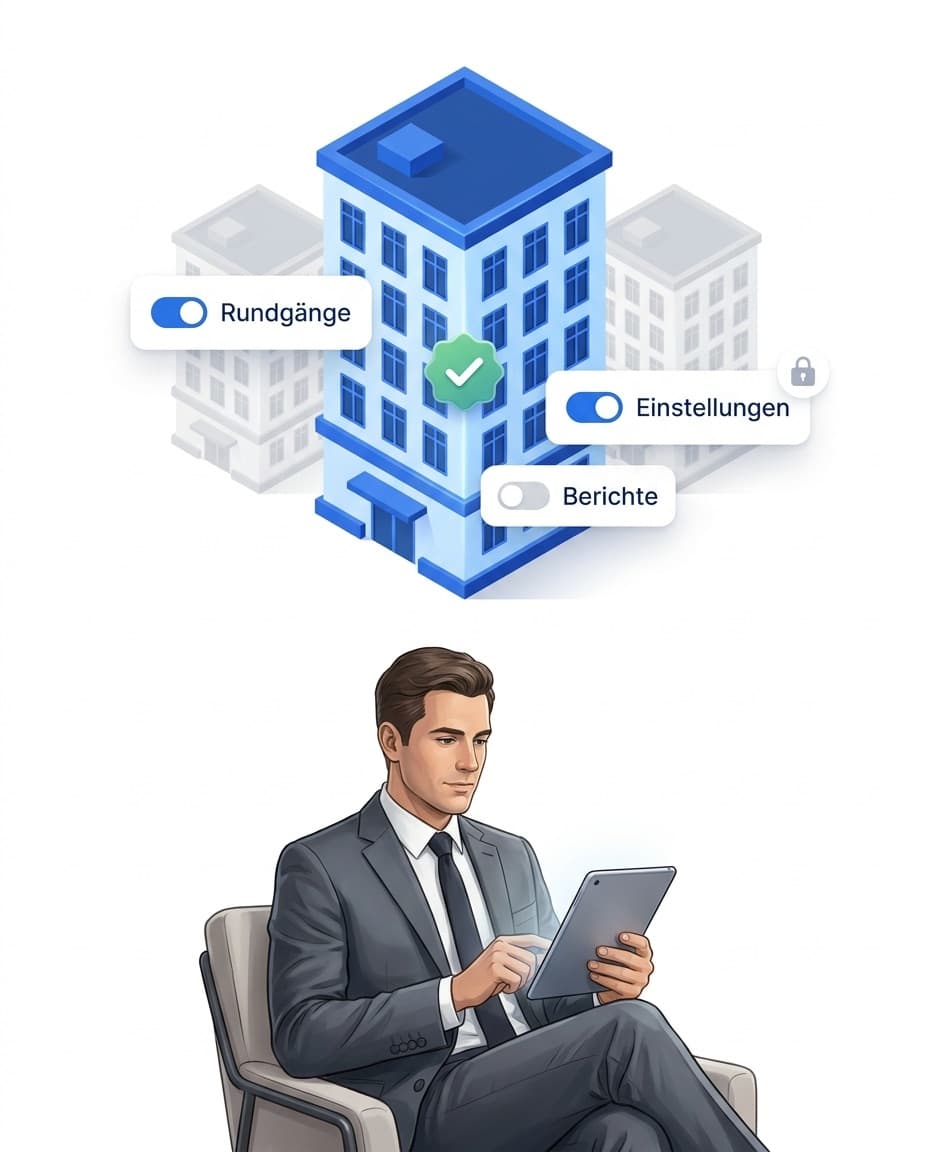
An alert when something does not happen
A paper guard book never speaks up. LiteLog does. If a point is missed, a patrol fails or a shift does not start, operations management knows at once.
- ✓Notification by push and email: in every plan. Whoever acknowledges stops the chain.
- ✓Escalation by your rules: SMS and call to the control room as an add-on. More under alerts.
Incident reports with text snippets and photo
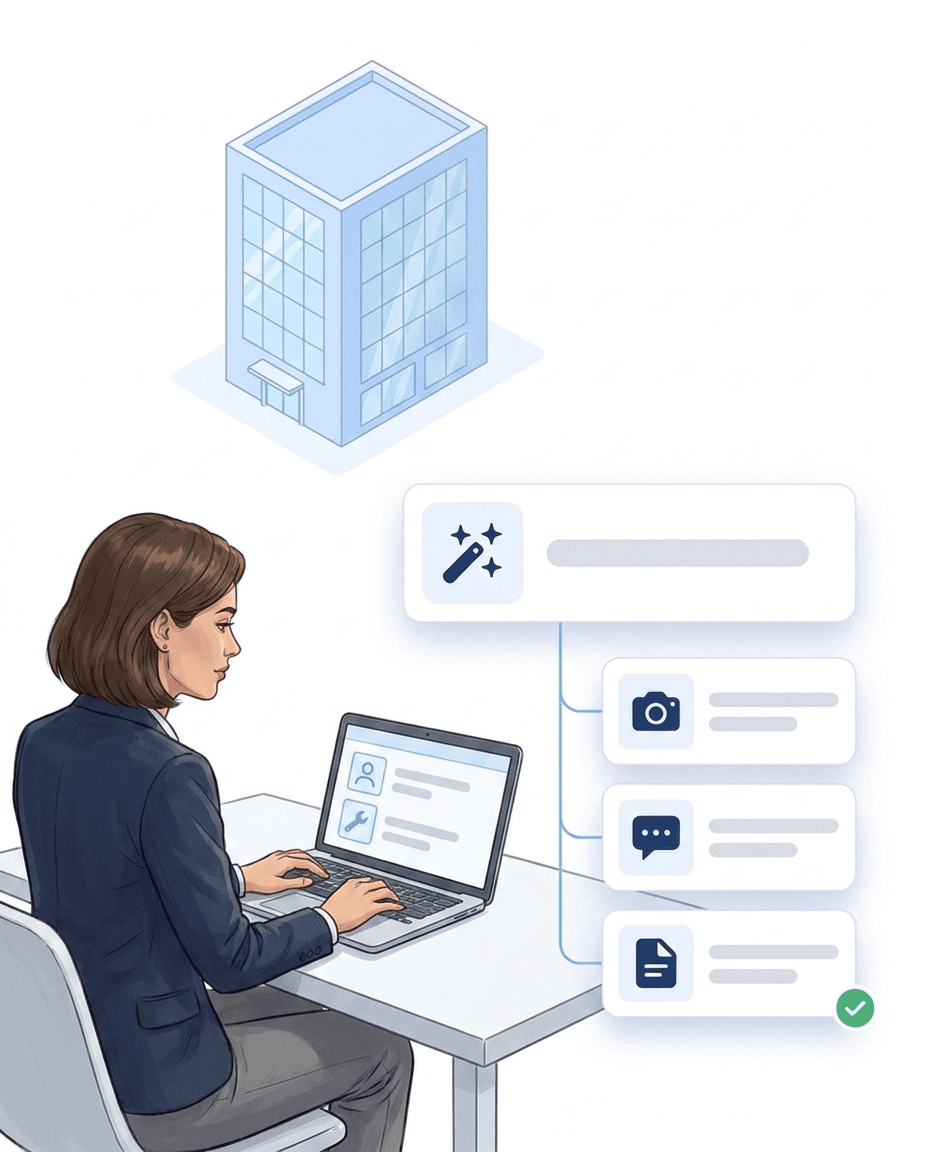
Parking violation, open gate, damaged fence: an incident report takes three taps. Pick a text snippet, add a photo, send. Time, place and person are set by the app.
- ✓Text snippets with one tap: standard wording such as “car park checked, violations ticketed” is inserted by the guard with a single tap, offline too. A sample catalogue for public order and parking enforcement is ready to use.
- ✓Photo, category, checkpoint: every report carries up to eight photos, a category and the checkpoint where it was created. Voice memos are transcribed on request.
- ✓AI sorts it in, you keep the last word: once enabled, AI categorisation suggests category and severity and evaluates the photo as well. An AI budget is included in every plan.
Des entreprises qui travaillent avec LiteLog.
Des gens du métier. Des retours du quotidien.

„Clair, expliqué rapidement et à l’épreuve des audits. C'est exactement ce que nous recherchions.“

„M. Bamesberger nous a accompagnés personnellement sur place. Dès le premier contact, tout était très agréable.“

„Nos techniciens documentent la maintenance et les dépannages directement sur place, avec photo et heure. Le client a la preuve avant même que nous ayons quitté le site.“
Fonctions
Cinq briques qui portent le quotidien sur site.
Rondes
Chaque point de contrôle est scanné, avec l’heure. S’il en manque un, vous êtes prévenu.
Suivi de présence
Vous voyez qui est dans quel bâtiment en ce moment.
Pointage par QR et NFC
Arrivée et départ par scan sur site. Chaque pointage porte l’heure et le lieu, les heures sont prêtes pour la facturation.
Notre IA au téléphone, dans le chat et dans l’application
Hannah répond aux appels, répond aux questions sur LiteLog, classe les signalements et crée des tâches. Jour et nuit.
Vers la page IA
ChatGPT, Claude et intégrations
Demander, configurer, créer directement dans votre IA. Signalements, rendez-vous et contacts arrivent dans les outils que vous utilisez déjà.
Comment connecter LiteLog


FAQ
Häufige Fragen zu LiteLog
What does WKS (guard tour system) mean?
WKS is the German abbreviation for Wächterkontrollsystem, a guard tour system. It proves that checkpoints were checked at the planned time. It used to be a key clock, today it is a smartphone app with NFC chips or QR codes. It is used in site security, mobile patrols and plant security.
How much does a guard tour system cost?
Classic systems cost key clocks or data collectors, plus maintenance and PC software. LiteLog is a monthly licence from €79, without special hardware or setup fees. You test free for 14 days.
Are there guard tour systems with GPS tracking for security firms?
LiteLog checks the location at the scan, without tracking the guard permanently. You decide whether it checks: off, via GPS zone or via beacon. Outdoors GPS works well. Indoors the NFC chip at the point proves presence.
What does my client get as proof, and from which plan?
In every plan: the patrol report as PDF with scanned and missing points, person and photos, plus incident list and attendance proof by email. From Business, the client logs into their own client access. Pro adds KPIs with service levels.
What is the difference between a guard tour system and a digital guard book?
The guard tour system records the patrols. The digital guard book documents incidents, photos and handovers. In LiteLog both are one system.
Do I need special hardware for the guard tour system?
No. LiteLog runs on existing smartphones, Android and iOS. You print QR codes yourself, any NFC chip works. GPS points need no hardware at all.
Can I keep using NFC chips I already have?
Yes. Blank chips are written and locked by the app when you assign them. Chips that are already written or locked can also be assigned after a confirmation dialog. The chip holds no patrol data, only the link to the point.
What does the guard do if a chip is torn off or broken?
They choose "No checkpoint present" at the point and photograph the spot. The point counts as done, the portal shows "chip missing". You control in the patrol rules whether this photo entry is allowed.
Does a guard tour system work offline?
Yes. The app stores patrols offline and sends them once the network is back.
Is the guard tour system GDPR compliant?
Servers and database are in Frankfurt, transmission is encrypted. Every role sees only what it may see. You can download the data processing agreement (PDF).
What about employee data and the works council?
The GPS position is captured only at the scan, there is no movement profile. What is documented is the service at the site, not the behaviour of individuals.
How do I add subcontractors?
From Business you create subcontractors as their own company. They add their own people and see only the sites you release. Their patrols land in your guard book.
Can LiteLog warn when someone enters a restricted area?
Yes. You draw the area as a restricted zone on the site map. When a checked-in guard enters the zone, the app warns at once with your text.