
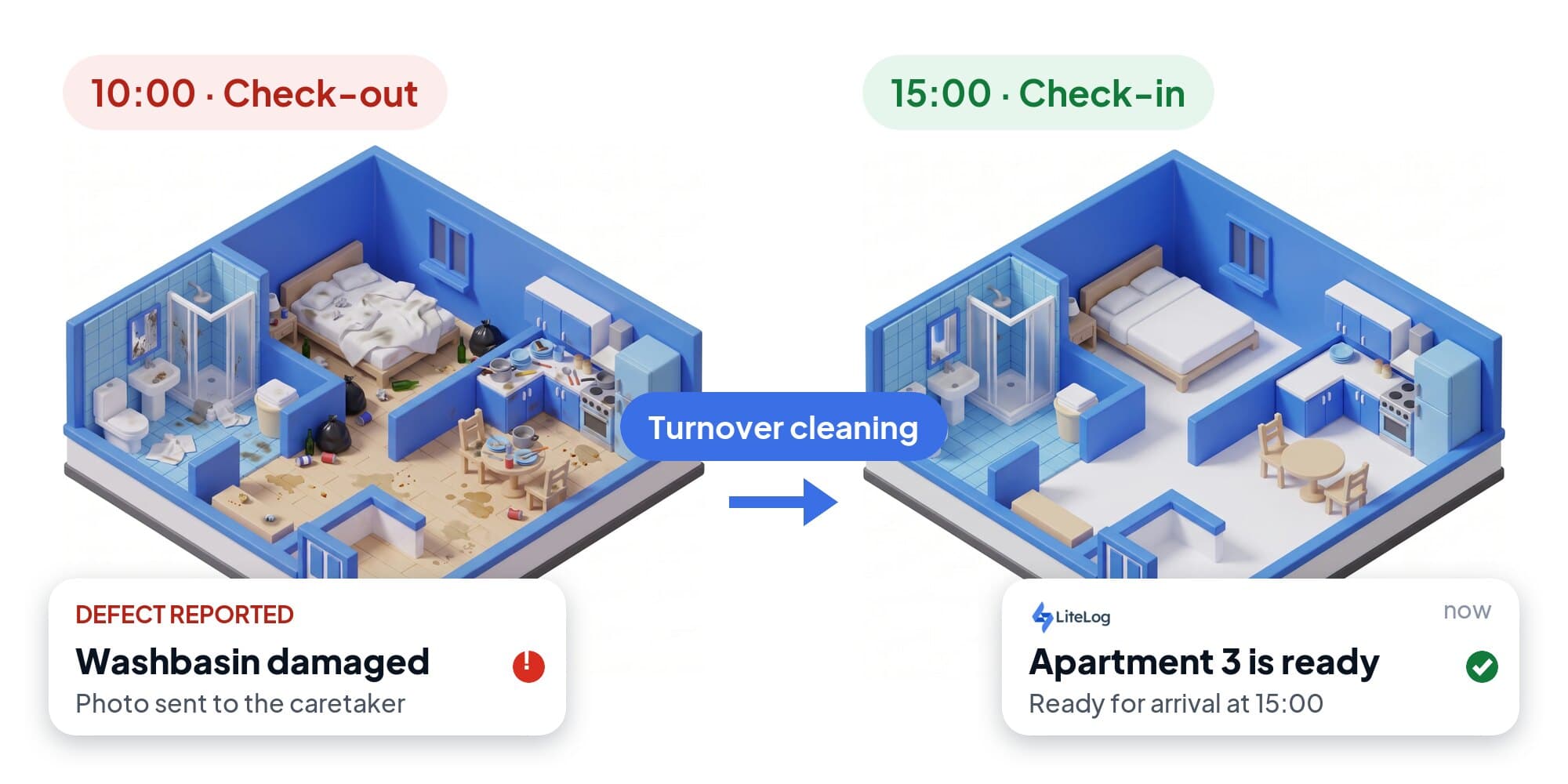
Turnover cleaning of a holiday rental happens between check-out at ten and check-in at three: afterwards the apartment has to look the way it did for the first guest. This article covers the process, a room-by-room checklist, how to prove the cleaning to the owner and the most common mistakes.
What turnover cleaning of a holiday rental means
Turnover cleaning is the cleaning after one guest departs and before the next arrives. Changeover cleaning means the same. The standard is always the same: ready to let, as for the first guest.
| Type of cleaning | When | What |
|---|---|---|
| Turnover cleaning | after every departure | all rooms, linen change, inventory, consumables |
| Interim cleaning | during longer stays, usually weekly | bathroom, kitchen, linen change |
| Deep cleaning | before and after the season | exterior windows, mattresses, upholstery, cupboard interiors, descaling |
The guest usually pays for turnover cleaning as a flat fee. It is carried out by the operator, a cleaning company or a caretaker service.
Process: from check-out to check-in
The job is created
The check-out in the booking calendar becomes a cleaning task with a time window.
Visual check
Walk through all rooms before cleaning, photograph damage, secure lost property.
Airing and laundry
Open the windows, strip the beds, collect towels and rubbish.
Clean room by room
Bedroom, living area, kitchen, bathroom. Dry before wet, top before bottom, floor last.
Restock
Count the crockery, restock consumables, put the remote and the Wi-Fi note back in place.
Acceptance
Complete the checklist, report defects with a photo, take the mandatory photos.
Reset access
Keys into the box, change the code, close the windows, heating back to default.
Turnover cleaning checklist per room
The checklist covers an apartment with bedroom, bathroom, kitchen and living area. If the apartment has two bathrooms, the block repeats.
Before you start
- Walk through all rooms, photograph damage
- Secure lost property
- Open windows, heating to default
- Collect and separate rubbish
Bedroom
- Strip beds, check mattress protector, make up fresh
- Wardrobes empty, hangers complete
- Dust bedside tables, lamps, window sills
- Vacuum and mop, including under the bed
Bathroom
- Toilet inside and out, seat, brush
- Shower, taps, drain free of hair
- Basin, mirror, tiles
- Replace towels and bath mat
- Two toilet rolls, soap, bin liners
Kitchen
- Empty and wipe out the fridge
- Hob, oven, microwave, coffee machine
- Count crockery and cutlery against the inventory
- Restock washing-up liquid, sponge, coffee, tea
- Empty the bin, new liner
Living area
- Sofa: shake out cushions, check under the seats
- Check remote controls, replace batteries
- Wi-Fi note and house rules in place
- Vacuum and mop
Finally
- Sweep the balcony, check entrance and key box
- Windows closed, lights off
- Take mandatory photos, report defects with a photo
- Complete the task in the app
Proof: photo only for defects
The owner never sees the cleaning, only the next guest's review. A hundred photos per changeover do not help, they hide the one defect that matters. Three rules are enough:
- Checklist instead of photo album: every ticked item carries timestamp and person.
- Photo only for defects: a scratch in the parquet, a missing cup, a stain on the mattress.
- One to three mandatory photos per apartment, such as the made bed and the finished bathroom.
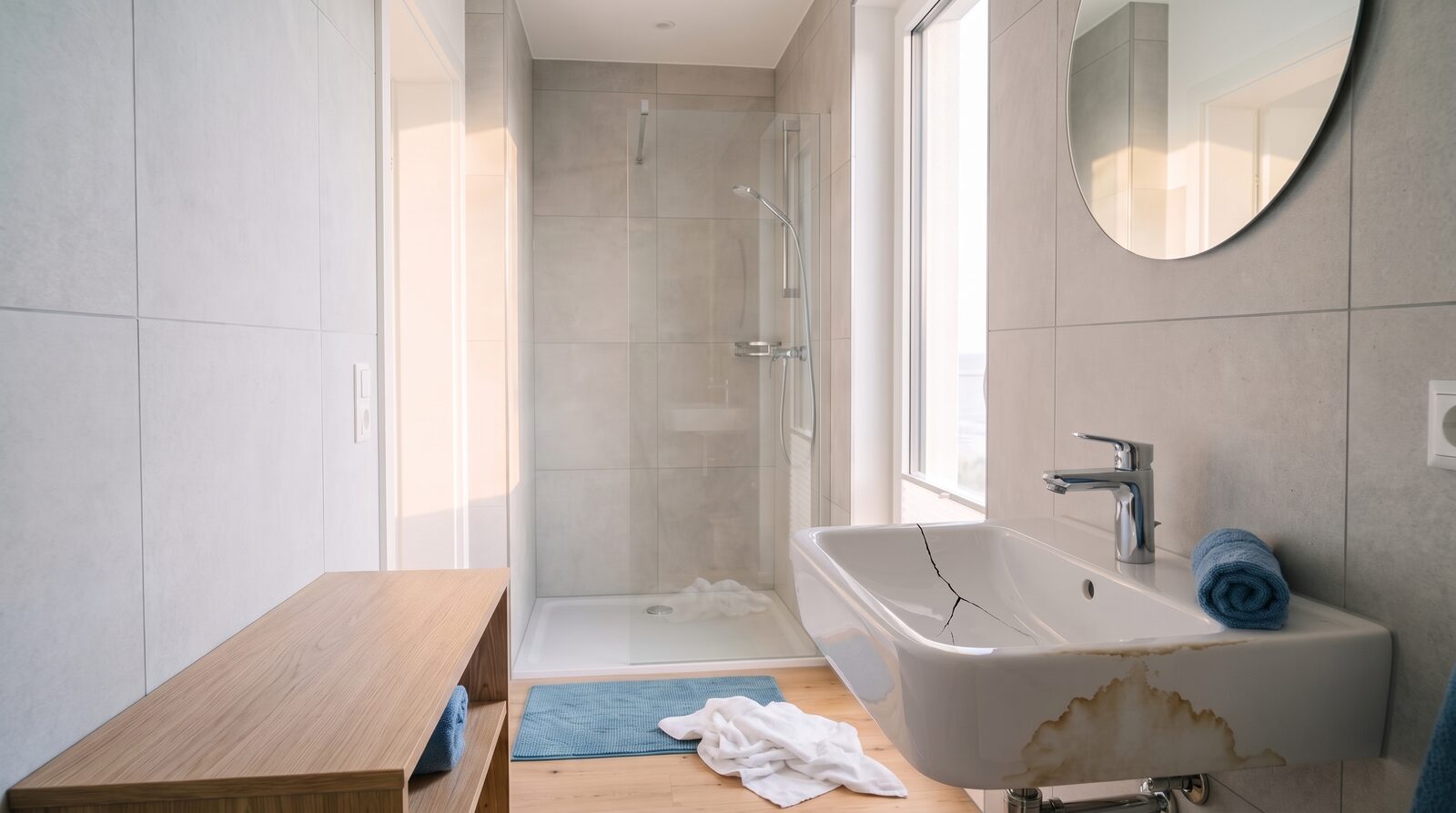 One photo is enough: the damaged washbasin is reported as a defect and becomes a task for the caretaker
For longer stays and in furnished apartments the handover protocol is added: condition per room at check-in and check-out, with a comparison of new defects.
Common mistakes in turnover cleaning
- No visual check before cleaning: damage can no longer be attributed to a guest afterwards.
- Inventory not counted: only the next guest notices the missing cup.
- Consumables forgotten: small things that become big in reviews.
- Photos on a private phone: without apartment and time they are worthless as proof.
- Defects only reported verbally: the dripping tap gets lost.
Organising holiday rental cleaning
With one apartment a calendar is enough. From ten apartments on several platforms, cleaning planning becomes a job of its own. The film shows in two minutes how this works with LiteLog.