

What device management covers
One goal: keep every duty phone and shared device in view – and centrally under control.
Automatic inventory
Every signed-in device appears by itself – with system, app version and last user.
Configure centrally
GPS, automatic sign-out and app dashboard – bulk actions included.
Privacy under control
Live location and GPS proof can be switched on or off per device.
Property assignment
Restrict a device to selected properties when needed.
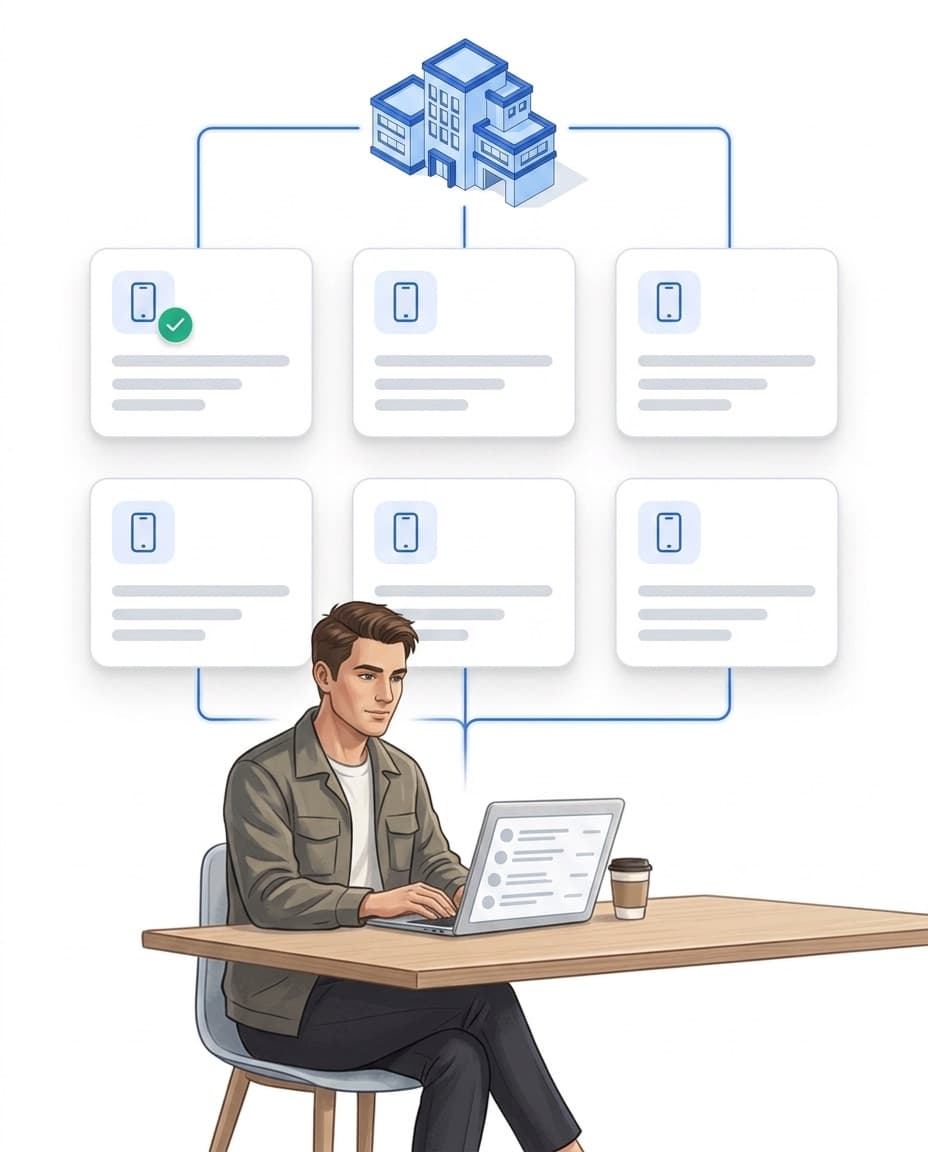
Device inventory: automatic instead of maintained
Which device is in circulation, who used it last, which app version is running on it? The device list answers this with zero maintenance effort.
- ✓Captured automatically: every sign-in via the LiteLog app registers the device – with manufacturer, operating system and device ID.
- ✓Always up to date: app version, last user and last usage are right in the list.
- ✓Your own order: internal name, notes and a status – from Active and In repair to Deactivated.
- ✓Clean separation: deactivate retired devices or delete them for good.
Central settings: configure without collecting phones
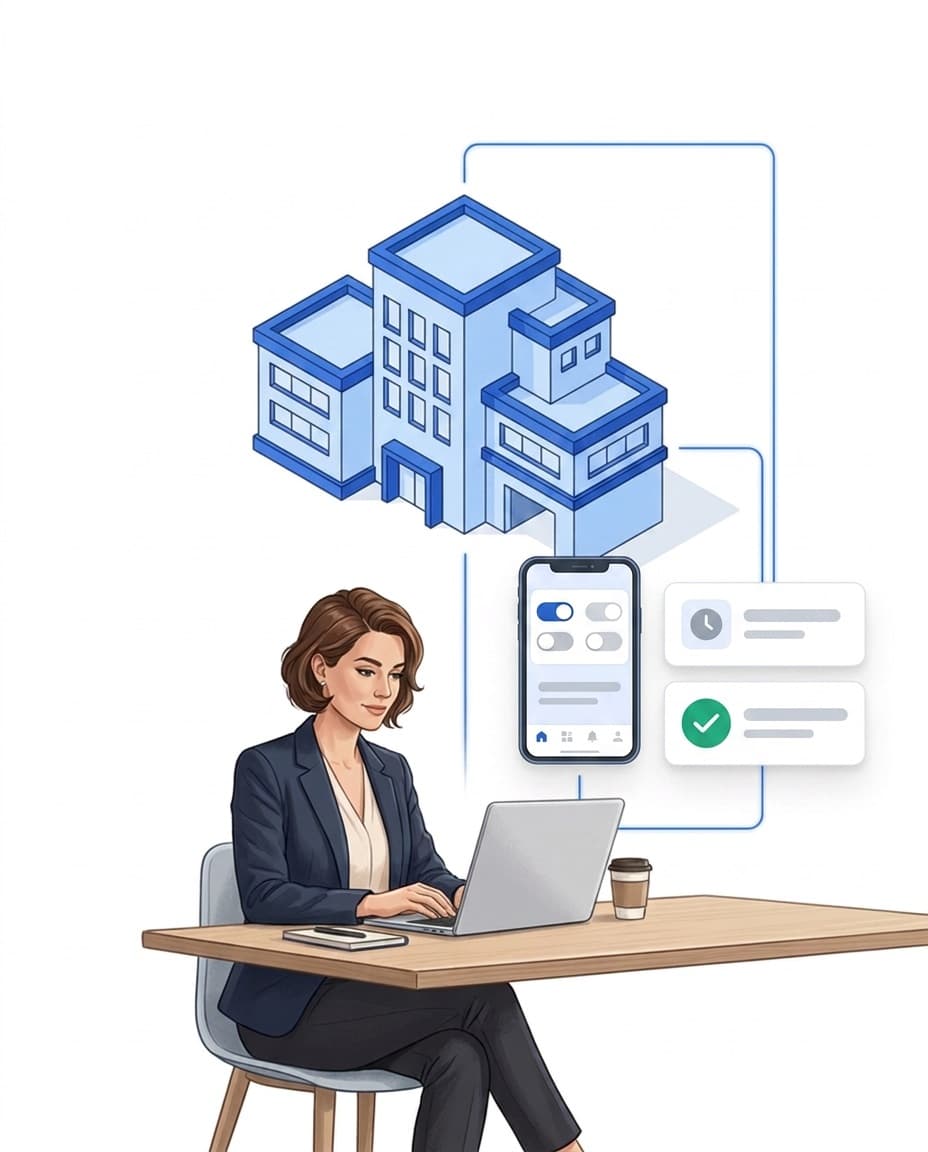
You change settings in the portal, not on the device – the change takes effect without anyone having to collect the phone.
- ✓GPS per device: live location and GPS proof can be switched separately – the proof applies to patrols, events and attendance.
- ✓Automatic sign-out: after 5 minutes to 24 hours of inactivity – important for shared devices.
- ✓Prescribe the app dashboard: you define which start screen the app shows, per device or as a default for all devices.
- ✓Bulk actions & defaults: set GPS and sign-out options for many devices in one step; default settings apply automatically to every new device.
Locations: live position instead of movement profile
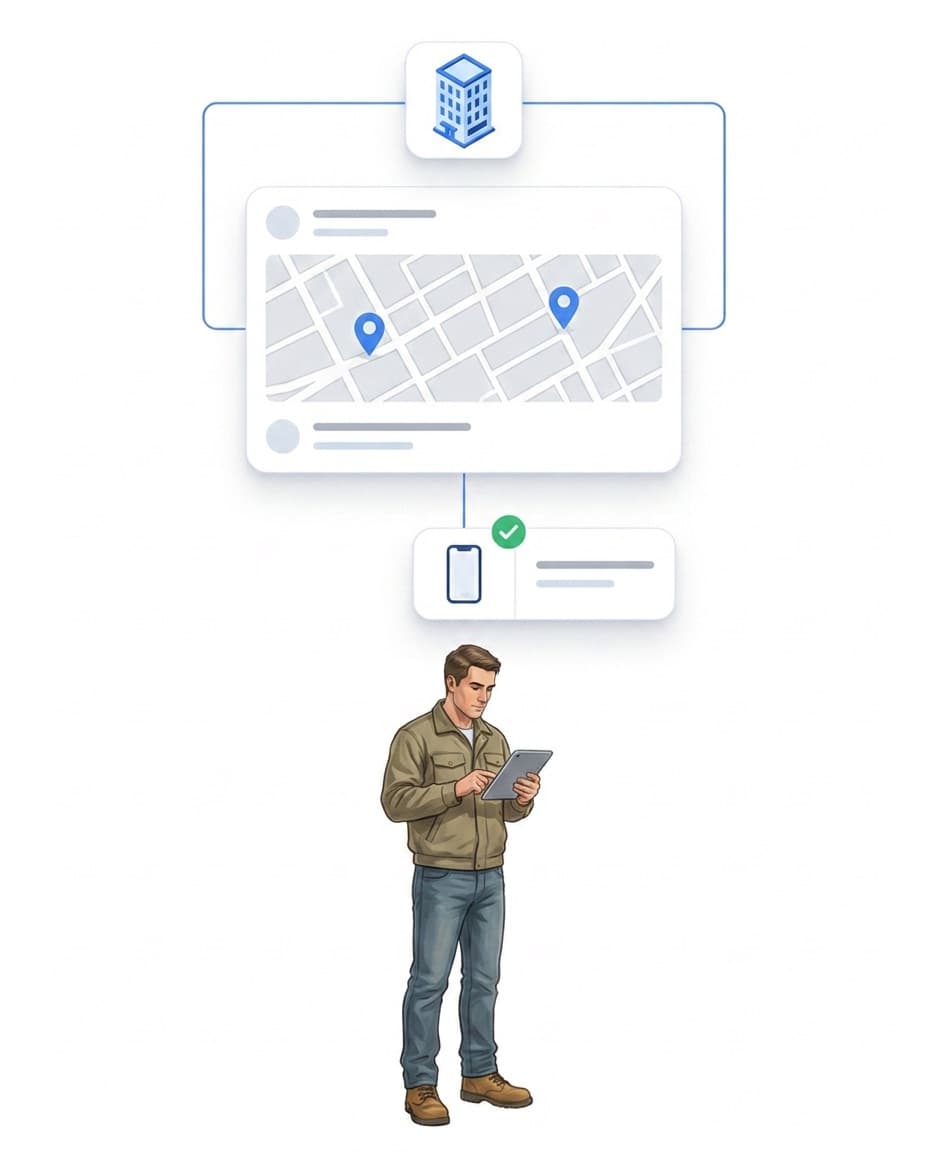
Where are the devices right now? The map shows the live position of all signed-in devices – next to your properties.
- ✓Live map: current location per device, updated automatically – jump from the device list straight to the map.
- ✓Proof, not surveillance: GPS proof documents the location exactly when someone scans or reports.
- ✓No movement profiles: LiteLog shows the live position – there is no GPS tracking history.
FAQ
Frequently Asked Questions about Device Management (FAQ)
How do devices get into the inventory?
Automatically. As soon as someone signs in to the LiteLog app on a device, it appears in the device list – with manufacturer, operating system, device ID, app version, last user and last usage.
Can I add devices manually?
No. The inventory is built exclusively from devices that have actually signed in – which keeps it up to date and free of stale entries. An internal name, notes and a status can be added per device.
Can I switch off GPS?
Yes, per device and separately for two functions: live location (current position on the map) and GPS proof (location captured during patrols, events and attendance). Both can also be set as a bulk action for many devices at once.
Does LiteLog store movement profiles of devices?
No. The map shows the live position of devices; there is no GPS tracking history. GPS proof documents the location only selectively – exactly when someone scans or reports.
What does automatic sign-out do?
If a device is not used for the configured duration – selectable from 5 minutes to 24 hours – LiteLog automatically signs the current person out of the app. This protects shared devices from bookings under the wrong name.
Can I restrict a device to specific properties?
Yes. Via the assignment you define that a device may only manage selected properties – useful for site phones that are meant to stay on location.