
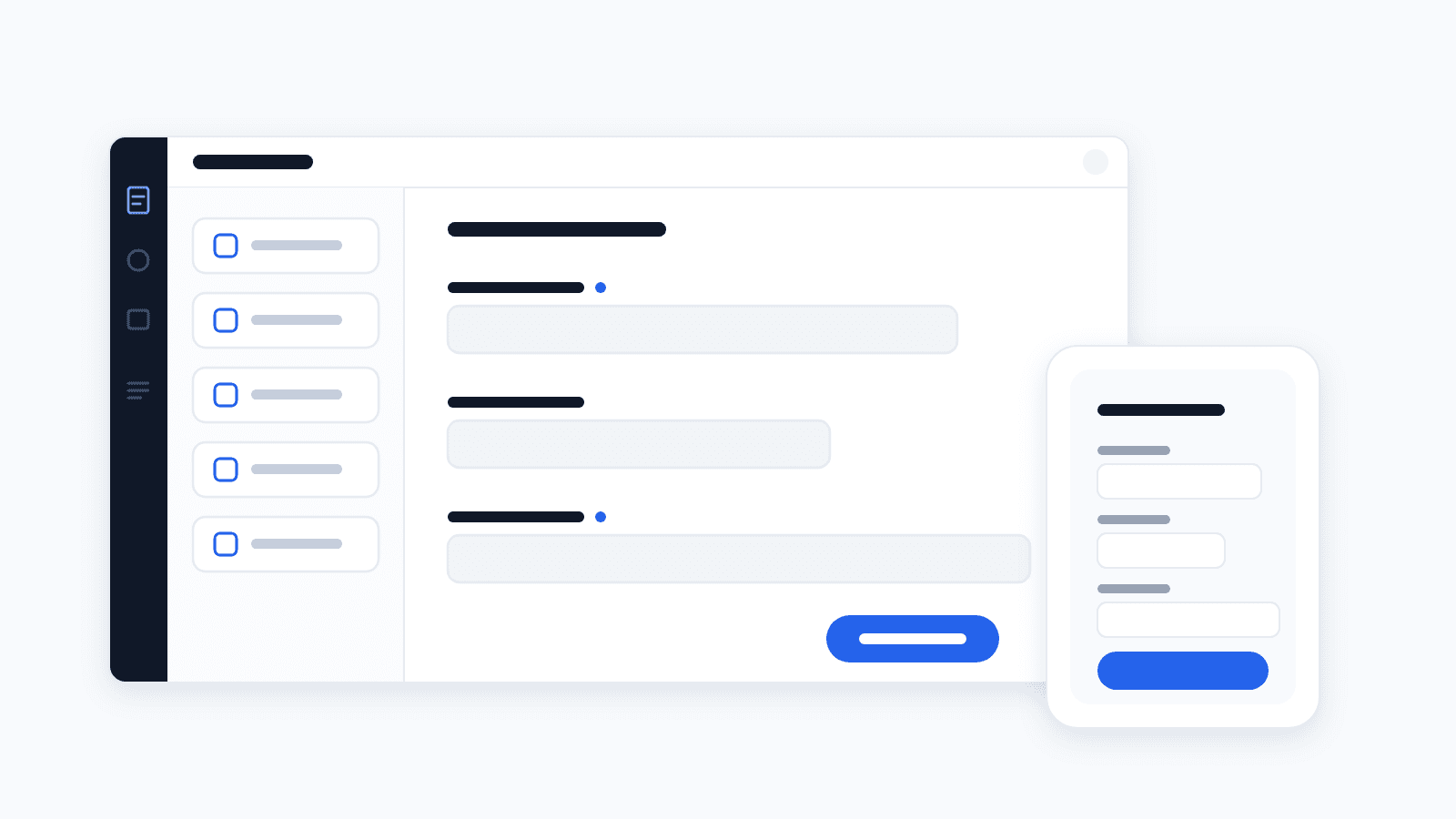
Your own forms without IT
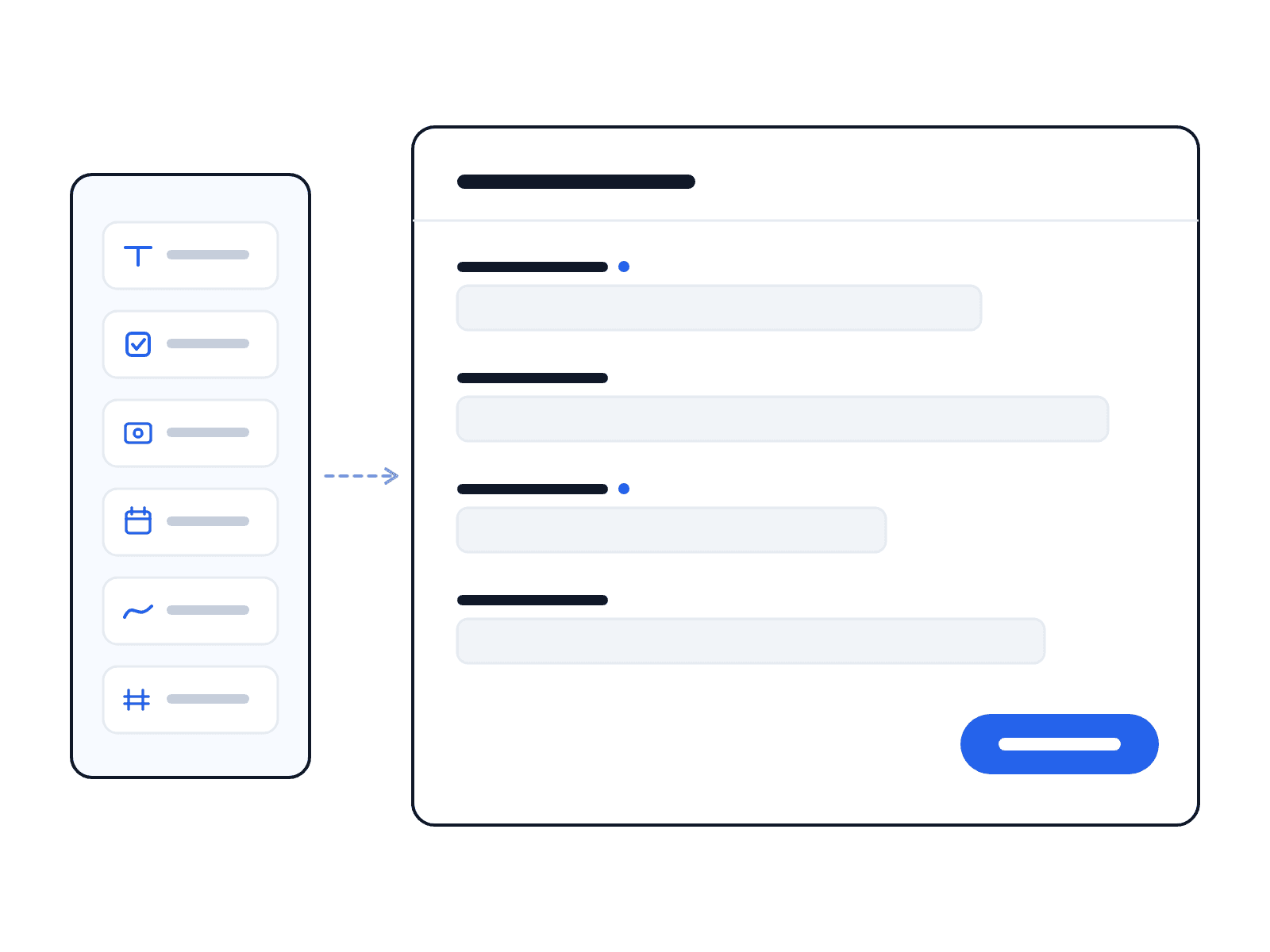
Build your own forms and checklists without coding: assemble fields, define required fields, publish – from then on they are instantly available in the app. This digitizes inspection records, handovers and quality checks exactly to your process.
- ✓Multiple field types and required fields
- ✓No coding, directly in the settings
- ✓Instantly available in the app
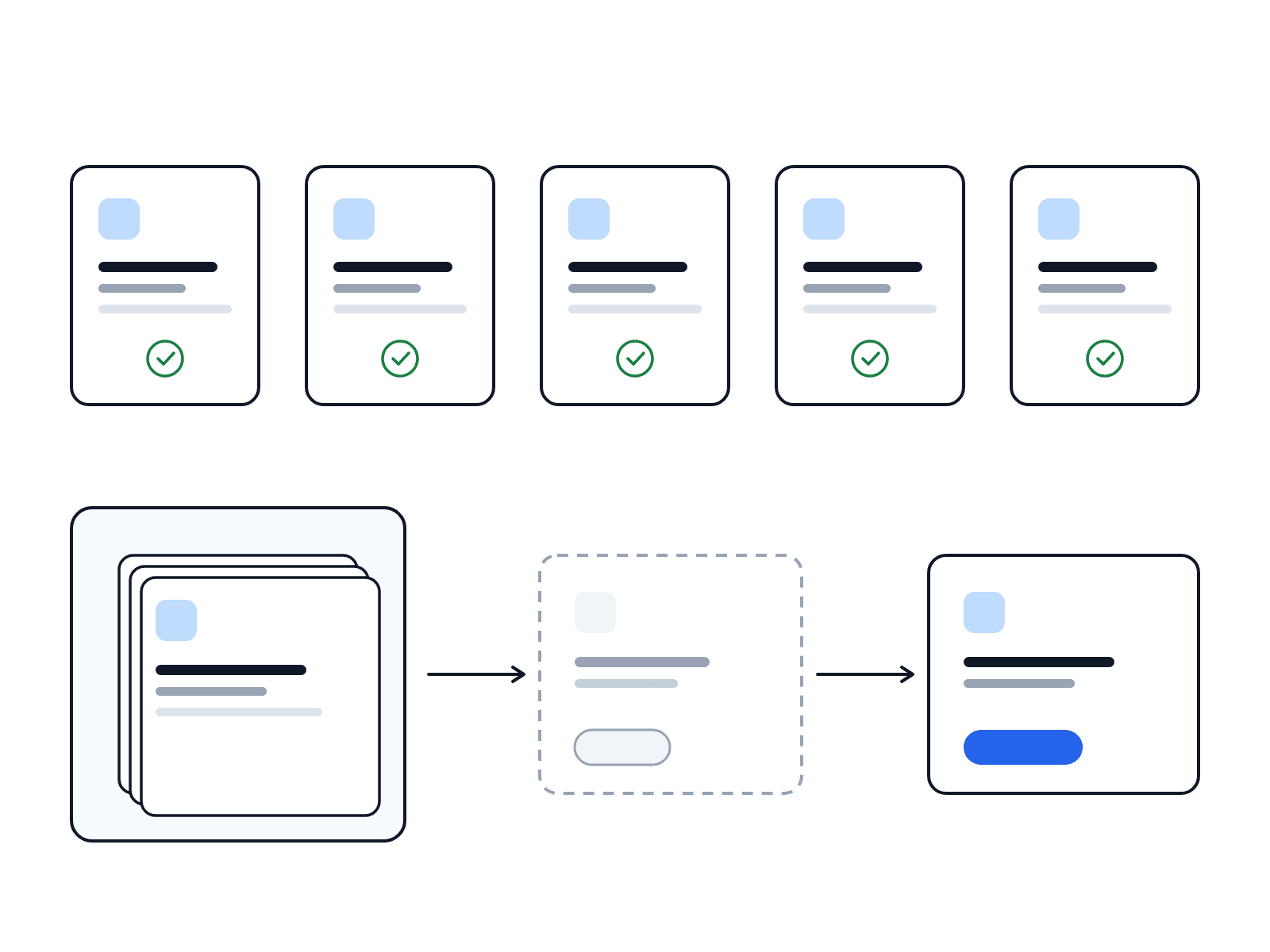
Ready to go: prebuilt templates
Five default templates are ready right after sign-up – cross-industry and usable immediately. For security services there is an additional library of prepared templates: import the ones you want with one click as a draft, adjust them and publish.
- ✓5 default templates from minute one
- ✓Security template library ready to import
- ✓Every template fully customizable
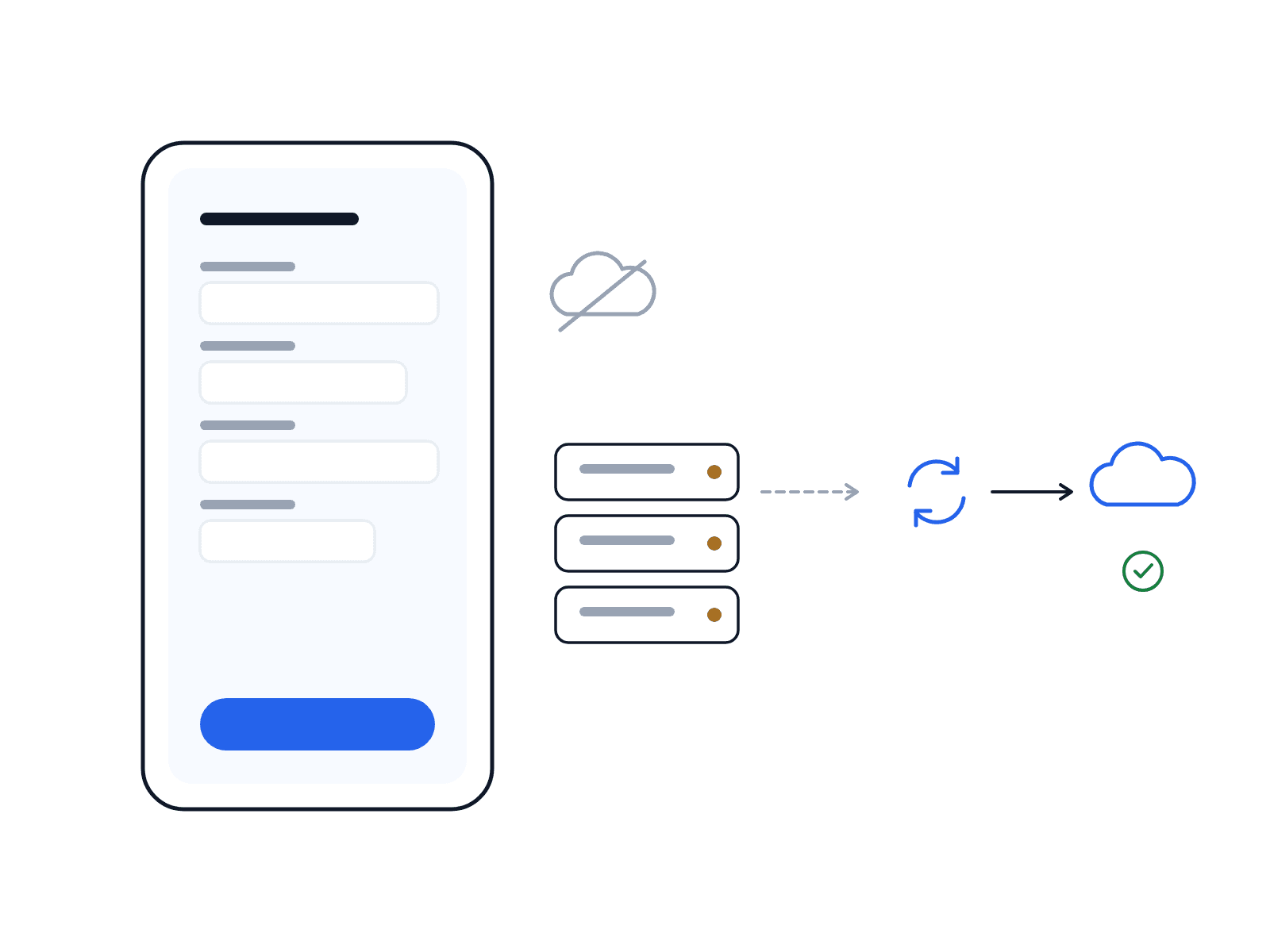
Capture on mobile, even offline
Forms are filled in where the work happens – on the smartphone, even without a connection. As soon as a connection is restored, LiteLog synchronizes the responses automatically.
Everything in the reports view
Submitted forms land together in the unified reports view – alongside incidents, filtered and exportable. Each response stores the template exactly as it applied at the time of submission.
FAQ
Frequently asked questions about forms & templates (FAQ)
What is the difference between custom fields and forms?
Custom fields attach individual data fields to an employee profile (e.g. a guard licence number). Forms are standalone templates with multiple fields filled in on site – such as a checklist or inspection record.
Which templates are available right after sign-up?
Five default templates are ready right after sign-up and can be used across all industries – for a quick start with no setup.
How do I activate the security template library?
For security services, a library of prepared templates is available. You import the ones you want with one click – initially as a draft. After adjusting and publishing they are available in the app.
Can I fill in forms offline?
Yes. Forms can be filled in without a connection; LiteLog synchronizes the responses automatically once a connection is restored.