

One timeline for incidents and form responses
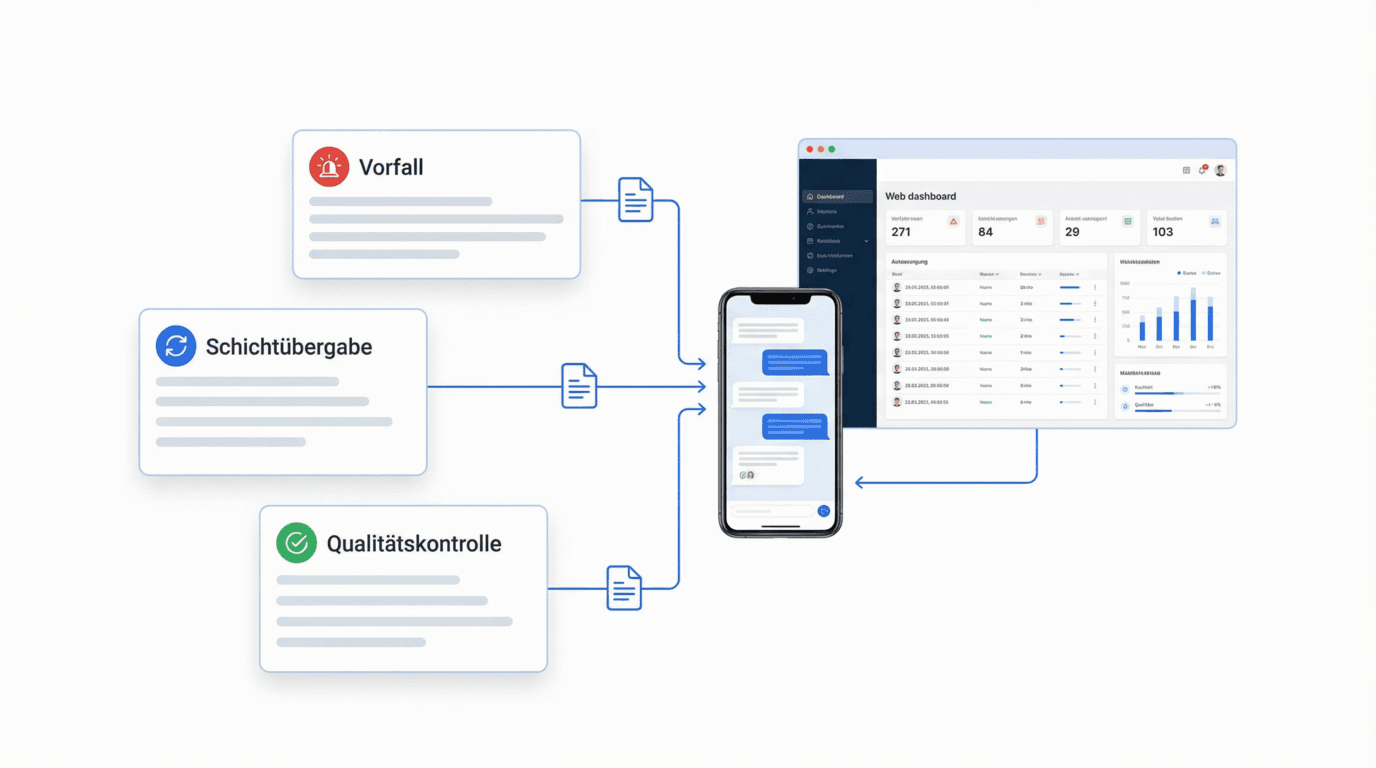
No more switching between lists: incidents and submitted forms come together in one shared timeline across all sites. Dispatchers and site managers see at a glance what happened – chronologically and traceably.
Entries are captured where they arise: as an incident on site or as a submitted form.
Filter by category, severity and site
Every entry carries badges for category and severity – often automatically from AI categorization. Filter by site, time range, category or urgency and find exactly the records that matter in seconds.
- ✓Badges for category and severity
- ✓Filter by site, time range and urgency
- ✓Signed photo and media preview right in the entry
Export for clients and audits
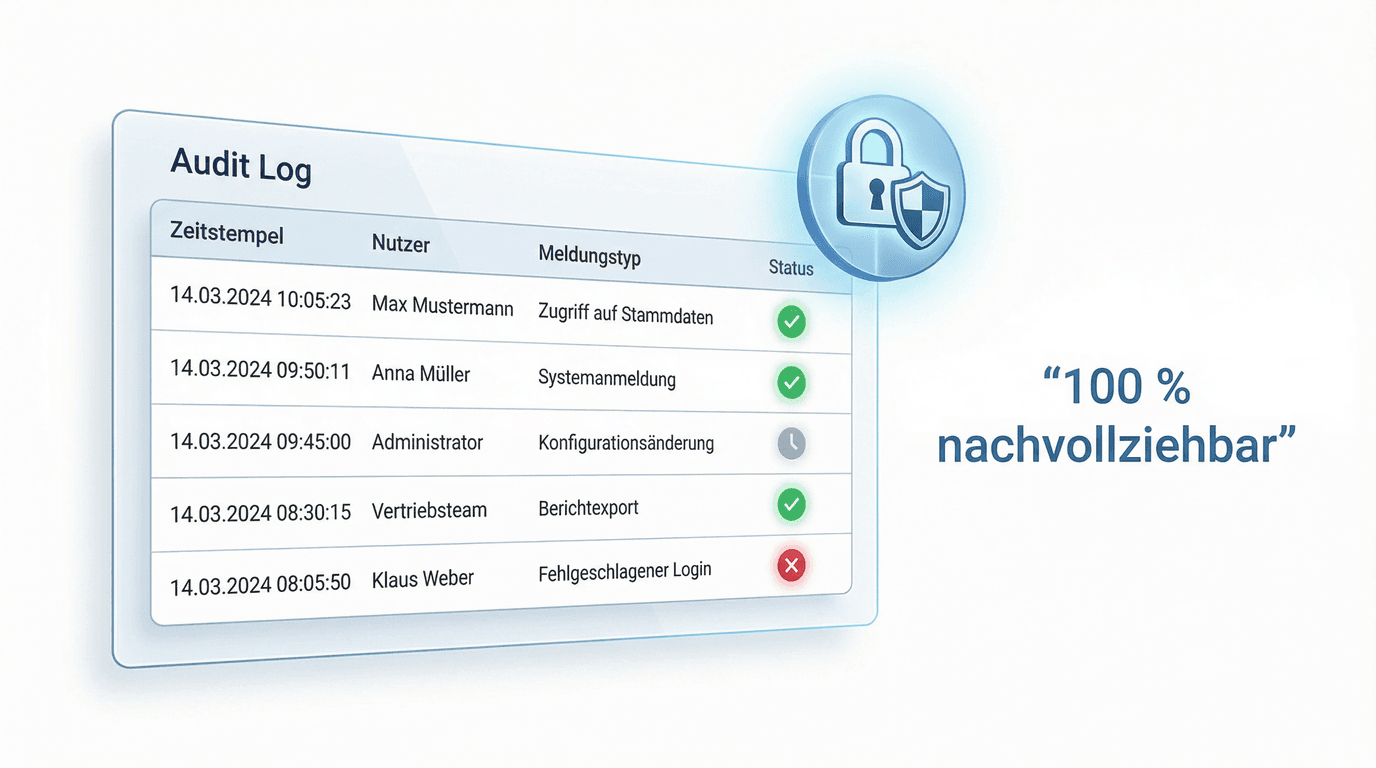
From the filtered view you create revision-safe proof for clients or audits. To send a freely composed report as PDF/A, also use automated report distribution.

FAQ
Frequently asked questions about the unified reports view (FAQ)
What is the difference between an incident and a form response?
An incident documents an occurrence (e.g. an event or a handover). A form response is a submitted form, such as a checklist or inspection record. The unified view brings both together in one shared timeline.
What permissions does a user need to see the unified view?
The view is role-based: users only see incidents and form responses if their role has the corresponding permission. This keeps client data and internal records cleanly separated.
Are the photo and media previews secure?
Yes. Media is delivered through signed, time-limited links. Only authorized users see the attachments in the preview.
Can I export the overview for clients?
Yes. Filtered entries can be exported as revision-safe proof and shared with clients.