
Cleaning and maintenance in the hospital
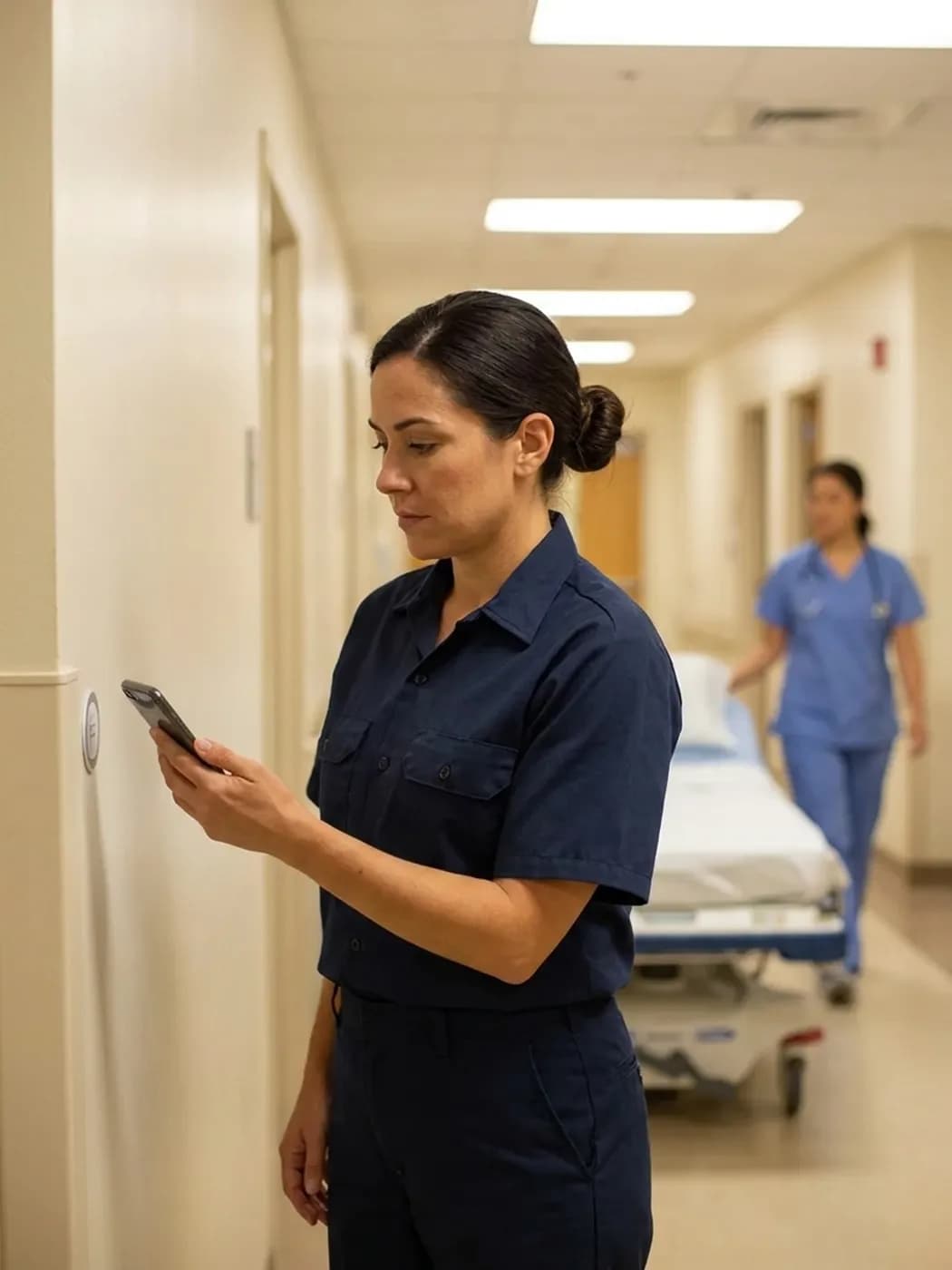
Facilities, cleaning, security and caretakers record their work at the same NFC tag in each room. You always see what is done and what is still missing.
One record for every room
An NFC tag on a patient room, treatment room or plant room shows what needs doing there.
- ✓Tag on the door: Every room gets an NFC tag or QR code as a checkpoint.
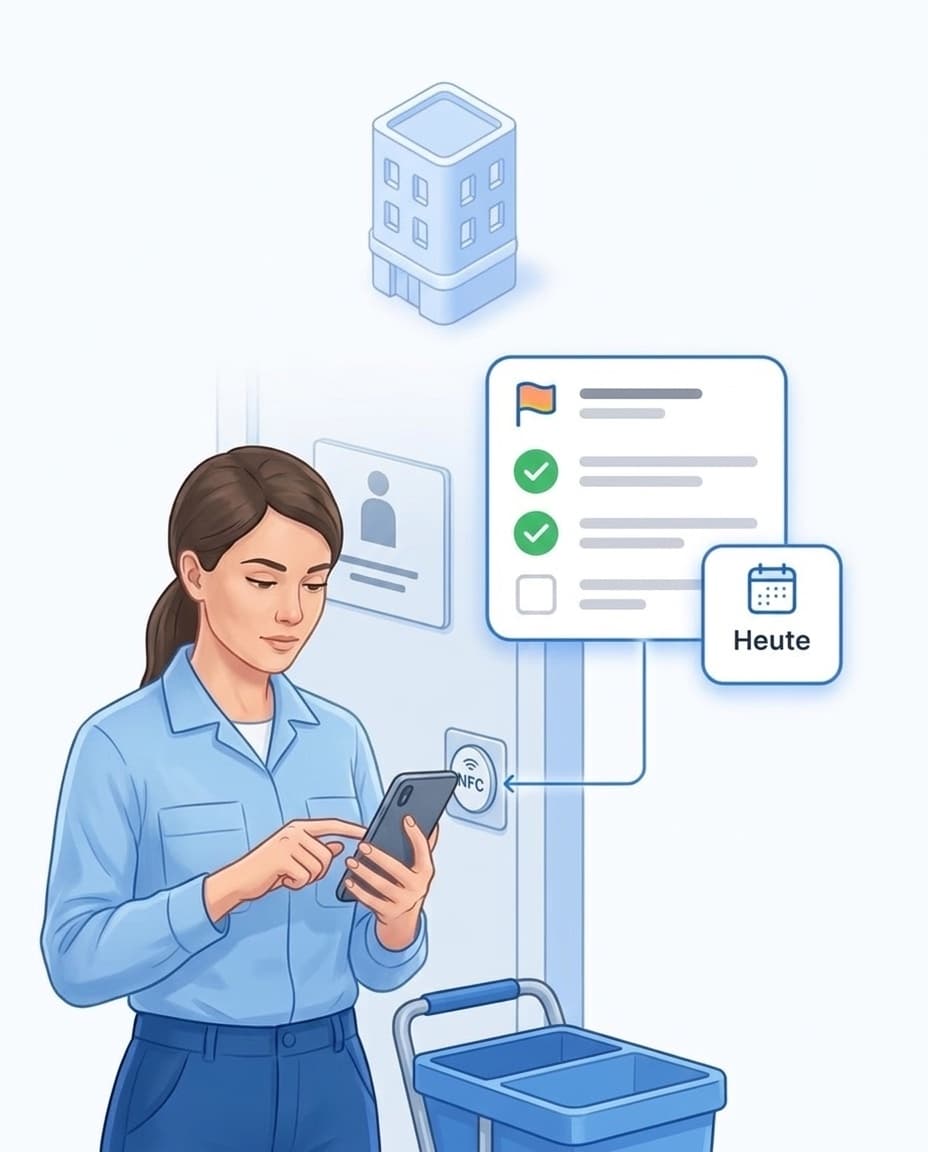
- ✓Tasks after the scan: The app shows the open tasks for exactly this room.
- ✓Person and time: Every completed task appears with name and time in the room's history.
- ✓On site only: If you wish, the app checks via GPS that the person is really at the site.
- ✓Even in the basement: The app keeps working without a connection and syncs everything later.
All trades at the same checkpoints
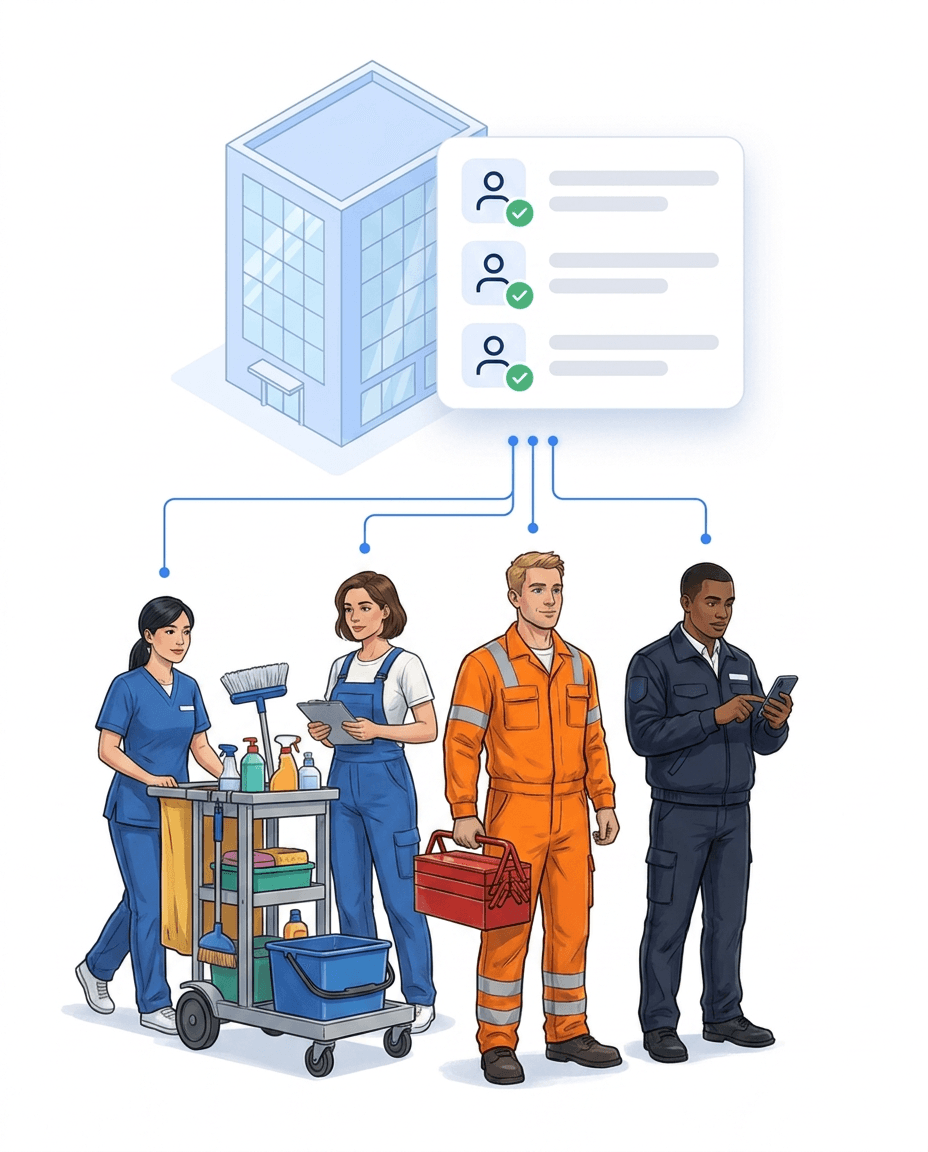
Facilities, cleaning, security and caretakers work with one app across the whole building.
- ✓Several tasks per checkpoint: Cleaning, maintenance and hygiene checks share the same tag.
- ✓Clear responsibility: Every task names the person who should complete it.
- ✓Include contractors: Cleaning and maintenance companies get their own access for their sites.
- ✓One view per building: Management sees all records of a building in one place.
- ✓Learn more: All trades in detail in our facility management software.
Recurring inspections on a fixed schedule
Set up water samples, test runs and visual checks once, and LiteLog schedules the dates.
- ✓Any rhythm: Daily, on specific weekdays, monthly or yearly.
- ✓With tolerance: If you wish, a date also counts a few days before and after the due date.
- ✓Legionella prevention: Every sampling point becomes a checkpoint, and flushing and sampling appear in the history.
- ✓Plant under control: Emergency power test runs or ventilation checks as separate tasks.
- ✓What is still open: The schedule shows which dates are still missing today.

Report a finding, create a task
Anyone who spots a defect reports it with a photo, and the responsible person receives a task.
- ✓Defect with photo: The team reports damage directly at the checkpoint in the app.
- ✓Defects become tasks: A rule creates the task for the responsible person.
- ✓Photo required: Important tasks can only be completed with a photo.
- ✓Who was last in the room: The history shows every completed task with person and time.
- ✓Your own inspection records: Forms for hygiene and visual checks, more in our quality management software.

Security service patrols
At night and at weekends, the security service checks escape routes, fire doors and side entrances.
- ✓Planned: You decide which checkpoints are due at what time.
- ✓Scan per checkpoint: Every checkpoint is confirmed via NFC or QR code.
- ✓Missed patrols reported: If a patrol is missing, management is informed.
- ✓Pass on issues: An open fire door goes to facilities as a report.
- ✓Learn more: Everything about patrols in our guard tour system.

No task goes unnoticed
You decide who gets notified about which event.
- ✓Overdue task: Management receives an email and a message in the app.
- ✓Missed patrol: First a push to the team, then an email to management after 30 minutes without a response.
- ✓Your own rules: Combine trigger, condition and action freely.
- ✓Ready-made templates: Pick common rules from a gallery.

Teams from many countries
The app and your forms appear in each person's language.
- ✓App in their own language: Each person chooses their language in the profile.
- ✓Forms translated: If you wish, AI translates forms and checklists into 15 languages.
- ✓Editable: You can adjust individual translations in the editor.
- ✓Instructions in the app: Store work instructions and hygiene plans as documents at the site.
- ✓Team chat: Messages to the team, with read receipts.

Ready for inspections and audits
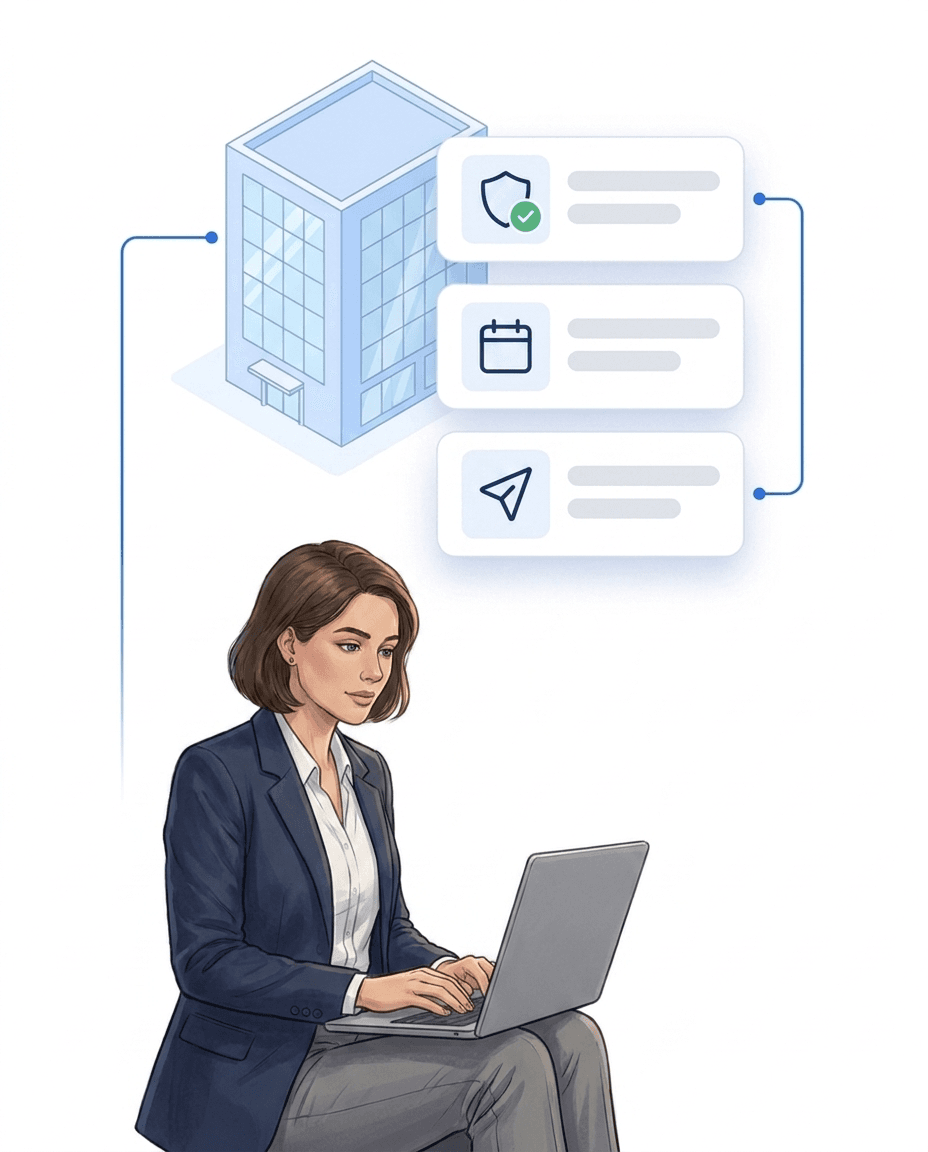
All records are ready, filtered by area and period.
- ✓Export as PDF: Records by site and period, also as a regular email delivery.
- ✓Original stays: A correction creates a new entry, and the original remains visible.
- ✓Four-eyes principle: If you wish, a correction only applies once a second person approves it.
- ✓Hosted in Germany: Servers in Germany, data processing agreement included.
- ✓Clearly defined: LiteLog is not a medical device and not a hospital information system.
FAQ
Frequently asked questions about LiteLog
Which hospital areas is LiteLog suitable for?
For all areas with recurring tasks and patrols: wards, treatment rooms, operating theatres, plant rooms, outdoor areas and side entrances. Facilities, cleaning, security and caretakers all use the same checkpoints.
Is LiteLog a medical device or a hospital information system?
No. LiteLog records that planned tasks and patrols were completed. It is not intended for patient data. It does not replace a hospital information system, a hygiene plan or documentation required under medical device law.
How do we handle water samples and legionella testing?
Every sampling point becomes a checkpoint with its own task and schedule. The analysis stays with the laboratory. LiteLog records who flushed or sampled when, with a photo if you wish.
After a hygiene finding, how do I find out who last cleaned the room?
Open the room's history. It lists every completed task with person and time, including the photo where one is required. You can create a follow-up cleaning as a task right away.
Can external contractors work with us?
Yes. You set up cleaning, maintenance and security companies as subcontractors. They log in with their own access, manage their staff themselves and only see the sites you assign to them. Their records reach you just like those of your own teams.
Can I make sure tasks are really completed on site?
Yes. Scanning the NFC tag or QR code in the room proves the location. In addition, you decide per site whether the app checks the location via GPS or beacon.
What happens if an inspection is left undone?
You decide who is informed and when. If a task is overdue, management receives an email and a message in the app. If a patrol is missing, LiteLog reports that too.
Our team speaks many languages. What is translated?
The app interface appears in the language each person chooses in their profile. If you wish, AI translates forms and checklists into 15 languages. Task texts you write yourself appear exactly as you create them.
Can we also manage team rosters and working hours in LiteLog?
Yes. In the roster you plan staffing per site and day. Teams clock in and out on site via QR code or NFC, and the hours are ready for evaluation.
What happens to the records when someone leaves?
You archive the account. The person can no longer log in, and their records and history are kept.
How does the review by our IT and data protection team work?
We provide documents on features, hosting and security as well as the data processing agreement. The servers are located in Germany. It is best to start with one area, such as a ward, and expand afterwards.
Ready for the next inspection?
Sign up and get started today. Free for 14 days, no credit card required.