96%
Trusted by companies

Just scan. The app shows the rest.
Caretaker software bundles patrols, tasks, defect reports and proof of service for caretaking teams in one app. LiteLog runs on the smartphones your team already carries, GDPR-compliant with servers in Germany and without special hardware.
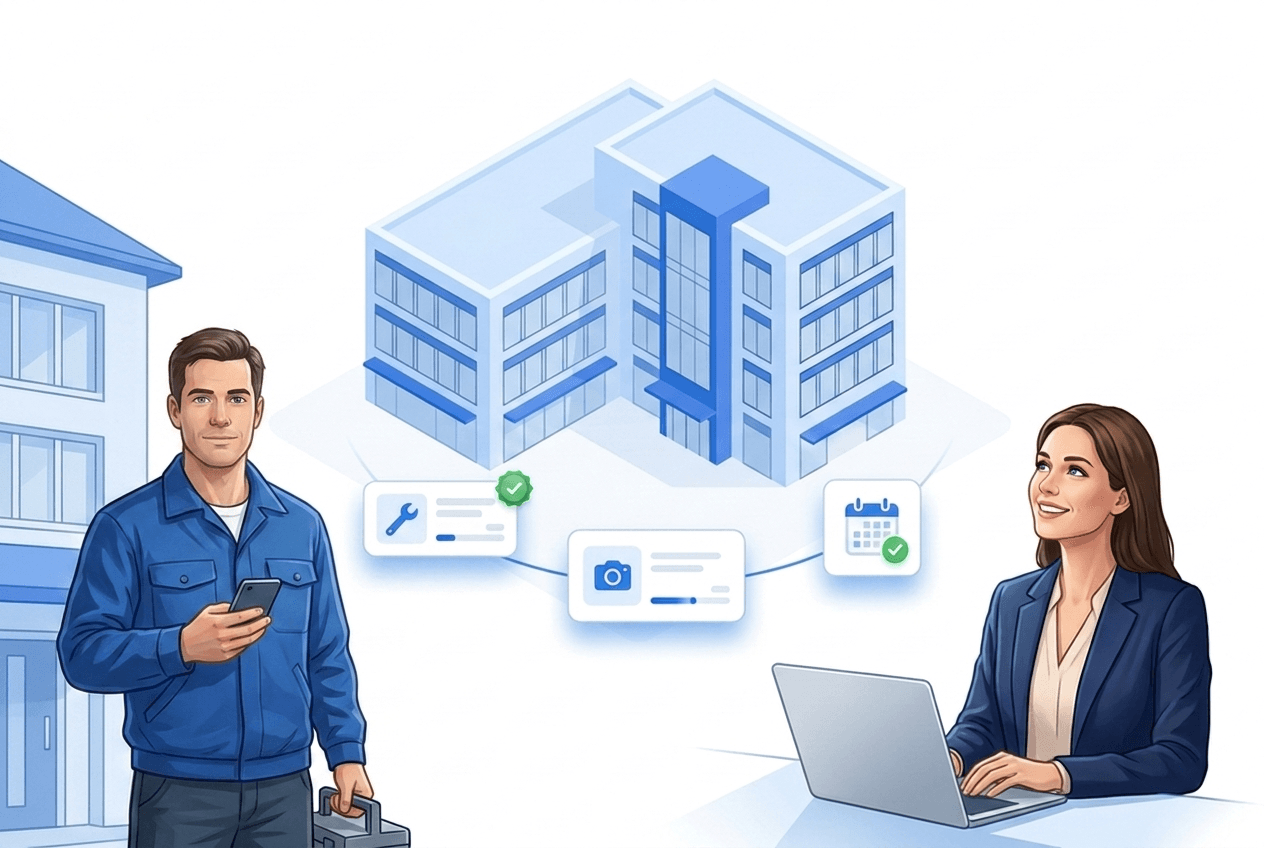
Caretaker software bundles site patrols, tasks, time tracking and proof of service for janitorial and caretaking teams in one app — every completed task is documented with person, time, location and photo instead of notes, spreadsheets and photo chaos. LiteLog covers this across trades: caretaking, cleaning and security in one tool, GDPR-compliant with servers in Germany.
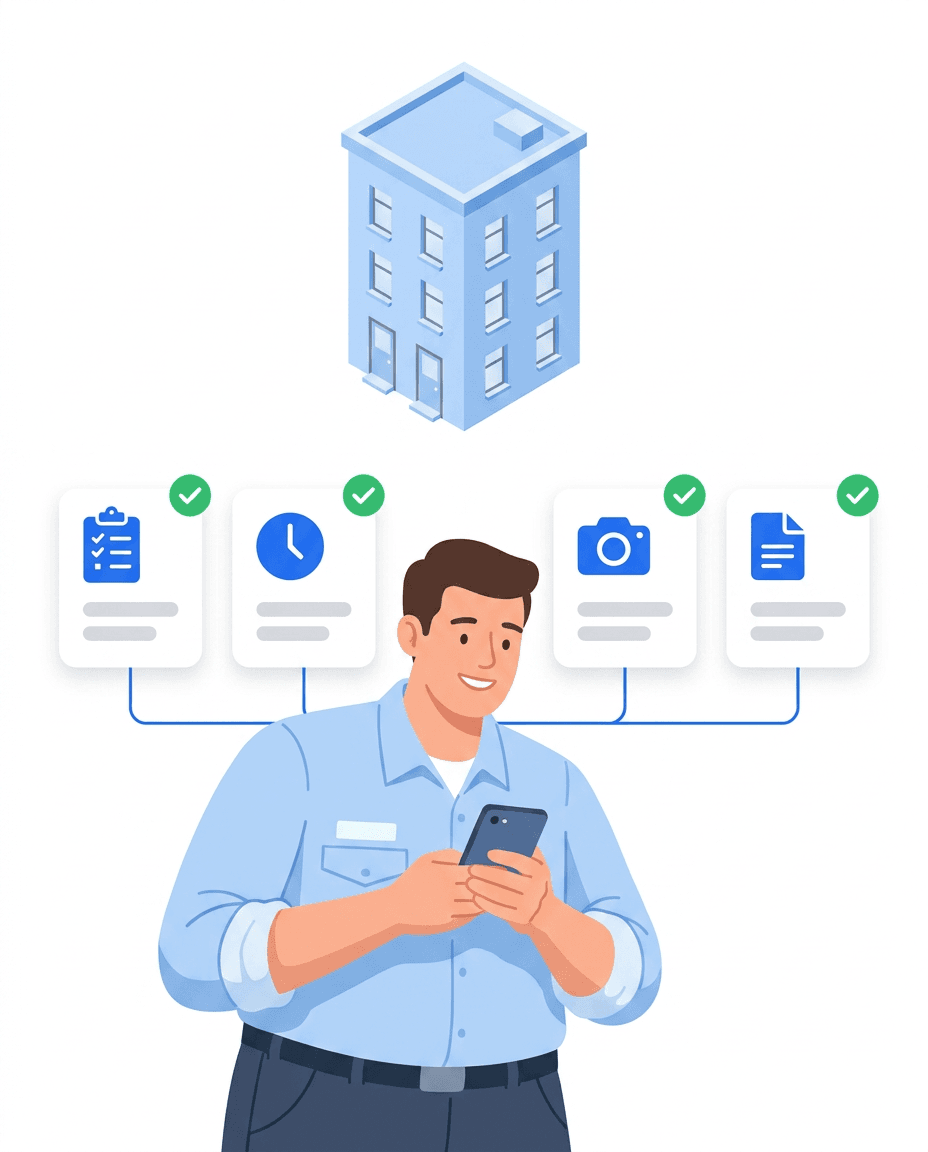
Good caretaker software covers more than a task list. The key is that tour planning, mobile capture on site, photo documentation and contract-based proof of service all come together in one system — so operations, accounting and clients see the same reliable data.
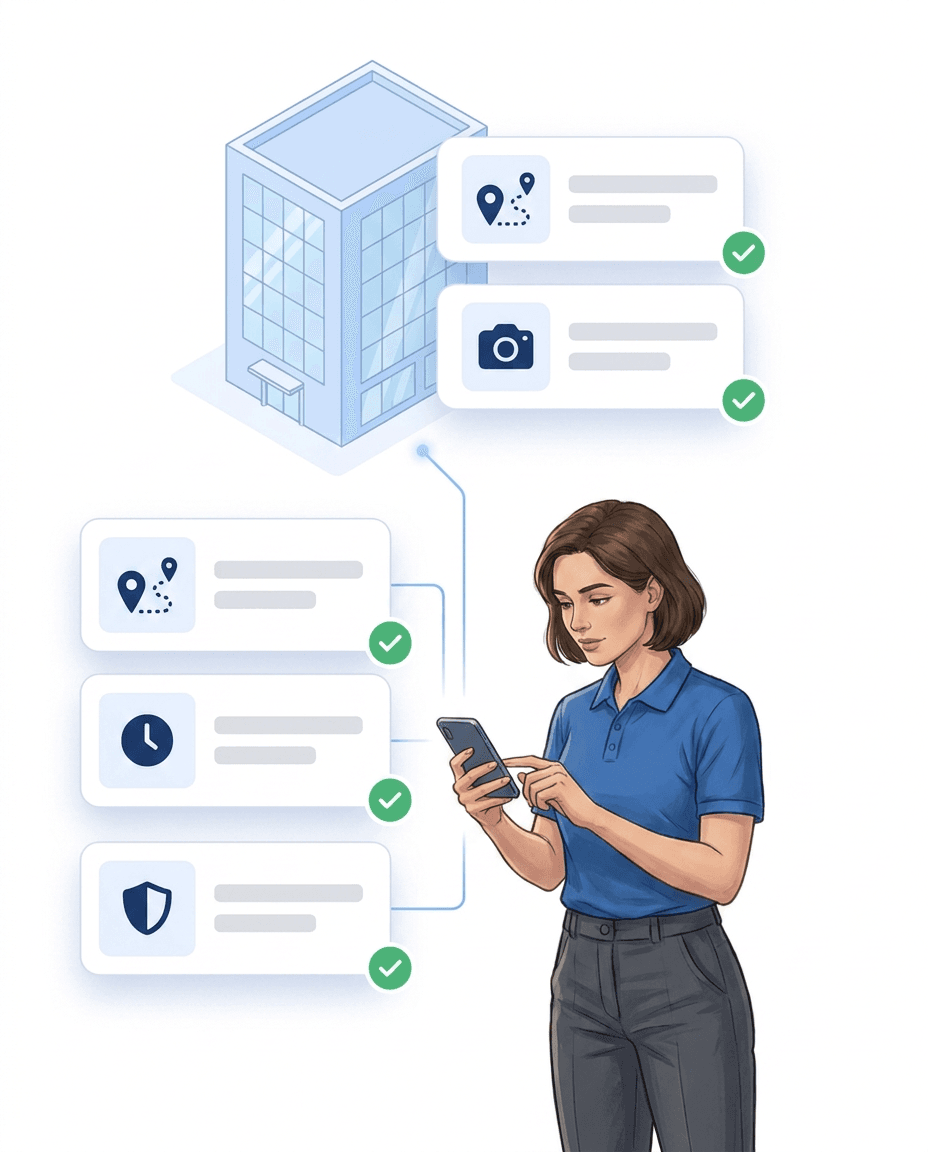
Every assignment — patrol, minor repair, upkeep of outdoor areas — is linked to the right site with person, time, location and photo, in residential complexes just as in office buildings and practices. That answers the three questions every property manager asks, with evidence: was anyone there, what was done, how long did it take?
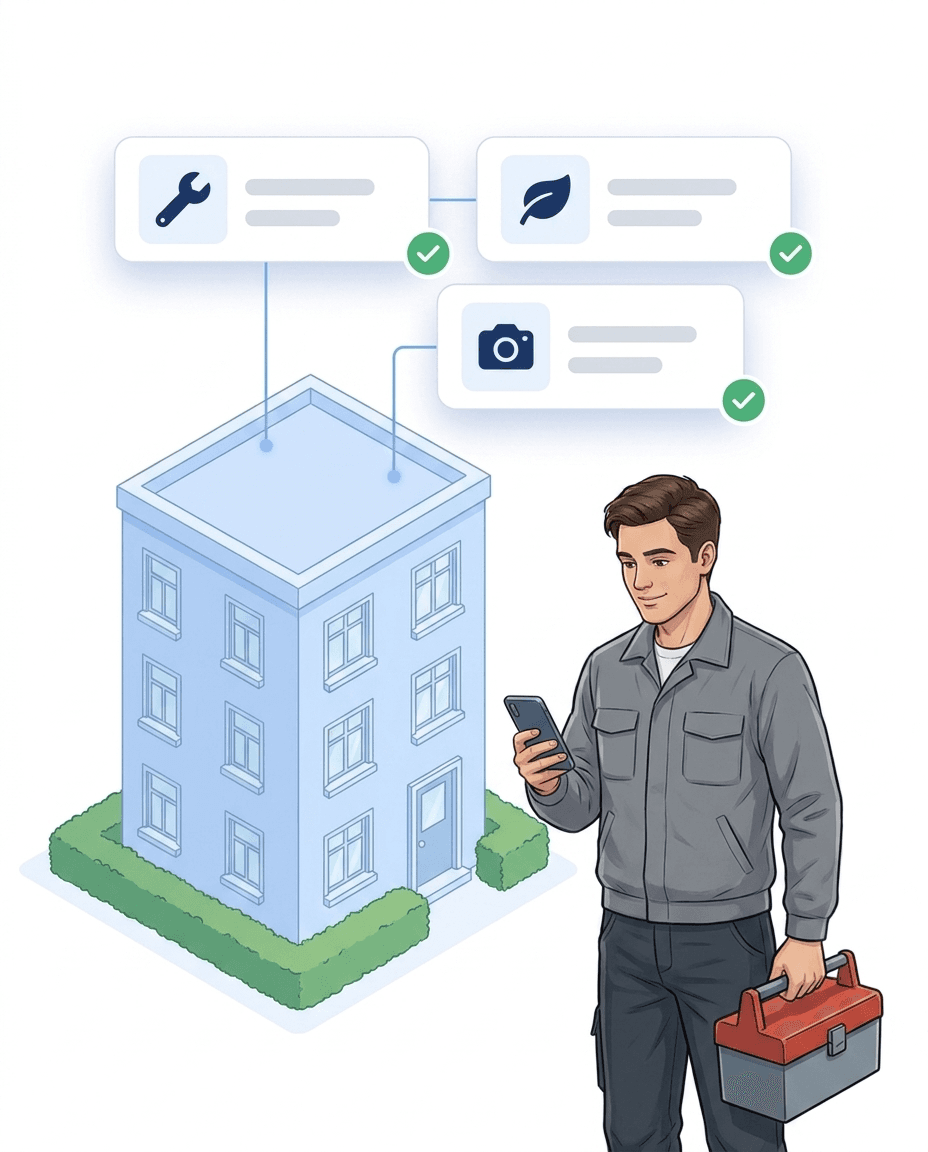
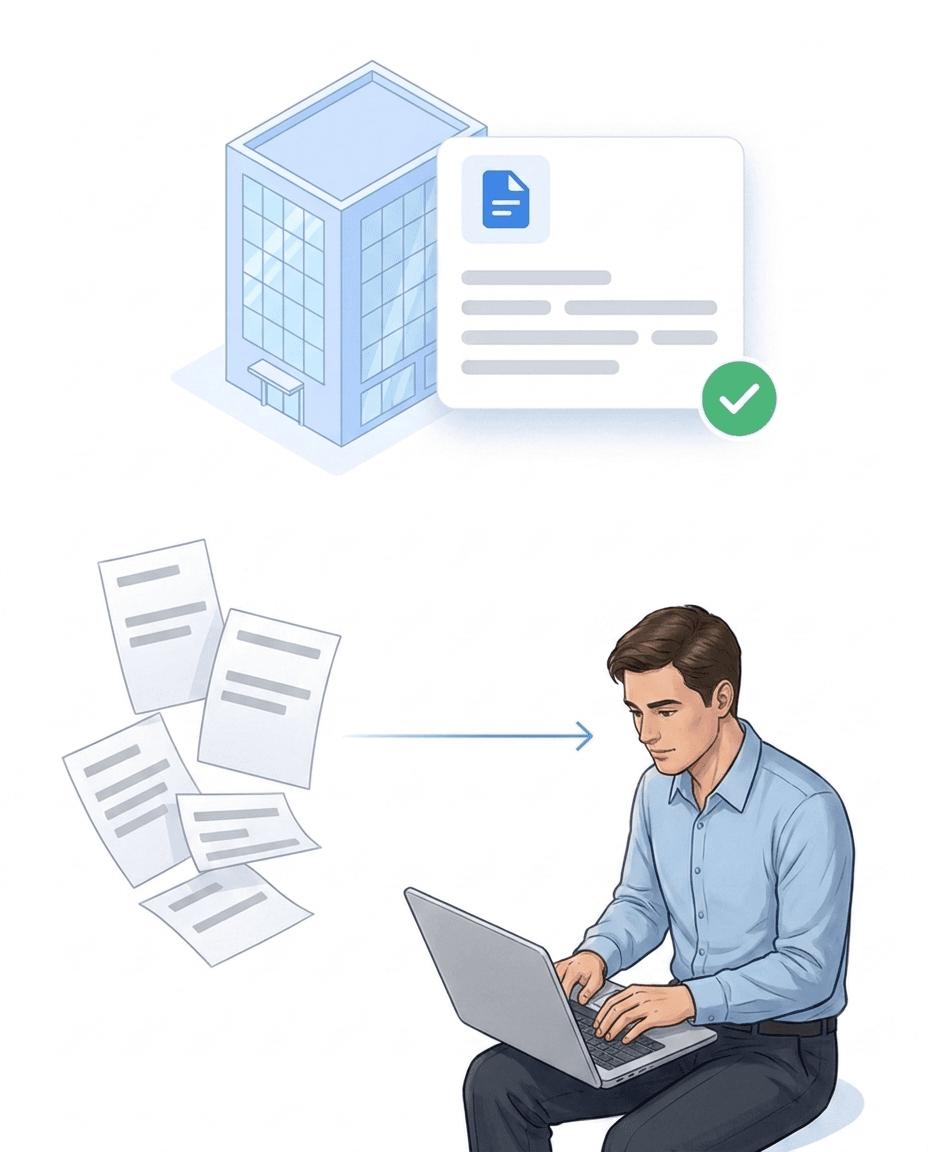
Handwritten notes and photos in messengers are scattered and cannot be verified later — and any work you cannot prove counts, in case of doubt, as not performed. With LiteLog the property record is created as a by-product of the daily routine; businesses report saving around two days per month on report creation alone.
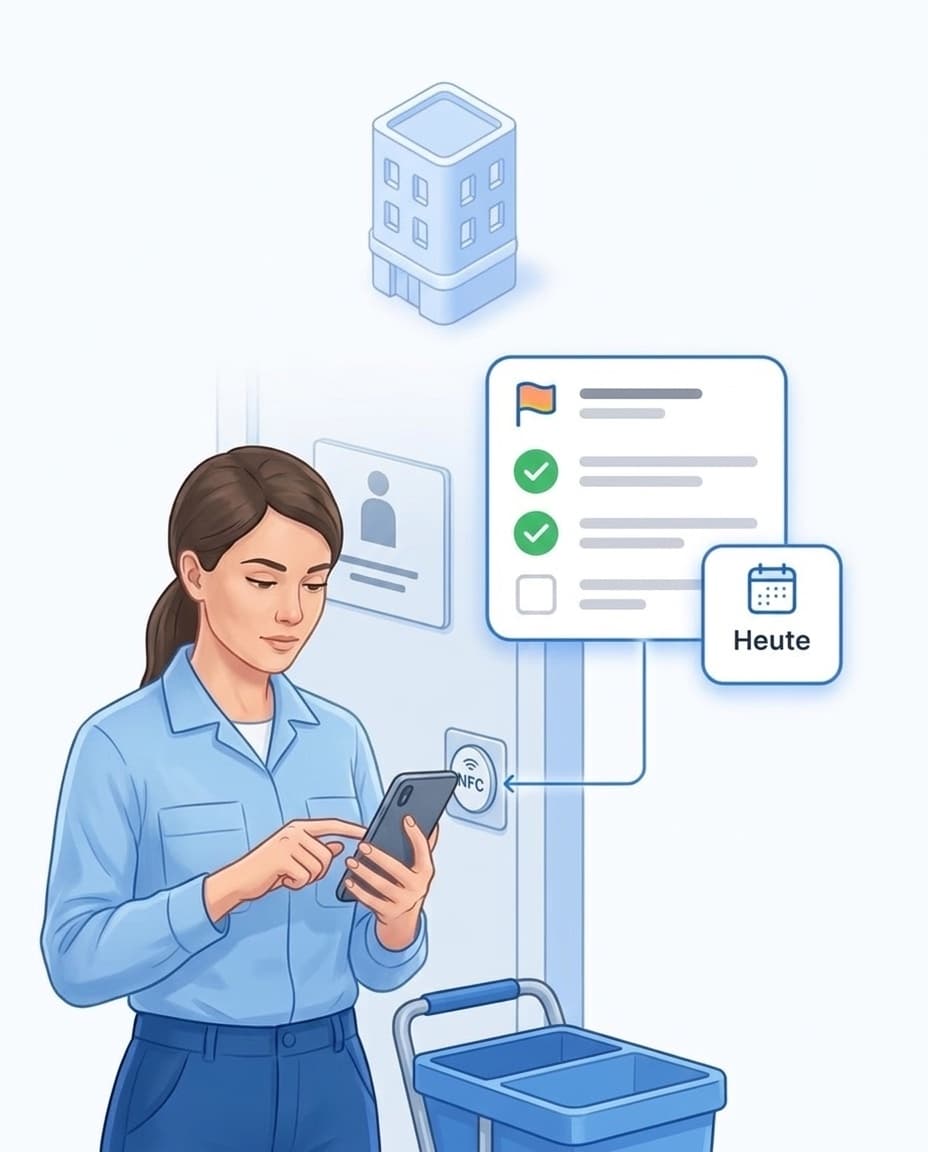
Stick an NFC point in each entrance, car park or plant room. Whoever scans it sees the tasks for exactly that spot straight away, including a stand-in entering the building for the first time. The scan proves with time and name that someone was there. Unlike a photographed QR code, an NFC point cannot be scanned from a desk.

Not every task has to happen on a fixed day. Stairwell cleaning once a week, bins on collection day, mowing only in season: you set up the recurrence once and allow a margin of a few days. The task only counts as overdue once that margin has passed. For seasonal work, set a start and end for the series, for example 1 April to 31 October.

At seven, a caretaker calls in sick. In the portal you select his tasks for today and assign them to a colleague in one go. If someone is off for longer, set up a stand-in for the period. The stand-in then sees all of that person’s open tasks in their app.
In the boiler room, the caretaker scans the point at the meter and types the reading into a number field, with a photo of the display if you like. The value lands in the report with date and site. You do not need a second program or a separate list for meter readings.
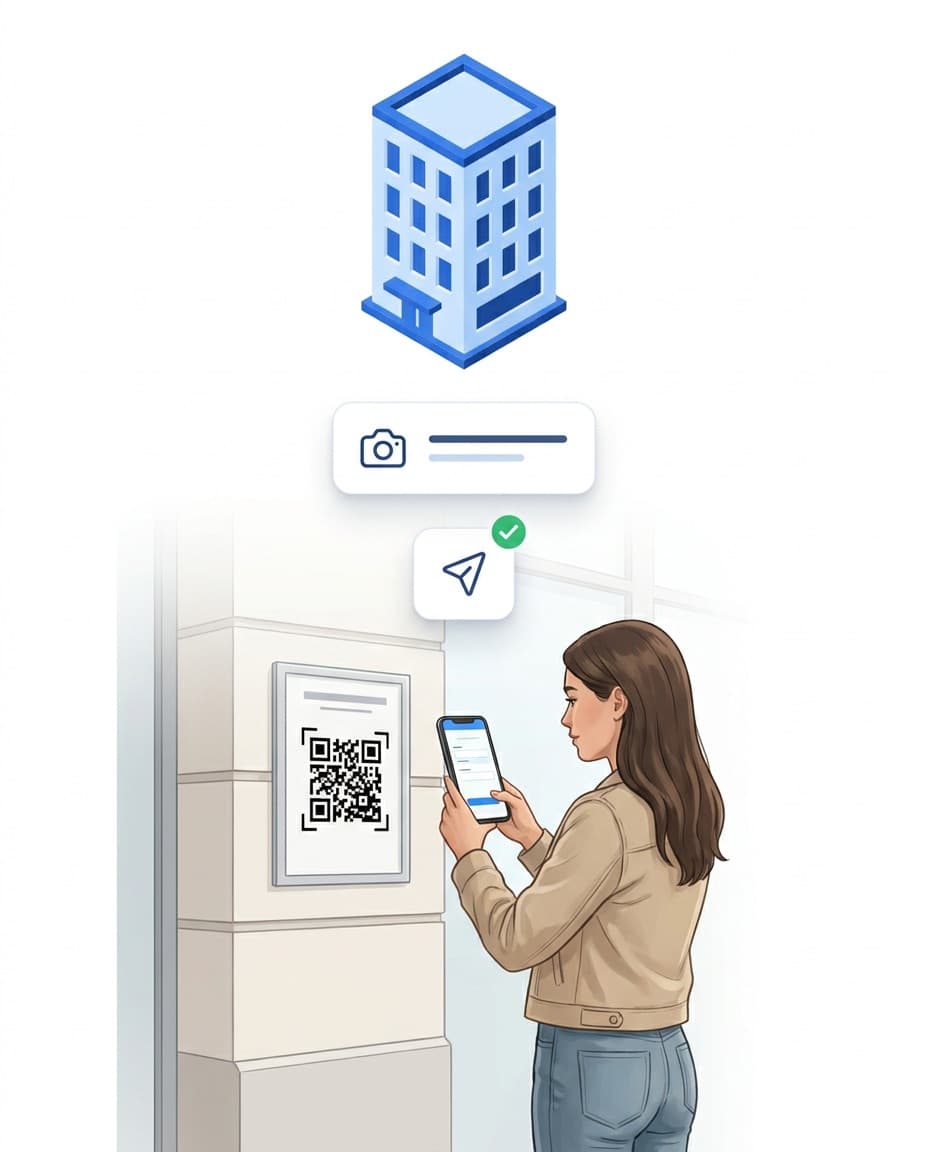
Put up one QR notice per building in the stairwell. Residents scan it, take a photo of the damage and send the report, with no app and no login. The report arrives as a task for the responsible caretaker, with photo and site. Anyone who prefers to call can reach Hannah, the AI phone assistant.
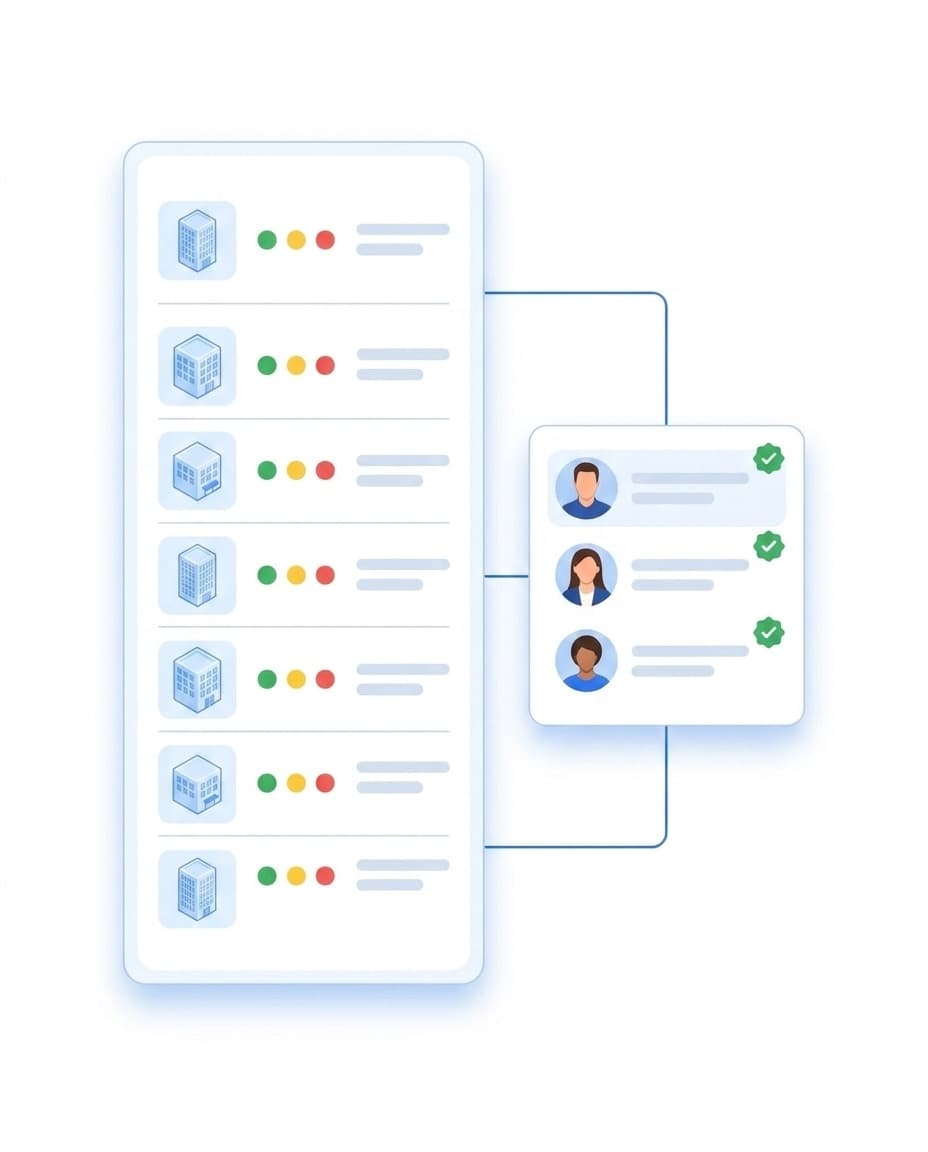
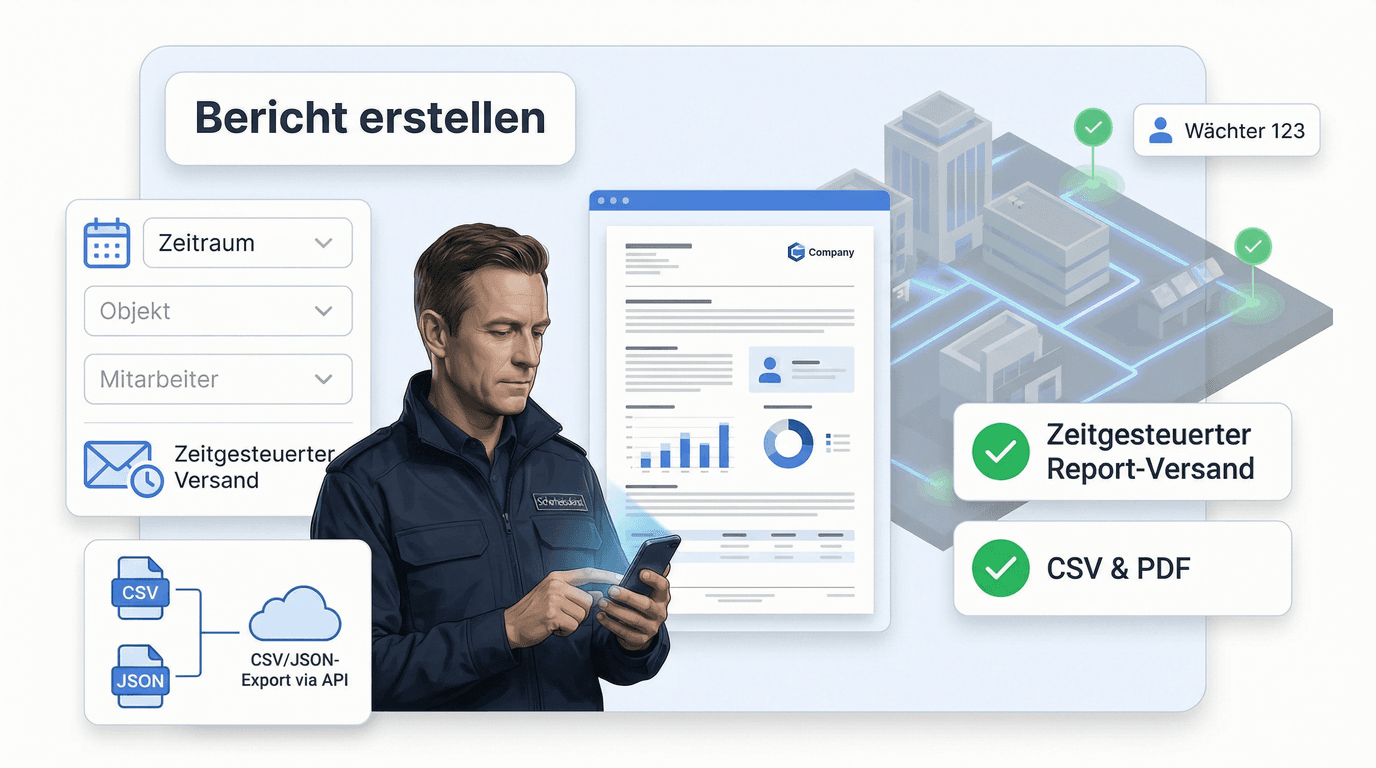
Instead of sending reports one by one, give the property manager their own access. There they see for their sites when checks took place, which defects are open and what has been done. You decide what is visible.
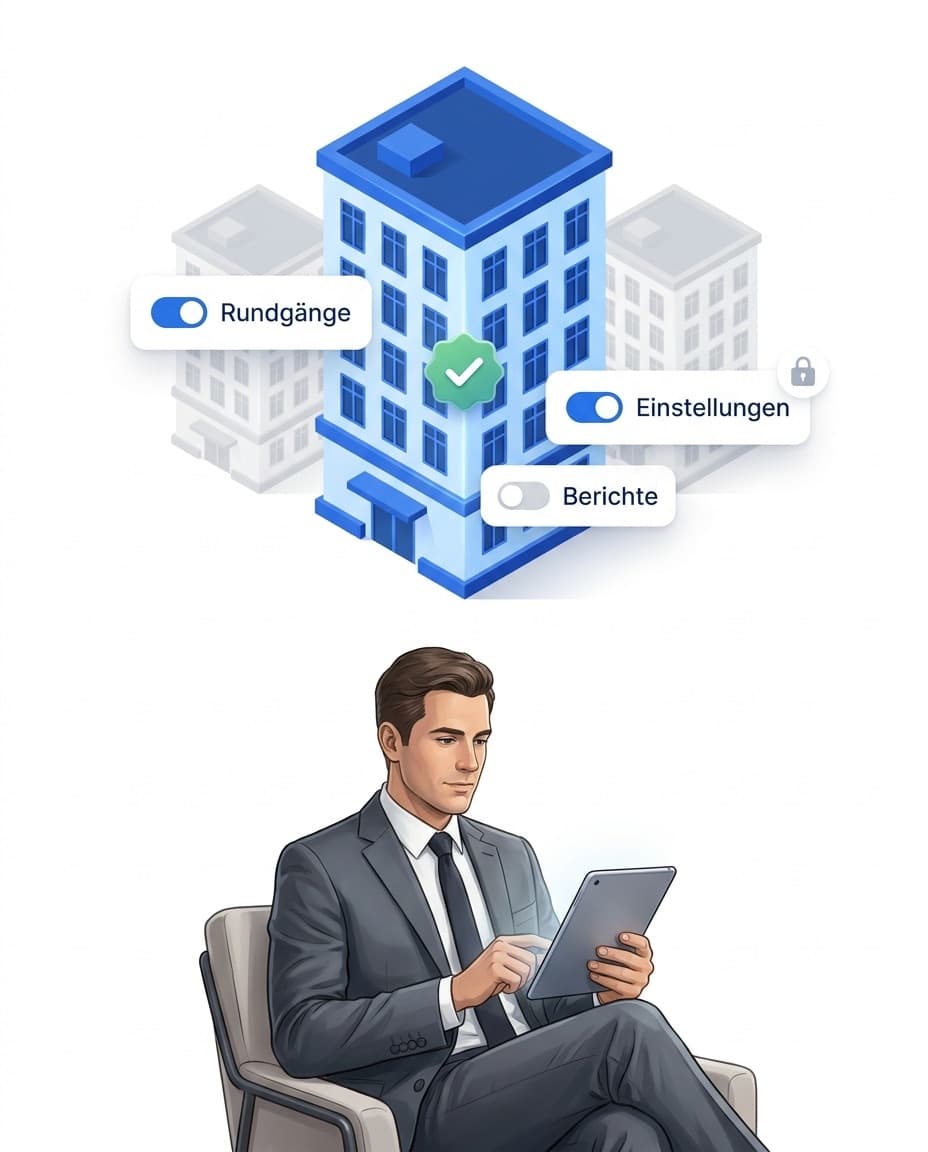
Many caretaking companies also clean the stairwell, clear snow or put out the bins at the same building. In LiteLog, all of these jobs belong to the same site: whoever scans at the entrance sees what is due today, whichever trade it belongs to. Pure time-tracking apps cover working hours only, pure guard-tour tools security only.
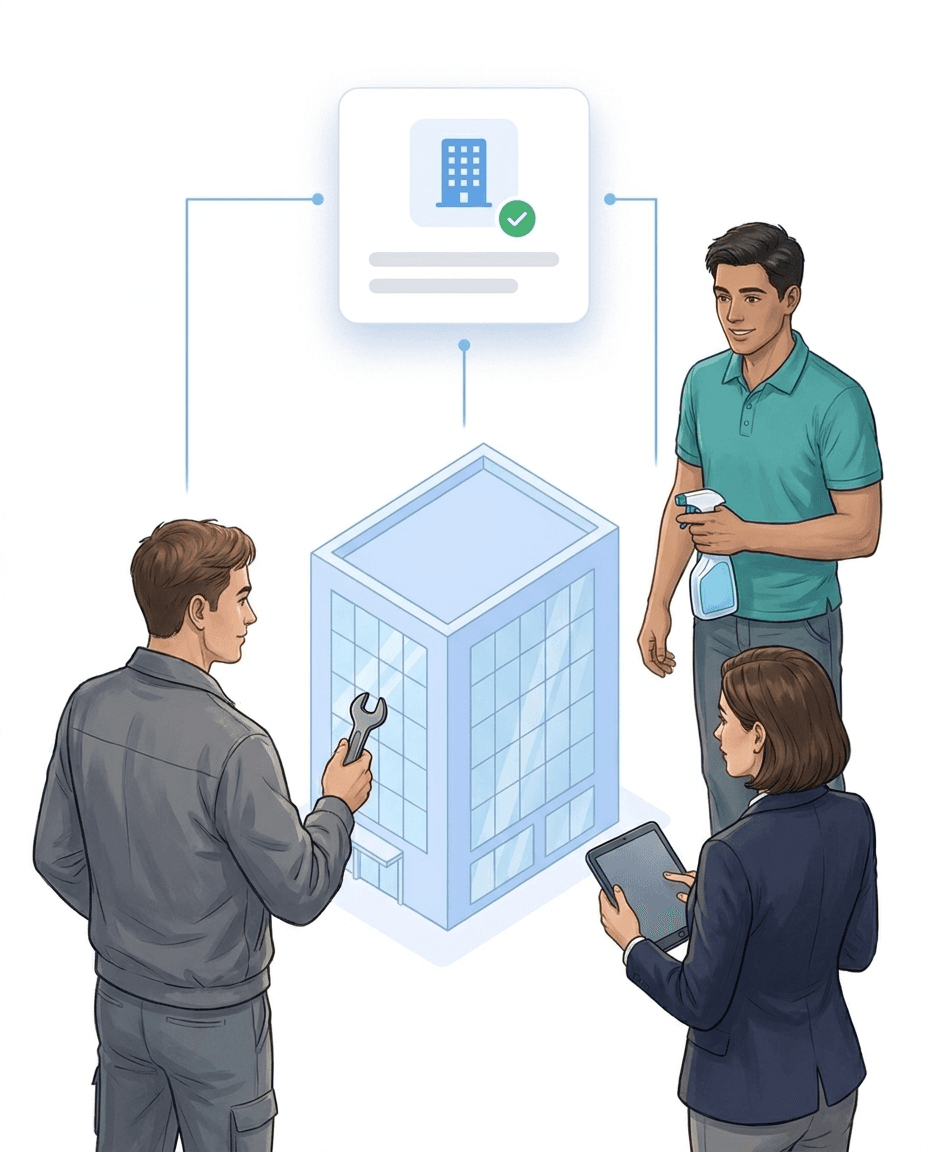
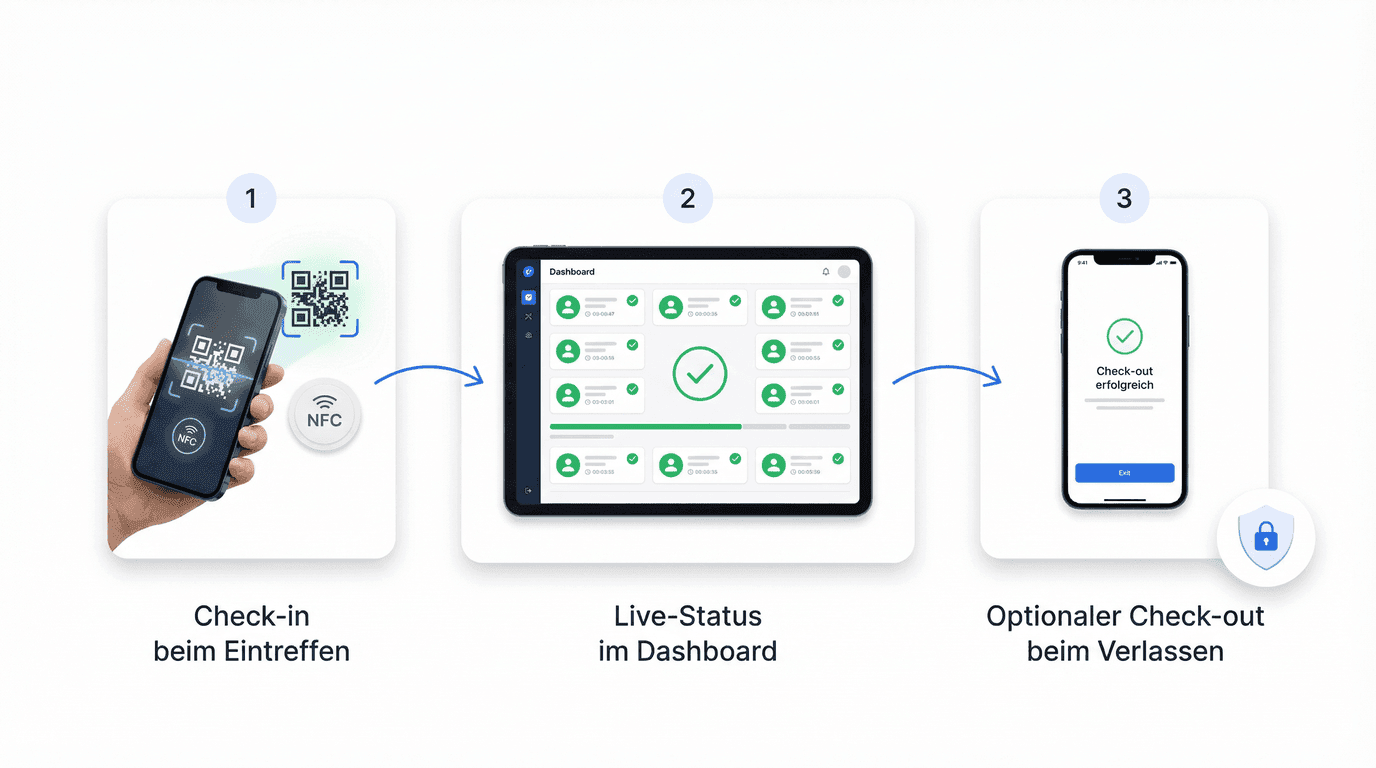
Your caretakers check in on site by holding the smartphone to the NFC point or scanning the QR code. The time is booked to the right building, even when someone visits five properties a day. The office sees who is where right now. At the end of the month, the proof of service for each property manager is ready.
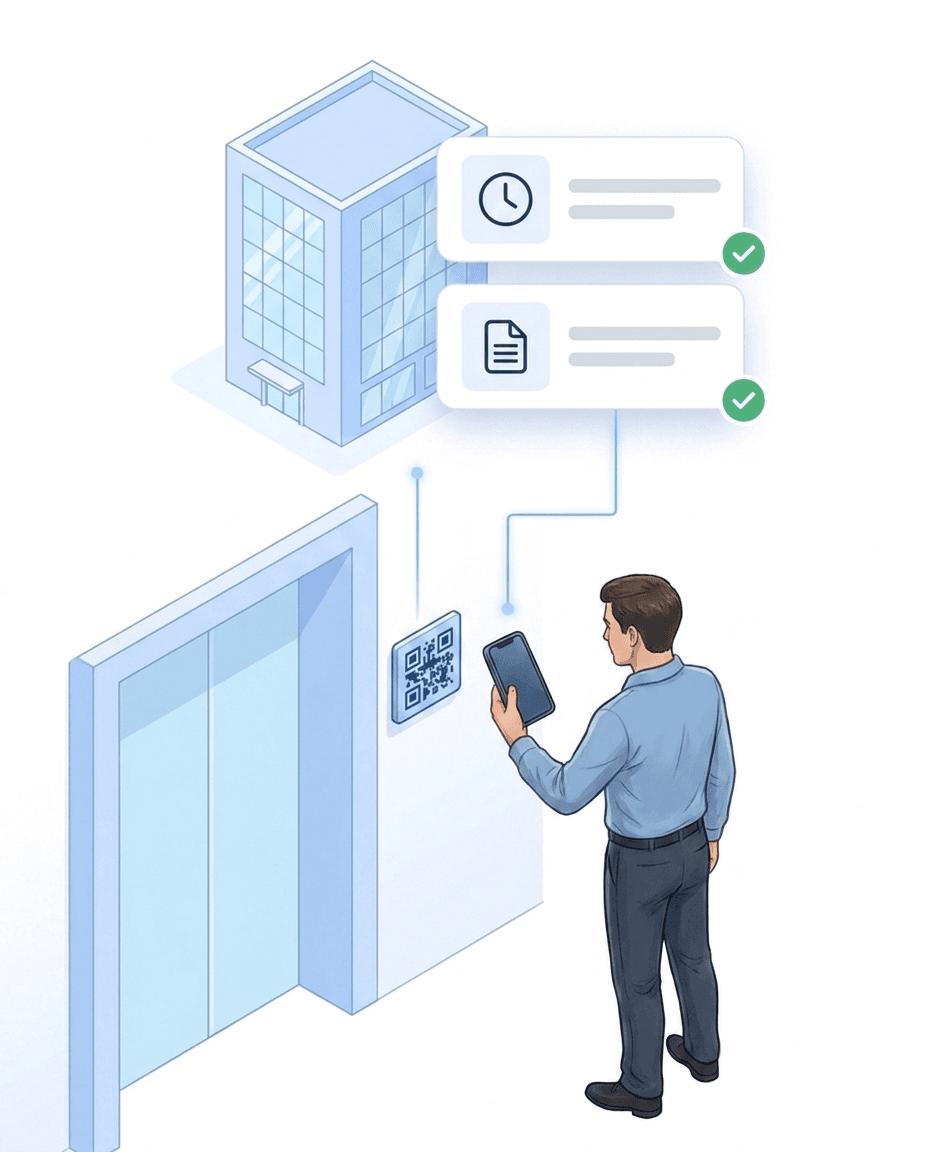
Typical time tracking shows when. LiteLog shows where, how long and what. Checking in at the building becomes proof your property manager can follow. How this differs from general business and time tracking software is shown in the comparison LiteLog vs. clockin.
In winter the road salt runs out, the basement is missing a spare bulb, and the master key is with someone, somewhere. With the optional supplies module, your caretakers book consumption directly at the site. You hand out keys and equipment with a signature, so it is always clear who has what.
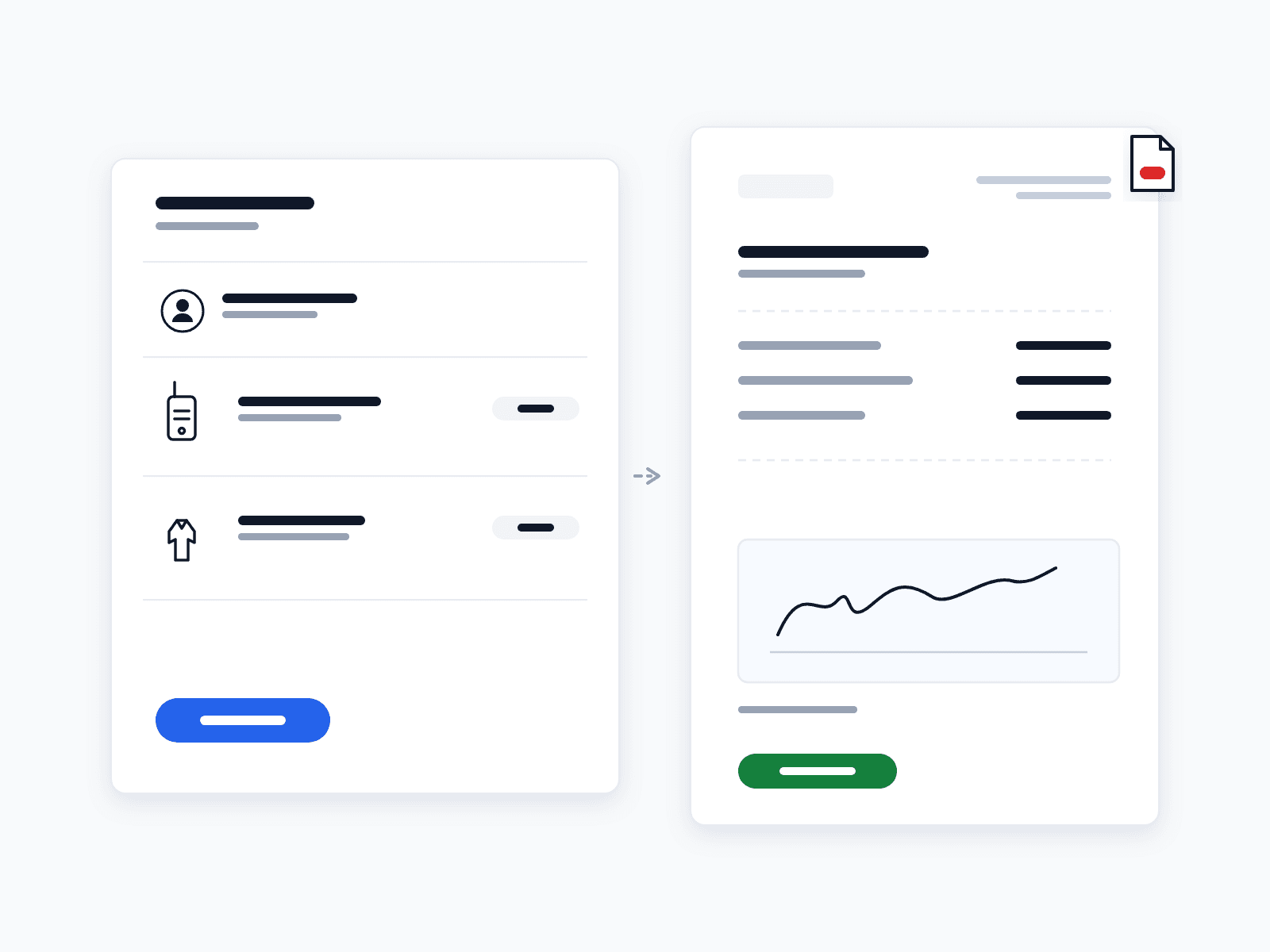
Caretaking services are increasingly subject to contractual documentation duties and public-safety obligations. LiteLog documents in an audit-proof, tamper-proof way: every entry carries a timestamp, person and site assignment and cannot be changed after capture — corrections are documented as a separate process, so the chain of evidence stays complete.
Defect reports often contain names, flat numbers and photos from inside the building. LiteLog stores all data on servers in Frankfurt and encrypts it in transit. Roles decide who sees what: caretakers their buildings, the office everything, the property manager only their own sites.
With black ice, what counts is not whether you cleared it — but whether you can prove it. The chain from scheduled tour to report documents every run reliably: with person, time, location and photo, unchangeable from capture — as a by-product of the daily routine.
Before switching to an app, caretaking companies ask us the same three questions again and again.
No IT project, no expensive hardware: all you need is one NFC tag or QR code per building and the smartphones your people carry anyway. The typical path is a pilot with one site, followed by a rollout to further buildings.
More than 10 years experience in this industry
3-star hotel with 2 locations digitizes control rounds with two company smartphones and no extra hardware.
Cyfrowa kontrola wartowników i rejestracja czasu w ponad 20 lokalizacjach w całych Niemczech
Read the customer story →Integrationen
Hannah fügt sich nahtlos in die Software ein, die Ihr Unternehmen täglich nutzt — Kalender, CRM, Messenger und natürlich LiteLog.


Did the night shift really check every floor? Patrols built from NFC or QR checkpoints guide your staff step by step through the site — every scan is documented audit-proof, and if a patrol is missed, the alarm system triggers automatically.
Mehr dazuForced door, water damage, shift handover: your employee takes a photo or records a voice memo — the AI categorizes the report automatically, and serious cases escalate via workflow straight to the site manager.
Mehr dazuClock in, break, clock out — one QR scan at the site is enough. Unlike plain time tracking, LiteLog also documents where the work happened: every stamp carries time, location and user, and becomes solid ground for payroll and client invoicing.
Mehr dazuLiteLog's attendance tracking app replaces paper lists and Excel: check-in via smartphone, QR code, NFC or kiosk — tamper-proof with time and location. You see live who is on site right now; in an emergency, one click turns it into the evacuation list.
Mehr dazuMeasure agreed service levels per client automatically and deliver a revision-safe service-level report at the end of every period.
Mehr dazuNight shift not started, patrol skipped, check-in missing? LiteLog doesn't wait for the monthly report — it alerts immediately, via push, email, SMS or phone call, optionally as a multi-level escalation chain.
Mehr dazuDie harten Vorteile (messbar)

Keine Nachweisdiskussion mehr – alle Signaturen sind gerichtsverwertbar dokumentiert.
Ihre Daten werden DSGVO-konform in deutschen Rechenzentren verarbeitet.

Abweichungen aktiv erkennen – statt sie zufällig zu entdecken.
FAQ
LiteLog has three flat prices: Basis €79 per month for up to 15 employees, Betrieb €199 for up to 50 employees, Profi €399 for up to 150 employees. Which plan applies depends only on the number of employee accounts; sites, rooms and devices are unlimited and client logins never count. No setup fees, no special hardware. You start with a free 14-day trial and see the full feature set before you decide.
No. LiteLog runs on the caretakers’ own smartphones (Android and iOS). Check-ins only need QR codes you print yourself or NFC tags; fixed terminals or time clocks are not required. Your own compatible devices can be added at any time.
Yes. LiteLog hosts all data in Frankfurt on German servers, encrypts data transfers and offers role-based access controls. Clients receive restricted access and only see the evidence for their own sites. This reliably meets the requirements for technical and organisational safeguards.
Yes. Unlike specialised tools (pure time-tracking apps for working hours only, pure guard-tour tools for security only), LiteLog brings several trades together in one system. Caretaking, cleaning and security staff work with the same site and employee master data, one login and shared analytics — without duplicate entry.
Setup typically takes less than an hour: sign up in the portal, create sites and tours, invite staff and place QR codes or NFC tags at the locations. No IT technician and no server infrastructure are required. Onboarding guides and videos are available.
Yes. Patrols and tasks can be captured offline, e.g. via NFC in basements or areas without mobile coverage. Data is synchronised automatically once an internet connection is available.
No. They simply speak the report as a voice memo – even with gloves on or on the move. LiteLog transcribes the recording GDPR-compliant in the EU and automatically classifies the incident by category and severity. A burst pipe escalates immediately via your workflow rules instead of waiting in a text note.
Effective facility patrols follow four principles: (1) adapt routes to the property type (residential vs. commercial vs. industrial), (2) set intervals according to criticality (daily, weekly, monthly), (3) place checkpoints at critical spots (main entrance, plant room, underground car park, emergency exit), (4) document and escalate deviations automatically. LiteLog supports all of this in one app — without manual post-processing.
Paper checklists are replaced by NFC or QR checkpoints on the property. LiteLog records every patrol with a timestamp, GPS verification and photo documentation on a normal smartphone — without special hardware. This automatically creates a complete record that you deliver to your clients as a report. Particularly relevant for caretaking services with multiple properties and documentation duties.
An NFC tag or QR code is attached to each building. The caretaker signs in on arrival and signs out on leaving. Working time is recorded per site — automatically and without manual entry. With several buildings per day, a complete time log is created, ready for payroll and clients.
The property manager receives structured reports per site and period: patrols, completed tasks, defect reports and time logs. Internal details are controlled via roles and permissions — each client only sees the records for their own sites.
Since the ECJ ruling of 2019 and the German Federal Labour Court decision of 2022, employers in Germany must systematically record their employees’ working hours — regardless of company size. A mandatory electronic form is not yet in force, but the draft law provides for it. With LiteLog you record sign-in and sign-out tamper-proof via smartphone or NFC terminal and are prepared for the obligation.
As an evidence chain within the daily routine: the clearing tour is scheduled per site, on site a scan plus photo is enough — both with unchangeable timestamps. The report to the owner goes out automatically. If a black-ice liability question comes up months later, the proof is available in seconds instead of file folders. What documentation is mandatory is explained in our article on winter service documentation.
Tenants scan the defect QR in the stairwell, take a photo of the damage and send the report, with no app and no login. A workflow turns it into a task for the responsible caretaker, and the property manager sees the status in the client access without having to ask. Anyone who prefers to call can reach Hannah, the AI phone assistant. From report to completion, everything stays traceable.
Via the maintenance chain: the device inventory knows every inspection interval and reminds you in time, a workflow creates the task, completion happens with an inspection form — and the proof stays archived on the device. The same pattern covers playground checks and other public-safety duties.
Yes. The optional material module keeps consumables such as road salt or light bulbs per site as a provable journal with minimum-stock alerts. Equipment and serialized items — keys, machines, radios — are issued to people with an on-screen signature, an issue receipt as PDF and per-item tracking via serial number, NFC chip or QR label. The module deliberately does not replace purchasing.
Koniec z ręcznymi listami – LiteLog digitalizuje zarządzanie frekwencją, wycieczkami i gośćmi.
100% zgodności z RODO – serwer w Niemczech 🇩🇪