96%
Trusted by companies

Chip on the wall, phone against it, point turns green. LiteLog documents every patrol with time, place and person. The proof goes to your client automatically as a PDF with photos. Servers in Germany, no special hardware, from €79/month. Try it for 14 days without a credit card.
A guard tour system (GTS) digitally documents every patrol round performed by security staff. It replaces mechanical clock systems and paper logs with smartphone-based checkpoints using NFC, QR codes, or Bluetooth beacons. Every scan is automatically stored tamper-proof with time, GPS-verified location, and user.
Proof is the reason clients require a guard tour system. LiteLog delivers it without anyone lifting a finger: as a patrol report with photos, as an e-guard book with every incident, and as a dedicated login for the client.
A paper guard book never speaks up. LiteLog does: if a checkpoint is missed, a patrol does not take place or a shift does not start, operations management is notified immediately.
Parking violation, open gate, damaged fence: an incident report takes three taps. Pick a text snippet, add a photo, send. Time, place and person are set by the app.
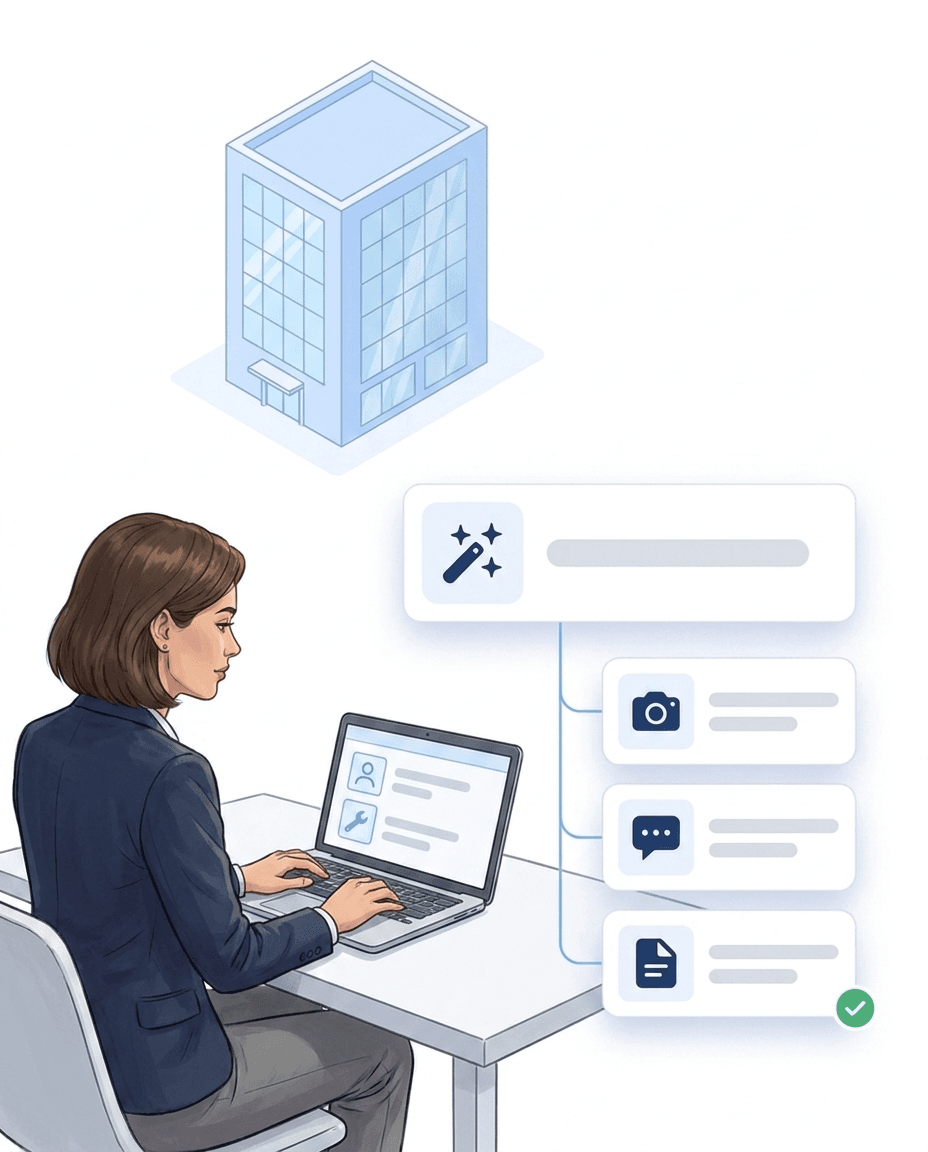
Twelve sites, one mobile patrol run, three different kinds of checkpoints: LiteLog covers it without tying you to one technology.
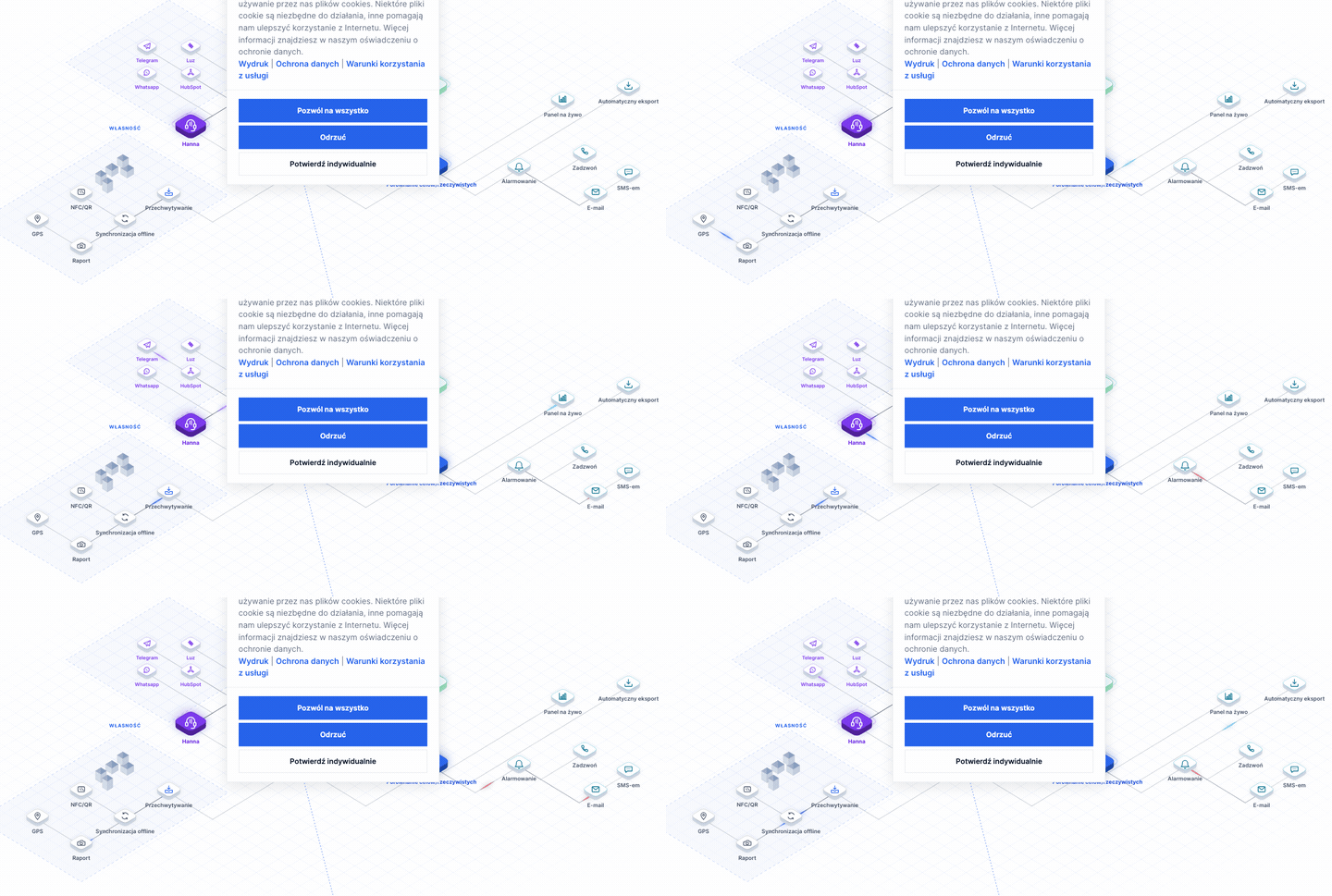
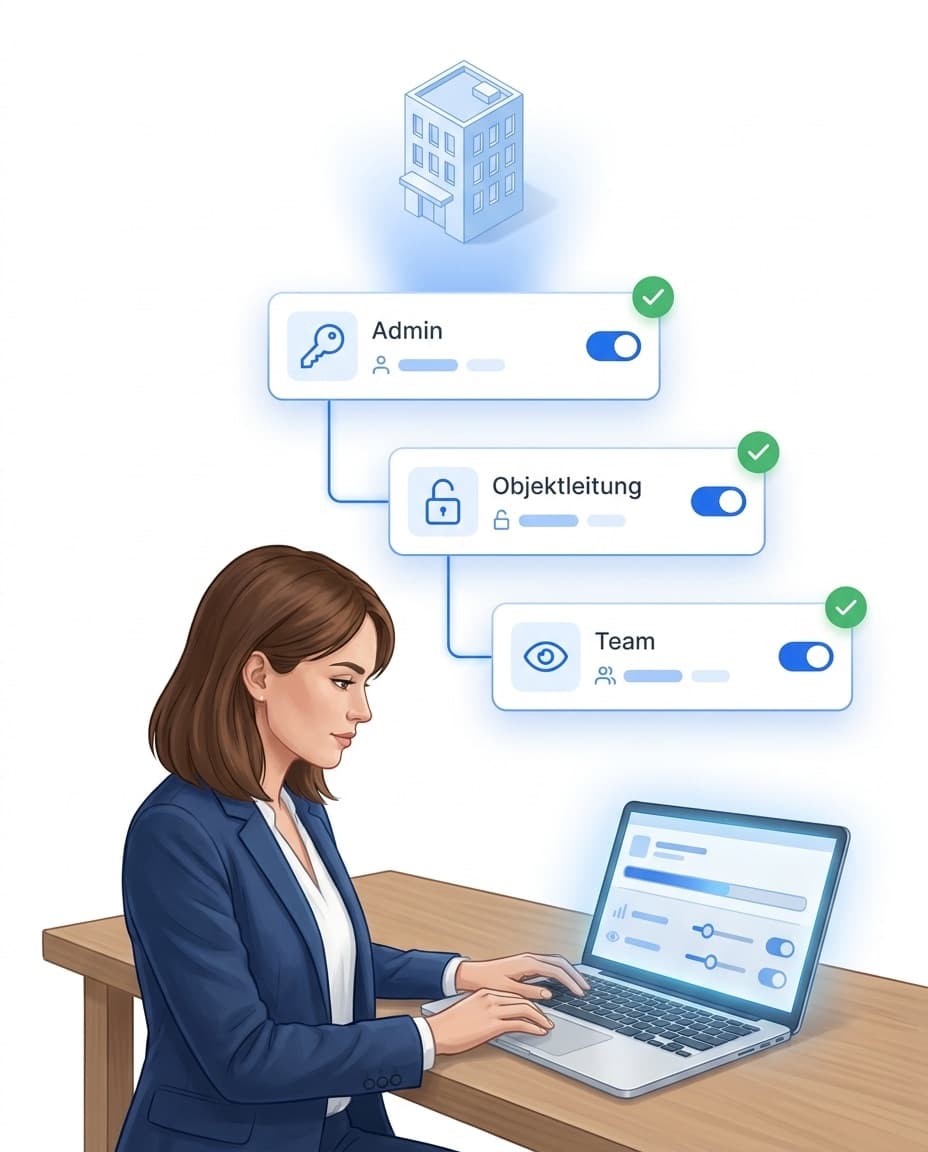
Subcontractors are part of guarding. In LiteLog they get their own access and see only what concerns them.
The app’s start page is understood in three seconds, in 15 languages. Every person picks their own language; the report to the client stays in the language of your account.
German, English, Czech, Polish, Ukrainian, Russian, Turkish, Arabic, Romanian, Bulgarian, Hungarian, Italian, Spanish, French and Portuguese.
The guard picks their language in the profile. Menus, hints and notifications follow.
What the client receives appears in the language of your account, regardless of the guard’s language.
Your own forms are translated by AI into the team’s languages when published. More under [multilingual](/en/features/mehrsprachigkeit).
You need no data collectors and no guard clocks. Your team’s smartphones and three kinds of checkpoints are enough.
Stick it on or screw it on, including chips for metal surfaces. Chips you already own are linked after a confirmation dialog.
Hardware & equipment →Print it yourself, put it on the wall, done. Every checkpoint has its QR code at no extra cost.
No hardware at all: a radius around the location, and the app books automatically during a running patrol.
Android and iPhone, offline too. Data is transmitted as soon as there is a connection again.
Chips in the shop →The guard book holds names, times and incidents. That is why servers and database are in Frankfurt, transmission is encrypted, and every role sees only what it may see.
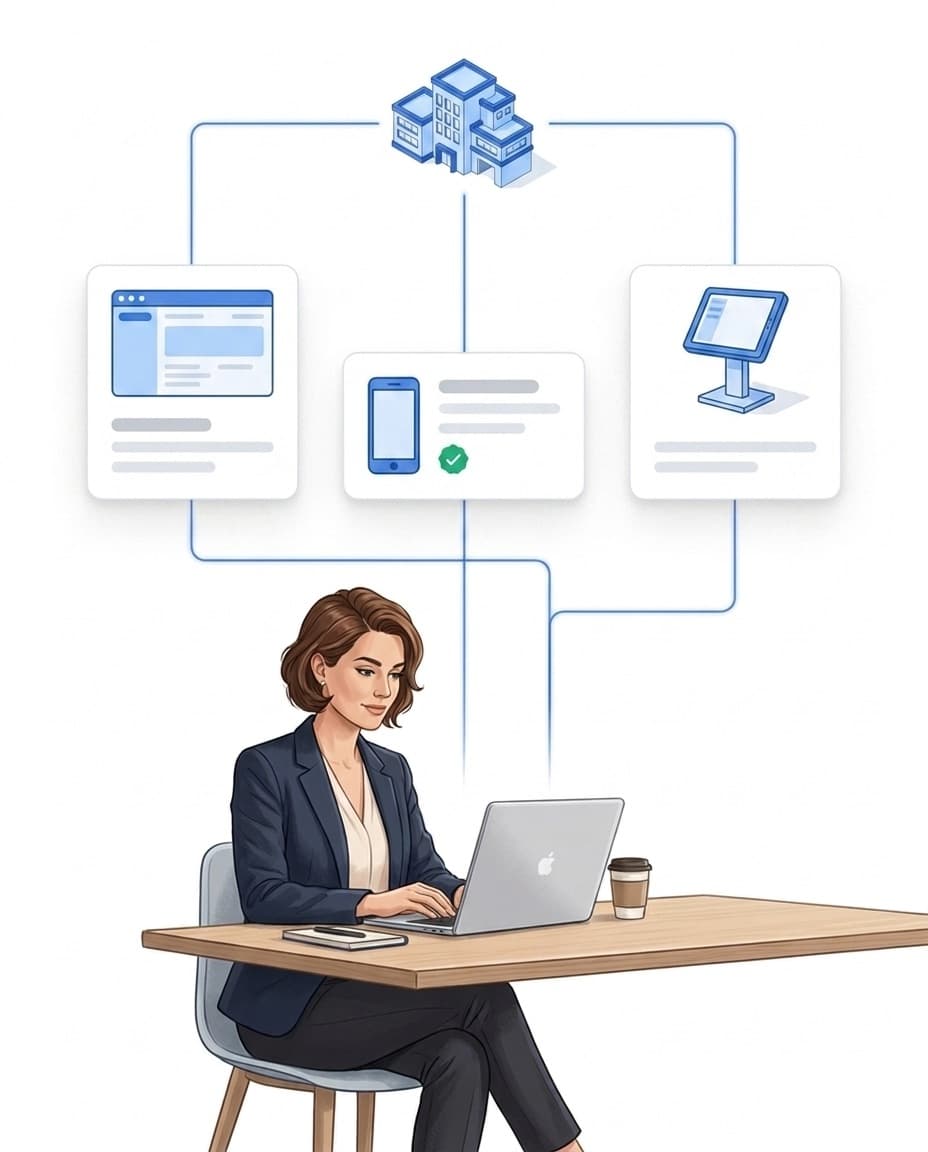
The guard book is yours. Via the REST API your systems read patrols, incidents and people, and with the AI connector Claude or ChatGPT asks your LiteLog directly.
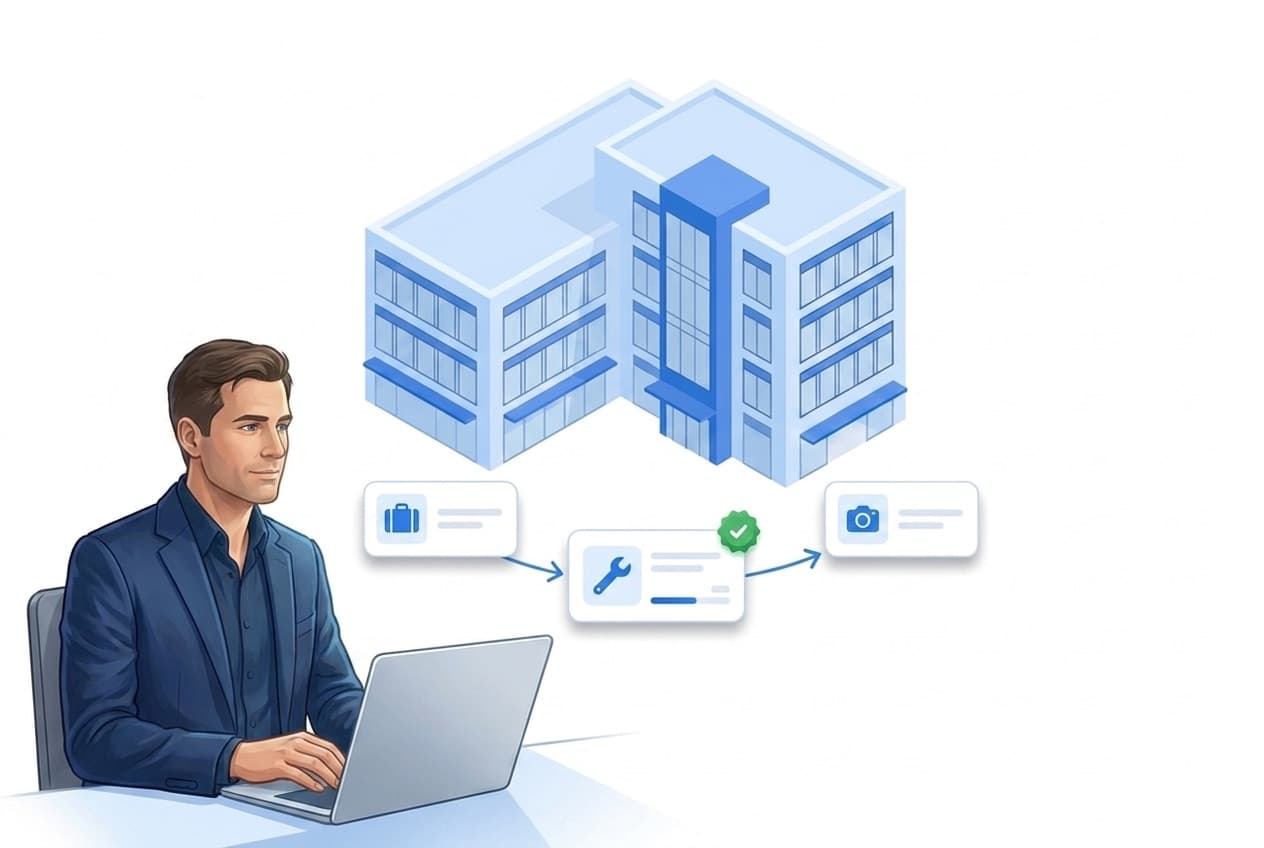
Good guard tour software covers more than just checkpoint scanning. Alongside patrol documentation, it must provide live oversight, alerts, incident reporting, and audit-proof evaluation — so operations leadership and clients both have solid evidence at all times.
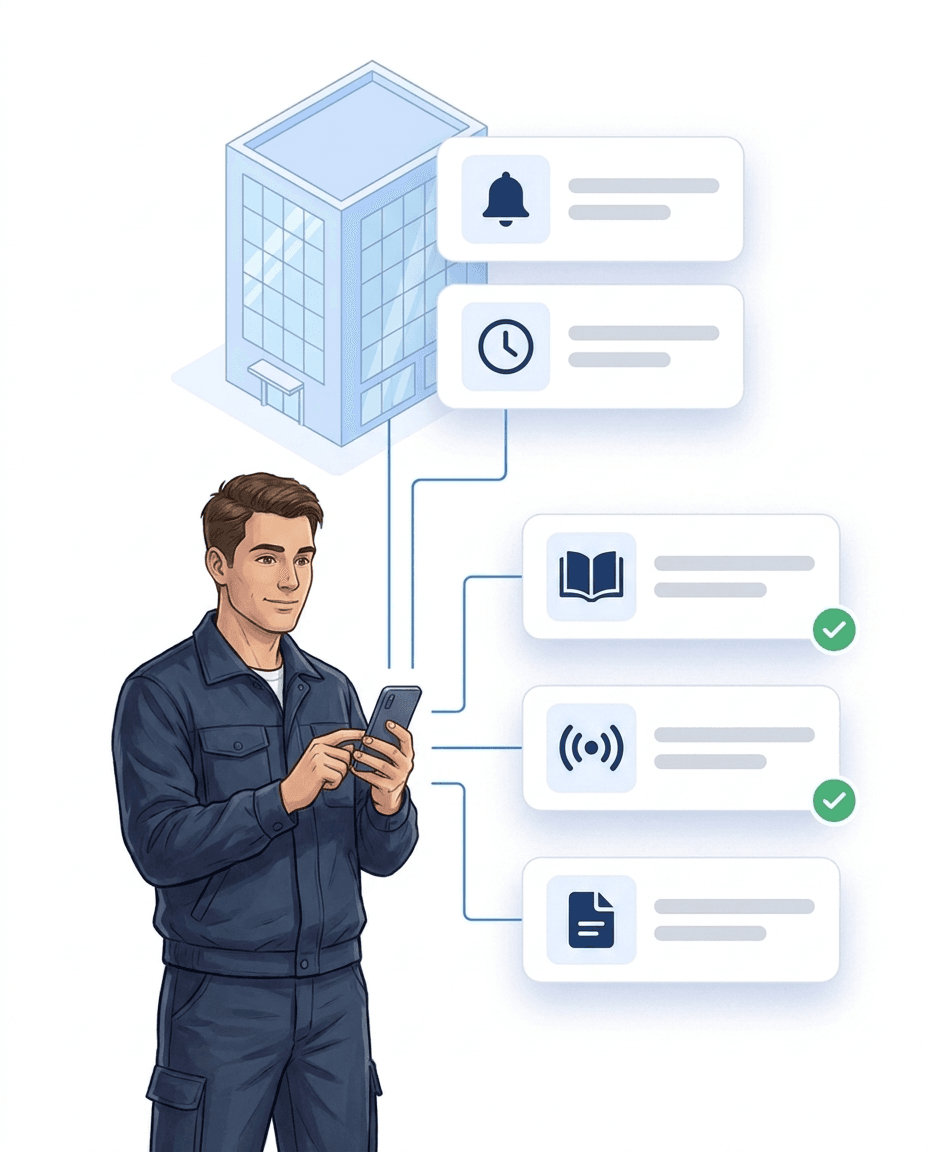
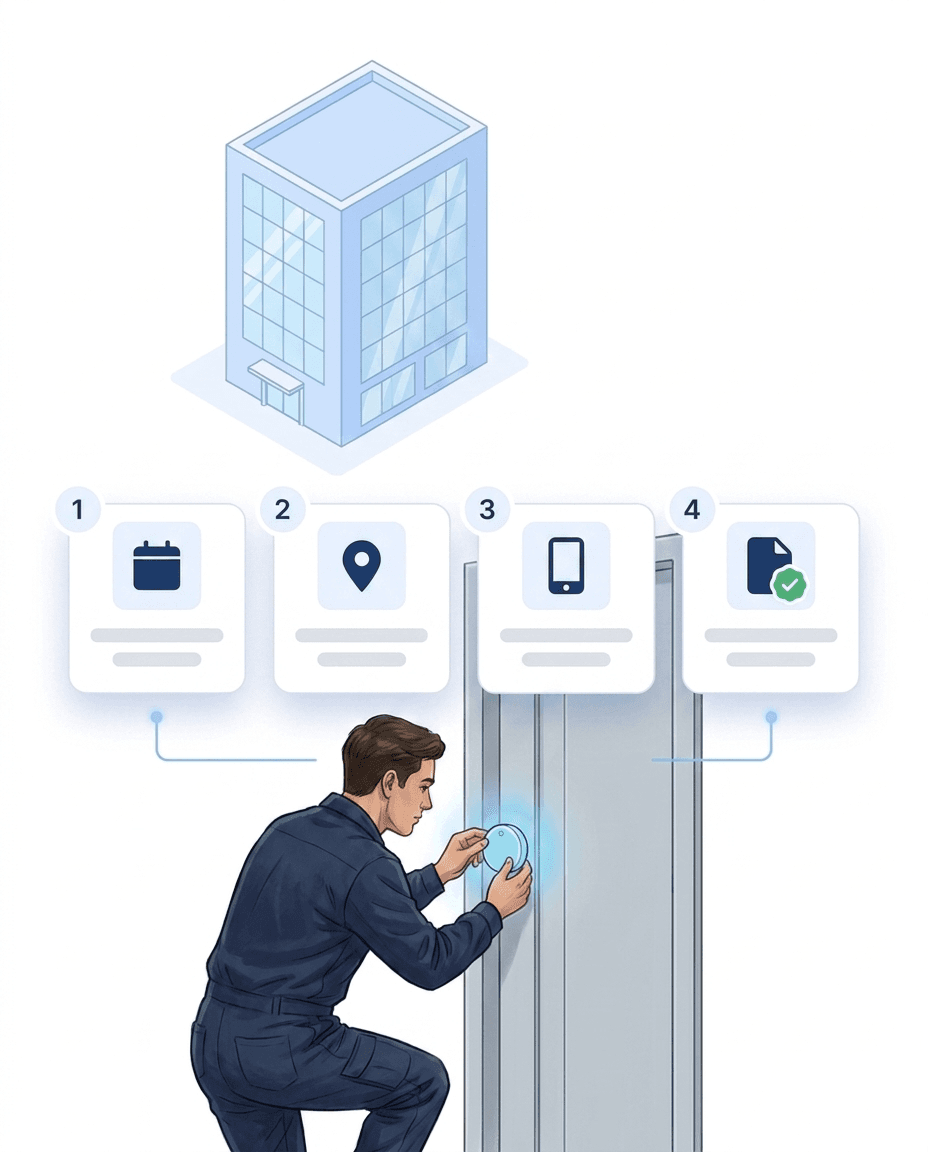
In building security, patrols must be provable end-to-end — for clients, insurers, and internal audits. Digital documentation replaces handwritten reports with automatically captured scans. It works in four steps:
More than 10 years experience in this industry
Cyfrowa kontrola wartowników i rejestracja czasu w ponad 20 lokalizacjach w całych Niemczech
Read the customer story →Austrian security provider: from login to the first documented shift in under a day – guard tour control and time tracking, audit-proof and without paper logbooks.
Clock in, break, clock out — one QR scan at the site is enough. Unlike plain time tracking, LiteLog also documents where the work happened: every stamp carries time, location and user, and becomes solid ground for payroll and client invoicing.
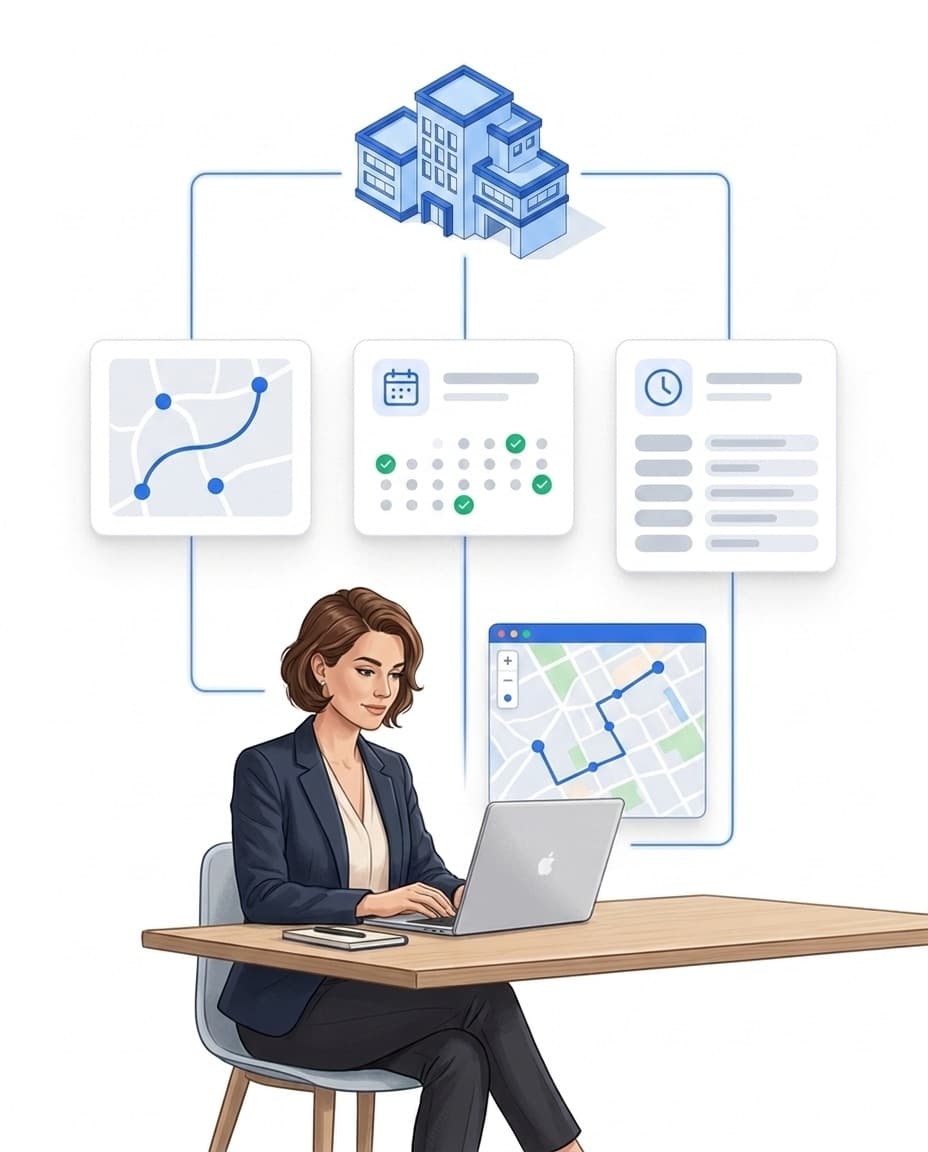
Mehr dazuWho works when at which site? Plan shifts on the planning board via drag-and-drop – with target vs. actual status lights per site and contract, cover suggestions and integrated leave management.
Mehr dazuDid the night shift really check every floor? Patrols built from NFC or QR checkpoints guide your staff step by step through the site — every scan is documented audit-proof, and if a patrol is missed, the alarm system triggers automatically.
Mehr dazuNight shift not started, patrol skipped, check-in missing? LiteLog doesn't wait for the monthly report — it alerts immediately, via push, email, SMS or phone call, optionally as a multi-level escalation chain.
Mehr dazuYou don't adapt to the software: LiteLog adapts to your processes. With the automation you freely combine 49 triggers and 10 actions into if-then rules — in the graphical editor without programming, and on request the AI creates the rule from a single sentence.
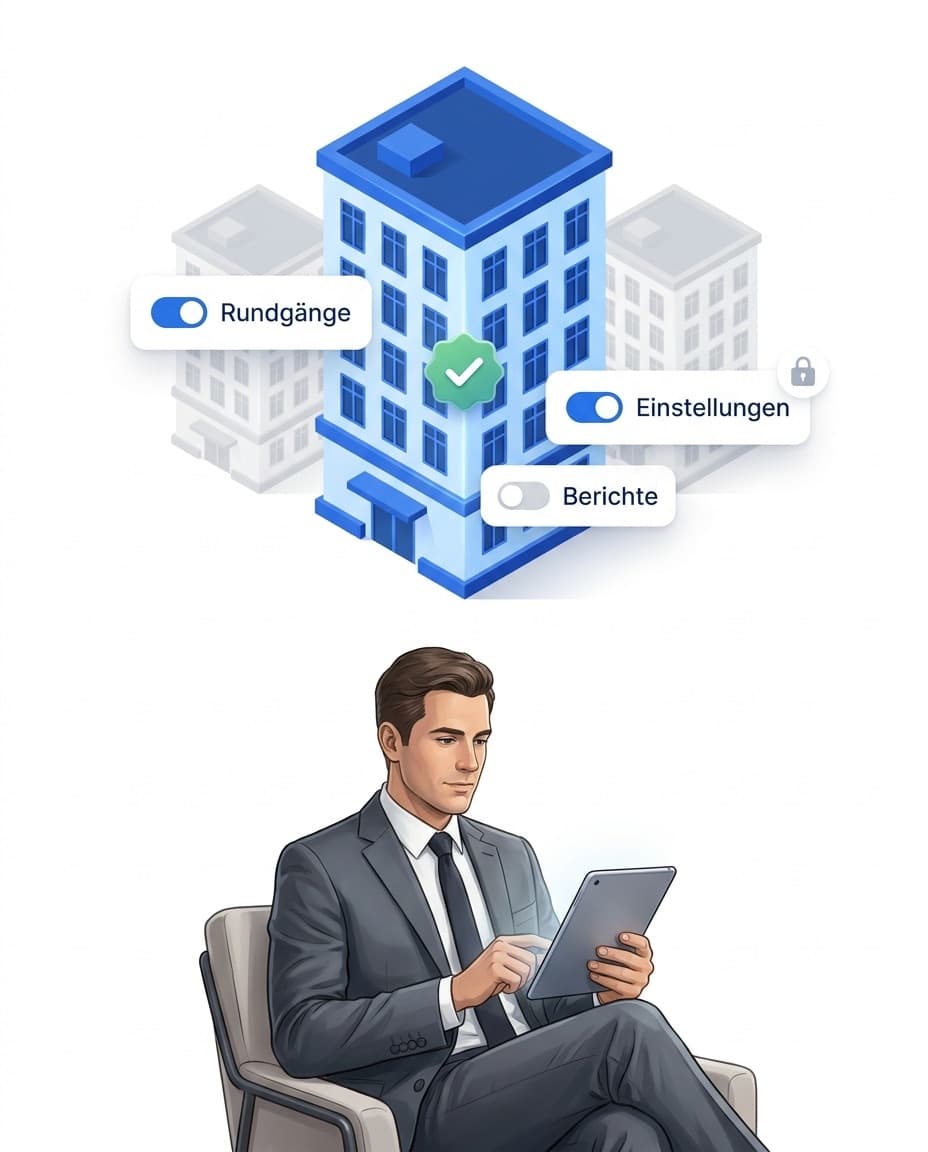
Mehr dazuForced door, water damage, shift handover: your employee takes a photo or records a voice memo — the AI categorizes the report automatically, and serious cases escalate via workflow straight to the site manager.
Mehr dazuDie harten Vorteile (messbar)

Keine Nachweisdiskussion mehr – alle Signaturen sind gerichtsverwertbar dokumentiert.

Ihre Daten werden DSGVO-konform in deutschen Rechenzentren verarbeitet.

Abweichungen aktiv erkennen – statt sie zufällig zu entdecken.
FAQ
The German market offers a mix of classic vendors (with mechanical clocks and proprietary hardware) and modern cloud-based vendors like LiteLog that rely on smartphone apps with NFC and QR codes. Key selection criteria: GDPR compliance, hosting in Germany, German-speaking support, and industry experience in private security. For smaller service providers, cloud solutions without setup costs are usually more economical than proprietary hardware.
Yes. LiteLog offers GPS verification for every checkpoint scan — without permanent live tracking of the guard (for privacy reasons). On scan, the GPS position is captured and matched against the expected location. This proves that the patrol took place at the correct site without continuously monitoring staff.
In every plan, including Basis: the patrol report as a PDF with period, duration, scanned and missed checkpoints, person and the photos of the incidents; the incident list; the attendance proof; automatic delivery by email to several recipients. From the Betrieb plan you get the dedicated client portal where the client logs in, with client tickets and supplies. Profi adds the KPI page with service levels per client.
A modern guard tour system like LiteLog requires no classical installation. Sign up in the portal, place QR codes or NFC tags at the checkpoints, download the app from the store — done. Setup typically takes less than an hour, no IT technician and no server infrastructure required. Tutorials and video guides are available in the onboarding.
The LiteLog app runs on Android and iOS and is free in Google Play Store and Apple App Store. It supports NFC scans (on NFC-equipped Android devices), QR code scanning via the smartphone camera, and GPS verification. For offline situations, a full offline mode is available.
For small security companies, cloud-based systems without setup costs are the best choice — no IT overhead, no servers, no hardware investment. LiteLog starts with a 14-day free trial, and billing is a transparent monthly licence with no upfront investment. This makes it affordable for teams of 2–10 security staff.
Integration happens step by step: first, existing patrol plans are configured in the system, then checkpoints are placed at the known control points. Staff are briefed — usually a short demo is enough. LiteLog also offers APIs and export interfaces for shift planning, payroll, or client reporting.
Effective security patrols follow four principles: (1) Patrol order and timing should vary to avoid predictability. (2) Every checkpoint is documented with a timestamp and — for suspicious observations — with a photo. (3) Deviations from the plan (missed scans, delays) automatically trigger alarms. (4) Reports are archived audit-proof to prove correct execution if an incident occurs.
Modern patrol documentation software combines patrol planning, checkpoint scanning, incident reporting, and automated reports in one platform. LiteLog covers all these functions: NFC/QR/beacon checkpoints with GPS verification, photo and event documentation, PDF reports in corporate design, and an e-guard book with filterable archiving. All data is hosted GDPR-compliant in Germany.
Classic guard tour systems carry high upfront costs for clocks or data collectors — plus maintenance, replacement units and PC software. LiteLog instead bills as a transparent monthly licence, with no proprietary hardware and no setup costs. You start with a 14-day free trial and see the full feature set before you decide. For the full hardware-vs-app cost comparison, see our guard tour system cost guide.
GTS is the common abbreviation for guard tour system — a digital solution for monitoring and documenting patrol rounds in private security. The term originates from the era of mechanical guard clocks and is used today for their digital successors. Modern GTS use smartphone apps instead of proprietary hardware. Abbreviation: GTS = Guard Tour System (also: patrol monitoring system, guard clock system). Purpose: Proof that checkpoints were verified at the planned time. Use cases: Asset protection, mobile patrol, plant security, event security. Components: Checkpoints (NFC/QR/beacon) with GPS verification + mobile app + reporting portal. German term: „WKS — Wächterkontrollsystem".
The guard tour system captures patrol activity. The digital guard book is the resulting documentation that contains patrol logs, incidents, photos and timestamps. In LiteLog both parts are one system: checkpoint scans and guard book entries come together in the same interface.
In most cases, a standard smartphone with NFC or GPS is sufficient. Rugged devices can be used for demanding environments. GPS checkpoints need no hardware at the point at all – a configured radius is enough, and the app books automatically during a running patrol. Learn more about hardware & equipment with LiteLog.
Yes. Blank, writable chips are written with a LiteLog marker and locked by the app when you assign them. Chips that are already written or locked can also be assigned to a checkpoint after a confirmation dialog; the app then remembers their chip ID. No patrol data is stored on the chip, only its link to the checkpoint. Chips for metal surfaces are available in the shop.
Yes. Patrol data can be recorded offline and is automatically synchronised once an internet connection is available.
Classic guard tour systems use mechanical clocks or data collectors. Evaluation happens with a delay at a PC, and photos or GPS data are missing. Modern guard tour systems like LiteLog use smartphone apps with NFC or QR checkpoints instead. Patrols are transmitted in real time, incidents are captured with photo and location. Switching saves hardware costs, reduces administrative effort and gives clients reliable proof of service immediately. Benefits of digital systems: no specialised hardware — existing smartphones are sufficient; real-time data instead of delayed evaluation at a PC; multimedia evidence with photo, GPS and timestamp; cloud-based and ready to go without installation effort.
Yes. LiteLog’s servers and database are located in Frankfurt, Germany, data transfers are encrypted, and role-based access controls make sure every person only sees what they are allowed to see. The data processing agreement (PDF, German) is available for download, and the page for your IT answers your IT team’s review questions.
From the Betrieb plan you create subcontractors as a separate company with their own access. The partner firm creates its own staff, sees only them and only the sites you share. Patrols, incidents and proof from the partner firm land in your guard book as if they were your own. Their seats count like your own seats.
Yes, as a custom account field. You create the field once in the settings; it then appears in every person profile and can be marked as required. Qualifications such as the §34a licence or first aid are stored per person as well. LiteLog does not run an automatic check against the guard register.
15 languages: German, English, Czech, Polish, Ukrainian, Russian, Turkish, Arabic, Romanian, Bulgarian, Hungarian, Italian, Spanish, French and Portuguese. Every person sets their own language; reports to the client appear in the language of your account. The handbook is available in German and English.
Yes, via the AI connector. You connect Claude, Claude Code or ChatGPT to your LiteLog account and ask, for example, which checkpoints were missed last night or which high-severity incidents are still open. The connection inherits the role and sites of the user who consented, cannot delete anything and can be disconnected at any time. A plan with the REST API is required, so Standard or above.
LiteLog specialises in patrol documentation and attendance. You connect existing access control or video systems via export interfaces and API. Incidents from the guard book can then be combined with camera or access events. Deeper hardware integration is reviewed case by case.
LiteLog captures the GPS position only at the moment of the checkpoint scan – there is no live tracking and no movement profile across the shift. What is documented is the agreed service at the property, not the behaviour of individuals; every guard sees their own times and patrols in the app, and roles control who can access which data. For co-determination, the works council information sheet (PDF, German) and the data processing agreement (PDF) are available for download – as a basis for your works agreement.
Alarms and escalations reach your operations management as multi-stage chains via push and email, and with an add-on also via SMS or automated phone call – including wait times, re-checks and delivery logs. A standardised connection via alarm protocols such as VdS 2465 or SIA DC-09 is not part of the standard scope; connections to existing control room technology are assessed case by case via API and export interfaces. Availability and SLA details are on our data security page.
You define the mandatory checkpoints and a time window per patrol. If a point is not scanned or scanned too late, the system detects the deviation automatically. Operations management is notified immediately in the app or by email; SMS and phone calls are available as an add-on. A skipped checkpoint stands out right away, not only afterwards.
Via the optional Supplies & Equipment module. Keys and radios are kept as serialized items with a serial number, NFC chip or QR label; issue and the shift handover from person to person run by scan in the app — with an on-screen signature and a PDF receipt, offline too. Returns and losses with a reason are booked, so it is always clear who holds which device.
Yes. You draw the area as a restricted zone on the site map. When a checked-in guard enters the zone, the app warns immediately with the text you defined. Optionally an event is created when someone stays there longer than the configured time. Both can be used as triggers in the automation rules, for example to notify operations management. Only these events are stored, no movement profiles.
Koniec z ręcznymi listami – LiteLog digitalizuje zarządzanie frekwencją, wycieczkami i gośćmi.
100% zgodności z RODO – serwer w Niemczech 🇩🇪